How to Capture SVG clipPath and React Content with PhantomJS
Fix missing SVG clipPath and React content in PhantomJS by waiting for the live DOM, checking readiness, and rendering the correct viewport.

Direct answer: PhantomJS can capture SVG clipPath output and React-rendered content, but page.open() succeeding only proves that the initial document loaded. Set viewportSize, wait until React has committed the final SVG, verify the live DOM contains the expected <svg>, <defs>, and <clipPath>, then set clipRect if you need a bounded image and call page.render(). If you are using PhantomJS 1.9.8, upgrade to 2.1.1 for the reported clipPath problem. PhantomJS development is suspended, so treat this as a legacy workflow and plan a move to a maintained browser renderer for new systems.
Why clipPath or React content disappears
PhantomJS uses an older WebKit rendering engine. It supports HTML, CSS, SVG, images, and Canvas, and its screen-capture guide documents viewport and clipping controls (official screen-capture documentation). The difficult cases usually come from timing or engine compatibility:
- React creates the SVG after the initial HTML response. Rendering immediately after
page.open()can capture an empty root or loading shell. - The
clip-pathURL points to an ID that is missing, changes between renders, or is outside the SVG document. - External stylesheets, fonts, images, or scripts have not loaded, or are blocked by URL and security settings.
- An old PhantomJS binary has incomplete SVG behavior. A reported PhantomJS 1.9.8 case was resolved by upgrading to 2.1.1; this is a practical case report, not a guarantee for every page.
- The capture rectangle is wrong.
viewportSizecontrols the browser surface, whileclipRectcontrols the rectangle rasterized bypage.render()(clipRect API).
A complete PhantomJS capture script
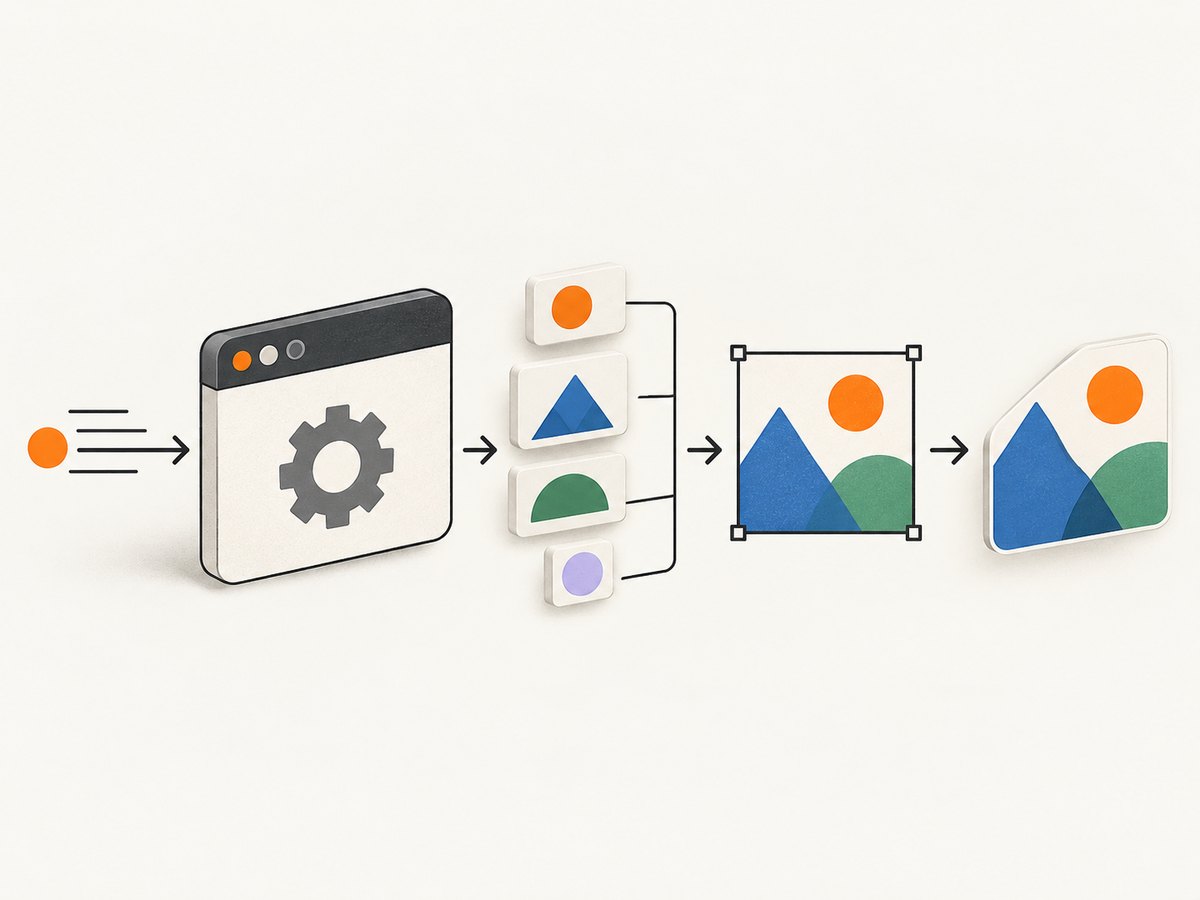
The following script waits for a page-specific readiness marker, polls the live DOM, reports the SVG and clipPath state, and then renders a PNG. Replace the URL, selector, and readiness condition with values from your application.
var webpage = require('webpage');
var system = require('system');

var page = webpage.create();
var address = system.args[1] || 'https://example.com/chart';
var output = system.args[2] || 'capture.png';

page.viewportSize = { width: 1440, height: 900 };
page.clipRect = { top: 0, left: 0, width: 1440, height: 900 };
page.settings.javascriptEnabled = true;
page.settings.loadImages = true;
page.settings.resourceTimeout = 30000;
page.settings.userAgent = 'Mozilla/5.0 (compatible; PhantomJS screenshot)';

page.onError = function (message, trace) {
  console.error('page error: ' + message);
  trace.forEach(function (item) {
    console.error('  ' + item.file + ':' + item.line + ' ' + item.function);
  });
};

page.onResourceError = function (resourceError) {
  console.error('resource error: ' + resourceError.url + ' (' + resourceError.errorString + ')');
};

page.onResourceTimeout = function (request) {
  console.error('resource timeout: ' + request.url);
};

function inspectDom() {
  return page.evaluate(function () {
    var root = document.querySelector('#root, #app, [data-reactroot]');
    var svg = document.querySelector('svg');
    var clip = document.querySelector('clipPath');
    var loading = document.querySelector('[data-screenshot-loading]');
    return {
      ready: !!document.querySelector('[data-screenshot-ready]') && !loading,
      rootChildren: root ? root.children.length : 0,
      svgCount: document.querySelectorAll('svg').length,
      clipPathCount: document.querySelectorAll('clipPath').length,
      clipPathId: clip ? clip.getAttribute('id') : null,
      hasUseOfClipPath: !!(svg && svg.querySelector('[clip-path]')),
      title: document.title
    };
  });
}

function poll(attempt) {
  var state = inspectDom();
  console.log(JSON.stringify(state));
  if (state.ready && state.svgCount > 0 && state.clipPathCount > 0) {
    page.render(output);
    console.log('saved ' + output);
    phantom.exit();
    return;
  }
  if (attempt >= 60) {
    console.error('readiness timeout; rendering diagnostic capture');
    page.render(output);
    phantom.exit(1);
    return;
  }
  window.setTimeout(function () { poll(attempt + 1); }, 250);
}

page.open(address, function (status) {
  if (status !== 'success') {
    console.error('page.open failed: ' + status);
    phantom.exit(1);
    return;
  }
  poll(0);
});
Run it with PhantomJS 2.1.1:
phantomjs capture.js https://your-site.example/chart chart.pngpage.evaluate() executes JavaScript in the page context and returns serializable data (evaluate API). During debugging, page.content exposes the current main-frame markup (content API), which lets you confirm whether React actually committed the SVG.
Make React readiness deterministic
A fixed delay is easy but fragile. Prefer a marker that your application sets after data loading and the final SVG commit:
function Chart() {
  React.useEffect(function () {
    document.documentElement.setAttribute('data-screenshot-ready', 'true');
  }, []);
  return React.createElement('svg', { width: 800, height: 400 }, /* ... */);
}
If you cannot change the application, poll for a stable DOM condition such as a known chart selector, a nonzero SVG child count, or the removal of a loading element. Return only small values from evaluate(); complex DOM objects cannot be transferred safely to PhantomJS’s outer context. A network-idle counter can supplement DOM checks, but it should not replace them because React may schedule work after the last request completes.
Verify the SVG clipPath itself
For a clipPath reference such as clip-path='url(#avatar-clip)', check all of the following:
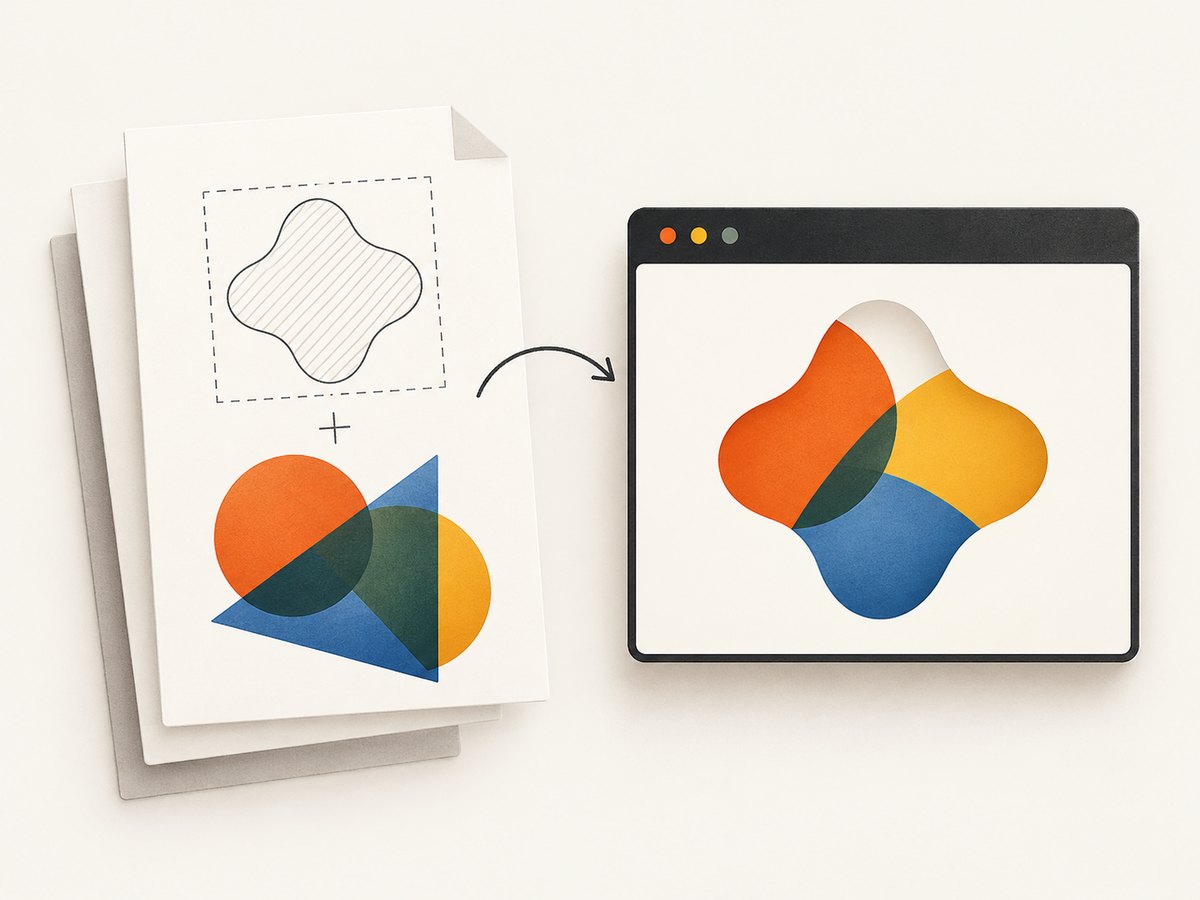
- The definition exists in the rendered document:
<clipPath id='avatar-clip'>...</clipPath>. - The ID matches exactly, including case and punctuation.
- The consuming element uses the same URL syntax and is inside the SVG tree.
- The clip geometry has dimensions and coordinates that intersect the painted content.
- React has not generated duplicate IDs for repeated components.
- Styles that affect the clipped element have loaded before rendering.
var clipDiagnostics = page.evaluate(function () {
  var node = document.querySelector('[clip-path]');
  var value = node && node.getAttribute('clip-path');
  var id = value && value.match(/url\(#([^)]ม+)\)/);
  return {
    reference: value,
    referencedId: id ? id[1] : null,
    definitionExists: !!(id && document.getElementById(id[1])),
    svgMarkup: document.querySelector('svg') ? document.querySelector('svg').outerHTML : null
  };
});
In the regular expression above, replace the character class with /url\(#([^\)]+)\)/ if your PhantomJS build has trouble parsing the compact form. You can also inspect page.content and save it to a file before rendering. Compare a minimal inline SVG fixture with the production page; this separates WebKit limitations from application timing or CSS problems.
Viewport, clipping, and output options
| Control | Purpose | Typical use |
|---|---|---|
viewportSize |
Sets the browser surface in CSS pixels. | Use a fixed width and height for reproducible responsive layouts. |
clipRect |
Chooses the rectangle rasterized by render(). |
Capture only the chart or card after measuring its bounds. |
render(path) |
Writes PNG, JPEG, GIF, or PDF output. | Use a file extension that matches the intended format. |
settings.loadImages |
Controls image loading. | Keep enabled when SVG filters or external images matter. |
settings.resourceTimeout |
Limits an individual resource request. | Prevent a stalled font or API request from hanging a job. |
settings.userAgent |
Changes the browser identity sent to the server. | Diagnose user-agent-specific markup or bot checks. |
settings.webSecurityEnabled |
Applies same-origin protections. | Change only when you understand the security and data implications. |
Set a page background explicitly when you need an opaque image. PhantomJS can leave the background transparent if the document does not paint one; the official FAQ describes this behavior. Add CSS such as html, body { background: #fff; } before capture when transparency is unwanted.
Common errors and fixes
| Symptom | Likely cause | Fix |
|---|---|---|
| Blank white image | React root is empty, page failed, or capture ran too early. | Check status, log page.onError, and poll for the ready marker and SVG count. |
| SVG appears but clipPath is ignored | Old WebKit bug, missing definition, or mismatched ID. | Upgrade 1.9.8 to 2.1.1, inspect IDs, and test an inline fixture. |
| Chart is cut off | Viewport or clip rectangle is smaller than the rendered bounds. | Increase viewportSize; calculate element bounds in evaluate() and assign them to clipRect. |
| External images or fonts missing | Resource errors, CORS restrictions, or timeout. | Use resource callbacks, verify URLs from the capture host, and raise resourceTimeout where appropriate. |
| Different output in CI | Responsive breakpoints, fonts, timezone, or nondeterministic data. | Fix viewport, user agent, data, and CSS; wait for fonts and application readiness. |
page.open returns failure |
DNS, TLS, redirect, authentication, or server rejection. | Log the final URL and resource errors; test the URL from the same environment. |
| Script hangs | A request never completes or the page keeps scheduling work. | Set resource timeouts, use a maximum polling deadline, and exit explicitly. |
Performance and reliability practices
- Reuse a consistent viewport and avoid unnecessary full-page dimensions. Larger surfaces increase layout and raster work.
- Wait on a precise readiness marker instead of sleeping several seconds on every page. Keep a bounded fallback timeout for broken pages.
- Disable nonessential analytics and third-party widgets in a test environment when they interfere with deterministic output.
- Record the PhantomJS version, URL, viewport, clip rectangle, status, and resource failures with every artifact.
- Run a small fixture containing the exact SVG features used in production. Keep it in CI so an engine upgrade or operating-system change is visible.
- Retry only transient navigation failures. Do not blindly retry deterministic JavaScript errors or missing clipPath IDs.
- Use a maintained Chromium-based tool for new development. PhantomJS’s homepage says, “Important: PhantomJS development is suspended until further notice,” and its GitHub repository is archived and read-only (project status, repository).
When to migrate from PhantomJS
Keep PhantomJS when a legacy pipeline requires byte-for-byte compatible output and the page can be made deterministic. Migration is the better choice when you need modern SVG and CSS, current JavaScript, browser security fixes, or active maintenance. Compare rendering-engine compatibility, readiness controls, PDF and image formats, clipping APIs, CI reproducibility, and whether you want to operate browsers yourself or call a hosted rendering service.
Or skip the browser setup
ScreenshotNeo provides a website screenshot API and MCP server. It handles the capture browser for you, while preserving controls such as viewport presets, arbitrary viewports, full-page screenshots, CSS selectors, custom JavaScript, waits, headers, cookies, user agents, and PDF output. Cookie and consent banners, newsletter popups, and chat widgets are removed before the shot. Bot checks, blank pages, timeouts, failed loads, and cache hits are not billed, and response headers identify the page verdict and billing result.
See the ScreenshotNeo API documentation for all options. A direct request looks like this:
curl -G 'https://api.screenshotneo.com/v1/shot' -d access_key=YOUR_API_KEY --data-urlencode url=https://stripe.com -o shot.webpimport requests
r = requests.get('https://api.screenshotneo.com/v1/shot', params={'access_key': 'YOUR_API_KEY', 'url': 'https://stripe.com'}, timeout=90)
open('shot.webp', 'wb').write(r.content)const q = new URLSearchParams({ access_key: 'YOUR_API_KEY', url: 'https://stripe.com' });
const res = await fetch(`https://api.screenshotneo.com/v1/shot?${q}`);ScreenshotNeo also includes an MCP server with take_screenshot, get_page_info, and capture_pdf tools for Claude, Cursor, and other MCP clients. The Free plan includes 1,000 shots per month with no card; paid plans start at $5 for 3,000 shots. Create a free ScreenshotNeo account.
FAQ
Does PhantomJS support SVG clipPath?
Yes, its WebKit renderer supports SVG, but output depends on the engine version, DOM readiness, resource loading, and correct clipPath references.
Should I use a long fixed sleep?
No. Use a page-specific marker or DOM test and keep a bounded delay only as a fallback.
What is the difference between viewportSize and clipRect?
viewportSize defines the browser surface and responsive layout. clipRect defines the pixels copied into the output.
Is PhantomJS suitable for a new screenshot service?
It is a legacy option because development is suspended and the repository is archived. Evaluate a maintained browser or a hosted API for new work.
Can I capture only one React component?
Yes. Find the element’s bounding rectangle in evaluate(), convert it to a plain object, assign it to page.clipRect, and render after the component is ready.


