How to Capture SVG Elements With html2canvas
Capture inline SVGs with html2canvas, export PNGs, fix blank results, handle CORS, and choose a server screenshot API when browser limits get in the way.
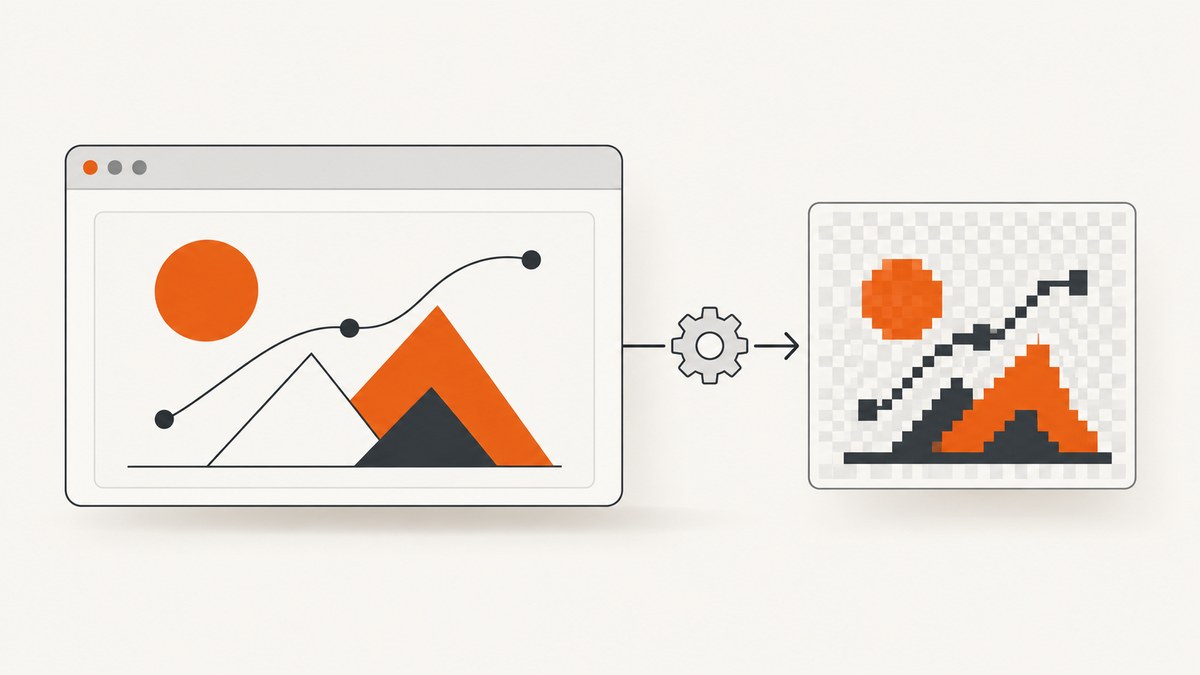
To capture an inline SVG with html2canvas, select the SVG (or a containing element), await html2canvas(element, options), then export the returned canvas with toBlob() or toDataURL(). A minimal working example is:
<svg id="chart" viewBox="0 0 400 200" width="400" height="200">
  <rect width="400" height="200" fill="#101827" />
  <path d="M20 160 C 80 90, 130 130, 190 70 S 300 110, 380 30"
        fill="none" stroke="#55d6be" stroke-width="6" />
</svg>
<button id="save">Save PNG</button>
<script type="module">
  import html2canvas from 'https://cdn.jsdelivr.net/npm/html2canvas@1.4.1/+esm';

  document.querySelector('#save').addEventListener('click', async () => {
    const svg = document.querySelector('#chart');
    const canvas = await html2canvas(svg, {
      backgroundColor: null,
      scale: window.devicePixelRatio
    });

    canvas.toBlob((blob) => {
      if (!blob) throw new Error('The browser could not encode the canvas');
      const link = document.createElement('a');
      link.download = 'chart.png';
      link.href = URL.createObjectURL(blob);
      link.click();
      URL.revokeObjectURL(link.href);
    }, 'image/png');
  });
</script>
html2canvas runs in the browser and reconstructs a representation from the DOM. It does not copy the original SVG as editable vector data or guarantee a pixel-perfect browser screenshot. The official documentation describes it as taking screenshots of pages or parts of pages directly in the user’s browser.
1. Capture an inline SVG step by step
Install the library
With npm:
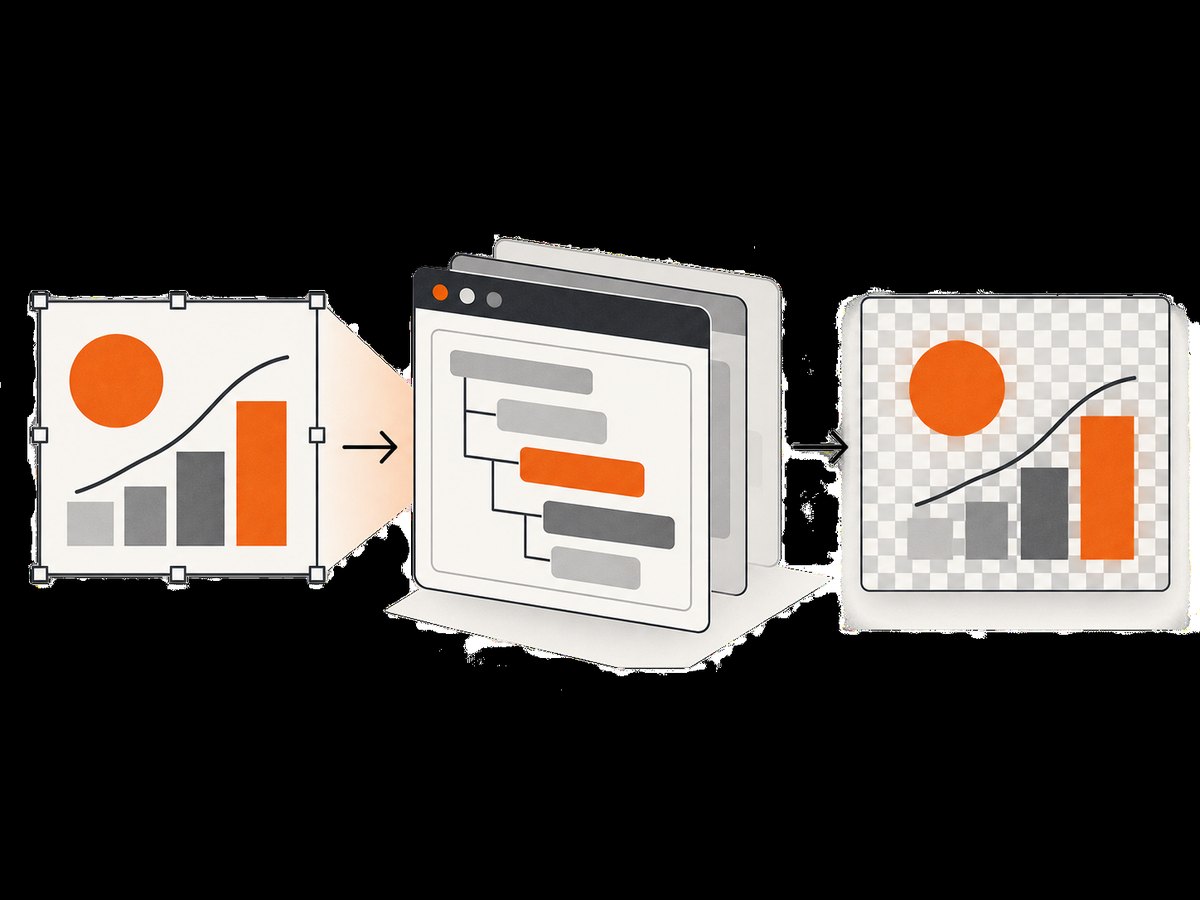
npm install html2canvasThen import it in a bundler:
import html2canvas from 'html2canvas';For a quick prototype, load the browser bundle from your own asset pipeline or a trusted CDN. Pin a version in production so an update does not change rendering unexpectedly.
Select the correct node
Pass the actual <svg> element when you need only the SVG. Pass a wrapper when the SVG depends on a surrounding legend, title, or background. The node must be attached to the document and have non-zero layout dimensions.
const svg = document.querySelector('#chart');
if (!svg) throw new Error('SVG #chart was not found');
const rect = svg.getBoundingClientRect();
if (rect.width === 0 || rect.height === 0) {
  throw new Error('SVG has no rendered dimensions');
}
const canvas = await html2canvas(svg);
Export the canvas
Use a Blob for downloads, uploads, or storage. Use a data URL for a small inline image.
const blob = await new Promise((resolve, reject) => {
  canvas.toBlob((value) => value ? resolve(value) : reject(new Error('toBlob failed')), 'image/png');
});

const dataUrl = canvas.toDataURL('image/png');
JPEG is smaller for photographic content but has no transparency. PNG preserves sharp edges and transparent pixels. WebP support depends on the browser and your downstream workflow.
2. Options that matter for SVG output
The complete option list is in the html2canvas configuration reference. These settings are the ones most likely to affect an SVG capture.
| Option | Use | Important behavior |
|---|---|---|
backgroundColor |
Set the canvas background | null keeps transparency; the documented default is white. |
scale |
Control pixel density | Use window.devicePixelRatio for a sharper display-sized image, or a fixed value for predictable output. |
foreignObjectRendering |
Ask for the browser ForeignObject path | Default is false. Support and visual parity vary by browser, so test every browser you ship. |
onclone |
Change the cloned document | Modify styles or SVG content in the clone without changing the live page. |
x, y |
Crop the capture origin | Useful when the target has extra scrollable content. |
width, height |
Set capture dimensions | Use explicit dimensions for a controlled crop; ensure they fit the element and canvas limits. |
windowWidth, windowHeight |
Define the virtual viewport | Relevant when responsive CSS or off-screen content changes the rendered result. |
useCORS |
Request cross-origin images | Works only when the remote server sends an appropriate Access-Control-Allow-Origin header. |
logging |
Inspect resource and rendering messages | Enable while diagnosing missing images, fonts, or backgrounds. |
Transparent backgrounds
const canvas = await html2canvas(svg, {
  backgroundColor: null,
  scale: 2
});
If the SVG itself contains a full-size background rectangle, a transparent canvas will still appear opaque. Remove or hide that rectangle in the cloned document when necessary.
Clone-only changes with onclone
Use onclone to make capture-specific changes: pause an animation, reveal a hidden label, or replace a CSS variable.
const canvas = await html2canvas(svg, {
  backgroundColor: null,
  onclone: (clonedDocument) => {
    const clonedSvg = clonedDocument.querySelector('#chart');
    clonedSvg?.querySelectorAll('.interactive-only').forEach((node) => {
      node.remove();
    });
    clonedSvg?.querySelectorAll('[data-capture-label]').forEach((node) => {
      node.setAttribute('opacity', '1');
    });
  }
});
The callback operates on html2canvas’s cloned DOM, so the user’s visible page is not altered.
3. SVG images, fonts, filters, and external resources
An inline SVG may reference external assets through <image>, CSS background images, web fonts, or filter resources. The browser’s canvas security model applies to all of them.
Wait for images and fonts
await document.fonts.ready;
await Promise.all([...document.images].map((image) => {
  if (image.complete) return Promise.resolve();
  return new Promise((resolve) => {
    image.addEventListener('load', resolve, { once: true });
    image.addEventListener('error', resolve, { once: true });
  });
}));

const canvas = await html2canvas(document.querySelector('#chart'));
For SVG content loaded by JavaScript, wait for the chart library’s render promise or a selector that indicates the final paths and labels are present. A fixed delay can help with an unknown third-party widget, but an explicit readiness signal is more reliable.
Handle CORS correctly
Set useCORS: true when the remote server permits your origin:
const canvas = await html2canvas(svg, {
  useCORS: true,
  backgroundColor: null
});
This option cannot bypass browser policy. The image server must return a compatible Access-Control-Allow-Origin header. If you control the asset, serve it from the same origin or configure CORS. Otherwise, use a same-origin server proxy for assets you are legally allowed to retrieve, or inline the asset as a data URL. The html2canvas FAQ states that the library cannot circumvent browser content policy restrictions.
Cross-origin iframes
A cross-origin iframe’s contentDocument is inaccessible, so html2canvas cannot render its contents. Same-origin iframes can be traversed recursively. If the SVG lives in a third-party iframe, capture it from the page that owns the frame, request a server-side export, or move the content into a same-origin document.
ForeignObject rendering
foreignObjectRendering: true asks html2canvas to use the browser’s ForeignObject path. The SVG <foreignObject> element embeds content from another XML namespace; browser support and output consistency differ. Treat this as a compatibility option, not a guarantee.
const canvas = await html2canvas(svg, {
  foreignObjectRendering: true,
  backgroundColor: null
});
4. Full SVG export versus DOM reconstruction
If you need editable vector output, html2canvas is the wrong export format: it returns a bitmap canvas. For a pure inline SVG, serializing the XML can preserve vectors, but it does not resolve external CSS, fonts, or images into a self-contained file. A practical workflow is:
- Use SVG serialization when downstream consumers need vector editing.
- Use html2canvas when you need a PNG preview that matches the rendered page.
- Use a browser or screenshot API when capture must happen on a server, outside a user session, or across many URLs.
5. Cropping, sharpness, and large diagrams
Output dimensions are approximately the CSS dimensions multiplied by scale. A 1200 by 600 SVG at scale 2 produces roughly 2400 by 1200 pixels. Higher scale improves text and line sharpness but increases memory, encoding time, and the chance of hitting browser canvas limits.
const rect = svg.getBoundingClientRect();
const canvas = await html2canvas(svg, {
  x: 0,
  y: 0,
  width: Math.ceil(rect.width),
  height: Math.ceil(rect.height),
  scale: Math.min(window.devicePixelRatio, 2),
  windowWidth: document.documentElement.clientWidth,
  windowHeight: document.documentElement.clientHeight
});
For a very large diagram, capture logical sections and stitch them in a separate image pipeline, or reduce the scale. Browser canvas maximum dimensions vary by browser and device. A blank or partially clipped result at large sizes is often a limit rather than an SVG syntax error.
6. A reusable capture helper
import html2canvas from 'html2canvas';

export async function captureSvg(selector, {
  scale = window.devicePixelRatio,
  transparent = true,
  foreignObjectRendering = false
} = {}) {
  const element = document.querySelector(selector);
  if (!(element instanceof SVGElement)) {
    throw new TypeError(`${selector} is not an SVG element`);
  }
  const box = element.getBoundingClientRect();
  if (!box.width || !box.height) {
    throw new Error('SVG must have non-zero width and height');
  }

  await document.fonts.ready;
  const canvas = await html2canvas(element, {
    scale,
    backgroundColor: transparent ? null : '#ffffff',
    foreignObjectRendering,
    logging: true
  });

  return new Promise((resolve, reject) => {
    canvas.toBlob((blob) => {
      if (blob) resolve(blob);
      else reject(new Error('Canvas export failed; check for a tainted canvas'));
    }, 'image/png');
  });
}
7. Troubleshooting checklist
| Symptom | Likely cause | Fix |
|---|---|---|
| Blank canvas | Selector is wrong, SVG is detached, or dimensions are zero | Log the element, call getBoundingClientRect(), and capture after it is inserted and laid out. |
| External image missing | Missing CORS header or failed request | Inspect the network panel, enable useCORS, configure the asset server, or proxy it same-origin. |
SecurityError on export |
Canvas was tainted by a cross-origin resource | Fix CORS or remove/inline the resource; changing scale will not remove tainting. |
| Text uses a fallback font | Capture began before web fonts loaded | Await document.fonts.ready and confirm the font request succeeded. |
| Animation is mid-frame | Capture happened during SVG animation | Pause the animation or set a deterministic state in onclone. |
| Clipped output | Crop or viewport is smaller than the rendered content | Compare scroll dimensions with width, height, windowWidth, and windowHeight. |
| Filters or CSS differ | Unsupported CSS or browser-specific rendering | Test the target browsers, simplify filters, and try foreignObjectRendering where appropriate. |
| Cross-origin iframe is empty | Browser isolation blocks its document | Capture inside the iframe’s origin or use a server-side renderer. |
Enable logging and inspect the console and resource panel. html2canvas exposes an onclone hook for controlled changes; failed resources should be diagnosed at the network layer rather than hidden with arbitrary delays.
8. Performance and reliability practices
- Capture only the SVG or wrapper you need instead of the entire document.
- Choose the lowest scale that meets the consumer’s output size.
- Reuse already loaded fonts and images, and avoid starting several high-resolution captures simultaneously on low-memory devices.
- Use a readiness promise or selector for charts that render asynchronously.
- Record browser, viewport, scale, and library version with generated assets so visual changes are explainable.
- Keep a fallback for export failures, especially on mobile browsers and very large canvases.
There is no universal latency or fidelity benchmark for html2canvas in the sources for this topic. Rendering time depends on DOM size, filters, external assets, device memory, scale, and browser implementation.
9. Or skip the browser setup
When you need a repeatable server-side screenshot, an API can handle the browser lifecycle and return an image directly. ScreenshotNeo accepts one GET request and supports PNG, JPEG, WebP, or PDF. It can capture a full page or one element, wait for a selector, delay, or network idle, run custom JavaScript, set a viewport and device preset, and provide custom headers, cookies, user agents, timezone, and geolocation. For SVG-heavy pages, the browser still renders the SVG, but your application does not need to ship or maintain capture code.

See the ScreenshotNeo API documentation for all options. Minimal calls:
curl -G "https://api.screenshotneo.com/v1/shot" -d access_key=YOUR_API_KEY --data-urlencode url=https://stripe.com -o shot.webpimport requests
r = requests.get(
"https://api.screenshotneo.com/v1/shot",
params={"access_key": "YOUR_API_KEY", "url": "https://stripe.com"},
timeout=90,
)
r.raise_for_status()
open("shot.webp", "wb").write(r.content)const q = new URLSearchParams({ access_key: 'YOUR_API_KEY', url: 'https://stripe.com' });
const res = await fetch(`https://api.screenshotneo.com/v1/shot?${q}`);
if (!res.ok) throw new Error(`Screenshot failed: ${res.status}`);
require('node:fs').writeFileSync('shot.webp', Buffer.from(await res.arrayBuffer()));ScreenshotNeo removes cookie and consent banners, newsletter popups, and chat widgets before capture. Bot checks, blank pages, timeouts, failed loads, and cache hits are not billed, and the response identifies the result with X-Page-Verdict and X-Billed headers. It also provides an MCP server with take_screenshot, get_page_info, and capture_pdf tools for Claude, Cursor, and other MCP clients.
The Free plan includes 1,000 screenshots per month with no card. Paid plans start at $5 for 3,000 shots; every feature is available on every plan. Create a free ScreenshotNeo account and try the capture before adding browser infrastructure.
10. FAQ
Can html2canvas export an SVG as SVG?
No. It renders a DOM representation into a bitmap canvas. Serialize the SVG separately when editable vector output is required.
Why does setting useCORS not fix my image?
The remote server must send a compatible CORS header. The browser, not html2canvas, enforces that policy.
Should I always set foreignObjectRendering to true?
No. The default is false, and support varies. Test it with the browsers and SVG features in your application.
How can I make text sharper?
Increase scale, commonly to the device pixel ratio or a fixed value such as 2, while watching memory use and canvas dimensions.
Can it capture an SVG inside a third-party iframe?
Not from the parent page. Same-origin iframe documents can be traversed; cross-origin documents require cooperation from the frame’s origin or a server-side capture.


