How to Capture Multiple Screenshots from an HTML5 Video with JavaScript
Capture video frames at timestamps with JavaScript and canvas, including seeking, CORS, downloads, troubleshooting, and ScreenshotNeo.
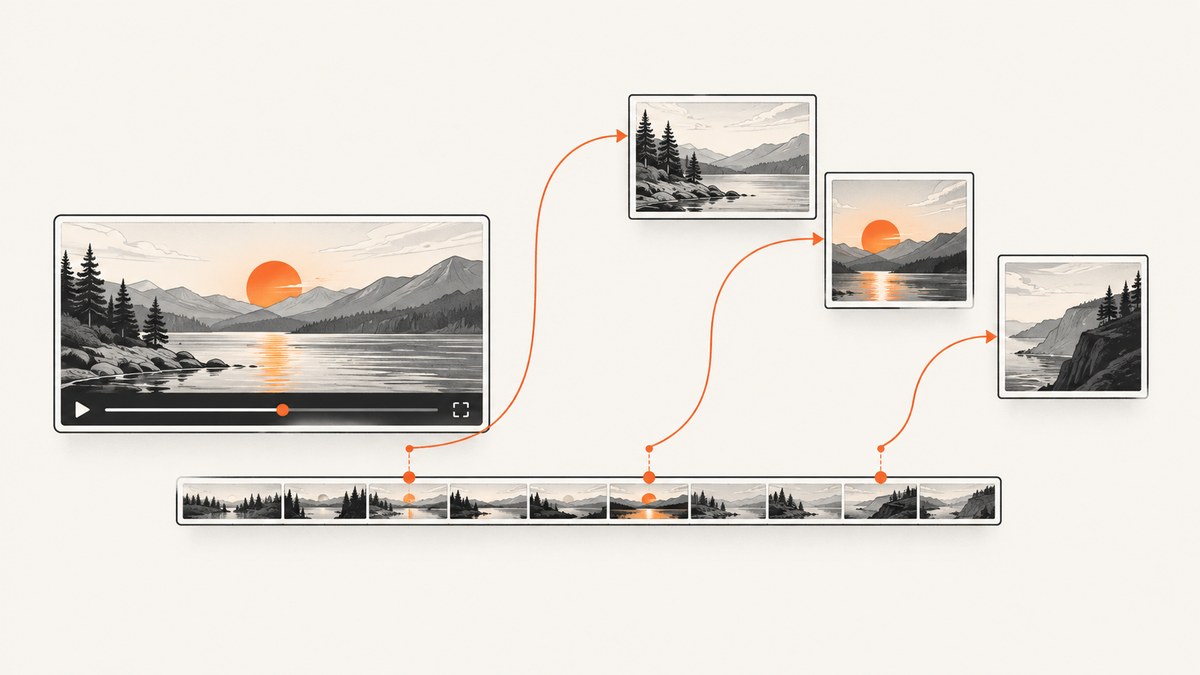
Direct answer: Use an HTML5 <video> as a canvas source. For each timestamp, set video.currentTime, await seeked, wait for a video frame when supported, draw with ctx.drawImage(), then export with canvas.toBlob(). Capture timestamps serially.
1. Minimal working example
<video id='video' preload='metadata' crossorigin='anonymous' src='/media/demo.mp4'></video>
<canvas id='canvas' hidden></canvas><div id='shots'></div>
<script>
const video=document.querySelector('#video'), canvas=document.querySelector('#canvas'), shots=document.querySelector('#shots');
function once(target,name){return new Promise((resolve,reject)=>{const ok=e=>{cleanup();resolve(e)},bad=()=>{cleanup();reject(target.error||new Error('Video failed to load'))};const cleanup=()=>{target.removeEventListener(name,ok);target.removeEventListener('error',bad)};target.addEventListener(name,ok,{once:true});target.addEventListener('error',bad,{once:true})})}
async function captureAt(seconds){if(video.readyState<HTMLMediaElement.HAVE_METADATA)await once(video,'loadedmetadata');if(!video.videoWidth||!video.videoHeight)throw Error('Video dimensions unavailable');canvas.width=video.videoWidth;canvas.height=video.videoHeight;const seek=once(video,'seeked');video.currentTime=seconds;if(video.seeking)await seek;if('requestVideoFrameCallback' in video)await new Promise(r=>video.requestVideoFrameCallback(r));const ctx=canvas.getContext('2d');if(!ctx)throw Error('Canvas 2D context unavailable');ctx.drawImage(video,0,0,canvas.width,canvas.height);return new Promise((resolve,reject)=>canvas.toBlob(b=>b?resolve(b):reject(Error('Encoding failed')),'image/png'))}
async function captureMany(times){const out=[];for(const seconds of times){const blob=await captureAt(seconds),url=URL.createObjectURL(blob);out.push({seconds,blob,url});const img=document.createElement('img');img.src=url;img.alt=`Frame at ${seconds} seconds`;img.width=240;shots.append(img)}return out}
captureMany([0,2.5,5,10]).catch(console.error);
</script>
currentTime is in seconds and starts a seek; it does not mean the frame is ready. seeked signals completion. See MDN’s currentTime, seeked, and requestVideoFrameCallback references.
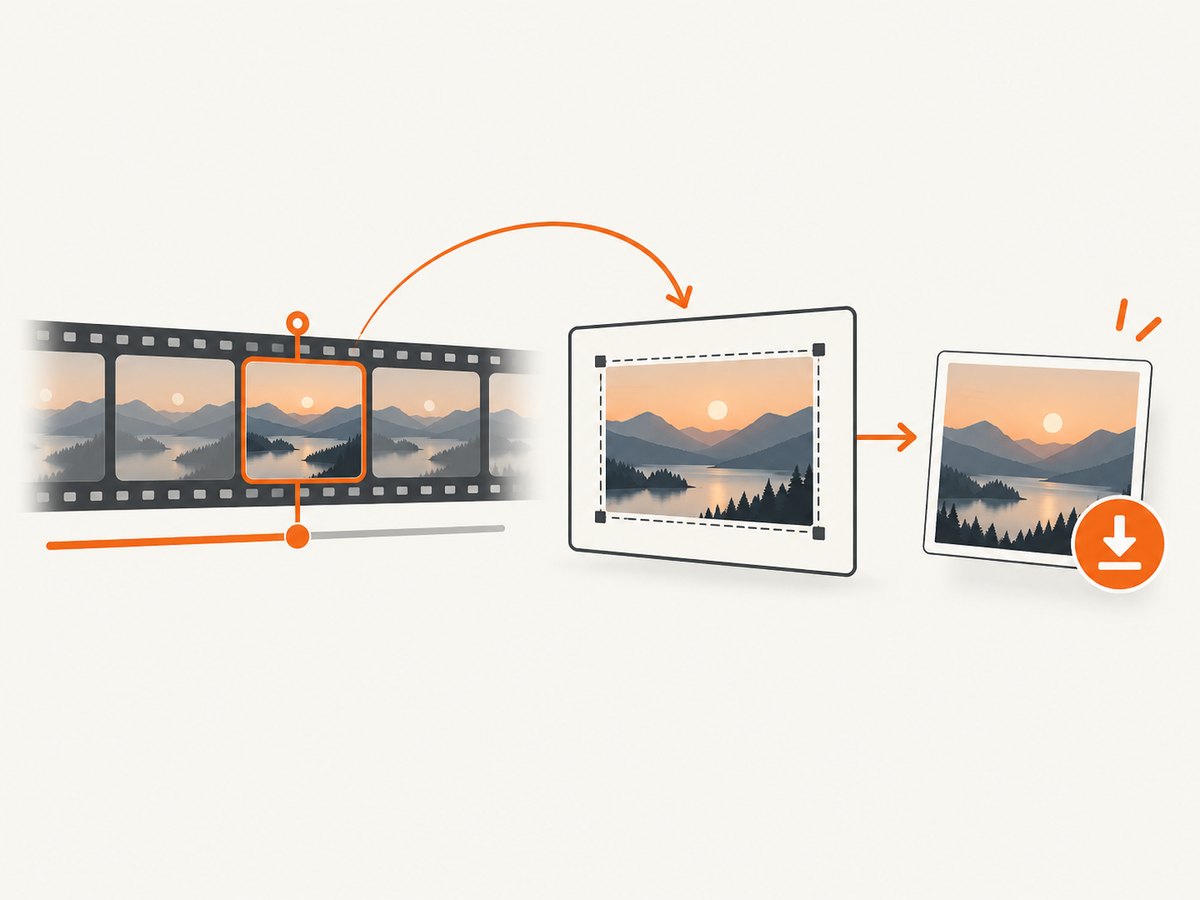
2. Production helper with validation and timeouts
function waitFor(target,name,ms=15000){return new Promise((resolve,reject)=>{const timer=setTimeout(()=>{clean();reject(Error(`${name} timed out`))},ms);const ok=e=>{clean();resolve(e)},bad=()=>{clean();reject(target.error||Error('Media error'))};function clean(){clearTimeout(timer);target.removeEventListener(name,ok);target.removeEventListener('error',bad)}target.addEventListener(name,ok,{once:true});target.addEventListener('error',bad,{once:true})})}
function validate(video,t){if(!Number.isFinite(t)||t<0)throw RangeError('Timestamp must be non-negative');if(Number.isFinite(video.duration)&&t>video.duration)throw RangeError('Timestamp exceeds duration');if(!Number.isFinite(video.duration)&&video.seekable.length){let ok=false;for(let i=0;i<video.seekable.length;i++)ok ||= t>=video.seekable.start(i)&&t<=video.seekable.end(i);if(!ok)throw RangeError('Timestamp outside seekable range')}}
async function captureAt(video,canvas,t,{type='image/png',quality,timeoutMs=15000}={}){if(video.readyState<HTMLMediaElement.HAVE_METADATA)await waitFor(video,'loadedmetadata',timeoutMs);validate(video,t);canvas.width=video.videoWidth;canvas.height=video.videoHeight;const seeking=waitFor(video,'seeked',timeoutMs);video.currentTime=t;if(video.seeking)await seeking;if('requestVideoFrameCallback' in video)await Promise.race([new Promise(r=>video.requestVideoFrameCallback(r)),new Promise((_,j)=>setTimeout(()=>j(Error('Frame timeout')),timeoutMs))]);else if(video.readyState<HTMLMediaElement.HAVE_CURRENT_DATA)await waitFor(video,'loadeddata',timeoutMs);const ctx=canvas.getContext('2d');ctx.drawImage(video,0,0,canvas.width,canvas.height);return new Promise((r,j)=>canvas.toBlob(b=>b?r(b):j(Error('Encoding failed')),type,quality))}
async function captureMany(video,canvas,times,options){const out=[];for(const t of [...new Set(times)])out.push({seconds:t,blob:await captureAt(video,canvas,t,options)});return out}
Output choices
image/pngis lossless and suits text or diagrams.image/jpegwith quality around0.85suits photographic frames.image/webpcan reduce size where supported.- Use
video.videoWidth/video.videoHeightfor native pixels; set explicit dimensions only when scaling is intended.
3. Timing, seek ranges, and live media
Await loadedmetadata before using duration or dimensions. A file normally has finite duration, while a live stream may expose only a moving seekable range. Timelines need not start at zero, and a seek can land on the nearest codec-supported position rather than the exact requested instant. Expired live segments cannot be recovered. Never issue overlapping currentTime assignments; serialize the queue.
4. Cross-origin video and canvas security
Set crossorigin='anonymous' before src, and have the media host return Access-Control-Allow-Origin for your page. Otherwise the canvas is tainted: toBlob(), toDataURL(), and pixel reads throw SecurityError. JavaScript cannot override server CORS; use an authorized same-origin proxy only when you control the media. See MDN’s CORS canvas guide.
5. Download and display many frames
function addDownload(blob,seconds,container){const url=URL.createObjectURL(blob),a=document.createElement('a');a.href=url;a.download=`frame-${seconds.toFixed(3)}.png`;a.textContent=`Download frame at ${seconds}s`;container.append(a,document.createElement('br'));}
const frames=await captureMany(video,canvas,[1,4,9],{type:'image/jpeg',quality:.9});frames.forEach(f=>addDownload(f.blob,f.seconds,document.querySelector('#downloads')));
Prefer Blobs and object URLs for files. toDataURL() creates a larger string and is best for small previews. Revoke URLs, cap full-resolution frame counts, and process batches to control memory.
6. Browser support
currentTime and seeked are widely available. MDN labels requestVideoFrameCallback() Baseline 2024 and warns about older browsers. Feature-detect it; otherwise await seeked, verify readyState >= HAVE_CURRENT_DATA or wait for loadeddata, then draw.
7. Troubleshooting
| Symptom | Cause | Fix |
|---|---|---|
| Blank or old frame | Draw happened before readiness | Await seeked and a frame callback or loadeddata. |
SecurityError |
Tainted canvas | Configure CORS and set crossOrigin before src. |
| Seek timeout | Unreachable time or stalled media | Validate duration/seekable, add timeout, handle error. |
| Zero dimensions | Metadata not loaded | Await loadedmetadata. |
| Wrong timestamp | Concurrent seeks | Use a serial loop. |
| Live target missing | Segment left seekable window | Capture while it remains seekable. |
8. Performance and reliability
- Each seek may require network I/O and keyframe decoding; fewer timestamps and smaller output dimensions reduce work.
- Reuse one video and canvas, deduplicate timestamps, and process serially.
- Use timeouts and retry transient media failures, but do not retry permanently unavailable live times.
- No browser API promises exact frame precision for every codec; verify output when precision matters.
9. Or skip the browser setup
ScreenshotNeo is a website screenshot API. It accepts consent banners and removes 60+ known consent platforms, newsletter popups, and chat widgets before capture. Bot checks, blank pages, timeouts, failed loads, and cache hits are not billed; X-Page-Verdict and X-Billed headers identify the result. Its MCP server includes take_screenshot, get_page_info, and capture_pdf for AI agents.
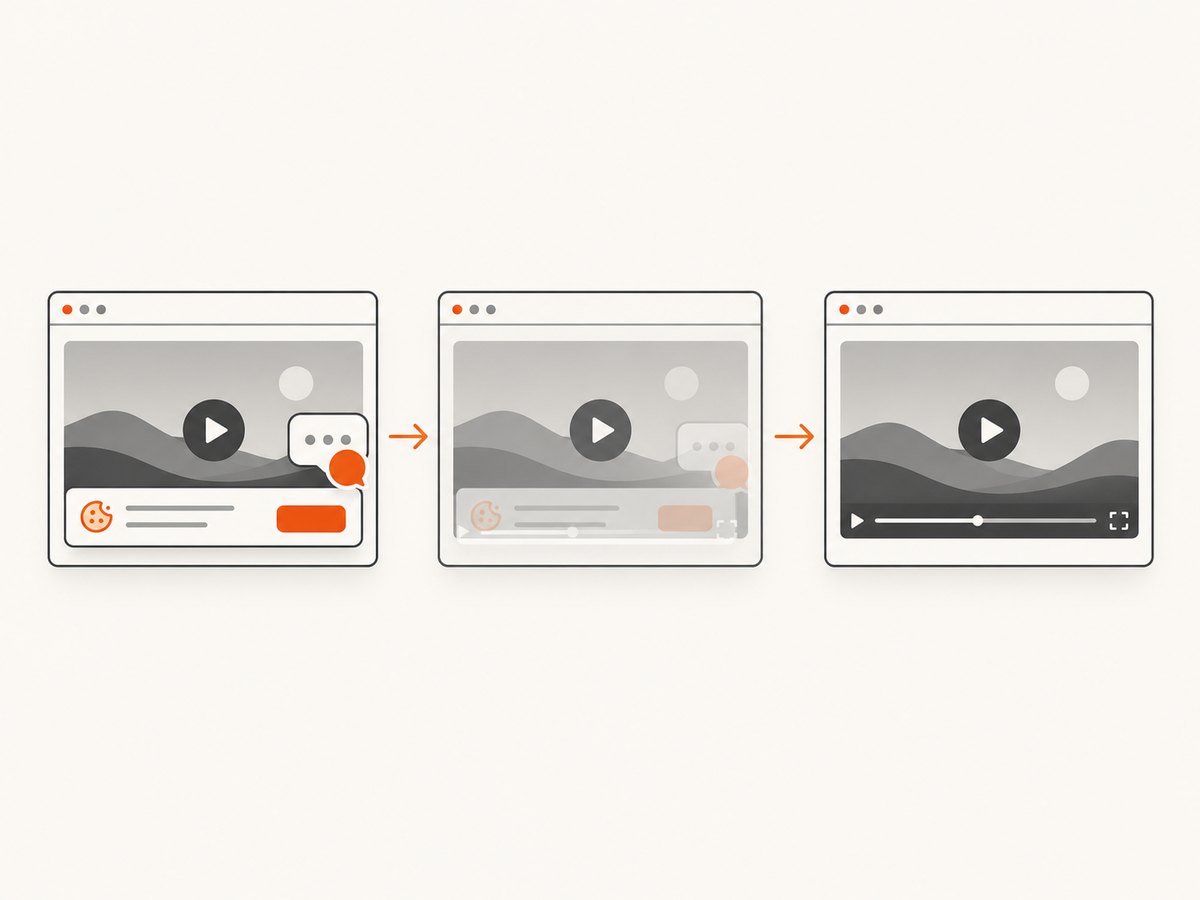
See the ScreenshotNeo docs.
curl -G "https://api.screenshotneo.com/v1/shot" -d access_key=YOUR_API_KEY --data-urlencode url=https://stripe.com -o shot.webpimport requests
r = requests.get("https://api.screenshotneo.com/v1/shot", params={"access_key": "YOUR_API_KEY", "url": "https://stripe.com"}, timeout=90)
open("shot.webp", "wb").write(r.content)const q = new URLSearchParams({ access_key: 'YOUR_API_KEY', url: 'https://stripe.com' });
const res = await fetch(`https://api.screenshotneo.com/v1/shot?${q}`);Free includes 1,000 screenshots a month with no card; paid plans start at $5 for 3,000. Create a free ScreenshotNeo account.
10. FAQ
Can I capture without playing?
Usually yes; seeking and drawing do not require continuous playback.
Why is the frame not exact?
currentTime is approximate and codecs seek to supported positions.
Which export method is better?
Use toBlob() for files and batches; use toDataURL() for a small inline preview.
Can JavaScript bypass CORS?
No. The media server must grant access or an authorized same-origin service must provide it.


