How to Capture the Visible Page Area with InternetExplorerDriver
Capture a screenshot with InternetExplorerDriver in Java, understand viewport limitations, configure IE correctly, and troubleshoot common failures.
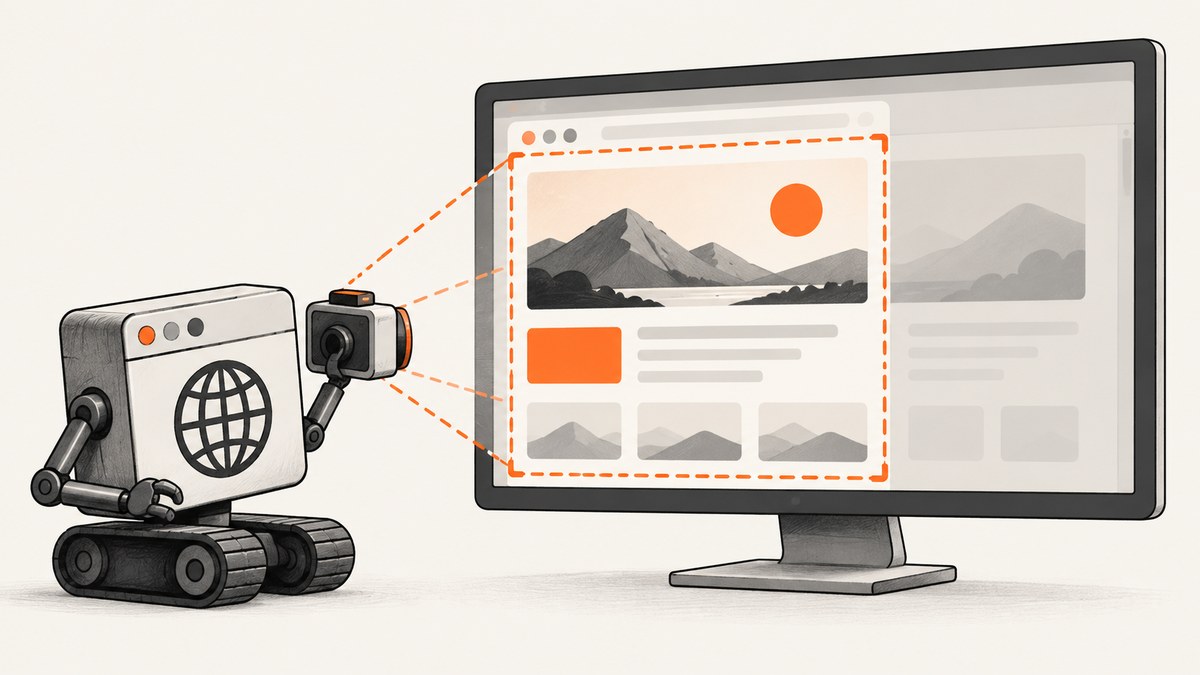
In Java, capture the current browser image through Selenium’s TakesScreenshot interface:
File screenshot = ((TakesScreenshot) driver).getScreenshotAs(OutputType.FILE);Copy the temporary file to a durable location before the JVM exits. InternetExplorerDriver is documented as a TakesScreenshot implementation, but “visible page area” needs a qualification: for a non-W3C-conformant driver, Selenium documents a browser-dependent best effort that may choose the entire page, current window, visible portion of the current frame, or the entire display. The call therefore does not guarantee a viewport-only crop in every IE setup.
1. What the screenshot call returns
getScreenshotAs is defined by Selenium’s TakesScreenshot contract. The result representation is selected with OutputType:
| Output type | Use it when | Important detail |
|---|---|---|
FILE |
You want a PNG file for a test artifact | The Java file is temporary and is deleted when the JVM exits; copy it. |
BYTES |
You will upload or process the image in memory | No temporary-file management is needed. |
BASE64 |
An API, log, or report expects encoded text | Decode it before writing a binary image file. |
Selenium’s Java API documents WebDriver-specification behavior for W3C-conformant drivers and a browser-dependent fallback for non-conformant drivers. See the TakesScreenshot API.
2. Complete Java example
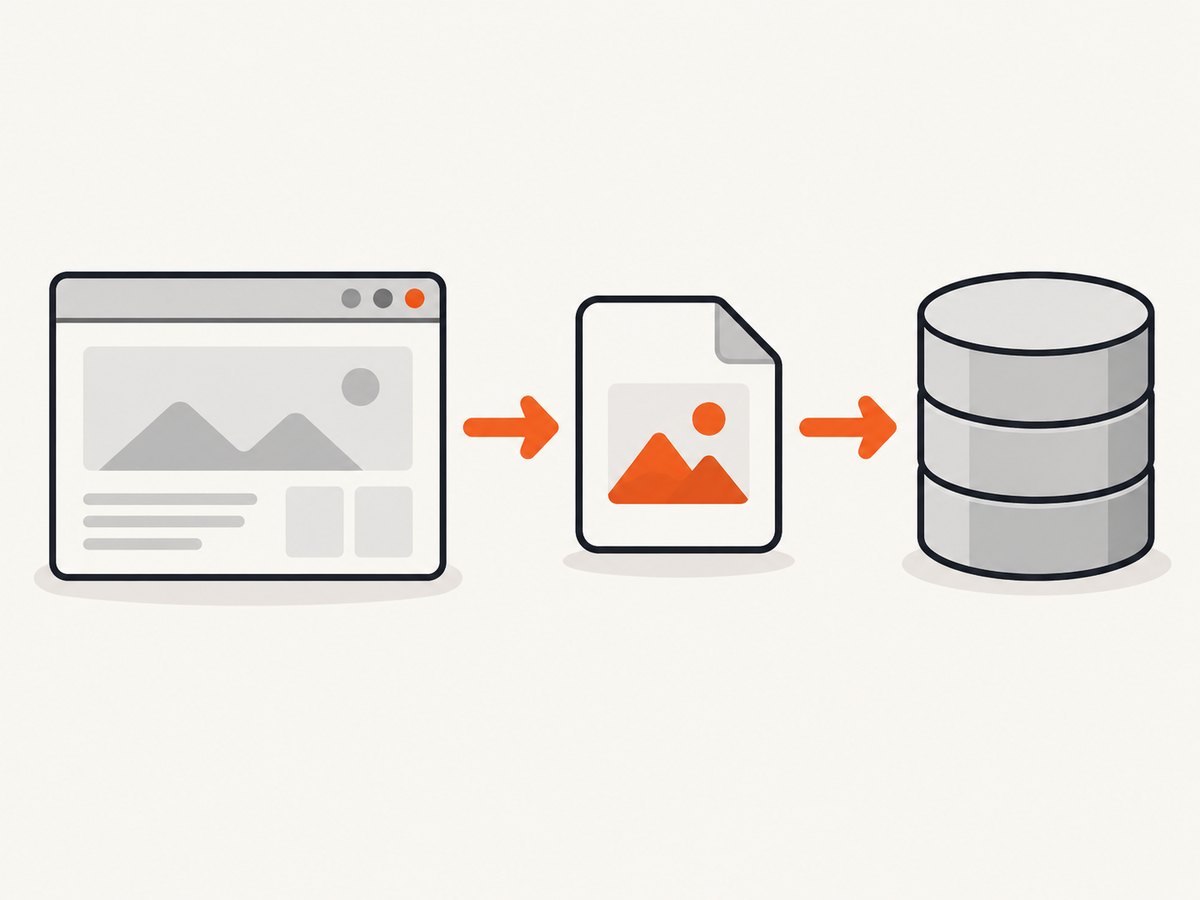
The following example starts InternetExplorerDriver, opens a page, captures the screenshot, and copies the temporary file to a persistent PNG. It assumes the IE driver executable is available as described in Selenium’s Internet Explorer driver documentation.
import java.io.File;
import java.io.IOException;
import java.nio.file.Files;
import java.nio.file.Path;
import java.nio.file.StandardCopyOption;

import org.openqa.selenium.OutputType;
import org.openqa.selenium.TakesScreenshot;
import org.openqa.selenium.WebDriver;
import org.openqa.selenium.ie.InternetExplorerDriver;

public class IeScreenshot {
    public static void main(String[] args) throws IOException {
        WebDriver driver = new InternetExplorerDriver();
        try {
            driver.get("https://example.com");

            File temporary = ((TakesScreenshot) driver)
                    .getScreenshotAs(OutputType.FILE);

            Path destination = Path.of("artifacts", "ie-visible-page.png");
            Files.createDirectories(destination.getParent());
            Files.copy(temporary.toPath(), destination,
                    StandardCopyOption.REPLACE_EXISTING);

            System.out.println("Saved " + destination.toAbsolutePath());
        } finally {
            driver.quit();
        }
    }
}
If your test framework owns the driver lifecycle, take the screenshot before teardown. A screenshot requested after quit() cannot succeed.
3. Capture bytes or Base64 instead of a file
PNG bytes
byte[] png = ((TakesScreenshot) driver)
        .getScreenshotAs(OutputType.BYTES);
Files.write(Path.of("artifacts", "page.png"), png);
Base64 text
String encoded = ((TakesScreenshot) driver)
        .getScreenshotAs(OutputType.BASE64);
byte[] png = java.util.Base64.getDecoder().decode(encoded);
Files.write(Path.of("artifacts", "page.png"), png);
Use BYTES for an upload pipeline and BASE64 only when the receiving system requires text. Both avoid relying on the lifetime of Selenium’s temporary file.
4. Make “visible page area” predictable
InternetExplorerDriver may return a broader image than the current viewport. If an exact viewport crop is required, make the browser state deterministic and validate the dimensions of the resulting image in your test pipeline.
- Set the browser window to a known size before navigation.
- Set zoom to 100%.
- Keep the same IE document mode and protected-mode configuration across machines.
- Capture after the page and any required frame have loaded.
- If the page uses an iframe, switch to that frame before capturing when the target is the frame’s visible content.
- Inspect the output dimensions; do not infer viewport-only behavior from the method name.
driver.manage().window().setSize(new org.openqa.selenium.Dimension(1280, 800));
driver.get("https://example.com");
// Optional: switch to a target frame before the screenshot.
// driver.switchTo().frame(driver.findElement(By.cssSelector("iframe")));
File file = ((TakesScreenshot) driver).getScreenshotAs(OutputType.FILE);
Window size is not the same as viewport size: browser chrome, zoom, and operating-system scaling affect the content area. For a strict crop, post-process the PNG using the measured viewport rectangle or use a browser/API that explicitly supports viewport capture.
5. Internet Explorer setup requirements
Selenium ended official support for the Internet Explorer browser in June 2022. The IE driver still supports Microsoft Edge running in IE compatibility mode. A current deployment may therefore be using Edge’s compatibility mode even though the Java class is InternetExplorerDriver. Read Selenium’s legacy driver documentation alongside the driver version you actually run.
The IE Driver Server documentation describes Windows-only usage and testing with IE 11 on Windows 10. Its documented configuration requirements include:
- Use a Windows host.
- Install the standalone
IEDriverServerexecutable, or follow the driver-management instructions for your Selenium binding. - Set Protected Mode to the same state for every IE security zone.
- Set browser zoom to 100%.
Selenium Manager can download appropriate drivers in Selenium 4.6 and later, while the IE driver setup page still describes placing the standalone executable on PATH. Follow the setup path supported by your binding and environment. The Selenium Manager documentation explains automatic management.
6. Python equivalent
Selenium Python exposes file, PNG-byte, and Base64 methods directly:
from pathlib import Path
from selenium import webdriver

# Use the IE driver only on a supported Windows setup.
driver = webdriver.Ie()
try:
    driver.get("https://example.com")
    Path("artifacts").mkdir(exist_ok=True)
    driver.get_screenshot_as_file("artifacts/ie-visible-page.png")

    png_bytes = driver.get_screenshot_as_png()
    encoded = driver.get_screenshot_as_base64()
finally:
    driver.quit()
get_screenshot_as_file writes a PNG of the current window; get_screenshot_as_png returns PNG bytes; and get_screenshot_as_base64 returns Base64 text. See the Selenium Python API.
7. Waiting and page state
A screenshot captures the state that exists when the command runs. Navigation completion does not guarantee that images, scripts, or an application-rendered component is ready. Wait for a specific element when possible:
WebDriverWait wait = new WebDriverWait(driver, java.time.Duration.ofSeconds(20));
wait.until(org.openqa.selenium.support.ui.ExpectedConditions
        .visibilityOfElementLocated(By.cssSelector("main")));
File file = ((TakesScreenshot) driver).getScreenshotAs(OutputType.FILE);
For animations, freeze or wait for the animation state your test requires. For asynchronous data, wait on the application’s loaded marker rather than adding an arbitrary long sleep.
8. Troubleshooting
| Symptom | Likely cause | Fix |
|---|---|---|
ClassCastException |
The driver object is not a screenshot-capable implementation. | Use a WebDriver implementation that implements TakesScreenshot; InternetExplorerDriver is documented to do so. |
| Driver cannot start | Missing or incompatible IEDriverServer, wrong architecture, or PATH issue. |
Install the driver version supported by your Selenium binding and verify the executable is discoverable. |
| “Unexpected error” or session creation failure | Protected Mode differs between security zones, or zoom is not 100%. | Set every zone to the same Protected Mode state and set zoom to 100%, then restart the browser. |
| Screenshot is a full page or window | Non-W3C best-effort fallback behavior. | Treat the result as driver-dependent; measure and crop the image, or use a capture service with explicit viewport controls. |
| File disappears later | OutputType.FILE returned a temporary file. |
Copy it immediately to durable storage. |
| Blank or stale image | Capture ran before the target content rendered, or the page navigated again. | Wait for a stable selector or application-ready condition immediately before capture. |
| Wrong content from an iframe | The driver is still focused on the top-level document. | Call switchTo().frame(...) before capture, then switch back if later steps need the parent document. |
| Works locally but fails on CI | Different Windows display, zoom, security-zone settings, driver version, or Edge IE-mode policy. | Pin the environment, log browser/driver versions, apply identical zone and zoom settings, and archive the actual PNG for diagnosis. |
9. Performance, reliability, and cost
Performance
- Capture only after the required state is ready; unnecessary waits dominate screenshot time.
- Reuse one driver session for related steps when isolation is not required, but reset navigation and state between cases.
- Prefer
BYTESwhen immediately uploading to avoid temporary-file copying. - Keep screenshots at the smallest window size that still covers the assertion; larger images consume more memory and storage.
Reliability
- Pin Selenium, driver, and browser versions in CI.
- Record the URL, viewport/window setting, zoom, user agent, and driver version with the artifact.
- Retry only transient navigation failures. Repeating a deterministic Protected Mode or driver mismatch will not fix it.
- Because IE support ended, plan a migration path to Edge IE compatibility mode or a current browser where the application permits it.
Cost
Selenium itself does not provide a hosted screenshot quota. Your operational costs come from the Windows machine, browser sessions, CI time, artifact storage, and maintenance of the legacy environment. A hosted capture API can remove that browser setup:
10. Or skip the browser setup
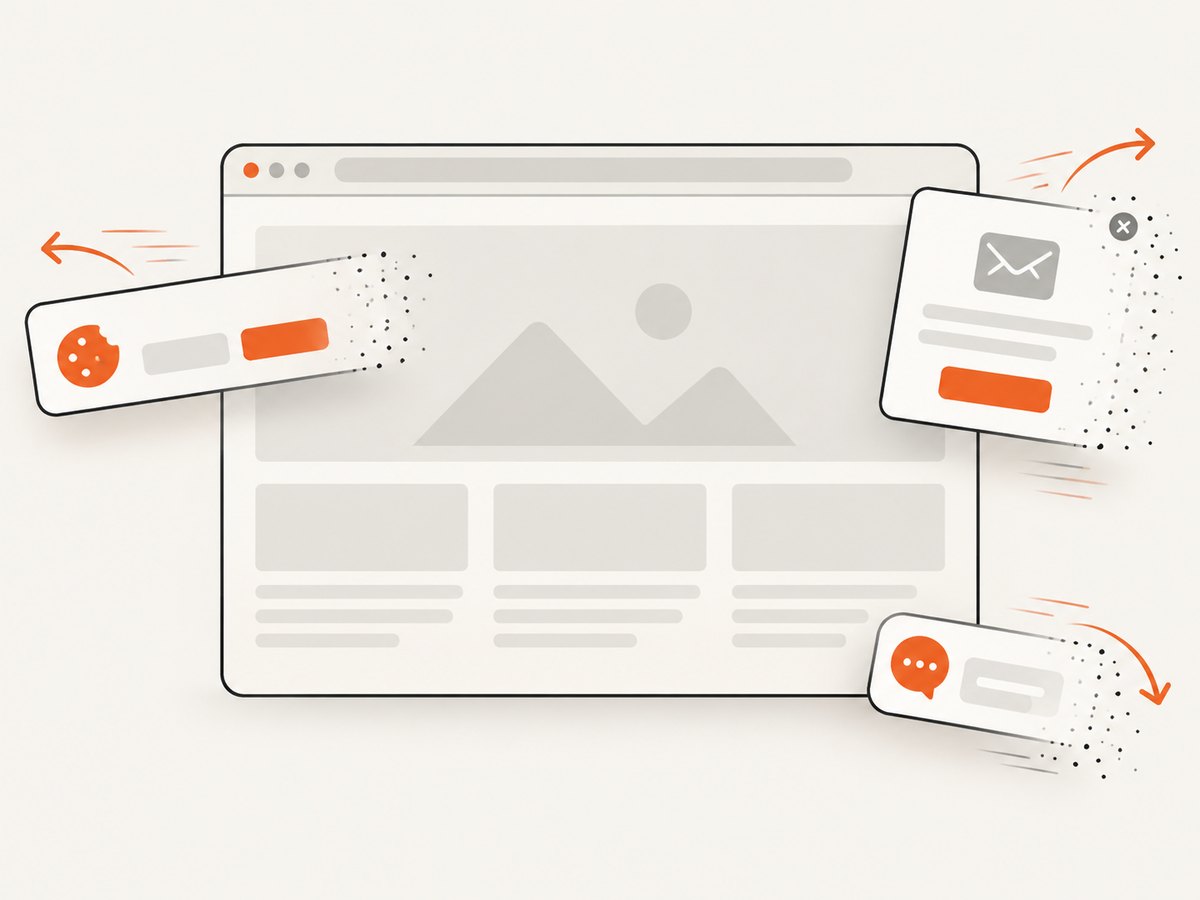
ScreenshotNeo returns a PNG, JPEG, WebP, or PDF from one GET request. It accepts consent banners before capture and removes more than 60 known consent platforms, newsletter popups, and chat widgets. Bot checks, blank pages, timeouts, failed loads, and cache hits are not billed, and the response reports the result with X-Page-Verdict and X-Billed headers. It also provides an MCP server with take_screenshot, get_page_info, and capture_pdf tools for Claude, Cursor, and other MCP clients.
See the ScreenshotNeo API documentation for all options.
cURL
curl -G "https://api.screenshotneo.com/v1/shot" \
  -d access_key=YOUR_API_KEY \
  --data-urlencode url=https://example.com \
  -o shot.webp
Python
import requests

r = requests.get(
    "https://api.screenshotneo.com/v1/shot",
    params={"access_key": "YOUR_API_KEY", "url": "https://example.com"},
    timeout=90,
)
r.raise_for_status()
open("shot.webp", "wb").write(r.content)
Node.js
const q = new URLSearchParams({
  access_key: 'YOUR_API_KEY',
  url: 'https://example.com'
});
const res = await fetch(`https://api.screenshotneo.com/v1/shot?${q}`);
if (!res.ok) throw new Error(`HTTP ${res.status}`);
const data = Buffer.from(await res.arrayBuffer());
require('fs').writeFileSync('shot.webp', data);
ScreenshotNeo includes full-page capture with lazy images loaded, CSS-selector element capture, dark mode, device presets and custom viewports, retina scale, custom CSS and JavaScript, clicks, selector waits, delays, network-idle waits, request blocking, headers, cookies, user agents, Authorization, timezone, geolocation, transparent backgrounds, resizing, selectable cache TTLs, signed image links, asynchronous jobs with signed webhooks, bulk capture for up to 100 URLs per call, a usage API, and an OpenAPI specification. Parameter names used by other screenshot APIs also work, which can simplify migration.
Plans include 1,000 screenshots per month free with no card. Paid plans start at $5 for 3,000 shots; yearly billing gives two months free. Create a free ScreenshotNeo account.
11. FAQ
Does InternetExplorerDriver guarantee a viewport-only screenshot?
No. Selenium documents browser-dependent best-effort behavior for non-W3C-conformant drivers, including broader page or window captures.
Can I keep the Java screenshot file forever?
Not by retaining the returned path alone. Copy the temporary file to durable storage before the JVM exits.
Is Internet Explorer still supported?
Selenium ended official IE browser support in June 2022. The IE driver continues to support Microsoft Edge in IE compatibility mode.
Which output type is best for an HTTP upload?
BYTES avoids temporary-file handling. Use BASE64 only when the receiving API requires encoded text.
How do I capture one element instead of the visible page?
The legacy IE screenshot contract is driver-dependent. Locate the element for readiness, capture, and crop or use a capture API with selector-based element capture, such as ScreenshotNeo.


