How to Capture a Web Page Screenshot Using VBA
Capture a rendered web page from Excel or Access VBA with Edge WebDriver, SeleniumBasic, synchronization guidance, troubleshooting, and an API shortcut.
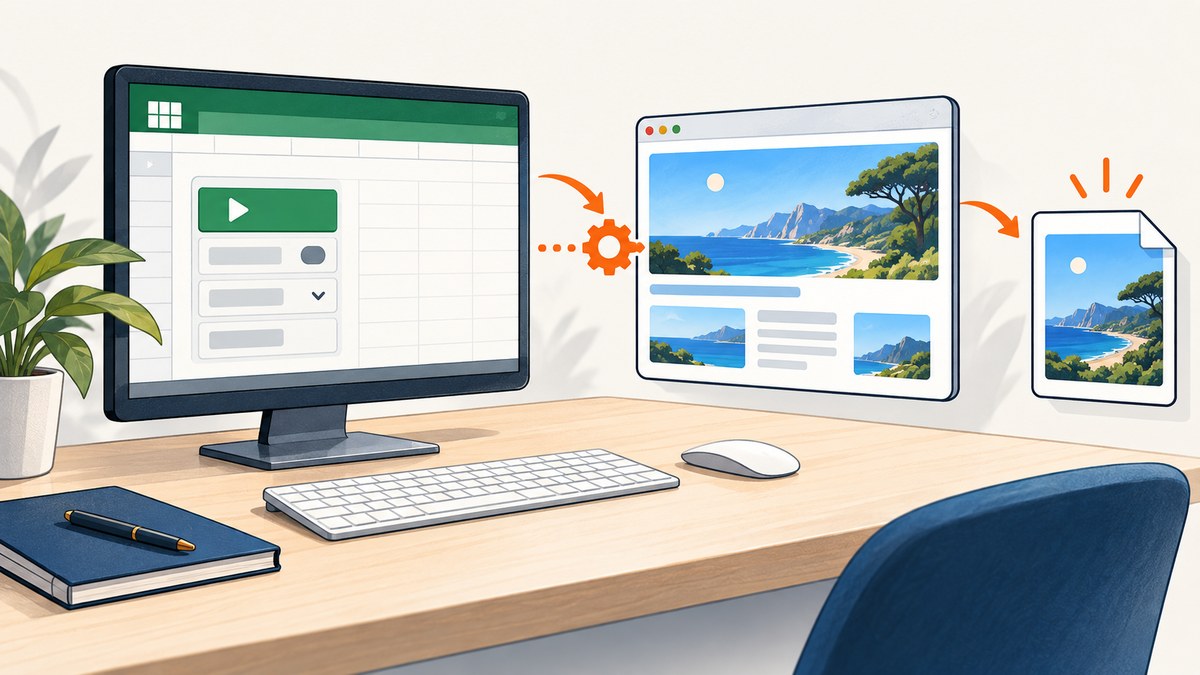
Short answer: VBA cannot screenshot a URL by downloading its HTML. You need a browser that renders the page, a matching browser driver, and a WebDriver wrapper that VBA can call. A practical route is Microsoft Edge with Edge WebDriver and the third-party SeleniumBasic VBA wrapper. Navigate, wait for the content you need, capture the current browser window or a visible element, save the image, and close the session.
This method captures the browser viewport or window. SeleniumBasic’s screenshot API does not by itself prove full-page capture beyond the viewport. If you need a reliable full-page image, use a service such as ScreenshotNeo after the DIY section.
What you need before writing VBA
- Microsoft Edge.
- Microsoft Edge WebDriver. Microsoft says the first three components of the four-part Edge and driver version numbers must match. Check the current Edge WebDriver setup guide before installing.
- A WebDriver framework or VBA wrapper. Selenium 4 is required for Edge when using Selenium. SeleniumBasic is a third-party VBA-facing wrapper; it is not Microsoft-supported, and you should verify that its API works with the browser and driver versions in your environment.
- A VBA reference. After installing SeleniumBasic, enable its Selenium type library under Tools > References in the VBA editor, if you want early binding.
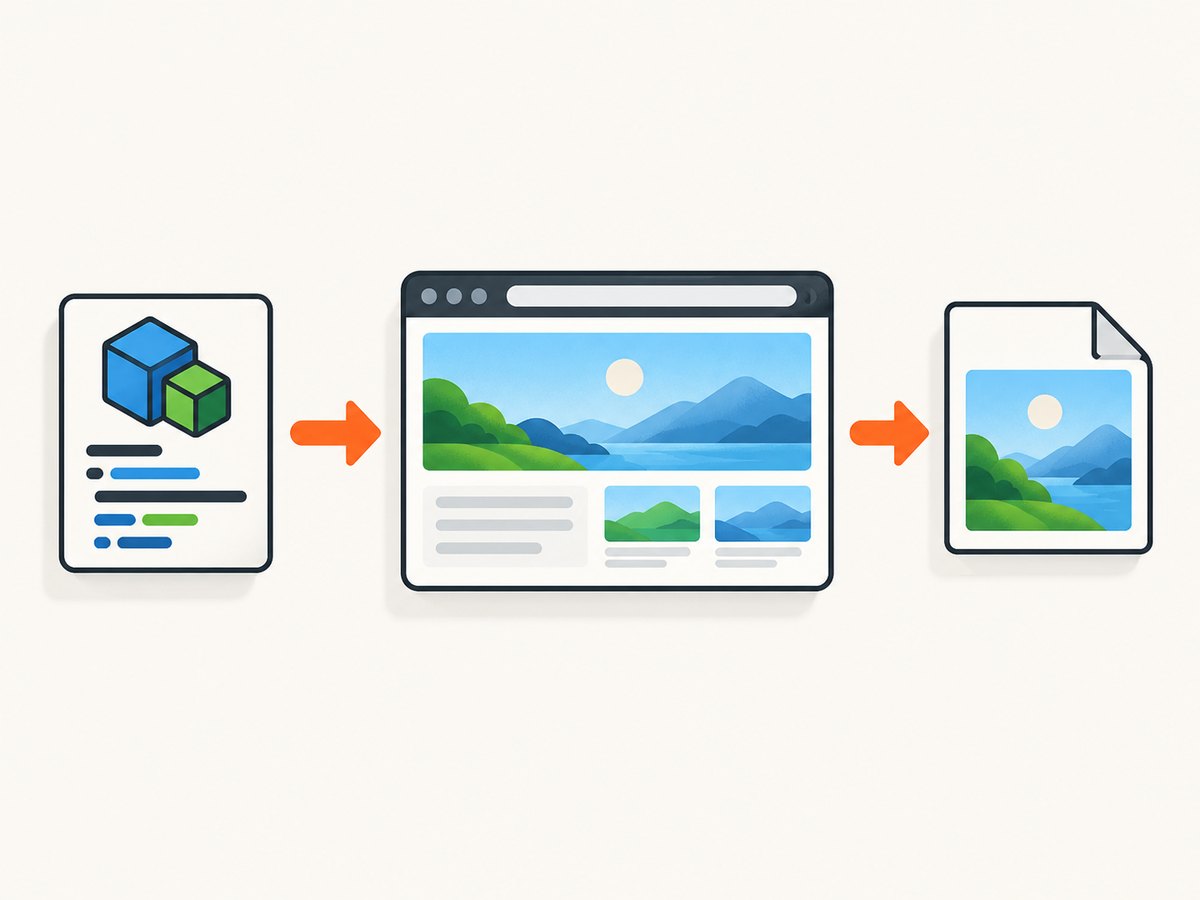
Install and align Edge WebDriver
- In Edge, open
edge://settings/helpand note the browser version. - Download the Edge WebDriver release that matches the first three version components from Microsoft’s documentation.
- Put the driver executable somewhere on your PATH, or configure SeleniumBasic to find it according to the wrapper version you installed.
- Install SeleniumBasic from its project distribution and confirm that Excel or Access can create a
Selenium.WebDriverobject.
Keep Edge, Edge WebDriver, and the Selenium/VBA wrapper conceptually separate. A browser update can require a driver update even when your macro has not changed.
Capture the current browser window
The following macro follows the basic sequence: start Edge, navigate, wait, save the current screenshot, and quit. The exact driver discovery behavior depends on your SeleniumBasic installation.
Option Explicit

Public Sub CaptureCurrentWindow()
    Dim driver As New Selenium.WebDriver
    Dim outputPath As String

    outputPath = ThisWorkbook.Path & Application.PathSeparator & "page.png"

    On Error GoTo CleanFail

    driver.Start "edge"
    driver.Get "https://example.com"

    ' Replace this with a condition-based wait when your wrapper supports one.
    driver.Wait 3000

    driver.TakeScreenshot.SaveAs outputPath
    driver.Quit

    MsgBox "Saved screenshot to: " & outputPath, vbInformation
    Exit Sub

CleanFail:
    On Error Resume Next
    driver.Quit
    On Error GoTo 0
    Err.Raise Err.Number, "CaptureCurrentWindow", Err.Description
End Sub
TakeScreenshot represents the current browser window or viewport in SeleniumBasic’s documented implementation. Do not label this result as a full-page screenshot unless you have separately implemented and verified a full-page technique.
Capture one page element
Use an element capture when you only need a chart, report, invoice, or other region. The element must be inside the screenshot image. SeleniumBasic crops the screenshot to the element rectangle when a native element screenshot is unavailable; it can fail if the rectangle lies outside the captured image.
Option Explicit

Public Sub CaptureReportElement()
    Dim driver As New Selenium.WebDriver
    Dim report As Selenium.WebElement
    Dim outputPath As String

    outputPath = ThisWorkbook.Path & Application.PathSeparator & "report.png"

    On Error GoTo CleanFail

    driver.Start "edge"
    driver.Get "https://example.com/report"
    driver.Wait 3000

    Set report = driver.FindElementByCss("main .report")
    report.ScrollIntoView
    driver.Wait 500
    report.TakeScreenshot.SaveAs outputPath

    driver.Quit
    MsgBox "Saved screenshot to: " & outputPath, vbInformation
    Exit Sub

CleanFail:
    On Error Resume Next
    driver.Quit
    On Error GoTo 0
    Err.Raise Err.Number, "CaptureReportElement", Err.Description
End Sub
Change main .report to a selector that is stable on your site. Prefer an ID or a dedicated data attribute over a deeply nested class selector.
Wait for the page you actually want
A fixed delay can race a JavaScript application, but a long fixed delay wastes time. Use a concrete condition when the wrapper supports it: an element exists, a loading marker disappears, or a known text node is present.
Private Function WaitForElement(ByVal driver As Selenium.WebDriver, _
                                ByVal cssSelector As String, _
                                Optional ByVal timeoutMs As Long = 30000) As Selenium.WebElement
    Dim started As Single
    Dim candidate As Selenium.WebElement

    started = Timer
    Do
        On Error Resume Next
        Set candidate = driver.FindElementByCss(cssSelector)
        On Error GoTo 0

        If Not candidate Is Nothing Then
            Set WaitForElement = candidate
            Exit Function
        End If

        DoEvents
        driver.Wait 250
    Loop While ((Timer - started) * 1000) < timeoutMs

    Err.Raise vbObjectError + 1001, "WaitForElement", _
              "Timed out waiting for selector: " & cssSelector
End Function
For a page that loads data after navigation, call WaitForElement driver, "main .report" before taking the screenshot. A page can reach a browser-ready state while its charts, fonts, images, or API data are still loading.
Full-page screenshots: what VBA can and cannot guarantee
A current-window screenshot normally covers the visible viewport. An element screenshot is a crop of the captured image and may fail when the element is outside that image. SeleniumBasic’s documented methods therefore support viewport/window and visible-element captures, not a universal full-page result.
If you must build a DIY full-page workflow, the usual approach is to measure the document, scroll through viewport-sized regions, capture each region, and stitch the images. That introduces difficult cases: fixed headers repeated in every tile, lazy-loaded images, sticky elements, fractional device-pixel ratios, animation, and pages that change while scrolling. Validate the stitched output on the pages you operate.
Excel and Access differences
The same WebDriver idea can be called from Excel or Access VBA, provided the wrapper is installed and referenced. Access also has an EdgeBrowserControl based on WebView2 with properties such as ControlSource and an ExecuteJavascript method. Its reference does not make it a general screenshot API, and it should not be presented as an Excel control.
The older Internet Explorer WebBrowser control is a legacy option. Its navigation is asynchronous, and DocumentComplete can fire once for each frame on a framed page. Existing macros must handle those events carefully; this is not the preferred current-browser setup.
Do not confuse HTML export with a web screenshot
ActiveWorkbook.SaveAs FileFormat:=xlHTML exports Excel workbook content as HTML plus supporting files. It does not render an external website and save the rendered appearance as an image. A screenshot requires browser automation or a screenshot service.
Common errors and fixes
| Error or symptom | Likely cause | Fix |
|---|---|---|
| Session cannot be created | Edge WebDriver does not match Edge, or the executable cannot be found. | Match the first three version components, update the driver, and verify PATH or wrapper configuration. |
| “User-defined type not defined” | The SeleniumBasic type library is not referenced. | Install the wrapper and enable its reference, or switch declarations to late binding if your wrapper supports it. |
| Blank or partially rendered image | The macro captured before JavaScript, images, fonts, or API data finished. | Wait for a specific selector or loading state; increase the timeout for slow pages. |
| Element not found | The selector is wrong, the element is inside an iframe, or it has not appeared yet. | Inspect the live DOM, wait for the element, and switch to the correct frame when the wrapper supports frames. |
| Element screenshot throws a rectangle or bounds error | The element is outside the captured viewport or has not been laid out. | Scroll it into view, wait for layout, and ensure it is visible before capture. |
| Screenshot is only the visible area | Current-window capture is viewport scoped. | Use a verified full-page stitching workflow or a full-page screenshot service. |
| Macro hangs on a failed page | No timeout or cleanup path exists. | Implement a deadline, handle errors, and always call Quit in cleanup code. |
| Old IE examples do not work in Edge | The WebBrowser control and IE events are legacy APIs. | Use Edge WebDriver and a compatible wrapper for new automation. |
Reliability checklist
- Pin or regularly verify compatible Edge and driver versions.
- Use stable selectors and wait for the content that proves the page is ready.
- Disable or account for animations when visual consistency matters.
- Give every navigation and wait a maximum duration.
- Save to an absolute path and verify that the file exists after capture.
- Close the driver in both success and error paths.
- Expect authentication, consent dialogs, bot checks, popups, and geo-specific content to alter the result.
Performance and cost considerations
Starting a browser for every URL is slower and more resource-intensive than reusing a session, but reusing a session can leak cookies, local storage, viewport settings, and logged-in state between captures. Choose isolation when correctness or privacy matters. Reduce unnecessary waits, but keep enough time for the page’s actual data and fonts to settle. VBA and SeleniumBasic do not add a hosted usage fee; your costs are local CPU, memory, browser maintenance, and engineering time.
Or skip the browser setup
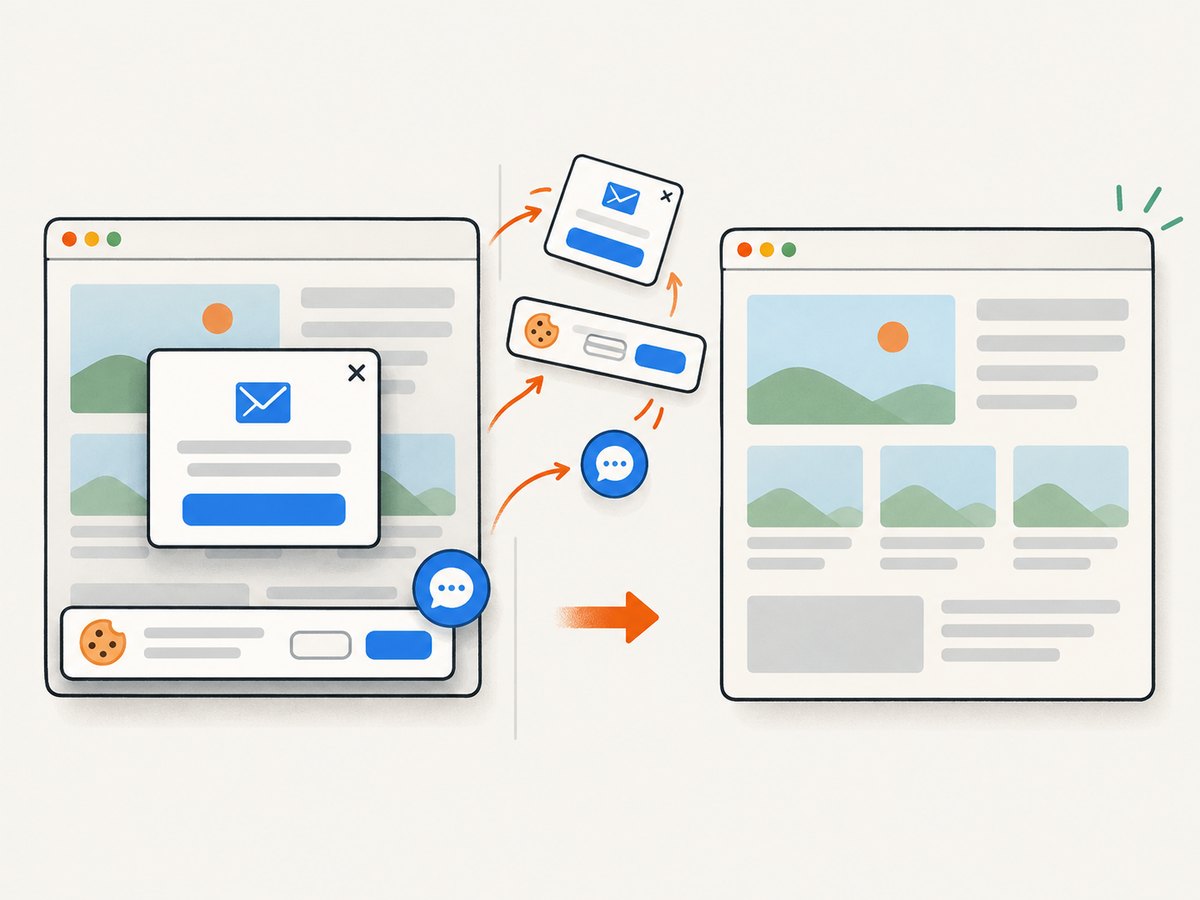
ScreenshotNeo provides a website screenshot API and MCP server. It accepts one GET request and returns PNG, JPEG, WebP, or PDF. Before capture it can accept cookie or consent banners and remove more than 60 known consent platforms, newsletter popups, and chat widgets; each cleanup step can be disabled. Bot checks, blank pages, timeouts, failed loads, and cache hits are not billed, and the response identifies the result with X-Page-Verdict and X-Billed headers.
See the ScreenshotNeo API documentation for all options. This VBA example calls the endpoint with WinHTTP and writes the returned image:
Option Explicit

Public Sub CaptureWithScreenshotNeo()
    Dim http As Object
    Dim url As String
    Dim outputPath As String
    Dim body() As Byte
    Dim stream As Object

    url = "https://api.screenshotneo.com/v1/shot" & _
          "?access_key=YOUR_API_KEY" & _
          "&url=https%3A%2F%2Fexample.com"
    outputPath = ThisWorkbook.Path & Application.PathSeparator & "shot.webp"

    Set http = CreateObject("WinHttp.WinHttpRequest.5.1")
    http.Open "GET", url, False
    http.Send

    If http.Status <> 200 Then
        Err.Raise vbObjectError + 1002, "CaptureWithScreenshotNeo", _
                  "ScreenshotNeo returned HTTP " & http.Status
    End If

    body = http.ResponseBody
    Set stream = CreateObject("ADODB.Stream")
    stream.Type = 1 ' binary
    stream.Open
    stream.Write body
    stream.SaveToFile outputPath, 2 ' overwrite
    stream.Close

    MsgBox "Saved screenshot to: " & outputPath, vbInformation
End Sub
cURL:
curl -G "https://api.screenshotneo.com/v1/shot" -d access_key=YOUR_API_KEY --data-urlencode url=https://stripe.com -o shot.webpPython:
import requests
r = requests.get("https://api.screenshotneo.com/v1/shot", params={"access_key": "YOUR_API_KEY", "url": "https://stripe.com"}, timeout=90)
open("shot.webp", "wb").write(r.content)
Node.js:
const q = new URLSearchParams({ access_key: 'YOUR_API_KEY', url: 'https://stripe.com' });
const res = await fetch(`https://api.screenshotneo.com/v1/shot?${q}`);
ScreenshotNeo also supports full-page capture with lazy images loaded, CSS-selector element capture, dark mode, device presets and custom viewports, retina scale, custom CSS and JavaScript, clicks, selector or network-idle waits, request blocking, headers, cookies, user agents, authorization, timezone, geolocation, transparent backgrounds, resizing, chosen cache TTLs, signed links, asynchronous jobs with signed webhooks, bulk capture for up to 100 URLs per call, usage reporting, and an OpenAPI specification. Its MCP server exposes take_screenshot, get_page_info, and capture_pdf for Claude, Cursor, and other MCP clients.
The Free plan includes 1,000 screenshots each month with no card. Paid plans start at $5 for 3,000 screenshots; yearly billing provides two months free, and every feature is available on every plan. Create a free ScreenshotNeo account.
FAQ
Can VBA take a screenshot without opening a browser?
Not of a rendered external webpage. Use browser automation or an HTTP screenshot API.
Does SeleniumBasic capture a whole page?
Its documented methods capture the current window and crop an element screenshot. Treat full-page capture as a separate workflow that must be implemented and verified.
Why is my screenshot different from what I see manually?
Automation may use a different viewport, device scale, user state, timezone, location, cookies, consent state, or loading moment. Set those inputs explicitly and wait for the target content.
Should I use Excel’s HTML export?
No. Excel HTML export saves workbook content as HTML; it does not screenshot an external website.
Can this run from Access?
Yes, WebDriver automation can be called from Access VBA when the wrapper is installed. Access’s EdgeBrowserControl is a separate WebView2 control and is not a general screenshot method.


