How to Capture Web Page Screenshots in Memory with PHP
Capture rendered web pages in PHP with headless Chrome, keep screenshot bytes in memory, troubleshoot failures, and compare a hosted API option.
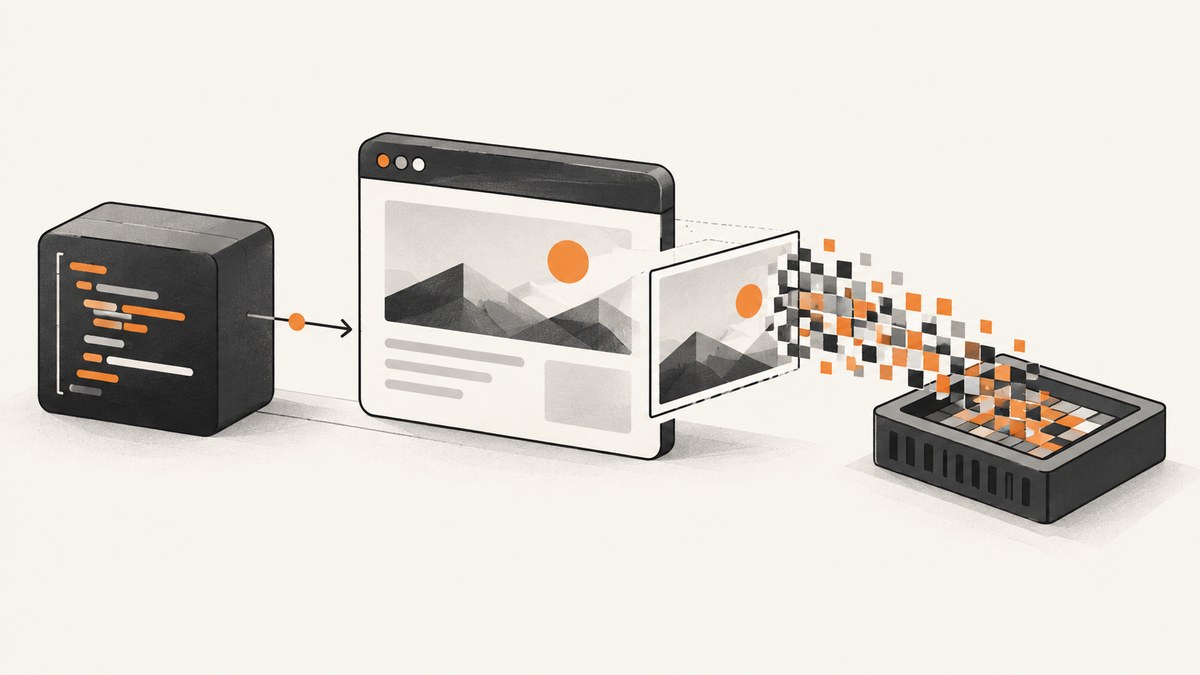
Direct answer: PHP cannot render a website by itself. Start a headless Chrome or Chromium instance, navigate to the URL, wait for navigation and the page state you need, then call $page->screenshot(). The chrome-php/chrome library returns a screenshot object containing image data in memory; writing a file with saveToFile() is optional.
This guide covers PHP browser automation, viewport, element and full-page captures, deployment, failures, performance and a hosted alternative: ScreenshotNeo.
1. What “in memory” means in PHP
PHP output buffering stores bytes PHP would send to a response. It does not execute JavaScript, lay out HTML or paint pixels. imagegrabscreen() captures the operating-system desktop, is Windows-only, and is not a portable server-side web renderer. A rendered page therefore requires a browser engine. See the PHP output-control documentation and imagegrabscreen().
2. Install Chrome and the PHP driver
- Install Chrome or Chromium in the runtime image and verify that the worker user can execute it.
- Install the PHP package:
composer require chrome-php/chromeThe project README states PHP 7.4–8.5 and Chrome/Chromium 65+ requirements, with Linux testing and macOS/Windows compatibility. Check the current chrome-php/chrome README and your installed browser before pinning a production image.
3. Minimal PHP capture that stays in memory
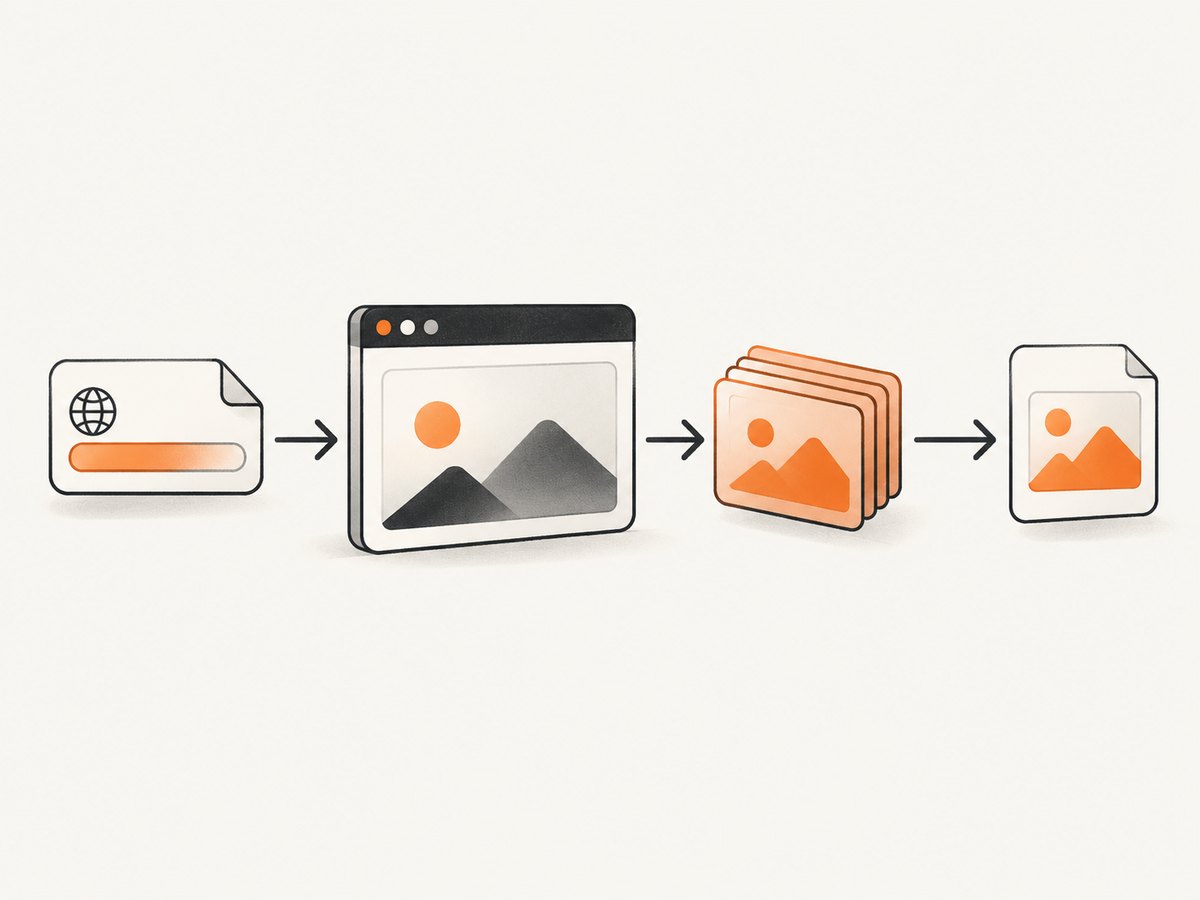
This follows the documented lifecycle: create a browser, create a page, navigate, wait, capture, and always close the browser.
<?php
declare(strict_types=1);
require __DIR__ . '/vendor/autoload.php';
use HeadlessChromium\BrowserFactory;
$url = $argv[1] ?? 'https://example.com';
$browser = (new BrowserFactory())->createBrowser();
try {
    $page = $browser->createPage();
    $page->navigate($url)->waitForNavigation();
    $screenshot = $page->screenshot();
    // The object contains the image in memory.
    // Inspect your installed release for its documented binary accessor.
    var_dump(get_class($screenshot), get_class_methods($screenshot));
} finally {
    $browser->close();
}
The supplied project documentation shows saving with saveToFile() and describes clipped captures as in-memory binary data, but does not identify one universal byte accessor. Do not guess a method name: inspect the class in your installed version or consult that release’s API.
// After selecting the accessor documented for your installed version:
$bytes = /* screenshot binary string */;
header('Content-Type: image/png');
echo $bytes;
A disk copy is optional:
$screenshot->saveToFile(__DIR__ . '/shot.png');4. Choose the capture scope
| Scope | Use it when | Implementation note |
|---|---|---|
| Viewport | You need what a visitor sees in the current viewport. | Use $page->screenshot() with deterministic viewport settings. |
| Element | One component is the evidence. | Locate a stable selector and use the library’s element or clip API. |
| Full page | You need the complete scrollable document. | The README shows captureBeyondViewport => true and $page->getFullPageClip(). |
The Playwright PHP screenshot guide explains these scopes and recommends pairing visual evidence with semantic assertions when testing behavior.
Viewport and device settings
Set width, height and device scale factor before navigation. A retina scale changes output pixels without changing CSS layout, so record both values.
Full-page and lazy content
Wait for a meaningful selector or application readiness signal. If images lazy-load on scroll, scroll through the page, then wait for image requests before capturing.
Element captures
Prefer stable data attributes over generated classes. Fail clearly when a selector is absent instead of silently returning a viewport screenshot.
5. Wait for the state you need
- Navigation: call
waitForNavigation(). - Application readiness: wait for a selector proving the data is present.
- Fonts and images: wait for the page’s readiness signal where fidelity matters.
- Animations: disable them with CSS or wait for completion.
Fixed sleeps are only a fallback. Network-idle can also be misleading on pages with analytics, sockets or long-lived requests.
6. Returning bytes from an HTTP endpoint
Validate and allow-list target URLs, catch navigation and screenshot exceptions, set the image content type and close the browser in finally. Do not accept arbitrary internal URLs without SSRF protections.
<?php
try {
    $page = $browser->createPage();
    $page->navigate($url)->waitForNavigation();
    $shot = $page->screenshot();
    $bytes = /* documented accessor for your installed release */;
    http_response_code(200);
    header('Content-Type: image/png');
    header('Content-Length: ' . strlen($bytes));
    echo $bytes;
} catch (Throwable $e) {
    http_response_code(502);
    error_log($e->getMessage());
    echo 'capture failed';
} finally {
    $browser->close();
}
7. Troubleshooting
| Symptom | Cause | Fix |
|---|---|---|
| Browser cannot start | Missing binary, wrong path, sandbox restrictions or low shared memory. | Install and pin Chrome, configure the executable path supported by your release, run as a permitted user and capture browser stderr. |
| Blank or half-rendered image | Capture occurred before app data, fonts or lazy images were ready. | Wait for a readiness selector and required assets. |
| Navigation timeout | Slow origin, redirect loop or long-lived requests. | Use a bounded timeout and wait for the specific state required. |
| Wrong dimensions | Viewport, scale factor or full-page mode was not fixed. | Set deterministic values and use the documented full-page option. |
| Selector not found | SPA content has not rendered, selector changed, or content is inside a frame or shadow root. | Wait for the route, use data attributes and handle frames or shadow DOM explicitly. |
| Memory grows across jobs | Pages or browsers remain open; tall pages create large bitmaps. | Close resources in finally, bound dimensions and recycle workers. |
| Accessor method missing | Binary APIs differ between package releases. | Inspect get_class_methods(), read the installed release docs and pin the dependency. |
8. Performance, reliability and cost
- Startup: Chrome launch time dominates small jobs. A supervised worker can reuse a browser, while a fresh page or context limits state leakage.
- Concurrency: Bound pages by CPU and memory. Full-page and high-resolution captures consume more memory.
- Reliability: Record URL, viewport, browser version, final URL, duration and failure reason. Retry transient network failures with limits and backoff.
- Security: Treat URLs, cookies and headers as sensitive. Enforce egress policy and never expose debugging ports publicly.
- Cost: Self-hosting means paying for compute, browser maintenance and operations. The cited projects publish no topic-specific benchmark.
9. Or skip the browser setup
ScreenshotNeo is a hosted screenshot API and MCP server. One GET request returns PNG, JPEG, WebP or PDF. Before capture it accepts cookie and consent banners and removes more than 60 known consent platforms, newsletter popups and chat widgets; each step can be disabled. Bot checks, CAPTCHAs, blank pages, timeouts, failed loads and cache hits are not billed, and response headers report the page verdict and billing result.
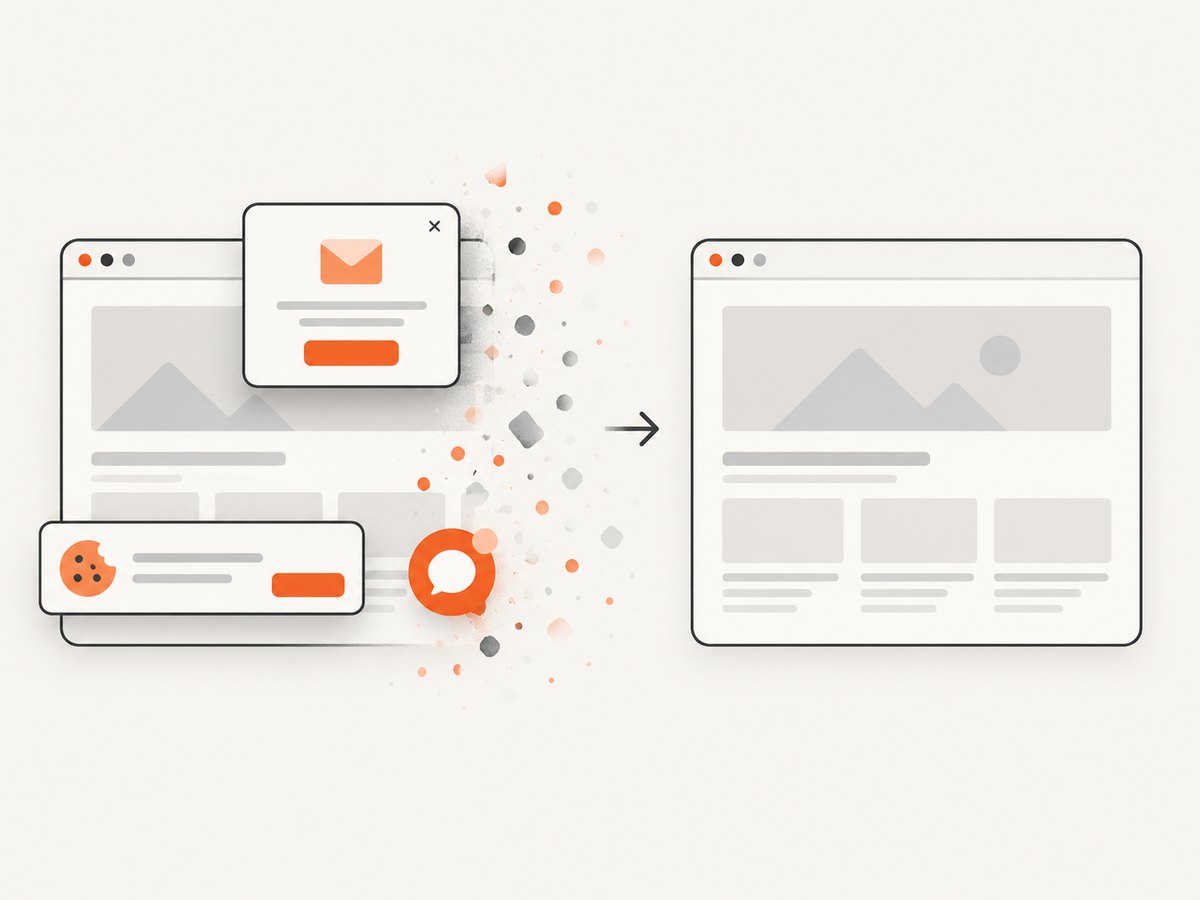
It supports full-page and element capture, dark mode, device presets or custom viewports, retina scale, PDF controls, custom CSS and JavaScript, clicks, waits, blocking rules, headers, cookies, user agents, timezone, geolocation, transparent backgrounds, resizing, TTL caching, signed links, async webhooks, bulk capture and a usage API. Its MCP server provides take_screenshot, get_page_info and capture_pdf for Claude, Cursor and other MCP clients.
curl -G "https://api.screenshotneo.com/v1/shot" \
  -d access_key=YOUR_API_KEY \
  --data-urlencode url=https://stripe.com \
  -o shot.webp
See the ScreenshotNeo API docs for options and response headers.
import requests
r = requests.get("https://api.screenshotneo.com/v1/shot", params={"access_key": "YOUR_API_KEY", "url": "https://stripe.com"}, timeout=90)
r.raise_for_status()
open("shot.webp", "wb").write(r.content)
const q = new URLSearchParams({ access_key: 'YOUR_API_KEY', url: 'https://stripe.com' });
const res = await fetch(`https://api.screenshotneo.com/v1/shot?${q}`);
if (!res.ok) throw new Error(`HTTP ${res.status}`);
const bytes = new Uint8Array(await res.arrayBuffer());
1,000 screenshots per month are free with no card. Paid plans start at $5 for 3,000 shots, and yearly billing gives two months free. Create a free ScreenshotNeo account.
10. FAQ
Can output buffering turn HTML into a screenshot?
No. It buffers PHP response bytes; a browser engine must render HTML and JavaScript.
Can I use imagegrabscreen() on Linux?
No. It is documented as a Windows desktop capture, not a headless page renderer.
Should every page be captured full page?
No. Choose viewport, element or full page according to the visual question.
Why is the screenshot byte accessor version-specific?
The supplied chrome-php/chrome documentation describes an in-memory result but does not identify one universal accessor. Inspect your installed class and pin the version.
When is a hosted API preferable?
Use one when you do not want to package and operate Chrome, or need consent cleanup, billing rules, signed links, webhooks or MCP tools.


