How to Capture a Website for Offline Viewing
Save one page with your browser or mirror an entire site with HTTrack, then test the local copy before you go offline.
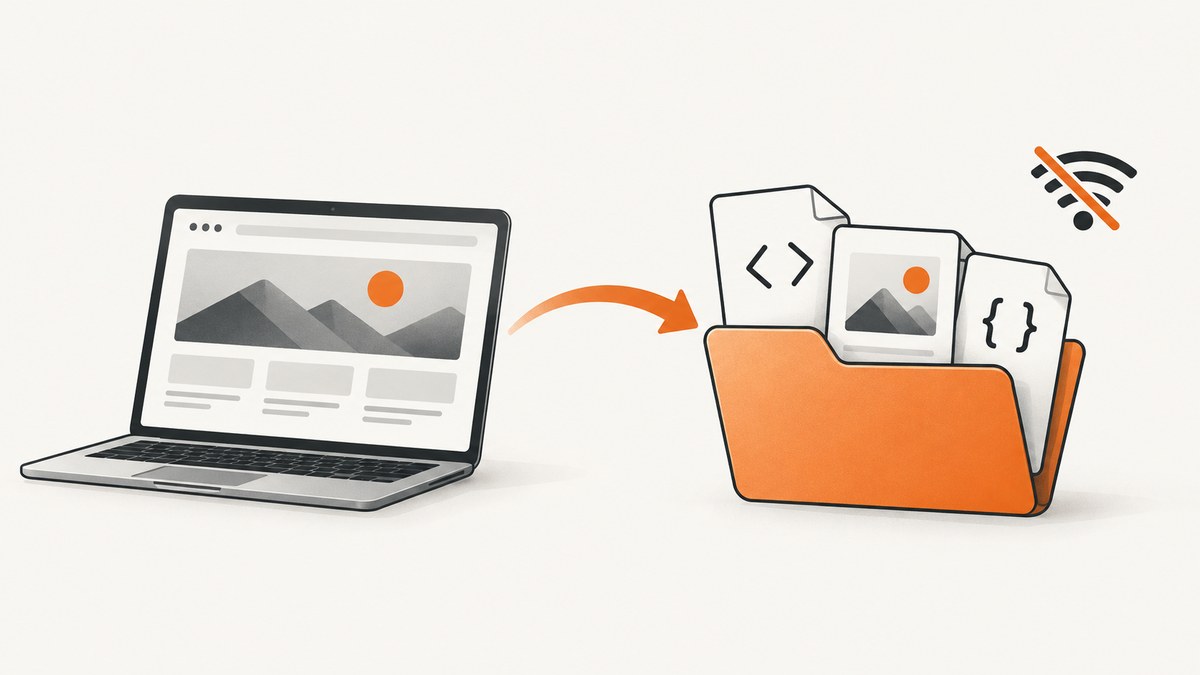
To save a website for offline viewing, choose the method that matches the scope. Use your browser’s Save or Web Archive feature for one page. Use HTTrack when you need a linked site copied into a browsable local directory. Use a browser-assisted workflow for JavaScript-heavy or authenticated applications, because a crawler cannot reproduce every runtime state.
An offline copy is only useful when its assets, links and expected interactions work without a network connection. Save the copy to a location with enough space, constrain the capture scope, inspect the transfer log, and open representative pages before relying on it.
Choose the right offline capture method
| Need | Best starting point | What you get | Main limitation |
|---|---|---|---|
| One article or page | Browser Save/Web Archive | A page and its referenced resources | Usually does not preserve a whole site |
| A mostly static site | HTTrack mirror | A directory with rewritten local links | Does not execute JavaScript |
| Runtime-generated content | Browser-assisted capture | Content reached through scripts, forms or a session | Requires an authorized, repeatable browser session |
| A visual record only | Screenshot or PDF capture | A fixed image or document | Not a navigable offline website |
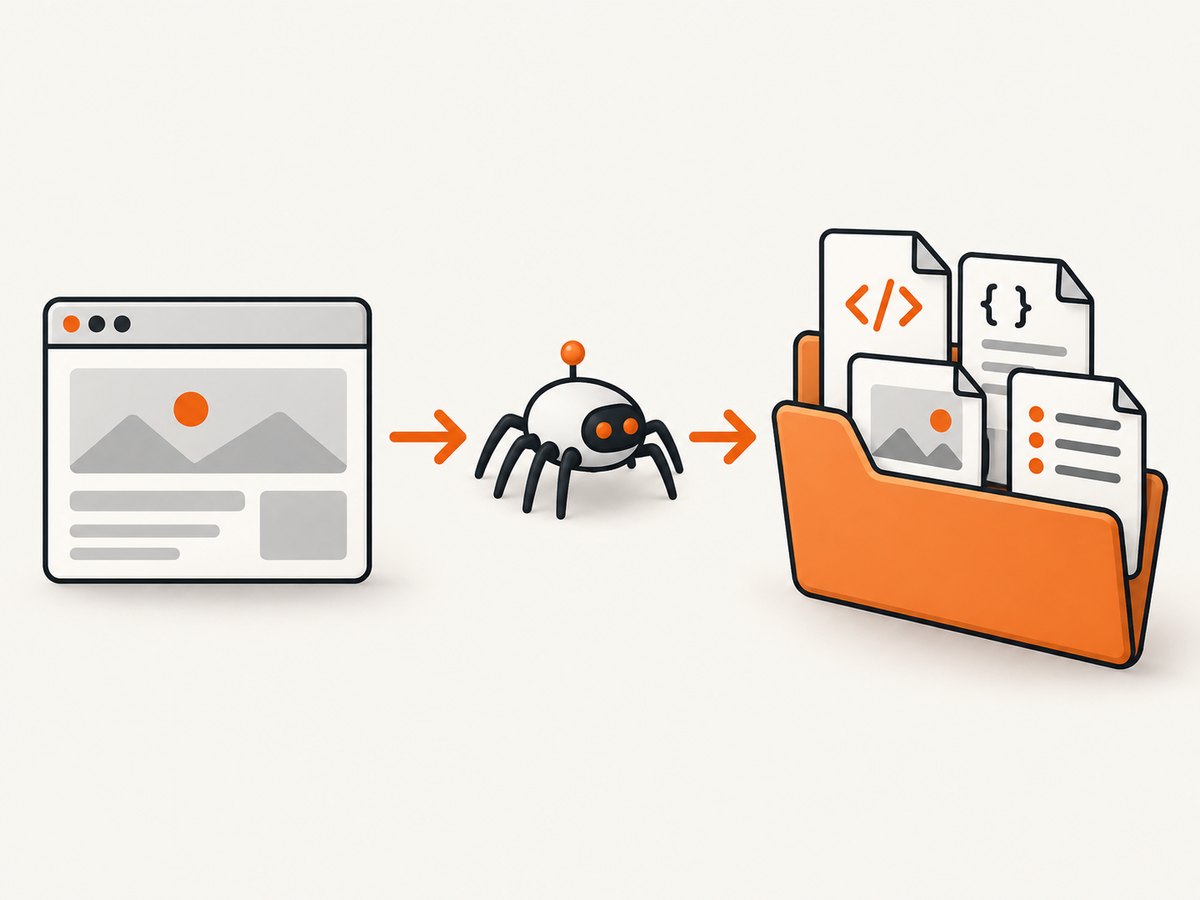
For a linked site, HTTrack is the conventional choice. It copies pages and assets to local storage and rewrites retained links so you can browse the result offline. The normal entry point is the generated index.html.
Save a single page with your browser
- Open the page while connected to the internet.
- Use your browser’s Save Page, Save As or Web Archive command.
- Choose a complete-page option when available. This normally creates an HTML file plus a resource directory, while a single-file archive packages more of the page into one file.
- Disconnect from the network, open the saved file, and test images, styles, anchors and any links you need.
A complete-page directory is easier to inspect and selectively copy. A single-file or .mht-style archive is more portable, but browser compatibility and archive size vary. Neither format guarantees that server-side features, streaming media or application state will work offline.
Mirror a website with HTTrack
HTTrack copies a website to your disk so you can read it offline. It creates a project directory containing downloaded HTML, stylesheets, scripts, images and other retained resources. During the copy, it rewrites eligible links to point at local paths.
1. Install and create a project
Install the HTTrack interface appropriate for your operating system. Start a new project, give it a descriptive name, and select a local base directory. The project directory should be on storage with enough free space for the largest plausible result.
2. Enter a precise starting URL
Enter the site’s starting URL, including the path when you only need a section such as documentation. A narrower starting point reduces accidental downloads and makes the final copy easier to review.
3. Set scope and scan rules
Before starting, configure boundaries deliberately:
- Host boundary: keep the crawl on the intended host unless a required asset lives on a known related host.
- Path boundary: include only the directories you need.
- File types: limit large media, archives and downloads when they are not needed for reading.
- External links: exclude unrelated domains. A page can link to social networks, analytics, CDNs and third-party documentation.
- Connection limits: use conservative limits that the site can tolerate and that match your network.
- Depth and size: set practical limits when the site has calendars, search URLs or faceted navigation that can generate many near-duplicate pages.
Unbounded links and large media are the most common reasons a mirror becomes unexpectedly large. Keep a written note of the intended hosts, paths and file types so you can verify the configuration later.
4. Start the mirror and read the log
Start the project and monitor its transfer log. Look for failed requests, excluded resources, repeated URL patterns, redirects to another host and files that are much larger than expected. A successful process does not mean every requested resource was copied.
5. Open the local entry point
When the mirror completes, open the project’s index.html in a browser. Follow several internal links, inspect images and styles, and try pages from different directories. The rewritten links should remain inside the project directory.
6. Test before you depend on it
Disconnect from the internet or use an isolated environment. Test a representative sample: the home page, a deep page, a page with images, a page with downloadable files, and any page you expect to use during travel. Record missing assets and recapture with narrower or broader rules as needed.
What HTTrack cannot reproduce
HTTrack does not execute JavaScript. URLs built at runtime, lazy-loaded assets and content inserted after page load may therefore be absent. A crawler can save the initial HTML while missing content that appears only after scrolling, clicking, submitting a form or waiting for an API response.
Streaming media, paywalled material and interactive server-side features should not be assumed to work offline because their HTML was saved. Authentication also requires care: capture only while authorized, preserve the session through the documented browser workflow, and do not distribute credentials or private data with the mirror.
For a JavaScript-heavy application, use a browser-assisted archival workflow that loads the page as a real browser would. It can reach URLs exposed through forms or scripts, but it still requires an authorized session and a plan for replaying state. If your requirement is visual reference rather than navigation, a screenshot or PDF is often a more reliable artifact.
Make the offline copy portable
- Close the capture process and confirm the final directory size.
- Copy the complete project directory, including hidden files and the generated index.
- Use a USB drive or other storage with more free space than the measured directory size.
- Open the copy from the destination device while offline.
- Keep the transfer log with the project so missing resources can be diagnosed later.
Do not move only index.html; local references normally point to sibling directories. If you compress the project, preserve its directory structure when extracting it.
Or skip the browser setup
For a fixed visual capture, ScreenshotNeo returns a screenshot or PDF from one GET request. It is useful when you need an offline reference image rather than a navigable mirror. See the ScreenshotNeo API documentation for the complete parameter list.

curl -G 'https://api.screenshotneo.com/v1/shot' -d access_key=YOUR_API_KEY --data-urlencode url=https://stripe.com -o shot.webpimport requests
r = requests.get('https://api.screenshotneo.com/v1/shot', params={'access_key': 'YOUR_API_KEY', 'url': 'https://stripe.com'}, timeout=90)
open('shot.webp', 'wb').write(r.content)const q = new URLSearchParams({ access_key: 'YOUR_API_KEY', url: 'https://stripe.com' });
const res = await fetch(`https://api.screenshotneo.com/v1/shot?${q}`);Cookie and consent banners are accepted and removed before the shot, along with more than 60 known consent platforms, newsletter popups and chat widgets. Bot checks, blank pages, timeouts, failed loads and cache hits are not billed; response headers identify the page verdict and whether the request was billed. An MCP server provides take_screenshot, get_page_info and capture_pdf tools for Claude, Cursor and other MCP clients. The free plan includes 1,000 screenshots each month with no card, and paid plans start at $5 for 3,000. Create a free ScreenshotNeo account.
Useful capture options
When a screenshot or PDF is the right offline artifact, configure the capture for the way you will use it:
- Full page: capture the complete scrollable page and load lazy images.
- Element capture: target one element with a CSS selector.
- Viewport: select one of 12 device presets or provide a custom viewport.
- Rendering: choose dark mode, retina scale, transparent background or image resizing.
- Timing: wait for a selector, a fixed delay or network idle.
- Interaction: click an element before capture, hide selectors, or run custom JavaScript and CSS.
- Access: send custom headers, cookies, a user agent, Authorization, timezone or geolocation.
- Network: block ads, trackers, requests or resource types.
- Delivery: use caching with a chosen TTL, signed links for public image tags, asynchronous jobs with signed webhooks, bulk capture for up to 100 URLs per call, the usage API and the OpenAPI specification.
For PDFs, set paper size, margins, landscape mode and page ranges. These options produce a portable document, but they do not create clickable offline navigation like an HTTrack mirror.
Troubleshooting
| Symptom | Likely cause | Fix |
|---|---|---|
| Images or CSS are missing | Requests failed, were excluded or require a different host | Review the log, allow the required host or path, and recapture. |
| Links open online | The target was outside the crawl scope or was not downloaded | Inspect the link target and expand scope only for the required host and path. |
| The page is blank offline | Content is rendered by JavaScript or fetched from an API | Use a browser-assisted capture or save a screenshot/PDF after the page renders. |
| The mirror grows without stopping | Calendars, search parameters or faceted URLs create an unbounded crawl | Add path, query, depth and file-size limits; exclude generated URL patterns. |
| A login page appears | The session was not preserved or the page requires a live server | Capture while authorized with the documented session workflow; do not share private copies. |
| Screenshot output includes a popup | The page was captured before the overlay was dismissed | Use a wait condition, click action, hide selector or custom script. |
| A capture is not billed | The response was a cache hit or a failed, blank, timed-out or bot-checked page | Read the X-Page-Verdict and X-Billed response headers and fix the page condition before retrying. |
Performance, reliability and cost planning
Mirror time and storage grow with the number of pages, assets and media bytes, not simply with the number of starting URLs. Narrow scope first, exclude unnecessary media, and monitor transfer rate and directory size. A second pass for missing resources is usually easier to control than one unrestricted crawl.
Reliability comes from verification. Keep logs, test without a network, and recapture pages whose content depends on a session or runtime API. For repeatable visual captures, caching with a chosen TTL can avoid unnecessary work; asynchronous jobs and signed webhooks help when a batch should finish outside an interactive request.
For ScreenshotNeo, only clean shots are billed. Free usage is 1,000 shots per month; paid plans are Starter $5 for 3,000, Growth $15 for 15,000, Pro $39 for 60,000, Scale $99 for 250,000 and Business $249 for 1,000,000. Yearly billing gives two months free, and every feature is available on every plan.
FAQ
Can I save an entire website with the browser Save command?
Usually no. Browser saving is designed for a page. Use a scoped mirror for a linked site.
Will an offline copy include forms?
The form markup may be present, but submitting it normally requires a server. Test each workflow instead of assuming it will work.
Does a screenshot count as an offline website?
No. It is an offline visual record. It is appropriate when you need a faithful reference image or PDF rather than navigation.
How do I know how much storage a mirror needs?
Run a scoped capture, measure the resulting directory, then add spare capacity for logs, revisions and recaptures. There is no universal size because scope and assets vary.
Can I mirror paid or private content?
Only capture content you are authorized to access, and protect the resulting files as private data.


