How to Capture Websites Faster with a Screenshot API
Speed up website screenshots by choosing the right capture scope, readiness checks, image settings, and API architecture.

To capture websites faster, reduce the amount of work each capture performs and measure the complete workflow. Start with the smallest useful capture boundary (viewport, element, or clipped region), wait only for the page state your use case needs, select an appropriate image format and scale, and avoid unnecessary disk I/O. For repeated jobs, compare a browser library such as Playwright with a hosted screenshot endpoint using the same URLs and settings. No official source establishes that one service is universally fastest.
This guide shows a complete Playwright implementation, explains the options that affect speed, gives a benchmark method, and covers reliability, cost, and troubleshooting. If operating browsers is not part of your product, ScreenshotNeo provides a hosted screenshot API and MCP server.
1. Choose the smallest capture that satisfies the requirement
Capture scope is usually the largest controllable input. Playwright supports viewport screenshots, full-page screenshots, element screenshots, clipping, and capture into a buffer. A full-page image includes the page’s entire scrollable area, so it can require more layout, image loading, encoding, and transfer work than a viewport or one element.
| Requirement | Capture choice | Why it can be faster |
|---|---|---|
| Social preview or card | Viewport or fixed clip | Renders and encodes only the visible region. |
| Component regression test | Element locator | Excludes unrelated page content. |
| Long documentation page | Full page | Provides complete coverage, but costs more work. |
| Known panel or chart | CSS selector or clip | Limits image dimensions and bytes. |
Use full-page mode when the complete scrollable document is required. Otherwise, define the region explicitly. The official Playwright screenshots guide documents full-page, element, and buffer capture.
2. A fast Playwright implementation
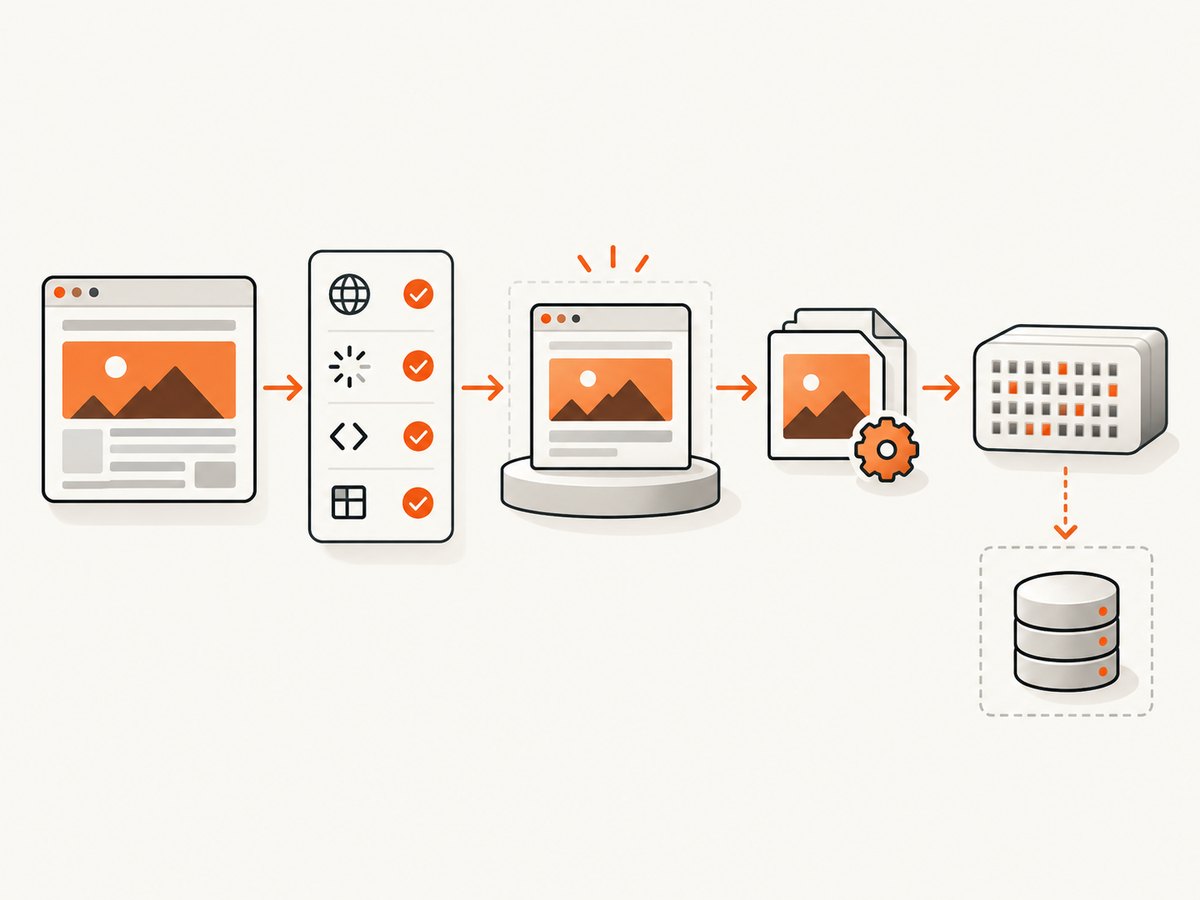
The following Node.js program launches Chromium, navigates to a URL, waits for a specific readiness condition, captures an element into memory, and writes the bytes once. Install Playwright with npm install playwright and download a browser with npx playwright install chromium.
import { chromium } from 'playwright';
import { writeFile } from 'node:fs/promises';

const url = process.argv[2] ?? 'https://example.com';
const browser = await chromium.launch({ headless: true });

try {
  const page = await browser.newPage({
    viewport: { width: 1440, height: 900 },
    deviceScaleFactor: 1
  });

  await page.goto(url, {
    waitUntil: 'domcontentloaded',
    timeout: 30_000
  });

  // Replace this selector with a stable page-specific readiness marker.
  await page.locator('body').waitFor({ state: 'visible', timeout: 10_000 });

  const bytes = await page.screenshot({
    type: 'webp',
    quality: 82,
    animations: 'disabled',
    scale: 'css'
  });

  await writeFile('shot.webp', bytes);
} finally {
  await browser.close();
}
Playwright’s screenshot API accepts image type, quality, clip, and scale parameters. The Page screenshot reference also documents saving to a path or returning a buffer. Returning a buffer lets an application send bytes directly to object storage, an HTTP response, or an image processor without an intermediate temporary file.
Viewport, full-page, element, and clip examples
// Viewport screenshot (the default)
await page.screenshot({ path: 'viewport.png', type: 'png' });

// Entire scrollable document
await page.screenshot({ path: 'full.webp', fullPage: true, type: 'webp', quality: 80 });

// One element, located by a stable selector
await page.locator('[data-testid="invoice"]').screenshot({
  path: 'invoice.png',
  type: 'png'
});

// A fixed rectangle in CSS pixels
await page.screenshot({
  path: 'hero.jpg',
  clip: { x: 0, y: 0, width: 1200, height: 630 },
  type: 'jpeg',
  quality: 78
});
3. Tune readiness waits instead of waiting blindly
A screenshot taken before the meaningful content appears is fast but wrong. Waiting for every network request forever is reliable only for a narrow class of pages and can be slow on sites with analytics, streaming, or long-lived connections. Choose a condition that matches the page.
domcontentloaded: useful when server-rendered markup is the target.load: waits for load-event resources, which may include images and stylesheets.- Selector wait: wait for a stable element such as
[data-ready="true"]. - Short delay: use only for known animation or hydration gaps.
- Network idle: use cautiously; background polling can prevent it from occurring.
Prefer an application-owned readiness marker when you control the page. For third-party pages, combine a navigation timeout with a selector wait and a bounded fallback. Disable animations where possible so a repeated capture does not wait for transitions.
4. Match image settings to the destination
Image settings affect both encoding time and transfer size. PNG preserves lossless detail but is often larger for photographs. JPEG is appropriate for photographic content when a quality setting is acceptable. WebP can reduce bytes while retaining good visual quality, subject to the consumers that must display it.
| Setting | Use | Speed and size consideration |
|---|---|---|
| Type | PNG, JPEG, or WebP | Choose the format accepted by the next system. |
| Quality | JPEG/WebP compression level | Lower quality usually produces fewer bytes; validate visual acceptance. |
| Scale | CSS or device pixels | Device-pixel output can be twice as large or more on high-density settings. |
| Viewport | Browser width and height | Smaller dimensions reduce layout and encoding work when they meet the requirement. |
| Clip | Rectangle in CSS pixels | Prevents unrelated page regions from entering the output. |
Playwright documents that device-pixel scaling can create substantially larger images on high-density displays. Use scale: 'css' when CSS-pixel resolution is sufficient; use device scale when visual fidelity at a target display density is required.
5. Remove avoidable browser and pipeline overhead
- Reuse a browser process for a batch instead of launching Chromium for every URL.
- Create separate contexts when cookies, headers, or user agents must be isolated.
- Block resources your capture does not need, such as analytics or advertising, only when doing so does not change the page you intend to test.
- Capture into a buffer and pass the bytes to the next stage instead of writing and rereading temporary files.
- Keep concurrency bounded. Launching too many pages can exhaust CPU, memory, file descriptors, or network bandwidth and increase tail latency.
- Place the capture worker near the pages or downstream storage when network distance is a measurable part of the workflow.
Resource blocking can change layout and application behavior, so record the rules as part of your test configuration. For visual regression, use the same browser version, fonts, viewport, scale, and readiness condition on every run.
6. Hosted screenshot APIs versus running Playwright
With Playwright, your application owns browser installation, updates, scaling, isolation, and failure handling. A hosted endpoint moves those operational tasks to a provider and gives your application an HTTP integration. Cloudflare’s Browser Run screenshot endpoint documents HTTP screenshots and selector-based capture for uses such as automated testing, QA, and visual regression. The documentation does not provide a controlled speed comparison.
| Decision axis | Browser library | Hosted endpoint |
|---|---|---|
| Infrastructure | You install and operate browsers. | Provider operates the browser service. |
| Control | Direct control over navigation, contexts, and code. | Control depends on the endpoint’s options. |
| Integration | In-process buffers and application state. | HTTP request and response handling. |
| Performance | Measure startup, navigation, capture, and queue time. | Measure network distance, queueing, navigation, and capture. |
| Privacy | Pages can stay within your environment. | Review provider terms for the pages and credentials you send. |
7. Benchmark the workload you actually have
“Faster” is a benchmark question. Build a representative URL set that includes large pages, JavaScript-heavy pages, slow pages, redirects, and pages that sometimes fail. Hold these variables constant across implementations:
- URL list and geographic test location
- Viewport, browser engine, device scale, and user agent
- Full-page, element, or clip boundary
- Readiness condition and timeout
- Image format, quality, and output dimensions
- Concurrency and warm versus cold browser state
Run repeated captures from the same environment. Record end-to-end latency, navigation and capture timing where available, failures, output dimensions, byte size, and any queue or infrastructure cost. Report the date and conditions. A result from one page set does not establish a universal ranking.
8. Or skip the browser setup
ScreenshotNeo is a hosted website screenshot API. One GET request returns PNG, JPEG, WebP, or PDF output. The API supports full-page capture with lazy images loaded, element capture by CSS selector, dark mode, 12 device presets or custom viewports, retina scale, custom CSS and JavaScript, click actions, selector or delay waits, network-idle waits, request and resource blocking, custom headers and cookies, timezone and geolocation, transparent backgrounds, resizing, caching with a chosen TTL, signed links, asynchronous jobs with signed webhooks, bulk capture of up to 100 URLs per call, usage reporting, and an OpenAPI specification. Parameter names used by other screenshot APIs also work to ease migration. See the ScreenshotNeo documentation for the current option reference.
cURL
curl -G "https://api.screenshotneo.com/v1/shot" -d access_key=YOUR_API_KEY --data-urlencode url=https://stripe.com -o shot.webpPython
import requests

r = requests.get(
    "https://api.screenshotneo.com/v1/shot",
    params={"access_key": "YOUR_API_KEY", "url": "https://stripe.com"},
    timeout=90,
)
r.raise_for_status()
open("shot.webp", "wb").write(r.content)
Node.js
const q = new URLSearchParams({ access_key: 'YOUR_API_KEY', url: 'https://stripe.com' });
const res = await fetch(`https://api.screenshotneo.com/v1/shot?${q}`);
if (!res.ok) throw new Error(`Screenshot failed: ${res.status}`);
const bytes = Buffer.from(await res.arrayBuffer());
await import('node:fs/promises').then(fs => fs.writeFile('shot.webp', bytes));
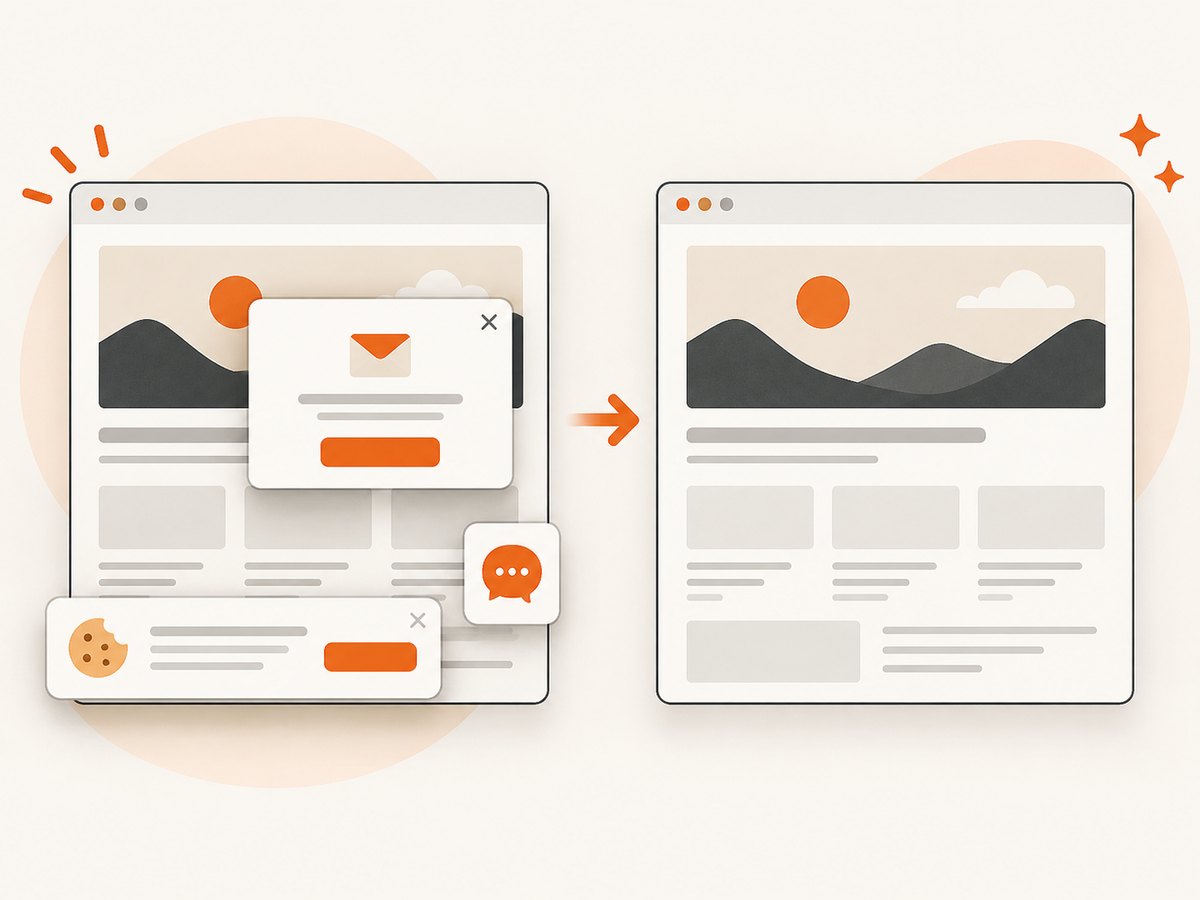
ScreenshotNeo accepts cookie and consent banners like a visitor and removes more than 60 known consent platforms, newsletter popups, and chat widgets before capture; each step can be turned off. Bot checks or CAPTCHAs, blank pages, timeouts, failed loads, and cache hits cost nothing. Each response identifies the result with X-Page-Verdict and X-Billed headers. An MCP server provides take_screenshot, get_page_info, and capture_pdf tools for Claude, Cursor, and other MCP clients.
The Free plan includes 1,000 shots per month with no card. Paid plans start at $5 for 3,000 shots; yearly billing gives two months free, and every feature is available on every plan. Create a free ScreenshotNeo account to start with 1,000 screenshots and no card.
9. Reliability and failure handling
- Set a navigation timeout and a separate readiness timeout.
- Retry transient network failures with exponential backoff and a limit.
- Do not blindly retry deterministic errors such as an invalid URL or selector.
- Record the URL, capture mode, viewport, readiness rule, status, elapsed time, and output size.
- Use idempotency keys or a job identifier when your queue can deliver duplicate work.
- Validate that the response is an image or PDF before storing it; an HTML error page can otherwise be saved with an image extension.
10. Troubleshooting common errors
| Symptom | Likely cause | Fix |
|---|---|---|
| Screenshot is blank | Capture ran before hydration, blocked resources, or a bot challenge appeared. | Wait for a stable selector, review blocking rules, and detect challenge pages. |
| Full-page capture is very slow | The page is long or contains many lazy-loaded assets. | Use an element or clip when acceptable; otherwise keep full-page and bound concurrency. |
| Element not found | Selector is dynamic or the element is inside a frame. | Use a stable test attribute, wait for it, or target the correct frame. |
| Images are missing | Image requests are still pending or lazy loading requires scrolling. | Wait for the relevant image state and confirm the page’s lazy-load behavior. |
| Output is unexpectedly huge | Device-pixel scale, PNG encoding, or oversized viewport. | Use CSS scale, a smaller clip, WebP/JPEG, or an explicitly validated quality. |
| Timeouts under load | Too much concurrency or insufficient CPU and memory. | Reduce parallel pages, reuse browsers, and monitor queue time and resource pressure. |
| Hosted request costs more than expected | Repeated captures are not using caching or failed-page handling is misunderstood. | Choose an appropriate cache TTL and inspect the provider’s billing/result headers. |
11. Cost and operational notes
For self-hosted Playwright, account for browser compute, memory, storage, maintenance, and engineering time. For a hosted API, account for capture charges, transfer, concurrency limits, and the data sent to the provider. Measure cost per successful output and include retries, not only the nominal request price. ScreenshotNeo bills only clean shots; bot checks, blank pages, timeouts, failed loads, and cache hits are not billed, and the response headers identify billing status.
FAQ
Is full-page always slower than a viewport screenshot?
It generally requires more content to be laid out and encoded, but the actual difference depends on the page and capture settings. Measure it on representative URLs.
Should I wait for network idle?
Only when the page reaches a useful state that way. Analytics, polling, and streaming connections can keep network idle from occurring.
Does a buffer improve browser rendering speed?
It removes a file write and read from the pipeline. Rendering time is unchanged, but end-to-end processing can be simpler and faster.
What is the best image format?
Use the format your consumer supports. JPEG or WebP often reduce bytes for photographic pages; PNG is useful when lossless output is required.
Can I claim one screenshot API is fastest?
Only for a stated benchmark with equivalent settings, URLs, environment, and date. The cited documentation does not publish a universal speed result.


