How to Capture a YouTube Video Thumbnail for Your Website
Learn the manual and API methods for getting a YouTube thumbnail, choosing available sizes, checking reuse rights, and automating website delivery.
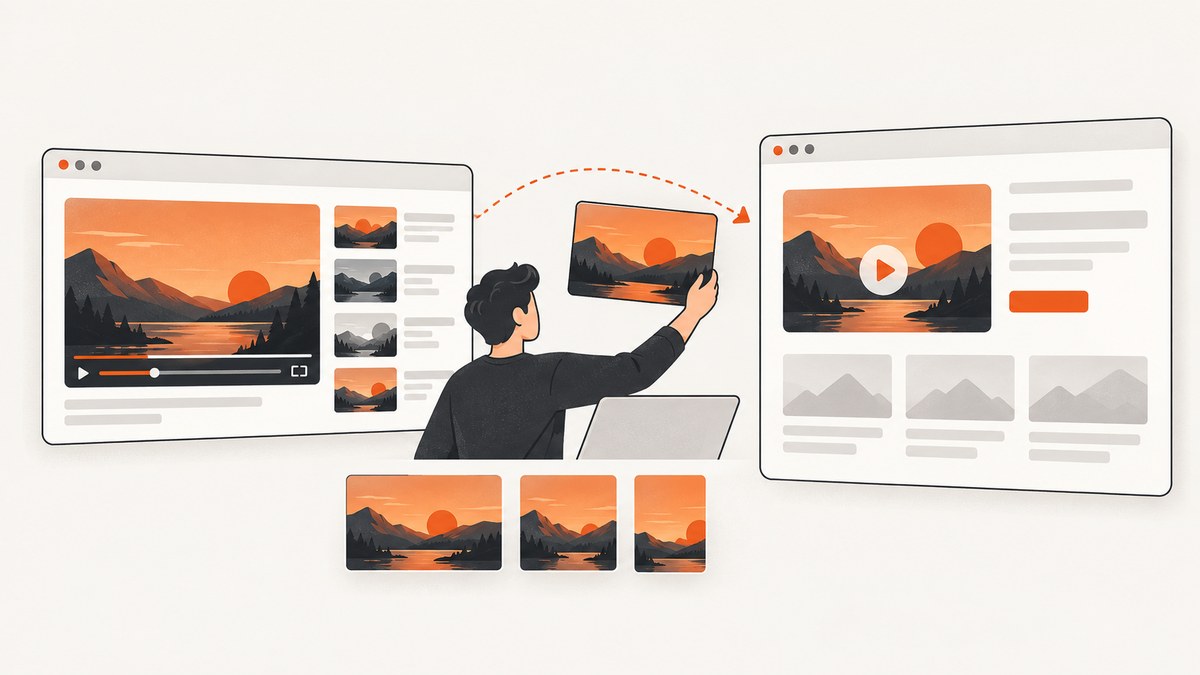
Short answer: For one video, locate the thumbnail and use its image URL in your website. For a repeatable workflow, request the video with the YouTube Data API and read an available URL from snippet.thumbnails. Choose the returned size that fits your layout; higher-resolution variants are not guaranteed for every video.
A thumbnail being publicly visible does not automatically give you permission to reuse it. Before publishing another creator’s image, establish permission, a suitable license, public-domain status, or another applicable copyright basis.
1. Choose the right capture method
| Route | Best for | Trade-off |
|---|---|---|
| Locate and use one available image manually | A single website entry or editorial update | Fast, but you still need to check the available resolution and reuse rights. |
| YouTube Data API | Applications, imports, or repeatable retrieval | Structured size variants, but it requires API implementation and higher resolutions may be absent. |
YouTube Studio or thumbnails.set |
The owner or an authorized manager changing a video’s thumbnail | This changes the thumbnail on YouTube; it is not a general-purpose download method for another channel’s image. |
2. Get a thumbnail manually
Find the image
- Open the video on YouTube.
- Use the thumbnail shown on the video page, or inspect the page if you need the image URL.
- Save the image or reference its URL in your page markup.
- Check the image in the exact card, article, or social layout where it will appear.
For a repeatable website, prefer the API method below. Manually copied URLs can change behavior, and the official documentation does not guarantee that a particular thumbnail URL is permanent, cache-free, or unrestricted for reuse.
Use a predictable video-ID URL only as a lookup shortcut
You may encounter URLs based on a video’s ID, such as:
https://i.ytimg.com/vi/VIDEO_ID/hqdefault.jpgTreat this as a convenient lookup pattern, not a guarantee that every size exists or that the image is licensed for your use. The Data API response is the authoritative way to inspect which variants are available for a resource.
3. Retrieve available thumbnail URLs with the YouTube Data API
The video resource exposes a snippet.thumbnails object. It can include default, medium, high, standard, and maxres objects. Each available object contains a URL and may contain width and height. Availability and dimensions vary by video, so read the response instead of assuming that maxres exists. See the official video resource documentation.
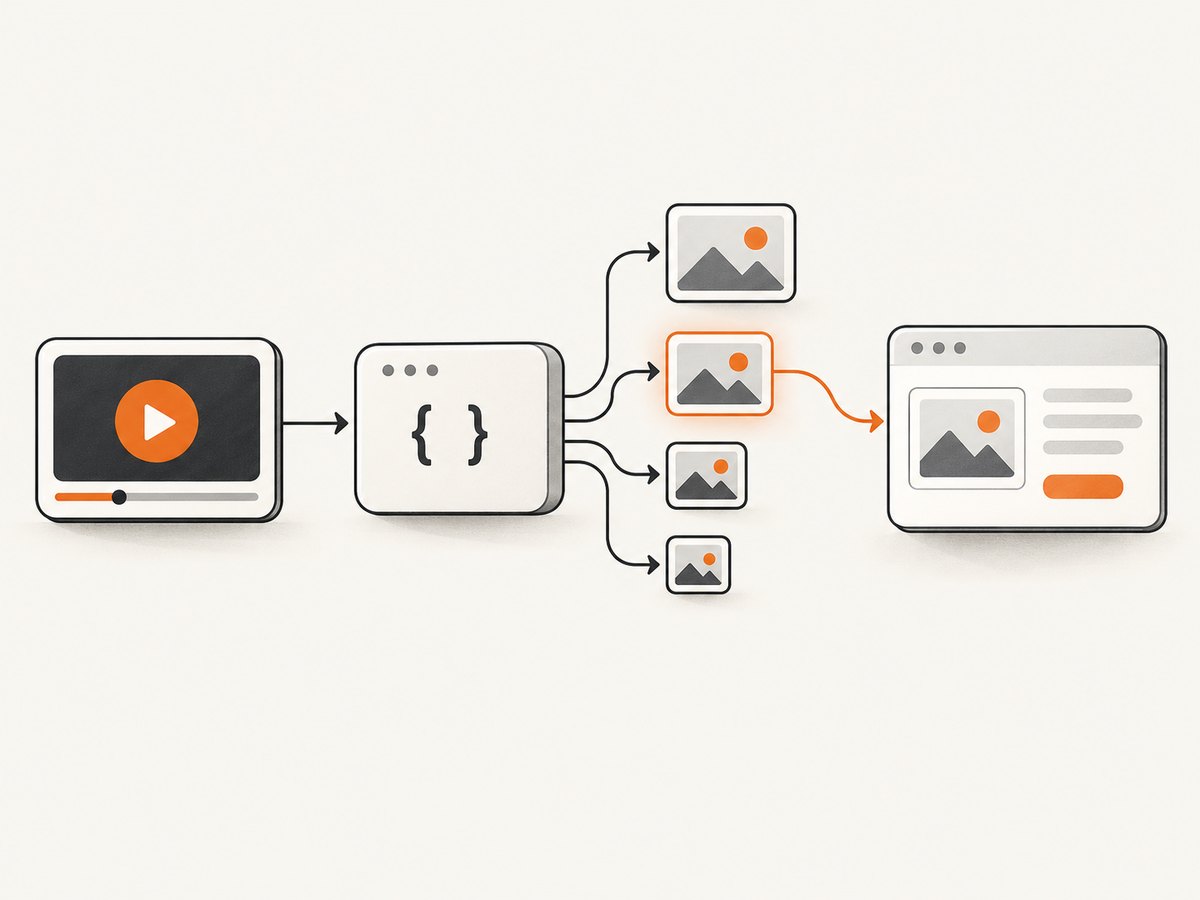
Request one video with cURL
curl --get 'https://www.googleapis.com/youtube/v3/videos' \
  --data-urlencode 'part=snippet' \
  --data-urlencode 'id=VIDEO_ID' \
  --data-urlencode 'key=YOUR_YOUTUBE_API_KEY'
Python: select the largest available variant
import requests

VIDEO_ID = "VIDEO_ID"
API_KEY = "YOUR_YOUTUBE_API_KEY"

response = requests.get(
    "https://www.googleapis.com/youtube/v3/videos",
    params={
        "part": "snippet",
        "id": VIDEO_ID,
        "key": API_KEY,
    },
    timeout=30,
)
response.raise_for_status()
data = response.json()

items = data.get("items", [])
if not items:
    raise RuntimeError("Video not found or unavailable")

thumbnails = items[0]["snippet"].get("thumbnails", {})
preference = ("maxres", "standard", "high", "medium", "default")
selected_name = next((name for name in preference if name in thumbnails), None)
if selected_name is None:
    raise RuntimeError("No thumbnail variant returned")

selected = thumbnails[selected_name]
print({
    "variant": selected_name,
    "url": selected["url"],
    "width": selected.get("width"),
    "height": selected.get("height"),
})
Node.js: select an available variant
const videoId = 'VIDEO_ID';
const apiKey = 'YOUR_YOUTUBE_API_KEY';

const params = new URLSearchParams({
  part: 'snippet',
  id: videoId,
  key: apiKey,
});

const response = await fetch(`https://www.googleapis.com/youtube/v3/videos?${params}`);
if (!response.ok) {
  throw new Error(`YouTube API request failed: ${response.status}`);
}

const data = await response.json();
const item = data.items?.[0];
if (!item) throw new Error('Video not found or unavailable');

const thumbnails = item.snippet?.thumbnails ?? {};
const preference = ['maxres', 'standard', 'high', 'medium', 'default'];
const variant = preference.find((name) => thumbnails[name]);
if (!variant) throw new Error('No thumbnail variant returned');

console.log({ variant, ...thumbnails[variant] });
Render the selected URL on your site
<img
  src="THUMBNAIL_URL_FROM_API"
  alt="Video title"
  width="640"
  height="360"
  loading="lazy"
>
Use the returned dimensions when they are present. Set an explicit aspect-ratio or width and height in your layout to reduce shifts while the image loads.
4. Understand the available sizes
| Variant | Common documented size | Use |
|---|---|---|
default |
120 × 90 | Small lists or fallback previews |
medium |
320 × 180 | Compact cards |
high |
480 × 360 | Standard embeds and cards |
standard |
640 × 480 | Larger page placements |
maxres |
1280 × 720 | Large hero areas when returned |
These are common documented examples, not guarantees. A video can omit a variant, return different dimensions, or expose dimensions that are not included in the response. Select from what the API actually returns.
5. If you own the video, upload a custom thumbnail
Capturing an existing thumbnail and changing the thumbnail for your own upload are separate operations. In YouTube Studio, open Content, select the video, choose Upload file or Get suggestions under Thumbnail, then save. YouTube says custom thumbnails require account verification. Its recommendations include JPG or PNG, a 16:9 video image, 3840 × 2160 recommended resolution, and a minimum width of 640 pixels. File limits depend on device: 2 MB for video thumbnails on mobile and 50 MB on desktop. See YouTube’s thumbnail guidance.
Authorized applications can use the thumbnails.set API method to upload a custom image for a specified videoId. It requires authorization and accepts JPEG, PNG, or application/octet-stream, with a documented 50 MB maximum. This method does not retrieve another video’s existing thumbnail; see the thumbnails.set reference.
6. Check display behavior and update timing
- After changing a thumbnail, allow time for the new image to appear across YouTube surfaces.
- For vertical videos, YouTube says a 16:9 custom image may be replaced by an automatically generated 4:5 image on Home, Explore, and subscription pages. The custom image may still appear in other contexts.
- Test the image at the card width, mobile width, and any retina density you support.
- Do not assume that an image URL is permanent or that every client will receive the same dimensions.
7. Copyright and reuse checklist
- Identify who created the video and thumbnail.
- Check for permission, a Creative Commons license, public-domain status, or another applicable copyright exception.
- Keep a record of the permission or license terms.
- Follow attribution or modification requirements where applicable.
- Remember that YouTube says these options do not guarantee avoiding a copyright claim or strike.
8. Or skip the browser setup
ScreenshotNeo can capture the YouTube page or a thumbnail URL with one request. Its clean-shot flow accepts cookie and consent banners before capture and removes more than 60 known consent platforms, newsletter popups, and chat widgets. Bot checks, blank pages, failed loads, timeouts, and cache hits are not billed, and response headers identify the page verdict and billing result. It also provides an MCP server for Claude, Cursor, and other MCP clients, with take_screenshot, get_page_info, and capture_pdf tools. See the ScreenshotNeo API documentation.

cURL
curl -G "https://api.screenshotneo.com/v1/shot" -d access_key=YOUR_API_KEY --data-urlencode url=https://i.ytimg.com/vi/VIDEO_ID/maxresdefault.jpg -o thumbnail.webpPython
import requests

r = requests.get("https://api.screenshotneo.com/v1/shot", params={"access_key": "YOUR_API_KEY", "url": "https://i.ytimg.com/vi/VIDEO_ID/maxresdefault.jpg"}, timeout=90)
open("thumbnail.webp", "wb").write(r.content)
Node.js
const q = new URLSearchParams({ access_key: 'YOUR_API_KEY', url: 'https://i.ytimg.com/vi/VIDEO_ID/maxresdefault.jpg' });
const res = await fetch(`https://api.screenshotneo.com/v1/shot?${q}`);
ScreenshotNeo includes full-page capture, element capture by CSS selector, custom CSS and JavaScript, device presets, retina scale, waiting rules, request blocking, custom headers and cookies, caching, signed links, async jobs, bulk capture, and a usage API. Every feature is on every plan. The Free plan includes 1,000 shots per month with no card; paid plans start at $5 for 3,000 shots. Create a free ScreenshotNeo account.
9. Troubleshooting
| Problem | Likely cause | Fix |
|---|---|---|
No items in the API response |
The ID is wrong, the video is unavailable, or the request lacks access. | Validate the video ID, inspect the HTTP error and confirm the API key and requested part=snippet. |
maxres is missing |
That variant is not available for this video. | Fall back in order to standard, high, medium, or default. |
| Returned dimensions do not match expectations | YouTube can vary availability and dimensions by resource. | Read the response’s width and height and size the component from actual data. |
| Thumbnail update is not visible | Propagation can take time or the surface is showing an alternate crop. | Wait, refresh the intended YouTube surface, and test the vertical-video behavior described above. |
| API request returns 400 or 403 | Malformed parameters, an invalid key, quota restrictions, or missing authorization. | Check id, part, key restrictions, quota, and OAuth requirements for upload operations. |
| ScreenshotNeo response is not the expected image | The target URL is invalid, blocked, or rendered differently than expected. | Check the URL directly, use response verdict headers, and add a wait rule or custom headers when the page requires them. |
10. Performance, reliability, and cost
- Cache the selected URL or downloaded image in your own delivery layer when your content policy allows it.
- Request the smallest available variant that remains sharp at the displayed size; this reduces transfer cost and decode work.
- Store the API response’s chosen variant and dimensions so your renderer does not guess on every page view.
- Handle missing variants and unavailable videos as normal states, with a fallback image or placeholder.
- Keep API keys on the server. Do not expose a YouTube Data API key or ScreenshotNeo access key in public client-side code.
- For ScreenshotNeo, cache with a TTL you choose when thumbnails do not need immediate refresh. Failed loads, bot checks, blank pages, timeouts, and cache hits are not billed; inspect
X-Page-VerdictandX-Billed.
FAQ
Can I always use the highest-resolution thumbnail?
No. The API may omit maxres or return different dimensions. Select the highest available variant from the response.
Is downloading a public thumbnail automatically legal?
No. Public visibility is not the same as permission. Check the creator’s permission, license, public-domain status, or another applicable legal basis.
Does thumbnails.set download a thumbnail?
No. It uploads a custom image for a video you are authorized to manage.
Should I use the YouTube API for one image?
Usually not. Manual retrieval is quicker for a one-off image; the API is useful when your application handles many videos or needs structured fallback logic.
Can ScreenshotNeo capture just the thumbnail element?
Yes. Give it the YouTube page URL and use element capture with a CSS selector, or capture the direct thumbnail URL.


