How to Make Capybara Fail on Unexpected Modals
Configure Selenium and Capybara to leave unexpected JavaScript dialogs open, then fail on the blocked browser command.
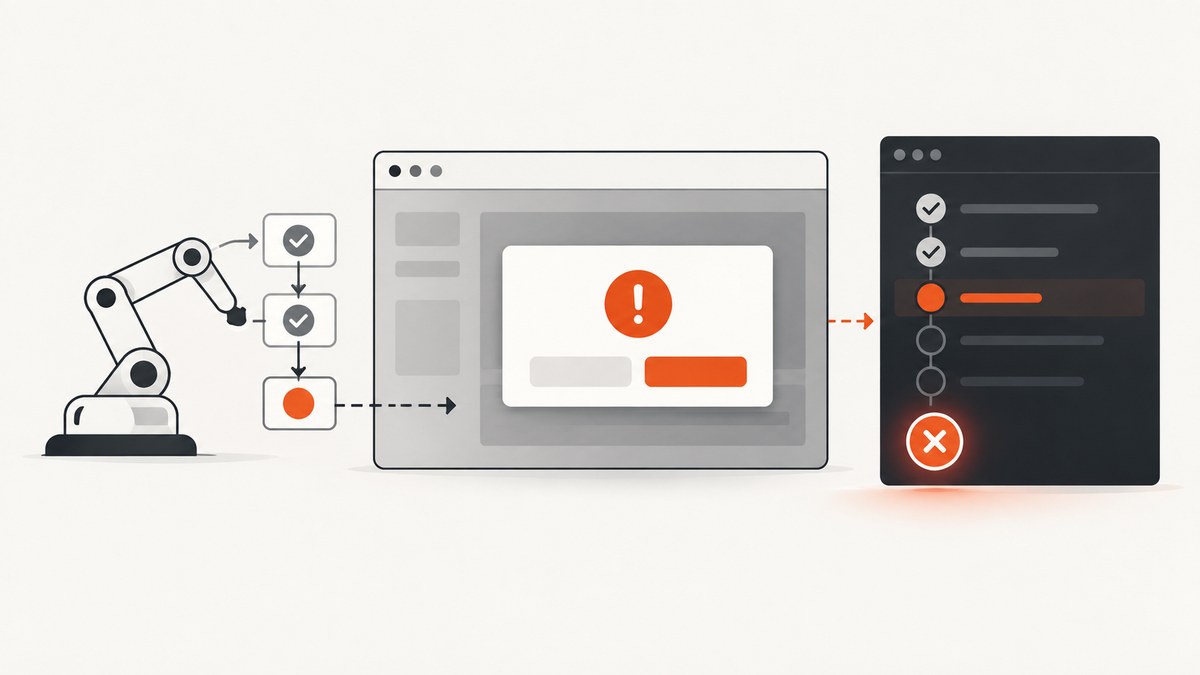
To make Capybara fail when an unexpected JavaScript alert, confirmation, or prompt appears, use a JavaScript-capable driver such as Selenium and set Selenium’s WebDriver capability unhandledPromptBehavior to ignore. That policy leaves an unexpected dialog open. The next browser command that is blocked by the dialog can then raise Selenium’s unexpected-alert error.
Keep dialogs that a test expects explicit. Wrap the action that opens one in Capybara’s accept_alert, accept_confirm, dismiss_confirm, accept_prompt, or dismiss_prompt helper and assert the returned message or resulting page state.
What “fail on an unexpected modal” means
A native JavaScript dialog is not an HTML element. It is controlled by the browser and blocks normal WebDriver commands until it is accepted or dismissed. Capybara therefore cannot reliably discover it with selectors such as find('.modal').
With Selenium’s ignore policy, an unexpected prompt remains open. The test usually fails on the following operation, for example a click, navigation, or DOM lookup. Selenium documents that condition as Selenium::WebDriver::Error::UnexpectedAlertOpenError: “A modal dialog was open, blocking this operation.” See the Selenium Ruby error documentation.
This is a failure policy, not a separate assertion that proves a dialog never appeared. If the test ends immediately after the action that opens the alert, there may be no later command on which the driver can report the blocked operation. Add a meaningful follow-up command or an explicit assertion about the expected page state.
Driver requirements
RackTest is Capybara’s default driver, but it does not execute JavaScript. It cannot exercise native browser alerts, confirmations, or prompts. Use Selenium, Cuprite, Apparition, or another driver that supports JavaScript and browser modal handling. The examples below use Selenium because its WebDriver capability is documented and portable across browsers.
- Install a browser, such as Chrome or Firefox, in the test environment.
- Install the matching Selenium WebDriver Ruby gem and a Capybara version compatible with your test framework.
- Run the test with the same driver registration used by your suite. Setting a capability on an unused driver has no effect.
- For CI, make sure the browser and driver are available in the container or virtual machine and that headless mode is configured consistently.
Configure Selenium to leave unexpected prompts open
The WebDriver capability accepts these policies:
| Value | Behavior | Use when |
|---|---|---|
dismiss |
Dismiss the prompt automatically. | You want silent cleanup. |
accept |
Accept the prompt automatically. | The application can safely continue after acceptance. |
dismiss and notify |
Dismiss it and report an error. | You want a notification while resolving the dialog. |
accept and notify |
Accept it and report an error. | You need acceptance but still want the test to know. |
ignore |
Leave it open and let a blocked command fail. | You want unexpected dialogs to stop the test at the next browser operation. |
Selenium documents dismiss and notify as the default. Use ignore when the test suite must not silently clear an application defect.
Capybara registration example
The exact option setter differs between Selenium Ruby releases. Adding the raw WebDriver capability is the most explicit approach:
require 'capybara/rspec'
require 'selenium-webdriver'

Capybara.register_driver :selenium_unexpected_prompt_failure do |app|
  options = Selenium::WebDriver::Options.chrome
  options.add_option('unhandledPromptBehavior', 'ignore')
  options.add_argument('--headless=new')
  options.add_argument('--window-size=1440,1000')

  Capybara::Selenium::Driver.new(app, browser: :chrome, options: options)
end

Capybara.default_driver = :selenium_unexpected_prompt_failure
Capybara.javascript_driver = :selenium_unexpected_prompt_failure
Some Selenium Ruby versions expose a higher-level unhandled_prompt_behavior option. If your installed version provides it, use the equivalent setter and confirm the negotiated session capability:
options = Selenium::WebDriver::Options.chrome
options.unhandled_prompt_behavior = :ignore
# or: options.add_option('unhandledPromptBehavior', 'ignore')
Do not assume either spelling without checking the version installed in your project. The important part is that the created browser session contains unhandledPromptBehavior: ignore. Log the session capabilities during setup when diagnosing a configuration problem.
Failing test for an unexpected alert
This feature spec deliberately opens an alert and then performs another browser operation. The second operation is where Selenium can report the blocked prompt.
require 'rails_helper'

RSpec.describe 'unexpected JavaScript dialogs', type: :system, js: true do
  driven_by :selenium_unexpected_prompt_failure

  it 'fails when an unexpected alert blocks a later command' do
    visit '/test-pages/unexpected-alert'

    click_button 'Open unexpected alert'

    # The alert remains open because unhandledPromptBehavior is ignore.
    # This command should raise Selenium::WebDriver::Error::UnexpectedAlertOpenError.
    expect(page).to have_css('body')
  end
end
The fixture page can be as small as this HTML:
<button id='open'>Open unexpected alert</button>
<script>
  document.querySelector('#open').addEventListener('click', function () {
    window.alert('Unexpected failure');
  });
</script>
In a real suite, prefer a follow-up operation that represents useful work, such as checking a success banner, finding a result row, or navigating to the next page. A bare find('body') is useful for demonstrating the mechanism, but it is rarely the strongest product assertion.
Handle expected dialogs explicitly
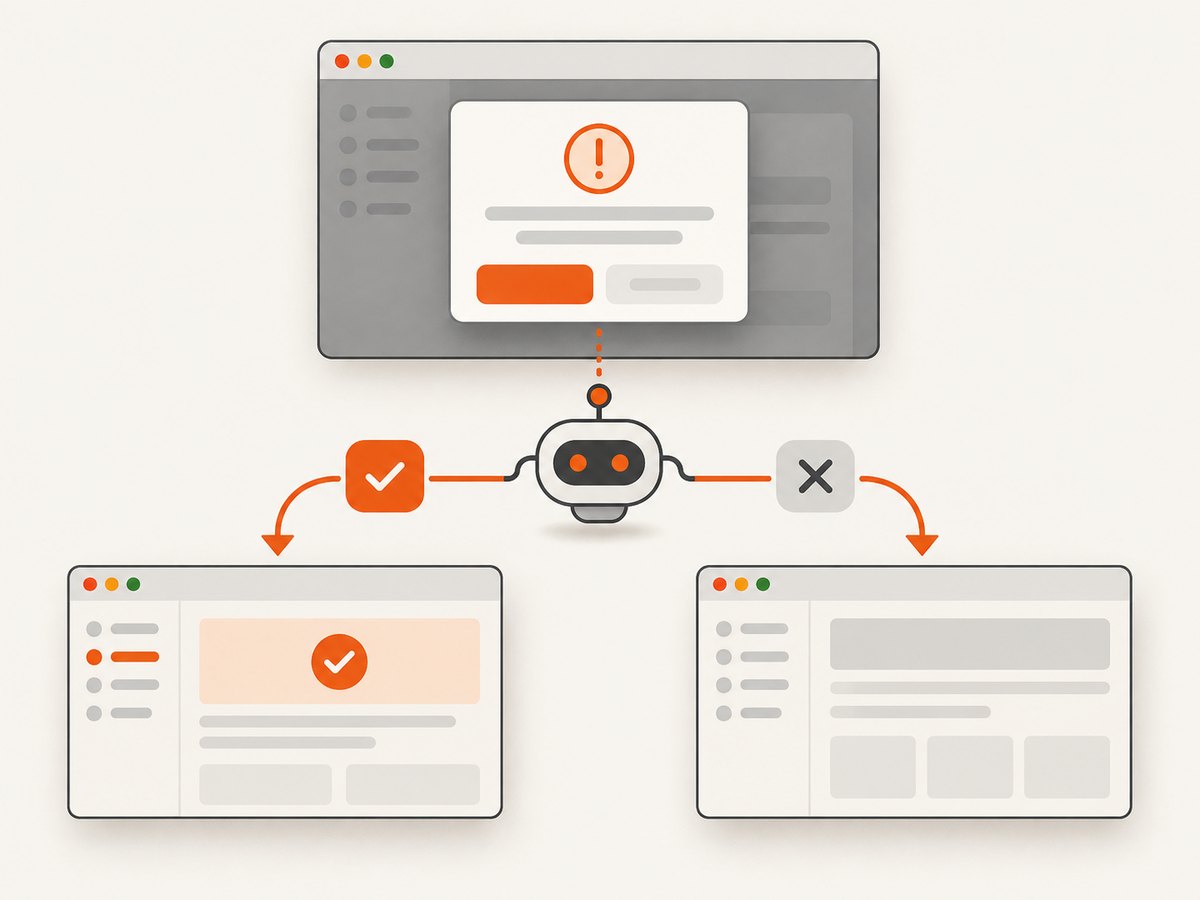
Expected dialogs should be scoped to the action that opens them. Capybara waits for the dialog using its normal wait time and returns the displayed message.
Alert
message = accept_alert('Are you sure?') do
  click_button 'Delete'
end

expect(message).to eq('Are you sure?')
expect(page).to have_content('Deleted')
Confirmation
message = accept_confirm('Remove this item?') do
  click_button 'Remove'
end

expect(message).to eq('Remove this item?')

message = dismiss_confirm('Remove this item?') do
  click_button 'Remove'
end

expect(message).to eq('Remove this item?')
expect(page).to have_content('Removal cancelled')
Prompt
message = accept_prompt('Project name?', with: 'demo-project') do
  click_button 'Rename'
end

expect(message).to eq('Project name?')
expect(page).to have_content('demo-project')

message = dismiss_prompt('Project name?') do
  click_button 'Rename'
end

expect(message).to eq('Project name?')
Use the helper around the triggering action, not around an unrelated later command. This makes the test state clear and prevents a dialog from being accidentally consumed by a different example.
Wait times and modal errors
Capybara’s modal helpers use Capybara.default_max_wait_time unless you provide a timeout. If the expected dialog never appears, Capybara raises Capybara::ModalNotFound.
Capybara.default_max_wait_time = 5

message = accept_alert(wait: 10) do
  click_button 'Generate report'
end
Increase the wait only when the application legitimately delays the dialog. A large global timeout can make genuine failures slow. Prefer a local timeout for one unusually slow action.
Common failure modes and fixes
| Symptom | Cause | Fix |
|---|---|---|
| No dialog is detected | The test uses RackTest or another non-JavaScript driver. | Run the example with a JavaScript-capable driver and mark the test for JavaScript. |
| The alert disappears and the test continues | The capability is set to the wrong value, set on a different driver, or omitted from the actual session. | Inspect the registered driver and negotiated capabilities; set unhandledPromptBehavior to ignore. |
UnexpectedAlertOpenError appears on a later command |
An unhandled prompt is blocking that operation. | Fix the application behavior, or wrap the triggering action in the matching Capybara helper if the dialog is expected. |
Capybara::ModalNotFound |
The expected dialog did not open before the timeout. | Check the click target, JavaScript errors, iframe context, and timeout. Verify the exact dialog text. |
| Only CI fails | Browser versions, headless flags, or driver binaries differ. | Pin compatible browser and driver versions, use the same options locally and in CI, and capture browser logs. |
| A styled modal is missed | The application uses HTML/CSS instead of a native JavaScript dialog. | Test it as DOM content with selectors and normal Capybara assertions; WebDriver prompt handling does not apply. |
beforeunload behaves differently |
Browser and driver implementations treat navigation prompts specially. | Verify the specific browser and driver behavior instead of assuming ordinary alert rules apply. |
Testing strategy for reliable suites
- Separate expected and unexpected cases. Tests that intentionally exercise a confirmation should use
accept_confirmordismiss_confirm. A separate regression test should verify that an unplanned prompt blocks the next operation. - Assert the message. Matching the dialog text catches the wrong prompt being opened by a click.
- Assert the resulting state. After accepting or dismissing, check the URL, visible content, database-backed result, or other user-visible outcome.
- Keep the driver configuration centralized. Register one named driver and use it consistently so a test cannot silently fall back to RackTest.
- Clean up between examples. An open prompt can prevent navigation and contaminate the next test. Let the failing example terminate, then recreate the browser session through your normal Capybara lifecycle.
- Test special navigation dialogs separately. Treat
beforeunloadas browser-specific and verify it on every supported browser.
Performance, reliability, and cost notes
Native prompt handling itself is inexpensive. The time cost comes from starting a real browser, loading the page, and waiting for JavaScript. Keep unit-level JavaScript logic outside system tests, then use a small number of browser tests for the integration points that can open dialogs.
Headless mode reduces display requirements but does not remove browser differences. Pin versions in CI, avoid arbitrary sleeps, and rely on Capybara’s waiting behavior or a targeted timeout. A failure on the command after the unexpected dialog is deterministic only when the test performs a command that the open prompt actually blocks.
There is no separate Capybara charge for a modal. Your cost is the compute and CI time required to run the browser. If you need screenshots of pages for documentation, previews, or monitoring rather than interactive modal assertions, an API can remove browser setup from that workflow.
Or skip the browser setup
ScreenshotNeo is a website screenshot API and MCP server. It is not a replacement for Capybara’s behavioral assertions, but it is useful when the goal is a clean page image or PDF instead of driving a test browser through a dialog.
One GET request returns PNG, JPEG, WebP, or PDF output. See the ScreenshotNeo API documentation for all options.
cURL
curl -G 'https://api.screenshotneo.com/v1/shot' \
  -d access_key=YOUR_API_KEY \
  --data-urlencode url=https://stripe.com \
  -o shot.webp
Python
import requests

r = requests.get(
    'https://api.screenshotneo.com/v1/shot',
    params={'access_key': 'YOUR_API_KEY', 'url': 'https://stripe.com'},
    timeout=90,
)
r.raise_for_status()
open('shot.webp', 'wb').write(r.content)
Node.js
const q = new URLSearchParams({
  access_key: 'YOUR_API_KEY',
  url: 'https://stripe.com'
});
const res = await fetch(`https://api.screenshotneo.com/v1/shot?${q}`);
if (!res.ok) throw new Error(`${res.status} ${res.statusText}`);
require('fs').writeFileSync('shot.webp', Buffer.from(await res.arrayBuffer()));
ScreenshotNeo removes cookie and consent banners, newsletter popups, and chat widgets before capture; each cleanup step can be turned off. Bot checks, blank pages, timeouts, failed loads, and cache hits cost nothing, and the response reports the result in X-Page-Verdict and X-Billed headers. It also provides an MCP server with take_screenshot, get_page_info, and capture_pdf tools for Claude, Cursor, and other MCP clients.
Free accounts include 1,000 screenshots per month with no card. Paid plans start at $5 for 3,000 shots, and every feature is included on every plan. Create a free ScreenshotNeo account.
FAQ
Can Capybara detect an alert with a CSS selector?
No. Native alerts are browser dialogs, not DOM nodes. Use Capybara’s modal helpers with a JavaScript-capable driver.
Why does the error occur on the next command?
The open prompt blocks WebDriver operations. Selenium reports the condition when a later command attempts to run.
Should every test use ignore?
Use it when unexpected prompts must remain visible as failures. Tests for intentional dialogs should still handle them explicitly.
Does this apply to Bootstrap or other HTML modals?
No. HTML modals are part of the page. Locate them with Capybara selectors and assert their visible state.
What if the prompt appears during navigation?
Navigation dialogs, especially beforeunload, can vary by browser and driver. Verify the supported combinations and keep a dedicated regression test.


