How to Fill an Input Without a name Attribute in CasperJS
Use fillSelectors(), fillXPath(), or sendKeys() to fill CasperJS inputs that have no name attribute.

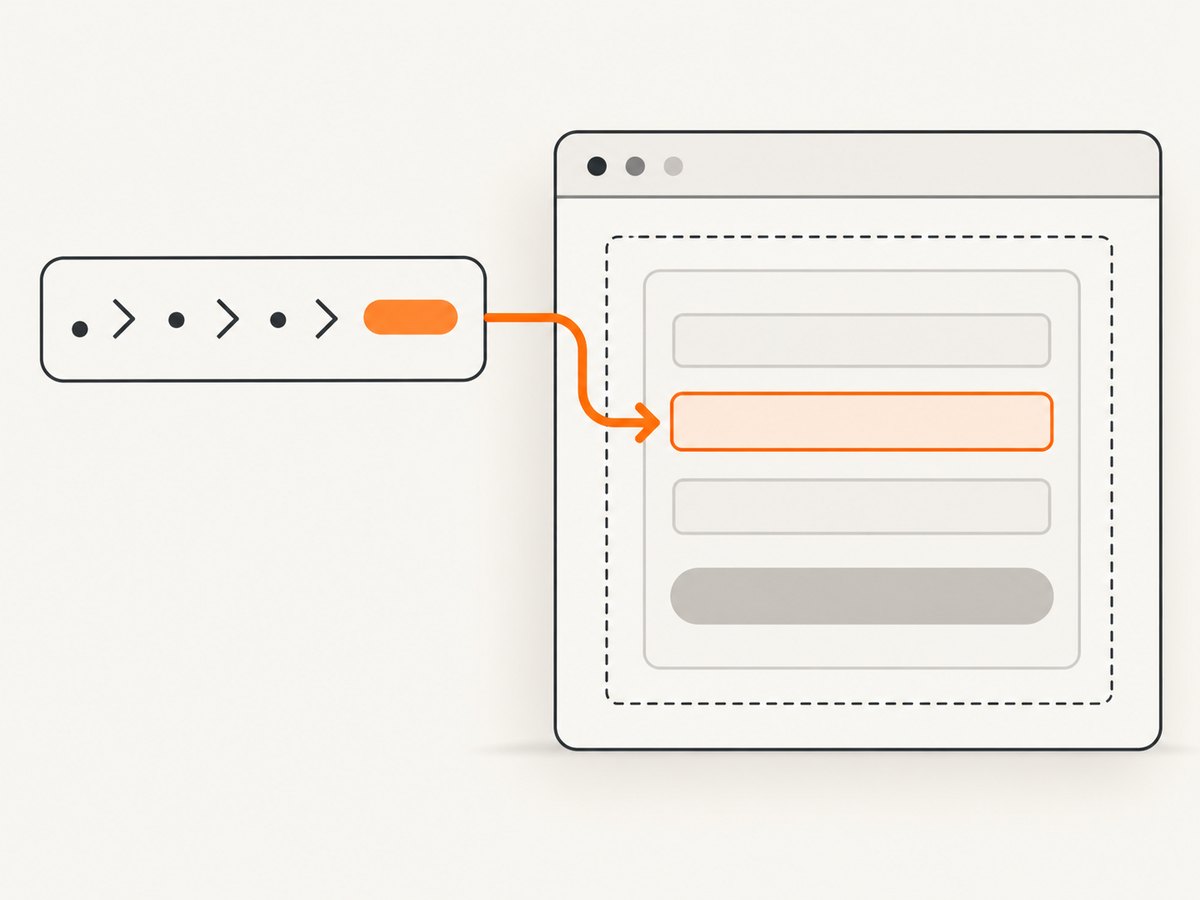
Use fillSelectors() when an input has no name attribute. Pass the form selector as the first argument, then map a CSS selector for the field to the value you want to enter:
var casper = require('casper').create();

casper.start('https://example.com/contact');

casper.then(function () {
    this.fillSelectors('form#contact-form', {
        'input#email': 'person@example.com'
    }, false);
});

casper.run(function () {
    this.echo('Finished').exit();
});
The object key, input#email, is a CSS3 selector. It identifies the control directly, so the field does not need a name attribute.
Why fill() does not work for a nameless field
CasperJS documents fill(selector, values[, submit]) as looking up form fields by their name attributes. A call such as this therefore requires a matching name:
this.fill('form#contact-form', {
    email: 'person@example.com'
}, false);
If the HTML is <input id="email" type="email"> with no name, use fillSelectors() instead. CasperJS points to fillSelectors() and fillXPath() when CSS3 or XPath field locators are needed.
Choose the right CasperJS method
| Method | Locator | Best for | Important detail |
|---|---|---|---|
fillSelectors() |
CSS3 selector | IDs, classes, types, and other CSS attributes | Best default for a nameless text field |
fillXPath() |
XPath field expression | Structural or text-based relationships in the DOM | The form selector remains CSS3 |
sendKeys() |
CSS selector | Typing and keyboard-event behavior | Use reset: true to clear existing content first |
Using fillSelectors()
Target an ID
casper.then(function () {
    this.fillSelectors('form#contact-form', {
        'input#email': 'person@example.com'
    }, false);
});
Target a class, scoped to the correct form
casper.then(function () {
    this.fillSelectors('form#contact-form', {
        'input.email-field': 'person@example.com'
    }, false);
});
Target an input type
casper.then(function () {
    this.fillSelectors('form#contact-form', {
        'input[type="email"]': 'person@example.com'
    }, false);
});
Scope the selector to a known form and prefer a stable identifier. A broad selector such as input can match the wrong control when a page contains search, login, newsletter, and contact forms together.
Submit after filling
The third argument controls submission. Pass true when CasperJS should submit the form after setting the values:
casper.then(function () {
    this.fillSelectors('form#contact-form', {
        'input#email': 'person@example.com',
        'textarea#message': 'Please contact me.'
    }, true);
});
Pass false when you need to click a submit button yourself, wait for validation, or inspect the page before submitting.
Complete example with a wait and verification
var casper = require('casper').create({
    verbose: true,
    logLevel: 'debug'
});

casper.start('https://example.com/contact');

casper.waitForSelector('form#contact-form', function () {
    this.fillSelectors('form#contact-form', {
        'input#email': 'person@example.com',
        'textarea#message': 'Please contact me.'
    }, false);

    this.echo('Email value: ' + this.getElementAttribute('input#email', 'value'));
}, function () {
    this.die('Contact form was not found.', 1);
});

casper.thenClick('form#contact-form button[type="submit"]');

casper.run(function () {
    this.echo('Finished').exit();
});
Use waitForSelector() when the form is inserted after navigation or rendered by page JavaScript. Verification is useful when a site replaces the input node after a framework update.
Using fillXPath()
Choose XPath when the field is best identified by its relationship to another element. The form argument is still a CSS3 selector; the field keys are XPath expressions.
casper.then(function () {
    this.fillXPath('form#contact-form', {
        '//label[normalize-space()="Email"]/following::input[1]': 'person@example.com'
    }, false);
});
Keep the XPath specific enough to identify one control. If the page has repeated labels or forms, anchor the expression to a unique container.
File input limitation
CasperJS documentation notes that fillXPath() cannot fill file fields because PhantomJS uploadFile() accepts CSS3 selectors. Use a CSS selector for file uploads:
casper.then(function () {
    this.uploadFile('form#upload-form input[type="file"]', '/absolute/path/report.pdf');
});
Using sendKeys() for typing behavior
Use sendKeys() when focus, key events, masking, autocomplete, or other typing behavior matters. It accepts a selector, the text to type, and options.
casper.then(function () {
    this.sendKeys('form#contact-form input#email', 'person@example.com', {
        reset: true
    });
});
reset: true clears the existing value before keys are sent. Supported targets include inputs, textareas, and contenteditable elements.
Selector patterns that work well
input#emailfor a unique ID.form#contact-form input.emailfor a class scoped to one form.input[type="email"]when the form has one email input.[data-testid="email"]when the application exposes a stable test attribute.textarea#messagefor a nameless textarea.
Avoid selectors based on generated framework classes, visual position, or a bare input unless the page guarantees uniqueness.
Common errors and fixes
| Error or symptom | Likely cause | Fix |
|---|---|---|
| “Field not found” or no value appears | The selector does not match the rendered DOM. | Inspect the final HTML, correct the selector, and wait for the form with waitForSelector(). |
| The wrong input is filled | The selector is too broad. | Scope it to the form and add an ID, class, type, or data attribute. |
fill() ignores the field |
The field has no name. |
Switch to fillSelectors() or fillXPath(). |
| Typing triggers no validation | Direct filling may not reproduce keyboard events required by the page. | Use sendKeys() and set reset: true if needed. |
| XPath works for text but not upload | PhantomJS file upload requires a CSS3 selector. | Use uploadFile() with a CSS selector. |
| Form submits before assertions run | The third argument to the fill method is true. |
Pass false, then click or submit after your checks. |
| Selector matches before the page is ready | The application replaces the form during rendering. | Wait for the final selector, then fill it in a later CasperJS step. |
Debugging checklist
- Confirm the field exists in the page DOM, not only in a template or component source.
- Check whether the field is inside the form selector passed to CasperJS.
- Use a browser inspector or page dump to verify the exact ID, class, type, and attributes.
- Replace a broad selector with a form-scoped selector.
- Wait for client-side rendering before calling the fill method.
- Use
sendKeys()when the site listens for keyboard events. - For file fields, use CSS with
uploadFile().
Reliability and maintenance notes
Stable selectors are the main reliability factor. Prefer IDs and dedicated data attributes over CSS classes that a design system may rename. Keep the form selector explicit, and add a wait when navigation or JavaScript rendering changes when the control appears.

CasperJS’s repository states that the project is no longer actively maintained. Treat this guidance as maintenance help for existing CasperJS and PhantomJS or SlimerJS code, and verify behavior against the documentation and runtime used by your project.
Or skip the browser setup
If your goal is to capture the resulting page rather than automate its form, ScreenshotNeo returns a screenshot or PDF from one request. Its capture flow removes cookie and consent banners, newsletter popups, and chat widgets before the shot. Bot checks, blank pages, timeouts, failed loads, and cache hits are not billed, and the response identifies the result with X-Page-Verdict and X-Billed headers. An MCP server provides take_screenshot, get_page_info, and capture_pdf for Claude, Cursor, and other MCP clients.
See the ScreenshotNeo API documentation for all options.
cURL
curl -G "https://api.screenshotneo.com/v1/shot" -d access_key=YOUR_API_KEY --data-urlencode url=https://example.com/contact -o shot.webpPython
import requests

r = requests.get(
    "https://api.screenshotneo.com/v1/shot",
    params={"access_key": "YOUR_API_KEY", "url": "https://example.com/contact"},
    timeout=90,
)
r.raise_for_status()
open("shot.webp", "wb").write(r.content)
Node.js
const q = new URLSearchParams({
  access_key: 'YOUR_API_KEY',
  url: 'https://example.com/contact'
});
const res = await fetch(`https://api.screenshotneo.com/v1/shot?${q}`);
if (!res.ok) throw new Error(`Screenshot failed: ${res.status}`);
const buffer = Buffer.from(await res.arrayBuffer());
require('fs').writeFileSync('shot.webp', buffer);
ScreenshotNeo includes full-page capture, element selectors, custom CSS and JavaScript, waits, headers, cookies, user agents, blocking controls, caching, PDFs, bulk capture, signed links, async jobs, and a usage API. The Free plan includes 1,000 shots per month with no card; paid plans start at $5 for 3,000 shots.
Create a free ScreenshotNeo account and start with 1,000 screenshots per month at no charge.
FAQ
Can I use fillSelectors() without a form?
The method is designed around a form selector and a field map. If the page has no conventional form, target the relevant container and use a selector that matches the control in the rendered DOM.
Should I use an ID or XPath?
Use a stable ID or CSS attribute when available. Use XPath when the field’s relationship to a label or container is more stable than its CSS attributes.
Why does the value appear but the application still says it is empty?
Some applications depend on keyboard or input events. Try sendKeys() with reset: true, then trigger the page’s normal submit flow.
Does the field need a name for HTML form submission?
CasperJS’s ordinary fill() lookup needs name. Whether the server receives a value also depends on the page’s HTML and JavaScript submission logic.


