How to Make CasperJS Render Custom Fonts
Make CasperJS and PhantomJS render web fonts reliably with @font-face, resource waits, access settings, debugging steps, and capture examples.
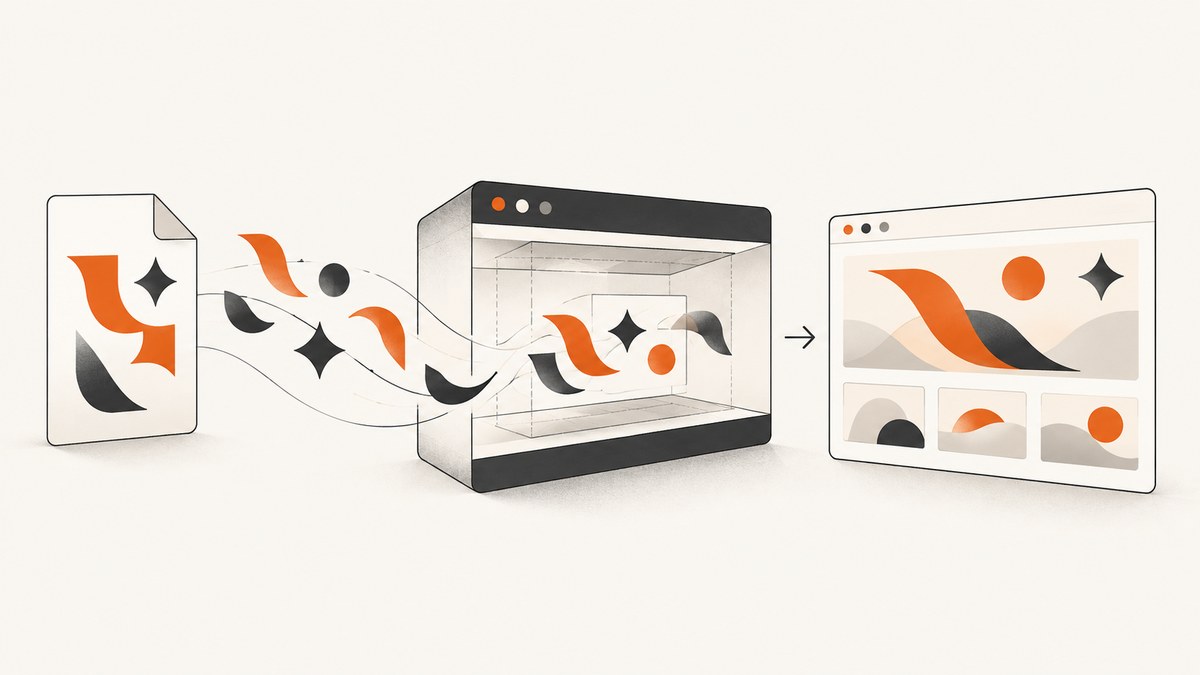
Direct answer: CasperJS delegates rendering to PhantomJS. To make a custom font appear in a screenshot, declare it with CSS @font-face, make the referenced font file reachable from the page, wait until the font resource or a reliable page condition is ready, and only then call capture() or PhantomJS’s underlying page.render(). Installing a font on the machine alone does not fix an incorrect CSS URL or a capture that starts too early.
This guide shows a complete CasperJS workflow, including remote and local pages, CORS and access settings, resource waits, JavaScript font checks, Linux Fontconfig requirements, debugging hooks, performance choices, and migration considerations. The examples target the legacy CasperJS/PhantomJS stack, so test them in the same operating system and PhantomJS build used by your job.
1. How CasperJS, PhantomJS and web fonts fit together
CasperJS provides the test and automation API. PhantomJS supplies the WebPage object and its WebKit-based renderer. A page using a web font normally performs at least two requests:
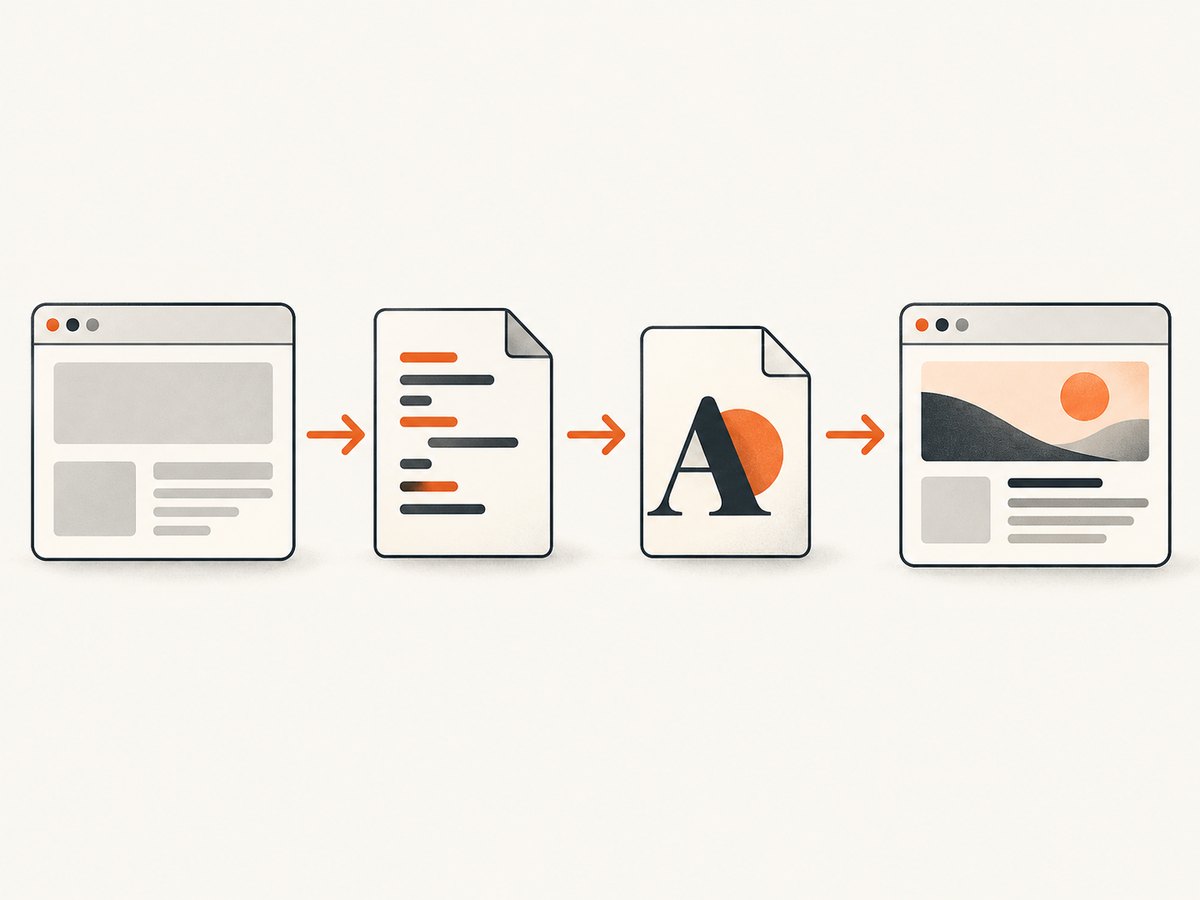
- The HTML requests a stylesheet.
- The stylesheet contains
@font-faceand points to a font file such as WOFF or WOFF2. - The browser requests that font file when the family is used by an element.
- Only after the file is available can layout and glyph selection settle.
Google’s web-font documentation describes this stylesheet-to-font-file pattern in its technical guidance. A successful stylesheet response therefore does not prove that the font itself loaded. You need to verify the font request and wait for readiness.
PhantomJS’s page.render() API writes the current page to an image or supported document format. CasperJS proxies that page and exposes capture(). CasperJS also supplies waitFor() for a page-side condition and waitForResource() for a matching network resource.
2. Declare the custom font correctly
Start with a minimal page whose family name is identical in both places: the font-family inside @font-face and the family applied to the target element.
<style>
@font-face {
  font-family: "Acme Sans";
  src: url("https://static.example.com/fonts/acme-sans.woff2") format("woff2"),
       url("https://static.example.com/fonts/acme-sans.woff") format("woff");
  font-weight: 400;
  font-style: normal;
  font-display: block;
}

.headline {
  font-family: "Acme Sans", sans-serif;
}
</style>
<h1 class="headline">Custom font test</h1>
Use a URL the page can actually retrieve. A path that works in your application server may fail when the document is opened from a local file:// URL. Check the exact URL, filename case, response status, content type, and whether authentication is required.
Remote HTML
When CasperJS opens an HTTPS page, keep the font on an HTTPS origin where possible. Mixed content, certificate failures, redirects, or server rules based on the User-Agent can prevent the request. Google Fonts notes that the returned stylesheet can vary by User-Agent, so inspect the actual stylesheet and font request made by your PhantomJS runtime.
Local HTML with a remote font
PhantomJS documents localToRemoteUrlAccessEnabled as false by default. If a local file must request a remote font, set this property before opening the file:
var page = require('webpage').create();
page.settings.localToRemoteUrlAccessEnabled = true;
page.open('file:///absolute/path/to/index.html', function (status) {
  if (status !== 'success') {
    console.log('open failed: ' + status);
    phantom.exit(1);
  }
});
The setting controls access from local content to remote resources; it does not correct a bad URL, a blocked server, or an unavailable font.
3. Complete CasperJS example with a resource wait
The following script waits for the specific font request before capturing. Adjust the URL pattern to match the request visible in your logs.
var casper = require('casper').create({
  verbose: true,
  logLevel: 'debug',
  pageSettings: {
    localToRemoteUrlAccessEnabled: true
  }
});

var target = 'https://example.com/font-demo';
var fontUrlPart = 'acme-sans.woff2';

casper.start(target, function () {
  this.echo('Opened: ' + this.getCurrentUrl());
});

casper.waitForResource(
  function (resource) {
    return resource.url.indexOf(fontUrlPart) !== -1;
  },
  function () {
    this.echo('Font resource completed');
  },
  function () {
    this.die('Font resource did not finish before timeout', 1);
  },
  15000
);

casper.waitFor(function () {
  return this.evaluate(function () {
    var node = document.querySelector('.headline');
    if (!node || !document.fonts) return !!node;
    return document.fonts.status === 'loaded';
  });
}, function () {
  this.echo('Font condition is ready');
}, function () {
  this.die('Font condition was not ready before timeout', 1);
}, 15000);

casper.then(function () {
  this.capture('custom-font.png');
});

casper.run(function () {
  this.echo('Done').exit();
});
Some old PhantomJS builds do not implement the modern document.fonts API. In that case, keep the resource wait and replace the condition with a page-specific signal, such as a class your application adds after its font-loading callback completes.
4. Waiting strategies that do not produce false positives
Wait for the actual resource
waitForResource() is useful when the font URL is stable. Match a distinctive path or filename, and allow for redirects if your CDN changes the final URL. A resource callback means the request completed; still check that it returned the expected file and that the page applied the family.
Wait for a page condition
Use waitFor() when your application exposes a reliable readiness condition:
casper.waitFor(function () {
  return this.evaluate(function () {
    var title = document.querySelector('.headline');
    return title && title.getAttribute('data-font-ready') === 'true';
  });
}, function () {
  this.capture('ready.png');
}, function () {
  this.capture('font-timeout.png');
  this.die('Font readiness marker never appeared', 1);
}, 10000);
If you control the page, set that marker from the same code that confirms the font loaded. This is more meaningful than waiting an arbitrary number of milliseconds.
Use a delay only as a last resort
A fixed delay can hide slow-network failures and make every capture slower. If you must use one for a page with no observable signal, combine it with request logging and a bounded timeout. CasperJS’s FAQ recommends wait operations because tests can begin before resources or page content are ready.
5. Inspect what PhantomJS actually requested
Add resource callbacks before start() so you can distinguish a missing request from a failed response:
casper.on('resource.requested', function (requestData) {
  if (/\.woff2?(\?|$)/i.test(requestData.url)) {
    this.echo('FONT REQUEST: ' + requestData.url);
  }
});

casper.on('resource.received', function (resource) {
  if (/\.woff2?(\?|$)/i.test(resource.url)) {
    this.echo('FONT RESPONSE: ' + resource.status + ' ' + resource.url);
  }
});

casper.on('resource.error', function (resourceError) {
  this.echo('RESOURCE ERROR: ' + JSON.stringify(resourceError), 'ERROR');
});
Also capture the computed family and a diagnostic screenshot:
casper.then(function () {
  var info = this.evaluate(function () {
    var el = document.querySelector('.headline');
    return {
      family: el ? getComputedStyle(el).fontFamily : null,
      weight: el ? getComputedStyle(el).fontWeight : null,
      text: el ? el.textContent : null
    };
  });
  this.echo(JSON.stringify(info));
  this.capture('diagnostic.png');
});
A computed family name confirms that CSS matched the element, but it cannot by itself prove that the requested file contained the intended glyphs. Compare the output image with a known fallback and inspect the response in the same runtime.
6. Common failures and fixes
| Symptom | Likely cause | Fix |
|---|---|---|
| Fallback font appears | Family name mismatch | Make the @font-face family and element’s font-family identical, including spelling and quoting. |
| No font request in logs | The stylesheet was not loaded, the selector is unused, or CSS was invalid | Log stylesheet resources, validate CSS, and inspect computed styles on the target element. |
| Font request returns 404 | Relative URL resolves against an unexpected page URL | Use an absolute URL temporarily, then correct the relative path based on the document’s actual base URL. |
| Local page cannot load remote font | localToRemoteUrlAccessEnabled is disabled |
Enable the setting before opening the file, or serve HTML and assets from HTTP. |
| Works in Chrome but not PhantomJS | Different WebKit features, TLS behavior, User-Agent response, or unsupported font format | Test the exact PhantomJS build, provide WOFF and WOFF2 fallbacks, and inspect the server response for that User-Agent. |
| Intermittent screenshots | Capture runs before the font request or layout finishes | Use waitForResource() or a page readiness condition with a bounded timeout. |
| Glyphs are boxes or missing | The font lacks the characters, or the file is corrupt | Test the exact text and font file in a browser, check Unicode coverage, and verify the response is a real font rather than an HTML error page. |
| Linux job fails to render consistently | Missing Fontconfig dependency or environment differences | Install and verify the runtime dependencies, then compare captures on the production image. |
7. Font formats, encoding and security details
- Provide a compatible format: WOFF is a practical fallback for older engines. Keep the format declaration accurate.
- Check MIME types: Configure the server to return the correct font media type and avoid an HTML error document with a successful status.
- Respect origin policy: A CDN may need an
Access-Control-Allow-Originresponse for cross-origin font use. If the server rejects PhantomJS’s origin, move the font to the page’s origin or configure the CDN. - Handle authentication: If the font requires cookies or an Authorization header, the page must be able to send them. Do not embed secrets in a publicly accessible stylesheet.
- Use absolute URLs while debugging: Once the request works, return to relative URLs only when their resolution is intentional.
8. Performance and reliability practices
Font loading affects both network time and layout. Keep the capture deterministic by using one readiness signal, a reasonable timeout, and a failure path that saves diagnostics. Avoid waiting for every network request if analytics or advertising keeps the page busy; wait for the font resource or an application-specific marker instead.
- Reuse a warm CasperJS process when your runner allows it, but reset cookies and page state between unrelated jobs.
- Serve fonts from a nearby, cacheable origin and keep the file size appropriate for the glyphs you need.
- Capture at the same viewport, device scale, operating system and PhantomJS build used for comparisons.
- Record the final font URL, response status, computed family and timeout reason with each failed job.
- Set a maximum page and font wait time so a dead CDN cannot hold a worker indefinitely.
PhantomJS’s official project page says development is suspended, and the official release history dates PhantomJS 2.1 to January 23, 2016. Treat this stack as legacy maintenance work. A new production workflow should evaluate a maintained browser automation option against your compatibility and deployment requirements.
9. A minimal PhantomJS example without CasperJS
If you need the underlying API directly, the same principles apply:
var page = require('webpage').create();
page.settings.localToRemoteUrlAccessEnabled = true;

page.onResourceReceived = function (resource) {
  if (/\.woff2?(\?|$)/i.test(resource.url) && resource.stage === 'end') {
    console.log('font ' + resource.status + ': ' + resource.url);
  }
};

page.open('https://example.com/font-demo', function (status) {
  if (status !== 'success') {
    console.log('open failed: ' + status);
    phantom.exit(1);
    return;
  }
  window.setTimeout(function () {
    page.render('phantom-font.png');
    phantom.exit();
  }, 1000);
});
The delay in this small example is only illustrative. Replace it with a resource or page condition in a real job.
10. Or skip the browser setup
If your goal is a reliable screenshot rather than maintaining a CasperJS runtime, ScreenshotNeo accepts one GET request and returns a PNG, JPEG, WebP or PDF. Its capture pipeline accepts cookie and consent banners like a visitor, then removes more than 60 known consent platforms, newsletter popups and chat widgets before the shot. Each step can be turned off.

Only clean shots are billed. Bot checks and CAPTCHAs, blank pages, timeouts, failed loads and cache hits cost nothing, and the response identifies the result with X-Page-Verdict and X-Billed headers. The API also supports full-page captures with lazy images loaded, CSS selector element captures, dark mode, 12 device presets or custom viewports, retina scale, custom CSS and JavaScript, click actions, selector waits, delays, network-idle waits, request and resource blocking, custom headers and cookies, User-Agent and Authorization, timezone and geolocation, transparent backgrounds, resizing, chosen cache TTLs, signed links, asynchronous jobs with signed webhooks, bulk capture of up to 100 URLs per call, usage reporting and an OpenAPI specification. Existing parameter names used by other screenshot APIs also work.
See the ScreenshotNeo API documentation for the complete option list.
curl -G "https://api.screenshotneo.com/v1/shot" -d access_key=YOUR_API_KEY --data-urlencode url=https://stripe.com -o shot.webpimport requests
r = requests.get("https://api.screenshotneo.com/v1/shot", params={"access_key": "YOUR_API_KEY", "url": "https://stripe.com"}, timeout=90)
open("shot.webp", "wb").write(r.content)const q = new URLSearchParams({ access_key: 'YOUR_API_KEY', url: 'https://stripe.com' });
const res = await fetch(`https://api.screenshotneo.com/v1/shot?${q}`);An MCP server provides take_screenshot, get_page_info and capture_pdf tools for Claude, Cursor and other MCP clients. The free plan includes 1,000 shots each month with no card; paid plans start at $5 for 3,000 shots.
Create a free ScreenshotNeo account and start with the 1,000 monthly shots.
11. Short FAQ
Does installing the font on the server fix CasperJS?
No. The page still needs a valid @font-face URL and must be able to retrieve the file. Host installation helps only when the renderer is using a local system font rather than a web font.
Is a one-second delay enough?
It may work on a fast run and fail on a slow one. A matching resource wait or application readiness condition is more reliable.
Why does the same URL render differently on two machines?
PhantomJS output depends on its WebKit build, operating system, Fontconfig environment, available fonts and network responses. Compare the complete runtime, not only the script.
Should a new project still use PhantomJS?
PhantomJS development is suspended. Existing CasperJS systems can be maintained with the checks in this guide, while new systems should assess a maintained browser automation tool or a screenshot API.
Can I capture one element instead of the whole page?
CasperJS can select and calculate an element’s bounds before rendering. ScreenshotNeo also supports element capture by CSS selector when you want that behavior without managing a browser process.


