How to Set the Viewport Height to Auto in CasperJS
CasperJS does not accept `auto` for viewport height. Measure the rendered document, then resize the viewport to that pixel height before capturing.
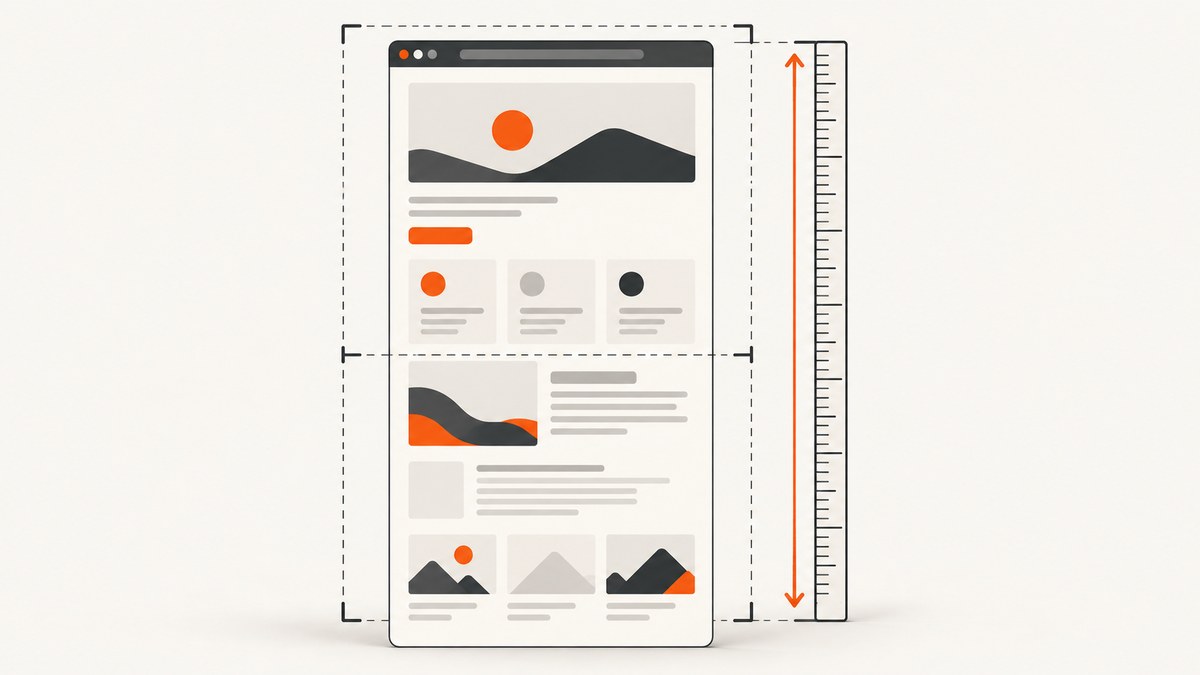
CasperJS has no auto viewport-height value. Its viewport APIs take numeric pixel dimensions. To make a capture fit the page, measure the rendered document after it has loaded, then pass that height to casper.viewport(width, height). Wait for the viewport update before capturing.
This works for pages whose content has finished rendering and whose height is within the browser engine’s practical limits. If the page continues adding content, wait for that content first and measure again. For a conventional full-page screenshot, CasperJS also provides capture() with a top option; that approach can be preferable when you want the entire document without changing the viewport.
1. Why “auto” does not work
CasperJS documents viewportSize as an object with numeric width and height, for example {width: 800, height: 600}. Its runtime method is viewport(Number width, Number height[, Function then]). Neither API documents a string such as "auto". The default PhantomJS viewport is 400 by 300 pixels, and CasperJS does not automatically replace that default with the page dimensions. See the CasperJS API documentation for viewport and capture methods.
Setting an unsupported value can leave you with an ordinary fixed-height viewport or an invalid configuration. The reliable pattern is: load, measure in the page context, resize to the measured number, then capture.
2. Runnable CasperJS example: measure, resize, capture
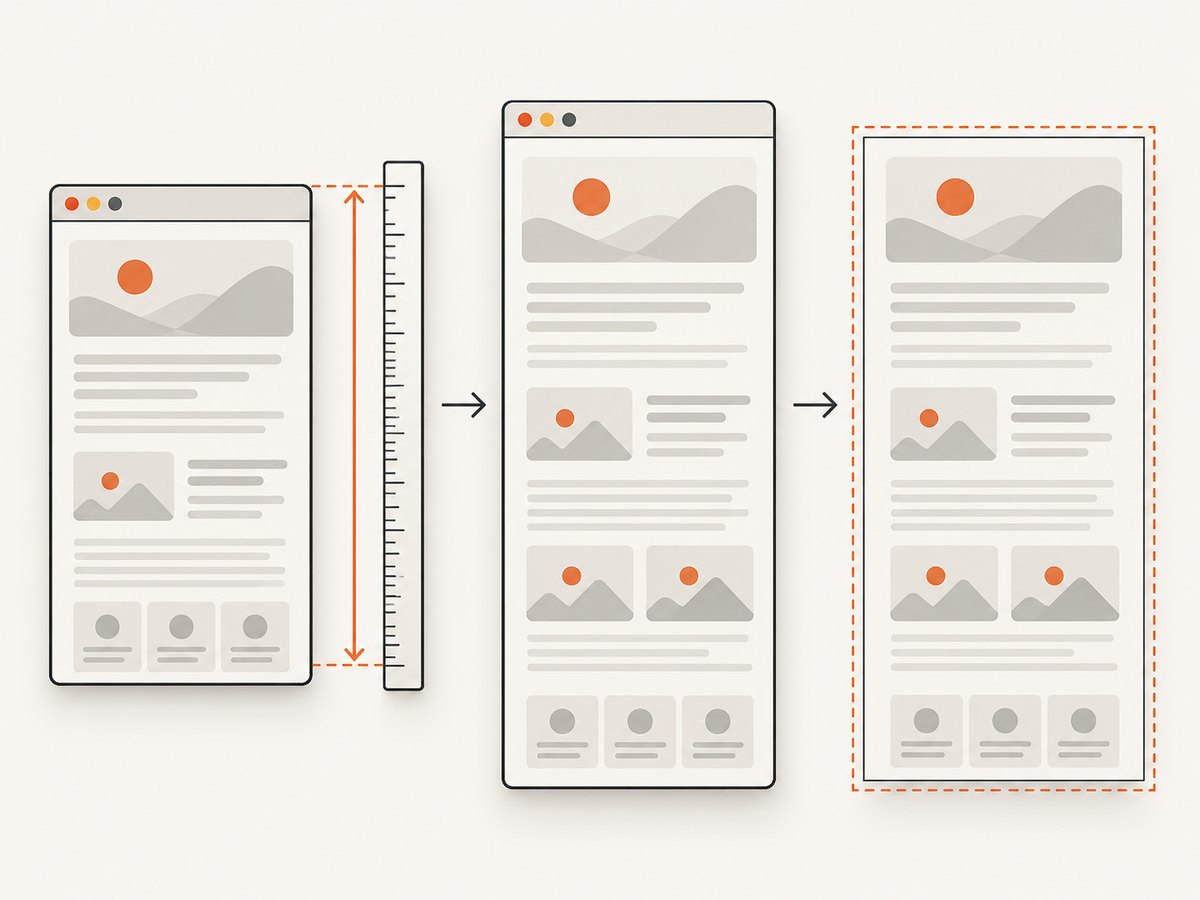
Save this as full-page.js. It uses the common CasperJS command-line runner. Change the URL and output filename as needed.
var casper = require('casper').create({
    viewportSize: { width: 1280, height: 800 }
});

casper.start('https://example.com', function () {
    var height = this.evaluate(function () {
        return Math.max(
            document.body ? document.body.scrollHeight : 0,
            document.documentElement ? document.documentElement.scrollHeight : 0
        );
    });

    // Avoid passing zero or an invalid measurement to the viewport API.
    if (!height || height < 1) {
        this.echo('Could not determine a usable document height.', 'ERROR');
        this.exit(1);
        return;
    }

    this.echo('Measured document height: ' + height + 'px');

    this.viewport(1280, height).then(function () {
        this.capture('page.png');
    });
});

casper.run();
The initial height of 800 pixels gives the browser a normal starting viewport. Once the page is loaded, the callback measures the document and requests the new dimensions. The capture is inside the continuation passed to then(), so it runs after the viewport change has taken effect. CasperJS documents this asynchronous continuation behavior for viewport().
Run it with your installed CasperJS executable, for example casperjs full-page.js. CasperJS depends on PhantomJS or SlimerJS; installation and executable availability vary by environment. The archived project documentation and repository are linked in the references below.
3. Choose how to measure document height
Use scrollHeight for a direct measurement
The example takes the larger of document.body.scrollHeight and document.documentElement.scrollHeight. These values are commonly useful for estimating the vertical extent of a rendered document. Checking both matters because the element that reports the larger height can vary with the page’s markup and browser behavior. The zero guards also make the script more robust if a document element is unexpectedly missing.
For ordinary static pages, measuring inside the navigation callback is a good starting point. It does not guarantee that all application content is ready: a page may load additional sections after network requests, timers, lazy-loading triggers, or user interaction. If the capture is too short, first identify what is still rendering, then wait for that condition before taking the measurement.
Use CasperJS client utilities
CasperJS also exposes __utils__.getDocumentHeight() through its client utilities. You can call it from evaluate(), where page-context JavaScript runs:
var height = this.evaluate(function () {
    return __utils__.getDocumentHeight();
});

this.viewport(1280, height).then(function () {
    this.capture('page.png');
});
The utility is useful when you want CasperJS’s document-height helper rather than maintaining your own measurement expression. It does not remove the need to wait until the page has reached the state you intend to capture. See the CasperJS clientutils documentation.
4. Configure the viewport at startup or change it later
There are two different moments when you can configure dimensions:
| Method | When it applies | Use it for |
|---|---|---|
viewportSize in casper.create() |
When creating the Casper instance | Choosing the page width and initial viewport before navigation |
casper.viewport(width, height) |
At runtime, after creating the instance | Applying a measured height or changing dimensions after navigation |
For example, set a deliberate desktop width at creation and adjust only the height after load:
var casper = require('casper').create({
    viewportSize: { width: 1440, height: 900 }
});
Then use this.viewport(1440, measuredHeight) in the navigation callback. A width change can cause text to wrap differently, which changes the document height. Measure at the width you intend to capture. If you resize the width after measuring, measure again at the final width.
5. Wait for delayed or asynchronous content
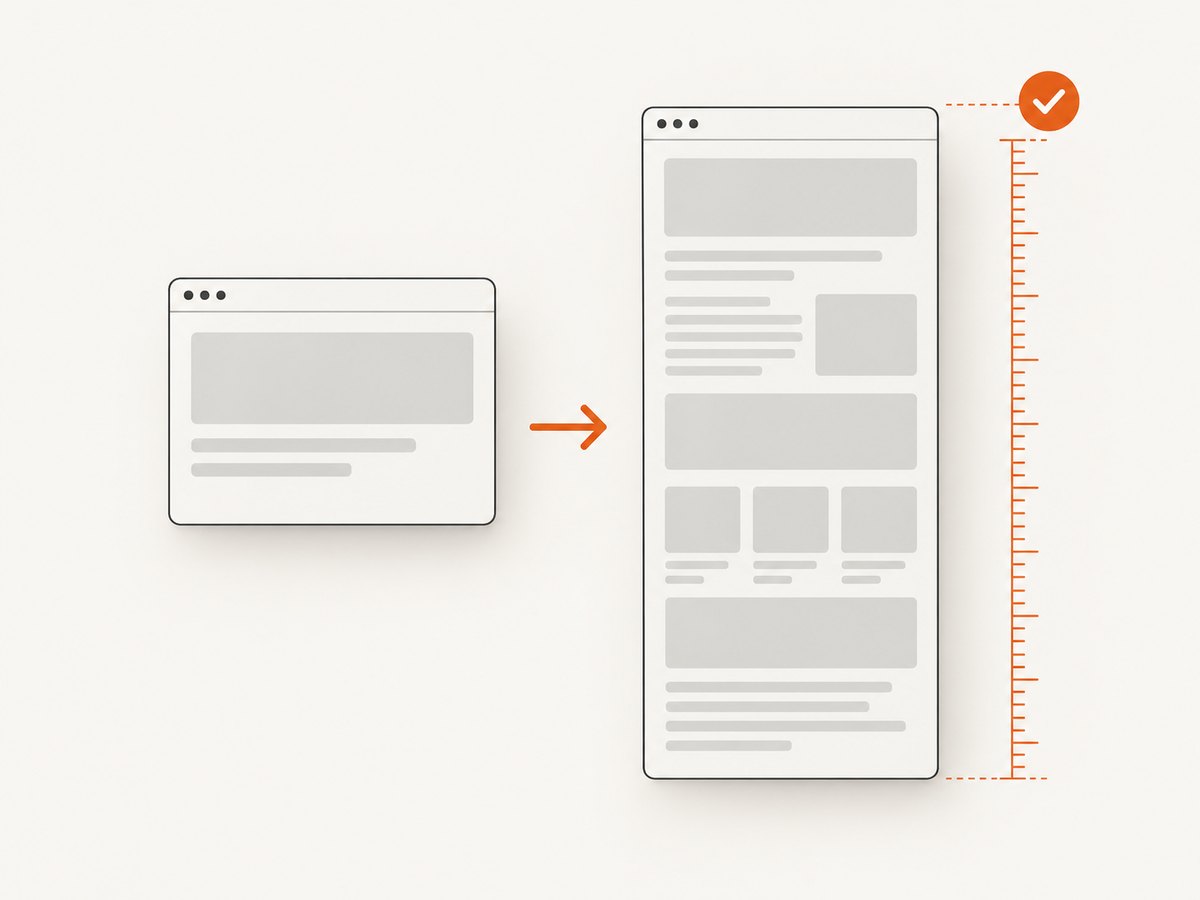
The navigation callback is not proof that a modern page has finished every asynchronous task. Decide what “complete” means for your target page. If a known element signals readiness, wait for it and measure after that wait:
casper.start('https://example.com', function () {
    this.waitForSelector('.report-ready', function () {
        var height = this.evaluate(function () {
            return Math.max(
                document.body.scrollHeight,
                document.documentElement.scrollHeight
            );
        });

        this.viewport(1280, height).then(function () {
            this.capture('report.png');
        });
    }, function () {
        this.echo('The report did not become ready.', 'ERROR');
        this.exit(1);
    }, 10000);
});

casper.run();
Replace .report-ready with a selector that reflects the page’s actual ready state. If the content arrives after a known delay and there is no reliable selector, use an explicit wait, but treat a fixed delay as a compromise: it can be unnecessarily slow on fast runs and too short on slow ones. For lazy-loaded images or content triggered by scrolling, the page may need an intentional scroll or other interaction before the final measurement. Measure after that work, not before it.
6. Full-page capture without resizing
If your goal is simply to capture the full document, check whether CasperJS’s capture() can do the job directly. Its options include capturing from the top of the page, as documented in the CasperJS capture API:
casper.start('https://example.com', function () {
    this.capture('page.png', { top: true });
});

casper.run();
This keeps the viewport at its chosen dimensions and asks CasperJS to capture the page from the top. Use measured resizing when you specifically need the viewport itself to match the document height, or when your capture workflow depends on a viewport-height screenshot. Use top capture when the desired result is a full-page image and you do not need to alter the viewport. Check the output on your target pages; very long documents, sticky elements, and lazy content can behave differently from a short static page.
7. Options and edge cases to account for
- Width is part of the measurement. A narrower viewport causes more line wrapping and can increase page height. Choose the target width first.
- Measure after the final content change. If a script, interaction, or delayed request adds content after measurement, the old height is stale. Wait and measure again.
- Handle empty measurements. Guard against missing document elements and non-positive heights before calling
viewport(). - Keep dimensions numeric. Pass pixel numbers, not CSS strings such as
"100%"or"auto". - Extremely tall pages need care. A very large viewport can be slow or exceed practical limits in the underlying browser or image pipeline. Prefer top/full-page capture where appropriate, or capture sections if the page is unusually long.
- Sticky and fixed elements may appear differently. Changing the viewport height can affect responsive behavior and what fixed-position elements cover. Inspect the resulting image for the page and viewport you actually need.
- Page height is not image height in CSS units by assumption. The capture output can also depend on browser scaling and capture behavior. Confirm the resulting dimensions when downstream processing requires a specific size.
- Cross-origin frames have their own constraints. Page-context scripts cannot freely inspect all content inside cross-origin frames. The outer document measurement may not represent the frame’s internal content.
8. Troubleshooting
| Symptom | Likely cause | Fix |
|---|---|---|
| Screenshot remains about 300 pixels tall | PhantomJS’s default viewport is 400×300, or the runtime resize did not run. | Set viewportSize explicitly, confirm the measured value in the log, and call viewport() before capture. |
Using height: 'auto' has no effect |
The API expects a numeric height. | Measure a pixel height and pass that number to casper.viewport(width, height). |
| Capture is clipped even though height was measured | More content rendered after measurement, or the measurement used the wrong element/state. | Wait for a page-specific ready selector, then measure again. Compare body and document-element scrollHeight. |
| Capture happens at the old viewport size | The capture ran before the asynchronous viewport update completed. | Put capture inside the then() continuation of viewport(). |
| Height is zero, missing, or unexpectedly small | The document was not ready, the page context returned an unsuitable value, or markup differs. | Log the measurement, use the max of body and document-element heights, and wait for the content that defines page readiness. |
| Images or sections are missing | Lazy loading or application requests have not completed. | Trigger the page behavior needed to load them, wait for a reliable completion signal, then measure and capture. |
| Very tall capture fails or consumes excessive resources | The renderer or image pipeline is handling a very large surface. | Capture the page with top/full-page behavior, split the page into sections, or reduce unnecessary content and assets. |
| Script errors before capture | CasperJS or its PhantomJS/SlimerJS runtime is missing, incompatible, or not on the executable path. | Check that the runner and supported browser runtime are installed and callable in the same environment; consult the archived project documentation. |
9. Performance, reliability, and maintenance
Measuring the document is inexpensive compared with loading a page and rasterizing a large screenshot. The main performance cost is usually the page itself plus the area being rendered. A very tall viewport increases the capture surface and can increase memory use and output size. Avoid arbitrarily setting a huge height: use the measured height, and choose a full-page capture or section-based strategy for long documents.
Reliability depends on measuring at a repeatable page state. Prefer a page-specific selector or application readiness condition to an arbitrary sleep. Log the URL, measured height, and relevant readiness outcome when diagnosing failures. Re-measure after interactions that add content. Keep the requested viewport width fixed across runs when comparing screenshots, because responsive layout changes the height.
CasperJS is a legacy utility for PhantomJS and SlimerJS. Its GitHub repository says it is no longer actively maintained and is archived. That matters when you rely on current websites: browser behavior, page code, and compatibility needs can change while the tool does not. Review the CasperJS repository before choosing it for a new long-lived capture system.
Or skip the browser setup
If your task is to get a website screenshot rather than maintain a CasperJS runtime, ScreenshotNeo takes a URL in one API request and returns an image or PDF. Its capture options include full-page screenshots, viewport dimensions, and format selection. See the ScreenshotNeo API documentation.
curl -G "https://api.screenshotneo.com/v1/shot" -d access_key=YOUR_API_KEY --data-urlencode url=https://example.com -o shot.webpimport requests
r = requests.get(
"https://api.screenshotneo.com/v1/shot",
params={"access_key": "YOUR_API_KEY", "url": "https://example.com"},
timeout=90,
)
open("shot.webp", "wb").write(r.content)const q = new URLSearchParams({
access_key: 'YOUR_API_KEY',
url: 'https://example.com'
});
const res = await fetch(`https://api.screenshotneo.com/v1/shot?${q}`);
if (!res.ok) throw new Error(`Screenshot request failed: ${res.status}`);
const image = Buffer.from(await res.arrayBuffer());
await import('node:fs/promises').then(fs => fs.writeFile('shot.webp', image));Cookie banners, popups, and chat widgets are removed before the shot. Bot checks, blank pages, and failed loads are never billed; response headers say the page verdict and billing status. An MCP server lets AI agents use screenshot tools. The free plan includes 1,000 screenshots a month with no card; paid plans start at $5 for 3,000. Create a free ScreenshotNeo account to try a URL capture.
10. Frequently asked questions
Can I set viewportSize.height to the document height before loading?
Not reliably, because you do not yet know the rendered height. Set an initial numeric viewport, load the page, measure, and resize at runtime.
Does measuring scroll height guarantee every element is visible?
No. It measures document extent, not whether asynchronous content or lazy-loaded assets have completed. Wait for the relevant content and trigger any required loading behavior first.
Should I use getDocumentHeight() or scrollHeight?
Both are valid approaches in this workflow. Use the client utility if you prefer CasperJS’s helper; use the explicit maximum of body and document-element scrollHeight when you want the measurement logic visible in your script.
Is CasperJS a good choice for a new screenshot service?
CasperJS’s repository identifies the project as no longer actively maintained. For a new system, account for the maintenance and runtime compatibility work involved in operating a legacy browser stack.


