How to Change the Docker Socket File Location
Move Docker to a custom Unix socket safely, update clients and systemd, and troubleshoot rootless, Desktop, TCP, SSH, and fd:// setups.
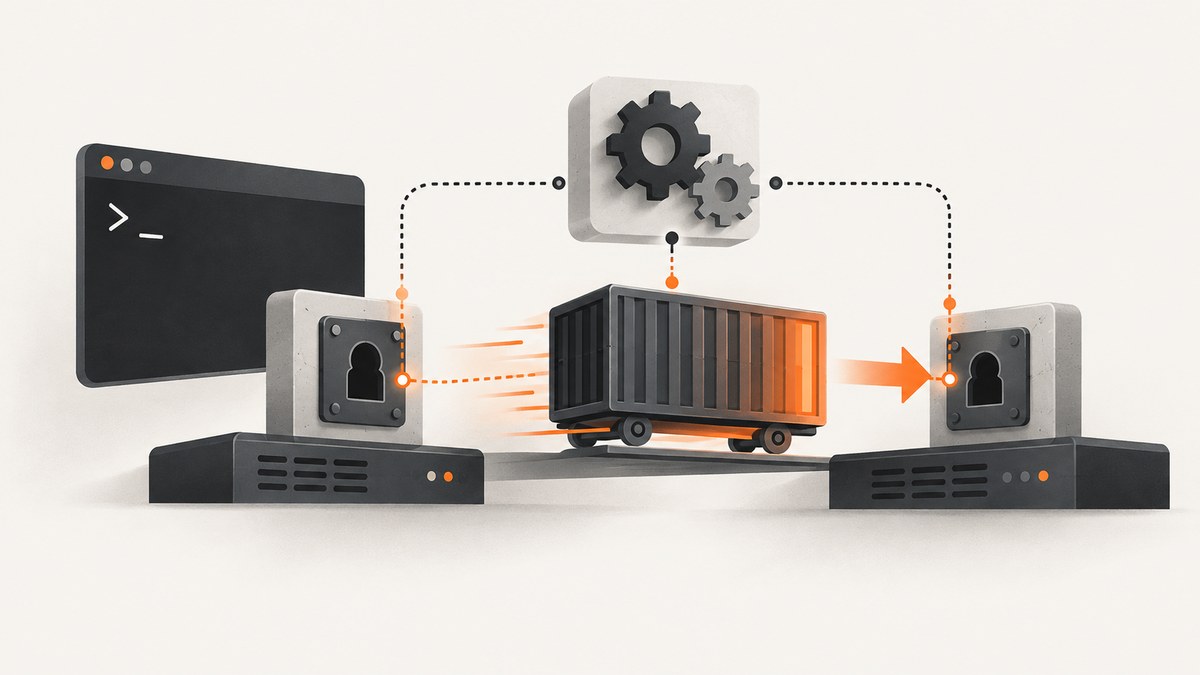
Docker normally listens on the Unix socket unix:///var/run/docker.sock. To move it, change the daemon listener, then point every Docker client at the new endpoint. These are separate settings: changing dockerd does not automatically update the CLI, Compose, SDKs, CI jobs, or monitoring agents.
This guide uses /run/docker/docker.sock as the example path. Replace it with an absolute path that fits your filesystem layout and service lifecycle.
Understand the endpoint you are changing
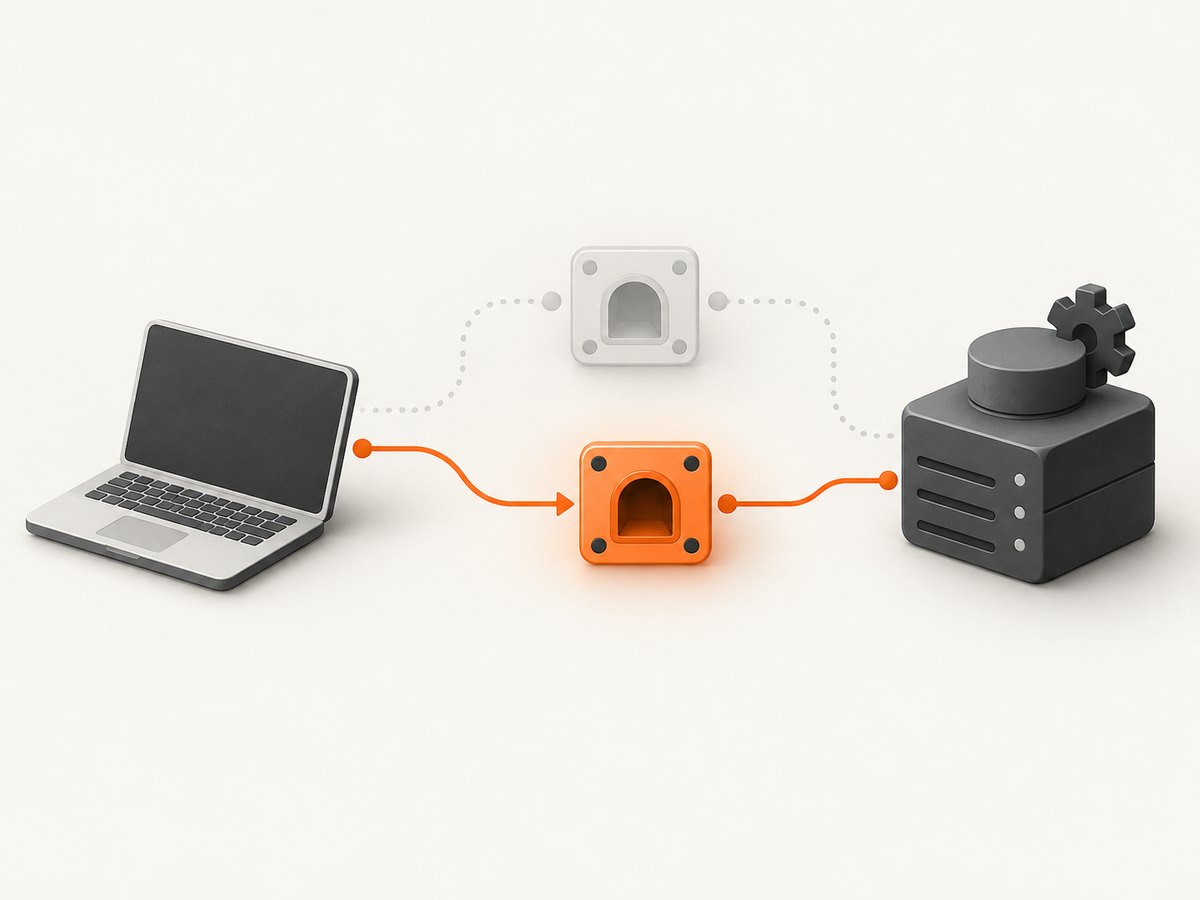
Docker supports Unix sockets, TCP, SSH, Windows named pipes, and systemd file-descriptor activation. The active endpoint depends on how Docker was installed and how the client was configured. The standard rootful Linux endpoint is documented as unix:///var/run/docker.sock and normally requires root or membership in the docker group (Docker daemon documentation).
| Transport | Typical scope | Authentication and encryption | Use when |
|---|---|---|---|
| Unix socket | Local host | Filesystem permissions | Most local clients and services |
| TCP with TLS | Local or remote | TLS certificates and network controls | A controlled remote administration design |
| SSH | Remote host | SSH authentication and encryption | You need remote CLI access without exposing Docker TCP |
fd:// |
Local systemd service | systemd socket ownership and permissions | The package uses socket activation |
Do not assume that /var/run/docker.sock exists. Rootless Docker defaults to $XDG_RUNTIME_DIR/docker.sock, while Docker Desktop for Linux uses ~/.docker/desktop/docker.sock. macOS, Windows, WSL, and Desktop versions can also change the active context.
1. Identify the current installation and endpoint
Run these commands as the account that normally operates Docker:
docker context ls
docker context show
docker context inspect "$(docker context show)"
printf 'DOCKER_HOST=%s\n' "${DOCKER_HOST-}"
systemctl status docker docker.socket --no-pager
ps -ef | grep '[d]ockerd'
Look for a host such as unix:///var/run/docker.sock, unix:///run/user/1000/docker.sock, an SSH address, or a TCP URL. In the service status, note whether dockerd starts with -H fd://. That flag means systemd is passing an already-created listening socket to the daemon.
Check the existing socket
stat -c '%A %U:%G %n' /var/run/docker.sock 2>/dev/null || true
stat -c '%A %U:%G %n' "$XDG_RUNTIME_DIR/docker.sock" 2>/dev/null || true
docker info
Record the owner, group, mode, and parent directory. A custom socket is useful only if the daemon can create it and the intended clients can access it.
2. Choose and prepare a Unix socket path
Use an absolute path on a local filesystem, for example /run/docker/docker.sock. Avoid a directory that is deleted unexpectedly at boot unless systemd or another service recreates it. Create the parent directory with ownership and permissions appropriate for your daemon and clients:
sudo install -d -m 0755 /run/docker
sudo ls -ld /run/docker
The socket itself is created by Docker. Do not create an ordinary file at the final path. If the daemon runs rootless, use a path inside the user runtime directory or another location the unprivileged daemon can write.
3. Change the daemon listener
Directly launched dockerd
For a manually managed daemon, pass a host flag:
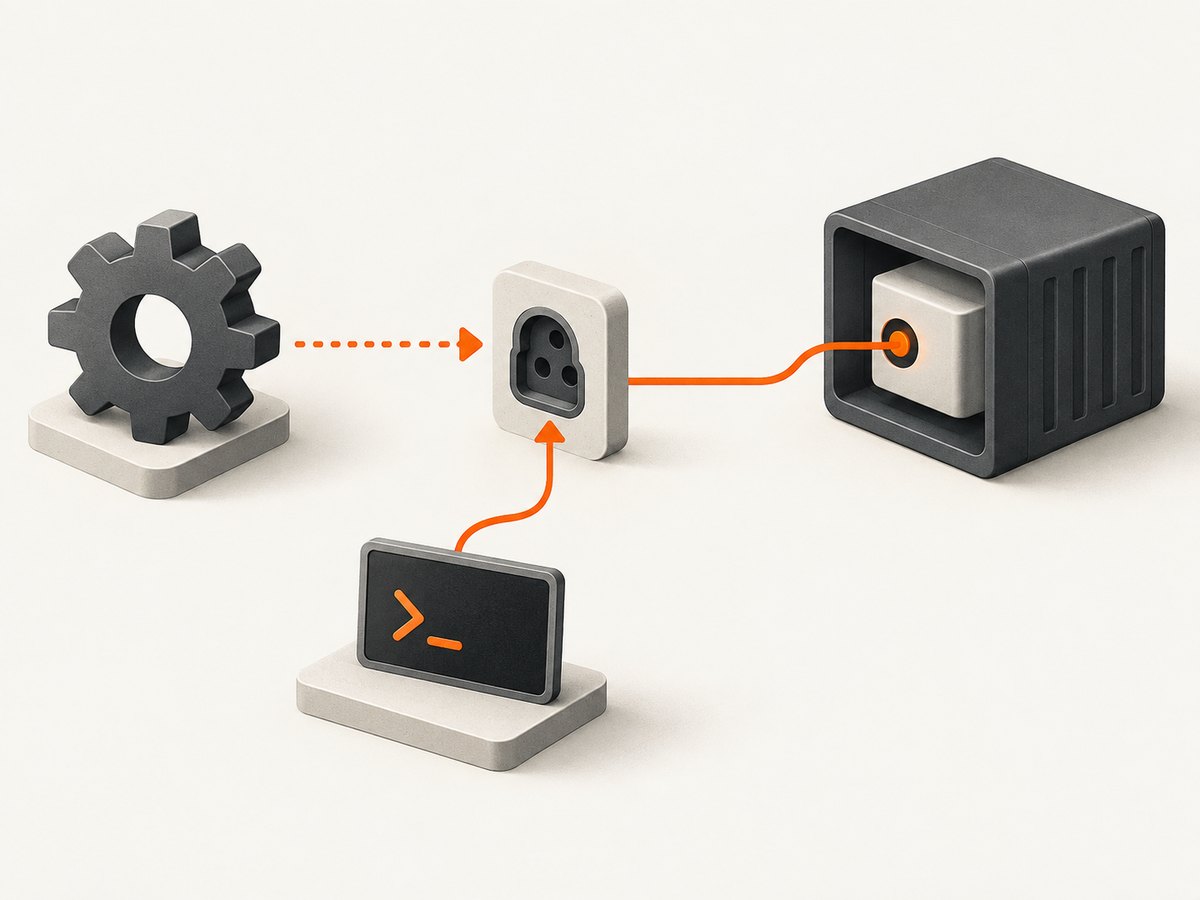
sudo dockerd -H unix:///run/docker/docker.sock
If you need more than one listener, repeat the option, for example with a second Unix socket. Treat every additional listener as an access boundary that needs its own permissions and security review.
daemon.json on packaged Linux installations
Many packages read /etc/docker/daemon.json. Set the hosts array:
sudo mkdir -p /etc/docker
sudo sh -c 'cat > /etc/docker/daemon.json' <<'JSON'
{
  "hosts": ["unix:///run/docker/docker.sock"]
}
JSON
Before restarting, inspect the service definition:
systemctl cat docker
Do not define the same hosts setting in both command-line flags and daemon.json. Docker can refuse to start when the option is duplicated. Distribution units differ, so use a systemd drop-in or the package’s documented override mechanism instead of editing a vendor unit file in place. The daemon configuration reference explains the supported configuration methods (dockerd reference).
Use a systemd drop-in when the unit supplies -H
If the unit contains an ExecStart with -H, create a drop-in that clears the original command and supplies the new one. Copy the complete command from systemctl cat docker; the exact flags vary by distribution:
sudo systemctl edit docker
In the editor, use this pattern and preserve the package’s other required arguments:
[Service]
ExecStart=
ExecStart=/usr/bin/dockerd -H unix:///run/docker/docker.sock
Then reload and restart:
sudo systemctl daemon-reload
sudo systemctl restart docker
sudo systemctl status docker --no-pager
4. Handle systemd socket activation and fd://
With -H fd://, systemd’s docker.socket unit creates the socket and passes its file descriptor to dockerd. Changing only daemon.json may have no effect or may conflict with the service.
Inspect both units:
systemctl cat docker.socket
systemctl cat docker
systemctl show docker.socket -p Listen
Create a socket-unit drop-in:
sudo systemctl edit docker.socket
The exact directive depends on the unit shipped by your distribution. A common pattern is:
[Socket]
ListenStream=
ListenStream=/run/docker/docker.sock
Keep the service’s -H fd:// behavior if it expects activation. Apply the change and restart both units:
sudo systemctl daemon-reload
sudo systemctl restart docker.socket
sudo systemctl restart docker
systemctl show docker.socket -p Listen
If your package uses a different unit name or socket directive, follow that unit’s existing structure. The effective path is the one shown by systemctl show and the socket file on disk, not merely the value in a JSON file.
5. Update every Docker client
One command with -H
docker -H unix:///run/docker/docker.sock ps
docker -H unix:///run/docker/docker.sock version
Set DOCKER_HOST for a shell or service
export DOCKER_HOST=unix:///run/docker/docker.sock
docker ps
For systemd services, set the variable in the unit or an environment file, then run systemctl daemon-reload and restart that service. Shell startup files, CI runners, Docker Compose, language SDKs, and monitoring agents may each have their own endpoint setting.
Create and select a named context
docker context create local-new \
  --docker "host=unix:///run/docker/docker.sock"
docker context use local-new
docker context ls
docker ps
A selected context takes precedence over DOCKER_HOST. This makes the endpoint explicit and avoids changing global shell state.
Update bind mounts and integrations
Search configuration repositories and deployment manifests for /var/run/docker.sock. Common locations include Compose files, GitHub Actions runners, GitLab runners, Jenkins agents, backup tools, and containers that mount the Docker socket. Change the mount source to the new path and ensure the process inside the container has a compatible group ID and permissions.
6. Verify the move
- Confirm the new socket exists and has expected ownership:
sudo stat -c '%A %U:%G %n' /run/docker/docker.sock
- Query the daemon through the new endpoint:
docker -H unix:///run/docker/docker.sock info
docker -H unix:///run/docker/docker.sock version
- Check that the old endpoint is no longer serving requests:
test -S /var/run/docker.sock && echo "old socket exists"
- Review logs if startup or client calls fail:
journalctl -u docker -b --no-pager
journalctl -u docker.socket -b --no-pager
Run a harmless operation such as docker ps from each integration host. A successful daemon restart alone does not prove that all clients have moved.
Environment-specific paths
Rootless Docker
Rootless Docker normally listens at $XDG_RUNTIME_DIR/docker.sock. Check the value for the target user:
echo "$XDG_RUNTIME_DIR"
export DOCKER_HOST="unix://$XDG_RUNTIME_DIR/docker.sock"
docker info
To use a custom rootless path, configure the rootless service or launch command so the daemon can create it, then update the user’s context. Do not place the socket in a root-owned directory that the user cannot write.
Docker Desktop for Linux
Docker Desktop for Linux uses the per-user socket ~/.docker/desktop/docker.sock. Inspect contexts before changing anything:
docker context ls
docker context inspect desktop-linux
Changing a system-wide rootful socket does not necessarily change Desktop’s endpoint.
macOS, Windows, and WSL
Docker Desktop commonly makes unix:///var/run/docker.sock available to clients, but the active context and Desktop version determine the effective endpoint. On Windows, named pipes are also used. Use docker context ls and docker context inspect instead of assuming a Linux path.
SSH contexts
Docker can send commands over SSH. An SSH context can include a socket path on the remote host, so the local client does not need a local Unix socket:
docker context create remote \
  --docker "host=ssh://user@example-host"
docker context use remote
docker info
Configure the remote daemon and user permissions separately. SSH protects the transport without exposing a Docker TCP port.
TCP listeners: security requirements
A TCP Docker listener is not a harmless replacement for a Unix socket. Docker warns that an open or unauthenticated TCP endpoint can give anyone who reaches it full Docker control, which is effectively root access on the host (Docker remote access documentation).
- Bind to a controlled interface, never an unrestricted public address.
- Use TLS client authentication, or put a strongly authenticated proxy in front of the daemon.
- Restrict the port with host and network firewalls.
- Prefer an SSH context when interactive remote administration is the main requirement.
- Audit certificates, keys, logs, and rotation procedures.
Do not use an unauthenticated example such as tcp://0.0.0.0:2375 on a reachable host.
Troubleshooting
| Symptom | Likely cause | Fix |
|---|---|---|
Cannot connect to the Docker daemon |
Client still uses the old socket or wrong context | Run docker context inspect, set DOCKER_HOST, or pass -H. |
| Daemon fails after editing JSON | Duplicate hosts setting or invalid JSON |
Validate the file and remove either the flag or JSON setting. |
| New socket is missing | Parent directory absent, wrong unit, or daemon startup failure | Check journalctl -u docker, create the directory, and inspect docker.socket. |
| Permission denied | Socket mode/group does not include the client | Check stat; add the intended user to the correct group or use a context owned by that user. |
Changes ignored with fd:// |
systemd owns the listener | Edit the docker.socket drop-in and restart socket plus service units. |
| Rootless client cannot connect | Using the rootful path | Set DOCKER_HOST=unix://$XDG_RUNTIME_DIR/docker.sock or the rootless custom path. |
| Compose or CI still fails | Integration has its own endpoint or stale bind mount | Search its environment, context, and volume mounts for /var/run/docker.sock. |
| Remote TCP connection works without credentials | Listener is unauthenticated | Stop exposure, bind privately, enable TLS or use SSH, and rotate any affected credentials. |
Performance, reliability, and cost considerations
A local Unix socket avoids TCP routing and encryption overhead and is usually the simplest path for processes on the same host. Moving the socket itself does not change container image storage, network throughput, or daemon scheduling. Reliability depends on creating the parent directory at boot, keeping permissions stable, and making every client use the same endpoint.
Systemd activation can improve lifecycle handling because systemd owns the listening socket, but it adds another unit to inspect during incidents. Rootless paths follow user-session and runtime-directory behavior; ensure the user service starts before dependent clients.
There is no Docker charge for changing a socket path. Operational cost comes from updating automation, testing integrations, maintaining TLS or SSH credentials, and documenting the selected context.
Or skip the browser setup
If you are collecting screenshots for Docker documentation, CI artifacts, or an operations portal, ScreenshotNeo can return an image or PDF from one API request. Its capture pipeline accepts cookie and consent banners, removes more than 60 known consent platforms plus newsletter popups and chat widgets, and lets each cleanup step be turned off. Bot checks, blank pages, timeouts, failed loads, and cache hits are not billed; response headers identify the page verdict and billing result.
See the ScreenshotNeo API documentation for all options. A minimal request is:
curl -G "https://api.screenshotneo.com/v1/shot" -d access_key=YOUR_API_KEY --data-urlencode url=https://stripe.com -o shot.webpimport requests
r = requests.get("https://api.screenshotneo.com/v1/shot", params={"access_key": "YOUR_API_KEY", "url": "https://stripe.com"}, timeout=90)
open("shot.webp", "wb").write(r.content)
const q = new URLSearchParams({ access_key: 'YOUR_API_KEY', url: 'https://stripe.com' });
const res = await fetch(`https://api.screenshotneo.com/v1/shot?${q}`);
Options include full-page lazy-image loading, CSS-selector element capture, dark mode, device presets, custom viewports, retina scale, PDF paper settings, custom CSS and JavaScript, clicks, waits, blocked resource types, headers, cookies, user agents, authorization, timezone, geolocation, transparent backgrounds, resizing, chosen cache TTLs, signed image links, asynchronous webhooks, bulk capture for up to 100 URLs, usage reporting, and an OpenAPI specification. An MCP server provides take_screenshot, get_page_info, and capture_pdf tools for Claude, Cursor, and other MCP clients.
The Free plan includes 1,000 screenshots each month with no card. Paid plans start at $5 for 3,000 shots; yearly billing gives two months free, and every feature is available on every plan. Create a free ScreenshotNeo account.
FAQ
Can I keep the old and new Unix sockets temporarily?
Yes, if your daemon configuration and package support multiple -H values or hosts. Restrict the old path and remove it after all clients migrate.
Does changing the socket move Docker data?
No. The listener path is independent of Docker’s data directory. A data-root migration is a separate change.
Should I use a symlink from the old path?
A symlink can hide which endpoint clients use and may break with runtime-directory cleanup. Prefer explicit contexts or environment settings, unless a documented integration requires the compatibility path.
Why does a context appear to ignore DOCKER_HOST?
The selected Docker context takes precedence. Select the intended context or unset it before relying on DOCKER_HOST.
Is the docker group safe for untrusted users?
No. Access to a Docker daemon generally grants control equivalent to root on the host. Give access only to trusted users and services.


