Using ChatGPT to Build Web Scrapers with Code Interpreter
Use ChatGPT to design a scraper, run network code safely outside Data Analysis, validate results, and automate clean screenshots when needed.
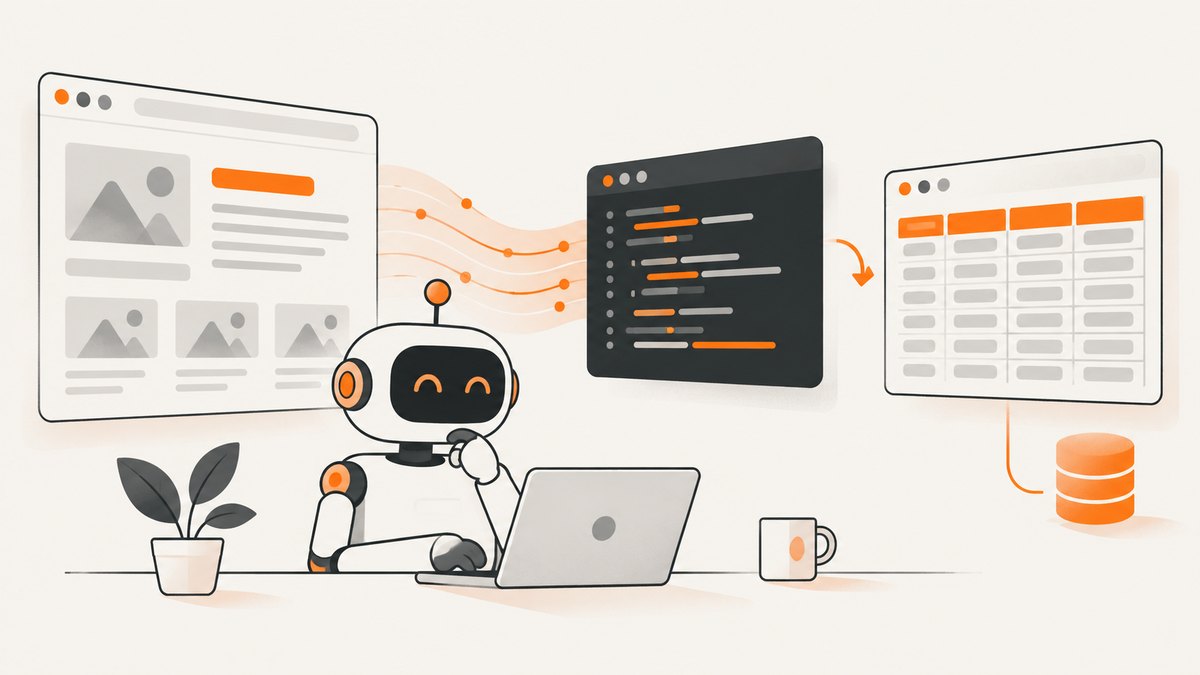
Short answer: use ChatGPT (now called Data Analysis; “Code Interpreter” is the former name) to plan your fields, generate and explain Python, and inspect the resulting data. Run the part that fetches live web pages in a separate environment: OpenAI documents that the Python environment used by Data Analysis cannot make external web requests or API calls. You can then upload the CSV or other output back to ChatGPT for validation and analysis.
This workflow gives you a reviewable scraper without confusing code generation with network access. It also keeps collection bounded, respects a site’s published instructions, and makes failures visible instead of treating a successful Python run as proof that the data is correct.
What Code Interpreter can and cannot do
OpenAI’s Data Analysis documentation describes a stateful Jupyter-like Python environment that can write and run Python for supported tasks, work with files available in the conversation, and analyze structured uploads. The same documentation states that this environment cannot make external web requests or API calls.
| Task | Where to do it |
|---|---|
| Define fields, selectors, pagination rules | ChatGPT conversation |
| Draft and explain Python | ChatGPT conversation; optionally Data Analysis for offline examples |
| Fetch live HTML | Your local machine or an authorized hosted runtime |
| Parse HTML and write CSV/JSON | The same external runtime as retrieval |
| Check missing values, duplicates, and distributions | Upload the output to ChatGPT Data Analysis |
Feature and account availability can vary. Treat generated code as a draft to review against the target site, its terms, and its current markup.
1. Define a narrow, permitted collection task
Start with a specification rather than “scrape this site.” Write down:
- Allowed URLs or URL patterns.
- The exact fields you need, such as title, price, and canonical URL.
- The maximum number of pages and records.
- How often the job will run and how quickly it may request pages.
- The output schema and what counts as a missing value.
Check the site’s terms, crawler instructions, and any provided API. Do not access authenticated or restricted areas unless you are authorized. Keep collection proportionate to the purpose. RFC 9309 standardizes robots.txt instructions, but explicitly says: “These rules are not a form of access authorization.” Robots.txt is a signal for crawler behavior, not permission to bypass authentication, rate limits, or other controls.
2. Ask ChatGPT for a scraper design
A precise prompt produces code you can review. Include the URL pattern, sample HTML (if available), fields, limits, and failure behavior. For example:
You are helping me design a small, permitted Python scraper.
Target: https://example.com/catalog
Collect at most 20 listing pages, one request at a time.
Fields: name, price, product_url.
Use Requests for retrieval and Beautiful Soup for parsing.
Set a timeout, identify missing fields as null, preserve the source URL,
and stop on repeated server errors. Explain every selector and show
how to save UTF-8 CSV. Do not attempt login, CAPTCHA bypass, or robots.txt bypass.
Ask for a second pass that lists assumptions and likely markup changes. Have ChatGPT generate a fixture-based test using saved HTML rather than repeatedly hitting the live site. This catches selector errors without adding traffic.
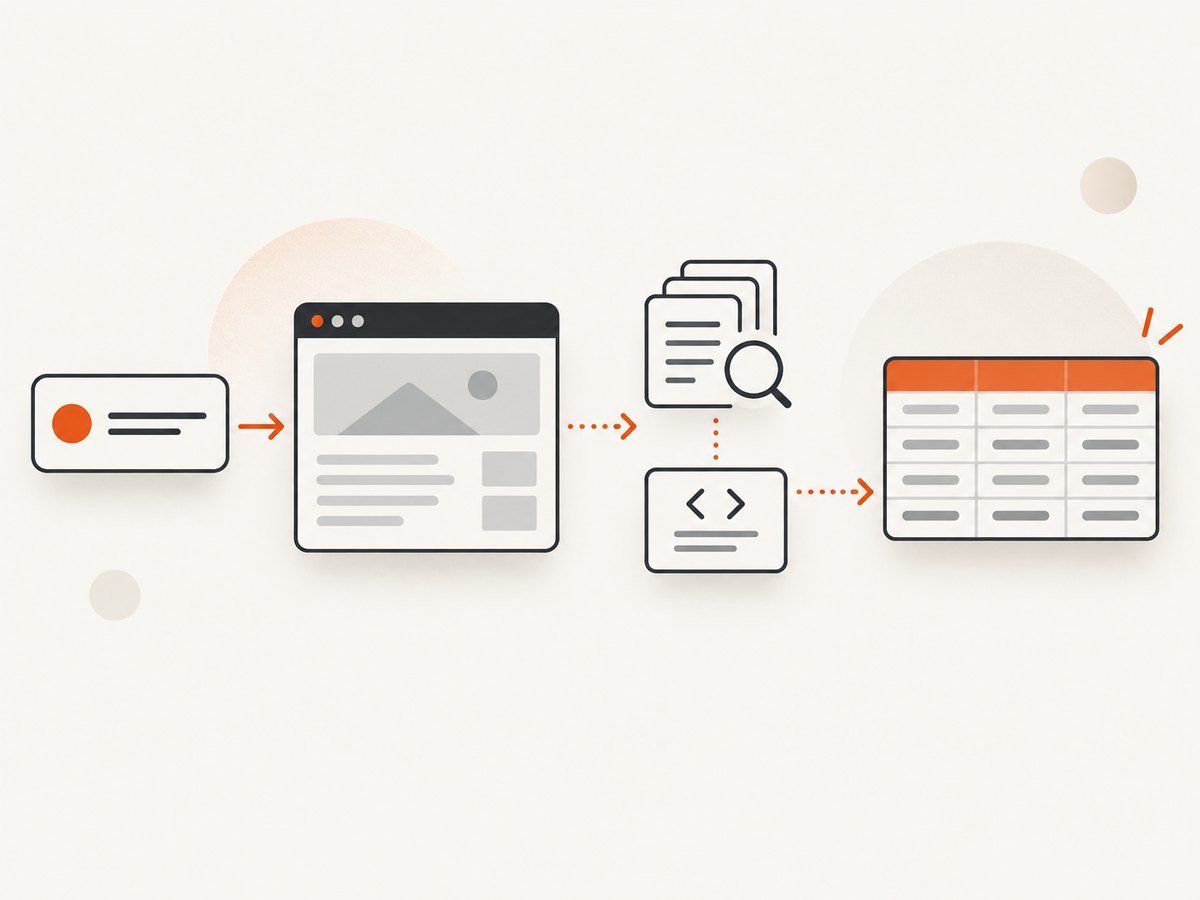
3. Separate retrieval from parsing
Requests handles HTTP retrieval and exposes status, headers, encoding, and response text. Beautiful Soup extracts data from HTML and XML. They solve different problems: a successful request can still contain an error page, and valid HTML can still have changed selectors.
Complete runnable Python example
Run this script on your own machine or an authorized server, not inside the Data Analysis environment when it needs to fetch a live URL.
from __future__ import annotations

import csv
import time
from urllib.parse import urljoin

import requests
from bs4 import BeautifulSoup

START_URL = "https://example.com/catalog"
OUTPUT = "products.csv"
MAX_PAGES = 3

session = requests.Session()
session.headers.update({
    "User-Agent": "ExampleResearchBot/1.0 (contact: you@example.com)"
})

rows = []
url = START_URL
for page_number in range(1, MAX_PAGES + 1):
    response = session.get(url, timeout=20)
    response.raise_for_status()
    soup = BeautifulSoup(response.text, "html.parser")

    cards = soup.select("article.product-card")
    for card in cards:
        link = card.select_one("a.product-card__link")
        price = card.select_one(".product-card__price")
        name = card.select_one(".product-card__name")
        rows.append({
            "name": name.get_text(" ", strip=True) if name else None,
            "price": price.get_text(" ", strip=True) if price else None,
            "product_url": urljoin(url, link.get("href")) if link else None,
            "source_page": url,
        })

    next_link = soup.select_one("a[rel='next']")
    if not next_link or not next_link.get("href"):
        break
    url = urljoin(url, next_link["href"])
    time.sleep(1.0)

with open(OUTPUT, "w", newline="", encoding="utf-8") as file:
    writer = csv.DictWriter(file, fieldnames=["name", "price", "product_url", "source_page"])
    writer.writeheader()
    writer.writerows(rows)

print(f"Wrote {len(rows)} rows to {OUTPUT}")
Install dependencies with python -m pip install requests beautifulsoup4. Replace selectors only after inspecting representative pages. Keep the source URL in every row so you can audit a value later.
4. Run, inspect, and validate the output
- Run a one-page sample and open the CSV.
- Compare several rows with their source pages.
- Check that URLs are absolute, fields have the expected type, and empty fields are intentional.
- Test a page with no results, a missing optional field, and a server error.
- Upload the CSV to ChatGPT Data Analysis and ask for row counts, duplicate URLs, missing-value counts, and suspicious price formats.
OpenAI recommends structured spreadsheets with clear headers and one record per row for file analysis. Ask ChatGPT to show the checks it performed and to identify rows for manual review. Parsing code can run successfully while returning zero records, stale content, or an interstitial page.
5. Handle JavaScript-rendered pages carefully
A static HTTP response may not contain content inserted by JavaScript. First inspect the response body and status code. If the required data is absent, look for a documented API, embedded JSON, or server-rendered alternative. A browser automation runtime may be necessary for pages that require client-side rendering, interactions, or waits. Keep that runtime outside ChatGPT Data Analysis and follow the site’s rules. Do not use a scraper to defeat bot checks, CAPTCHAs, paywalls, or access controls.
6. Add reliability without creating excessive traffic
- Timeouts: set connect and read limits so one page cannot hang the job.
- Status handling: call
raise_for_status(), record the URL and status, and stop or back off on repeated 4xx/5xx responses. - Rate control: use a deliberate delay and a small page limit; do not parallelize by default.
- Idempotence: write results to a temporary file, then rename it when complete.
- Schema checks: fail loudly when a required selector disappears instead of silently exporting empty rows.
- Logging: record timestamp, URL, status, elapsed time, and parser warnings without storing secrets.
Retries should be bounded and reserved for transient failures. Retrying every response can increase load and make a blocked job worse. Preserve raw HTML samples for debugging, subject to the site’s terms and your data-retention policy.
7. Troubleshooting common scraper failures
| Symptom | Likely cause | Fix |
|---|---|---|
| “I can’t fetch this URL in ChatGPT” | Data Analysis has no external web-request/API access. | Run retrieval in a local or authorized hosted runtime, then upload the result. |
| HTTP 403 or 429 | Access policy, rate limit, or bot protection. | Stop, review terms and instructions, reduce request rate, or use a documented API. Do not bypass controls. |
| HTTP 200 but zero rows | Changed selectors, an error page, or JavaScript-rendered content. | Save and inspect the response body; verify selectors and rendering requirements. |
| Encoding looks corrupted | Incorrect response encoding assumption. | Inspect response headers and response.encoding; decode deliberately and preserve UTF-8 output. |
| Relative links are wrong | Parser stored the raw href. |
Resolve with urljoin(response.url, href). |
| Rows are duplicated | Pagination loop or repeated cards. | Track visited URLs and deduplicate on a stable key such as canonical URL. |
| Fields suddenly become null | Markup changed or a consent/interstitial page appeared. | Compare saved HTML with a known-good sample and add a schema alarm. |
8. Performance, cost, and data quality
The main costs are requests, runtime, storage, and maintenance. A small sequential job is easier to reason about and kinder to the target site. Measure pages per minute, response sizes, parse time, and error rate in your own environment; the supplied research does not establish a universal benchmark.
Cache responses when your use case and the site’s terms allow it. Avoid downloading assets you do not parse. Use incremental output for large jobs and keep a checkpoint so a failure does not restart every page. For quality, sample records from the beginning, middle, and end of a run, and compare against the source after each markup change.
Or skip the browser setup
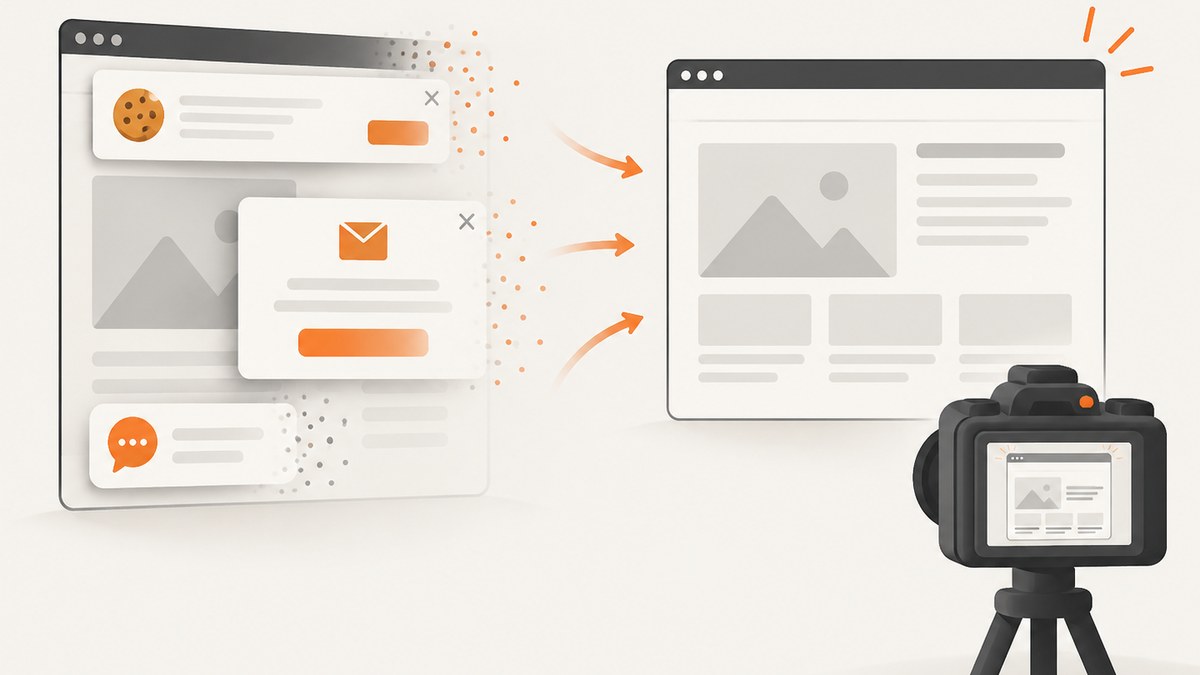
If your goal is a clean image or PDF of a page rather than structured fields, ScreenshotNeo provides a single GET request. Its capture pipeline accepts consent banners and removes more than 60 known consent platforms, newsletter popups, and chat widgets before the shot; each step can be turned off. Bot checks, blank pages, timeouts, failed loads, and cache hits are not billed, and the response identifies the result with X-Page-Verdict and X-Billed headers. See the ScreenshotNeo API documentation for all options.
cURL
curl -G "https://api.screenshotneo.com/v1/shot" -d access_key=YOUR_API_KEY --data-urlencode url=https://stripe.com -o shot.webpPython
import requests
r = requests.get("https://api.screenshotneo.com/v1/shot", params={"access_key": "YOUR_API_KEY", "url": "https://stripe.com"}, timeout=90)
open("shot.webp", "wb").write(r.content)
Node.js
const q = new URLSearchParams({ access_key: 'YOUR_API_KEY', url: 'https://stripe.com' }); const res = await fetch(`https://api.screenshotneo.com/v1/shot?${q}`);ScreenshotNeo also supports full-page captures with lazy images loaded, CSS-selector element captures, dark mode, device presets and custom viewports, retina scale, PDF paper sizes and page ranges, custom CSS and JavaScript, clicks, waits, blocked requests or resource types, headers, cookies, user agents, authorization, timezone, geolocation, transparent backgrounds, resizing, chosen cache TTLs, signed links, asynchronous jobs with signed webhooks, bulk capture for up to 100 URLs per call, a usage API, and an OpenAPI specification. An MCP server provides take_screenshot, get_page_info, and capture_pdf for Claude, Cursor, and other MCP clients.
There are 1,000 free shots per month with no card. Paid plans start at $5 for 3,000 shots; yearly billing gives two months free, and every feature is included on every plan. Create a free ScreenshotNeo account.
FAQ
Can ChatGPT Code Interpreter scrape a live website?
Not from its documented Data Analysis Python environment. It can draft code and analyze files, but that environment cannot make external web requests or API calls.
Should I use Requests or Beautiful Soup?
They have different roles: Requests retrieves HTTP responses; Beautiful Soup parses HTML/XML. A scraper commonly uses both, though rendered pages may require another approach.
Does robots.txt authorize scraping?
No. RFC 9309 calls robots.txt rules crawler instructions and says they are not access authorization. Review terms, permissions, authentication requirements, and applicable rules for your situation.
How do I know whether my parser is correct?
Compare sampled rows with source pages, retain source URLs, test missing and changed markup, and inspect the exported file with explicit row, duplicate, and missing-value checks.
When is a screenshot API better than a scraper?
Use a screenshot API when the deliverable is a visual capture or PDF and you want browser setup, waiting, consent cleanup, and failure reporting handled as a service. Use a parser when you need structured fields for analysis.


