A 2x Cheaper Bannerbear Alternative With 10x More Features
Orshot’s entry plan offers more credits for less than Bannerbear, but the savings depend on your workload. Compare credit rules, features and migration effort before switching.
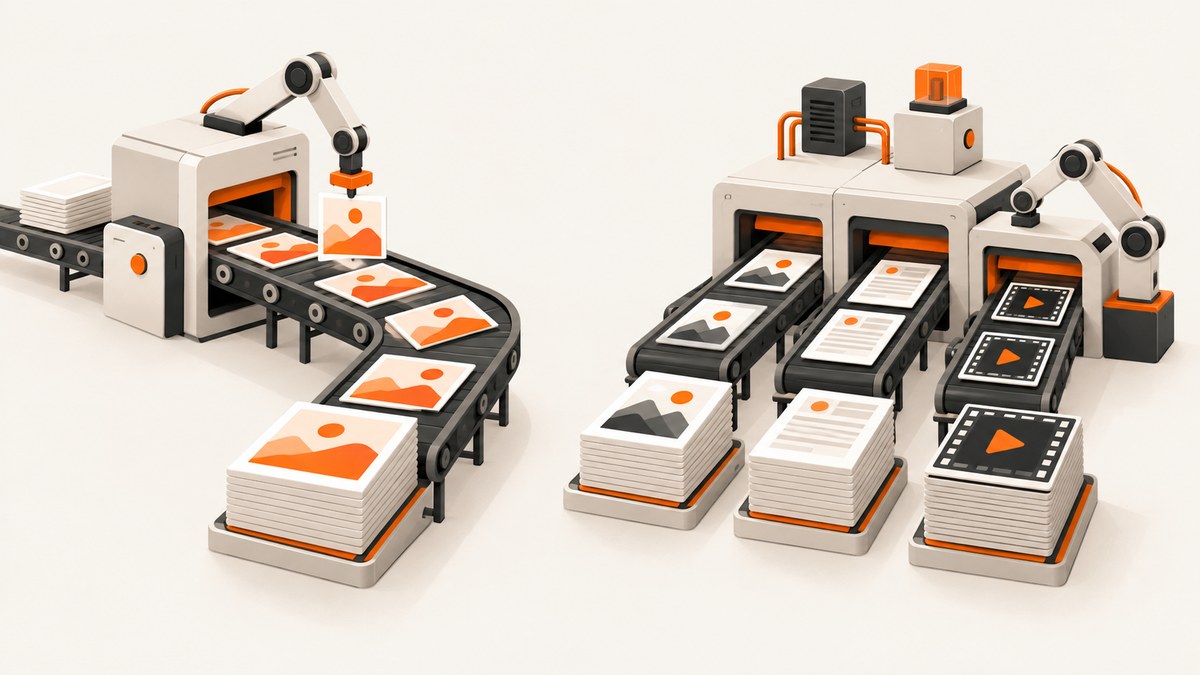
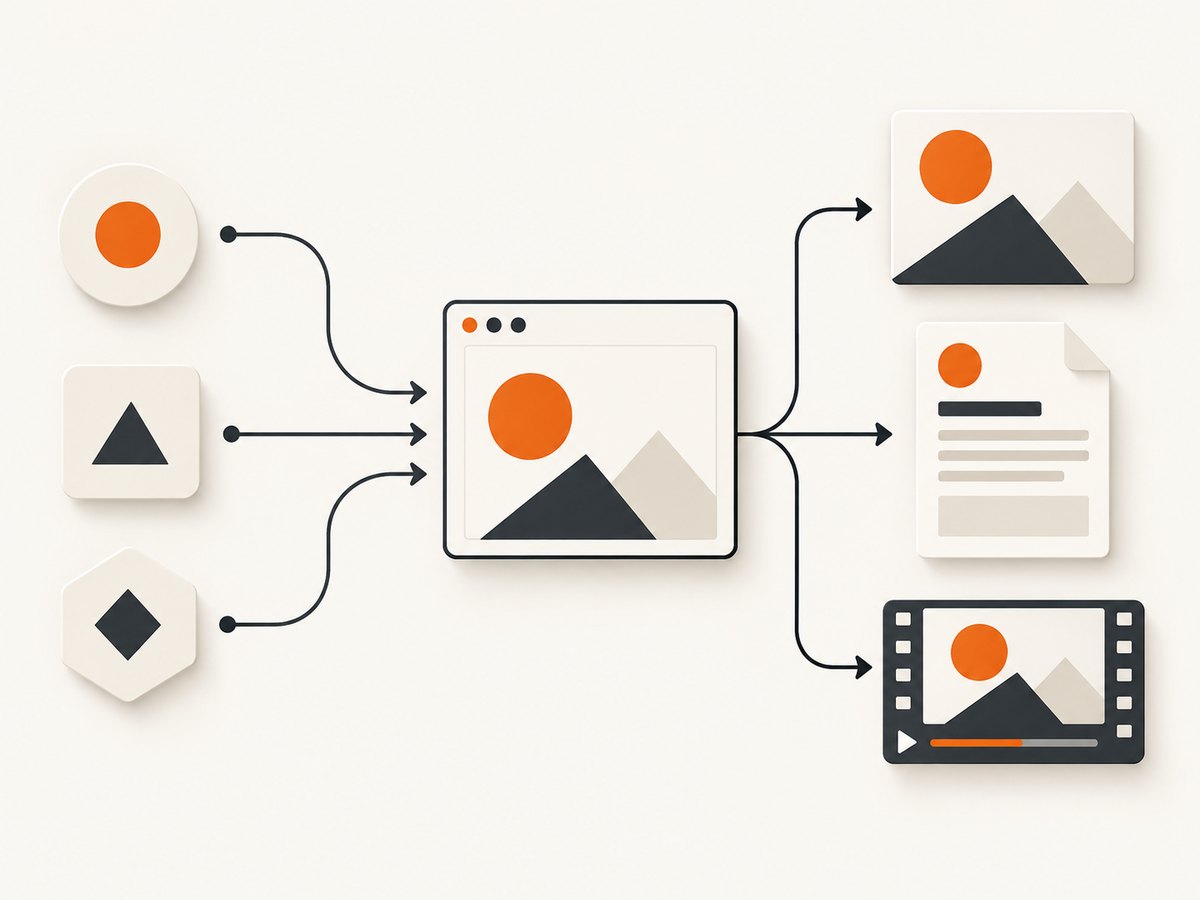
If you want a lower-cost Bannerbear alternative for generating images, PDFs or videos from templates, start by comparing Orshot. Orshot’s comparison page lists its entry plan at $39 per month for 1,500 credits, versus Bannerbear’s $49 per month for 1,000 credits. That is about half the cost per listed credit on those entry plans—but it does not mean every plan or workload costs half as much. The headline claim of “10x more features” is also promotional: the reviewed sources do not define a shared method for counting features.
Make the decision using the outputs you actually need, each product’s credit rules, and the workflow you would have to rebuild. Bannerbear may remain the better fit if its API, integrations or existing templates already serve your team well. Orshot is worth evaluating if you want its combination of image, PDF and video generation, multi-page output, or design-import options. Pricing below comes from vendor-published information checked in July 2026; verify the live plans before purchasing. Orshot’s comparison is the source for its pricing and feature claims.
1. Compare the actual monthly cost
A credit is not a universal unit of work. Orshot describes one credit as one image, one PDF page, or one second of video. Bannerbear’s rules vary by output and operation: one image format costs one credit, additional formats add credits, scaling multiplies the format cost, and animation and video tools have separate rules. A quota comparison is only meaningful after you map your expected outputs to each service’s billing model.
| Example workload / tier | Orshot comparison page | Bannerbear comparison page | How to read it |
|---|---|---|---|
| Entry tier | $39/month, 1,500 credits | $49/month, 1,000 credits | Orshot’s listed cost per credit is roughly half on this comparison. |
| 20,000-credit comparison | $160/month for 20,000 credits | $198/month for 20,000 credits | Orshot is cheaper in this cited row, but not half-price. |
| 40,000-credit comparison | $280/month for 40,000 credits | $296/month for 40,000 credits | The listed monthly prices are close at this volume. |
| 10,000 Bannerbear credits | $160/month for the nearest cited Orshot tier of 20,000 | $149/month for 10,000 credits | Orshot’s bill is higher because the cited tier includes more credits. |
Those are vendor-selected comparisons, not an independent price survey. Orshot itself notes that its nearest tier can cost more at some usage levels. Build your own estimate by asking: How many images will you generate? Do you need multiple image formats or larger scale? How many pages are in each PDF? How many seconds of video will you render, and which video operations apply? Include any other charges relevant to your workflow and check the current plan terms.
2. Compare workflow fit, not a feature multiplier
The phrase “10x more features” is not backed by an independently defined feature-count method in the reviewed evidence. A more useful comparison is to list the tasks your system must handle and confirm them against the current product documentation.
| Dimension | What to check |
|---|---|
| Outputs | Image formats and scaling; PDF generation and page count; animation, video editing and export formats. |
| Templates | How designers create and maintain templates; whether you can import existing designs; how dynamic fields map to template layers. |
| Automation | REST API behavior, integrations, forms, instant URLs, Zapier or other workflow tools, and any MCP support you plan to use. |
| Publishing | Whether the workflow ends at a rendered file or also needs a publishing destination or social network. |
| Plans | Whether your required feature and volume fit on the same plan, and whether limits or add-ons change the total cost. |
Bannerbear documents image and PDF generation, video capabilities, templates, an API, integrations, forms, instant URLs and MCP. Its direct integrations connect source fields to template layers; whether generated content can be written back depends on support in the source app. Bannerbear’s integrations FAQ describes roughly sixty direct integrations, alongside other automation routes. Those connections can matter if a no-code workflow already depends on them. Bannerbear’s product page and pricing page describe its current offering; check the documentation for details your implementation depends on.
Orshot’s comparison page promotes image, PDF and video generation, multi-page output, design import, workflows, social publishing and an MCP server. These are Orshot’s own claims, not the results of an independent feature audit. Check the live product documentation and try your actual template before treating a listed capability as equivalent to your existing setup.
3. Calculate Bannerbear credits for your workload
Bannerbear’s V5 documentation gives the clearest basis for estimating image and video-operation credits. For image output, each format costs a credit. If you request PNG and JPG, that is two credits. Scaling multiplies the format count: two formats at scale 2 use four credits. For animated templates, the documented calculation is one base credit plus two credits per second; at 60 frames per second, the total doubles. Video tools have their own base and processing costs.
For example, suppose a job creates a PNG and JPG version at scale 2. Under the documented rule, that render uses 2 formats × scale 2 = 4 credits. If your workload instead creates one format at the default scale, it uses one credit. These examples illustrate the documented rules; verify the operation and parameters for your exact endpoint in Bannerbear’s V5 API and AI credit documentation.
Do not infer a video quota by comparing raw credit counts. The Orshot comparison defines one credit as one second of video. Bannerbear’s documentation lists costs for individual video operations, including base costs and additional charges based on processing or re-encoding. Model the sequence of operations your workflow performs, not just the length of the finished video.
4. Estimate costs with a small usage model
- Count outputs: estimate monthly images, PDF pages, and video seconds. Split by template or use case if their settings differ.
- Apply each vendor’s rules: include formats, scaling, animation, video operations, or other credit-consuming work.
- Find the smallest plan that fits: compare the plan that covers your likely usage, rather than a plan with a larger quota that makes the unit price look better.
- Compare the bill and headroom: a bigger included allowance can be worthwhile if usage will grow, but it is not savings if your monthly total is higher and you will not use the extra capacity.
- Check plan availability: confirm the relevant features, integrations and usage are available on the plan you priced.
Orshot’s published table lists $39 for 1,500 credits, $160 for 20,000, and $280 for 40,000; it compares those with selected Bannerbear tiers. Its page also says the price gap narrows at higher volumes and that some nearest-tier comparisons have a higher Orshot monthly total. Treat these figures as a starting point for evaluation, not a promise about future billing. The page says the prices were checked in July 2026.
5. Try the migration before moving production
A lower quoted price is not enough to justify switching a working generation pipeline. First verify whether your current templates and downstream systems can be reproduced. A migration can involve more than replacing an API URL: template structure, dynamic parameter names, output settings, integrations, and error handling may all need attention.
- Inventory the current flow: record the templates, parameter names, output formats, dimensions, operations, integrations and callbacks your application uses.
- Select representative templates: include a simple image, the most complex layout, and any PDF or video job that consumes a meaningful share of credits.
- Recreate and map fields: confirm every dynamic input still maps to the right layer and that missing or unusually long values behave acceptably.
- Render comparable outputs: use the same input data and inspect the resulting assets for layout, typography, cropping, page breaks, animation and format differences.
- Run a limited parallel period: generate a small sample in both systems, record actual credit use and compare application-side failures before changing the production route.
- Switch with a rollback path: keep the old template and integration available until the replacement has handled the cases your service depends on.
Orshot publishes a Bannerbear migration guide. Its guidance and compatibility claims come from Orshot, so validate them against your own templates and version. Do not send production traffic to a new endpoint until you have checked authentication, response handling, rate and quota behavior, and the storage or delivery steps that follow generation.
6. Where ScreenshotNeo fits
ScreenshotNeo is a website screenshot API and MCP server, not a template-based creative-generation replacement for Bannerbear or Orshot. It is worth trying first when the job is capturing a live website as an image or PDF—for example, producing a page preview—rather than rendering a designed template with dynamic fields. Its API accepts a URL and can return PNG, JPEG, WebP or PDF. The request below uses the documented API base; see the ScreenshotNeo docs for options and request details.
curl -G "https://api.screenshotneo.com/v1/shot" \
  -d access_key=YOUR_API_KEY \
  --data-urlencode url=https://stripe.com \
  -o shot.webp
It also supports full-page and CSS-selector captures, device presets and custom viewports, dark mode, retina scale, PDF paper size and margins, custom CSS or JavaScript, waiting for a selector or network idle, cookies and headers, request blocking, caching, bulk capture, async jobs, signed links and an MCP server for AI agents. Those options address website capture workflows; they do not make it a substitute for a template editor or a video-rendering API.
In ScreenshotNeo’s stated billing model, only clean shots are billed. Cookie or consent banners are accepted and more than 60 known consent platforms, newsletter popups and chat widgets can be removed before capture; each cleanup step can be turned off. Bot checks or CAPTCHAs, blank pages, timeouts, failed loads and cache hits cost nothing, and response headers report the page verdict and billing status. Pricing is Free for 1,000 shots monthly with no card; paid plans start at $5 for 3,000, with higher listed plans at $15 for 15,000, $39 for 60,000, $99 for 250,000 and $249 for 1,000,000. Annual billing gives two months free, and every feature is on every plan.
For AI-assisted capture, the MCP server provides the tools take_screenshot, get_page_info and capture_pdf for Claude, Cursor and other MCP clients. For a web app making direct requests, keep your API key on the server rather than exposing it in browser code.
7. Troubleshooting and reliability checks
| Symptom | Likely cause | What to check |
|---|---|---|
| Usage exceeds the image count | Multiple output formats or scaling increase Bannerbear credit use. | Calculate formats × scale for each output; review the request parameters and V5 credit rules. |
| Video costs are hard to predict | Video tools use operation-specific rules, not a simple one-credit-per-render assumption. | List every transformation, duration and re-encoding step; estimate from the current credit documentation. |
| The alternative’s monthly bill is higher | The nearest available comparison tier may include more credits than your workload needs. | Compare the total monthly charge at the smallest suitable tier, not only cost per credit. |
| A migrated render looks different | Layer mapping, fonts, field length, output dimensions or template interpretation changed. | Compare representative source data and rendered output; adjust the template before routing live jobs. |
| An integration does not write data back | The source application may not support write-back for that integration path. | Confirm the source app’s supported actions and test both trigger and destination behavior. |
| Rendered output is missing downstream | Generation may have succeeded while a later storage, delivery or callback step failed. | Log generation responses separately from file transfer, webhook and application processing; retry only the failed stage when safe. |
For reliability, retain the input data and template version associated with each production render. Log the vendor response, output format and resulting asset location so you can distinguish a generation failure from a storage or delivery failure. Test retries carefully: a retry can consume additional credits if the prior request actually generated content. Use a small canary batch when changing a template, integration or provider, and monitor both output quality and actual usage.
8. Performance and operating cost
Measure end-to-end time for your own jobs. The cited sources do not establish a comparable benchmark for generation latency, so there is no reliable basis here to claim one service is faster. Include the time spent generating, receiving or retrieving the result, and delivering it to your application. Video and multi-page jobs are different workloads from a single static image, so compare like with like.
Keep repeated work out of the critical path when your application can safely reuse an existing output. Store the source inputs and output identifiers needed to determine whether a render is still valid. Batch or parallelize only within the provider’s current limits, and make your queue resilient to temporary failures. For cost, estimate both expected usage and a busy-month scenario; usage-based systems can make a low unit price less useful if the tier size, feature add-ons or output operations do not fit your workload.
FAQ
Is Orshot actually twice as cheap as Bannerbear?
On the entry-tier comparison published by Orshot, $39 buys 1,500 credits and Bannerbear’s $49 tier includes 1,000. Orshot describes the entry-level per-image cost as roughly half, but the gap narrows at higher tiers and some compared Orshot plans have a higher monthly bill. The claim should not be generalized to every workload.
Does “10x more features” have an independent definition?
Not in the reviewed evidence. Treat it as promotional wording. Compare the capabilities you require—outputs, integrations, template workflow, API behavior and plan limits—against current documentation.
Does every Bannerbear image use one credit?
One output format uses one credit under Bannerbear’s V5 documentation. Multiple formats and scaling increase the total; animation and video operations follow additional rules.
Can ScreenshotNeo replace Bannerbear?
Only when your task is website capture. ScreenshotNeo captures live web pages as images or PDFs; Bannerbear and Orshot generate designed assets from templates and also cover other creative workflows.
What is the safest way to decide?
Run representative jobs in the alternative, inspect the files, and compare actual usage and monthly cost before migrating production traffic.
Recommendation
Orshot is a reasonable Bannerbear alternative to evaluate when its advertised image, PDF, video or workflow capabilities match your requirements and the current tier fits your actual usage. Its entry-tier comparison is compelling, but “2x cheaper” is not a universal price result, and “10x more features” is not an independently measured count. Model credits by operation, validate templates and integrations, and compare the bill at your likely monthly volume before switching.
Or skip the browser setup
If the task is a live website screenshot rather than a template-rendered creative, ScreenshotNeo can capture a URL with one request:
import requests

r = requests.get(
    "https://api.screenshotneo.com/v1/shot",
    params={"access_key": "YOUR_API_KEY", "url": "https://stripe.com"},
    timeout=90,
)
open("shot.webp", "wb").write(r.content)
Cookie banners, popups and chat widgets are removed before the shot; bot checks, blank pages and failed loads are never billed. An MCP server lets AI agents take screenshots. The free plan includes 1,000 screenshots a month with no card, and paid plans start at $5 for 3,000. Sign up free for ScreenshotNeo.


