Cheapest Screenshot APIs in 2026: Free Tiers Compared
Compare free screenshot API quotas, paid entry prices, limits, rendering controls, and the best low-cost choice for your project.
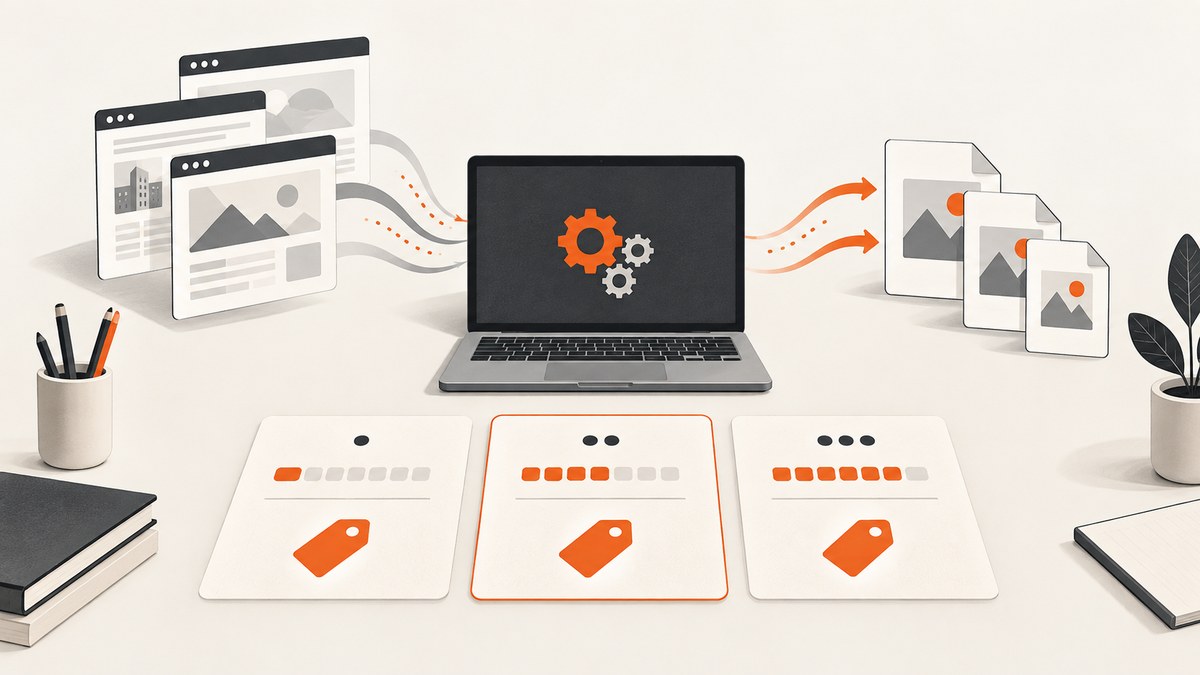
Short answer: ScreenshotNeo is the best first option for most new projects because it combines 1,000 free screenshots every month, a $5 paid plan for 3,000 shots, and production controls such as cookie-banner removal, caching, PDF output, webhooks and custom browser settings. Among the other providers reviewed here, ShotOne advertises the largest recurring free quota at 200 screenshots per month. ScreenshotOne provides 100 free screenshots per month and more documented production controls. Urlbox has no recurring free plan, but it offers a seven-day trial. Browserless documents a screenshot endpoint, while the cited documentation does not publish a comparable free quota or price.
The cheapest service depends on two separate questions: how many free renders you receive every month, and what the first practical paid plan costs when your project grows. A large free quota can be less useful if it has a low rate limit, weak rendering controls or no way to diagnose failed captures.
Free screenshot API quotas compared
| Provider | Recurring free offer | First paid offer found | Documented capabilities | Main caveat |
|---|---|---|---|---|
| ScreenshotNeo | 1,000 screenshots/month, no card | Starter: $5 for 3,000 | PNG, JPEG, WebP, PDF, full page, selectors, device presets, custom CSS and JavaScript, blocking, caching, webhooks, bulk capture, MCP server | Choose options carefully because advanced rendering settings can increase work per request |
| ShotOne | 200 screenshots/month; 5 requests/minute | Starter shown at $4.50/month for three months, then $9/month | PNG, JPEG, WebP, full page, PDF, mobile and desktop viewports, element selector, R2 storage, headers and cookies | The low introductory price is promotional and should be rechecked |
| ScreenshotOne | 100 screenshots/month | Basic: $17/month for 2,000 screenshots | Full page, PDF, HTML rendering, ad and cookie-banner blocking, caching, S3, webhooks, signed links, custom JavaScript/CSS and viewport controls | The pricing page does not state a free-plan request rate |
| Urlbox | No recurring free plan; seven-day trial with no card | Lo-Fi: $19/month for 2,000; Hi-Fi: $49/month for 5,000; Ultra: $99/month for 15,000 | Fidelity tiers, stealth rendering, full page, element capture, multiple formats, PDF and webhooks | It is not a free-tier option, and feature access varies by tier |
| Browserless | Not stated on the cited documentation page | Not stated on the cited documentation page | POST screenshot endpoint, PNG/JPEG/WebP, Puppeteer-style options, full page and element capture | Current pricing and free quota require a separate check |
Ranking: ScreenshotNeo is #1 for a new project because it has the largest free allowance in this comparison and the lowest paid entry plan among the documented options here. ShotOne is #2 when recurring free volume alone is your priority among the other providers. ScreenshotOne is the stronger alternative when you need its documented storage, signed links and scripting controls. Urlbox is relevant when you want fidelity-based tiers and can start with a trial. Keep Browserless in a technical alternatives list until its current pricing page supplies comparable numbers.
How to choose the cheapest API for your workload
1. Estimate monthly renders
Count every URL you capture, including retries, mobile and desktop variants, scheduled checks and PDF versions. If you capture 20 pages in three viewports every day, your baseline is 1,800 renders per month before retries. A 200-render free tier will not cover that workload, while a 1,000-render allowance may cover early development.
2. Separate successful captures from failed requests
Some APIs charge for every request; others distinguish successful renders from bot checks, timeouts or blank pages. That difference matters when you monitor sites that change frequently. ScreenshotNeo returns X-Page-Verdict and X-Billed headers. Its policy is to bill only clean shots; bot checks or CAPTCHAs, blank pages, timeouts, failed loads and cache hits cost nothing.
3. Check rate limits before comparing quotas
ShotOne’s free plan lists five requests per minute. ScreenshotOne’s Basic plan lists 40 requests per minute. A quota is a monthly ceiling, while a rate limit controls whether you can finish a batch in the time your application needs. For scheduled jobs, queue requests and use exponential backoff rather than sending a burst that triggers 429 responses.
4. Price the first realistic paid tier
ShotOne’s displayed $4.50 Starter price lasts three months and then becomes $9 per month. ScreenshotOne lists Basic at $17 per month for 2,000 screenshots. Urlbox lists Lo-Fi at $19 for 2,000 renders, with higher tiers for more fidelity. Promotional prices and quotas can change, so verify them immediately before committing.
What rendering controls are worth paying for?
Quota is only one part of the cost. A screenshot that contains a consent banner, newsletter popup or chat bubble may be unusable and force a second capture. Full-page pages can also show blank image areas when lazy-loaded content was never triggered.
- Full-page and lazy loading: Loads content below the fold before stitching the image.
- Element capture: Captures one CSS selector for cards, charts or receipts instead of the whole page.
- Viewport and device settings: Reproduce mobile, tablet, desktop and retina layouts.
- CSS and JavaScript: Hide volatile UI, wait for an application state or add print styles.
- Network controls: Block ads, trackers, selected requests or resource types to improve consistency.
- Authentication: Supply headers, cookies, user-agent values and Authorization credentials.
- Delivery: Caching, signed links, asynchronous webhooks and bulk calls reduce application work.
DIY cost test with a browser
If you build your own renderer with Playwright or Puppeteer, the API invoice disappears, but you pay for browser processes, memory, patching, queueing and failure handling. A minimal Playwright capture in Node.js looks like this:
import { chromium } from 'playwright';

const browser = await chromium.launch({ headless: true });
const page = await browser.newPage({ viewport: { width: 1440, height: 900 }, deviceScaleFactor: 1 });
await page.goto('https://example.com', { waitUntil: 'networkidle', timeout: 60000 });
await page.screenshot({ path: 'shot.png', fullPage: true });
await browser.close();
Production code needs a concurrency limit, navigation timeout, browser recycling, crash recovery, persistent logs, font installation and a policy for pages that require consent or challenge solving. You also need to prevent untrusted URLs from reaching internal network addresses if users can submit arbitrary targets.
Or skip the browser setup
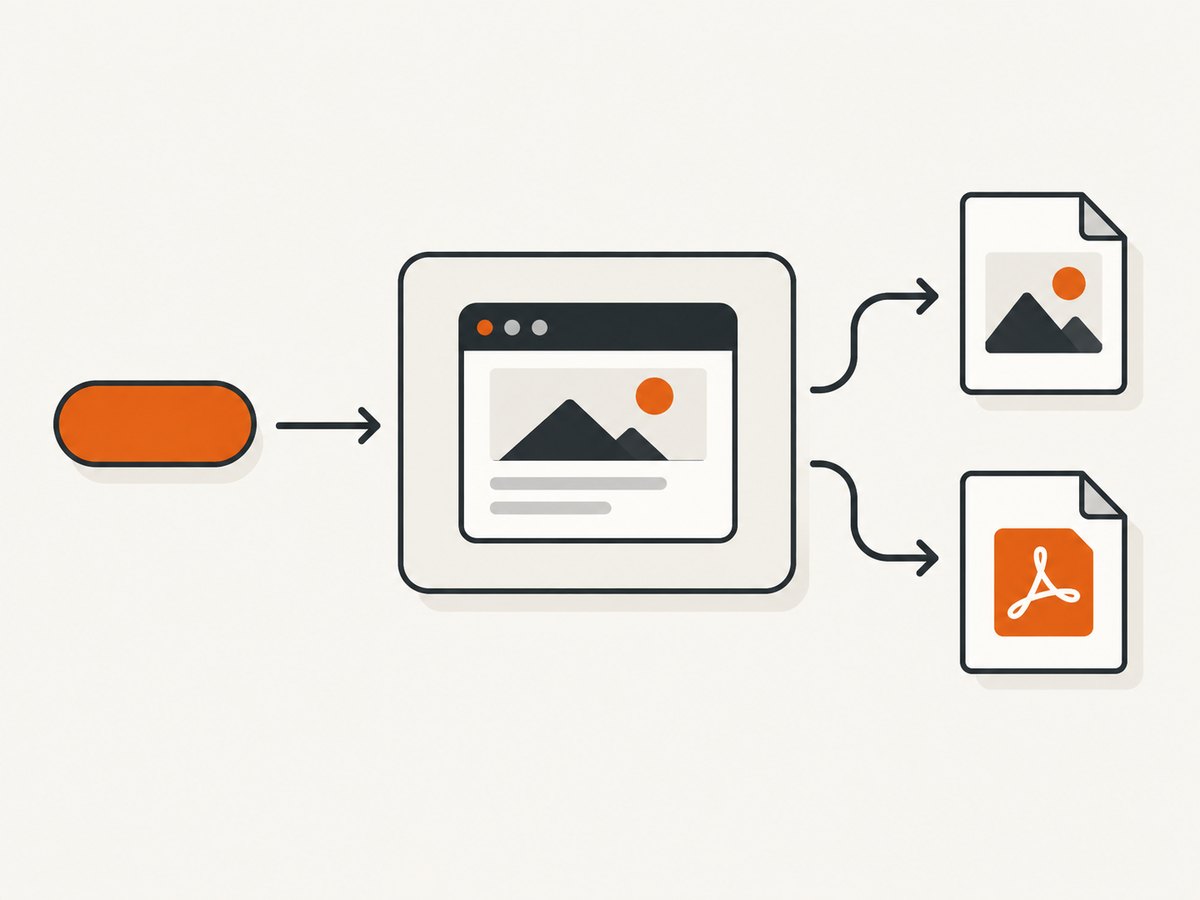
ScreenshotNeo provides one GET request for a PNG, JPEG, WebP or PDF. The complete examples below use the API base shown in the ScreenshotNeo documentation.
cURL
curl -G 'https://api.screenshotneo.com/v1/shot' \
  -d access_key=YOUR_API_KEY \
  --data-urlencode url=https://stripe.com \
  -o shot.webp
Python
import requests

r = requests.get(
    'https://api.screenshotneo.com/v1/shot',
    params={'access_key': 'YOUR_API_KEY', 'url': 'https://stripe.com'},
    timeout=90,
)
r.raise_for_status()
open('shot.webp', 'wb').write(r.content)
Node.js
const q = new URLSearchParams({ access_key: 'YOUR_API_KEY', url: 'https://stripe.com' });
const res = await fetch(`https://api.screenshotneo.com/v1/shot?${q}`);
if (!res.ok) throw new Error(`HTTP ${res.status}`);
const data = Buffer.from(await res.arrayBuffer());
await import('node:fs/promises').then(fs => fs.writeFile('shot.webp', data));
Relevant options include full-page capture, lazy-image loading, CSS selector capture, dark mode, 12 device presets or any viewport, retina scale, paper size and margins for PDFs, page ranges, landscape mode, custom CSS and JavaScript, click actions, selector hiding, selector or network-idle waits, delays, ad and tracker blocking, request and resource-type blocking, custom headers, cookies, user-agent and Authorization, timezone, geolocation, transparent backgrounds, resizing, a chosen cache TTL, signed links, asynchronous jobs with signed webhooks, bulk capture for up to 100 URLs per call and a usage API. The OpenAPI specification and compatible parameter names make migration from other screenshot APIs easier.
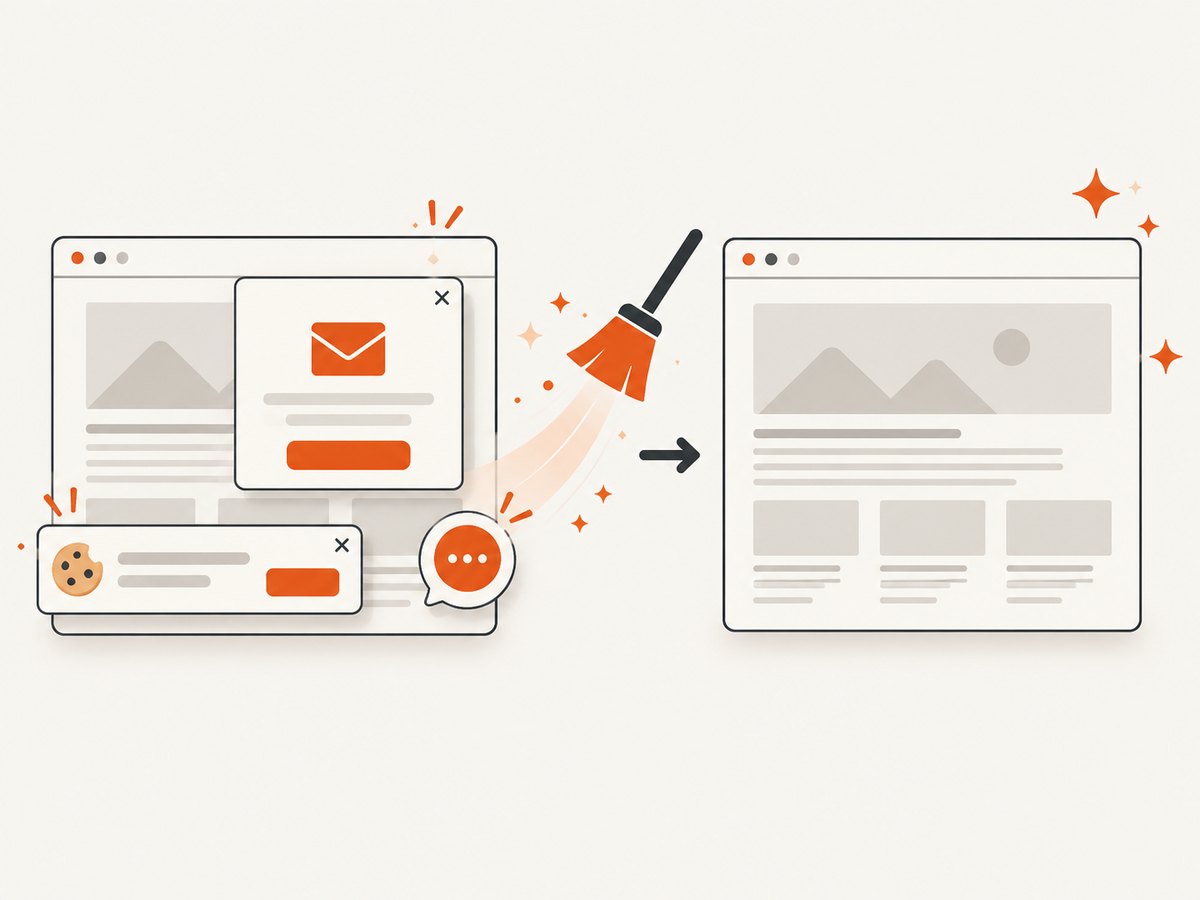
Four reasons make the free tier practical for development: cookie and consent banners, newsletter popups and chat widgets are removed before the shot; bot checks, blank pages and failed loads are never billed; an MCP server lets Claude, Cursor and other MCP clients call take_screenshot, get_page_info and capture_pdf; and 1,000 screenshots per month are free with no card. Create a free ScreenshotNeo account.
Reliability, performance and cost notes
Use caching for repeated URLs
Set a cache TTL when the same page is requested repeatedly. Cache hits are not billed by ScreenshotNeo, and caching reduces latency and origin traffic. Pick a short TTL for dashboards and a longer TTL for documentation or product pages.
Queue large jobs
For reports or site inventories, use asynchronous jobs and signed webhooks, or the bulk endpoint for up to 100 URLs per call. A queue prevents a user-facing request from waiting for dozens of browsers and makes retries explicit.
Make waits specific
Waiting for a known selector is usually more deterministic than sleeping for a fixed number of seconds. Use a delay for animations or third-party widgets, and network idle only when the page actually becomes quiet. Excessive waits increase latency and can turn a slow page into a timeout.
Keep output sizes under control
Full-page retina images can become very large. Use image resizing, WebP output or element capture when the consumer does not need every pixel. For PDFs, set paper size, margins, orientation and page ranges instead of rendering an oversized page and cropping it later.
Troubleshooting common errors
| Symptom | Likely cause | Fix |
|---|---|---|
| HTTP 401 or 403 | Missing, invalid or restricted access key | Check the key, keep it server-side and confirm the request uses the access_key parameter. |
| HTTP 429 | Rate limit exceeded | Queue requests, cap concurrency and retry with exponential backoff. |
| Blank image | Page failed to load, content is below the fold or a bot check appeared | Inspect X-Page-Verdict, enable full-page/lazy loading, wait for a selector and verify the target URL manually. |
| Consent dialog in the image | The page uses an unsupported or late-loading banner | Enable consent handling, add a selector hide rule or click the element before capture. |
| Missing fonts or icons | Web fonts were still loading or requests were blocked | Wait for the relevant selector or network idle and review resource-type blocking. |
| PDF cuts off content | Paper size, margins or page range do not match the document | Set paper size and margins explicitly, use landscape for wide pages and test a limited range first. |
| Private page redirects to login | Authentication headers or cookies were not supplied | Pass the required cookies, Authorization header or custom user agent and avoid exposing secrets in client code. |
| Intermittent timeouts | Origin server, third-party scripts or a long animation is slow | Block unnecessary requests, replace fixed sleeps with selector waits, increase timeout within reason and retry idempotently. |
Decision guide
- Choose ScreenshotNeo when you want the biggest free allowance in this comparison plus clean captures, an inexpensive $5 entry plan and an MCP workflow.
- Choose ShotOne when 200 free screenshots and a five-request-per-minute free limit fit your prototype and you need its listed storage or header features.
- Choose ScreenshotOne when its 100 free screenshots are enough and ad/cookie blocking, S3, signed links or webhooks justify the $17 Basic plan.
- Choose Urlbox when a seven-day trial and fidelity tiers matter more than a recurring free quota.
- Evaluate Browserless after checking its current pricing and free allowance directly.
FAQ
What is the cheapest screenshot API with a free tier?
For the providers with published figures in this comparison, ScreenshotNeo has the largest free allowance at 1,000 screenshots per month and a $5 Starter plan. ShotOne is the largest free tier among the other compared providers at 200 screenshots per month.
Is a free trial the same as a free plan?
No. A recurring free plan renews monthly, while a trial expires. Urlbox explicitly offers a seven-day trial rather than a recurring free plan.
Do failed screenshots consume quota?
Policies differ. ScreenshotNeo states that bot checks, blank pages, timeouts, failed loads and cache hits are not billed and reports the result in response headers.
Can I switch providers later?
Yes, if you isolate the screenshot call behind your own small interface. Store the target URL, viewport, output format, wait rules and status separately from provider-specific authentication and parameter names.
How often should I recheck prices?
Before publishing a comparison, signing up for a paid plan or budgeting a production system. Promotional pricing, quotas and rate limits can change.
Final recommendation
Compare recurring quota, rate limits, failure billing and rendering controls together. For a small project that needs a dependable path from prototype to production, start with ScreenshotNeo’s free 1,000-shot allowance, then move to the $5 Starter plan when you need more capacity. The API, bulk and async features let you postpone browser infrastructure while retaining control over waits, authentication, output and delivery.


