How to Check a URL and Preview Its Webpage
Learn how to inspect a URL, verify its security, scan it safely, and preview a webpage before you open it.
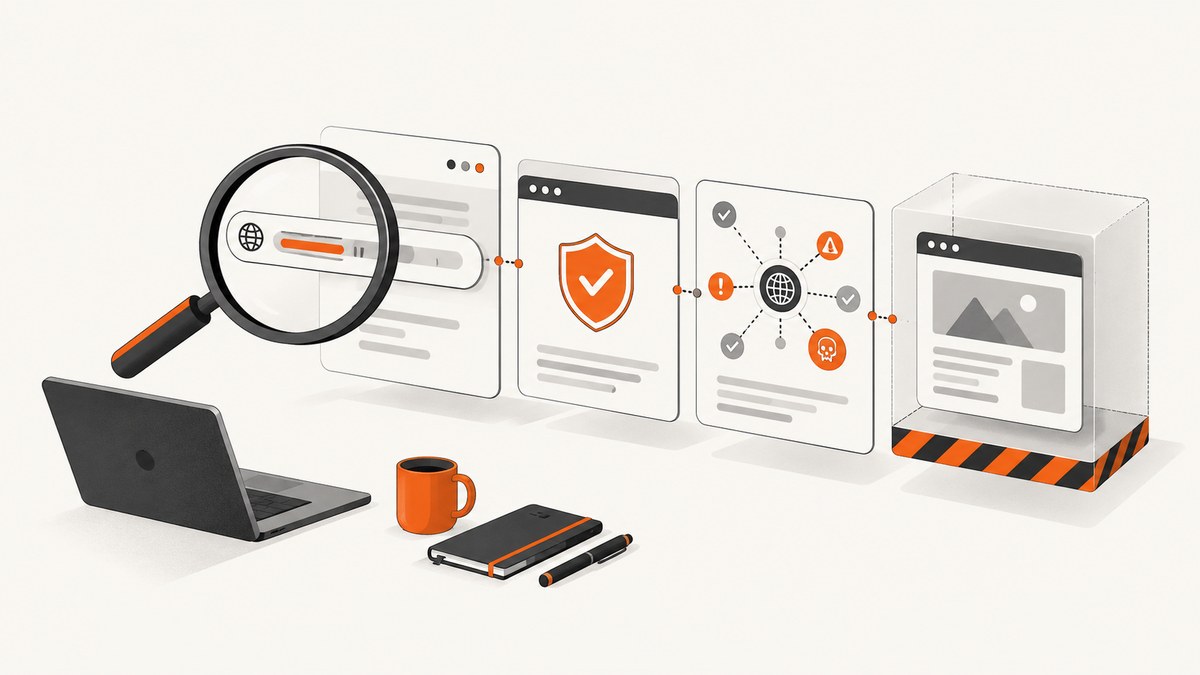
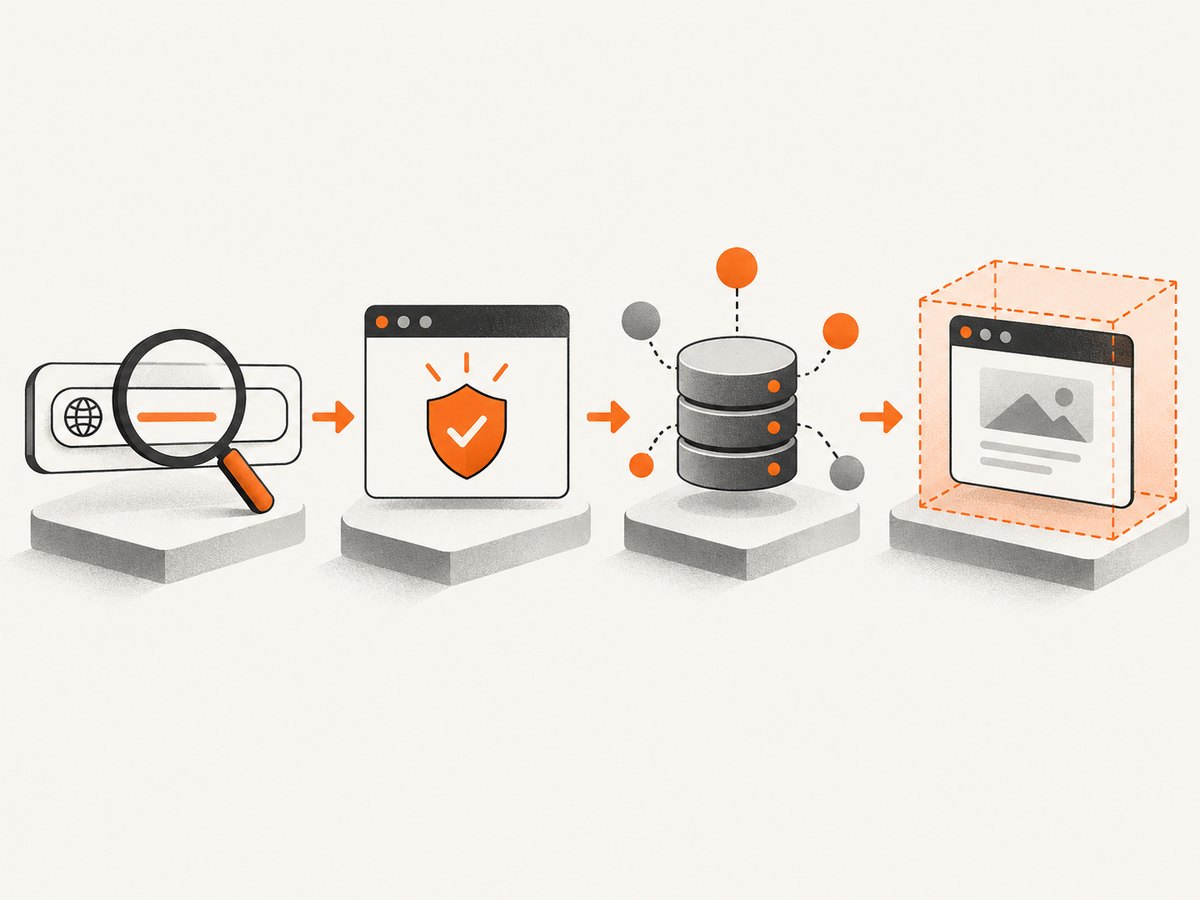
Before opening an unfamiliar link, inspect the complete URL, check the browser security state, run a reputation check, and preview the destination in a sandbox or browser feature. No single signal proves that a page is safe. A clean HTTPS indicator, reputation result, or preview can miss a new, targeted, or redirected threat.
1. Use a layered URL-checking workflow
- Read the entire URL before clicking it.
- Inspect the browser’s security indicator and exact domain.
- Check the URL with a reputation service.
- Preview the destination in a sandboxed scanner or browser-native preview.
- Decide whether to open it, and use the known official site directly for sensitive actions.
This workflow limits exposure before navigation and gives you several kinds of evidence: URL structure, browser connection state, continuously updated reputation data, redirect history, network requests, screenshots, and page metadata.
2. Read the URL before clicking
Read from left to right, including the scheme, hostname, path, query string, and fragment. Pay special attention to the registrable domain—the domain a person or organization controls.
| Part | What to inspect | Warning signs |
|---|---|---|
| Scheme | https:// or http:// |
An unexpected HTTP link for an account or payment action |
| Subdomain | Text before the registrable domain | login.example.attacker.tld may be controlled by the attacker |
| Registrable domain | The actual site name and top-level domain | Misspellings, lookalike characters, or an unfamiliar domain |
| Path | Text after the domain | Unexpected account, download, or authentication paths |
| Query string | Text after ? |
Opaque tracking, redirect, or destination parameters |
| Redirects | Where the link eventually goes | A short URL or multiple unexpected domain changes |
If the link came from an email, chat message, or document, compare the visible link text with the actual destination shown by the browser or link context menu. A familiar label does not establish that the destination is familiar.
Example: identify the real domain
https://accounts.example.com.security-check.attacker.test/loginThe registrable domain here is attacker.test, not example.com. Text such as example.com in a subdomain does not make the site official.
3. Check the browser security state
Chrome’s icon to the left of the address reports states such as Secure, Info/Not secure, or Dangerous. A secure connection protects information in transit, but Chrome still advises checking the site name and being careful with personal information. A Dangerous state means Safe Browsing flagged the page; Chrome’s guidance is “Do not use this site.” See Chrome’s connection-security guidance.
- Confirm the exact domain in the address bar, including spelling and top-level domain.
- Treat warnings as a reason to stop, not as an inconvenience to bypass.
- Remember that HTTPS authenticates the connection to a domain; it does not prove that the operator is honest or that the content is safe.
For account, payment, or sensitive actions, type the known official address yourself or use a trusted bookmark instead of continuing from an unexpected warning or redirect.
4. Run a reputation check
Google Safe Browsing lets client applications check URLs against continuously updated lists of unsafe resources, including phishing, social engineering, malware, and unwanted software. Its documentation describes the service and its lists at Google Safe Browsing for developers.
A reputation result is evidence about whether a URL is currently listed. It is not a guarantee that a clean result is safe: new or targeted threats may not yet be listed, and the page can change after the check.
Google states that the Safe Browsing API is for non-commercial use. Commercial detection should use Web Risk instead. Choose the service that matches your use and licensing requirements.
5. Preview the destination without ordinary browsing
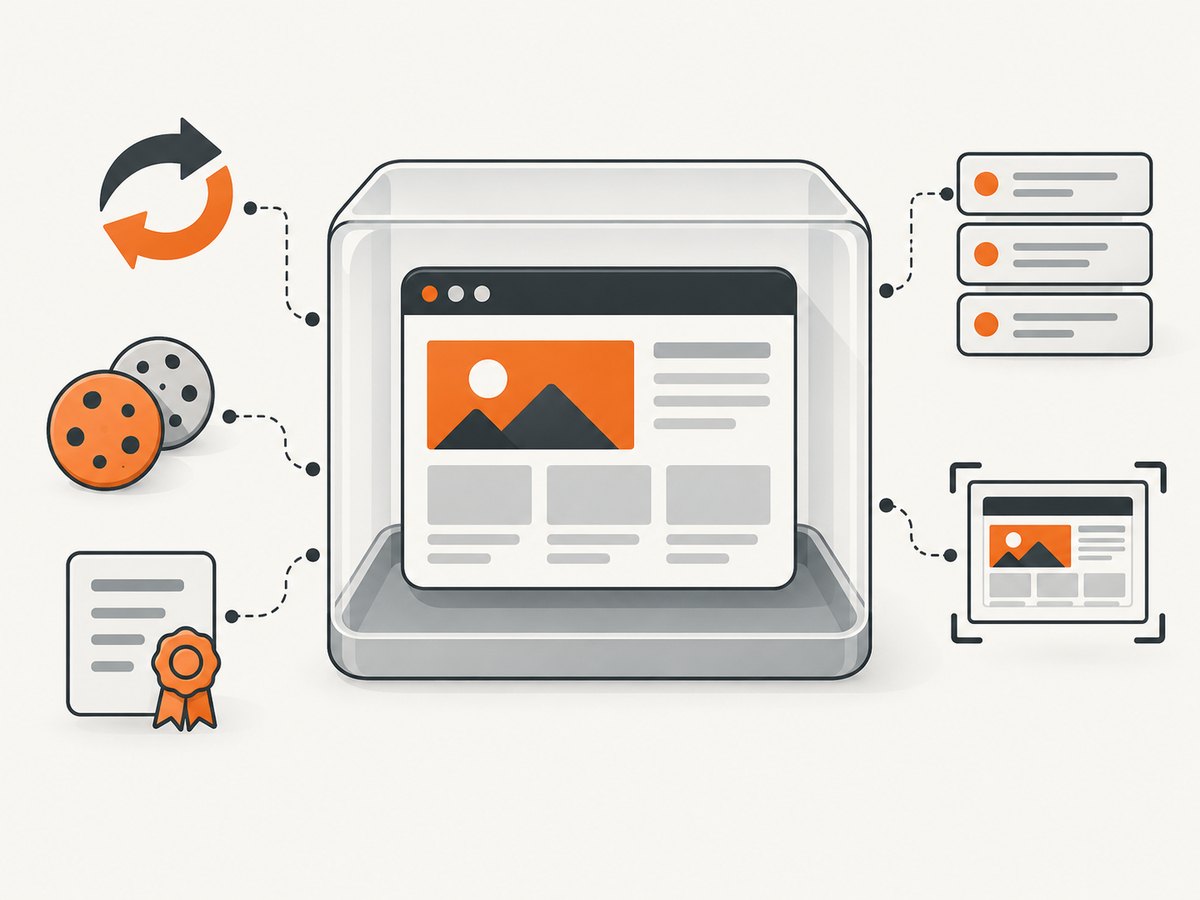
A sandboxed scanner loads the page in an isolated service and returns evidence without making your everyday browser session visit the destination. Cloudflare URL Scanner reports can include the final URL after redirects, request chains, cookies, certificates, screenshots, network details, technology information, and a malicious-content verdict at scan time. See the Cloudflare URL Scanner documentation.
What to inspect in a scan report
- Final URL: confirm that redirects end at the domain you expected.
- Redirect chain: investigate unexpected domains, URL shorteners, or repeated hops.
- Screenshot and page title: compare the rendered page with the sender’s claim.
- Network requests: look for unexpected third-party hosts, downloads, or scripts.
- Certificates and cookies: treat them as technical evidence, not proof of trust.
- Verdict time: the malicious-content result describes that scan at that time; it can change later.
A sandbox report cannot prove that the page behaves identically for every user, location, browser, or later scan. Do not enter credentials into a page merely because its screenshot looks normal.
6. Use a browser-native preview when available
Firefox Link Previews began with Firefox 142 and are being introduced through a progressive rollout. Hold a link or right-click it and choose Preview Link. The preview card can show a small image, title, description, and estimated reading time. Mozilla documents the feature in Firefox Link Previews.
A preview is useful for deciding whether a page is relevant before navigation. It is not a safety verdict, and its metadata may be incomplete or inaccurate.
7. Decide conservatively
Use the evidence together:
| Check | Can establish | Cannot establish |
|---|---|---|
| URL text and domain | Where the link appears intended to go; spelling and redirect clues | That the destination is benign |
| HTTPS/browser icon | Encrypted connection and browser warning state | That the operator or content is trustworthy |
| Google Safe Browsing | Whether Google lists the URL among known unsafe resources | That an unlisted URL is safe |
| Cloudflare URL Scanner | Sandboxed load, redirects, requests, screenshot, and time-specific verdict | That every user or future scan will see the same behavior |
| Firefox Link Preview | Quick metadata and visual summary | That the page is safe or metadata is accurate |
Stop when signals conflict. Verify the domain independently, avoid entering credentials after a warning or unexpected redirect, and open the known official site directly for sensitive actions.
8. Or skip the browser setup
If your goal is to obtain a clean webpage screenshot for review, documentation, or an automated workflow, ScreenshotNeo provides a single GET request that returns PNG, JPEG, WebP, or PDF output. It accepts cookie and consent banners like a visitor, removes more than 60 known consent platforms plus newsletter popups and chat widgets, and lets you turn each cleanup step off. Only clean shots are billed: bot checks, CAPTCHAs, blank pages, timeouts, failed loads, and cache hits cost nothing, with the result identified by X-Page-Verdict and X-Billed headers.
See the ScreenshotNeo API documentation for all options.
cURL
curl -G "https://api.screenshotneo.com/v1/shot" -d access_key=YOUR_API_KEY --data-urlencode url=https://stripe.com -o shot.webpPython
import requests
r = requests.get("https://api.screenshotneo.com/v1/shot", params={"access_key": "YOUR_API_KEY", "url": "https://stripe.com"}, timeout=90)
open("shot.webp", "wb").write(r.content)
Node.js
const q = new URLSearchParams({ access_key: 'YOUR_API_KEY', url: 'https://stripe.com' });
const res = await fetch(`https://api.screenshotneo.com/v1/shot?${q}`);
ScreenshotNeo also supports full-page capture with lazy images loaded, CSS-element capture, dark mode, 12 device presets and custom viewports, retina scale, PDF paper sizes and page ranges, custom CSS and JavaScript, clicks, selector waits, delays, network-idle waits, request and resource blocking, custom headers, cookies, user agents and Authorization, timezone and geolocation, transparent backgrounds, resizing, selectable cache TTLs, signed links, asynchronous jobs with signed webhooks, bulk capture for 100 URLs per call, a usage API, and an OpenAPI specification. Parameter names used by other screenshot APIs also work to ease migration.
An MCP server provides take_screenshot, get_page_info, and capture_pdf tools for Claude, Cursor, and other MCP clients. Plans include 1,000 free shots per month with no card; paid plans start at $5 for 3,000 shots. Yearly billing gives two months free, and every feature is available on every plan. Create a free ScreenshotNeo account.
9. Troubleshooting
| Symptom | Likely cause | Fix |
|---|---|---|
| The address bar says Dangerous | Chrome Safe Browsing flagged the page | Do not use the site; navigate to the known official domain independently. |
| The visible link text looks legitimate | The underlying URL differs | Inspect the actual destination before clicking. |
| A reputation check is clean but the page looks suspicious | New threat, changed content, or targeted behavior | Do not enter data; use a sandbox scan and verify the domain independently. |
| The scanner ends on another domain | Redirect, shortener, or compromised page | Review the full redirect chain and stop if the final domain is unexpected. |
| The preview card is blank or inaccurate | Missing metadata, blocked rendering, or progressive rollout | Use the URL and security checks; treat the preview as optional context. |
| ScreenshotNeo returns a bot check, blank page, timeout, or failed load | The destination did not produce a clean page | Read X-Page-Verdict; adjust waits, headers, cookies, user agent, or blocking options, then retry. |
| ScreenshotNeo output is cached | A previous capture is within the chosen cache TTL | Change or disable the TTL when fresh content is required; cache hits are not billed. |
10. Performance, privacy, and cost considerations
- Speed: URL inspection and browser indicators are immediate. Reputation services and sandbox scanners add a network round trip. A screenshot that waits for selectors, delays, or network idle takes longer than a basic capture.
- Freshness: Safe Browsing lists are continuously updated, while a scanner verdict is tied to a point-in-time load. Cache settings trade freshness for speed.
- Privacy: Do not submit private, token-bearing, or internal URLs to a public scanner unless its data handling is acceptable. Remove credentials from query strings before sharing links.
- Reliability: Use multiple signals, record the final URL and timestamp of scans, and retry transient capture failures with bounded timeouts.
- Cost: ScreenshotNeo bills only clean shots; bot checks, CAPTCHAs, blank pages, timeouts, failed loads, and cache hits are free. Bulk capture, caching, and asynchronous jobs can reduce repeated work.
11. FAQ
Is HTTPS enough to trust a URL?
No. HTTPS protects the connection to the named domain. Confirm the domain and content separately.
Can I know whether a URL is safe without opening it?
You can reduce exposure with URL inspection, reputation checks, sandbox scans, and browser-native previews, but no method guarantees safety.
What should I do if a link uses a URL shortener?
Resolve and inspect the redirect destination in a sandbox or trusted inspection workflow before visiting it in your normal browser.
Does a screenshot prove that a page is legitimate?
No. It shows rendered content at one time and environment. Check the domain, redirects, reputation, and requested actions.
When should I use a screenshot API instead of a browser preview?
Use an API when you need repeatable captures, automation, PDFs, element-level images, or agent workflows. A browser preview is better for a quick human check.


