Cheerio vs. Puppeteer: Which Is Faster?
Cheerio is faster for HTML you already have. Puppeteer is necessary when JavaScript, rendering or browser interaction produces the data.
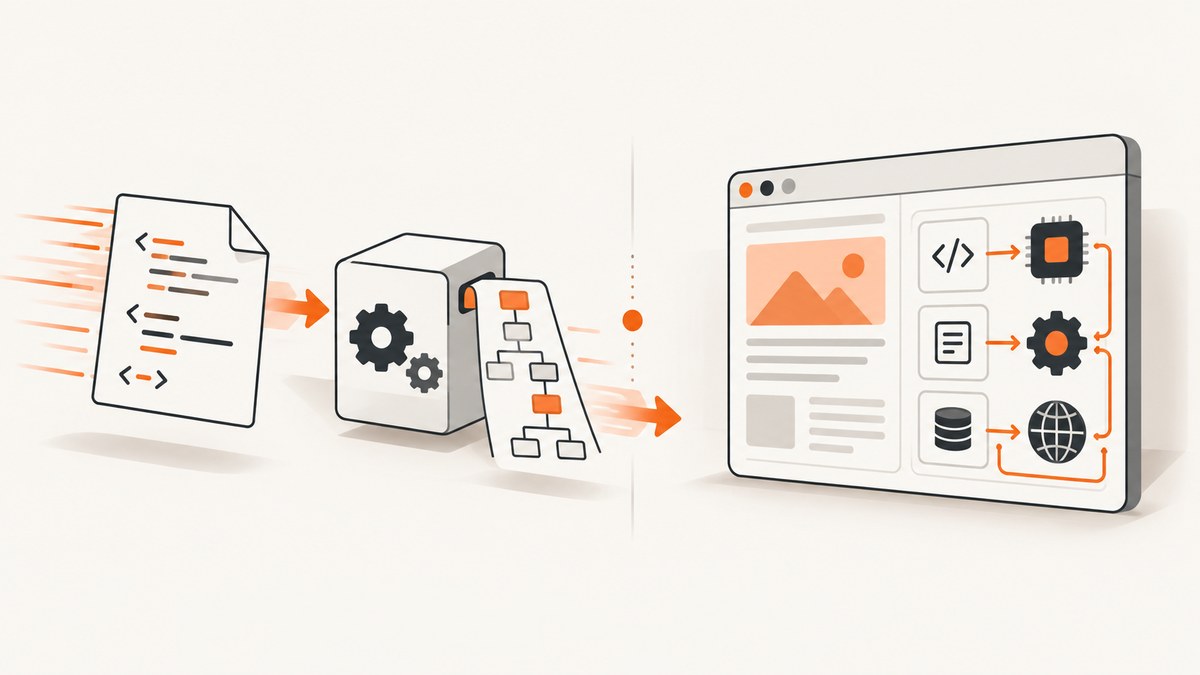
Short answer: Cheerio is generally faster when you already have the HTML and only need to parse or transform it. It does not launch a browser, render CSS or execute page JavaScript. Puppeteer is slower for that narrow task because it controls a real browser, but it is the correct choice when JavaScript, layout, clicks, scrolling, login state or other browser behavior creates the content you need.
There is no honest universal speed ratio. Cheerio and Puppeteer often perform different work, so a number such as “Cheerio is 20 times faster” would be meaningless without the same pages, versions, network conditions, extraction task, concurrency and machine. Choose based on the content state first, then benchmark your representative workload.
What each tool sees
Cheerio receives markup supplied by your program. Its jQuery-like API lets you select elements, read attributes and text, and modify the document. The parser does not fetch external resources, apply CSS, run JavaScript or wait for a client-side application to finish. The Cheerio documentation describes it plainly: “Cheerio is not a web browser.” See the official introduction.

Puppeteer controls Chrome or Firefox through browser automation protocols. A browser can execute scripts, build a DOM after hydration, make subsequent requests and expose the resulting page state. Puppeteer’s documentation describes it as a high-level API for controlling Chrome or Firefox over the DevTools Protocol or WebDriver BiDi. That capability is the reason to accept its setup and runtime overhead.
| Question | Cheerio | Puppeteer |
|---|---|---|
| Main job | Parse and manipulate supplied HTML or XML | Automate a browser |
| Runs page JavaScript? | No | Yes |
| Renders CSS and layout? | No | Yes |
| Best input | HTML response already containing the data | Rendered page or state reached after interaction |
| Typical overhead | Package load and parsing | Browser installation, launch, navigation and page lifecycle |
When Cheerio is faster
Use Cheerio when the target data is present in the response body. Typical examples include product listings rendered on the server, documentation pages, RSS-like HTML, static archives and pages where you only need links or metadata. Your program can fetch the response with an HTTP client, hand the bytes to Cheerio and finish without starting Chromium.
import axios from 'axios';
import * as cheerio from 'cheerio';

const response = await axios.get('https://example.com/articles');
const $ = cheerio.load(response.data);

const articles = $('article').map((_, article) => ({
  title: $(article).find('h2').text().trim(),
  href: $(article).find('a').attr('href')
})).get();

console.log(articles);
Cheerio also has loading helpers for strings, buffers, streams and URLs. The loading guide explains load, loadBuffer, streaming methods and fromURL. Treat a URL supplied by an untrusted user as untrusted input and follow the project’s security guidance before fetching it.
Parser configuration
Cheerio uses parse5 by default. Its configuration guide says htmlparser2 can be faster and use less memory, while also being a different parser with different behavior. Consider it for performance-sensitive parsing only after checking that its HTML and XML behavior matches your requirements.
import * as cheerio from 'cheerio';

const $ = cheerio.load(html, {
  xml: false,
  // For supported Cheerio versions, choose the parser option
  // documented by the configuration guide when appropriate.
});
Parser selection cannot make Cheerio execute an application’s JavaScript. It changes parsing work, not the capabilities of a browser.
When Puppeteer is the faster route to the answer
Puppeteer can be the practical choice when Cheerio cannot produce the required data at all. Use it for an empty app shell, content loaded by fetch or GraphQL after startup, infinite scroll, a button that reveals results, authenticated sessions, client-side routing, screenshots, PDFs and checks that depend on computed layout.
import puppeteer from 'puppeteer';

const browser = await puppeteer.launch({ headless: true });
try {
  const page = await browser.newPage();
  await page.goto('https://example.com/app', { waitUntil: 'networkidle2' });
  await page.waitForSelector('[data-result]');

  const results = await page.$$eval('[data-result]', nodes =>
    nodes.map(node => ({
      title: node.querySelector('h2')?.textContent?.trim(),
      value: node.textContent?.trim()
    }))
  );
  console.log(results);
} finally {
  await browser.close();
}
Do not wait for networkidle2 automatically on every site. Analytics, WebSockets or polling can keep a page busy forever. A specific selector, a short delay after a known action or an application-level readiness signal is often more reliable.
A practical decision flow
- Obtain the authorized HTTP response or HTML string.
- Search the received source for the target value. If it is present, parse it with Cheerio.
- If you see only a root element and script tags, or the value appears after a click, scroll, login or client-side request, use Puppeteer or another browser automation tool.
- If exact latency matters, measure both approaches on representative pages with the same extraction result, concurrency, versions, network and machine.
- Keep the smallest capable tool in production. Browser automation adds lifecycle, isolation and failure modes that a parser does not.
Complete comparison example
Cheerio path for server-rendered HTML
import { request } from 'node:https';
import * as cheerio from 'cheerio';

function get(url) {
  return new Promise((resolve, reject) => {
    request(url, res => {
      let body = '';
      res.setEncoding('utf8');
      res.on('data', chunk => body += chunk);
      res.on('end', () => resolve({ status: res.statusCode, body }));
    }).on('error', reject).end();
  });
}

const result = await get('https://example.com');
if (result.status !== 200) throw new Error(`HTTP ${result.status}`);
const $ = cheerio.load(result.body);
console.log($('title').text().trim());
Puppeteer path for a client-rendered page
import puppeteer from 'puppeteer';

const browser = await puppeteer.launch({ headless: true });
const page = await browser.newPage();
await page.goto('https://example.com/dashboard', { waitUntil: 'domcontentloaded' });
await page.click('[data-load-more]');
await page.waitForSelector('.item');
const items = await page.$$eval('.item', els => els.map(el => el.textContent.trim()));
await browser.close();
console.log(items);
The two snippets are not equivalent benchmarks: the second performs browser startup, JavaScript execution and a click because those actions are part of the required result.
Installation and operational overhead
Install Cheerio as a Node package and provide markup. Puppeteer’s full package installs a compatible browser. The Puppeteer installation guide lists approximate Chrome for Testing download sizes of 170 MB on macOS, 282 MB on Linux and 280 MB on Windows. Those figures describe downloads, not runtime RAM or measured speed. puppeteer-core does not bundle a browser and is intended for a remote or separately managed browser.
In restricted build environments, package-manager install scripts may be disabled. You then need to install a browser separately and configure its executable path. Keep browser instances alive long enough to amortize launch cost, but close pages and browsers deterministically so failed jobs do not accumulate.
Performance, reliability and cost notes
- Latency: Cheerio avoids browser launch, navigation, rendering and script execution when those capabilities are unnecessary. Puppeteer latency depends on browser reuse, page complexity, network, JavaScript and waiting strategy.
- Throughput: Cheerio is usually easier to run at high concurrency because each job is a parse. Puppeteer needs limits for pages, contexts, CPU and memory.
- Reliability: Cheerio failures are commonly HTTP, encoding or selector issues. Puppeteer adds browser crashes, navigation timeouts, detached frames, blocked resources and race conditions around readiness.
- Cost: Cheerio needs ordinary application compute. Puppeteer needs compute and storage for browser binaries, plus capacity for concurrent browser processes. Measure your own infrastructure rather than converting qualitative differences into a universal dollar figure.
Common errors and fixes
“My selection is empty” in Cheerio
Cause: the data is created by JavaScript, the selector is wrong, or the response is not the page you expected.
Fix: save and inspect the received HTML, check the HTTP status and redirects, verify the selector against that exact source, and look for an app shell. If the data arrives after browser execution, switch to Puppeteer. The Cheerio troubleshooting guide covers this distinction.
Navigation timeout in Puppeteer
Cause: the site keeps connections open, is slow, blocks automation or never reaches the selected wait condition.
Fix: set a deliberate timeout, use domcontentloaded where suitable, wait for a specific selector, and log the final URL and response status. Do not solve every timeout by setting an unlimited timeout.
Browser executable not found
Cause: you installed puppeteer-core, skipped the browser download or ran in an environment where install scripts were blocked.
Fix: install and configure a compatible browser explicitly, or use the full puppeteer package when its managed download fits your deployment.
Results change between runs
Cause: timing, personalization, consent dialogs, geolocation, authentication or live API responses.
Fix: use a controlled context, set cookies and headers deliberately, wait for a meaningful readiness signal, and record the HTML or browser state used for debugging.
Memory grows over time
Cause: pages or browser processes are not closed, or concurrency exceeds available resources.
Fix: close pages in finally blocks, recycle unhealthy browsers, cap concurrent work and monitor process memory.
Or skip the browser setup
When your goal is a clean screenshot or PDF rather than DOM extraction, ScreenshotNeo provides one GET request. It accepts cookie and consent banners like a visitor, then removes more than 60 known consent platforms, newsletter popups and chat widgets before capture; each step can be turned off. Bot checks, CAPTCHAs, blank pages, timeouts, failed loads and cache hits are not billed, and the response identifies the verdict with X-Page-Verdict and X-Billed headers.

See the ScreenshotNeo API documentation for all options, including full-page capture with lazy images, CSS element capture, dark mode, device presets, custom viewports, retina scale, PDF paper sizes and margins, custom CSS and JavaScript, clicks, waits, blocked resources, headers, cookies, user agents, authorization, timezone, geolocation, transparent backgrounds, resizing, caching, signed links, asynchronous jobs, webhooks, bulk capture and usage data.
cURL
curl -G 'https://api.screenshotneo.com/v1/shot' -d access_key=YOUR_API_KEY --data-urlencode url=https://stripe.com -o shot.webpPython
import requests

r = requests.get(
    'https://api.screenshotneo.com/v1/shot',
    params={'access_key': 'YOUR_API_KEY', 'url': 'https://stripe.com'},
    timeout=90,
)
r.raise_for_status()
open('shot.webp', 'wb').write(r.content)
Node.js
const q = new URLSearchParams({ access_key: 'YOUR_API_KEY', url: 'https://stripe.com' });
const res = await fetch(`https://api.screenshotneo.com/v1/shot?${q}`);
if (!res.ok) throw new Error(`HTTP ${res.status}`);
const data = Buffer.from(await res.arrayBuffer());
await import('node:fs/promises').then(fs => fs.writeFile('shot.webp', data));
An MCP server also exposes take_screenshot, get_page_info and capture_pdf to Claude, Cursor and other MCP clients. The Free plan includes 1,000 shots per month with no card; paid plans start at $5 for 3,000 shots, and every feature is available on every plan. Create a free ScreenshotNeo account.
FAQ
Is Cheerio faster than Puppeteer?
For parsing HTML already in memory, generally yes because it skips browser work. That does not make it faster at producing data that requires JavaScript or interaction.
Does Cheerio run JavaScript?
No. It parses supplied markup and does not render a page or execute its scripts.
Can Puppeteer use Cheerio?
Yes. You can retrieve rendered HTML with Puppeteer and then pass it to Cheerio for convenient extraction, although direct DOM APIs may be enough for simple cases.
Should I use htmlparser2?
Evaluate it when parsing performance or memory matters and its parser behavior fits your documents. parse5 remains Cheerio’s default.
What should I benchmark?
Use the same URLs, extraction result, network conditions, library and browser versions, concurrency, machine and readiness rules. Report latency, throughput, failures and resource use together.


