How to Display Chinese Characters Correctly in wkhtmltopdf PDFs
Fix Chinese text that appears as squares or blanks in wkhtmltopdf by checking UTF-8, runtime fonts, regional glyphs, and the exact failing characters.
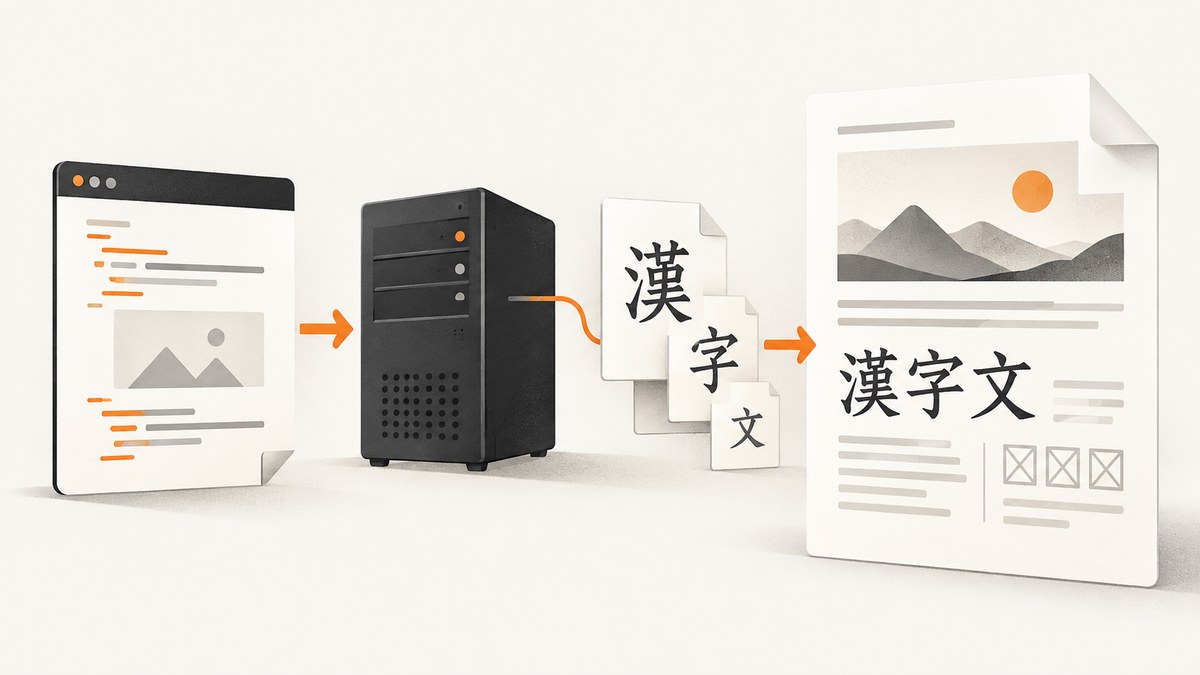
When Chinese characters appear as squares, blanks, or unexpected symbols in a wkhtmltopdf PDF, check two things separately: whether the HTML contains the intended Unicode characters, and whether the conversion runtime can find a font with glyphs for those characters. UTF-8 identifies the input characters; it cannot supply a glyph the selected font does not have. A browser rendering the HTML correctly also does not prove that wkhtmltopdf has the same fonts or font configuration.
Use this diagnostic order: verify the HTML bytes and charset, inspect fonts in the machine or container that runs wkhtmltopdf, choose a region-appropriate CJK font, then test the exact characters and inspect the resulting PDF. For uncommon supplementary characters, also investigate the wkhtmltopdf build and PDF viewer: installing a font is not a guaranteed fix.
1. Confirm that the HTML is actually UTF-8
Make the document’s byte encoding and declared charset agree. If your HTML is generated from a file, template, database, or HTTP response, check the bytes at the point where wkhtmltopdf receives them—not only the source editor’s display.
<!doctype html>
<html lang="zh-CN">
<head>
  <meta charset="UTF-8">
  <title>Chinese text in a PDF</title>
</head>
<body>
  <p>简体中文:汉字显示测试。</p>
  <p>繁體中文:漢字顯示測試。</p>
</body>
</html>
For file input, save the HTML as UTF-8 and declare UTF-8 in the document. wkhtmltopdf’s --encoding option can tell the program how to interpret input, but it cannot repair text that was already decoded incorrectly upstream or make a missing font glyph appear. The issue often described as “–encoding utf-8 not work on ubuntu” was reportedly resolved by installing a Chinese font package, despite UTF-8 having been tried. Treat that as a report, not proof that encoding is never the cause. [wkhtmltopdf issue #2532]
When you pass a local HTML file, use the encoding option if needed by your input and build. For example:
wkhtmltopdf --encoding utf-8 input.html output.pdfWhen converting a URL, inspect the response’s charset and the HTML meta declaration. Avoid blindly relabeling non-UTF-8 bytes as UTF-8: that changes how bytes are interpreted but does not convert their underlying encoding.
2. Check fonts where the conversion runs
wkhtmltopdf depends on the installed fonts and the runtime’s fontconfig and freetype2 configuration. The relevant environment is the one executing the conversion: a container, server, worker, or serverless package may have a different font set from your laptop. The official download page describes these dependencies and shows setting FONTCONFIG_PATH to a bundled fonts directory in its Lambda example. [wkhtmltopdf downloads and runtime notes]
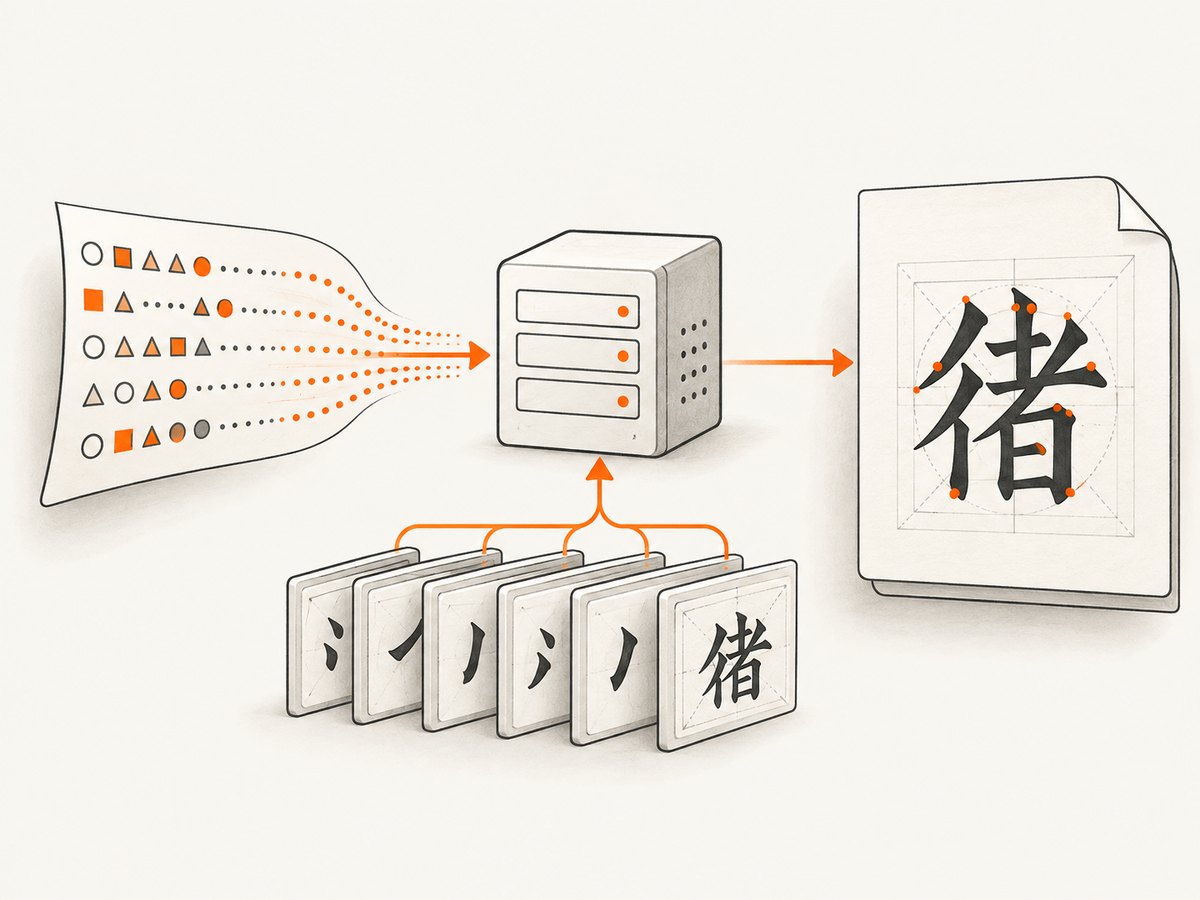
On Linux, inspect fontconfig’s view of available fonts and query the family you intend to use:
fc-list : family | sort -u | head -50
fc-match "Noto Sans CJK SC"
fc-match "Noto Sans CJK TC"
The output of fc-match helps establish which font fontconfig would choose for a requested family. Check the same commands inside the deployed image or runtime, not only on the host used to build it. If fontconfig does not know about a bundled font directory, configure its search path and cache for that runtime; follow the deployment platform’s fontconfig setup rather than assuming the system can discover arbitrary files.
A user report for Ubuntu 14.04 says installing fonts-wqy-zenhei fixed Chinese output. This is a distribution- and case-specific example, not a universal package command. Package names, availability, and font versions vary by distribution and release. [Ubuntu font report]
3. Choose a font for the audience and the characters
Specify a suitable CJK family in CSS when you need predictable typography, and make sure that family is installed and discoverable in the conversion environment. Unicode distinguishes encoded characters from their visual forms: “The Unicode Standard is designed to encode scripts and their characters, not their specific shapes, or glyphs.” Han characters can have regionally different written forms, so a font designed for the intended readership is preferable for optimal results. [Unicode Han FAQ]
body {
  font-family: "Noto Sans CJK SC", "Noto Sans CJK", sans-serif;
}

.traditional {
  font-family: "Noto Sans CJK TC", "Noto Sans CJK", sans-serif;
}
These family names are examples; the exact family names and available regional builds depend on the font package and operating system. Noto Sans CJK, Noto Serif CJK, Source Han Mono, Source Han Sans, and Source Han Serif are open-source Pan-CJK families whose fonts support five regional conventions. That does not establish that a particular installed build covers every character or is selected successfully by every wkhtmltopdf build. [Unicode Han FAQ]
| Check | What to decide |
|---|---|
| Audience | Simplified Chinese, Traditional Chinese, or another regional convention; choose a corresponding font build where available. |
| Coverage | Whether the font includes the exact code points in the document, including rare or supplementary characters. |
| Runtime | Whether the font files are present and discoverable in the target OS, container, or serverless runtime. |
| Output | Whether the generated PDF looks right in the viewer and print workflow that matter to you. |
4. Test the exact characters, especially rare ones
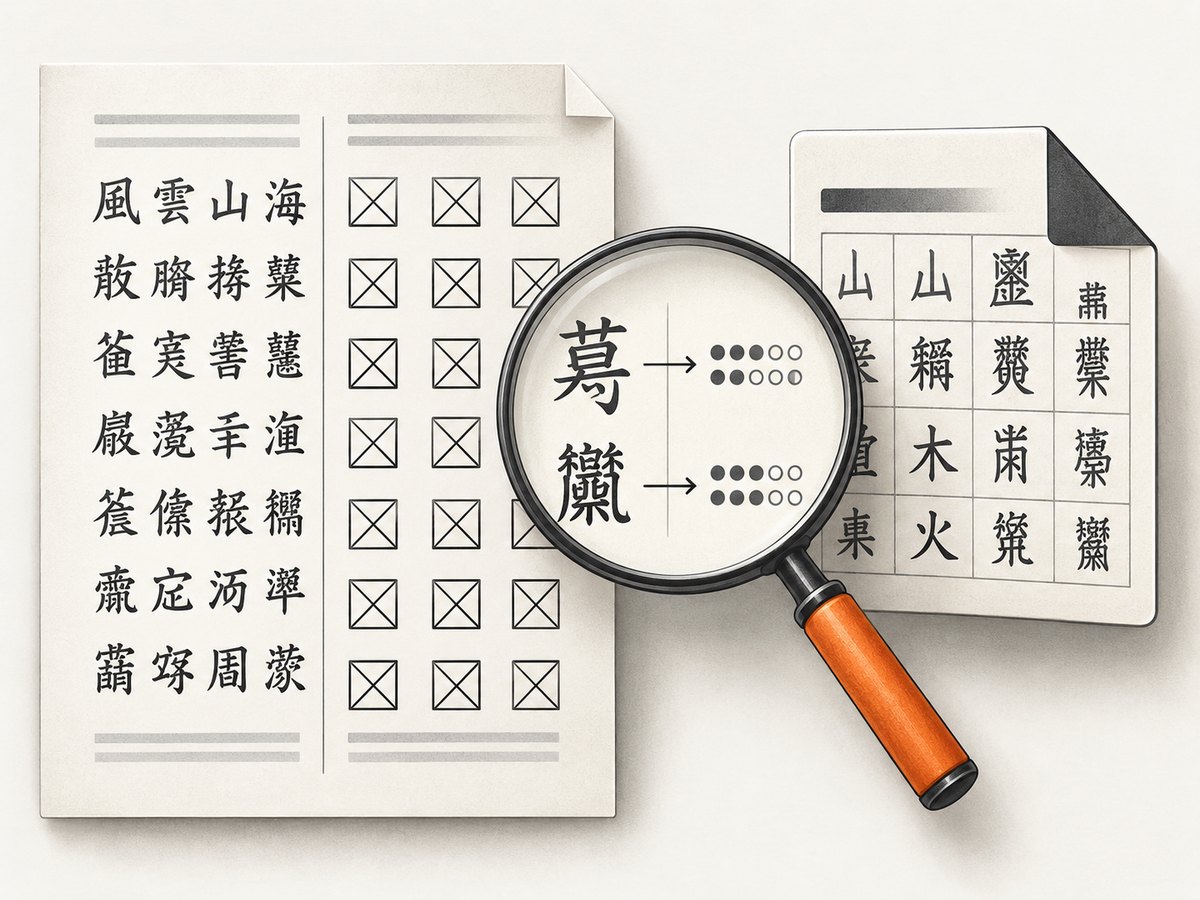
A test paragraph with common Chinese characters is not sufficient if a particular name, historical text, or technical document still fails. Record the exact characters and code points, then make a minimal HTML file containing those characters and convert it in the same runtime as production.
python3 - <<'PY'
text = "简体中文 繁體中文 行 ⾏ 方 ⽅ 人 ⼈"
for ch in text:
    if ch.strip():
        print(f"{ch} U+{ord(ch):04X}")
PY
This example reports code points so you can catch visually similar but distinct characters. One issue reports apparent differences between unified ideographs and compatibility ideographs, including 行 (U+884C) versus ⾏ (U+2F8F), 方 (U+65B9) versus ⽅ (U+2F45), and 人 (U+4EBA) versus ⼈ (U+2F08). This is a reported symptom, not evidence that wkhtmltopdf generally remaps these pairs. Verify the input code points before attributing a difference to the renderer. [wkhtmltopdf issue #4481]
Rare supplementary-plane characters need special attention. A report against wkhtmltopdf 0.12.6 on macOS 10.14.1 describes CJK Unified Ideographs Extensions B–E rendering as “AA” despite installed fonts and a CSS font-family declaration. It does not establish a general workaround. If ordinary Han characters work but these fail, reproduce with the exact code points, font files, wkhtmltopdf version, OS, and viewer before concluding that another font alone will fix it. [wkhtmltopdf issue #4778]
5. Convert a minimal fixture and inspect the PDF
Reduce the problem before changing production templates. Use a small UTF-8 HTML file, one font declaration, and the failing text. Convert it with the same executable and environment used by the application. Keep the command, version, font query output, and resulting PDF together so the test can be repeated after changing a font package or runtime image.
wkhtmltopdf --version
wkhtmltopdf --encoding utf-8 cjk-test.html cjk-test.pdf
Inspect the PDF in the target viewer and, if the text will be searched or copied, test extraction as well as visual rendering. A PDF can look acceptable in one viewer and differ in another if fonts are missing, substituted, or embedded differently. The researched issue reports do not establish a cross-platform rule for every viewer, so include the viewer and version in a reproducible report.
The project download page identifies 0.12.6 as the stable series released June 11, 2020. That status is specific to the page and date; check the project page before relying on it as current release guidance. [wkhtmltopdf downloads]
6. Troubleshoot by symptom
| Symptom | Likely area to check | Next action |
|---|---|---|
| Squares or empty boxes for ordinary Chinese | Missing glyphs, unavailable font, or fontconfig discovery; encoding may also be wrong. | Verify UTF-8 bytes and declaration, run fc-match in the conversion runtime, install a suitable CJK font for that distribution, then reconvert. |
| Text works in a browser but not in the PDF | Different fonts or font configuration between browser and conversion runtime. | Inspect the deployed runtime, not the developer machine. Confirm fontconfig and freetype2 can use the selected font. |
--encoding utf-8 changes nothing |
The input may already be UTF-8; a missing glyph is a separate issue. | Check actual input bytes and available glyph coverage. Do not keep changing encoding flags without validating the input. |
| Only rare characters fail | Font coverage, renderer version, or a limitation affecting those code points. | Build a fixture with the exact characters and record code points, font files, OS, wkhtmltopdf build, and viewer. A font install is not a proven universal fix. |
| Wrong regional character shape | Font’s regional design rather than a decoding failure. | Choose a font build intended for the document’s Chinese audience and compare the PDF output. |
| Custom font makes fallback worse | The custom family may lack the needed glyphs or affect fallback selection. | Test with and without the custom font and inspect which family fontconfig resolves. Reports of this behavior are anecdotal and version-specific. [wkhtmltopdf fallback-font issue] |
7. Reliability, performance, and deployment notes
- Pin the runtime inputs: keep the wkhtmltopdf build, OS image, font packages, and fontconfig setup consistent between development and production. A font installed interactively on one machine does not make it available in another.
- Keep a character fixture: include common Simplified and Traditional text plus every known difficult character in a small conversion check. This catches regressions when a container or font package changes.
- Control font deployment: package required fonts with the runtime when the platform does not provide them, and configure font discovery. The project’s Lambda example uses
FONTCONFIG_PATHfor packaged fonts; adapt the pattern to the deployment environment rather than assuming identical paths. - Measure your own workload: the sources establish runtime font dependencies but provide no conversion speed, memory, or cost benchmarks. Font installation and discovery are correctness prerequisites; measure conversion latency and resource use with your templates and environment.
- Do not infer a universal fix from an issue: the Ubuntu package report is a single case, and the Extension B–E issue did not identify a general workaround. Preserve a reproducible fixture when escalating a renderer-specific failure.
Or skip the browser setup
If your goal is a clean visual capture of a web page rather than a PDF produced by wkhtmltopdf, ScreenshotNeo is a website screenshot API and MCP server for developers. A GET request returns a PNG, JPEG, WebP, or PDF, and its screenshot output is a separate route from diagnosing CJK font behavior in wkhtmltopdf. See the ScreenshotNeo API documentation.
curl -G "https://api.screenshotneo.com/v1/shot" -d access_key=YOUR_API_KEY --data-urlencode url=https://stripe.com -o shot.webpimport requests
r = requests.get("https://api.screenshotneo.com/v1/shot", params={"access_key": "YOUR_API_KEY", "url": "https://stripe.com"}, timeout=90)
open("shot.webp", "wb").write(r.content)const q = new URLSearchParams({ access_key: 'YOUR_API_KEY', url: 'https://stripe.com' });
const res = await fetch(`https://api.screenshotneo.com/v1/shot?${q}`);- Cookie banners are accepted and removed before the shot; 60+ known consent platforms, newsletter popups, and chat widgets can be removed, and each step can be turned off.
- Bot checks, blank pages, timeouts, failed loads, and cache hits cost nothing; response headers report the page verdict and billing status.
- An MCP server gives AI agents tools for screenshots, page information, and PDF capture.
- 1,000 screenshots a month are free with no card; paid plans start at $5 for 3,000. Every feature is on every plan.
Sign up for 1,000 free screenshots a month, no card required.
Verification checklist
- Confirm the input bytes and HTML charset agree on UTF-8.
- Run font queries in the actual conversion runtime.
- Choose and verify a font with the needed coverage and regional style.
- Test the exact failing characters, including code points for lookalikes.
- Record wkhtmltopdf version, operating system, font setup, and PDF viewer.
- Retest the fixture whenever the runtime image or fonts change.
FAQ
Does --encoding utf-8 install Chinese glyphs?
No. It concerns input interpretation; glyph availability comes from fonts and the rendering environment. Verify both independently.
Why does Chinese render in Chrome but not in wkhtmltopdf?
The two processes may run with different fonts or fontconfig settings. Check the environment that runs the conversion.
Will Noto Sans CJK fix every missing character?
Do not assume so. Check the installed build and exact code point, particularly for supplementary characters; a reported Extension B–E case remained unresolved by the issue report.
Is a Chinese language pack enough?
Not necessarily. Confirm that a suitable font is installed and discoverable by the conversion runtime; a Windows report remained unresolved despite UTF-8 metadata and a language pack. [wkhtmltopdf Windows report]


