How to Choose an AI Website for YouTube Thumbnails
Compare YouTube Ask Studio, Adobe Express and Canva by workflow, control and upload rules, then choose an AI thumbnail tool with confidence.

Short answer: start with YouTube Studio’s Ask Studio if you want suggestions based on your video’s transcript and themes. Choose Adobe Express when you need templates, a blank canvas, prompt-based assets and reusable brand elements. Consider Canva when its thumbnail maker and Magic Studio workflow fit your editing habits, but verify the current tools and plan access before committing. In every case, treat AI output as a draft: inspect the subject, wording, crop, contrast, file type and size before uploading.
There is no reliable evidence that one AI thumbnail website increases click-through rate, views or channel growth. Choose the workflow that removes the most work while leaving you enough control to make an accurate, readable thumbnail.
1. Match the tool to the work you need done
| Your priority | Best place to start | Why |
|---|---|---|
| Ideas tied to the actual video | YouTube Studio Ask Studio | YouTube says Ask Studio analyzes a video’s transcript and themes, accepts prompts and reference images, and lets you review suggestions. |
| Templates and manual layout control | Adobe Express | Adobe documents templates, a blank canvas, uploads, layer-aware PSD and Illustrator imports, and direct download. |
| Prompt-generated images or layouts | Adobe Express, then compare Canva | Adobe documents prompt-based image and template generation. Canva’s official listing mentions Magic Studio AI, but detailed tool and plan access should be checked on its live page. |
| Reusable logo, colors and fonts | Adobe Express | Adobe documents a Brand Kit for consistent channel assets. |
| Fastest path with no separate design site | YouTube Studio | The native workflow can suggest thumbnails during upload, subject to account and rollout eligibility. |
2. Understand YouTube’s native option: Ask Studio
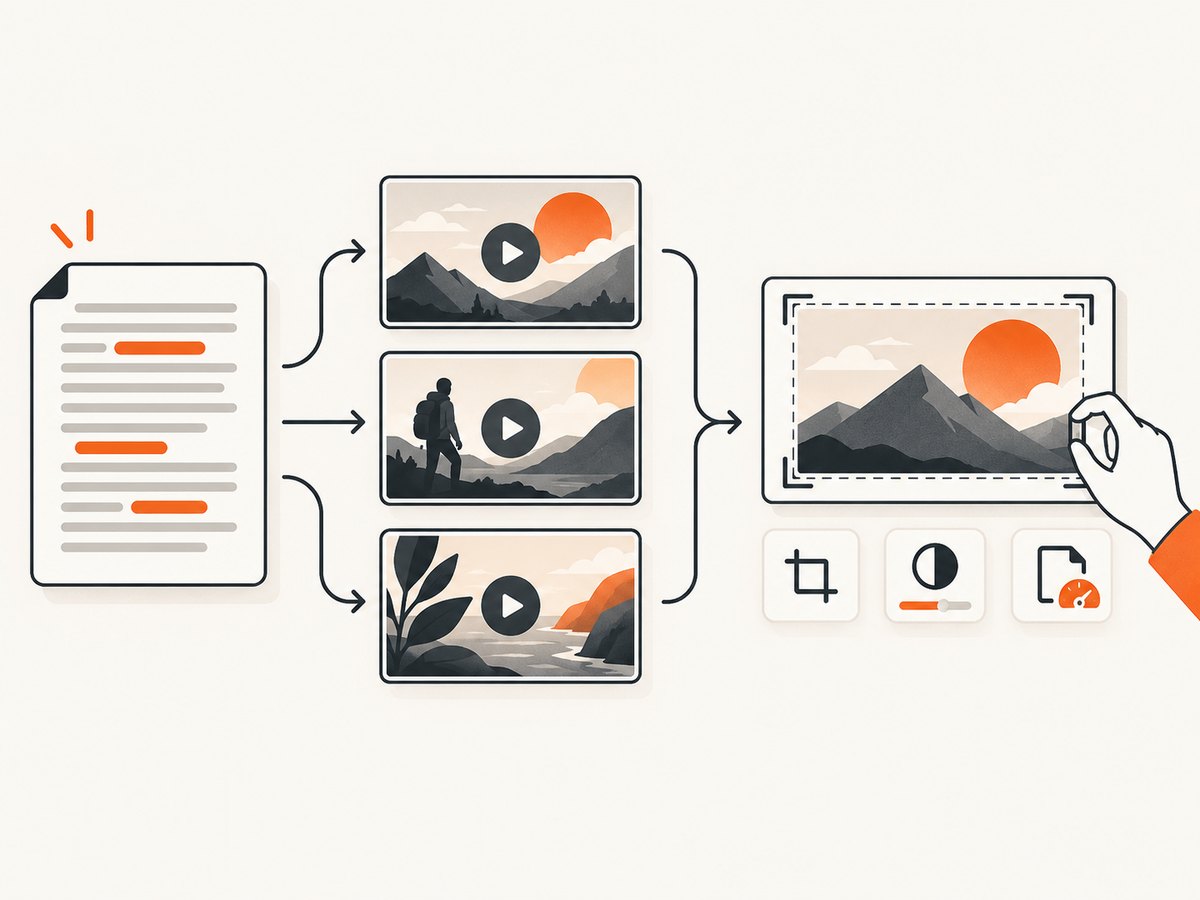
YouTube Help describes Ask Studio as a way to analyze a video’s transcript and themes, suggest custom thumbnails, accept a prompt or reference image, and let you request changes. YouTube’s July 24, 2026 announcement says thumbnail generation in Ask Studio is for long-form videos. Access and rollout can change, so check the current YouTube Help guidance and announcement before planning a production workflow.
For Shorts, YouTube documents custom-file upload in YouTube Studio on a computer and recommends a 9:16 thumbnail. Its announcement says YouTube Partner Program creators can start uploading custom thumbnails for Shorts, with expansion planned. That is an eligibility and rollout detail, not a guarantee that every channel has the feature.
Ask Studio decision checklist
- Use it when the thumbnail should reflect the video’s actual subject, transcript or themes.
- Provide a precise prompt describing the subject, emotion, setting and intended audience.
- Review every suggestion for factual accuracy, readable text and an honest promise about the video.
- Keep a manually edited fallback if the generated composition crops an important face, product or diagram.
3. When Adobe Express is the better fit
Adobe Express’s official thumbnail page documents YouTube templates, a blank canvas, prompt-based image and template generation, object insertion and removal, PSD and Illustrator imports with layers recognized, a Brand Kit, and direct download. Its canvas defaults to 1280 × 720 pixels. That is 16:9, the same ratio YouTube recommends for regular videos, although YouTube’s current recommended resolution is 3840 × 2160.
Choose Express when you need to place a face precisely, build a repeatable series style, import existing artwork, or revise AI output by hand. Adobe says its free plan includes core photo editing and thousands of free templates; verify current limits before comparing plans.
4. What Canva can and cannot be concluded from the available evidence
Canva’s official listing presents a YouTube thumbnail maker, mentions Magic Studio AI, and says designs can be downloaded as JPEG or PNG. The destination page was not available in the research pass, so do not assume a specific AI feature, price, export allowance or plan tier. Open the live page, confirm the tools you need, and check whether your intended elements require a paid plan.
5. A practical selection process
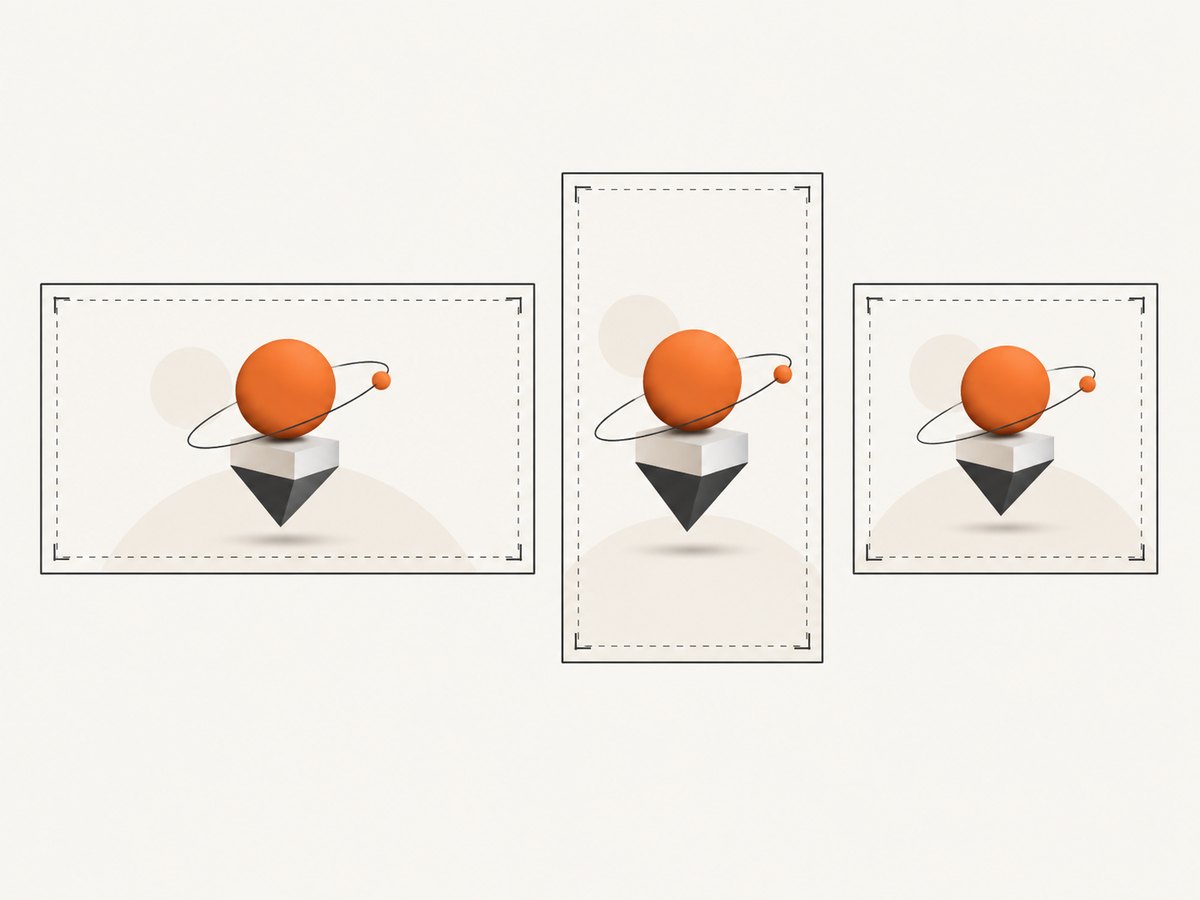
- Define the output. Decide whether you need a long-form 16:9 image, a Shorts 9:16 image, or a square podcast playlist image.
- Choose your starting point. Pick Ask Studio for transcript-based ideas, Express for editable templates and brand assets, or Canva if its current Magic Studio workflow matches your process.
- Write a visual brief. State the subject, one focal point, emotion, background, contrast, safe text area and any elements that must not appear.
- Generate several drafts. Compare composition and accuracy, not promises such as “click-worthy” or “high-performing.” No reviewed source provides an independent performance statistic.
- Edit for a small screen. Remove clutter, enlarge the focal subject, use short accurate wording, and check contrast at thumbnail size.
- Export and validate. Confirm dimensions, JPG or PNG format, file size and that the image still reads when reduced.
- Upload and inspect. YouTube says thumbnail changes can take time to appear. Check the result on desktop and mobile after processing.
6. YouTube dimensions, formats and limits
| Use case | Recommended size and ratio | Format and limits to check |
|---|---|---|
| Regular video | 3840 × 2160, 16:9; minimum width 640 px | JPG or PNG. YouTube lists 2 MB on mobile and 50 MB on desktop for video thumbnails. |
| Shorts | 2160 × 3840, 9:16; minimum height 640 px | JPG or PNG. YouTube lists a 50 MB desktop limit. |
| Podcast playlist | 1:1 square | YouTube lists a 10 MB mobile and 50 MB desktop limit for podcast thumbnails. |
Upload limits can vary by country, region or channel history. Verification is required for custom thumbnails. Copyright or Community Guidelines strikes can affect eligibility and limits. YouTube may replace a 16:9 custom image for a vertical video with an automatically generated 4:5 image on Home, Explore and subscription pages; the custom image can still appear in the watch feed, watch history and non-mobile surfaces.
7. Review AI output for policy and accuracy
- Do not imply a person, product or event appears in the video when it does not.
- Check faces, hands, logos, signs and generated text for errors.
- Avoid nudity or sexually provocative content, hate speech, violence, and harmful or dangerous imagery. YouTube says violations can lead to rejection or a strike, and repeated offenses can remove thumbnail privileges for 30 days or terminate an account.
- Remember that design advice from a vendor is guidance, not proof that a layout improves performance.
8. Or skip the browser setup: preview thumbnail pages with ScreenshotNeo
If your team publishes thumbnail drafts in a staging page, ScreenshotNeo can capture that page for review or archiving. It is a website screenshot API, not an AI thumbnail generator. Before capture it accepts cookie or consent banners and removes more than 60 known consent platforms, newsletter popups and chat widgets. Bot checks, blank pages, timeouts, failed loads and cache hits cost nothing, and response headers identify the page verdict and whether the shot was billed. Its MCP server also lets Claude, Cursor and other MCP clients call take_screenshot, get_page_info and capture_pdf.
See the ScreenshotNeo API documentation for all options. The same request works from cURL, Python or Node.js:
curl -G "https://api.screenshotneo.com/v1/shot" -d access_key=YOUR_API_KEY --data-urlencode url=https://example.com/thumbnail-draft -o shot.webpimport requests
r = requests.get("https://api.screenshotneo.com/v1/shot", params={"access_key": "YOUR_API_KEY", "url": "https://example.com/thumbnail-draft"}, timeout=90)
open("shot.webp", "wb").write(r.content)const q = new URLSearchParams({ access_key: 'YOUR_API_KEY', url: 'https://example.com/thumbnail-draft' });
const res = await fetch(`https://api.screenshotneo.com/v1/shot?${q}`);You can add full-page capture, a CSS selector for one element, a chosen viewport or device preset, retina scale, custom CSS and JavaScript, waits, hidden selectors, headers, cookies, caching, signed links, asynchronous webhooks and bulk capture as your review pipeline grows. Free accounts include 1,000 screenshots a month with no card; paid plans start at $5 for 3,000. Create a free ScreenshotNeo account.
9. Troubleshooting
| Problem | Likely cause | Fix |
|---|---|---|
| The thumbnail is rejected | Wrong dimensions, oversized file, unverified account or policy issue | Resize to the correct ratio, export JPG or PNG, reduce file size, verify the channel and review Community Guidelines. |
| Text is unreadable | Too many words, low contrast or a detailed background | Shorten the phrase, enlarge it, add contrast and inspect at phone size. |
| The face or product is cropped | AI composition ignored the focal area | Regenerate with explicit framing instructions or move the subject manually in a canvas editor. |
| Shorts shows a different image | Vertical-video surface behavior or feature eligibility | Use a 9:16 source, upload through the documented Studio workflow and check the live Help page. |
| AI text contains errors | Image generators often render lettering unreliably | Generate the visual without text, then add typography in Express, Canva or another editor. |
10. Performance, reliability and cost considerations
For a repeatable channel, save a master layout and brand settings so each thumbnail needs fewer edits. Keep source artwork and exported files separately. Generate drafts before the upload deadline because YouTube says changes can take time to appear and feature access can roll out gradually.
Compare subscription costs only after confirming current plan limits. The research found no controlled study showing that any service improves click-through rate. Measure your own results with consistent topics and honest thumbnails instead of treating vendor claims as evidence.
FAQ
Do I need an AI website at all?
No. Ask Studio is built into YouTube, and a conventional editor can be enough when you already have the image and only need layout and export.
Is 1280 × 720 acceptable for a YouTube thumbnail?
It is the default Adobe Express canvas and has the correct 16:9 ratio. YouTube currently recommends 3840 × 2160 and a minimum width of 640 pixels, so follow the live YouTube requirements for your upload.
Can an AI thumbnail guarantee more views?
No. The reviewed sources contain no independent performance statistic proving that an AI thumbnail website increases views or click-through rate.
Should Shorts use the same thumbnail as long-form videos?
Usually no. YouTube recommends a 9:16 Shorts image and a 16:9 image for regular videos; design each for the surface where it will appear.


