How to Choose Gym Images for a Website Background
Choose gym background images that fit your audience, preserve readable text on every crop, load quickly, and have the rights you need.
Short answer: Choose a photograph that reflects your gym’s real audience and activities, leaves quiet space for a headline or call to action, remains legible after desktop and mobile crops, and has a license that covers your use. Before publishing, check contrast, rights, and image weight at the actual rendered size.
A background image should support the page’s message without competing with navigation, headings, forms, or buttons. The best choice is usually the image that still works when the viewport becomes narrow, the subject is cropped, and the text sits over the busiest part of the scene.
1. Match the image to the gym’s positioning
Start with what the facility actually offers and who it serves. A strength-focused gym, yoga studio, family recreation center, and boutique class studio need different visual signals.
Fitness imagery can represent many activities, including dance, martial arts, Pilates, strength training, swimming and water exercise, running and walking, and yoga. Use those categories as prompts for choosing imagery that matches your real program; they are examples, not evidence that one style performs better than another.
Choose the subject deliberately
- People training: useful when community, coaching, or energy is central to the message.
- A recognizable class or activity: useful when the page promotes a specific service such as yoga, boxing, or Pilates.
- The space and equipment: useful when the facility, cleanliness, or specialist equipment is the differentiator.
- A detail or texture: useful for a quieter section where the background should add atmosphere without becoming the subject.
Do not imply that stock people are members of the gym or that a stock facility is the location being advertised. If authenticity matters, commission or create photography of the actual space and participants with the necessary permissions.
2. Find a composition that leaves room for text
Look for a clear focal point and an area with relatively even detail where HTML text can sit. Empty wall space, darker floor areas, out-of-focus equipment, or a soft gradient often work better than a tightly framed face or a high-contrast rack of weights behind the headline.
Use a candidate checklist
- Can the main subject be identified at the smallest important viewport?
- Is there a text-safe area on at least one side or near the top?
- Will the subject remain visible when the container uses
background-size: cover? - Does the image still support the page if the headline wraps to three or four lines?
- Would a dark or light overlay preserve readable text without hiding the photograph?
Keep headings, prices, and calls to action as real HTML. Do not bake essential text into the image; HTML can reflow, resize, and remain available to assistive technology.
3. Check desktop, tablet, and mobile crops
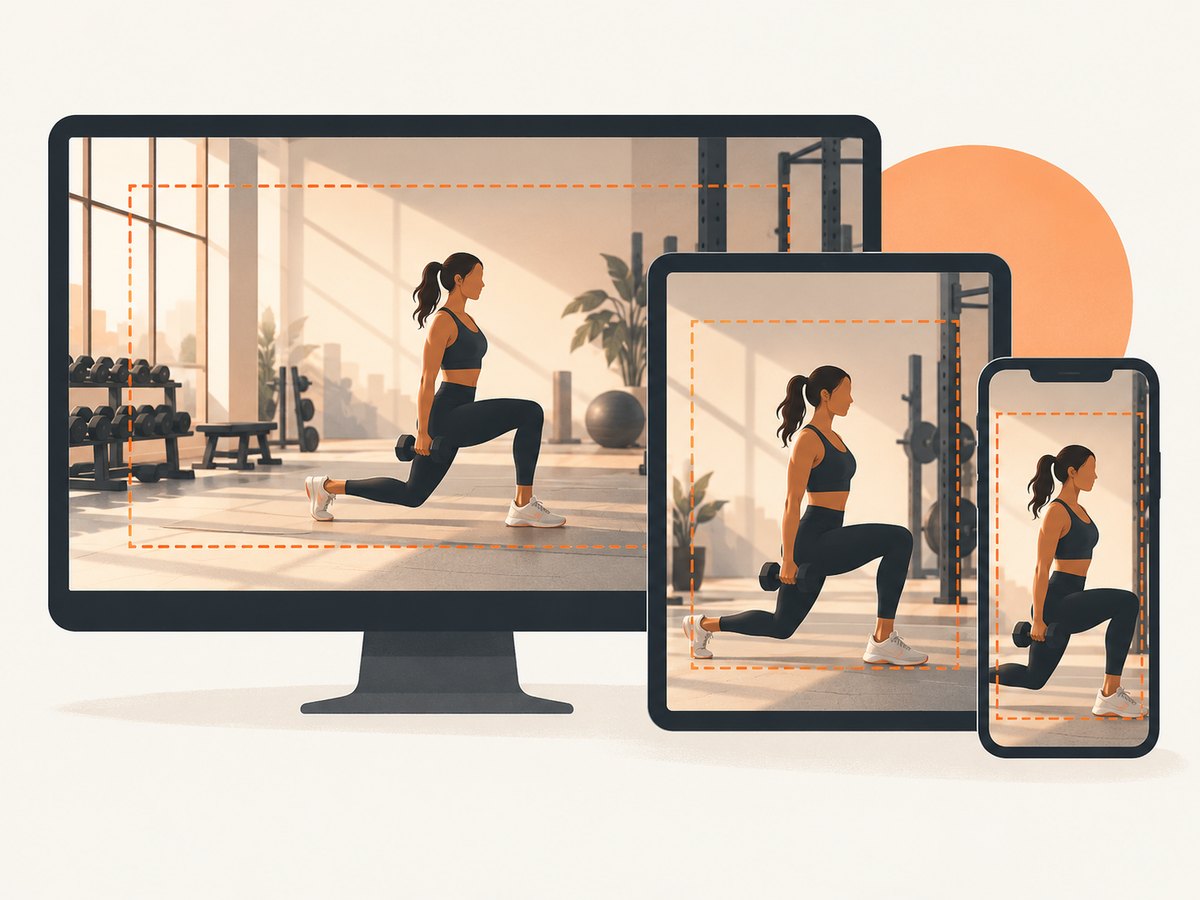
CSS backgrounds fill their containers, so the browser may crop the source differently at each aspect ratio. Web.dev recommends viewport-appropriate background sources and describes media queries for responsive backgrounds. Test the actual page layout rather than judging a file in an asset folder.
Basic responsive background
<section class="hero">
  <div class="hero__content">
    <p class="eyebrow">Small-group training</p>
    <h1>Train with purpose.</h1>
    <a class="button" href="/start">Book a tour</a>
  </div>
</section>
.hero {
min-height: 34rem;
display: grid;
align-items: center;
background-image:
linear-gradient(90deg, rgba(0,0,0,.72), rgba(0,0,0,.18)),
url("/images/gym-hero-1600.webp");
background-size: cover;
background-position: 68% center;
color: #fff;
}
.hero__content {
width: min(90%, 38rem);
margin-inline: auto;
}
@media (max-width: 700px) {
.hero {
min-height: 30rem;
background-image:
linear-gradient(180deg, rgba(0,0,0,.68), rgba(0,0,0,.3)),
url("/images/gym-hero-900.webp");
background-position: 58% center;
}
}Adjust background-position after inspecting the crop. A focal point near the center of the source is not guaranteed to stay near the center of the rendered container.
Use density-aware sources when appropriate
.hero {
  background-image: image-set(
    url("/images/gym-hero-1200.webp") 1x,
    url("/images/gym-hero-2400.webp") 2x
  );
}
Provide an asset large enough for the rendered dimensions and device density, but avoid sending a large desktop file to every phone. Images are often among the heaviest and most prevalent web resources, so responsive source selection and sensible compression matter.
4. Make text readable over the photograph
W3C WAI states that foreground text needs sufficient contrast with background colors, including text placed over images and gradients. Check the real text, font size, weight, and crop at every important breakpoint.
Ways to improve contrast
- Choose a less busy photograph or move the focal point away from the copy.
- Add a restrained overlay gradient rather than making the entire image uniformly dark.
- Put the copy in a solid or translucent panel when the image cannot provide a stable background.
- Use a larger or heavier type style where appropriate, then verify the result with an accessibility checker.
- Recheck hover, focus, and disabled states for buttons over the image.
Contrast should be evaluated after compression and cropping. A background that passes in the source editor can fail once the subject or a bright window moves behind the text.
5. Decide whether the image is decorative or informative
Use a CSS background-image when the photograph is presentation and the page remains understandable without it. For an informative image, provide an appropriate text alternative that conveys its essential information. For a linked image or image button, describe the function.
W3C WAI’s Images Tutorial summarizes the rule as: “Images must have text alternatives that describe the information or function represented by them.” A decorative background normally has no separate alternative because it does not add content.
Do not hide meaningful content in the background
If the image shows a feature users need to understand, use an informative <img> with meaningful alternative text, or explain the information in nearby HTML. Keep the page title, offer, schedule, and call to action in text.
6. Check licensing and depicted rights
A stock provider’s copyright license may not clear every right visible in the photograph. Unsplash says its license does not itself include rights to visible trademarks, logos, recognizable people, or depicted works of art. Depending on the use, additional permission may be needed.
Rights checklist
- Read the current license for the exact asset and provider.
- Confirm that commercial website use is allowed.
- Look for recognizable people and confirm that the provider’s terms cover the intended use.
- Check visible brand marks, logos, artwork, or distinctive property.
- Do not suggest that a person, brand, or artwork endorses the gym without the necessary rights.
- Save the asset URL, download date, license version, and any release information with the project records.
Unsplash publishes a free-use license and says attribution is appreciated but generally not required for most commercial, personal, and editorial projects. Those terms are specific to Unsplash; do not apply them to another library without checking that library’s current terms.
7. Prepare the file for delivery
Export the image at a size that matches its largest rendered use. Compress it in a modern format such as WebP where your delivery stack supports it, and retain a fallback when required by your browser support policy.
Practical delivery checklist
- Measure the hero container at desktop and mobile widths.
- Export separate sources when the crop or composition genuinely differs by viewport.
- Use
background-size: coveronly when cropping is acceptable. - Set an explicit
background-positionfor the subject. - Compress until quality visibly degrades, then step back to the previous setting.
- Test on a slower connection and a high-density phone.
- Keep decorative backgrounds out of the critical content path when possible.
8. Capture screenshots to review every crop
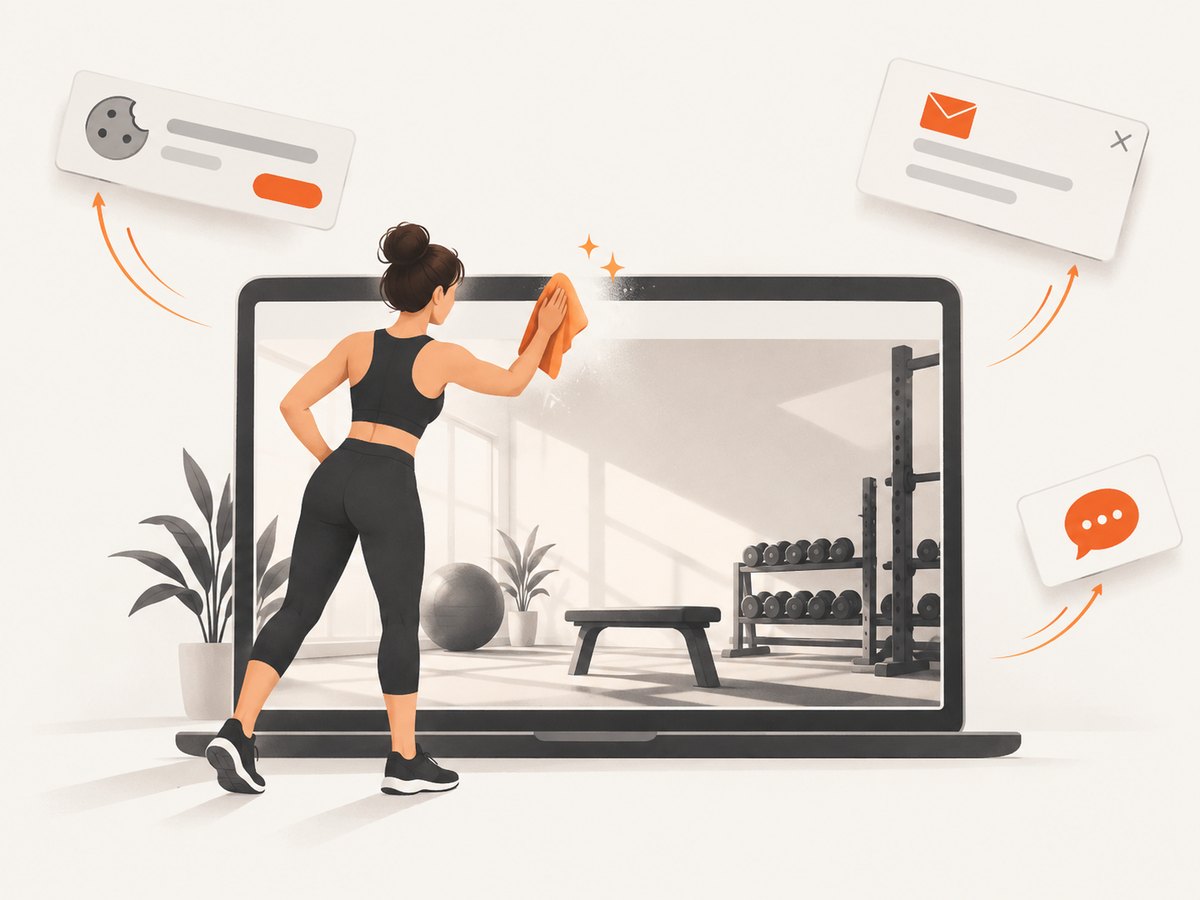
A repeatable screenshot review catches problems that are easy to miss in a local browser window: a face cropped out on mobile, text over a bright window, a lazy-loaded image that appears late, or a cookie banner covering the hero.
DIY browser review with Playwright
import { chromium } from 'playwright';

const browser = await chromium.launch();
const page = await browser.newPage({
  viewport: { width: 1440, height: 900 },
  deviceScaleFactor: 1
});

await page.goto('https://example.com/gym', { waitUntil: 'networkidle' });
await page.screenshot({ path: 'gym-desktop.webp', fullPage: true });

await page.setViewportSize({ width: 390, height: 844 });
await page.goto('https://example.com/gym', { waitUntil: 'networkidle' });
await page.screenshot({ path: 'gym-mobile.webp', fullPage: true });

await browser.close();
For reliable comparisons, keep viewport sizes, device scale, wait conditions, and authentication state consistent. If the page loads content after network idle, wait for a stable selector or a short, documented delay.
9. Or skip the browser setup
ScreenshotNeo returns a PNG, JPEG, WebP, or PDF from one GET request. It can capture a full page, wait for a selector or network idle, use a viewport or device preset, load lazy images, apply custom CSS or JavaScript, hide selectors, and set cookies, headers, user agent, timezone, or geolocation. See the ScreenshotNeo documentation for the current request options.
Cookie banners, newsletter popups, and chat widgets are removed before the shot. Bot checks, blank pages, failed loads, timeouts, and cache hits are not billed, and the response identifies the result with X-Page-Verdict and X-Billed headers. An MCP server lets Claude, Cursor, and other MCP clients use take_screenshot, get_page_info, and capture_pdf.
cURL
curl -G "https://api.screenshotneo.com/v1/shot" \
  -d access_key=YOUR_API_KEY \
  --data-urlencode url=https://example.com/gym \
  -o gym.webp
Python
import requests

r = requests.get(
    "https://api.screenshotneo.com/v1/shot",
    params={"access_key": "YOUR_API_KEY", "url": "https://example.com/gym"},
    timeout=90,
)
r.raise_for_status()
open("gym.webp", "wb").write(r.content)
Node.js
const q = new URLSearchParams({
  access_key: 'YOUR_API_KEY',
  url: 'https://example.com/gym'
});
const res = await fetch(`https://api.screenshotneo.com/v1/shot?${q}`);
if (!res.ok) throw new Error(`Screenshot failed: ${res.status}`);
const fs = await import('node:fs/promises');
await fs.writeFile('gym.webp', Buffer.from(await res.arrayBuffer()));
ScreenshotNeo includes 1,000 screenshots a month free with no card. Paid plans start at $5 for 3,000 shots, and every feature is available on every plan. Create a free ScreenshotNeo account.
10. Troubleshoot common problems
| Problem | Likely cause | Fix |
|---|---|---|
| Subject disappears on mobile | cover crops toward the wrong area |
Change background-position or provide a mobile-specific source. |
| Headline is hard to read | Bright or detailed pixels sit behind the text | Move the copy, change the image, or add a measured overlay or panel. |
| Hero loads slowly | Oversized source or uncompressed format | Resize to rendered dimensions, compress, and select smaller sources for narrow screens. |
| Background shows a cookie dialog | The capture occurs before consent handling | Accept or remove the banner in your browser flow, or use ScreenshotNeo’s consent cleanup. |
| Screenshot is blank | Page failed, timed out, or triggered a bot check | Inspect the response status and verdict; verify the URL, wait condition, headers, and access rules. |
| Image appears after the screenshot | Lazy loading has not completed | Wait for the target selector or network idle, or use a full-page capture that loads lazy images. |
| License is unclear | Provider terms do not cover depicted people, logos, or artwork | Choose another asset or obtain the additional permissions required. |
11. Performance, reliability, and cost notes
- Performance: responsive sources reduce unnecessary transfer; avoid sending a 2,400-pixel desktop asset to a small phone when a smaller crop is sufficient.
- Reliability: wait for a meaningful selector when the hero depends on client-side rendering. Keep capture viewport and device settings fixed for repeatable reviews.
- Cache behavior: if you use a screenshot service, choose a cache TTL that matches how often the page changes. A cache hit can make repeated visual checks faster; ScreenshotNeo identifies cache results in its response.
- Cost: ScreenshotNeo bills only clean shots. Bot checks, blank pages, timeouts, failed loads, and cache hits cost nothing. Bulk capture supports up to 100 URLs per call when reviewing many pages.
12. Final publishing checklist
- The subject reflects the gym’s actual audience and activities.
- The composition leaves a stable area for HTML text.
- The focal point survives desktop, tablet, and mobile crops.
- Text and controls remain readable in every important state.
- The image is decorative or informative by deliberate choice.
- The license and depicted rights are recorded.
- The file is sized, compressed, and delivered for its rendered dimensions.
- Real screenshots have been reviewed at representative viewports.
FAQ
Should a gym background show people or equipment?
Choose the subject that communicates the page’s primary promise. People suggest coaching and community; equipment or the space can communicate facilities and specialization.
Is a stock photo acceptable for a gym homepage?
It can be, provided the license and depicted rights cover the use and the image does not falsely imply that the people or facility are connected to the gym.
What is the safest background for a text-heavy hero?
A photograph with a quiet, low-detail area plus a controlled overlay is usually easier to keep readable than a tightly framed, high-contrast action shot.
Should background images have alt text?
A purely decorative CSS background generally does not need an alternative. If the image communicates essential information, implement it as informative content with an appropriate text alternative.
How many background versions should I create?
Start with the desktop and mobile layouts that have different crops or byte requirements. Add more only when the layout or subject placement warrants them.


