How to Choose an HTML-to-PDF Conversion API Service
Compare HTML-to-PDF APIs by rendering, inputs, pagination, security, reliability, and cost, with a practical evaluation checklist and code.
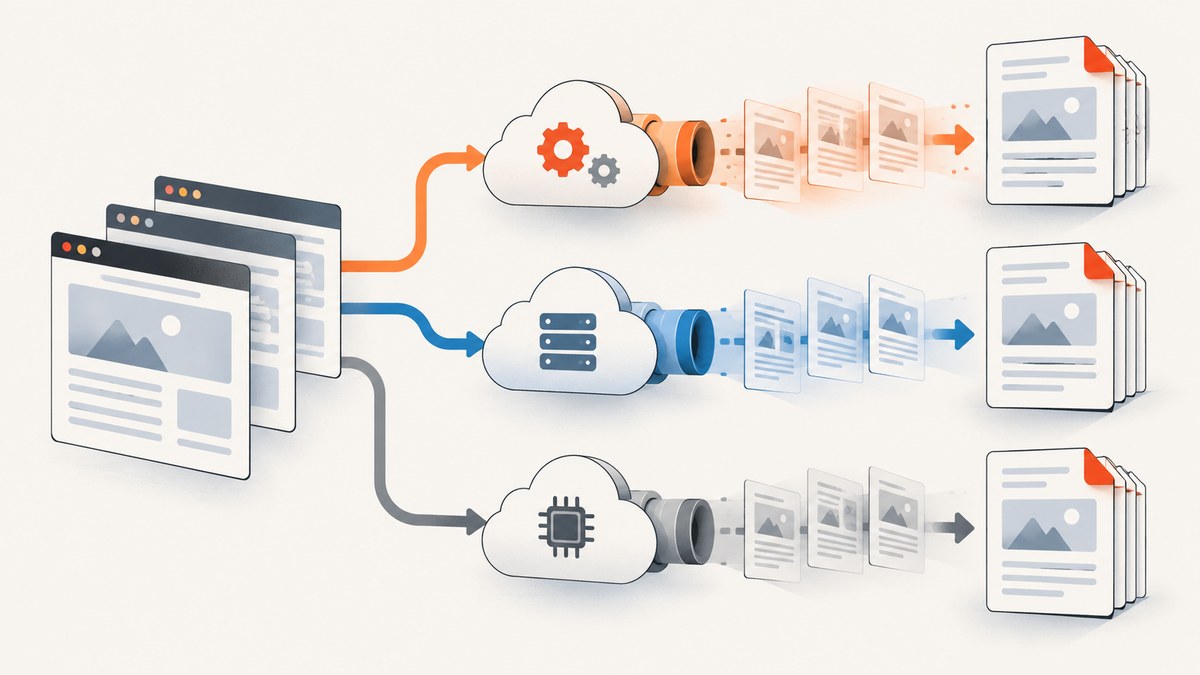
Choosing an HTML-to-PDF API starts with your document, not a feature checklist. Identify where your HTML comes from, which browser or print features it uses, how exact pagination must be, and what security and operational terms your application requires. Then test representative files with the shortlisted services.
PDFCrowd and DocRaptor are two documented options with different rendering models and controls. PDFCrowd accepts a URL, HTML text, or uploaded file/archive through a versioned HTTP POST endpoint and returns PDF bytes. DocRaptor documents a Prince-based pipeline with specialist page-layout and accessibility-related capabilities. These descriptions come from vendor documentation; they are not comparative output, speed, or reliability benchmarks.
Start with a requirements inventory
Write down the answers to these questions before comparing vendors:
- Input: Is the source a public URL, private URL, generated HTML string, uploaded file, or an archive containing assets?
- Rendering: Do you need JavaScript execution, web fonts, charts, print CSS, custom CSS, or a readiness delay?
- Pagination: Are page size, orientation, margins, headers, footers, page breaks, or long tables contractually important?
- Output: Do you need tagged PDF, PDF/A, encryption, password protection, watermarks, or a particular metadata policy?
- Operations: What throughput, retry behavior, timeout handling, retention, geographic processing, support, and uptime commitments are required?
- Security: Will documents contain personal, financial, health, or confidential business data?
A simple invoice can work with a URL-to-PDF endpoint and predictable print CSS. A long report, book, accessible form, or archival record needs a proof of concept that exercises pagination and output conformance.
Compare the input and integration model
URL input
URL conversion is convenient when your application already publishes a secured, renderable page. Confirm whether the service can reach private pages, how authentication headers or cookies are supplied, whether redirects are followed, and how the renderer waits for asynchronous content. A public URL is also an external dependency: a deploy, cache, or access-control change can alter the PDF.
HTML strings and uploaded files
HTML generated inside your application avoids exposing a page over the public internet. PDFCrowd documents conversion of a web page, an HTML string, or an uploaded HTML file, including archive inputs. Its HTTP API uses form fields on a versioned POST endpoint rather than assuming a JSON request. Read the exact request and response contract in the PDFCrowd HTTP documentation.
Direct HTTP versus SDKs
Direct HTTP is often the most portable integration. Official clients can reduce boilerplate, but evaluate their release cadence, timeout defaults, exception types, and support for retries and asynchronous workflows. The research reviewed documentation rather than benchmarking SDK maturity, so validate the client you plan to operate.
Understand renderer behavior before judging fidelity
Two APIs can accept the same HTML and produce different pagination because their rendering engines implement CSS and print behavior differently. PDFCrowd documents page size, orientation, margins, headers and footers, print CSS, custom CSS and JavaScript, and wait/readiness settings. DocRaptor documents a Prince-based pipeline and Prince-specific options and version mappings. Treat these as capabilities to verify against your files, not as proof that one service is universally better.
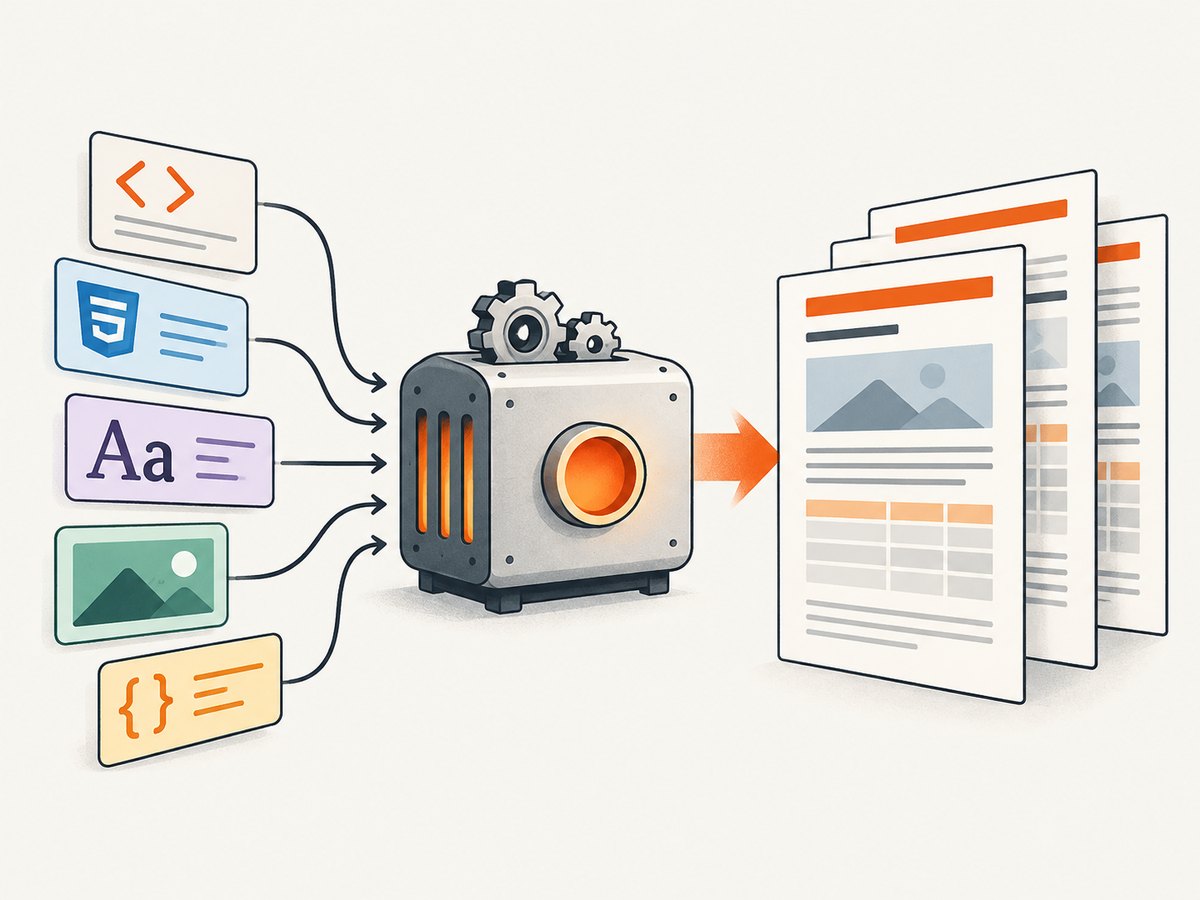
Your proof of concept should include:
- Web fonts loaded from the locations used in production.
- Images, SVG, charts, and other remote assets.
- JavaScript that changes the DOM after page load.
- Long tables that cross page boundaries.
- Explicit page breaks, repeating table headers, and orphan or widow rules.
- Headers, footers, page numbers, and multiple paper sizes.
- Right-to-left or non-Latin text if your users need it.
- Failure cases such as a missing font, a slow asset, an HTTP error, and an empty result.
Compare the generated files visually and with a PDF parser or validator. For tagged PDF or PDF/A, verify the actual output with an appropriate validator; a feature label is not the same as certification for your specific document.
Specialized PDF requirements
PDFCrowd product and reference pages describe PDF/A and tagged PDF options, watermarks, and password protection. DocRaptor’s product material lists accessibility and advanced page-layout capabilities, while its API reference describes Prince options. Map each requirement to a documented option, then inspect the resulting file. Ask vendors about the exact conformance level, supported metadata, encryption algorithms, and plan availability before procurement.
| Requirement | What to verify | Typical test |
|---|---|---|
| Print layout | Paper size, orientation, margins, headers, footers | Invoices and branded letters |
| Dynamic content | JavaScript readiness and asset loading | Charts rendered after an API call |
| Long documents | Breaks, repeated headers, footnotes, widows | 50-page report with long tables |
| Accessibility | Tags, reading order, alternative text | Screen-reader inspection and validator |
| Archival | PDF/A profile, embedded fonts, metadata | Validation after generation |
Run a small, production-like evaluation
- Select three to five real templates, including your hardest document.
- Freeze the HTML, CSS, assets, fonts, and data used for each run.
- Generate each document repeatedly and save the response, logs, and PDF.
- Check page count, file size, visual differences, links, metadata, tags, and validation results.
- Record failures separately from slow runs; a timeout, blank page, and malformed PDF require different fixes.
- Repeat after changing renderer options so you know which controls actually matter.
The reviewed sources do not establish comparative performance, market share, uptime, or cost figures. Measure your own workload and obtain current commercial terms directly from each provider.
Example: a direct PDFCrowd request
PDFCrowd documents a form-based HTTP API. The exact field names and authentication method should come from its current documentation and account settings. A minimal cURL shape is:
curl -X POST 'https://api.pdfcrowd.com/convert/24.04/' \
  -u 'USERNAME:API_KEY' \
  -F 'src=https://example.com/invoice/123' \
  -o invoice.pdf
For an HTML string or uploaded archive, use the corresponding documented form field. Do not assume that a JSON body accepted by another provider will work here.
Security, privacy, and operations
Send the minimum data needed to render a document. Prefer short-lived signed URLs, scoped credentials, and TLS. Determine whether input pages, generated PDFs, request logs, and temporary assets are retained, where processing occurs, and how deletion works. Ask for current security and compliance documentation rather than inferring it from a feature page.
Design your integration around explicit timeouts and idempotency. A retry can create duplicate records if generation is coupled to billing or email delivery, so store a request identifier and make downstream actions idempotent. Classify errors into authentication, invalid input, renderer failure, upstream asset failure, rate limiting, and timeout. Retry only transient classes, with exponential backoff and a cap.
Performance and cost planning
Measure end-to-end latency for your document classes, including queueing, rendering, download, and any validation you perform. Large images, external fonts, JavaScript, and very long tables can increase both processing time and PDF size. Cache deterministic documents by a content hash when policy permits. For high volume, ask about concurrency limits, burst behavior, batch or asynchronous endpoints, and overage handling.
Compare total price at your actual monthly volume, not just a headline conversion rate. Include storage, bandwidth, retries, validation, support, and engineering time. The reviewed API pages did not establish current prices, quotas, support terms, uptime commitments, retention, or data residency, so confirm those details for the plan you would sign.
Common problems and fixes
The PDF is blank
Cause: The page requires JavaScript, authentication, or a readiness delay. Fix: Test a static HTML fixture, then configure the documented wait/readiness control and supply the required credentials or cookies.
Fonts or images are missing
Cause: The renderer cannot reach remote assets, or the URL is blocked by access control. Fix: Host assets where the service can fetch them, package them with an upload when supported, or inline critical CSS and fonts. Check network and renderer logs.
Content is cut off at page boundaries
Cause: Browser-oriented CSS does not define print pagination. Fix: Add print styles, explicit page-break rules, stable table widths, and tested margins. Compare the output at the target paper size.
Headers or footers overlap content
Cause: Header/footer space is not reflected in the page margins. Fix: Configure the provider’s header, footer, and margin options together, then inspect the first, middle, and last pages.
Requests time out
Cause: Slow third-party assets, infinite client-side work, or an oversized document. Fix: remove unnecessary network calls, self-host critical resources, wait for a specific readiness condition, and split extremely large documents when the product permits it.
Tagged or archival validation fails
Cause: The HTML lacks semantic structure or the selected option does not meet the required profile. Fix: add headings, labels, table semantics, and alternative text; enable the documented output mode; and validate every release.
Or skip the browser setup
If your immediate need is a clean screenshot or PDF capture of a web page, ScreenshotNeo provides a single GET request. It accepts URL capture options and can produce PNG, JPEG, WebP, or PDF. Its capture controls include full-page output with lazy images loaded, CSS-selector element capture, custom CSS and JavaScript, click actions, selector or network-idle waits, device presets, viewport and retina settings, PDF paper size, margins, orientation and page ranges, custom headers and cookies, timezone and geolocation, request blocking, caching, signed links, asynchronous jobs, webhooks, bulk capture, and a usage API. See the ScreenshotNeo documentation for current parameter details.
curl -G 'https://api.screenshotneo.com/v1/shot' -d access_key=YOUR_API_KEY --data-urlencode url=https://stripe.com -o shot.webpimport requests
r = requests.get('https://api.screenshotneo.com/v1/shot', params={'access_key': 'YOUR_API_KEY', 'url': 'https://stripe.com'}, timeout=90)
open('shot.webp', 'wb').write(r.content)const q = new URLSearchParams({ access_key: 'YOUR_API_KEY', url: 'https://stripe.com' });
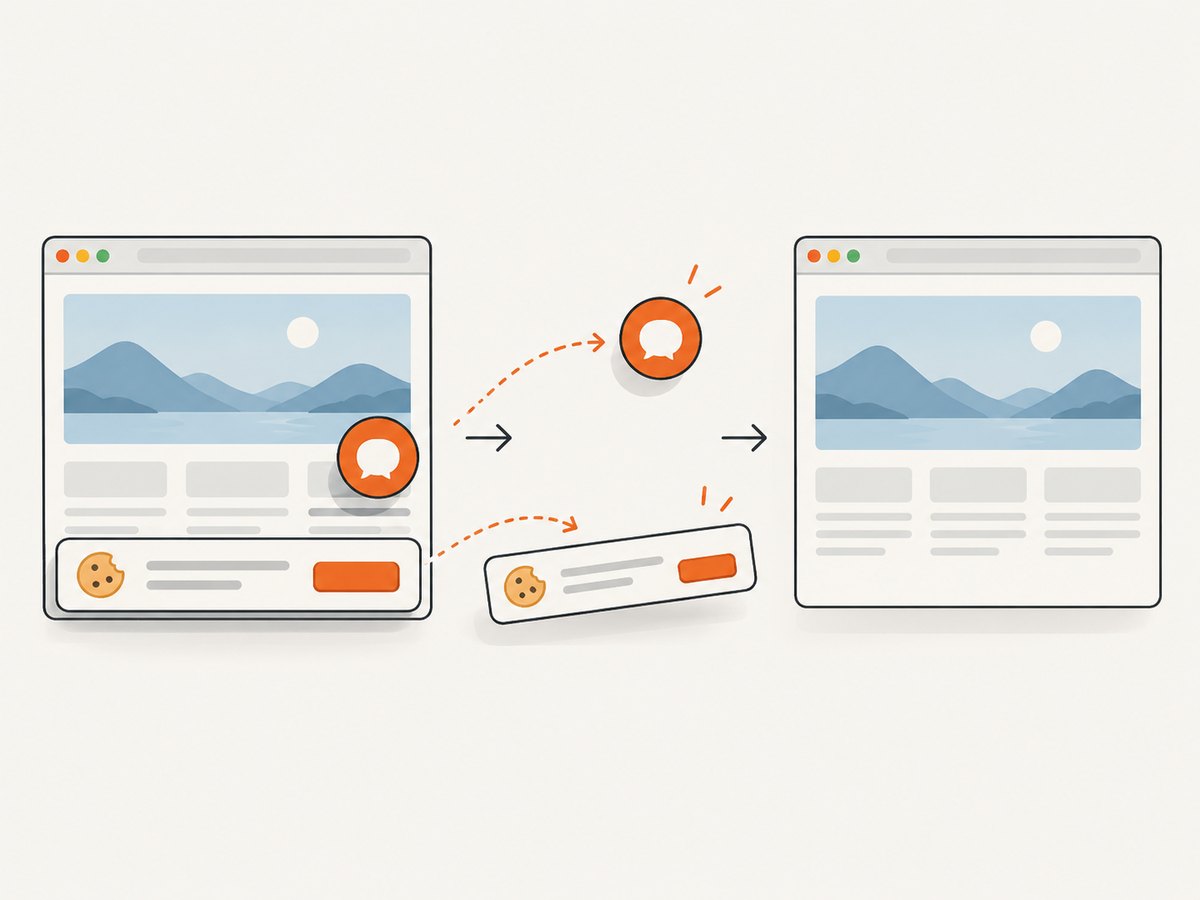
const res = await fetch(`https://api.screenshotneo.com/v1/shot?${q}`);Cookie and consent banners are accepted before capture, and more than 60 known consent platforms, newsletter popups, and chat widgets can be removed. Bot checks, blank pages, timeouts, failed loads, and cache hits cost nothing, and response headers identify the page verdict and whether the request was billed. ScreenshotNeo also provides an MCP server with take_screenshot, get_page_info, and capture_pdf tools for Claude, Cursor, and other MCP clients. The Free plan includes 1,000 screenshots per month with no card; paid plans start at $5 for 3,000. Create a free ScreenshotNeo account.
Decision checklist
- ☐ Input type and authentication match your architecture.
- ☐ Renderer handles your JavaScript, fonts, images, and print CSS.
- ☐ Pagination and specialist output pass validation on real documents.
- ☐ Timeouts, retries, rate limits, and asynchronous needs are documented.
- ☐ Retention, security, compliance, geography, and support meet policy.
- ☐ Measured cost and latency fit your production volume.
- ☐ A migration plan exists if the provider changes renderer versions or limits.
FAQ
Which HTML-to-PDF API should I use?
Use the provider whose documented input model and renderer controls pass your production-like proof of concept. There is no evidence here for a universal winner.
Is a browser-based renderer always necessary?
No. It depends on your CSS, JavaScript, fonts, and pagination requirements. Test the actual templates rather than choosing by product category.
Should I generate PDFs synchronously?
Synchronous calls suit short interactive documents. For large or bursty workloads, an asynchronous job model and webhook can keep user requests responsive; confirm that the provider supports the workflow you need.
How do I verify PDF/A or accessibility?
Enable the documented output options, then run an independent validator and inspect reading order, tags, fonts, metadata, and alternative text.
Can ScreenshotNeo replace a full document-generation system?
It is suited to capturing web pages or selected elements as images or PDFs. If your product must compose complex invoice data and guarantee archival conformance, keep a document-generation and validation workflow in your evaluation.


