Why the Address Bar Is Missing in Chrome and How to Restore It
Chrome’s missing address bar is usually full-screen mode or a mobile position setting. Use these platform-specific steps to restore it.
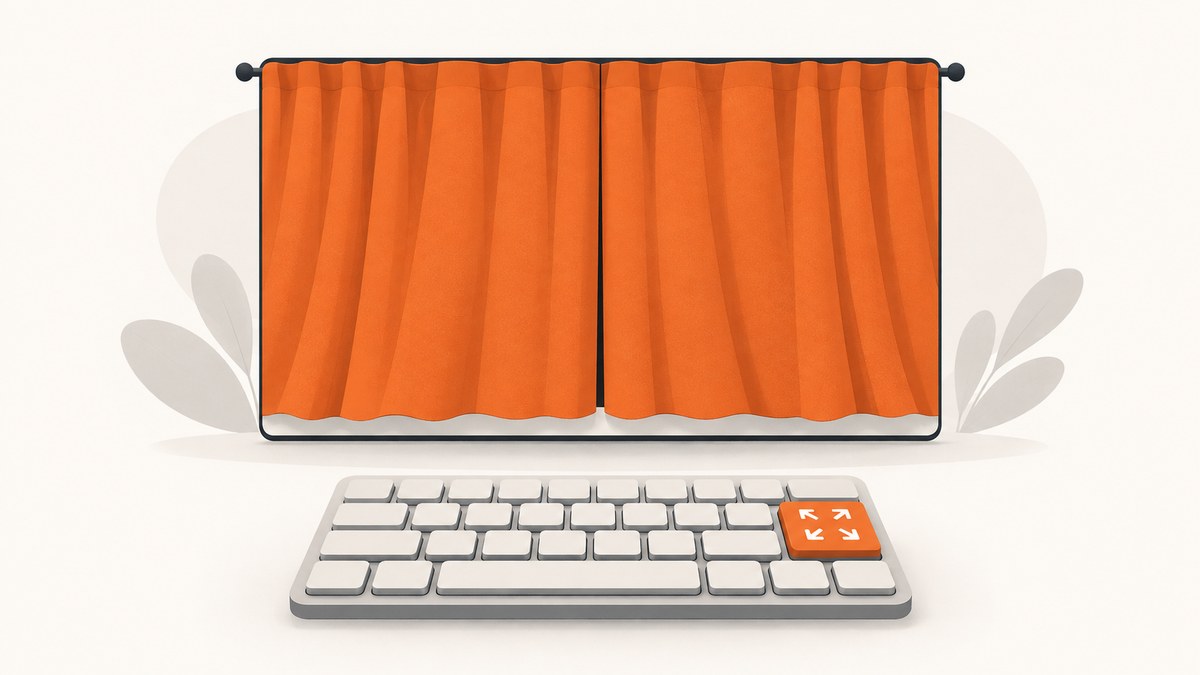
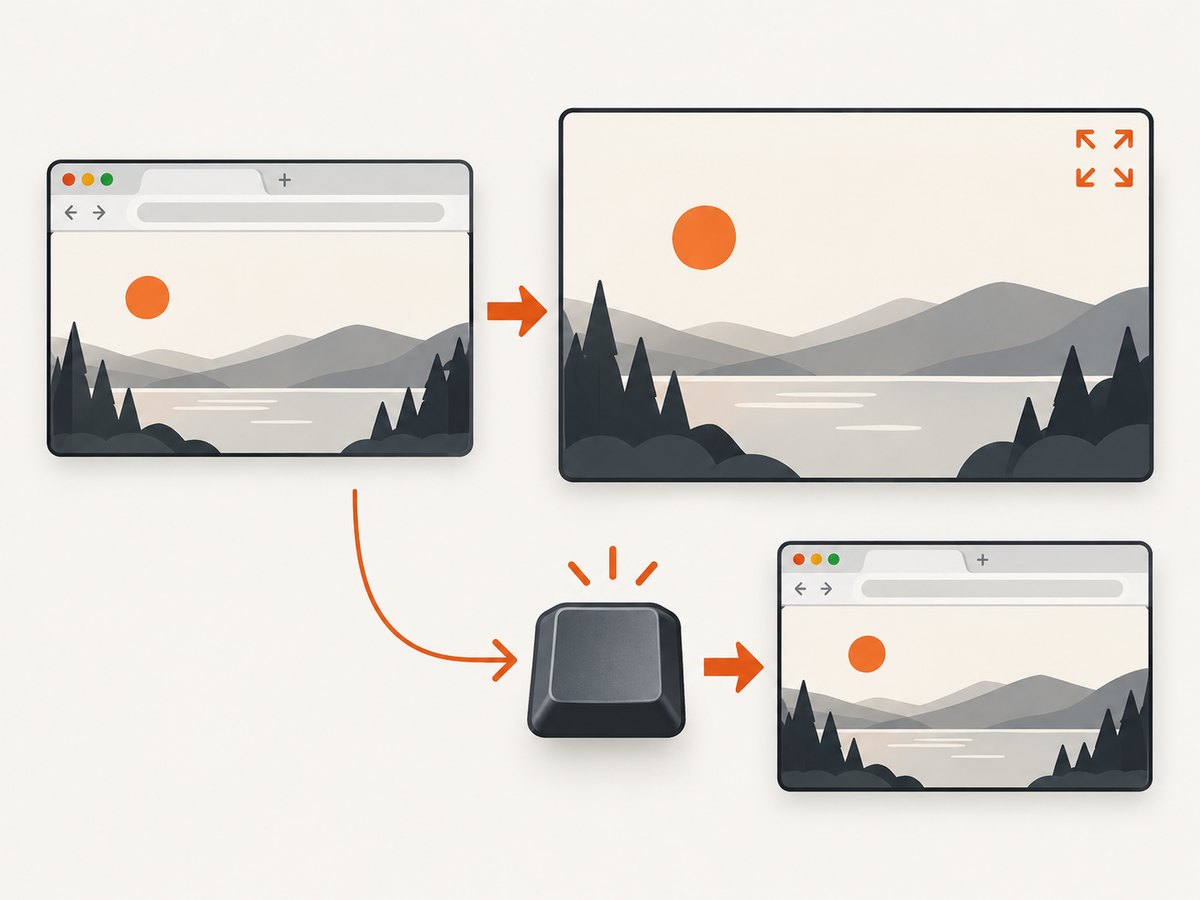
If Chrome’s address bar (the omnibox) has disappeared on a computer, first exit full-screen mode. Press F11 on Windows or Linux, Command+Control+F on macOS, or the full-screen key (also called F4) on ChromeOS. The normal tabs, toolbar and address bar should return.
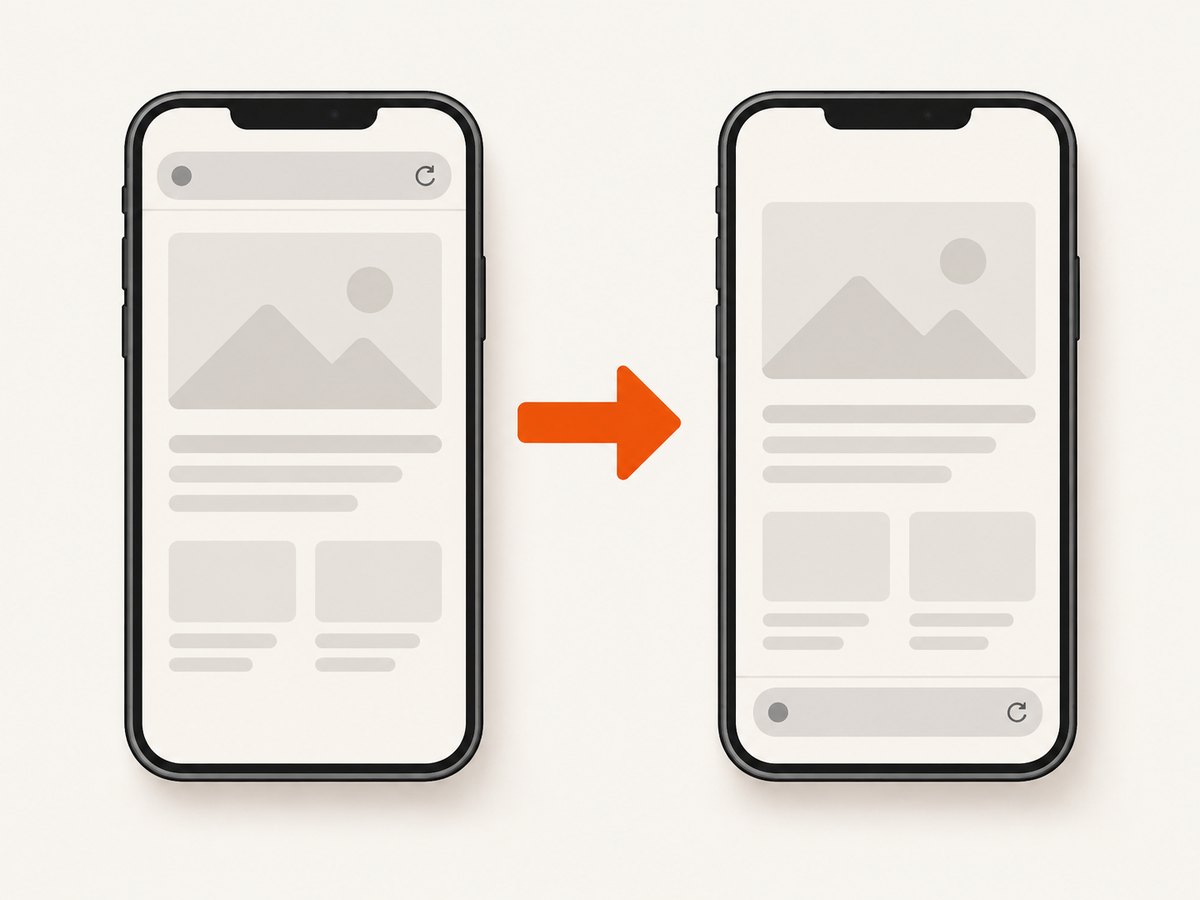
On Android and iPhone or iPad, the bar may simply be positioned at the opposite edge of the screen. Open Chrome’s Settings > Address bar and choose Top or Bottom. On iPhone and iPad, this choice is available in portrait orientation; landscape keeps the bar at the top.
Identify what disappeared
Chrome has several separate interface rows:
| What you see | Likely explanation | Next step |
|---|---|---|
| Tabs and the address bar both disappear on desktop | Full-screen mode is hiding the browser frame | Use your platform’s full-screen shortcut |
| The address bar appears at the other edge on a phone | Its position is set to Top or Bottom | Change Settings > Address bar |
| The address bar remains, but saved-site shortcuts disappear | The bookmarks bar is hidden | On Windows/Linux, try Ctrl+Shift+B (Chrome Community guidance) |
| The bar is persistently absent in ordinary window mode | The documented causes above do not explain it | Collect platform, Chrome version, profile and managed-device details before changing settings |
The bookmarks bar is a row of saved-site shortcuts. It is separate from the address bar, so toggling bookmarks does not restore a missing omnibox.
Restore the address bar on Windows or Linux
- Press F11 once. Chrome Help lists this shortcut for desktop full-screen mode.
- Check whether the tabs, menu and window controls return. If they do, the address bar should be visible in the restored browser frame.
- If the address bar is present but saved shortcuts are missing, press Ctrl+Shift+B to toggle the bookmarks bar. This shortcut is community guidance and affects bookmarks only.
Chrome’s official full-screen instructions are documented in Chrome Help.
Restore it on a Mac
- Press Command+Control+F to leave full-screen mode.
- Wait for the regular tab strip and window controls to return.
- If you only need to inspect the hidden controls temporarily, moving the pointer to the top edge may reveal the full-screen controls. Chrome Community Product Experts describe this behavior; turning full-screen off is the lasting fix.
Restore it on ChromeOS
Press the keyboard’s full-screen key, identified by Chrome Help as F4. This toggles the browser frame back on when Chrome is in full-screen mode.
Move the address bar on Android
- Open Chrome.
- Tap More (the three-dot menu), then Settings.
- Tap Address bar.
- Select Top or Bottom.
You can also touch and hold the address bar and select the move option. These controls reposition the bar; they do not repair a crash or a persistent rendering failure. See Chrome’s mobile address-bar guidance.
Move it on iPhone or iPad
- Tap More, then Settings.
- Open Address bar.
- Choose Top or Bottom.
A long press on the address bar also offers a move command. Position customization is limited to portrait orientation. In landscape, Chrome keeps the address bar at the top.
Troubleshooting persistent cases
F11 or Command+Control+F changes nothing
Confirm whether the entire browser frame is missing or only the bookmarks row. Record whether tabs, the menu and window controls are visible. Also note whether the problem occurs in one Chrome profile, on one device, or under an organization-managed policy. The documented material does not establish a universal next fix for those cases, so avoid assuming that reinstalling Chrome, resetting a profile or removing extensions will solve every instance.
The bar appears only when you move the pointer upward
This is consistent with full-screen controls temporarily revealing themselves. Toggle full-screen off with the platform shortcut to keep the normal frame visible.
Only saved shortcuts are gone
You are probably looking at the bookmarks bar issue rather than a missing address bar. On Windows/Linux, Chrome Community guidance identifies Ctrl+Shift+B as its toggle.
The phone bar is at the bottom and you expected it at the top
Open Settings > Address bar and select the desired edge. On iPhone and iPad, switch to portrait before changing the position; landscape remains top-positioned.
A managed Chromebook or desktop behaves differently
Capture the device type, Chrome version, active profile and whether an administrator manages the device. Policies can affect browser presentation, but the supplied sources do not document a general policy-specific restoration procedure.
Quick platform checklist
- Windows/Linux: F11 for full-screen; Ctrl+Shift+B concerns the bookmarks bar.
- Mac: Command+Control+F for full-screen.
- ChromeOS: F4/full-screen key.
- Android: Settings > Address bar > Top or Bottom.
- iPhone/iPad: Settings > Address bar > Top or Bottom; portrait only.
Or skip the browser setup
If your goal is to capture a page image rather than interact with Chrome’s interface, ScreenshotNeo provides a single GET request for a PNG, JPEG, WebP or PDF. Its capture flow accepts consent banners and removes more than 60 known consent platforms, newsletter popups and chat widgets before the shot. Bot checks, blank pages, timeouts, failed loads and cache hits are not billed, and response headers identify the page verdict and billing status. An MCP server provides take_screenshot, get_page_info and capture_pdf for Claude, Cursor and other MCP clients.
See the ScreenshotNeo API documentation for all options.
cURL
curl -G "https://api.screenshotneo.com/v1/shot" \
  -d access_key=YOUR_API_KEY \
  --data-urlencode url=https://stripe.com \
  -o shot.webp
Python
import requests

r = requests.get(
    "https://api.screenshotneo.com/v1/shot",
    params={"access_key": "YOUR_API_KEY", "url": "https://stripe.com"},
    timeout=90,
)
r.raise_for_status()
open("shot.webp", "wb").write(r.content)
Node.js
const q = new URLSearchParams({
  access_key: 'YOUR_API_KEY',
  url: 'https://stripe.com'
});
const res = await fetch(`https://api.screenshotneo.com/v1/shot?${q}`);
if (!res.ok) throw new Error(`HTTP ${res.status}`);
const image = Buffer.from(await res.arrayBuffer());
require('fs').writeFileSync('shot.webp', image);
ScreenshotNeo includes full-page capture with lazy-image loading, CSS-selector element capture, dark mode, device presets, custom viewports, retina scale, PDF paper and margin controls, custom CSS and JavaScript, clicks, selector or network-idle waits, request blocking, headers, cookies, user agents, authorization, timezone, geolocation, transparent backgrounds, resizing, configurable caching TTLs, signed image links, asynchronous jobs with signed webhooks, bulk capture for up to 100 URLs per call, a usage API and an OpenAPI specification. Parameter names used by other screenshot APIs also work for easier migration.
The Free plan includes 1,000 screenshots per month with no card. Paid plans start at $5 for 3,000 screenshots; yearly billing gives two months free, and every feature is available on every plan. Create a free ScreenshotNeo account.
FAQ
Is the omnibox the same as the address bar?
Yes. Chrome uses “omnibox” for the combined address and search field.
Does Ctrl+Shift+B restore the address bar?
No. It toggles the bookmarks bar on Windows and Linux according to Chrome Community guidance.
Why is the address bar at the bottom on my phone?
Chrome’s mobile setting allows Top or Bottom placement. Change it under Settings > Address bar.
Can I move the iPhone address bar while in landscape?
No. Chrome keeps it at the top in landscape; position customization is available in portrait.
What if none of these steps works?
Document the platform, Chrome version, profile, visible browser controls and whether the device is managed. The supplied documentation does not verify a universal fix for persistent profile-specific or policy-related cases.


