Best Chrome DevTools Protocol Alternatives for Screenshots in 2026
Compare Playwright, Puppeteer, Selenium, Browserless, ScreenshotOne, Urlbox and ScreenshotNeo for reliable screenshot automation without raw CDP calls.
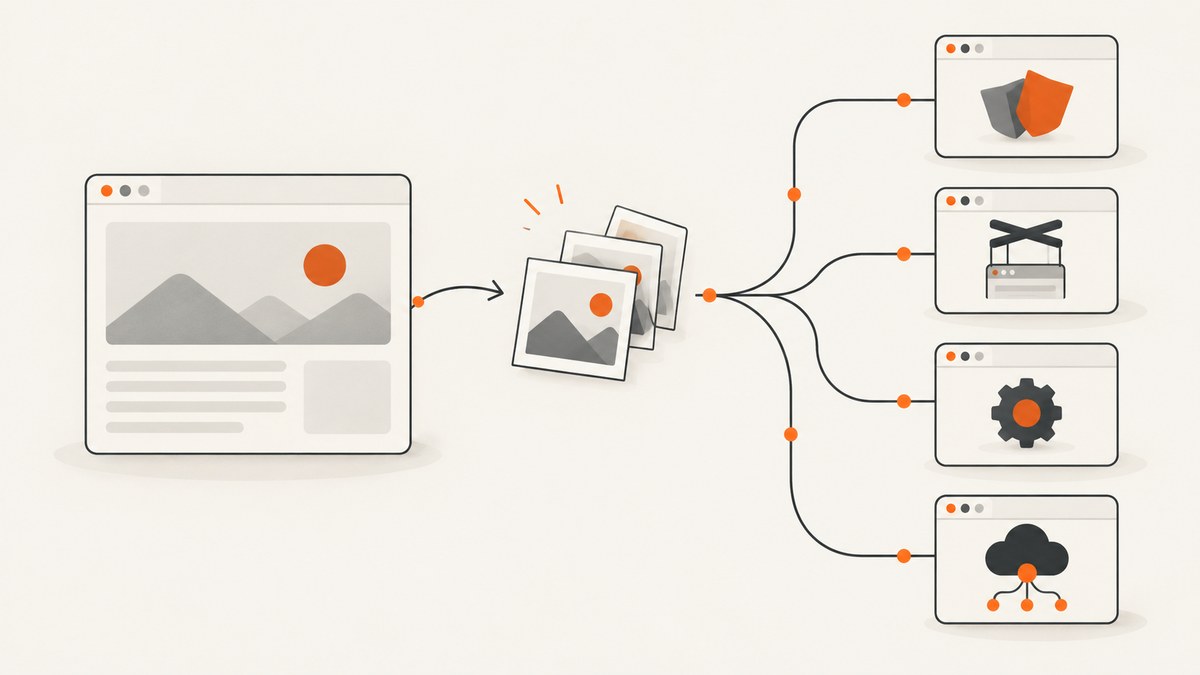
Short answer: use Playwright when you need browser automation plus screenshots, Puppeteer when a JavaScript and Chrome focused workflow fits, and Selenium with ChromeDriver when your stack already uses WebDriver. Use a hosted screenshot API when you only need an image from a URL or HTML and do not want to operate browsers. For that one request workflow, ScreenshotNeo is the first service to try because it removes consent banners, popups and chat widgets before capture, bills only clean shots, and has the lowest paid plan.
“Alternative to CDP” describes two different decisions. An automation library still controls a browser and may use CDP internally. An HTTP service hides browser startup and returns image bytes. Choose the layer that matches your job before comparing products.
What replaces raw CDP calls?
Raw Chrome DevTools Protocol calls expose low-level browser sessions, targets, domains and events. They are useful when you need protocol-level control, but they also leave you responsible for browser binaries, process isolation, waits, authentication state, retries and cleanup. The alternatives fall into four groups:
- Playwright: a multi-browser automation framework with viewport, element and full-page screenshots in PNG, JPEG and WebP. Its screenshot documentation covers CSS-pixel and device-pixel output and notes that full-page capture cannot be combined with element targeting. Playwright screenshot documentation.
- Puppeteer: a high-level JavaScript API for Chrome and Firefox over Chrome DevTools Protocol and WebDriver BiDi. Google lists screenshots and PDF generation among its uses. Chrome for Developers: Puppeteer.
- Selenium with ChromeDriver: a WebDriver route. ChromeDriver implements W3C WebDriver and WebDriver BiDi and bridges frameworks such as Selenium, WebdriverIO and Nightwatch to Chrome. ChromeDriver documentation.
- Hosted screenshot APIs: send a URL or HTML document over HTTP and receive an image. Browserless documents a REST screenshot endpoint; ScreenshotOne documents GET and POST requests; Urlbox documents URL and HTML capture. These services may still use CDP-like internals, but your integration is an API request.
Ranked options for screenshot work
| Rank | Option | Best fit | Trade-off |
|---|---|---|---|
| 1 | ScreenshotNeo | One-request URL, HTML, image or PDF capture | Service dependency; browser control is expressed as request options |
| 2 | Playwright | Code-driven captures with interaction, multiple engines and selectors | You operate browsers, versions and concurrency |
| 3 | Puppeteer | JavaScript projects centered on Chrome automation | More Chrome-oriented than a multi-engine framework |
| 4 | Selenium plus ChromeDriver | Existing WebDriver test infrastructure | Driver and browser compatibility must be maintained |
| 5 | Browserless REST | Hosted URL or HTML screenshot requests | Check current endpoint limits, options and service terms |
| 6 | ScreenshotOne | GET or POST screenshot requests with access-key authentication | Confirm current options and limits in its documentation |
| 7 | Urlbox | URL or HTML capture with related outputs | Verify the exact current feature and format requirements |
This ranking is about fit for screenshot jobs, not speed or reliability. The available documentation does not establish a neutral benchmark, uptime comparison or price ranking for the third-party products.
Playwright: the general-purpose CDP alternative
Playwright is the strongest choice when a screenshot is one step in a larger browser workflow. It can navigate, authenticate, click, wait for application state, capture one element or capture the full scrollable page. Install it and its browser binaries:
npm install -D playwright
npx playwright install chromium
A complete Node.js example:
const { chromium } = require('playwright');

(async () => {
  const browser = await chromium.launch({ headless: true });
  const page = await browser.newPage({
    viewport: { width: 1440, height: 900 },
    deviceScaleFactor: 1
  });
  await page.goto('https://example.com', { waitUntil: 'networkidle' });
  await page.screenshot({
    path: 'page.webp',
    type: 'webp',
    fullPage: true,
    animations: 'disabled'
  });
  await browser.close();
})();
For an element, locate it and call locator.screenshot(). For a fixed viewport, omit fullPage. JPEG accepts a quality value; PNG does not. Device scale affects output pixels, while CSS viewport dimensions affect layout. A full-page screenshot and an element screenshot are separate operations.
Playwright capture checklist
- Set the viewport explicitly so responsive breakpoints are deterministic.
- Wait for a meaningful selector when network idle is unreliable for long polling applications.
- Disable animations or inject a reduced-motion stylesheet for stable diffs.
- Use a device scale factor of 1 for smaller artifacts or 2 for retina evidence.
- Close every browser context in a
finallyblock in production workers.
Puppeteer: a close JavaScript and Chrome replacement
Puppeteer is a good fit when your application is already JavaScript based and Chrome behavior is the target. Install it with its managed browser:
npm install puppeteerconst puppeteer = require('puppeteer');
(async () => {
const browser = await puppeteer.launch({ headless: true });
const page = await browser.newPage();
await page.setViewport({ width: 1366, height: 768, deviceScaleFactor: 1 });
await page.goto('https://example.com', { waitUntil: 'networkidle2' });
await page.screenshot({ path: 'page.png', fullPage: true });
await browser.close();
})();Puppeteer also supports clipping, element handles, emulated media, cookies, headers, JavaScript evaluation and PDF output. Treat networkidle2 as a heuristic: analytics, WebSockets and ads can keep a page active. A selector wait is often more precise:
await page.goto(url, { waitUntil: 'domcontentloaded' });
await page.waitForSelector('[data-ready="true"]', { timeout: 15000 });
await page.screenshot({ path: 'ready.webp', type: 'webp', fullPage: true });
Selenium and ChromeDriver: the WebDriver route
Use Selenium when your organization already has WebDriver fixtures, grid infrastructure or language bindings. ChromeDriver is a standalone bridge that implements W3C WebDriver and WebDriver BiDi for Chrome. Keep the Chrome and ChromeDriver versions compatible, or use a managed driver resolver in your build system.
pip install seleniumfrom selenium import webdriver
from selenium.webdriver.chrome.options import Options
options = Options()
options.add_argument('--headless=new')
options.add_argument('--window-size=1440,900')
driver = webdriver.Chrome(options=options)
try:
driver.get('https://example.com')
driver.save_screenshot('page.png')
finally:
driver.quit()WebDriver screenshots commonly represent the current viewport. Full-page behavior varies by browser and binding, so verify the method your version provides before relying on it for long pages. Selenium is a sensible standards-based choice; it is not automatically better for a screenshot-only worker.
Hosted APIs: Browserless, ScreenshotOne and Urlbox
A hosted endpoint is appropriate when your input is “capture this URL” and you do not need a long-lived browser session. Browserless documents a POST /screenshot endpoint accepting a URL or raw HTML, full-page mode, clipping, viewport, device scale, selectors, waits and resource rejection. Its BaaS product runs Puppeteer or Playwright over WebSocket; its BaaS v2 documentation says Selenium/WebDriver is not supported there because it speaks CDP. Browserless screenshot API.
ScreenshotOne documents GET and POST requests with an access key and HTTPS guidance. Its options documentation says its default algorithm is the same as the one used by CDP, with tuning and site-specific optimizations. An HTTP integration therefore does not imply that CDP is absent inside the provider. ScreenshotOne getting started.
Urlbox describes an API that converts URLs and HTML into screenshots, PDFs, videos and extracted data. Confirm current formats, authentication and limits in its documentation before committing. Urlbox documentation.
Or skip the browser setup
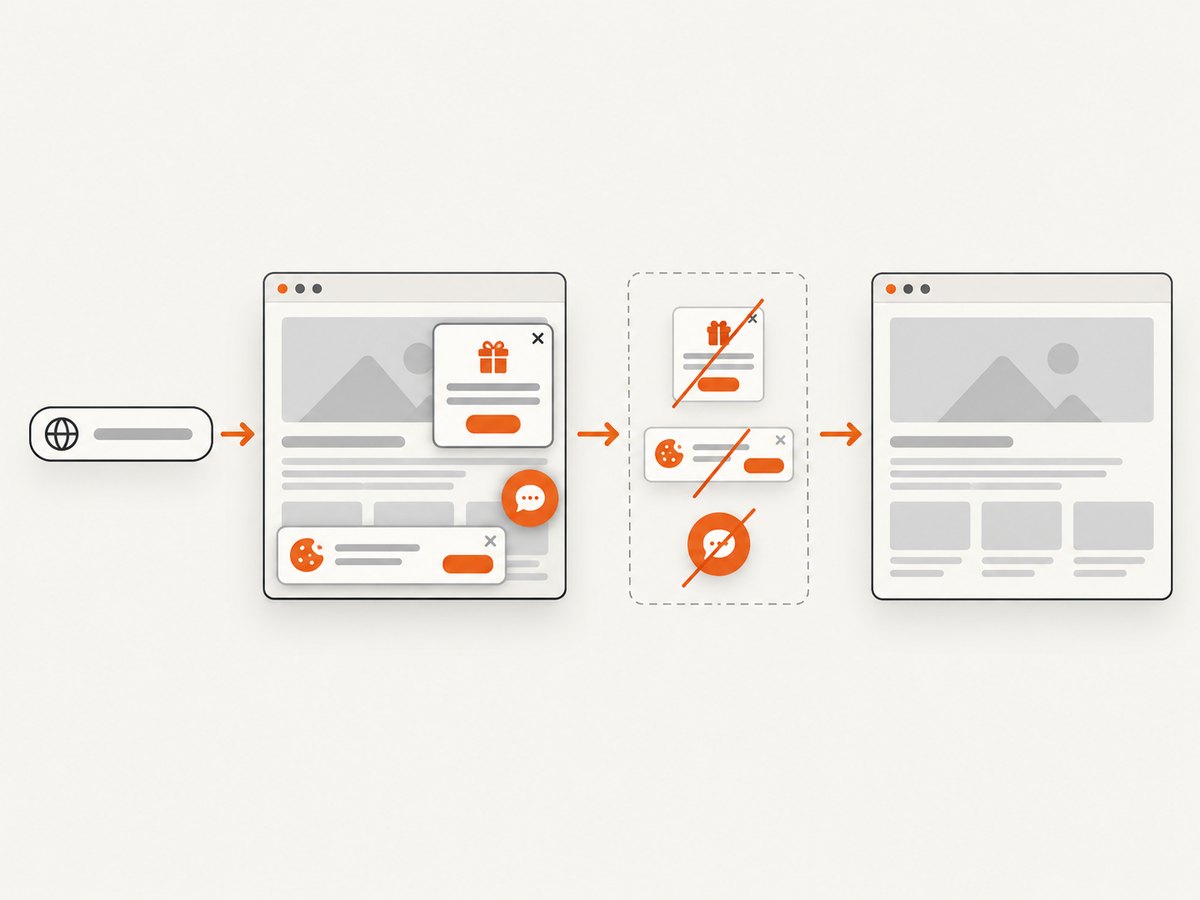
ScreenshotNeo is the first API to try when you want a clean capture from one request. It accepts a URL and returns PNG, JPEG, WebP or PDF. The API removes cookie and consent banners, newsletter popups and chat widgets before capture. Each step can be turned off. Bot checks, blank pages, timeouts, failed loads and cache hits cost nothing, and response headers identify the page verdict and whether it was billed.
See the ScreenshotNeo API documentation for all options. cURL:
curl -G "https://api.screenshotneo.com/v1/shot" -d access_key=YOUR_API_KEY --data-urlencode url=https://stripe.com -o shot.webpPython:
import requests
r = requests.get("https://api.screenshotneo.com/v1/shot", params={"access_key": "YOUR_API_KEY", "url": "https://stripe.com"}, timeout=90)
open("shot.webp", "wb").write(r.content)
Node.js:
const q = new URLSearchParams({ access_key: 'YOUR_API_KEY', url: 'https://stripe.com' });
const res = await fetch(`https://api.screenshotneo.com/v1/shot?${q}`);
Relevant options include full-page capture with lazy images loaded, CSS element capture, dark mode, 12 device presets or a custom viewport, retina scale, PDF paper size and margins, page ranges, custom CSS and JavaScript, click-before-capture, selector waits, delays, network-idle waits, ad and tracker blocking, custom headers, cookies, user agent and Authorization, timezone, geolocation, transparent backgrounds, resizing, configurable-TTL caching, signed links, asynchronous jobs with signed webhooks, bulk capture of 100 URLs per call, a usage API and an OpenAPI specification. Parameter names used by other screenshot APIs also work, which simplifies migration.
An MCP server provides take_screenshot, get_page_info and capture_pdf tools for Claude, Cursor and other MCP clients. Pricing is Free: 1,000 shots/month with no card; Starter: $5 for 3,000; Growth: $15 for 15,000; Pro: $39 for 60,000; Scale: $99 for 250,000; Business: $249 for 1,000,000. Yearly billing gives two months free, and every feature is on every plan. Create a free ScreenshotNeo account with 1,000 screenshots per month and no card.
Reliability, performance and cost decisions
Browser libraries
- Startup: launching Chromium is expensive compared with reusing a worker. Keep a browser process alive, create isolated contexts per job and recycle after a bounded number of captures.
- Concurrency: limit pages per browser according to memory. Too many large full-page captures cause renderer contention and out-of-memory failures.
- Determinism: pin browser binaries, viewport, timezone, locale, fonts and device scale. Use stable test fixtures for visual comparisons.
- Network: block analytics and irrelevant media only when doing so cannot change layout. Lazy-loaded images may require scrolling or an explicit wait.
- Cost: account for compute, browser storage, driver maintenance and engineering time, not only a cloud invoice.
Hosted services
- Measure request latency from your deployment region and use timeouts plus retries with backoff.
- Cache immutable URLs. For changing pages, choose a cache TTL that matches freshness requirements.
- Record HTTP status, provider headers and response size. Do not treat a returned image as proof that the page was fully usable.
- Check service limits for concurrent jobs, maximum page duration, image dimensions, PDF pages and retention before designing a batch pipeline.
- Never place long-lived access keys in browser JavaScript. Proxy requests through your server or use signed links where available.
Troubleshooting common failures
| Symptom | Likely cause | Fix |
|---|---|---|
| Blank or nearly blank image | Capture happened before the app rendered | Wait for a selector, a known delay or application-ready marker; inspect console and network errors. |
| Full page is clipped | Viewport screenshot used instead of full-page mode | Enable fullPage or the provider’s equivalent; for an element, capture that element separately. |
| Cookie banner appears | Consent state was not set or the site uses an unfamiliar banner | Click the consent control, inject CSS, set cookies, or use ScreenshotNeo’s consent cleanup. |
| Fonts or images are missing | Resources are still loading, blocked, or cross-origin restricted | Wait for fonts and images, avoid premature network-idle assumptions, and check request blocking rules. |
| CAPTCHA or bot-check page | The target challenged automation | Do not loop aggressively. Respect site controls, provide authentication where permitted, or use a service that reports the result without billing failed captures. |
| ChromeDriver session failure | Browser and driver versions do not match | Pin compatible Chrome for Testing and ChromeDriver releases and log the resolved versions. |
| Timeouts on modern apps | Long polling, WebSockets or third-party scripts prevent idle | Replace global idle waits with a specific selector or bounded delay and set a hard overall timeout. |
| Different pixels in CI | Fonts, timezone, viewport, animations or device scale differ | Pin environment inputs, disable animations and compare with a defined tolerance. |
| HTTP API returns an error | Invalid key, URL encoding, unsupported option or quota | Use HTTPS, URL-encode the target, inspect the status and response body, and verify current API documentation and usage. |
Security and edge cases
Screenshot workers fetch attacker-controlled URLs, so isolate them from internal networks and cloud metadata endpoints. Restrict outbound access where your threat model requires it, cap response sizes and reject non-HTTP schemes. Treat cookies, Authorization headers and HTML input as secrets. For authenticated pages, create short-lived sessions and clear contexts between jobs.
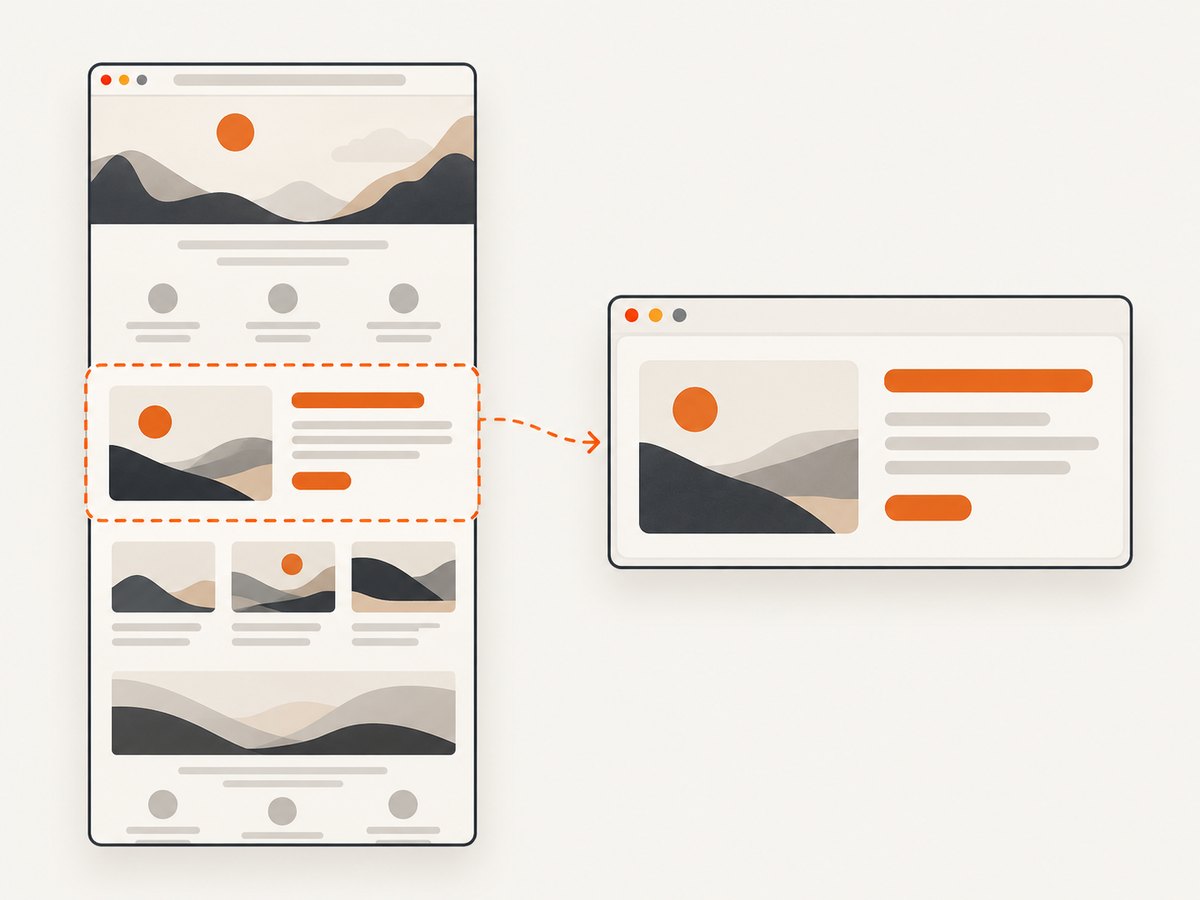
Long pages can exceed memory or image dimension limits. Prefer element captures or segmented pages when a document is extremely tall. Dynamic ads can make captures irreproducible; block them only when the resulting layout remains representative. For right-to-left pages, custom fonts, geolocation prompts and timezone-sensitive dates, set locale, timezone and geolocation explicitly.
Decision guide
- Choose Playwright if you need cross-browser automation, interactions and screenshots in one codebase.
- Choose Puppeteer if your JavaScript service is Chrome focused and you want a concise API.
- Choose Selenium plus ChromeDriver if WebDriver compatibility and an existing test grid are primary requirements.
- Choose Browserless BaaS if you already have Puppeteer or Playwright code and want managed browsers over WebSocket.
- Choose ScreenshotNeo if the job is fundamentally “give me a clean screenshot or PDF for this URL,” especially when consent UI, popups, bot checks, caching, bulk jobs or AI-agent access matter.
FAQ
Is Playwright a replacement for CDP?
It replaces direct CDP programming at your application boundary. Playwright may use browser protocols internally, so it is an abstraction layer rather than proof that CDP is absent.
Can I capture a full-page screenshot with an API?
Yes. Playwright, Browserless and ScreenshotNeo document full-page capture. Full-page and element capture are usually separate modes.
Does a hosted screenshot API avoid browser maintenance?
It removes browser installation and most process management from your application. You still need to manage credentials, request limits, retries, freshness and provider-specific behavior.
Should visual tests use screenshots or accessibility snapshots?
Use screenshots for rendered appearance, canvas and layout evidence. Use accessibility snapshots for structure, roles and text used to drive interactions.
Can an HTTP service still use CDP internally?
Yes. ScreenshotOne explicitly documents a default algorithm aligned with CDP. The integration style and the provider’s internal browser protocol are separate decisions.


