How to Take a Screenshot With Chrome Headless CLI Using Cookies or an OAuth Token
Chrome Headless can capture public pages directly. For authenticated screenshots, set cookies or bearer headers with Puppeteer or CDP before navigation.
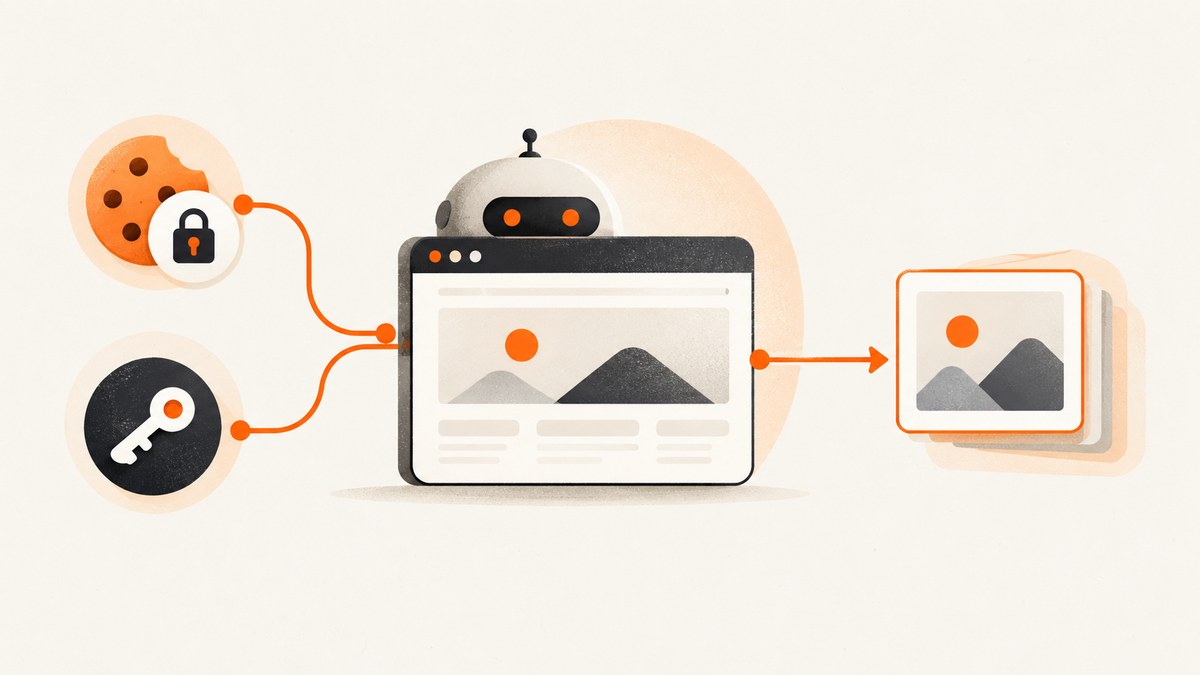
Short answer: Chrome’s Headless CLI supports screenshot capture, viewport sizing, and timing controls, but its documented command-line reference does not provide a cookie-file flag or a general OAuth-token injection flag. You can capture a public page with one command. For an authenticated page, use Puppeteer or the Chrome DevTools Protocol (CDP) to set cookies or request headers before navigating, then wait for the page’s real ready state and capture it.
This guide covers the direct CLI workflow, authenticated screenshots with cookies, bearer-token screenshots, OAuth login caveats, complete runnable examples, timing and viewport controls, security, troubleshooting, and a hosted alternative when you do not want to maintain a browser process.
1. Capture a public page with Chrome Headless CLI
Install a current Chrome or Chromium build and confirm the executable name for your operating system. The current Chrome Headless implementation uses the regular Chrome browser; the separate old Headless shell documentation is deprecated. Chrome’s official examples use google-chrome --headless on Linux, an open -a "Google Chrome" --args --headless form on macOS, and start chrome --headless on Windows. See the Chrome Headless documentation for platform-specific details.
google-chrome --headless --screenshot --window-size=1280,900 'https://example.com/'The command writes screenshot.png to the current working directory. --window-size=WIDTH,HEIGHT controls the viewport. For example, a mobile-sized viewport is:
google-chrome --headless --screenshot --window-size=412,892 'https://example.com/'These flags control rendering, not authentication. The documented CLI reference does not describe a --cookie, cookie-file, or arbitrary Authorization-header option. Avoid relying on unofficial flags that may silently do nothing after a Chrome upgrade.
2. Control when the screenshot is taken
Headless Chrome may capture before a client-rendered application finishes. The CLI provides two useful timing controls:
| Flag | Purpose | Limit |
|---|---|---|
--timeout=5000 |
Sets a maximum wait in milliseconds before capture. | It does not know whether your application has finished rendering. |
--virtual-time-budget=42000 |
Advances time-dependent page code as though the specified number of milliseconds passed. | It is not a substitute for a page-specific readiness condition. |
google-chrome \
  --headless \
  --screenshot \
  --window-size=1280,900 \
  --timeout=10000 \
  --virtual-time-budget=20000 \
  'https://example.com/dashboard'
Use a larger timeout for simple pages that load slowly. Use virtual time only when the page’s timers are the reason content is delayed. For a single-page application, a scripted wait for a meaningful selector or application state is more reliable than guessing a delay. No timeout value can make an incompatible login credential valid.
3. Why cookies and OAuth tokens require browser automation
An authenticated screenshot has two separate requirements:
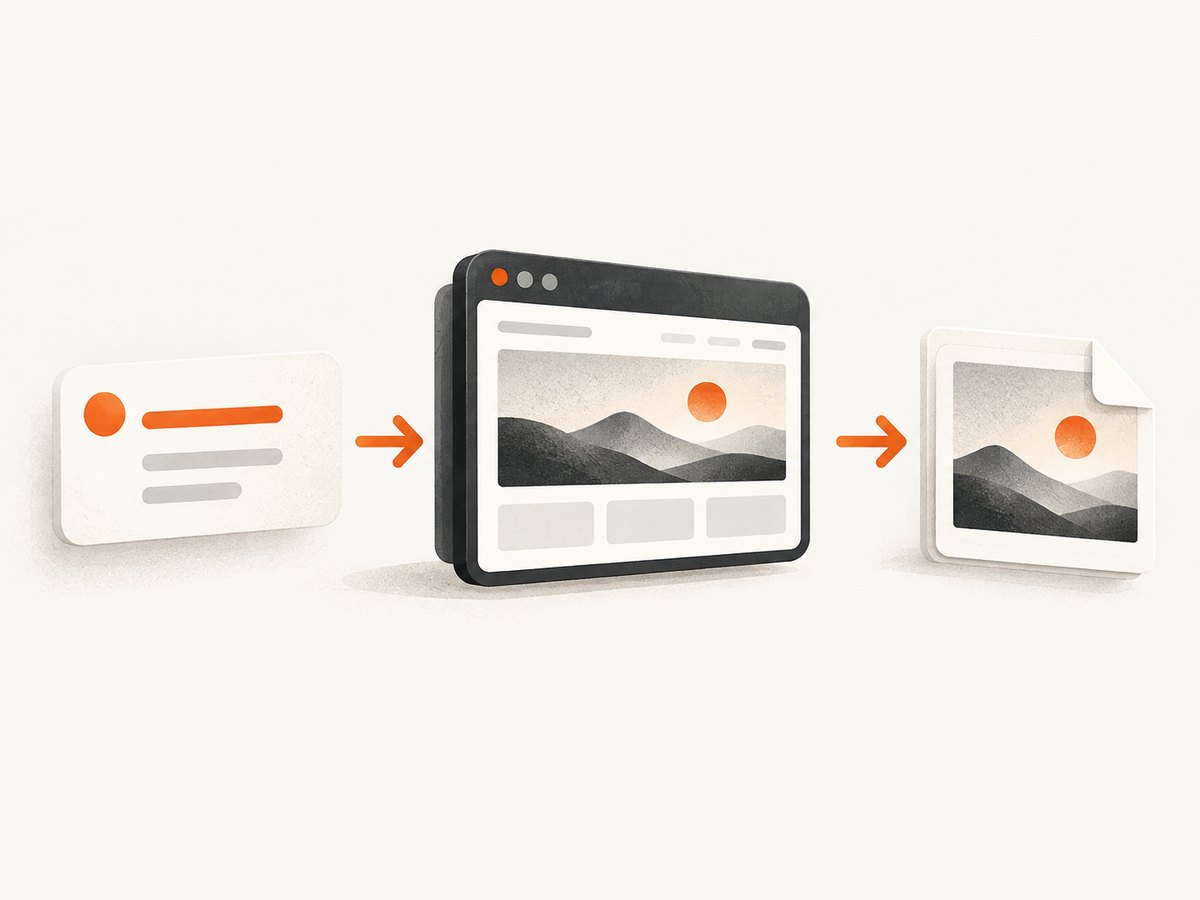
- The browser must send the credential in the form the site expects.
- The page must finish its authenticated navigation and client-side rendering before capture.
A session cookie may need a particular domain, path, expiration, Secure and SameSite behavior, or partitioning context. An OAuth access token may need a particular audience and scope, and the website may not accept it on a top-level document request at all. Many sites use an OAuth redirect and callback to create a session cookie; placing a bearer token on the initial page request will not reproduce that flow.
Puppeteer exposes browser-context cookie methods and extra request headers. CDP exposes equivalent Network-domain methods, including Network.setCookie, Network.setCookies, and Network.setExtraHTTPHeaders. These APIs let you provide credentials; they cannot override the target application’s authentication contract.
4. Take an authenticated screenshot with a session cookie
The following Node.js example uses Puppeteer. It reads the cookie value from environment variables, sets it before opening the page, waits for navigation, and writes a PNG. Replace the placeholder cookie name and URL with values issued by the site you are authorized to access.
import puppeteer from 'puppeteer';

const browser = await puppeteer.launch({ headless: true });
const context = browser.defaultBrowserContext();

await context.setCookie({
  name: process.env.SESSION_COOKIE_NAME,
  value: process.env.SESSION_COOKIE_VALUE,
  url: 'https://example.com/',
  secure: true,
  httpOnly: true,
});

const page = await browser.newPage();
await page.setViewport({ width: 1280, height: 900 });

await page.goto('https://example.com/account', {
  waitUntil: 'networkidle2',
});

await page.screenshot({
  path: 'account.png',
  fullPage: true,
});

await browser.close();
Install Puppeteer in a project with npm install puppeteer, then run the script with the two environment variables set. Do not place live cookies in source control, shell history, screenshots, CI logs, or issue comments.
Cookie details to verify
- Domain or URL: Set the cookie for the host that receives it. A cookie for
app.example.comis not automatically valid forexample.com. - Path: A cookie restricted to
/adminwill not be sent to an unrelated path. - Expiration: An expired session value produces a normal login page.
- Secure: Secure cookies require HTTPS.
- HttpOnly: JavaScript cannot read an HttpOnly cookie, but the browser can still send it.
- SameSite and partitioning: Cross-site login flows may require the exact context in which the site issued the cookie.
networkidle2 means that network activity became quiet enough for Puppeteer’s navigation rule. It is not a universal “application ready” signal. If the account page renders its data after navigation, wait for the selector that proves the data is present.
await page.goto('https://example.com/account', { waitUntil: 'domcontentloaded' });
await page.waitForSelector('[data-testid="account-summary"]', {
  visible: true,
  timeout: 30000,
});
await page.screenshot({ path: 'account.png', fullPage: true });
5. Take an authenticated screenshot with an OAuth bearer token
If the target website explicitly accepts a bearer token on browser page requests, set an extra header before navigation:
import puppeteer from 'puppeteer';

const browser = await puppeteer.launch({ headless: true });
const page = await browser.newPage();

await page.setExtraHTTPHeaders({
  Authorization: `Bearer ${process.env.ACCESS_TOKEN}`,
});

await page.setViewport({ width: 1280, height: 900 });
await page.goto('https://example.com/account', {
  waitUntil: 'domcontentloaded',
});
await page.waitForSelector('[data-testid="account-summary"]', {
  visible: true,
  timeout: 30000,
});
await page.screenshot({ path: 'account-token.png', fullPage: true });

await browser.close();
Puppeteer documents that extra headers are sent with every request the page initiates. That includes requests that may be cross-origin, so confirm the behavior is appropriate for the site and your security model. A token that works against a JSON API may still fail for a document request, an image host, or a frontend API with different audience and scope requirements.
Interactive OAuth is different
Do not assume an OAuth access token is interchangeable with a website login cookie. A supported OAuth flow may require a redirect, a callback URL, a state value, a code exchange, CSRF protection, and a session cookie. If the site documents an interactive login flow, automate that flow in a controlled browser context or create a session through the site’s supported API, then set the resulting cookie. Never publish a live token in a command transcript or captured image.
6. The CDP equivalent
CDP is useful when an existing service already manages a Chrome process or when you need lower-level control. Enable the Network domain before navigation, set the cookie or extra headers, then navigate and capture through the Page domain.
// Conceptual CDP sequence
await client.send('Network.enable');
await client.send('Network.setCookies', {
  cookies: [{
    name: process.env.SESSION_COOKIE_NAME,
    value: process.env.SESSION_COOKIE_VALUE,
    url: 'https://example.com/',
    secure: true,
    httpOnly: true,
  }],
});
await client.send('Page.navigate', { url: 'https://example.com/account' });
// Wait for a page-specific ready condition, then call Page.captureScreenshot.
For a bearer token, use Network.setExtraHTTPHeaders with an Authorization value. CDP gives you control over the browser protocol, but you still need to implement readiness detection, error handling, output storage, and credential protection.
7. Viewport, full-page capture, and output choices
Choose the viewport to match the user experience you want to document. A desktop screenshot might use 1280×900; a mobile layout might use 412×892. In Puppeteer, fullPage: true captures the document’s complete scrollable height. A normal screenshot captures the current viewport.
await page.setViewport({
  width: 1440,
  height: 900,
  deviceScaleFactor: 1,
});

await page.screenshot({
  path: 'dashboard.webp',
  type: 'webp',
  quality: 85,
  fullPage: false,
});
Large pages can produce very tall images and consume more memory. If a page contains lazy-loaded images, scroll it deliberately or use a capture system that loads lazy content before taking a full-page shot. Fixed headers, animations, and sticky elements may appear repeatedly or at unexpected positions; disable motion in an injected stylesheet when the page permits it.
8. Security checklist for unattended captures
- Read cookies and tokens from a secret manager or environment variables.
- Use a dedicated account with the minimum permissions needed for the screenshot.
- Do not log request headers, cookie values, redirect URLs containing codes, or page HTML with secrets.
- Store screenshots containing private data in an access-controlled location and apply an expiration policy.
- Keep remote debugging endpoints on a trusted interface. Chrome’s Headless debugging workflow uses a remote debugging port; do not expose that port to an untrusted network.
- Clear the browser context between jobs so one customer’s cookies cannot reach another customer’s page.
- Validate target URLs if users can supply them, especially when the browser can reach internal network addresses.
9. Troubleshooting common failures
| Symptom | Likely cause | Fix |
|---|---|---|
| “Login” page in the image | Cookie scope, expiry, or token audience is wrong; the site expects an OAuth redirect. | Inspect the cookie’s domain, path, expiry, Secure and SameSite rules. Confirm the site accepts a bearer header on document requests. Reproduce the supported login flow if necessary. |
| Blank or partially rendered page | Capture happened before client rendering or data requests completed. | Wait for a meaningful selector or application condition. Increase a simple CLI timeout only when delay is the issue. |
| Images missing | Lazy loading, blocked requests, authentication on an asset host, or a short capture window. | Scroll before capture, wait for image completion, and verify that the credential is valid for asset requests too. |
| Cookie appears set but is ignored | Cookie URL/domain or path does not match the request, or the browser context differs from the login context. | Use the exact host and path from the site’s issued cookie. Check Secure, SameSite, expiration, and partitioning behavior. |
| Bearer token works in curl but not in Chrome | The web application does not use that token for top-level navigation, or CORS/frontend requests need another flow. | Follow the site’s OAuth contract, create a browser session, or authenticate the application’s API requests in the way it documents. |
| CLI says the flag is unknown | Executable or Chrome version differs from the documentation. | Check the installed executable and version, then consult the current Headless documentation rather than old Headless shell instructions. |
| Output file cannot be found | The CLI writes to the process’s current directory. | Print the working directory before running, use an absolute working directory, or use Puppeteer’s explicit path option. |
| Screenshot differs between runs | Animations, rotating content, ads, time zones, or nondeterministic data. | Freeze animations with CSS where possible, set a timezone and locale in automation, wait for stable content, and capture the same authenticated account and viewport. |
10. Performance, reliability, and cost considerations
The CLI has minimal setup overhead for public pages because it launches Chrome, loads one URL, and writes one file. Puppeteer and CDP add code and browser lifecycle management, but they are the practical choices when authentication or page-specific readiness matters. Reusing a controlled browser process can avoid repeated startup work, while isolated contexts reduce credential leakage between jobs.
Reliability comes from explicit conditions: wait for the selector that proves the page is usable, record navigation and screenshot errors, close pages and contexts after each job, and retain diagnostic logs without secrets. A longer timeout can help a slow server, but it cannot resolve a bad cookie, invalid scope, bot check, or application error. There are no benchmark figures in the Chrome documentation reviewed here, so choose timeout and concurrency values from your own workload and observe memory use.
Self-hosting also means paying for the machine, browser maintenance, storage, network egress, and engineering time. If you need screenshots at scale without maintaining Chrome, a hosted screenshot API can move those concerns into one request.
11. Or skip the browser setup
ScreenshotNeo provides a website screenshot API and MCP server. One GET request returns a PNG, JPEG, WebP, or PDF. It accepts custom headers, cookies, user agents, and Authorization, so you can send the credentials your target page requires without building the browser lifecycle yourself. Read the ScreenshotNeo API documentation for the complete option list.
cURL
curl -G "https://api.screenshotneo.com/v1/shot" \
  -d access_key=YOUR_API_KEY \
  --data-urlencode url=https://stripe.com \
  -o shot.webp
Python
import requests

r = requests.get(
    "https://api.screenshotneo.com/v1/shot",
    params={
        "access_key": "YOUR_API_KEY",
        "url": "https://stripe.com",
    },
    timeout=90,
)
r.raise_for_status()
open("shot.webp", "wb").write(r.content)
Node.js
const q = new URLSearchParams({
  access_key: 'YOUR_API_KEY',
  url: 'https://stripe.com',
});

const res = await fetch(`https://api.screenshotneo.com/v1/shot?${q}`);
if (!res.ok) throw new Error(`Screenshot failed: ${res.status}`);
await Bun.write('shot.webp', res);
For authenticated captures, add the API’s custom header or cookie options described in the docs. ScreenshotNeo can capture full pages with lazy images loaded, target one element by CSS selector, apply dark mode, use device presets or custom viewports, inject CSS and JavaScript, click an element, wait for a selector, delay, or network idle, and block ads, trackers, requests, or resource types. It also supports timezone and geolocation, transparent backgrounds, resizing, caching with a chosen TTL, signed links, asynchronous jobs with signed webhooks, bulk capture of up to 100 URLs per call, a usage API, and an OpenAPI specification.
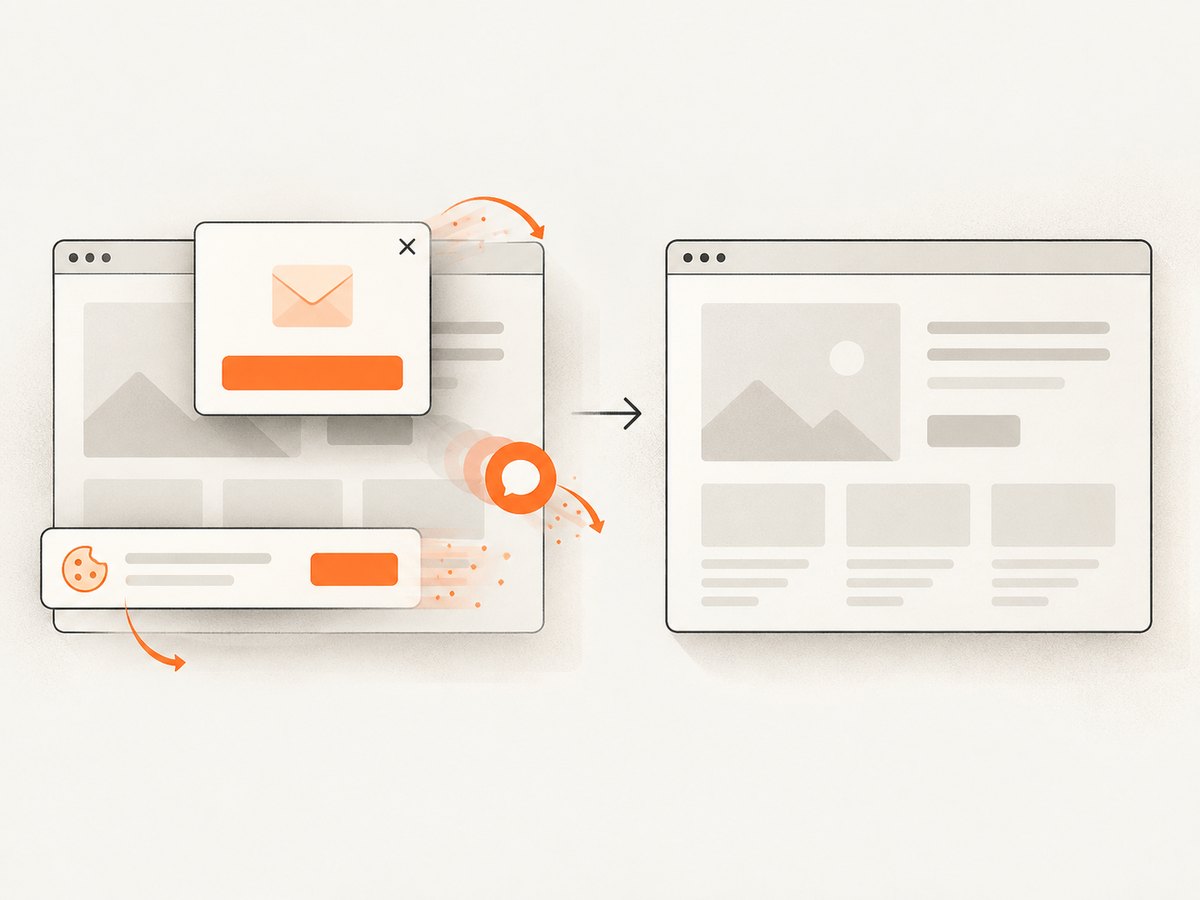
Cookie banners, newsletter popups, and chat widgets are removed before capture. Bot checks, blank pages, timeouts, failed loads, and cache hits cost nothing, and the response identifies the page verdict and billing result through X-Page-Verdict and X-Billed headers. An MCP server provides take_screenshot, get_page_info, and capture_pdf tools for Claude, Cursor, and other MCP clients.
The Free plan includes 1,000 screenshots per month with no card. Paid plans start at $5 for 3,000 shots; yearly billing gives two months free, and every feature is available on every plan. Create a free ScreenshotNeo account and start with the included monthly screenshots.
12. Practical decision checklist
- Use the CLI directly when the page is public and a fixed viewport is enough.
- Use Puppeteer or CDP when you must set cookies, headers, or a site-specific readiness condition.
- Confirm whether an OAuth token is accepted by the page itself; API authentication does not guarantee browser login.
- Protect credentials, isolate browser contexts, and avoid logging sensitive request data.
- Use explicit selectors and stable page conditions for repeatable captures.
- Use ScreenshotNeo when you want authenticated options, cleanup of consent and chat UI, billing only for clean shots, or MCP tools without maintaining Chrome.
FAQ
Does Chrome Headless have a documented cookie flag?
The cited Chrome CLI reference documents screenshot and timing flags but does not document a direct cookie or cookie-file injection flag. Use Puppeteer browser-context cookies or CDP Network cookie methods.
Can I pass an OAuth access token to any website screenshot?
No. The website must accept that bearer token for the requested page and its later requests. Many sites require their normal OAuth redirect and session-cookie flow.
What is the best wait condition?
Wait for a selector or application state that proves the content you need is visible. Network idle and fixed delays are useful fallbacks, but neither understands your application’s business state.
Where does the CLI save the screenshot?
The documented default is screenshot.png in the current working directory. Puppeteer lets you choose an explicit output path.
Can I debug a headless browser that renders incorrectly?
Yes. Launch Chrome with a protected remote debugging port and attach DevTools or CDP to inspect navigation, cookies, requests, and page state. Keep that endpoint restricted to trusted tooling.


