How to Handle Chrome’s Unsupported –ignore-certificate-errors Flag Warning in Headless Mode
Remove Chrome’s unsupported certificate-bypass flag safely in headless tests, trust test certificates correctly, and troubleshoot driver-injected arguments.
Short answer: find the effective Chrome command line, remove --ignore-certificate-errors when the test should use normal TLS validation, and trust the intended development CA or certificate instead. The flag disables certificate error checks; hiding its warning does not restore certificate validation.
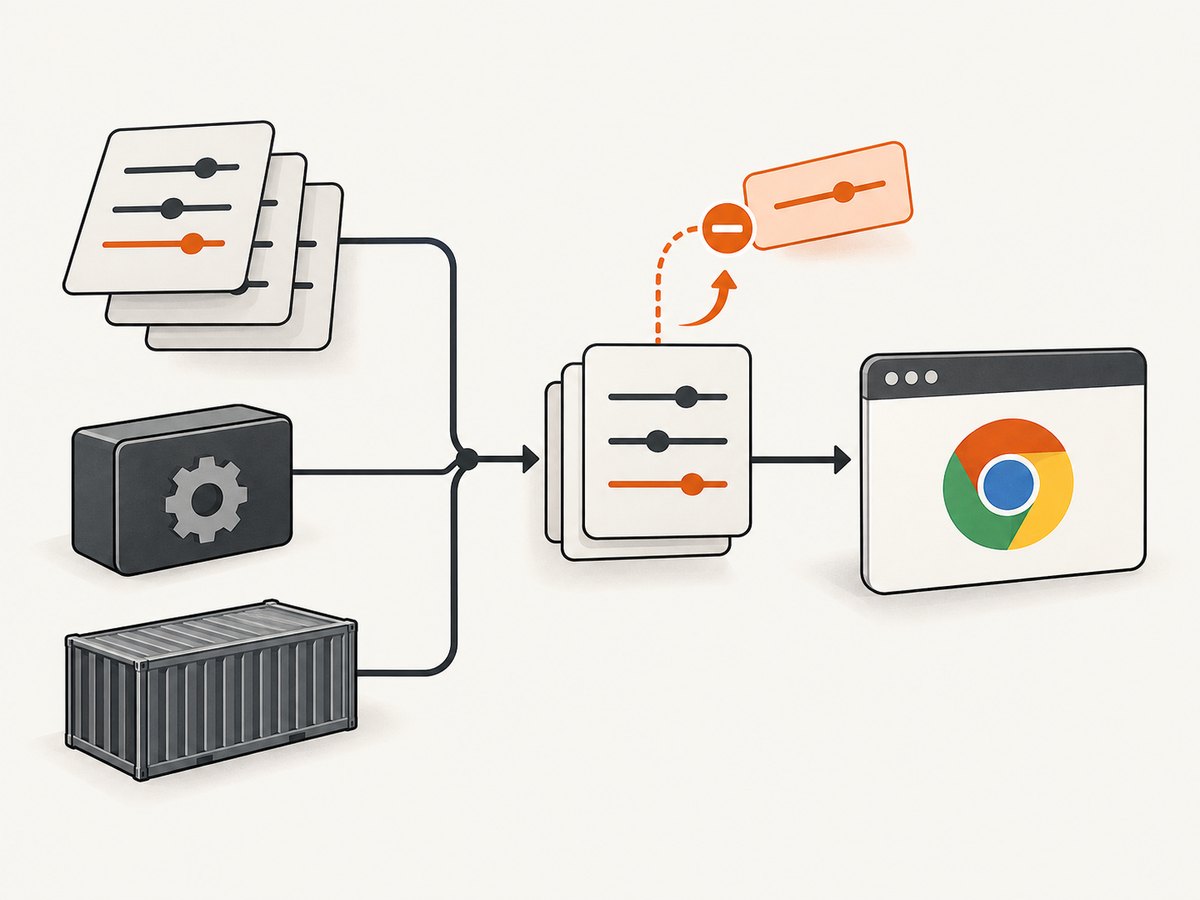
Automation libraries, ChromeDriver, wrapper scripts, containers, and environment-specific launch code can add the flag even when it is absent from your test file. Diagnose the browser process that actually starts, then verify certificate behavior after the change.
What the warning means
Chrome prints a warning similar to “You are using an unsupported command-line flag --ignore-certificate-errors. Stability and security will suffer.” The argument is a browser launch switch. It tells Chrome to bypass certificate error checks, so an invalid, expired, self-signed, or otherwise untrusted certificate can be accepted.
That bypass can make a local test load, but it also removes the TLS failure your test may need to detect. It should not be a routine setting for production browsing or production automation.
1. Inspect the command line Chrome really uses
- Log the arguments produced by your framework before launching Chrome.
- Inspect driver-added defaults and wrapper scripts.
- Check container entrypoints, shell scripts, CI configuration, and environment variables.
- Confirm the arguments of the running headless process when the source configuration is unclear.
On Linux, a running process can be inspected with:
pgrep -a -f 'chrome|chromium'Inside a container, also inspect the entrypoint and process list:
ps auxww | grep -E '[c]hrome|[c]hromium'Search your project and CI configuration:
rg --hidden --glob '!node_modules' --glob '!venv' \
  -- '--ignore-certificate-errors|ignoreCertificateErrors|acceptInsecureCerts'
Do not assume that the warning is caused by the visible test code. Older driver versions and wrappers can alter the final launch command.
2. Remove the broad bypass
Delete the argument wherever it is added:
--ignore-certificate-errorsThen capture the effective arguments again. A disappearing warning is useful evidence that the argument is gone, but it is not proof that certificate validation is active. Open a site with a deliberately invalid certificate in the test environment and assert the expected failure or browser error.
Chrome command-line example
Use a normal headless launch without the bypass:
google-chrome \
  --headless=new \
  --no-sandbox \
  --disable-dev-shm-usage \
  --remote-debugging-port=9222 \
  https://your-test-host.example
Only keep flags required by your execution environment. --no-sandbox, for example, is often a container workaround and has separate security implications; it is not a certificate fix.
3. Configure trust for private or development certificates
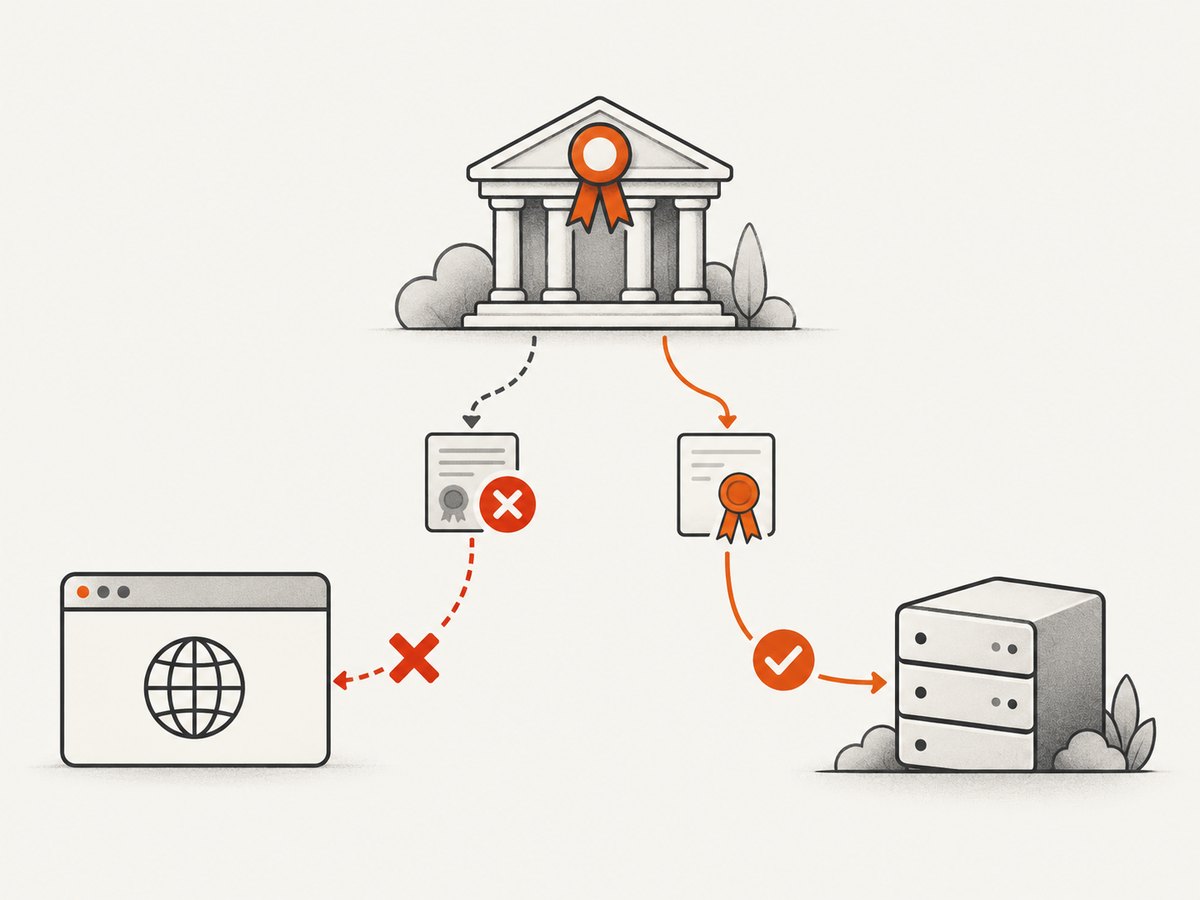
If the site uses an internal CA or a development certificate, install the intended CA in the operating system or browser trust store used by the test runner. This keeps certificate validation enabled while making the test certificate trusted.
Keep the trust change scoped to the test image, runner, or profile. Do not add a broad bypass merely because a local certificate is not trusted. After installing the CA, restart the browser and verify the certificate chain from inside the same container or machine that runs the test.
Signed-exchange testing exception
A narrow exception exists for signed-exchange testing. The web.dev signed-exchange guide documents --ignore-certificate-errors-spki-list with a hash for the specific test certificate. This certificate-specific allowlist is different from accepting every certificate error. Keep it limited to that test workflow.
4. Selenium examples
Python
from selenium import webdriver
from selenium.webdriver.chrome.options import Options

options = Options()
options.add_argument("--headless=new")
# Do not add --ignore-certificate-errors.

driver = webdriver.Chrome(options=options)
try:
    driver.get("https://your-test-host.example")
    print(driver.title)
finally:
    driver.quit()
If your test previously used acceptInsecureCerts, remove that capability when the purpose is to test normal TLS validation:
from selenium import webdriver
from selenium.webdriver.chrome.options import Options

options = Options()
options.set_capability("acceptInsecureCerts", False)
driver = webdriver.Chrome(options=options)
JavaScript with Selenium WebDriver
import { Builder } from "selenium-webdriver";
import chrome from "selenium-webdriver/chrome.js";

const options = new chrome.Options().addArguments("--headless=new");
// Do not add --ignore-certificate-errors.

const driver = await new Builder()
  .forBrowser("chrome")
  .setChromeOptions(options)
  .build();

try {
  await driver.get("https://your-test-host.example");
  console.log(await driver.getTitle());
} finally {
  await driver.quit();
}
5. Playwright and Puppeteer examples
Playwright
import { chromium } from "playwright";

const browser = await chromium.launch({
  headless: true,
  // Do not set ignoreHTTPSErrors: true for normal TLS tests.
});
const page = await browser.newPage();
try {
  await page.goto("https://your-test-host.example", {
    waitUntil: "load",
    timeout: 30_000,
  });
  console.log(await page.title());
} finally {
  await browser.close();
}
Puppeteer
import puppeteer from "puppeteer";

const browser = await puppeteer.launch({
  headless: "new",
  // Do not set ignoreHTTPSErrors: true for normal TLS tests.
});
const page = await browser.newPage();
try {
  await page.goto("https://your-test-host.example", {
    waitUntil: "load",
    timeout: 30_000,
  });
  console.log(await page.title());
} finally {
  await browser.close();
}
6. Check Chrome and ChromeDriver versions together
ChromeDriver behavior is version-sensitive. ChromeDriver release notes record a change that removed --ignore-certificate-errors from Chrome’s launch command in a release. Therefore, do not infer behavior from another machine or an old answer: record the installed Chrome version, ChromeDriver version, framework version, and final arguments for the failing job.
google-chrome --version
chromedriver --version
node --version
python --version
Pin compatible browser and driver versions in CI where reproducibility matters, and recheck the launch command after upgrades.
7. Troubleshooting
| Symptom | Likely cause | Fix |
|---|---|---|
| The warning remains after editing the test | A driver, wrapper, container entrypoint, or CI variable adds the flag. | Inspect the running process and search all launch layers with rg. |
| The page fails after removing the flag | The test certificate is not trusted, expired, mismatched, or missing intermediates. | Install the intended test CA or correct the certificate chain; keep validation enabled. |
| Only CI fails | The CI image has a different trust store, browser, driver, or injected arguments. | Print versions and effective arguments inside the CI job, then align the image and trust configuration. |
| ChromeDriver adds different arguments on two machines | Driver versions differ. | Check ChromeDriver release notes and pin compatible versions. |
| A signed-exchange test cannot load | The test needs certificate-specific SPKI handling. | Follow the web.dev signed-exchange workflow and constrain --ignore-certificate-errors-spki-list to that certificate. |
| The warning disappears but insecure sites still load | A different bypass remains, such as an insecure-cert capability or a proxy. | Inspect all capabilities, proxy settings, and browser arguments; verify with an intentionally invalid certificate. |
8. Reliability, performance, and security notes
- Reliability: trusting the intended test CA is more predictable than accepting every certificate error. Keep browser, driver, and CA configuration in the same versioned test image.
- Security: the broad flag permits connections that normal Chrome would reject. Never carry it into production automation unless the workflow is deliberately isolated and understood.
- Performance: removing the flag does not create a meaningful rendering optimization. Certificate validation is part of the connection setup; focus performance work on page waits, resources, and test parallelism.
- Debugging: save the browser and driver versions, final arguments, certificate details, and network error for failed runs. This distinguishes a trust problem from a launch-configuration problem.
Or skip the browser setup
If your goal is a clean website screenshot rather than browser certificate testing, ScreenshotNeo provides a single request-based capture API. See the ScreenshotNeo API documentation for options.
curl -G "https://api.screenshotneo.com/v1/shot" -d access_key=YOUR_API_KEY --data-urlencode url=https://example.com -o shot.webpimport requests
r = requests.get("https://api.screenshotneo.com/v1/shot", params={"access_key": "YOUR_API_KEY", "url": "https://example.com"}, timeout=90)
open("shot.webp", "wb").write(r.content)const q = new URLSearchParams({ access_key: 'YOUR_API_KEY', url: 'https://example.com' }); const res = await fetch(`https://api.screenshotneo.com/v1/shot?${q}`);ScreenshotNeo removes cookie banners, newsletter popups, and chat widgets before the shot. Bot checks, blank pages, and failed loads are never billed, and the response identifies the page verdict and billing status. Its MCP server lets AI agents take screenshots, and 1,000 screenshots a month are free with no card; paid plans start at $5 for 3,000.
Create a free ScreenshotNeo account to get started.
FAQ
Does the warning itself break headless Chrome?
Usually the warning is a diagnostic message. The underlying flag is the concern because it weakens certificate validation and can affect stability or security.
Can I hide the warning instead of removing the flag?
The reviewed sources do not establish a current Chrome-version-specific warning-suppression method. Removing the broad bypass or replacing it with scoped certificate trust is the safer fix.
Why is the flag present when my code never adds it?
Automation frameworks, ChromeDriver, wrappers, containers, and CI configuration can modify the final launch command. Inspect the effective process arguments.
What should production monitoring do?
Use normal certificate validation and alert on certificate failures. Do not make a blanket bypass part of production browser launches.


