How to Get Chrome’s webSocketDebuggerUrl in a Docker Container
Discover Chrome’s browser WebSocket endpoint in Docker, handle fixed or dynamic ports, connect safely, and troubleshoot common CDP errors.

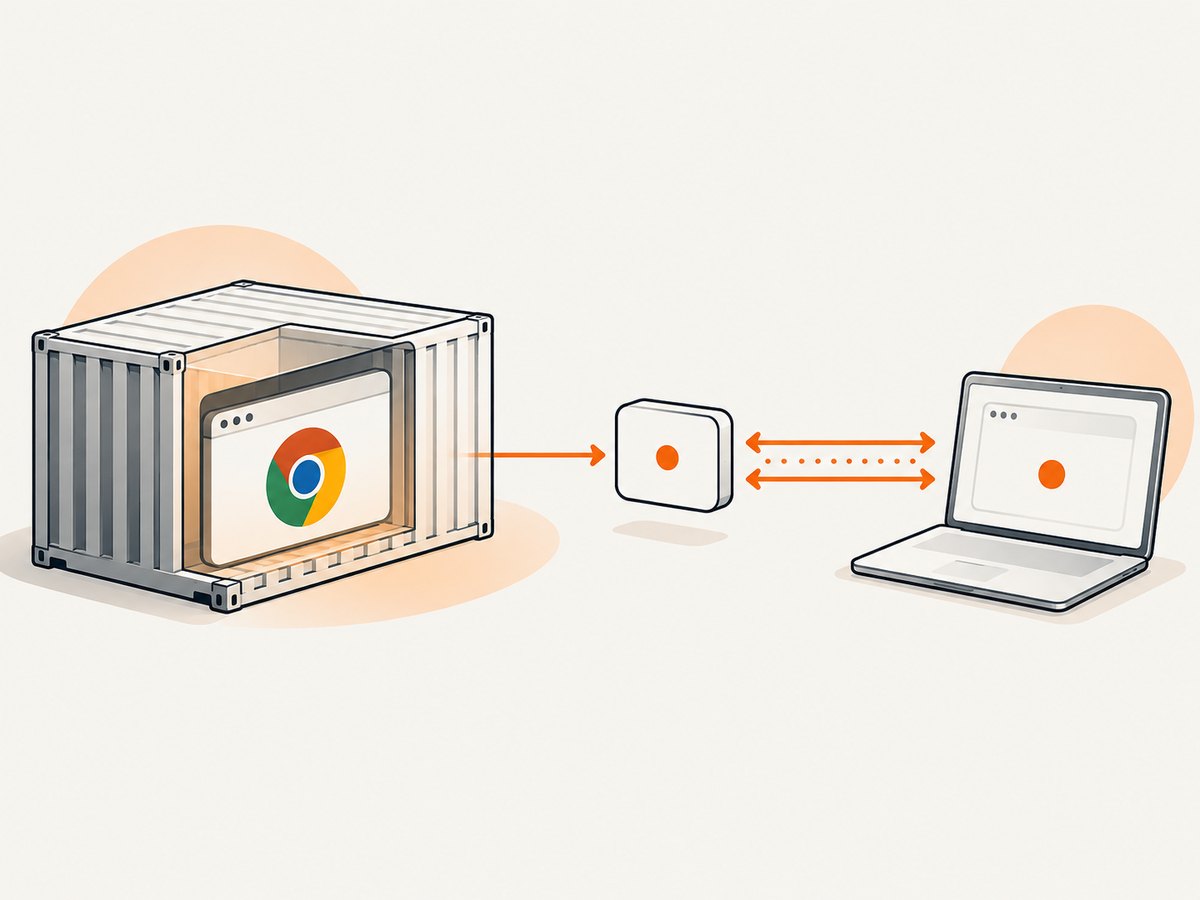
Start Chrome with remote debugging enabled, make port 9222 reachable, then request /json/version and read webSocketDebuggerUrl. The browser-level discovery command is:
curl -s http://127.0.0.1:9222/json/version | jq -r '.webSocketDebuggerUrl'When the client runs in another Docker Compose service, use the Chrome service name instead of loopback:
curl -fsS http://chrome:9222/json/version | jq -r '.webSocketDebuggerUrl'The Chrome DevTools Protocol defines the /json/version endpoint and its webSocketDebuggerUrl field. See the Chrome DevTools Protocol documentation and Chrome’s headless mode guide.
1. Start Chrome with a reachable debugging port
Inside a Linux container, launch Chrome or Chromium with a dedicated writable profile:
google-chrome \\
  --headless \\
  --remote-debugging-port=9222 \\
  --user-data-dir=/tmp/chrome-profile \\
  about:blank
The executable may be named chromium, chromium-browser, or google-chrome, depending on the image. The exact sandbox configuration is image-specific; --no-sandbox is not a universal requirement.
Docker run
docker run --rm -it \\
  --name chrome \\
  -p 9222:9222 \\
  your-chrome-image \\
  google-chrome --headless --remote-debugging-port=9222 \\
    --user-data-dir=/tmp/chrome-profile about:blank
Publish 9222 when the querying process runs on the host or another network. If both containers share a Docker network, publishing to the host is optional; address the Chrome container by its service or container name.
Docker Compose
services:
  chrome:
    image: your-chrome-image
    command: >
      google-chrome --headless
      --remote-debugging-port=9222
      --user-data-dir=/tmp/chrome-profile
      about:blank
    expose:
      - "9222"

  worker:
    image: your-worker-image
    depends_on:
      - chrome
    command: >
      sh -c 'curl -fsS http://chrome:9222/json/version
      | jq -r .webSocketDebuggerUrl'
127.0.0.1 always means the current container. A worker container must use http://chrome:9222 (or the configured service name), while a host process can use http://127.0.0.1:9222 after port publishing.
2. Read the browser WebSocket endpoint
Query the endpoint and inspect the complete response before extracting the value:
curl -i http://127.0.0.1:9222/json/version
curl -fsS http://127.0.0.1:9222/json/version | jq
A response contains browser metadata and a URL similar to ws://localhost:9222/devtools/browser/<id>. Preserve the scheme, host, port, and path exactly when passing it to a CDP client.
/json/version versus /json/list
| Endpoint | Returns | Use it when |
|---|---|---|
/json/version |
Browser metadata and the browser-level webSocketDebuggerUrl |
Your client needs to control or inspect the browser |
/json or /json/list |
Page target objects, each with its own WebSocket URL | You explicitly need one existing page target |
Do not substitute a page URL for a browser URL. They identify different CDP targets.
3. Complete discovery examples
Shell and cURL
#!/usr/bin/env sh
set -eu

CDP_HOST="${CDP_HOST:-127.0.0.1}"
CDP_PORT="${CDP_PORT:-9222}"
VERSION_URL="http://${CDP_HOST}:${CDP_PORT}/json/version"

WS_ENDPOINT="$(curl -fsS "$VERSION_URL" | jq -er '.webSocketDebuggerUrl')"
printf '%s\\n' "$WS_ENDPOINT"
-f fails on HTTP errors and -e fails if the JSON field is missing, preventing an HTML error page from being mistaken for an endpoint.
Python
import requests

host = "127.0.0.1"
port = 9222
response = requests.get(
    f"http://{host}:{port}/json/version",
    timeout=10,
)
response.raise_for_status()
websocket_url = response.json()["webSocketDebuggerUrl"]
print(websocket_url)
Node.js
const host = process.env.CDP_HOST || '127.0.0.1';
const port = process.env.CDP_PORT || '9222';
const response = await fetch(`http://${host}:${port}/json/version`);
if (!response.ok) {
  throw new Error(`CDP discovery failed: ${response.status} ${response.statusText}`);
}
const metadata = await response.json();
if (typeof metadata.webSocketDebuggerUrl !== 'string') {
  throw new Error('webSocketDebuggerUrl is missing');
}
console.log(metadata.webSocketDebuggerUrl);
4. Dynamic ports with --remote-debugging-port=0
Port 0 asks Chrome to select an available port. Chrome prints a line like DevTools listening on ws://127.0.0.1:<port>/devtools/browser/<id>. The browser endpoint is also written to a DevToolsActivePort file in the profile directory.
Read DevToolsActivePort
PROFILE=/tmp/chrome-profile

# Start Chrome with a dynamic port in another process.
google-chrome --headless \\
  --remote-debugging-port=0 \\
  --user-data-dir="$PROFILE" \\
  about:blank &

# Wait until Chrome creates the file.
for i in $(seq 1 100); do
  if [ -s "$PROFILE/DevToolsActivePort" ]; then
    break
  fi
  sleep 0.1
done

if [ ! -s "$PROFILE/DevToolsActivePort" ]; then
  echo "Chrome did not create DevToolsActivePort" >&2
  exit 1
fi

PORT=$(sed -n '1p' "$PROFILE/DevToolsActivePort")
HOST=127.0.0.1
curl -fsS "http://${HOST}:${PORT}/json/version" | jq -r .webSocketDebuggerUrl
The file and startup output are synchronization signals. Querying immediately after spawning Chrome creates a startup race; wait until one of them exists and the HTTP endpoint responds.
5. Connect a CDP client
Different libraries name the option differently. Common names include browserURL, browserUrl, and wsEndpoint. First discover the URL, then pass the complete value to the client. Chrome DevTools MCP also accepts a browser URL such as http://127.0.0.1:9222 or a direct WebSocket endpoint; its setup instructions use /json/version to obtain the value.
WS_ENDPOINT="$(curl -fsS http://127.0.0.1:9222/json/version | jq -er .webSocketDebuggerUrl)"
# Pass "$WS_ENDPOINT" to the CDP library option required by your client.
Keep the ws:// or wss:// scheme and the /devtools/browser/... path. Supplying only the host and port is not equivalent to the browser endpoint.
6. Troubleshooting
| Symptom | Cause | Fix |
|---|---|---|
| Connection refused | Chrome is stopped, the flag was omitted, or the port is unreachable | Check the Chrome process and command line; expose or publish 9222; test with curl -i |
| Works in Chrome container, fails in worker | 127.0.0.1 points to the worker itself |
Use the Chrome Compose service name, for example http://chrome:9222 |
| Empty or invalid JSON | Wrong host/port, an HTTP proxy, or a non-CDP service answered | Inspect status and body with curl -i; bypass the proxy and verify the container address |
Missing webSocketDebuggerUrl |
Wrong endpoint or a changed response shape | Use /json/version for the browser endpoint and inspect the full JSON |
| Connected to the wrong target | A page URL from /json/list was used as a browser URL |
Choose /json/version for browser control, or deliberately select a page target |
| Dynamic port returns nothing | Discovery ran before Chrome wrote DevToolsActivePort or printed its listening line |
Wait for the file/output and retry the HTTP request |
| Chrome exits during startup | Profile is locked, unwritable, or shared by another process | Use a writable, dedicated --user-data-dir for each browser process |
| WebSocket handshake fails | The endpoint was truncated, its scheme changed, or a proxy cannot forward WebSockets | Copy the complete URL and configure WebSocket forwarding or connect on the private Docker network |
7. Reliability, performance, and cost considerations
- Startup: Reuse a running browser when possible. Starting Chrome for every request adds process and page initialization time; a long-lived container needs health checks that verify
/json/version. - Readiness: Treat the endpoint as ready only after both the port accepts connections and the response contains a non-empty
webSocketDebuggerUrl. - Profiles: Give concurrent Chrome instances separate profile directories. A shared profile can cause lock failures and state corruption.
- Networking: Keep CDP on a private Docker network. The documented HTTP and WebSocket endpoint has no built-in authentication in these examples, so exposing it outside a trusted boundary requires an access-control proxy or network policy.
- Fixed versus dynamic ports: A fixed port simplifies service discovery and Compose configuration. Port 0 reduces collision risk but requires parsing startup output or
DevToolsActivePort. - Cost: Self-hosting makes you responsible for container CPU, memory, storage, browser updates, and operational monitoring. Measure resource usage for your pages and concurrency rather than assuming one container size fits every workload.
8. Or skip the browser setup
If your goal is reliable screenshots rather than operating Chrome yourself, ScreenshotNeo provides a website screenshot API and MCP server. One GET request returns PNG, JPEG, WebP, or PDF, so there is no Chrome container, CDP port, profile directory, or readiness loop to maintain.
curl -G "https://api.screenshotneo.com/v1/shot" -d access_key=YOUR_API_KEY --data-urlencode url=https://stripe.com -o shot.webpimport requests
r = requests.get("https://api.screenshotneo.com/v1/shot", params={"access_key": "YOUR_API_KEY", "url": "https://stripe.com"}, timeout=90)
open("shot.webp", "wb").write(r.content)const q = new URLSearchParams({ access_key: 'YOUR_API_KEY', url: 'https://stripe.com' }); const res = await fetch(`https://api.screenshotneo.com/v1/shot?${q}`);See the ScreenshotNeo API documentation for all options. Cookie banners, newsletter popups, and chat widgets are removed before capture; bot checks, blank pages, failed loads, timeouts, and cache hits are not billed, and response headers identify the page verdict and billing status. Its MCP server lets Claude, Cursor, and other MCP clients call take_screenshot, get_page_info, and capture_pdf. The free plan includes 1,000 screenshots each month with no card, and paid plans start at $5 for 3,000 shots. Sign up free for ScreenshotNeo.
9. FAQ
Can I use localhost in the WebSocket URL?
Only if the CDP client runs in the same network namespace as Chrome. From another container, replace it with the Chrome service name or a reachable host address.
Should I use /json or /json/version?
Use /json/version for the browser-level endpoint. Use /json/list when you intentionally need a page target.
Why does Chrome choose a different port each time?
That is expected with --remote-debugging-port=0. Read the selected port from startup output or DevToolsActivePort.
Can I expose port 9222 publicly?
Do not expose it beyond a trusted boundary without network restrictions or an access-control proxy. Anyone who can reach the debugging endpoint may be able to control the browser.
Does the endpoint survive a Chrome restart?
No. The browser identifier and, with dynamic ports, the port can change. Rediscover the endpoint after every restart.


