How to Cite an Image from a Website
Learn how to cite a website image in APA, MLA, or Chicago style, find the original source, record metadata, and check reuse rights.
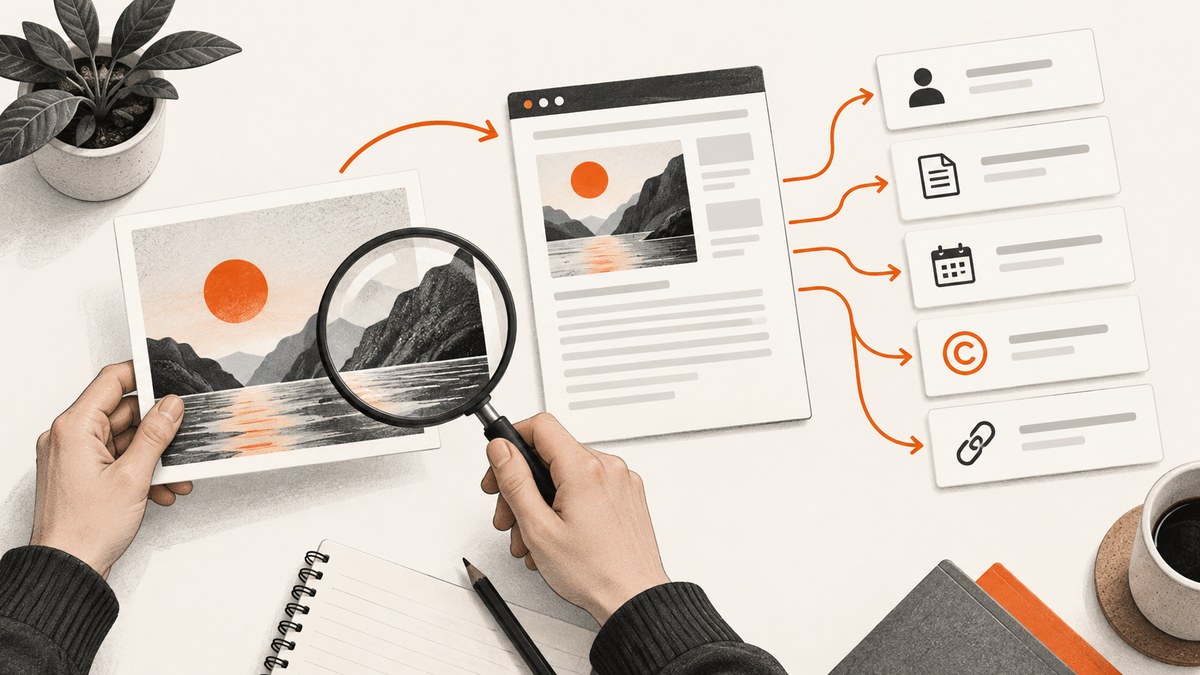
To cite an image from a website, first identify the required style (APA, MLA, or Chicago), then trace the image to its original source page, record the creator, title, date, medium, collection, website, URL, and license information, and format those details using that style’s rules. Do not cite Google Images or another search-results page as the image source. If the image appears in your paper, presentation, or article, put the credit in the figure caption or note as required and include the full entry in the reference list, works-cited page, or bibliography.
A citation gives credit and helps readers locate the work. It does not grant permission to reuse the image. Check the image’s license and the publisher’s requirements separately, especially when your work will be published.
1. Identify the citation style before you collect details
APA, MLA, and Chicago organize image information differently. Do not combine pieces from several systems into one hybrid citation. Check your assignment, journal instructions, newsroom style sheet, or publisher guidelines. If no style is specified, ask the instructor or editor before you format the entry.
| Style | What it emphasizes | Where credit normally appears |
|---|---|---|
| APA 7 | Creator, date, title, type or medium, site or collection, URL, and a copyright or license statement when relevant | Reference entry plus a figure note or caption when the image is reproduced |
| MLA 9 | Artist or credited username, italicized title, date, institution or collection, website, and URL | Works-cited entry; a caption can identify the source when the image is displayed |
| Chicago | Artist, title, date, medium, location or collection, and URL for an online work | Figure caption or note, with bibliography details when required |
For style-specific rules, consult the Purdue OWL APA guidance for images and presentations and its MLA guidance for pictures and images. A university visual-resource guide also recommends citing the original image and putting source material in the figure caption or note.
2. Find the original image source
Search engines index copies, thumbnails, and reposts. The page shown in an image-search result may not identify the creator or license. Open the result and continue until you reach the original artist’s page, museum record, stock-library record, institutional collection, or the page that actually publishes the image.
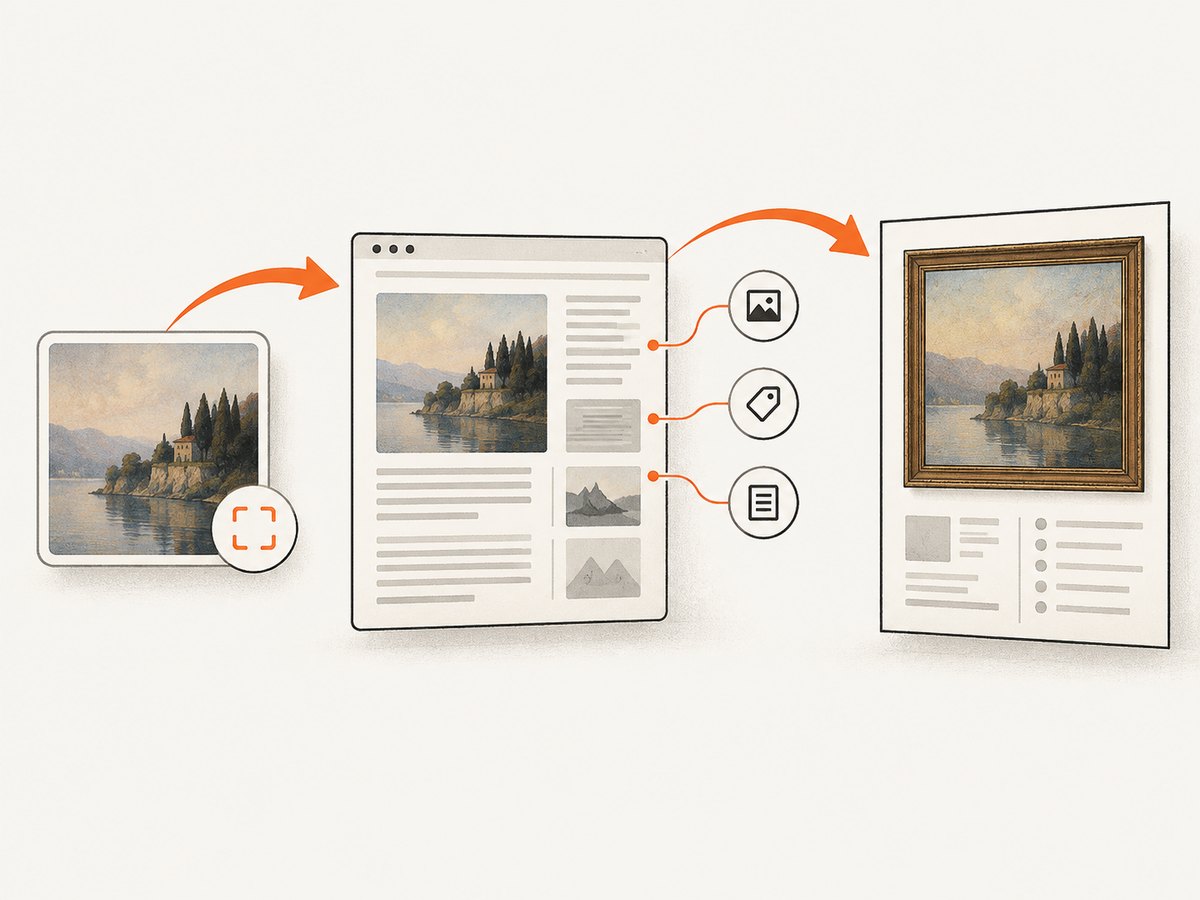
- Open the result’s source page. Follow the image-search result to the page containing the image, rather than citing the search engine.
- Confirm that it is the same image. Check the composition, crop, title, and surrounding description. A repost may have changed the image or removed attribution.
- Prefer the earliest authoritative record. A museum collection, artist portfolio, archive, publisher, or original post is generally more useful than an unattributed copy.
- Save the page URL. Record the specific page that identifies the work, not only a generic home page or a direct image-file URL.
- Record an access date when appropriate. MLA encourages an access date for undated or frequently changing web content; follow your instructor or publisher’s rule.
If the page is inaccessible, look for a reliable collection record or archived copy. Do not fill gaps by guessing. Your citation should reflect what the source actually states.
3. Record image-level metadata
Before formatting, make a small record for the image. Capture the information at the image level, not only the page-level information.
- Creator: artist, photographer, designer, organization, or the username used as the identifying credit.
- Title: the supplied title. If none is supplied, follow the style’s rule for an untitled work or a descriptive title.
- Date: creation, completion, or publication date, if shown.
- Medium or type: photograph, illustration, painting, map, screenshot, infographic, or other format when the style requests it.
- Institution or collection: museum, archive, library, gallery, database, or organization holding the work.
- Website or database: the container in which you found the record.
- Specific URL: the page that identifies the image.
- License and copyright: Creative Commons terms, public-domain status, stock license, or an explicit rights statement.
- Access date: the date you viewed the page when the selected style recommends or requires it.
Keep a screenshot or PDF of the source record if the page is likely to change. This is documentation for your project; it does not replace the citation or a reuse license.
4. APA: website image citation
APA format depends on whether you are citing an artwork, a photograph, an image displayed on a webpage, or an image you reproduced in a figure. Purdue OWL’s example structure includes the title, creator, year, site name, URL, and a statement such as a copyright, public-domain, or Creative Commons notice when relevant.
APA reference template
Creator, A. A. (Year). Title of image [Photograph/Illustration]. Site or Collection. URLAPA example with a license
Rivera, M. (2023). Evening harbor [Photograph]. Coastal Archive. https://example.org/harbor

Note. From Evening harbor, by M. Rivera, 2023, Coastal Archive (https://example.org/harbor). CC BY 4.0.
The second paragraph is a figure note, not a replacement for the reference entry. Adapt the wording to the actual rights statement. If the page has no named author, APA permits the title to move into the author position. If no date is shown, use “n.d.” rather than inventing a year.
APA figure note
When you reproduce an image as Figure 1, place the source and rights information in the note below the figure according to your institution’s format. If you merely discuss an image without reproducing it, cite the source in the text and reference list as required.
5. MLA: website image citation
MLA generally begins with the artist’s name, followed by an italicized title, date, institution or collection, website, and URL. If the image is posted under a username, that username can serve as the author. For an image available only on the web, use the information the page actually provides and follow MLA’s website-container order.
MLA template
Artist Last Name, First Name. Title of Image. Date, Institution or Collection, Website Name, URL.MLA example
Chen, Lila. City Rain. 2022, Metro Photo Archive, Metro Archive, https://example.org/city-rain.If there is no title, describe the work briefly in the position required by your instructor or MLA guidance. Do not create a fictional title that looks official. If the page has no publication date, leave it out when MLA’s format calls for omission and add an access date when the content is undated or changeable.
6. Chicago: notes, captions, and bibliography
Chicago image citations commonly include the artist, title, creation date, medium, location or collection, and URL. When an image appears as a figure, cite the source in the caption or note so readers can identify it where they see it. A bibliography entry may also be required by your selected Chicago system.
Chicago caption pattern
Figure 1. Lila Chen, City Rain, 2022, digital photograph, Metro Photo Archive. https://example.org/city-rain.Chicago note pattern
1. Lila Chen, City Rain, 2022, digital photograph, Metro Photo Archive, https://example.org/city-rain.Follow the publication’s preferred Chicago variant. Some publishers want a short caption plus a full note; others want a bibliography entry as well. Include copyright information when the rights holder or publisher requires it.
7. Missing author, title, date, or page information
Missing metadata is common. Apply the chosen style’s rule instead of borrowing a rule from another style.
| Missing item | What to do |
|---|---|
| Author or creator | Check the image caption, metadata, collection record, and credited username. APA can place the title first when no author is available. |
| Title | Use an untitled-work or descriptive-title convention required by the style. Do not invent a formal title. |
| Date | Use “n.d.” in APA. MLA and Chicago may omit the date or use an access date according to their rules. |
| Medium | Include it when the style or publisher requests it; otherwise do not add an unsupported description. |
| Collection or institution | Use the named holding institution. If none is listed, omit it rather than guessing. |
| Stable URL | Use the most specific working page available and record an access date when the content can change. |
8. Credit the image where readers see it
For a slide, article, report, or web page, put a concise credit in the image caption or figure note. Then include the complete citation in the reference list, works-cited page, or bibliography when the style requires it. A caption can identify the source, creator, and license; the full entry supplies the retrieval details.
For an image embedded in a blog post, a practical caption might be:
Image: “City Rain,” by Lila Chen, 2022, Metro Photo Archive, CC BY 4.0. Source: https://example.org/city-rainUse the exact license wording or attribution requirements supplied by the rights holder. A link alone is not always sufficient attribution.
9. Citation is separate from permission
Attribution acknowledges the source; it does not authorize copying. Before publishing, check whether the image is public domain, covered by a Creative Commons license, licensed by a stock vendor, or restricted by the copyright holder. Read conditions about commercial use, modifications, attribution, and share-alike requirements. Purdue OWL advises obtaining permission when a presentation will be published and the copyright holder’s permission is required by the publishing organization.
Keep evidence of the license you relied on, including the license version and the date you checked it. A page can change its terms or remove an image. If rights are unclear, ask the rights holder or use a different image.
10. A repeatable citation workflow
- Choose the style. Confirm APA, MLA, Chicago, or the publisher’s house style.
- Trace the image. Move from image-search results to the original page or collection record.
- Capture metadata. Record creator, title, date, medium, collection, website, URL, access date, and license.
- Check identity. Make sure the record describes the exact image you plan to use, including crop or edition.
- Format the full entry. Use the selected style’s order, punctuation, italics, and date rules.
- Add the local credit. Put a caption or figure note next to the displayed image.
- Verify rights. Confirm that your intended use is allowed and retain the license evidence.
- Proofread the link. Open the URL, remove tracking parameters when appropriate, and confirm that readers reach the identifying page.
11. Capture a source page for your records
If you need a stable visual record of the page that identifies an image, you can capture that source page for your project files. A capture helps document what metadata and license language were visible on the date you researched it; it does not create permission to reuse the image.
cURL
curl -G "https://api.screenshotneo.com/v1/shot" -d access_key=YOUR_API_KEY --data-urlencode url=https://example.org/image-record -o source-record.webpPython
import requests

r = requests.get(
    "https://api.screenshotneo.com/v1/shot",
    params={"access_key": "YOUR_API_KEY", "url": "https://example.org/image-record"},
    timeout=90,
)
r.raise_for_status()
open("source-record.webp", "wb").write(r.content)
Node.js
const q = new URLSearchParams({ access_key: 'YOUR_API_KEY', url: 'https://example.org/image-record' });
const res = await fetch(`https://api.screenshotneo.com/v1/shot?${q}`);
if (!res.ok) throw new Error(`Screenshot failed: ${res.status}`);
const fs = await import('node:fs/promises');
await fs.writeFile('source-record.webp', Buffer.from(await res.arrayBuffer()));
Or skip the browser setup
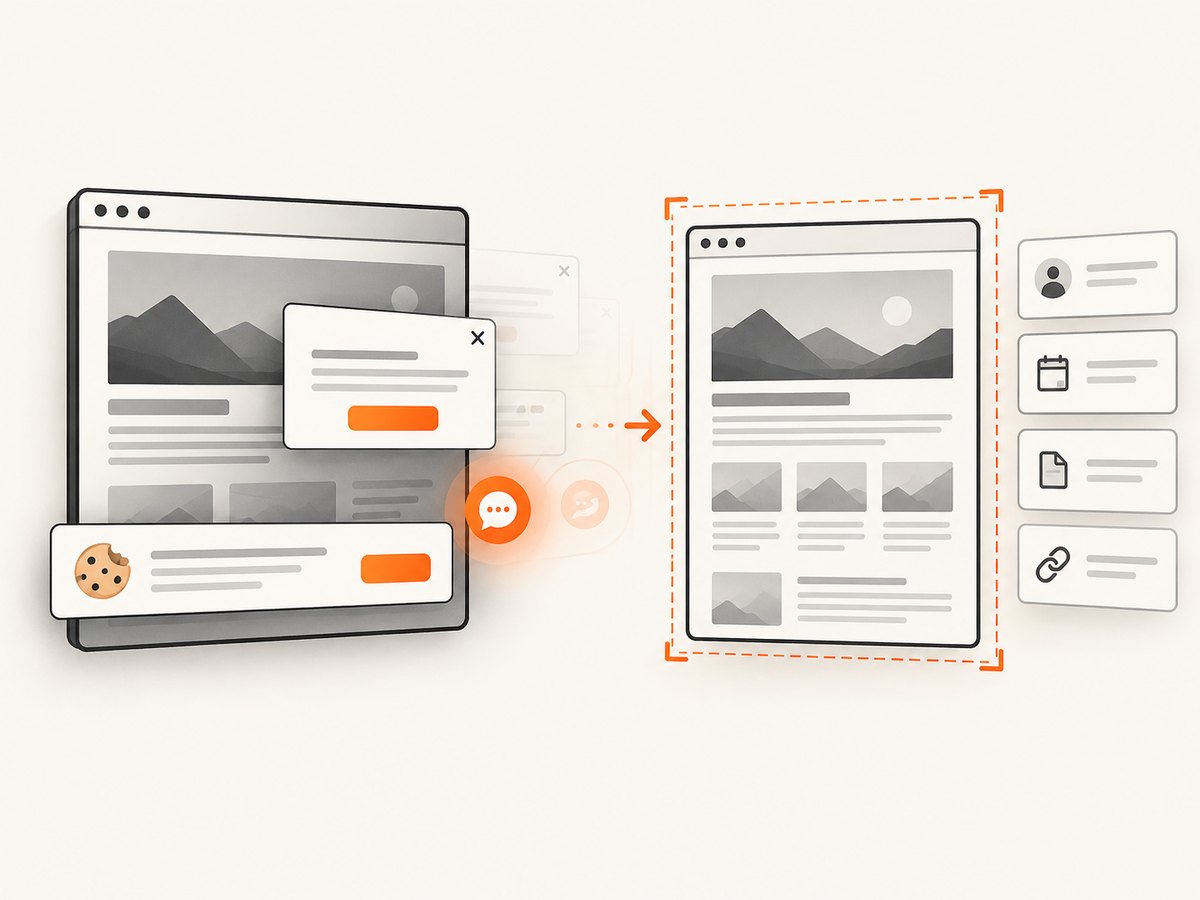
ScreenshotNeo captures a source page with one request and can return PNG, JPEG, WebP, or PDF. See the ScreenshotNeo documentation for all options. Cookie banners, newsletter popups, and chat widgets are removed before the shot. Bot checks, blank pages, failed loads, timeouts, and cache hits are not billed, and response headers identify the page verdict and billing status. Its MCP server gives Claude, Cursor, and other MCP clients take_screenshot, get_page_info, and capture_pdf tools.
For a research archive, useful options include full-page capture, lazy-image loading, custom CSS to hide unrelated elements, a wait for a selector or network idle, a chosen viewport or device preset, a PDF with page ranges, caching with a TTL, and signed links for controlled sharing. The service also supports bulk capture of up to 100 URLs per call and asynchronous jobs with signed webhooks.
Free accounts include 1,000 screenshots each month with no card. Paid plans start at $5 for 3,000 shots; every feature is available on every plan. Create a free ScreenshotNeo account.
12. Troubleshooting common citation problems
“I only have a Google Images URL.”
That URL identifies a search result, not the image’s source. Open the result, find the page or collection record, and cite that page. If no authoritative source can be found, choose another image.
“The repost has a title but no creator.”
Search the title, reverse-image results, and collection records for the original creator. Do not credit the reposter as the artist unless the page clearly identifies that person as the creator.
“The page has several dates.”
Distinguish the image’s creation date from the webpage’s publication or update date. Use the date your selected style calls for, and do not substitute a page-update date for an artwork date without explanation.
“The image is licensed, but my use is commercial.”
Read the license condition. A Creative Commons license may prohibit commercial use or require share-alike terms. Obtain permission or select an image whose license covers the intended use.
“The source page moved or disappeared.”
Use a stable collection record or archive when permitted, record the access date, and retain a copy of your research notes. Do not silently replace the original source with an unrelated page.
“My screenshot contains a cookie banner.”
For a research record, capture the page after the banner is accepted or removed so the metadata is readable. ScreenshotNeo can remove known consent platforms, newsletter popups, and chat widgets before capture; still preserve the original URL and access date in your citation notes.
13. Quality and maintenance checklist
- Is the required style confirmed?
- Did you cite the original source page rather than a search engine?
- Does the creator name match the image record?
- Did you avoid inventing a title or date?
- Is the URL specific and working?
- Did you include a caption or figure note where the image appears?
- Did you record the license and verify that it permits your use?
- Did you apply the style’s rule for missing information?
- Can another reader locate the exact image from your entry?
FAQ
Do I cite an image I found on Pinterest?
Yes, but trace it to the original artist, publisher, or collection page whenever possible. Cite Pinterest only when it is the source that actually identifies and publishes the work.
Do screenshots need citations?
Yes. Cite the webpage, application, or work shown in the screenshot and identify the capture in a caption or note. Check whether the underlying content has separate reuse restrictions.
Should I include an access date?
Use the rule for your style and assignment. It is especially useful for undated pages or content that can change.
Can I cite an image without reproducing it?
Yes. Cite it when you discuss, analyze, or depend on it. A figure note is needed when you display the image, while the full entry follows the selected style’s requirements.
Is a citation enough to avoid copyright infringement?
No. Citation provides attribution. You must separately confirm that your license, permission, or applicable exception covers the planned use.


