How to Clear Cypress Screenshots Before Visual Regression Tests
Learn how Cypress clears screenshots before runs, how to preserve baselines, and how to avoid stale visual-regression artifacts in CI.

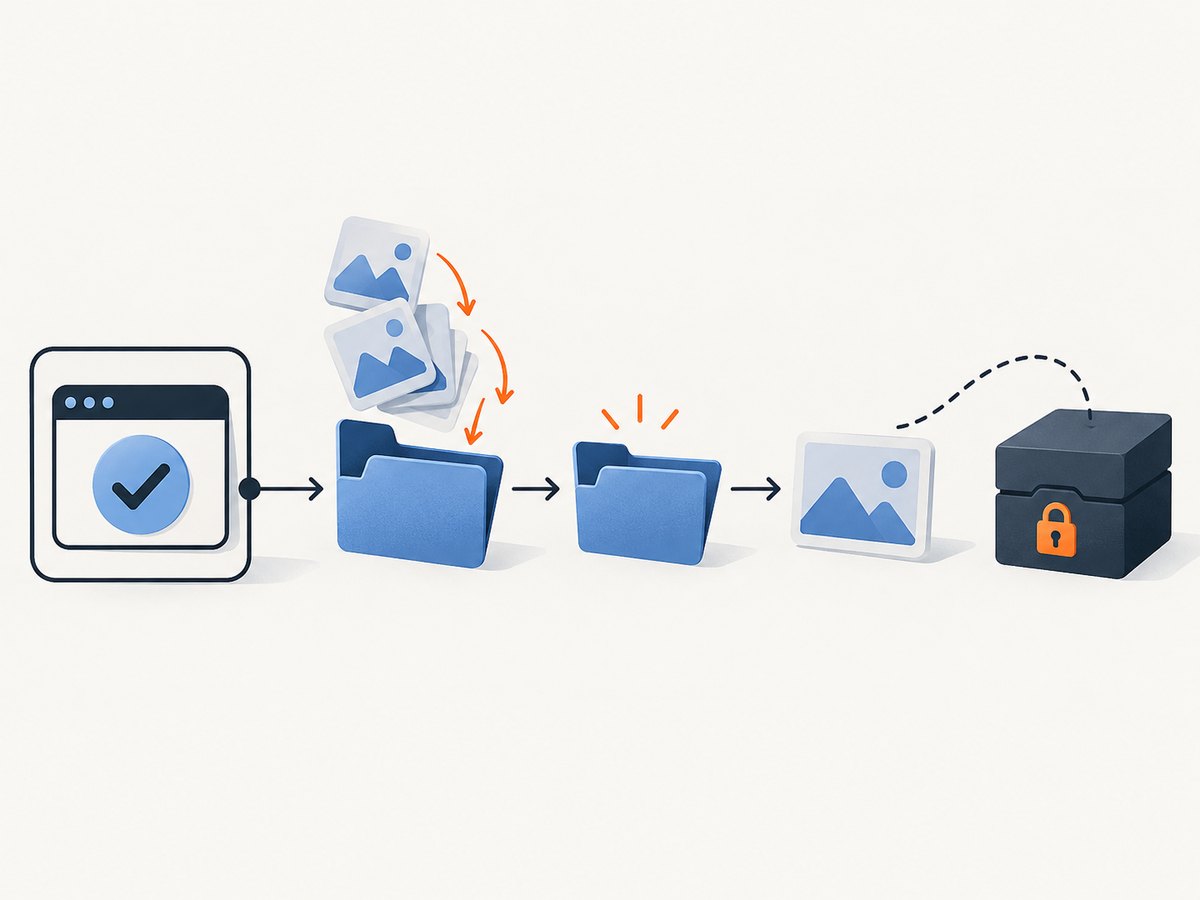
Run cypress run with trashAssetsBeforeRuns: true. Cypress clears the entire configured screenshotsFolder before the run, including nested folders and every file. The default folder is cypress/screenshots. This cleanup applies to the headless cypress run command, not to cypress open.
Keep generated run screenshots separate from reviewed visual baselines. If a visual-regression plugin stores baselines or diffs elsewhere, Cypress does not automatically delete those directories.
Configure Cypress to clear screenshots
In Cypress 10 and later, put the setting in cypress.config.js or cypress.config.ts:
import { defineConfig } from 'cypress'

export default defineConfig({
  screenshotsFolder: 'cypress/screenshots',
  trashAssetsBeforeRuns: true,
  screenshotOnRunFailure: true,
})
trashAssetsBeforeRuns defaults to true, so the explicit setting documents the behavior for teammates and CI configuration reviews. screenshotOnRunFailure keeps failure screenshots enabled; it does not affect whether old assets are removed.
Run the suite with:
npx cypress runBefore Cypress starts executing tests, it removes the contents of the configured screenshot directory. The same asset-cleanup behavior covers Cypress’s configured downloads and videos folders. It does not extend to arbitrary directories created by plugins or scripts. See the official Cypress configuration reference and Cypress documentation for current configuration details.
What Cypress deletes, and when
| Situation | What happens |
|---|---|
cypress run with the default setting |
The entire configured screenshotsFolder is cleared before the run. |
cypress run with trashAssetsBeforeRuns: false |
Existing screenshots remain, and new files can be mixed with previous run artifacts. |
cypress open |
Cypress does not perform the run-start trashing step. |
Custom screenshotsFolder |
Cypress clears that configured path instead of the default path. |
| Plugin baseline or diff directory | The plugin or your CI scripts must define its retention and cleanup policy. |
Cypress names screenshots using the adjusted spec path and test name. Consequently, an old image can look like a current result when a test is renamed, moved, skipped, or no longer produces a screenshot. Starting each headless run with an empty generated-assets directory makes the run’s output unambiguous.
Keep visual baselines while clearing run artifacts
A baseline is an approved reference image. A run screenshot is newly generated evidence. A diff is the comparison output. Treating all three as one directory is the most common source of accidental deletion and confusing reviews.
Use separate locations, for example:
project/
├── cypress/
│   ├── e2e/
│   └── screenshots/          # disposable Cypress run output
├── visual-baselines/         # reviewed reference images
└── visual-diffs/             # CI comparison output
Keep screenshotsFolder pointed at the disposable directory:
import { defineConfig } from 'cypress'

export default defineConfig({
  screenshotsFolder: 'cypress/screenshots',
  trashAssetsBeforeRuns: true,
})
Configure your visual plugin to read from visual-baselines and write diffs to visual-diffs. The exact option names depend on the plugin. Do not assume Cypress’s cleanup knows about those paths.
Should baselines be committed to Git?
Commit baselines when they are reviewed source artifacts and your team wants changes to go through code review. Ignore generated screenshots, videos, and downloads when they are recreated in every run. Cypress documentation commonly recommends excluding regenerated asset folders from source control.
If your organization stores baselines in a hosted visual-testing service, leave the service-managed directory outside Cypress’s generated folders and follow that service’s approval and retention workflow.
A reliable visual-regression workflow
- Choose the baseline location. Store approved images where the comparison tool expects them.
- Separate generated assets. Use
cypress/screenshotsfor the current run and a different path for baselines and diffs. - Start with
cypress run. LeavetrashAssetsBeforeRunsenabled unless you have a documented reason to retain old run assets. - Capture the page or element. Use Cypress’s
cy.screenshot()or the visual plugin command. - Compare against the reviewed baseline. Review the diff, including intentional layout, font, and content changes.
- Preserve only useful CI artifacts. Upload failures and diffs when needed; do not promote an old failure screenshot to a baseline merely because it remains on disk.
- Approve deliberately. Replace a baseline only through the team’s review process.
A minimal test that captures a page looks like this:
describe('home page', () => {
  it('matches the visual baseline', () => {
    cy.visit('/')
    cy.screenshot('home-page')
  })
})
For an element capture:
describe('pricing card', () => {
  it('matches the visual baseline', () => {
    cy.visit('/pricing')
    cy.get('[data-testid="pricing-card"]').screenshot('pricing-card')
  })
})
Why old screenshots still appear
You ran cypress open
The automatic trashing step is associated with cypress run. Interactive mode is designed for local development and does not provide the same run-start cleanup. Remove local files manually when inspecting an interactive session, or use a separate disposable folder for local work.
The setting is disabled
Search your effective Cypress configuration for:
trashAssetsBeforeRuns: falseChange it to true, remove the override, or pass the correct configuration file in CI. A shared config package, environment-specific file, or command-line override can replace the value you expected.
You are looking at a plugin directory
Cypress may have cleared cypress/screenshots while the visual tool kept its own baseline or diff folder. Identify the directory shown in the CI artifact upload step and in the plugin configuration. Apply cleanup there only after confirming whether it contains approved baselines.
A CI cache restored the folder
CI systems can restore cached workspaces before Cypress starts. Do not cache disposable screenshot output unless you need it. If a cache is required for another purpose, exclude the screenshot, video, download, baseline, and diff paths from the cache key or cleanup them in a preparatory step.
The test produces a different path
Cypress derives nested paths from the spec and test name. A renamed spec can create a new directory while the old directory remains if cleanup was disabled or the files are outside the configured folder. Check the resolved screenshotsFolder and inspect the full tree, including nested directories.
CI configuration and artifact retention
A practical CI sequence is:
npm ci
npx cypress run
# Compare generated screenshots with reviewed baselines
# Upload only failures and required diffs
# Remove temporary artifacts after collection
Make the cleanup policy explicit in your pipeline:
- Do not restore generated screenshots from a cache.
- Keep baselines available to the comparison step.
- Upload failure screenshots and diffs before the workspace is discarded.
- Set artifact retention according to the investigation period your team needs.
- Use a unique build directory when parallel jobs could write to the same filesystem.
Parallelization can create a different problem from stale files: two jobs may produce similarly named artifacts in a shared directory. Give each job an isolated workspace or include the build and browser dimensions in the artifact path.
Performance, reliability, and cost considerations
Deleting a local directory is normally cheaper and more predictable than comparing a large collection of historical images. The larger cost is usually browser startup, page loading, image generation, and visual comparison. Keep the generated folder disposable so it cannot grow across builds and slow artifact collection.
For reliable comparisons, control the variables that affect pixels:
- Use the same browser, viewport, device scale, and operating-system fonts.
- Wait for application data and fonts before calling
cy.screenshot(). - Freeze animations or wait for them to finish.
- Use stable test data and deterministic dates.
- Capture at a consistent page state, including cookie and consent handling.
- Keep full-page and element captures intentional; they answer different regression questions.
Retention is also a reliability concern. Keep enough failed screenshots and diffs to diagnose a build, then expire them. Retain approved baselines for as long as they remain valid, with changes reviewed separately from disposable test output.
Or skip the browser setup
If you need a clean screenshot for a visual check, documentation page, regression fixture, or report without managing a browser, ScreenshotNeo provides a single HTTP request. Read the ScreenshotNeo API documentation for the complete option set.

cURL
curl -G "https://api.screenshotneo.com/v1/shot" \
  -d access_key=YOUR_API_KEY \
  --data-urlencode url=https://stripe.com \
  -o shot.webp
Python
import requests

r = requests.get(
    "https://api.screenshotneo.com/v1/shot",
    params={"access_key": "YOUR_API_KEY", "url": "https://stripe.com"},
    timeout=90,
)
r.raise_for_status()
open("shot.webp", "wb").write(r.content)
Node.js
const q = new URLSearchParams({
  access_key: 'YOUR_API_KEY',
  url: 'https://stripe.com'
});
const res = await fetch(`https://api.screenshotneo.com/v1/shot?${q}`);
if (!res.ok) throw new Error(`Screenshot failed: ${res.status}`);
const buffer = Buffer.from(await res.arrayBuffer());
await Bun.write('shot.webp', buffer);
ScreenshotNeo removes cookie and consent banners, newsletter popups, and chat widgets before capture. Bot checks, blank pages, failed loads, timeouts, and cache hits are not billed; response headers identify the page verdict and whether the request was billed. You can also use an MCP server with Claude, Cursor, or another MCP client through take_screenshot, get_page_info, and capture_pdf.
For visual-regression pipelines, relevant options include full-page capture with lazy images loaded, CSS-selector element capture, dark mode, device presets or custom viewports, retina scale, custom CSS and JavaScript, waits, hidden selectors, blocked resources, headers, cookies, user agents, authorization, timezone, geolocation, caching with a chosen TTL, signed image links, asynchronous jobs with signed webhooks, bulk capture for up to 100 URLs per call, and a usage API. Every plan includes every feature. The free plan includes 1,000 screenshots per month with no card; paid plans start at $5 for 3,000 screenshots.
Create a free ScreenshotNeo account to get 1,000 screenshots a month with no card.
Troubleshooting checklist
| Symptom | Likely cause | Fix |
|---|---|---|
| Old files remain after CI starts | The job uses cypress open, disables trashing, or restores a cache. |
Use cypress run, enable trashAssetsBeforeRuns, and exclude generated folders from caches. |
| Baselines disappeared | Baselines are inside screenshotsFolder. |
Move them to a separate directory and point the plugin there. |
| Diffs are missing | The diff directory is managed outside Cypress or is not uploaded. | Check plugin settings and upload the diff path before workspace cleanup. |
| Two CI jobs overwrite images | Jobs share a workspace or artifact name. | Isolate workspaces and include job, browser, and viewport identifiers. |
| Unexpected screenshot names | Names include spec paths and test titles. | Use explicit screenshot names and inspect the resolved folder tree. |
| Visual results change between runs | Fonts, data, animations, viewport, or page readiness are unstable. | Control those inputs and wait for a deterministic state before capture. |
FAQ
Does Cypress delete screenshots automatically in CI?
Yes, when CI runs cypress run and trashAssetsBeforeRuns is enabled. The default is enabled, and Cypress clears the configured screenshots folder before the run.
How do I stop Cypress from deleting visual baselines?
Store baselines outside the configured screenshotsFolder. Setting trashAssetsBeforeRuns: false preserves generated screenshots too, which can mix old and new artifacts.
Where does Cypress save screenshot diffs?
Cypress itself saves screenshots under screenshotsFolder. A visual-regression plugin may write diffs elsewhere; check that plugin’s configuration and CI artifact paths.
Can I clear only one spec’s screenshots?
The built-in run-start setting clears the entire configured folder. For selective cleanup, use a separate folder or an explicit script after confirming that it does not contain baselines.
Should I use Cypress or an API for visual captures?
Use Cypress when the screenshot is part of an end-to-end browser test. Use ScreenshotNeo when a direct HTTP capture, clean page output, asynchronous jobs, bulk URLs, or AI-agent access better fits the workflow.


