How to Clear Sessions with Selenium and PhantomJS
Clear cookies correctly with Selenium or PhantomJS, understand session storage limits, persistence, troubleshooting, and safer screenshot workflows.

Use Selenium’s cookie API after navigating to the site whose cookies you want to remove. In Python, call driver.delete_all_cookies() to remove cookies visible in the current WebDriver browsing context, or driver.delete_cookie('cookie_name') for one named cookie. PhantomJS has a similar page-level method, page.deleteCookie('cookieName'), plus a separate global cookie jar that can span domains and persist through a configured cookie file.
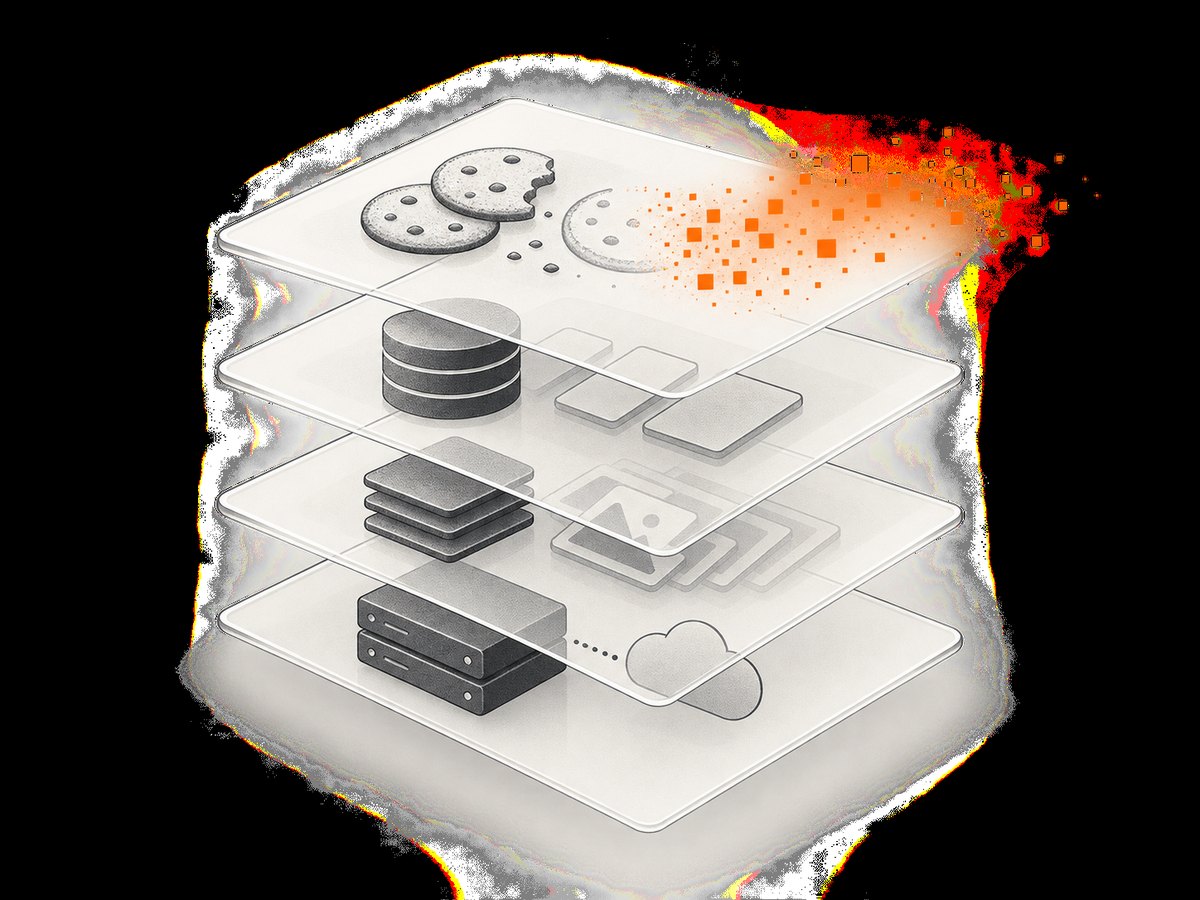
Cookie deletion does not automatically clear local storage, session storage, the HTTP cache, service-worker data, or server-side authentication. Treat each layer separately when you need a genuinely fresh session.
1. Choose the state you need to clear
| Goal | Selenium | PhantomJS | Scope |
|---|---|---|---|
| Delete one cookie | driver.delete_cookie('name') |
page.deleteCookie('name') |
Cookies visible to the current site |
| Delete all current-site cookies | driver.delete_all_cookies() |
Delete matching names or reset the cookie jar | Current WebDriver context or current URL |
| Clear browser storage | Run JavaScript for local and session storage | Run JavaScript in the page | Current origin |
| Clear cross-domain or persisted cookies | Use a new browser profile or manage each origin | Inspect phantom.cookies and cookie-file settings |
Profile or global jar |
WebDriver cookie commands operate on cookies associated with the active document in the current browsing context. Navigate to the relevant origin before deleting cookies; deleting cookies on one site does not mean every domain in the browser profile has been cleared.
2. Clear all cookies with Selenium Python
from selenium import webdriver


driver = webdriver.Chrome()
try:
    driver.get('https://example.com')
    driver.delete_all_cookies()
    driver.refresh()
finally:
    driver.quit()
The navigation matters because the command applies to cookies visible to the current URL. Refresh after deletion when the page needs to re-evaluate its authentication state.

Delete one Selenium cookie
from selenium import webdriver


driver = webdriver.Chrome()
try:
    driver.get('https://example.com')
    driver.delete_cookie('session')
    driver.refresh()
finally:
    driver.quit()
Inspect cookies before and after
cookies_before = driver.get_cookies()
print([cookie['name'] for cookie in cookies_before])

driver.delete_all_cookies()

cookies_after = driver.get_cookies()
print(cookies_after)
A cookie with a restrictive domain, path, or security attribute may not be visible from the page you opened. Navigate to the exact host and path context where the cookie is available, then inspect get_cookies().
3. Clear local storage and session storage too
If the site still appears logged in after cookies are deleted, its state may be stored elsewhere. Clear origin storage with JavaScript after navigation:
driver.get('https://example.com')
driver.delete_all_cookies()
driver.execute_script('window.localStorage.clear(); window.sessionStorage.clear();')
driver.refresh()
This clears storage for the current origin only. IndexedDB, Cache Storage, service workers, and server-side sessions require separate handling. A logout endpoint or account-side session revocation may be necessary when the server still accepts an existing token.
4. Clear a cookie with PhantomJS
PhantomJS’s page API deletes a cookie visible to the current URL when its name matches. It returns true when deletion succeeds and false otherwise.
var webpage = require('webpage');
var page = webpage.create();

page.open('https://example.com', function (status) {
  if (status !== 'success') {
    console.log('Could not open page');
    phantom.exit(1);
  }

  var deleted = page.deleteCookie('session');
  console.log('Deleted: ' + deleted);
  phantom.exit();
});
Delete several named cookies
var names = ['session', 'remember_me', 'experiment'];

page.open('https://example.com', function () {
  names.forEach(function (name) {
    console.log(name + ': ' + page.deleteCookie(name));
  });
  phantom.exit();
});
5. Understand PhantomJS’s global cookie jar
page.deleteCookie() works against cookies visible to the current URL. PhantomJS also exposes phantom.cookies, an array representing cookies across domains. A cookie file supplied through startup configuration or command-line options can pre-populate that jar.
console.log(JSON.stringify(phantom.cookies, null, 2));

phantom.cookies.forEach(function (cookie) {
  console.log(cookie.domain + ' ' + cookie.name);
});
If a cookie returns after restarting PhantomJS, check whether a cookie file is configured and whether your script is changing the page-visible cookies or only inspecting the global jar. Remove or replace the configured cookie file when you need a clean run, and verify the startup options used by the process.
6. Create a truly fresh automation context
- Start a new WebDriver session or a temporary browser profile.
- Navigate to the target origin.
- Delete all cookies in that context.
- Clear local and session storage for the origin.
- Handle IndexedDB, Cache Storage, service workers, and server-side sessions if the application uses them.
- Reload and verify both cookies and the page’s authenticated state.
A new session is usually more reliable than trying to sanitize a long-lived profile. It also prevents unrelated domains from influencing the test.
7. Common errors and fixes
| Symptom | Likely cause | Fix |
|---|---|---|
| Cookies are still listed | You are on a different origin, domain, or path. | Navigate to the exact site first, inspect get_cookies(), then delete. |
| The user is still logged in | Local storage, an HTTP authorization header, a service worker, or a server-side session remains. | Clear the relevant storage and revoke the server session or token. |
| Cookies return after restart | A persistent browser profile or PhantomJS cookie file is restoring them. | Use a temporary profile and inspect PhantomJS startup options and cookie-file configuration. |
delete_cookie raises an error |
The binding cannot find the named cookie in the current context, or the browser session is closed. | Navigate first, confirm the session is alive, and list cookies before deleting. |
PhantomJS returns false |
No matching cookie is visible to the current URL. | Open the correct URL and check the global jar for domain and name differences. |
| Deletion works locally but not in CI | CI uses another profile, user data directory, browser version, or startup flag. | Log the browser arguments, use an isolated temporary profile, and make the cleanup step explicit. |
| PhantomJS integration fails with modern Selenium | PhantomJS is a legacy browser and current Selenium compatibility is not established by the older documentation. | Pin the exact versions in the legacy environment or migrate to a maintained browser and WebDriver stack. |
8. Reliability and performance practices
- Prefer isolation: one fresh browser context per test or tenant avoids hidden state.
- Delete after navigation: cookie commands are origin-sensitive.
- Verify state: assert that expected cookies are absent and that the page is unauthenticated.
- Avoid arbitrary sleeps: wait for a known navigation or DOM condition after cleanup.
- Keep profiles disposable: persistent profiles improve startup time but make state leaks harder to diagnose.
- Record scope: log the URL, cookie names, profile path, and cleanup operations without logging secret values.
Cookie deletion itself is inexpensive; browser startup, navigation, JavaScript execution, and page resources usually dominate runtime. Reusing a driver can be faster, but only when each test has an explicit reset contract.
9. Or skip the browser setup
If your goal is a clean screenshot rather than browser-session testing, ScreenshotNeo provides a single HTTP request for a PNG, JPEG, WebP, or PDF. Its capture flow accepts consent banners and removes more than 60 known consent platforms, newsletter popups, and chat widgets before the shot; each cleanup step can be disabled. Bot checks, blank pages, timeouts, failed loads, and cache hits are not billed, and the response identifies the result with X-Page-Verdict and X-Billed headers. See the ScreenshotNeo API documentation for all options.
cURL
curl -G "https://api.screenshotneo.com/v1/shot" -d access_key=YOUR_API_KEY --data-urlencode url=https://stripe.com -o shot.webpPython
import requests
r = requests.get("https://api.screenshotneo.com/v1/shot", params={"access_key": "YOUR_API_KEY", "url": "https://stripe.com"}, timeout=90)
open("shot.webp", "wb").write(r.content)
Node.js
const q = new URLSearchParams({ access_key: 'YOUR_API_KEY', url: 'https://stripe.com' });
const res = await fetch(`https://api.screenshotneo.com/v1/shot?${q}`);
ScreenshotNeo also supports full-page capture with lazy images loaded, CSS-element capture, dark mode, device presets, custom viewports, retina scale, PDF paper and margin settings, custom CSS and JavaScript, clicks, selector hiding, selector or network-idle waits, request blocking, headers, cookies, user agents, authorization, timezone, geolocation, transparent backgrounds, resizing, selectable cache TTLs, signed links, asynchronous jobs with signed webhooks, bulk capture of up to 100 URLs per call, a usage API, and an OpenAPI specification. An MCP server exposes take_screenshot, get_page_info, and capture_pdf to Claude, Cursor, and other MCP clients.
There is a free plan with 1,000 screenshots per month and no card. Paid plans start at $5 for 3,000 shots; yearly billing provides two months free, and every feature is available on every plan. Create a free ScreenshotNeo account.
10. FAQ
Does Selenium delete cookies for every website?
No. The command applies to cookies associated with the active document in the current browsing context. Visit each origin you need to clean or use a new isolated profile.
Can I clear a cookie without opening its site?
Generally, no. Cookie APIs are scoped to the current browsing context and URL. Navigate to the relevant origin first.
Why does deleting cookies not log me out?
The application may use local storage, another browser storage layer, an authorization header, or a server-side session. Remove or revoke those independently.
Is PhantomJS still a drop-in replacement for Selenium?
PhantomJS documentation describes remote WebDriver and Selenium Grid modes, but compatibility with current Selenium releases is not established here. Pin versions in legacy environments or use a maintained browser stack.
What should I check when PhantomJS restores old cookies?
Inspect phantom.cookies, the configured cookie file, startup arguments, and the profile used by the process.


