How to Click Links and Navigate to the Next Page with PhantomJS
Load a page, click a link in PhantomJS, detect navigation, handle child windows, and wait for the next page to become ready.
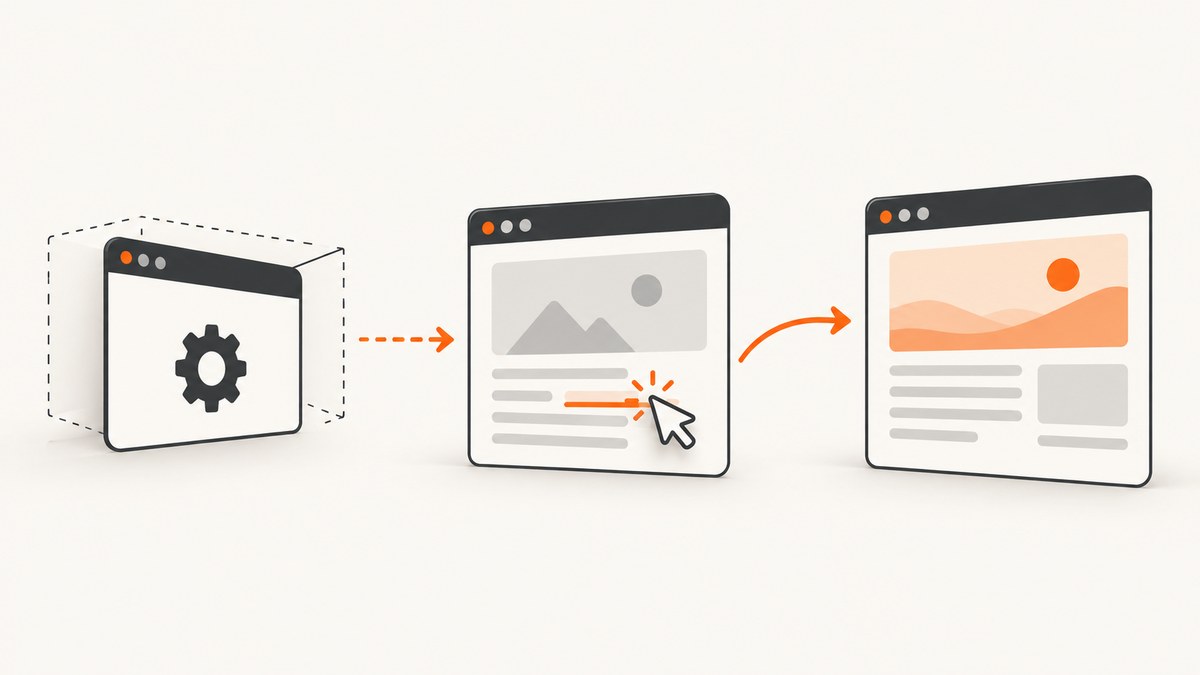
To click a link in PhantomJS, open the starting URL, run link.click() inside page.evaluate(), and observe the result with page.onLoadFinished. Use page.onNavigationRequested when you need the requested destination, and page.onPageCreated when the link opens a child window.
This is the local PhantomJS API flow documented by PhantomJS. The callback from page.open() tells you whether the initial load succeeded; the DOM click happens in the page context; and the load handler can observe a later document navigation.
Basic click-and-navigate script
var page = require('webpage').create();

page.onLoadFinished = function(status) {
  console.log('Load finished: ' + status);

  if (status === 'success') {
    console.log('Current URL: ' + page.url);
  }
};

page.open('https://example.com/start', function(status) {
  if (status !== 'success') {
    console.log('Could not load the starting page');
    phantom.exit(1);
    return;
  }

  var clicked = page.evaluate(function() {
    var link = document.querySelector('a.next');

    if (!link) {
      return false;
    }

    link.click();
    return true;
  });

  if (!clicked) {
    console.log('The link selector did not match an element');
    phantom.exit(1);
  }
});
Replace https://example.com/start and a.next with the page and selector you need. The selector must match an actual anchor in the loaded document.
How the navigation flow works
require('webpage').create()creates a WebPage instance.page.onLoadFinishedis installed before navigation so it can observe the initial load and later document loads. It receivessuccessorfail.See the official handler reference.page.open(url, callback)loads the starting page. Do not try to query or click the page before the callback reports success.See the officialWebPage.openreference.page.evaluate()runs JavaScript inside the page. DOM lookup andlink.click()therefore happen where the document exists.See the officialWebPage.evaluatereference.- The return value is a simple Boolean. Values crossing the evaluate boundary must be serializable; do not return a DOM element or rely on an outer-scope variable.
Log the requested destination
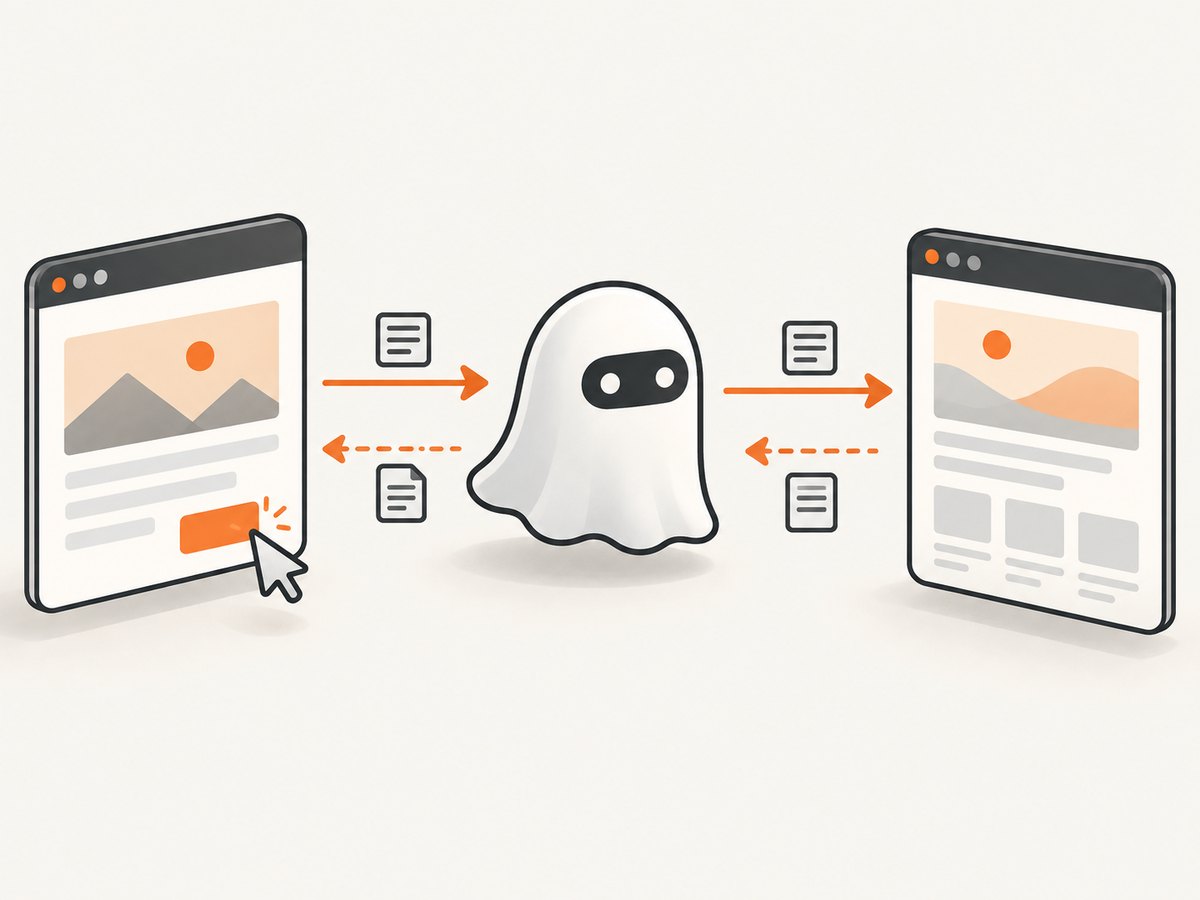
onLoadFinished tells you that loading finished, while onNavigationRequested reports an attempted navigation and its destination. Use both when diagnosing redirects, blocked navigation, or an unexpected target.
var page = require('webpage').create();

page.onNavigationRequested = function(url, type, willNavigate, main) {
  console.log(
    'Target: ' + url +
    '; type: ' + type +
    '; will navigate: ' + willNavigate +
    '; main frame: ' + main
  );
};

page.onLoadFinished = function(status) {
  console.log('Load finished: ' + status + '; URL: ' + page.url);
};

page.open('https://example.com/start', function(status) {
  if (status !== 'success') {
    phantom.exit(1);
    return;
  }

  page.evaluate(function() {
    var link = document.querySelector('a.next');
    if (link) {
      link.click();
    }
  });
});
The navigation callback supplies the URL, a type such as LinkClicked, FormSubmitted, BackOrForward, Reload, or Other, plus willNavigate and main. A false willNavigate means navigation is locked. This callback reports an attempted navigation; it is not the click itself.Read the official navigation-handler reference.
Wait for a single-page application to become ready
A successful document load does not prove that a single-page application has finished its later asynchronous work. After the click, wait for a site-specific condition such as a changed heading, a results container, or a known application state.
var page = require('webpage').create();
var deadline = Date.now() + 15000;
var pollTimer;

function stopWithError(message) {
  console.log(message);
  if (pollTimer) {
    clearInterval(pollTimer);
  }
  phantom.exit(1);
}

page.open('https://example.com/start', function(status) {
  if (status !== 'success') {
    stopWithError('Starting page failed to load');
    return;
  }

  var clicked = page.evaluate(function() {
    var link = document.querySelector('a.next');
    if (!link) return false;
    link.click();
    return true;
  });

  if (!clicked) {
    stopWithError('Could not find a.next');
    return;
  }

  pollTimer = setInterval(function() {
    var ready = page.evaluate(function() {
      var result = document.querySelector('#results');
      return !!result && result.textContent.trim().length > 0;
    });

    if (ready) {
      console.log('Application content is ready at ' + page.url);
      clearInterval(pollTimer);
      phantom.exit(0);
      return;
    }

    if (Date.now() > deadline) {
      stopWithError('Timed out waiting for application content');
    }
  }, 250);
});
Choose the readiness condition from the application itself. The PhantomJS references document load and navigation events, but they do not define a universal timeout or retry duration.
Handle links that open a new window
A link using window.open() does not navigate the existing page. Attach handlers to the child page through page.onPageCreated.
var page = require('webpage').create();

page.onPageCreated = function(newPage) {
  console.log('Child page created');

  newPage.onLoadFinished = function(status) {
    console.log('Child page load: ' + status + ', URL: ' + newPage.url);
  };
};

page.open('https://example.com/start', function(status) {
  if (status !== 'success') {
    phantom.exit(1);
    return;
  }

  page.evaluate(function() {
    var link = document.querySelector('a.opens-window');
    if (link) {
      link.click();
    }
  });
});
This is a separate case from ordinary same-page navigation. The child page needs its own load, URL, and error handling.See the official onPageCreated reference.
Useful click variations
Use a more precise selector
var clicked = page.evaluate(function() {
  var link = document.querySelector('nav.pagination a[rel="next"]');
  if (!link) return false;
  link.click();
  return true;
});
Click by visible text
var clicked = page.evaluate(function() {
  var links = document.querySelectorAll('a');

  for (var i = 0; i < links.length; i++) {
    if (links[i].textContent.trim() === 'Next') {
      links[i].click();
      return true;
    }
  }

  return false;
});
Read the destination before clicking
var target = page.evaluate(function() {
  var link = document.querySelector('a.next');
  return link ? link.href : null;
});

if (!target) {
  console.log('No next link found');
  phantom.exit(1);
} else {
  console.log('About to navigate to ' + target);
  page.evaluate(function() {
    document.querySelector('a.next').click();
  });
}
Common errors and fixes
| Symptom | Likely cause | Fix |
|---|---|---|
Could not load the starting page |
The initial request failed. | Check the URL, network access, redirects, and the status value from page.open(). |
| Selector did not match | The element is absent, the selector is wrong, or the page has not rendered it yet. | Inspect the selector, wait for the relevant condition, and return a Boolean from evaluate() so the script can fail clearly. |
| Click runs but URL does not change | The link triggers in-page JavaScript, navigation is blocked, or an event handler requires a different interaction. | Inspect onNavigationRequested, check willNavigate, and wait for the application state that should change. |
| Load handler fires too early | The site is a single-page application that performs asynchronous work after document load. | Poll for a site-specific DOM condition instead of treating onLoadFinished as application readiness. |
| New page is never observed | The link opened a child window. | Register onPageCreated and attach handlers to the supplied child page. |
Unexpected value from evaluate() |
A DOM node or non-serializable object was returned, or an outer variable was referenced. | Return strings, numbers, Booleans, or plain serializable objects and pass required values as arguments. |
| Script exits before the second page is ready | phantom.exit() was called immediately after the click. |
Exit only from the load handler or from your explicit readiness and timeout logic. |
Performance and reliability checklist
- Install handlers before calling
page.open(), so early events are not missed. - Use one precise selector instead of scanning or clicking several possible links.
- Separate navigation detection from application readiness. The first confirms an attempted destination; the second confirms the content your workflow needs.
- Set a bounded timeout for polling loops and exit with a nonzero status when the condition is not met.
- Log the requested URL, navigation type,
willNavigate, main-frame flag, final URL, and load status. - Keep same-page and child-window handling separate. They have different page objects and event lifecycles.
- Do not assume every click causes a new document. Some links update the DOM in place.
Or skip the browser setup
If your goal is a clean screenshot of the destination page rather than browser interaction itself, ScreenshotNeo provides a website screenshot API and MCP server. Its capture flow removes cookie and consent banners, newsletter popups, and chat widgets before the shot. Bot checks, blank pages, failed loads, timeouts, and cache hits are not billed, and the response identifies the result with X-Page-Verdict and X-Billed headers. An MCP server lets Claude, Cursor, and other MCP clients use take_screenshot, get_page_info, and capture_pdf.
See the ScreenshotNeo API documentation for the complete option list.
cURL
curl -G "https://api.screenshotneo.com/v1/shot" -d access_key=YOUR_API_KEY --data-urlencode url=https://example.com/next -o shot.webpPython
import requests

r = requests.get(
    "https://api.screenshotneo.com/v1/shot",
    params={"access_key": "YOUR_API_KEY", "url": "https://example.com/next"},
    timeout=90,
)
open("shot.webp", "wb").write(r.content)
Node.js
const q = new URLSearchParams({ access_key: 'YOUR_API_KEY', url: 'https://example.com/next' });
const res = await fetch(`https://api.screenshotneo.com/v1/shot?${q}`);
ScreenshotNeo includes full-page capture, CSS-selector element capture, waits for selectors or network idle, custom JavaScript and CSS, device presets, PDF output, blocking controls, headers and cookies, caching, async jobs, bulk capture, signed links, and usage reporting. The Free plan includes 1,000 screenshots per month with no card; paid plans start at $5 for 3,000 shots. Create a free ScreenshotNeo account.
FAQ
Does page.open() click the link for me?
No. It loads a URL. Use page.evaluate() to find the anchor and invoke its DOM click method.
Which event proves that navigation was requested?
onNavigationRequested reports the attempted target and navigation metadata. It does not replace onLoadFinished for observing load completion.
Can I return the clicked anchor from evaluate()?
No. Return a serializable value such as true, the anchor’s URL string, or a plain object.
How do I know an SPA finished rendering?
Wait for an application-specific condition, such as a result element containing content, and enforce a timeout.
Is PhantomJS Cloud’s page.click helper part of local PhantomJS?
No. Hosted PhantomJS Cloud examples use service-specific helpers. Local PhantomJS uses DOM scripting through page.evaluate().See the hosted-service examples.


