How to Make PDF Links Clickable When Generated with Python pdfkit
Make external and internal links clickable in pdfkit PDFs, diagnose missing annotations, and avoid common wkhtmltopdf mistakes.

Use a real HTML anchor, pass wkhtmltopdf’s link options through pdfkit, and verify the resulting PDF contains link annotations. pdfkit is only the Python wrapper; wkhtmltopdf performs the conversion. External links are enabled by default in wkhtmltopdf unless they are disabled, while internal links and local-file access are separate settings.
Minimal working example
import pdfkit

html = '''


    Read the <a href="https://example.com">Example site</a>.


'''

options = {
    "enable-external-links": None,
    "enable-internal-links": None,
}

pdfkit.from_string(html, "out.pdf", options=options)
The destination belongs in href. Do not rely on JavaScript click handlers, styled text, or a URL that merely appears as text. Use a complete URL such as https://example.com.
How the conversion chain works
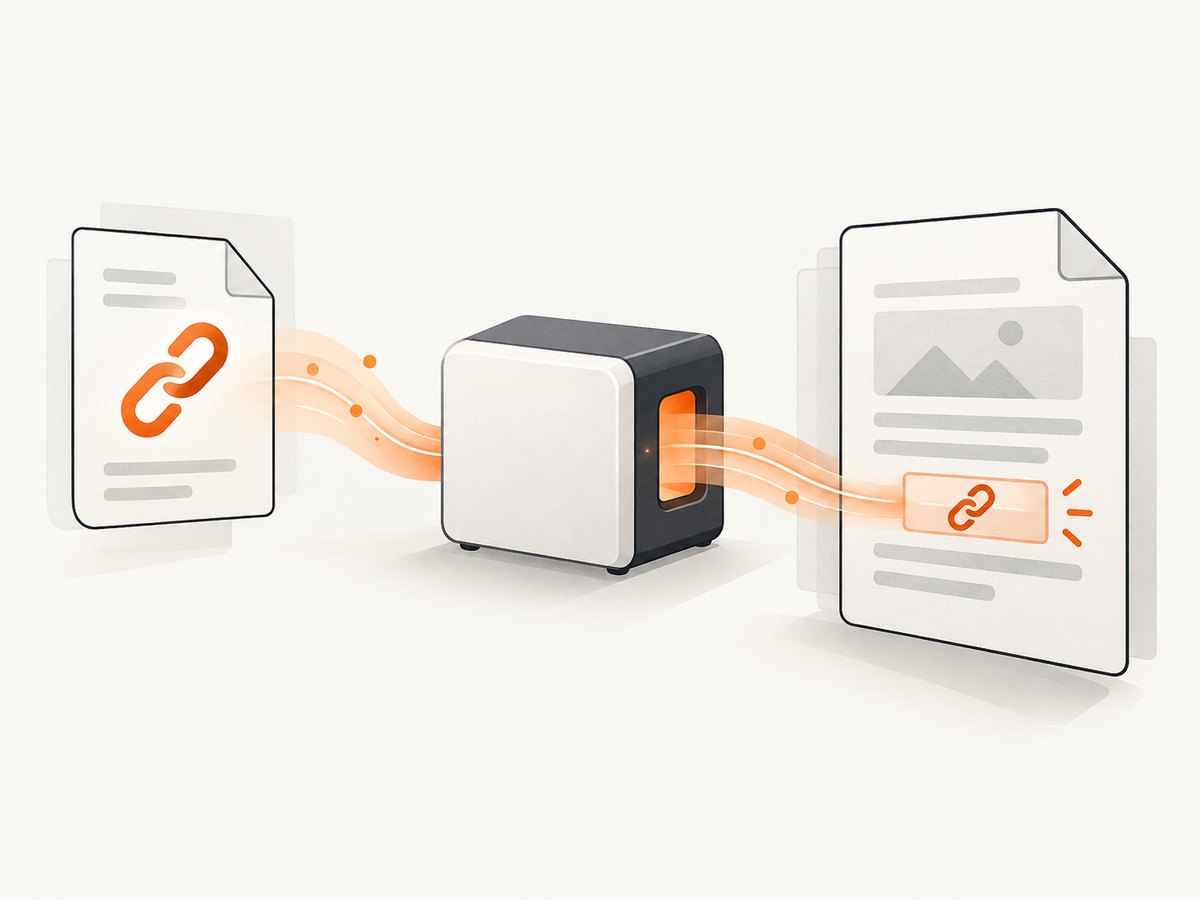
- Your Python program builds HTML.
- pdfkit converts the Python options dictionary into wkhtmltopdf command-line flags.
- wkhtmltopdf renders the HTML and writes PDF link annotations.
- A PDF reader displays those annotations as clickable regions.
pdfkit accepts a URL, an HTML file, or an HTML string. The converter binary must be installed separately and available on PATH, or supplied explicitly through pdfkit configuration.
Install Python pdfkit and wkhtmltopdf
Install the wrapper
python -m pip install pdfkitCheck the converter
wkhtmltopdf --versionIf that command fails, install wkhtmltopdf using the distribution or supported static build for your operating system. Some Debian and Ubuntu packages are compiled without wkhtmltopdf’s patched Qt features and can have reduced functionality.
Use an explicit binary path
import pdfkit

config = pdfkit.configuration(wkhtmltopdf="/absolute/path/to/wkhtmltopdf")
pdfkit.from_string(
    'Example',
    "out.pdf",
    configuration=config,
    options={"enable-external-links": None},
)
External links
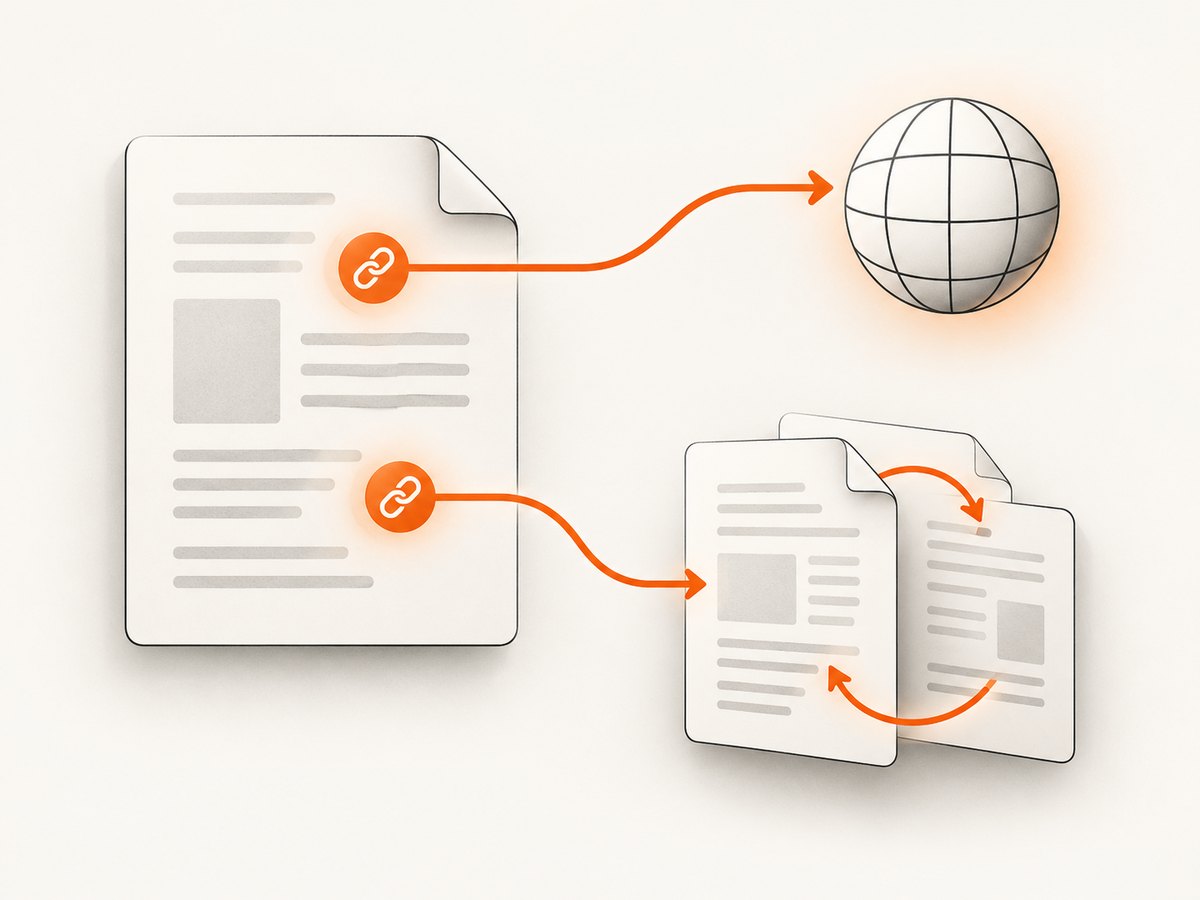
External links point from the PDF to another website. Keep the URL in a valid anchor and explicitly enable conversion when you want the intent to be clear.
import pdfkit
html = '''
Resources
'''
pdfkit.from_string(
html,
"external-links.pdf",
options={"enable-external-links": None},
)Check that the effective wkhtmltopdf command does not contain --disable-external-links. wkhtmltopdf enables external links by default, but an inherited option, wrapper configuration, or command-line override can disable them.
Internal links and table-of-contents anchors
Internal links stay inside the same PDF. The fragment in href must match an element’s id.
import pdfkit
html = '''
Guide
Details
This section is the internal destination.
'''
pdfkit.from_string(
html,
"internal-links.pdf",
options={"enable-internal-links": None},
)Internal-link conversion is different from external-link conversion. A local anchor such as #details does not require network access.
Local HTML files and local assets
--enable-local-file-access controls whether wkhtmltopdf may load local resources such as CSS, images, and fonts. It does not control whether a PDF link annotation is created.
import pathlib
import pdfkit

html_path = pathlib.Path("report.html").resolve()
output_path = pathlib.Path("report.pdf").resolve()

options = {
    "enable-external-links": None,
    "enable-internal-links": None,
    "enable-local-file-access": None,
}

pdfkit.from_file(str(html_path), str(output_path), options=options)
For tighter access control, allow only the directory containing required assets with wkhtmltopdf’s --allow option. Keep this resource-loading setting separate from link generation when diagnosing failures.
Boolean options in pdfkit
pdfkit removes leading dashes from option names. Boolean switches can be represented with None, False, or an empty string according to the wrapper’s option handling. The clearest form for a flag is usually None.
options = {
    "enable-external-links": None,
    "enable-internal-links": None,
    "print-media-type": None,
}
Use the exact wkhtmltopdf option spelling without the leading --. If an option takes a value, provide that value as a string or number.
Complete reusable helper
from pathlib import Path
import pdfkit
def html_to_pdf(html: str, output: str, wkhtmltopdf_path: str | None = None) -> None:
config = None
if wkhtmltopdf_path:
config = pdfkit.configuration(wkhtmltopdf=wkhtmltopdf_path)
options = {
"enable-external-links": None,
"enable-internal-links": None,
"encoding": "UTF-8",
"quiet": "",
}
pdfkit.from_string(html, output, options=options, configuration=config)
html = '''
Link test
Link test
Bottom
'''
html_to_pdf(html, "link-test.pdf")How to verify that links are really clickable
- Open the source HTML in a browser and click every link.
- Generate the PDF with a known-good wkhtmltopdf binary.
- Open the PDF in a reader that exposes link targets or annotations.
- Hover over the linked region or use the reader’s link-inspection feature.
- Confirm that external links show their destination and internal links jump to the matching page or section.
Visible blue or underlined text is not proof that a PDF annotation exists. A PDF can contain styled text that looks like a link but has no clickable action.
Debugging with verbose output
import pdfkit

pdfkit.from_string(
    'Example',
    "debug.pdf",
    options={
        "enable-external-links": None,
        "enable-internal-links": None,
    },
    verbose=True,
)
Use the wkhtmltopdf command printed in the error output to isolate whether the problem is in HTML, pdfkit option translation, the binary, or the PDF reader. Record the pdfkit and wkhtmltopdf versions in reproducible builds.
Common failures and fixes
| Symptom | Likely cause | Fix |
|---|---|---|
| Link text is visible but not clickable | The HTML has plain text, an invalid anchor, or JavaScript-only navigation. | Use a real <a href="https://..."> element and test the HTML in a browser first. |
| All external links are missing | --disable-external-links is active or the binary lacks expected features. |
Pass enable-external-links, inspect verbose output, and check the wkhtmltopdf build. |
| Fragment links do nothing | The target id does not match the fragment, or internal links are disabled. |
Match href="#section" with id="section" and enable internal links. |
| CSS, images, or fonts are missing | Local-file access is blocked. | Use enable-local-file-access and, when needed, a narrow allow directory. |
IOError: No wkhtmltopdf executable found |
The binary is not installed or is not on PATH. |
Install it or configure its absolute path with pdfkit.configuration(). |
| Conversion fails only in production | Different binary versions, missing fonts, permissions, or sandbox restrictions. | Print versions, use an explicit binary path, install required fonts, and compare the effective command. |
| Links work in one viewer but not another | Reader support or annotation handling differs. | Inspect annotations with a second PDF reader and validate the generated file in your deployment environment. |
URL and HTML edge cases
- Use
https://or another complete scheme for external destinations. - Escape ampersands in HTML attributes as
&when building literal HTML. - Remove whitespace and accidental line breaks from generated URLs.
- Do not use a fragment without creating a matching element ID.
- Prefer stable destination URLs; redirects and authentication pages can change after generation.
- JavaScript-generated anchors may not exist when wkhtmltopdf captures the page. Put critical links in the initial HTML or ensure the page finishes rendering before conversion.
Performance, reliability, and maintenance
- Rendering a local HTML string avoids a network fetch for the source document, but external assets and destinations can still be unavailable.
- Pin pdfkit and wkhtmltopdf versions so option behavior and rendering remain reproducible.
- Keep the converter binary and fonts identical across development, CI, and production.
- Use timeouts and capture verbose logs around failures in automated jobs.
- Validate a representative PDF after upgrades, including external links, internal links, local assets, and long documents.
- pdfkit carries a deprecation warning matching the wkhtmltopdf project’s status. If long-term security and maintenance matter, evaluate a maintained converter before committing to a new system; this guide does not claim one universal replacement.
Or skip the browser setup
If your input is a webpage and you need a clean capture or PDF workflow without installing and maintaining a browser renderer, ScreenshotNeo provides a single API request. Its cleanup step accepts cookie and consent banners and removes more than 60 known consent platforms, newsletter popups, and chat widgets before capture. Bot checks, blank pages, failed loads, timeouts, and cache hits are not billed, and response headers identify the page verdict and billing result.
See the ScreenshotNeo API documentation for the available capture options.
curl -G "https://api.screenshotneo.com/v1/shot" -d access_key=YOUR_API_KEY --data-urlencode url=https://stripe.com -o shot.webpimport requests
r = requests.get("https://api.screenshotneo.com/v1/shot", params={"access_key": "YOUR_API_KEY", "url": "https://stripe.com"}, timeout=90)
open("shot.webp", "wb").write(r.content)const q = new URLSearchParams({ access_key: 'YOUR_API_KEY', url: 'https://stripe.com' });
const res = await fetch(`https://api.screenshotneo.com/v1/shot?${q}`);ScreenshotNeo also offers an MCP server so Claude, Cursor, and other MCP clients can take screenshots, plus 1,000 screenshots per month free with no card; paid plans start at $5 for 3,000 shots. Create a free ScreenshotNeo account.
FAQ
Does pdfkit itself create the clickable links?
No. pdfkit passes options to wkhtmltopdf, and wkhtmltopdf creates the PDF annotations.
Do I need both external-link and local-file-access options?
No. External-link conversion controls web destinations. Local-file access controls loading local resources such as CSS and images.
Why does a visible URL still fail?
Visible text is not an annotation. Confirm that the source uses a valid anchor and inspect the generated PDF with a reader that exposes link targets.
Can I make a JavaScript click handler into a PDF link?
Not reliably. Put the destination in an HTML href and make sure the anchor exists when wkhtmltopdf renders the page.
Should I keep using pdfkit for a new long-lived service?
Review its deprecation status and pin the complete toolchain if you keep it. Evaluate maintained alternatives when security and ongoing support are requirements.


