How to Close ChromeDriver Processes in Selenium TeamCity Builds
Learn how to close ChromeDriver reliably in Selenium TeamCity builds, diagnose orphaned processes, and configure cleanup without killing other builds.
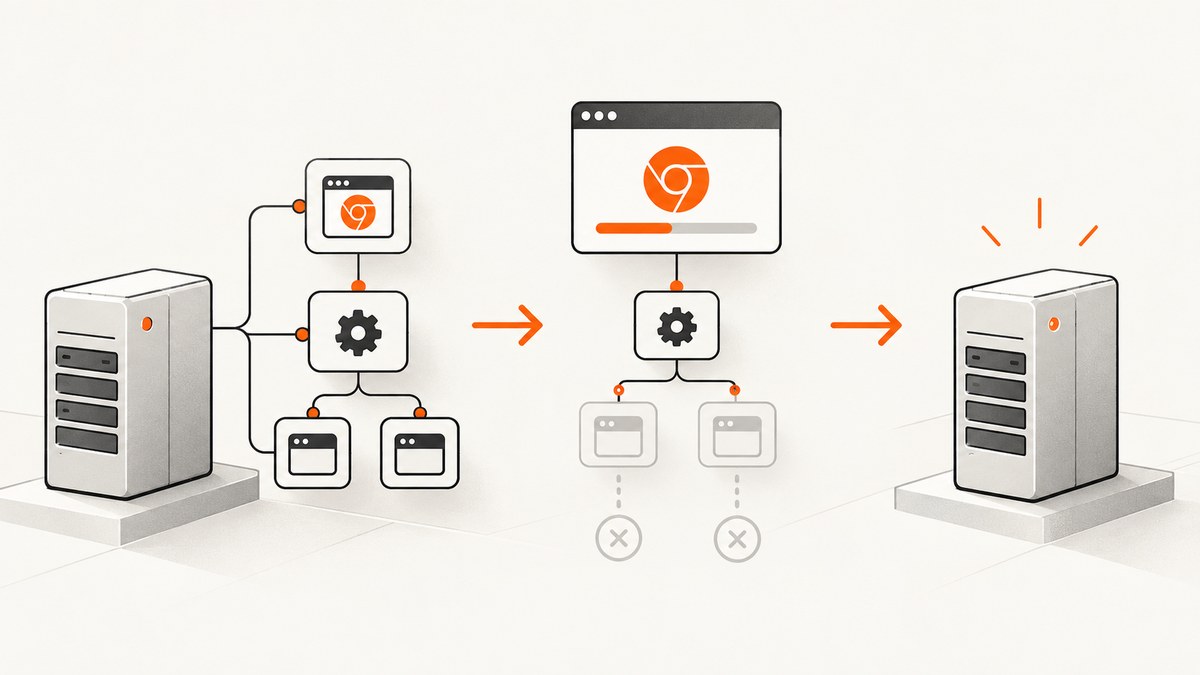
Direct answer: call Selenium’s driver.quit() in a guaranteed teardown block, usually finally or your test framework’s teardown hook. ChromeDriver’s documentation states that its server process terminates when quit is called. If you created a local driver service yourself, retain its reference and stop it during the same teardown. If a process still remains on a TeamCity agent, inspect the process tree and the runner’s termination action before using an agent-level kill.
This guide covers local and remote sessions, Java and Python implementations, TeamCity process ownership, failure diagnosis, safe recovery, and performance considerations. Selenium’s driver documentation and the ChromeDriver lifecycle documentation are the primary references for the session behavior described here.
1. Put quit() in guaranteed cleanup
A test can fail between driver creation and the last line of the test. A normal statement after the test body is therefore insufficient. Use a construct that runs on assertion failures, timeouts, and unexpected exceptions.
Java: one driver per test method
import org.junit.jupiter.api.AfterEach;
import org.junit.jupiter.api.BeforeEach;
import org.junit.jupiter.api.Test;
import org.openqa.selenium.WebDriver;
import org.openqa.selenium.chrome.ChromeDriver;

class CheckoutTest {
    private WebDriver driver;

    @BeforeEach
    void startBrowser() {
        driver = new ChromeDriver();
    }

    @AfterEach
    void stopBrowser() {
        if (driver != null) {
            try {
                System.out.println("Stopping WebDriver session");
                driver.quit();
                System.out.println("WebDriver session stopped");
            } catch (RuntimeException cleanupError) {
                // Log cleanup failure, but preserve the original test failure.
                cleanupError.printStackTrace();
            } finally {
                driver = null;
            }
        }
    }

    @Test
    void canOpenCheckout() {
        driver.get("https://example.test/checkout");
        // assertions and interactions
    }
}
The same rule applies with TestNG’s @AfterMethod(alwaysRun = true), JUnit 4’s @After, or a suite-level fixture. Keep the teardown hook in the same lifecycle that creates the driver so every test path is covered.
Java: explicit try/finally
WebDriver driver = null;
try {
    driver = new ChromeDriver();
    driver.get("https://example.test");
    // test actions
} finally {
    if (driver != null) {
        driver.quit();
    }
}
Python: finally works for pytest and unittest
from selenium import webdriver

def test_checkout():
    driver = webdriver.Chrome()
    try:
        driver.get("https://example.test/checkout")
        # assertions and interactions
    finally:
        driver.quit()
With pytest, a fixture makes the ownership explicit:
import pytest
from selenium import webdriver

@pytest.fixture
def driver():
    browser = webdriver.Chrome()
    try:
        yield browser
    finally:
        browser.quit()

def test_homepage(driver):
    driver.get("https://example.test")
2. Understand what Selenium owns
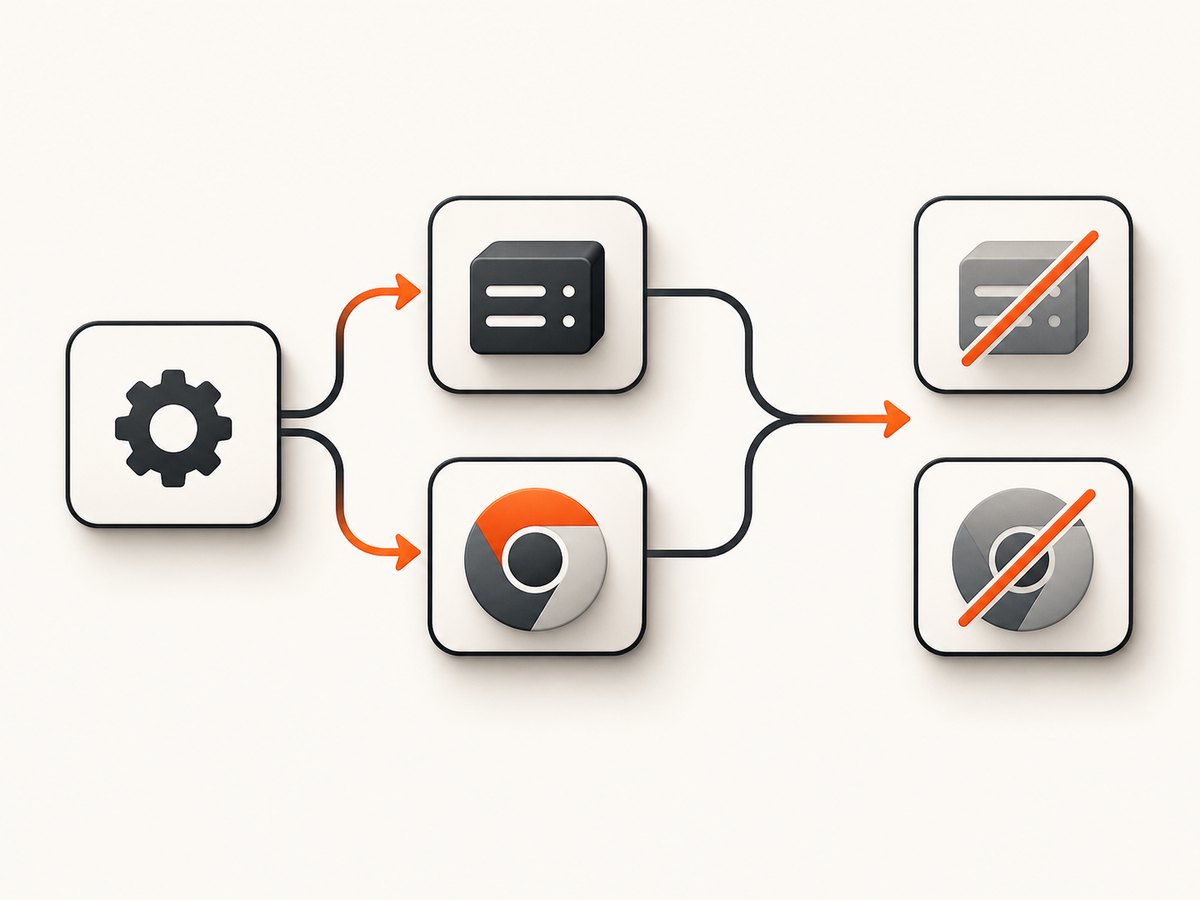
A local ChromeDriver normally starts a ChromeDriver server as a child process and creates a browser session through it. Calling quit() ends the WebDriver session and asks the local service to terminate. Selenium’s Python Chrome Service API describes the service as responsible for starting and stopping the driver executable.
Do not confuse that local service with RemoteWebDriver. Selenium’s Driver Service classes are for local drivers; a remote session is owned by the Selenium Grid, cloud provider, or another machine. Calling quit() still ends the remote session, but a TeamCity agent may have no local chromedriver to clean up.
When you construct a service yourself
import org.openqa.selenium.WebDriver;
import org.openqa.selenium.chrome.ChromeDriver;
import org.openqa.selenium.chrome.ChromeDriverService;

ChromeDriverService service = new ChromeDriverService.Builder()
        .usingAnyFreePort()
        .build();
WebDriver driver = null;
try {
    service.start();
    driver = new ChromeDriver(service);
    driver.get("https://example.test");
} finally {
    if (driver != null) {
        driver.quit();
    } else if (service.isRunning()) {
        service.stop();
    }
}
In normal binding-managed usage, quit() is the primary cleanup call. The explicit service stop is useful when you started a service independently or when driver construction failed after the service had already started. Selenium Manager, included with Selenium releases since 4.6, can locate and manage browser drivers; it does not remove the need to close a created session.
3. TeamCity process ownership and termination settings
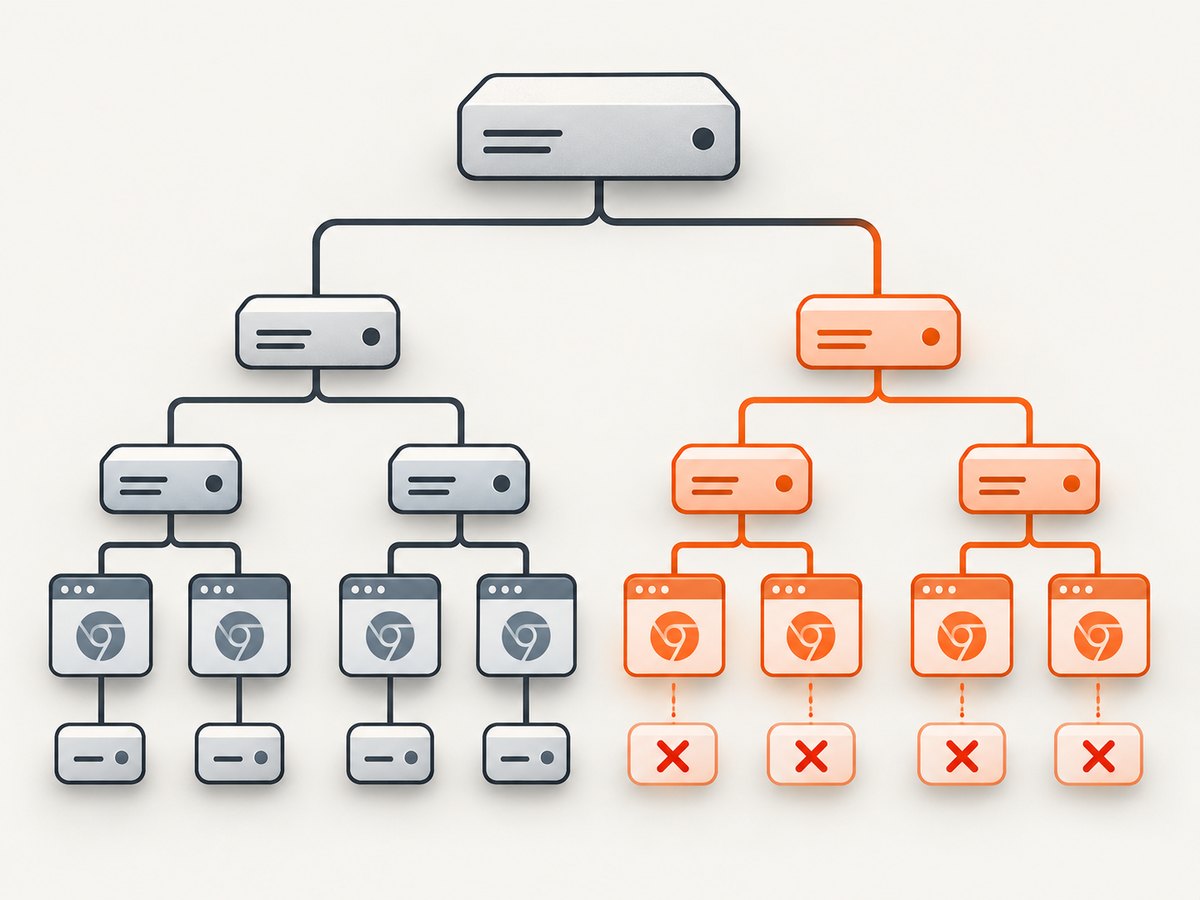
TeamCity agents launch build processes and their descendants. The important question is not simply “is chromedriver running?” but “which build started this PID, and which parent process owns it?” TeamCity’s termination API lists these actions:
| Action | Meaning | Use |
|---|---|---|
KILL_CREATED_PROCESS |
Stop the process created by the runner | When only the direct runner process should be terminated |
KILL_PROCESS_TREE |
Kill all processes started by the build agent | When descendants such as ChromeDriver must be removed with the build |
NONE |
Do not apply runner termination | Only when another lifecycle owns cleanup |
The JetBrains API describes KILL_PROCESS_TREE as “Kill all processes that was started by build agent.” The exact control, default, and label depend on the runner and TeamCity version, so verify the setting in the installed version’s documentation rather than copying a UI path from another release.
A practical TeamCity diagnostic sequence
- Add log lines immediately before and after
driver.quit(). This proves whether teardown ran and whether it returned. - Record the build configuration, agent name, test worker, driver PID (where your platform permits it), and parent PID.
- Check whether the session is local or remote. A remote session will leave cleanup to the remote node.
- Inspect the process tree after a failed build. Look for a ChromeDriver child of the test JVM, Python process, shell runner, or agent process.
- Review the runner’s termination action. Use process-tree termination only when it matches your ownership model.
- Repeat with two concurrent builds. Confirm that cleanup for one build does not terminate another build’s browser.
4. Safe recovery on build agents
Process-name commands such as pkill chromedriver or taskkill /F /IM chromedriver.exe can destroy sessions belonging to another build. Avoid them on shared agents. Prefer a PID collected from the failing build, a parent-child relationship, or TeamCity’s process-tree handling.
Stopping or force-stopping the TeamCity agent is a last-resort recovery action. Agent commands affect active work and are different from closing one test’s WebDriver session. Use them only after the build is isolated and no other job is running.
5. Common errors and fixes
| Symptom | Likely cause | Fix |
|---|---|---|
chromedriver remains after a failed assertion |
Cleanup was placed after the test body | Move quit() into finally or an always-run teardown hook. |
| Teardown log appears, but the PID remains | quit() is hanging or the service was started separately |
Capture a thread dump and service logs; retain the service reference and call its stop API if it was independently started. |
| Chrome remains while ChromeDriver exits | Browser was launched independently, detached, or by another process | Identify the browser’s parent PID and cleanup owner. Do not assume Chrome is owned by the WebDriver session. |
| Only TeamCity leaves descendants | Runner termination does not include the process tree | Check whether the runner exposes KILL_PROCESS_TREE and confirm its behavior for your version. |
| Remote tests leave no local driver to find | Session runs on Grid or a cloud node | Call remote quit(), then inspect the remote provider’s node cleanup. |
| Driver fails before the test starts | Browser/driver mismatch, permissions, or missing executable | Read Selenium Manager and service logs; fix installation or version compatibility before diagnosing teardown. |
| Parallel tests kill one another | Global process-name cleanup | Use per-test ownership and PID or process-tree cleanup; never kill every chromedriver on a shared agent. |
6. Reliability and performance checklist
- Create one driver per test or fixture according to your concurrency design, and close exactly that instance.
- Keep teardown short and unconditional; do not put assertions before
quit(). - Log cleanup start, cleanup completion, and exceptions with the build identifier.
- Use a bounded test timeout so a hung browser cannot occupy an agent indefinitely.
- Keep driver and browser versions compatible; Selenium Manager reduces manual path maintenance but does not fix application-level leaks.
- For parallel workers, give each worker an isolated profile directory and identify processes by ownership.
- Archive driver logs only on failure to reduce build noise while preserving diagnostics.
Every leaked session consumes memory, CPU, ports, and an execution slot. Deterministic teardown usually improves throughput more than adding aggressive agent-wide kill commands, because it avoids collateral termination and repeated agent recovery.
7. Or skip the browser setup
If your goal is to collect a page image for build artifacts, visual checks, or documentation rather than interact with the page, ScreenshotNeo provides a single HTTP request. See the ScreenshotNeo API documentation for all options.
curl -G "https://api.screenshotneo.com/v1/shot" -d access_key=YOUR_API_KEY --data-urlencode url=https://stripe.com -o shot.webpimport requests
r = requests.get("https://api.screenshotneo.com/v1/shot", params={"access_key": "YOUR_API_KEY", "url": "https://stripe.com"}, timeout=90)
open("shot.webp", "wb").write(r.content)const q = new URLSearchParams({ access_key: 'YOUR_API_KEY', url: 'https://stripe.com' });
const res = await fetch(`https://api.screenshotneo.com/v1/shot?${q}`);Cookie and consent banners, newsletter popups, and chat widgets are removed before the shot. Bot checks, blank pages, failed loads, timeouts, and cache hits are not billed, and response headers report the page verdict and billing status. ScreenshotNeo also provides an MCP server so Claude, Cursor, and other MCP clients can call take_screenshot, get_page_info, and capture_pdf. The free plan includes 1,000 screenshots a month with no card; paid plans start at $5 for 3,000 shots. Create a free ScreenshotNeo account.
8. FAQ
Should I call close() before quit()?
No. quit() is the session-wide cleanup operation. Calling close() only targets the current window and can leave the driver session alive.
Does Selenium Manager close ChromeDriver?
No. Selenium Manager helps locate and manage drivers. Your test still owns the WebDriver session and must call quit().
Can TeamCity clean up without code changes?
It can terminate runner-created processes or a process tree, depending on the runner and version. Treat that as a recovery layer; deterministic test teardown remains the primary fix.
Why is a Chrome process left after ChromeDriver exits?
Check whether Chrome was detached, launched separately, or belongs to a remote or unrelated process. Trace the parent PID before terminating anything.
What should I do when quit() itself hangs?
Capture driver and test logs, apply a bounded build timeout, and inspect the process tree. Then determine whether browser shutdown, service shutdown, or an external security tool is blocking the call.


