10 Cloud Platforms With Free Tiers or Credits for Hands-On Practice
Compare 10 cloud platforms by credits, always-free quotas, verification, regions, and overspend risk so you can choose a safe practice lab.
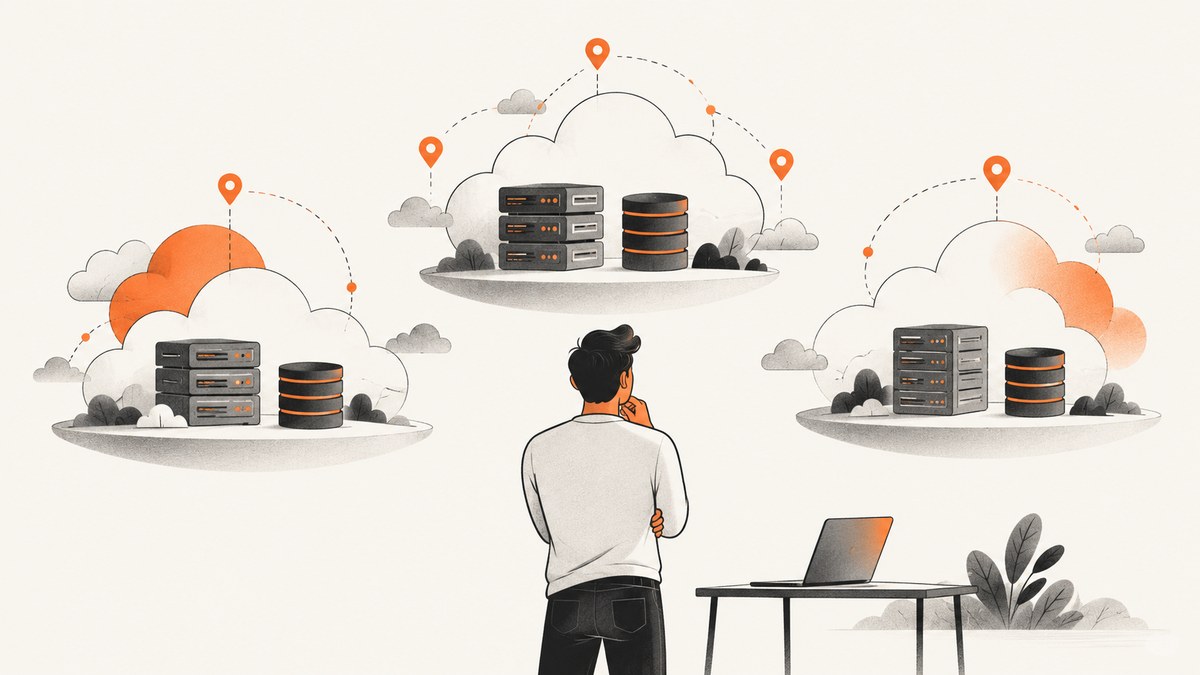
Short answer: start with AWS, Azure, or Google Cloud when you need broad practice across compute, storage, databases, networking, and serverless. Choose OCI if an Always Free resource in your home region is the priority. Choose Firebase, Vercel, or Cloudflare when your goal is an app, frontend, serverless function, or edge project rather than virtual-machine administration. IBM and Alibaba are useful when their specific services match your project. Heroku is a paid learning option unless you confirm a current free offer.
“Free” means different things in this list. A promotional credit has a dollar value and an expiry date. An always-free quota is narrower, service-specific, and usually limited by region or resource type. Before you create anything, check card and identity requirements, the region where resources can run, automatic upgrade behavior, and how you will stop usage.
How to choose a free cloud for practice
- Match the learning objective. Pick AWS, Azure, or Google Cloud for general infrastructure. Pick Firebase or Vercel for a web or mobile app. Pick Cloudflare for edge delivery and Workers. Pick OCI for low-cost experiments that can stay inside Always Free limits.
- Separate trial credit from recurring quota. Credit-based offers expire; a small always-free allowance can continue after the trial. Plan your lab so it still works when the credit disappears.
- Confirm account friction. Some providers ask for a payment card, phone verification, or identity checks. Alibaba’s trial requires a complete account, verified phone number, and payment method. Firebase Spark does not require a payment method.
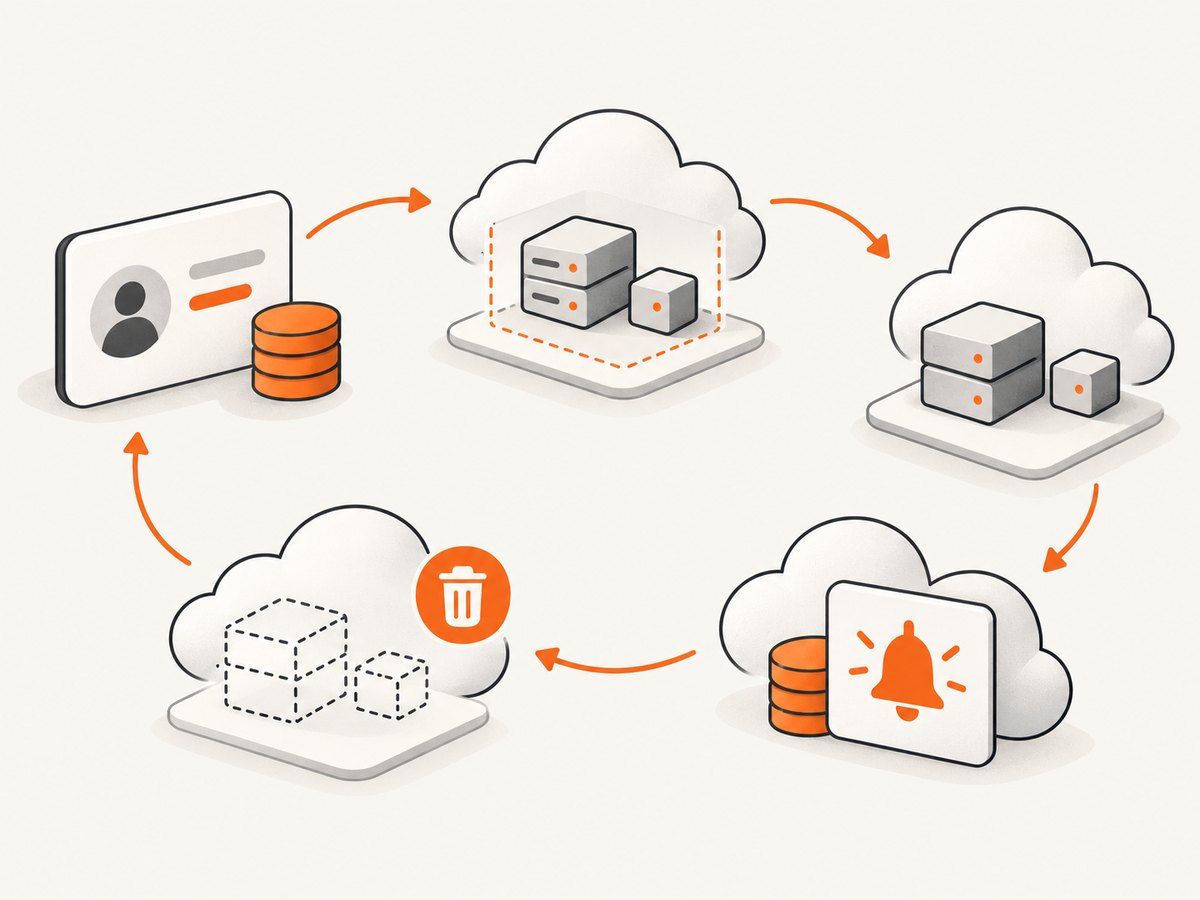
- Set a stop condition. Add budgets, alerts, a shutdown script, or a calendar reminder before launching a VM, database, NAT gateway, or public load balancer.
- Use one region and one project. Region choice affects eligibility and price. OCI Always Free resources can depend on the selected home region.
At-a-glance comparison
| Platform | What is free | Best practice fit | Watch for |
|---|---|---|---|
| AWS | Up to $200 in new-customer credits; Free account plan up to six months; 30+ services with always-free monthly allowances | Broad IaaS, containers, databases, networking, serverless | Credit expiry, service-specific quotas, resources left running |
| Microsoft Azure | $200 for 30 days; free monthly amounts for 20+ services for 12 months; 65+ always-free services | Microsoft stack, VMs, Functions, Container Apps | 30-day credit and 12-month limits; region and SKU eligibility |
| Google Cloud | $300 trial credit; 20+ products with free monthly usage | Compute, BigQuery, Kubernetes, data and AI prototypes | Trial terms, quotas, and billable products outside free usage |
| Oracle Cloud Infrastructure | $300 for up to 30 days plus Always Free resources that do not expire | Persistent low-cost compute and database practice | Home-region constraints and limited capacity |
| IBM Cloud | 40+ always-free products in Lite plus $200 introductory credit | IBM services, APIs, and cloud-native experiments | Pay-as-you-go charges beyond free allowances |
| Alibaba Cloud | Product and solution trials across compute, storage, networking, databases, and AI | Alibaba-specific services and proof of concepts | Verified phone and payment method; trial eligibility and duration vary |
| Vercel | Hobby plan at $0/month with repository import, deployment, CI/CD, and global CDN | Frontend and full-stack deployment | Not a general VM or network-administration environment |
| Firebase | Spark plan; examples include 10 GB Hosting, 1 GiB Firestore, 20,000 writes/day, 50,000 reads/day, 100 Realtime Database connections, and 2 million monthly Cloud Functions invocations on the published schedule | Mobile and web backends | Published quotas can change; product-specific limits still apply |
| Cloudflare Workers and Pages | Free plans for Workers, Workers KV, and R2 are available | Edge functions, static sites, and global delivery | Verify current request, CPU, storage, and bandwidth quotas |
| Heroku | No free runtime is verified here; the pricing page lists paid dyno tiers, including Eco at $5/month | Learning platform deployment with a small paid budget | Do not assume a free dyno exists |
1. Amazon Web Services (AWS)
AWS is the strongest general-purpose practice environment in this group. New customers can receive up to $200 in credits: $100 at signup and up to $100 more from learning activities. AWS describes a Free account plan lasting up to six months and more than 30 services with always-free monthly allowances. That combination lets you practice virtual machines, object storage, databases, networking, and serverless workflows.
Use a single account and region for a lab. Tag every resource with an owner and expiry date. Review Elastic IPs, NAT gateways, load balancers, snapshots, and managed databases separately because they are common sources of charges outside a small experiment.
2. Microsoft Azure
Azure provides $200 usable within 30 days, free monthly amounts for more than 20 popular services for 12 months, and more than 65 always-free services. The offer lists 750 hours of selected burstable virtual machines for 12 months, plus always-free services such as Functions and Container Apps.
Azure is a practical choice if you want to learn Entra ID, .NET, Windows and Linux VMs, Functions, or container deployment. Confirm the VM size and region before creating it: “free” applies to selected SKUs and quantities, not every VM.
3. Google Cloud
Google Cloud gives new customers $300 in credit to try products and build a proof of concept. Google also lists more than 20 products with free monthly usage, including Compute Engine and BigQuery. It is especially useful for data practice because you can combine a small compute workload with BigQuery and Cloud Storage.
Create a separate project for each lab, set a budget alert, and delete test datasets when you finish. A budget alert notifies you; it is not a hard spending cap, so pair it with quotas or an automated shutdown process.
4. Oracle Cloud Infrastructure (OCI)
OCI offers a $300 promotional trial valid for up to 30 days and a separate collection of Always Free resources that do not expire. OCI stands out when you want a lab to remain available after the promotional period.
Choose the home region carefully. Some Always Free resources can only be provisioned there, and a region with no capacity may require waiting or a different design. Keep the lab small, avoid public exposure by default, and record which resources are Always Free before adding paid shapes or storage.
5. IBM Cloud
IBM’s Lite plan advertises more than 40 always-free products and the platform also advertises $200 of introductory credit. It is a good fit for learning IBM services, APIs, and cloud-native patterns. The account is pay-as-you-go for usage beyond free allowances, so check each service’s coverage and monitor consumption.
6. Alibaba Cloud
Alibaba Cloud’s official documentation describes trials for compute, storage, networking, databases, and AI, as well as solution trials for proof-of-concept work. Eligibility requires a complete account, verified phone number, and payment method. Product availability and trial duration vary on the current Free Trial page.
Use Alibaba when you specifically need its regional footprint or product family. Capture the exact trial end date and product SKU in your lab notes; do not assume one trial’s terms apply to another service.
7. Vercel
Vercel’s Hobby plan costs $0 per month and is designed for personal projects. It includes repository import and deployment, automatic CI/CD, a global CDN, and other web-delivery features. Vercel is excellent practice for Git-based frontend and full-stack deployment, preview environments, and server-rendered applications.
It is not a replacement for learning VM administration, private networking, or managed database operations. Pair it with a backend platform when your exercise needs those components.
8. Firebase
Firebase’s Spark plan is no-cost and does not require a payment method. The published schedule includes 10 GB of Hosting storage, 1 GiB of Firestore storage, 20,000 Firestore writes per day, 50,000 reads per day, 100 Realtime Database connections, and 2 million monthly Cloud Functions invocations.
Firebase is the shortest path to a mobile or browser app with authentication, data, hosting, and functions. Model your reads and writes before choosing Firestore, and keep an eye on quotas as traffic grows. The exact schedule can change, so verify the pricing table before launch.
9. Cloudflare Workers and Pages
Cloudflare’s developer platform provides free plans for Workers, Workers KV, and R2, alongside Pages for edge delivery and static sites. It is a strong practice environment for request handlers, edge caching, and globally distributed frontends.
The retrieved material does not expose a stable quota table. Check current request, CPU, storage, and bandwidth limits in the provider documentation immediately before publishing or budgeting a project.
10. Heroku
Heroku remains useful for learning platform deployment, buildpacks, logs, and release workflows. Its current official pricing page lists paid dyno tiers, including Eco at $5 per month, and this research does not verify a free runtime. Treat Heroku as a paid comparison point unless you confirm a current free offer separately.
A practical, low-risk learning plan
- Week 1: deploy one small app. Use Vercel for a frontend, Firebase for a mobile/web backend, or Workers for an edge function. Learn logs, environment variables, and rollback.
- Week 2: add infrastructure. Use AWS, Azure, Google Cloud, or OCI for one VM, object-storage bucket, and managed database. Keep all three in one region and tag them.
- Week 3: add data or automation. Try BigQuery, Functions, Container Apps, or an IBM/Alibaba service that matches your goal. Set a daily usage review.
- Week 4: rebuild and remove. Export configuration, recreate the lab from a script or IaC file, then delete every resource. This teaches repeatability and prevents forgotten charges.
Cost and reliability checklist
- Write down credit amount, expiry date, free quota, region, and verification requirements before signup.
- Enable budget alerts and service quotas where available. Alerts are not always spending caps.
- Stop or delete idle VMs, disks, snapshots, databases, NAT gateways, public IPs, and load balancers.
- Keep test data small and set retention limits for logs and object storage.
- Expect interruptions on free or shared resources. Store code in Git and make the environment reproducible.
- Recheck provider terms immediately before publication or a class: offers and quotas change.
Or skip the browser setup
If your cloud lab needs screenshots for documentation, visual regression, or an AI workflow, ScreenshotNeo provides a single GET request for PNG, JPEG, WebP, or PDF. Before capture it accepts cookie and consent banners and removes more than 60 known consent platforms, newsletter popups, and chat widgets; each step can be turned off. Bot checks, blank pages, timeouts, failed loads, and cache hits are not billed, and the response identifies the result with X-Page-Verdict and X-Billed headers.
curl -G "https://api.screenshotneo.com/v1/shot" -d access_key=YOUR_API_KEY --data-urlencode url=https://stripe.com -o shot.webpimport requests
r = requests.get("https://api.screenshotneo.com/v1/shot", params={"access_key": "YOUR_API_KEY", "url": "https://stripe.com"}, timeout=90)
open("shot.webp", "wb").write(r.content)const q = new URLSearchParams({ access_key: 'YOUR_API_KEY', url: 'https://stripe.com' });
const res = await fetch(`https://api.screenshotneo.com/v1/shot?${q}`);See the ScreenshotNeo API docs for the 63 options, including full-page and element capture, dark mode, device presets, retina scale, PDF settings, custom CSS and JavaScript, waits, request blocking, headers, cookies, geolocation, caching, signed links, async jobs, bulk capture, usage, and the OpenAPI specification. Its MCP server gives Claude, Cursor, and other MCP clients take_screenshot, get_page_info, and capture_pdf tools. The free plan includes 1,000 screenshots a month with no card; paid plans start at $5 for 3,000. Create a free ScreenshotNeo account.
Troubleshooting common “free” problems
“The signup says I am not eligible.”
Trials can be limited by account history, geography, identity, phone, or payment verification. Read the provider’s eligibility text, use the required verification, or choose a platform whose plan fits your situation, such as Firebase Spark.
“The credit expired sooner than expected.”
Credit windows differ: Azure’s is 30 days, Google’s trial is promotional, and AWS describes an account plan up to six months. Record the start date and move long-lived work to an always-free quota before expiry.
“A supposedly free resource produced a bill.”
Check SKU, region, hours, attached storage, network egress, and services created automatically. Free allowances are usually specific to a resource type and monthly quantity. Delete dependencies, then review the invoice line item.
“OCI cannot create an Always Free instance.”
Home-region eligibility and capacity are common causes. Try another availability domain in the home region, wait for capacity, or redesign around a resource that is available there.
“My Firebase or Workers app stopped at a limit.”
Read and write, invocation, CPU, storage, and bandwidth quotas are independent. Measure the operation that is hitting the limit, reduce it with caching or batching, and verify the current quota table before changing plans.
FAQ
Which free cloud is best for learning Linux and networking?
AWS, Azure, Google Cloud, or OCI. They expose the infrastructure concepts that Vercel and Firebase abstract away.
Which option avoids a payment card?
Firebase Spark explicitly does not require a payment method. Other providers can change verification rules, so confirm during signup.
What remains free after a trial?
Always-free allowances from AWS, Azure, Google Cloud, OCI, IBM, Firebase, Vercel’s Hobby plan, and Cloudflare’s free plans can continue under their limits. Trial credits do not.
Can I use more than one provider?
Yes. Keep each lab isolated, document ownership, and set a separate budget or shutdown reminder for every account.
How often should I recheck these offers?
Before creating a paid account, class exercise, or published guide. Providers change quotas, regions, eligibility, and expiry terms.


