How to Configure Cloudflare API Rate Limits for Screenshot Requests
Configure a Cloudflare WAF rate-limit rule for screenshot endpoints, choose fair counters, avoid API quota confusion, and handle bursts safely.

Direct answer: protect a screenshot endpoint with a Cloudflare WAF rate-limiting rule in the zone’s http_ratelimit phase entry-point ruleset. Match only the screenshot route, choose a counter characteristic that represents a caller (usually an API-key header or source IP), set a period and request threshold from observed traffic, and select the mitigation action. Do not use Cloudflare’s global API quota as the threshold for visitors calling your endpoint: Cloudflare API quotas, Browser Rendering REST quotas, and your zone WAF rule are separate controls.
This guide shows the Rulesets API workflow, complete request examples, counter design, plan constraints, deployment checks, troubleshooting, and operational guidance for screenshot services.
1. Understand the three different limits
Before writing a rule, identify which system you are limiting:
| Control | What it limits | Where it applies |
|---|---|---|
| Cloudflare client API quota | Calls made to Cloudflare’s own dashboard/API endpoints | Your account or token, regardless of your application route |
| Browser Rendering REST quota | Cloudflare Browser Run quick-action calls such as /screenshot |
The Browser Rendering service and your plan |
| WAF rate-limiting rule | Incoming requests to your screenshot endpoint | Traffic entering a zone you configure |
Cloudflare’s API limits page lists a global client limit of 1,200 requests per five-minute period per user or account token and a separate per-IP limit of 200 requests per second. Exceeding the global limit blocks API calls for the next five minutes. These figures govern calls to Cloudflare’s API, not requests from your customers to /api/screenshot. See Cloudflare’s API limits documentation.
Browser Rendering has its own plan-scoped quota. Cloudflare announced that Workers Paid Browser Rendering REST limits increased from 3 requests per second to 10 requests per second (600 per minute), including the /screenshot quick action. Confirm that your plan and interface are covered in the Browser Rendering changelog.
2. Decide what the rule should protect
Write down these values before deploying:
- Route: the exact path used for screenshots, such as
/api/screenshot. - Host: include the API hostname if the zone serves multiple applications.
- Caller identity: an API-key header, authenticated user identifier, source IP, or another characteristic available on your plan.
- Burst model: expected requests per second and acceptable short bursts.
- Response: block, challenge, or an eligible throttling action.
- Counting policy: whether cached requests and requests that reach origin should count.
Cloudflare’s sample values (a 60-second period and 100 requests) demonstrate API syntax only. They are not a recommendation for your workload. A screenshot often consumes substantially more origin CPU and bandwidth than a small JSON response, so base the threshold on browser concurrency, render duration, queue capacity, and abuse tolerance.
3. Create a zone-level rate-limit rule with the Rulesets API
Zone rules are deployed through the http_ratelimit phase entry-point ruleset. First retrieve the entry-point ruleset. If it exists, add your rule using its ID. If it does not exist, create the entry-point ruleset with the rule included. Rate-limit rules must appear at the end of the rules list.
3.1 Set credentials and identifiers
Create a Cloudflare API token with only the permissions needed to modify the target zone’s rulesets. Store it outside source control:
export CF_API_TOKEN='replace-with-token'
export ZONE_ID='replace-with-zone-id'
export API_HOST='api.example.com'
Use a token rather than a global API key when possible, and restrict the token to the target zone.
3.2 Retrieve the phase entry-point ruleset
curl "https://api.cloudflare.com/client/v4/zones/$ZONE_ID/rulesets/phases/http_ratelimit/entrypoint" \
  --header "Authorization: Bearer $CF_API_TOKEN" \
  --header "Content-Type: application/json"
Save the returned ruleset ID. If the response says that no entry-point ruleset exists, use the create request in the next section.
3.3 Add a rule to an existing ruleset
The following payload is illustrative. Replace the path, host, characteristic, period, threshold, and timeout with values from your traffic model:
{
  "description": "Rate limit screenshot requests",
  "expression": "(http.host eq \"api.example.com\" and http.request.uri.path eq \"/api/screenshot\")",
  "action": "block",
  "ratelimit": {
    "characteristics": ["cf.colo.id", "http.request.headers[\"x-api-key\"]"],
    "period": 60,
    "requests_per_period": 100,
    "mitigation_timeout": 600
  }
}
Send it to the ruleset endpoint, including the ruleset ID you retrieved:
curl -X PUT \
  "https://api.cloudflare.com/client/v4/zones/$ZONE_ID/rulesets/RULESET_ID/rules" \
  --header "Authorization: Bearer $CF_API_TOKEN" \
  --header "Content-Type: application/json" \
  --data '{
    "description": "Rate limit screenshot requests",
    "expression": "(http.host eq \"api.example.com\" and http.request.uri.path eq \"/api/screenshot\")",
    "action": "block",
    "ratelimit": {
      "characteristics": ["cf.colo.id", "http.request.headers[\"x-api-key\"]"],
      "period": 60,
      "requests_per_period": 100,
      "mitigation_timeout": 600
    }
  }'
When updating an existing ruleset, preserve its current rules and append the new rate-limit rule at the end. Sending only the new rule can replace rules you meant to keep.
3.4 Create the entry-point ruleset when none exists
curl -X PUT \
  "https://api.cloudflare.com/client/v4/zones/$ZONE_ID/rulesets/phases/http_ratelimit/entrypoint" \
  --header "Authorization: Bearer $CF_API_TOKEN" \
  --header "Content-Type: application/json" \
  --data '{
    "name": "Zone HTTP rate limits",
    "kind": "zone",
    "phase": "http_ratelimit",
    "rules": [{
      "description": "Rate limit screenshot requests",
      "expression": "(http.host eq \"api.example.com\" and http.request.uri.path eq \"/api/screenshot\")",
      "action": "block",
      "ratelimit": {
        "characteristics": ["cf.colo.id", "http.request.headers[\"x-api-key\"]"],
        "period": 60,
        "requests_per_period": 100,
        "mitigation_timeout": 600
      }
    }]
  }'
Inspect the response and dashboard before sending production traffic. Ruleset field availability differs by plan; validate expressions with the fields enabled for your account.
4. Choose the counter characteristics fairly
Characteristics decide which requests share a counter. Cloudflare requires cf.colo.id in the documented rate-limit configuration. Add a caller-specific value where possible.
- API-key header: usually the fairest choice for a multi-tenant screenshot API. Each key receives its own budget. Decide how missing headers are handled; otherwise unauthenticated traffic can share one bucket.
- Source IP: simple and available for public endpoints, but office networks, mobile carriers, and NAT gateways can combine unrelated users.
- Both key and IP: useful when you want a key to be unable to generate unlimited traffic from one address, though it creates more counters and can complicate capacity planning.
Use a header only if clients cannot spoof it or if your application authenticates the request before Cloudflare sees it. Never treat a user-controlled header as an identity unless it is cryptographically tied to an account.
5. Tune period, threshold, and mitigation
period is the evaluation interval in seconds. requests_per_period is the number that triggers mitigation. A short period catches bursts; a longer period controls sustained consumption. Model both:
| Workload | Design question |
|---|---|
| Interactive previews | How many parallel renders can a user start without making the UI unusable? |
| Batch jobs | Can the client queue work and retry with backoff instead of sending a burst? |
| Public demos | What is the maximum anonymous spend you accept during a spike? |
mitigation_timeout controls how long the action applies after a threshold is reached. A block action can include a custom response where supported. A challenge may reduce automated abuse but can break API clients. For trusted customers, application-level quotas and a queue are often better companions than a very low WAF threshold.
Cloudflare warns that counters can take a few seconds to update, so a rule is not an exact gate. Its documentation states: “Rate limiting rules are not designed to allow a precise number of requests to reach your origin server.” Design origin capacity with that small overshoot in mind.
6. Counting expressions, cache, and origin traffic
By default, the counting expression follows the rule expression. A custom counting expression can make only a subset of matched requests increment the counter. The requests_to_origin setting can count requests that reach origin in configurations where it is supported. This matters if your screenshot endpoint is cached: cached responses may consume edge capacity without consuming browser-render capacity, while uncached requests can be expensive.
Decide whether your objective is:
- protecting the origin browser pool;
- limiting account usage;
- controlling Cloudflare edge bandwidth; or
- reducing abusive request bursts.
Those goals may require separate rules or an application quota in addition to WAF enforcement.
7. Account-level deployment
Cloudflare documents account-level rate-limiting rulesets as an Enterprise-zone procedure. The pattern is to create a custom ruleset in the http_ratelimit phase, then deploy it through the account phase entry-point ruleset with an execute rule. The example checks cf.zone.plan eq "ENT". Account tokens need the documented Account WAF Write or Account Rulesets Write permission.
Use account-level policy when many zones share the same service boundary. For one screenshot API hostname, a zone rule is easier to reason about and less likely to affect unrelated applications.
8. Verify safely before production
- Start with a narrow host-and-path expression.
- Use a low-impact action or a staging hostname where possible.
- Send requests from two caller identities and confirm they receive separate counters.
- Check responses and Cloudflare security events for the rule ID.
- Test missing, malformed, and rotated API keys.
- Generate a controlled burst below and above the threshold.
- Confirm that legitimate retries recover after the mitigation timeout.
Do not assume that a successful rule update means the rule is already enforcing everywhere. Allow for propagation and counter-update delay, then observe real requests.
9. cURL, Python, and Node.js automation
cURL request to a protected screenshot route
curl -i "https://api.example.com/api/screenshot?url=https%3A%2F%2Fexample.com" \
  -H "X-API-Key: customer-key"
Python: create a rule through the API
import os
import requests

zone_id = os.environ["ZONE_ID"]
token = os.environ["CF_API_TOKEN"]
url = f"https://api.cloudflare.com/client/v4/zones/{zone_id}/rulesets/phases/http_ratelimit/entrypoint"
payload = {
    "name": "Zone HTTP rate limits",
    "kind": "zone",
    "phase": "http_ratelimit",
    "rules": [{
        "description": "Rate limit screenshot requests",
        "expression": '(http.host eq "api.example.com" and http.request.uri.path eq "/api/screenshot")',
        "action": "block",
        "ratelimit": {
            "characteristics": ["cf.colo.id", 'http.request.headers["x-api-key"]'],
            "period": 60,
            "requests_per_period": 100,
            "mitigation_timeout": 600,
        },
    }],
}
r = requests.put(url, headers={"Authorization": f"Bearer {token}"}, json=payload, timeout=30)
r.raise_for_status()
print(r.json())
Node.js: create a rule through the API
const zoneId = process.env.ZONE_ID;
const token = process.env.CF_API_TOKEN;
const endpoint = `https://api.cloudflare.com/client/v4/zones/${zoneId}/rulesets/phases/http_ratelimit/entrypoint`;
const payload = {
  name: 'Zone HTTP rate limits',
  kind: 'zone',
  phase: 'http_ratelimit',
  rules: [{
    description: 'Rate limit screenshot requests',
    expression: '(http.host eq "api.example.com" and http.request.uri.path eq "/api/screenshot")',
    action: 'block',
    ratelimit: {
      characteristics: ['cf.colo.id', 'http.request.headers["x-api-key"]'],
      period: 60,
      requests_per_period: 100,
      mitigation_timeout: 600
    }
  }]
};
const res = await fetch(endpoint, {
  method: 'PUT',
  headers: { Authorization: `Bearer ${token}`, 'Content-Type': 'application/json' },
  body: JSON.stringify(payload)
});
if (!res.ok) throw new Error(`${res.status}: ${await res.text()}`);
console.log(await res.json());
10. Troubleshooting common failures
| Symptom | Likely cause | Fix |
|---|---|---|
| 401 or 403 from Rulesets API | Token lacks zone Rulesets/WAF write permission or targets the wrong zone | Create a scoped token with the required permission and verify the zone ID. |
| Rule update removes other rules | PUT payload omitted existing rules | Retrieve the ruleset, append your rule, and send the complete list. |
| Expression validation error | Field unavailable on the plan or syntax is invalid | Start with host plus path, then add fields supported by your account. |
| All customers share one bucket | Counter uses only source IP or a missing header value | Use an authenticated API-key characteristic and test absent headers. |
| Requests pass after the threshold | Counter propagation lag or edge distribution | Allow for a few seconds of overshoot and keep origin capacity headroom. |
| Legitimate clients are blocked | Shared NAT, retries, or a threshold below normal bursts | Raise the threshold, use caller keys, add client backoff, or separate anonymous traffic. |
| Cloudflare API returns rate-limit headers | You exceeded Cloudflare’s own API quota | Back off using retry-after; this is separate from your WAF rule. |
11. Performance, reliability, and cost notes
A WAF rule runs at the edge and can reject abusive requests before they consume browser workers, but it does not replace a render queue. Keep a bounded origin concurrency limit, return a request ID, and make clients retry only idempotent captures with exponential backoff. Cache identical screenshots when freshness allows, and ensure your counting policy matches whether cached traffic should consume a customer allowance.
Cloudflare plan eligibility controls available expression fields, throttling behavior, and account-level deployment. Confirm entitlements before relying on a field in automation. WAF configuration itself does not tell you the cost of browser rendering, storage, or egress; use application quotas to enforce tenant budgets and expose usage metrics to operators.
12. Or skip the browser setup
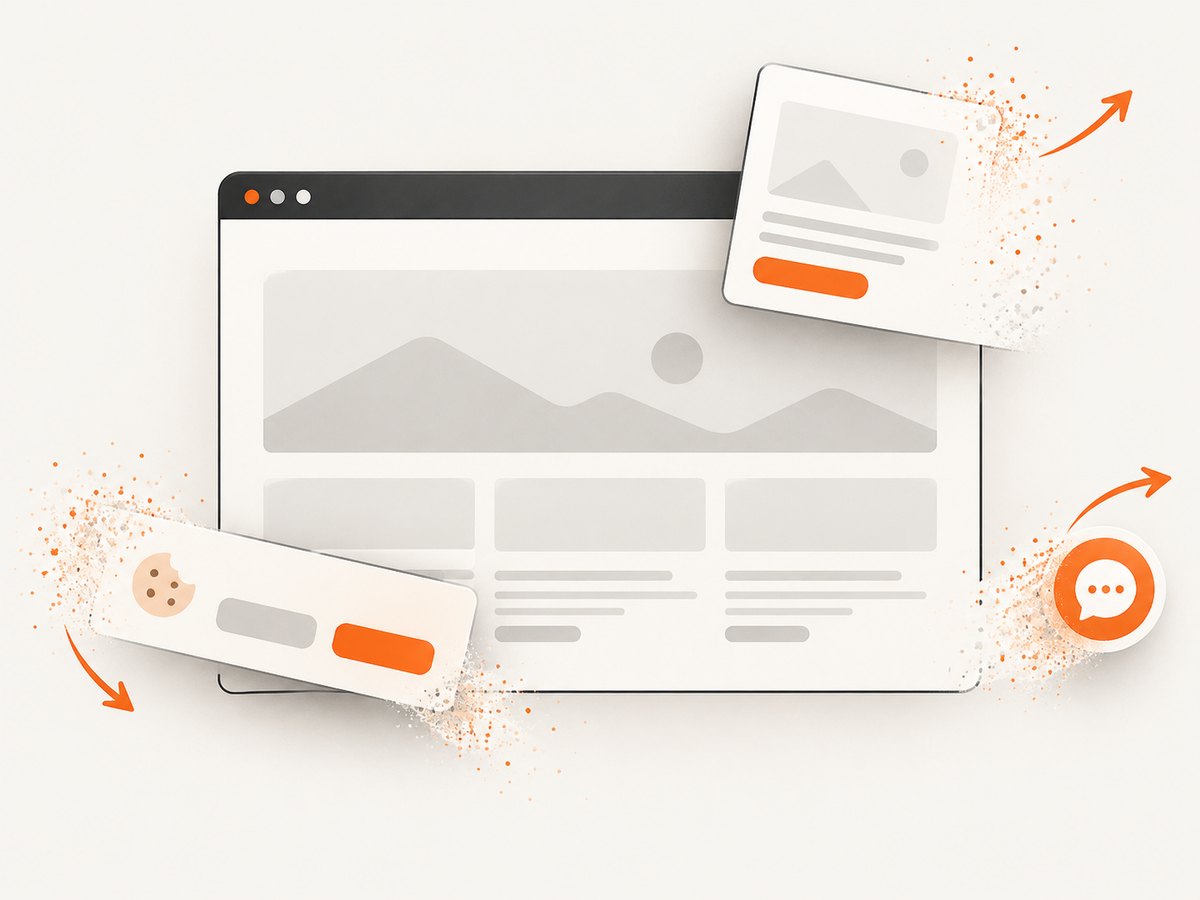
If you need screenshots without maintaining a browser pool, ScreenshotNeo provides a single GET request that returns PNG, JPEG, WebP, or PDF. Its capture pipeline accepts cookie and consent banners and removes more than 60 known consent platforms, newsletter popups, and chat widgets before the shot. Bot checks, blank pages, timeouts, failed loads, and cache hits are not billed, and each response identifies the result with X-Page-Verdict and X-Billed headers.
See the ScreenshotNeo API documentation for all options, including full-page and element capture, device presets, dark mode, custom CSS and JavaScript, waits, blocking rules, headers, cookies, geolocation, caching, signed links, async jobs, bulk capture, and usage reporting.
cURL
curl -G "https://api.screenshotneo.com/v1/shot" -d access_key=YOUR_API_KEY --data-urlencode url=https://stripe.com -o shot.webpPython
import requests
r = requests.get("https://api.screenshotneo.com/v1/shot", params={"access_key": "YOUR_API_KEY", "url": "https://stripe.com"}, timeout=90)
open("shot.webp", "wb").write(r.content)
Node.js
const q = new URLSearchParams({ access_key: 'YOUR_API_KEY', url: 'https://stripe.com' }); const res = await fetch(`https://api.screenshotneo.com/v1/shot?${q}`);ScreenshotNeo also includes an MCP server with take_screenshot, get_page_info, and capture_pdf tools for Claude, Cursor, and other MCP clients. The Free plan includes 1,000 screenshots per month with no card; paid plans start at $5 for 3,000 screenshots. Create a free ScreenshotNeo account.
FAQ
Should I rate-limit the Cloudflare API or my screenshot URL?
Rate-limit the incoming screenshot URL with a zone WAF rule. Cloudflare’s API quota only controls configuration API calls.
Is an IP-based rule enough?
It is a reasonable baseline for anonymous traffic, but shared networks can cause false positives. Authenticated API-key characteristics are fairer for multi-tenant services.
Can a WAF rule guarantee exactly 100 requests?
No. Counters can lag by a few seconds, so treat the threshold as an enforcement target and retain capacity for some overshoot.
When should I use an account-level ruleset?
Use it when one policy must cover multiple zones and your plan supports the documented account-level procedure. For one API hostname, a zone rule is simpler.
Does blocking prevent screenshot rendering costs?
Requests blocked at the edge should not reach your browser workers, but you still need application metrics and quotas to understand rendering consumption and tenant spend.


