How to Combine Two HTML2Canvas Captures into One Canvas
Combine two html2canvas results vertically, horizontally, or with custom offsets using Canvas 2D, with complete code and fixes for CORS and size errors.
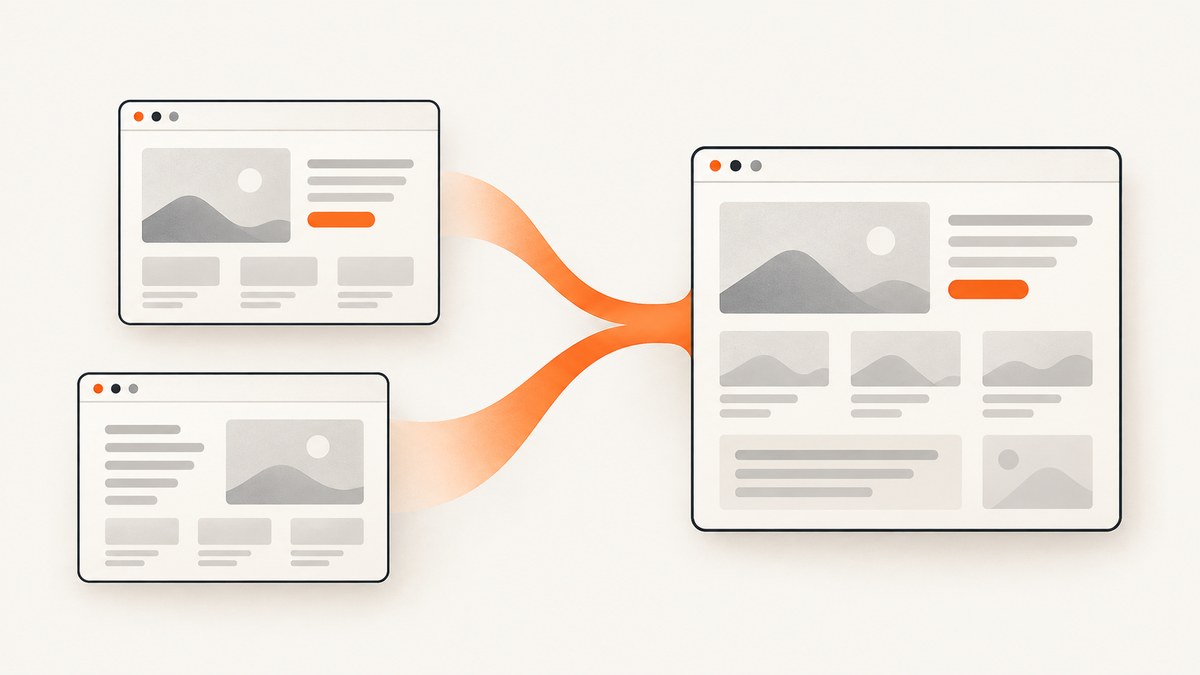
To combine two html2canvas captures, wait for both promises to resolve, create a destination canvas sized for your layout, and draw each source canvas with the Canvas 2D API’s drawImage(). Use the source canvases’ bitmap width and height when calculating positions.
Complete vertical composition
This example captures two elements and places the second below the first. html2canvas() returns a Promise that resolves with a canvas element, so Promise.all() lets both independent captures run before composition.
<script src="https://cdn.jsdelivr.net/npm/html2canvas@1.4.1/dist/html2canvas.min.js"></script>
The official html2canvas documentation describes the asynchronous capture result. The Canvas 2D HTML Standard defines the canvas drawing and serialization APIs.
Side-by-side composition
For a horizontal layout, add the source widths and use the taller source height. The second image starts at the first image’s width.
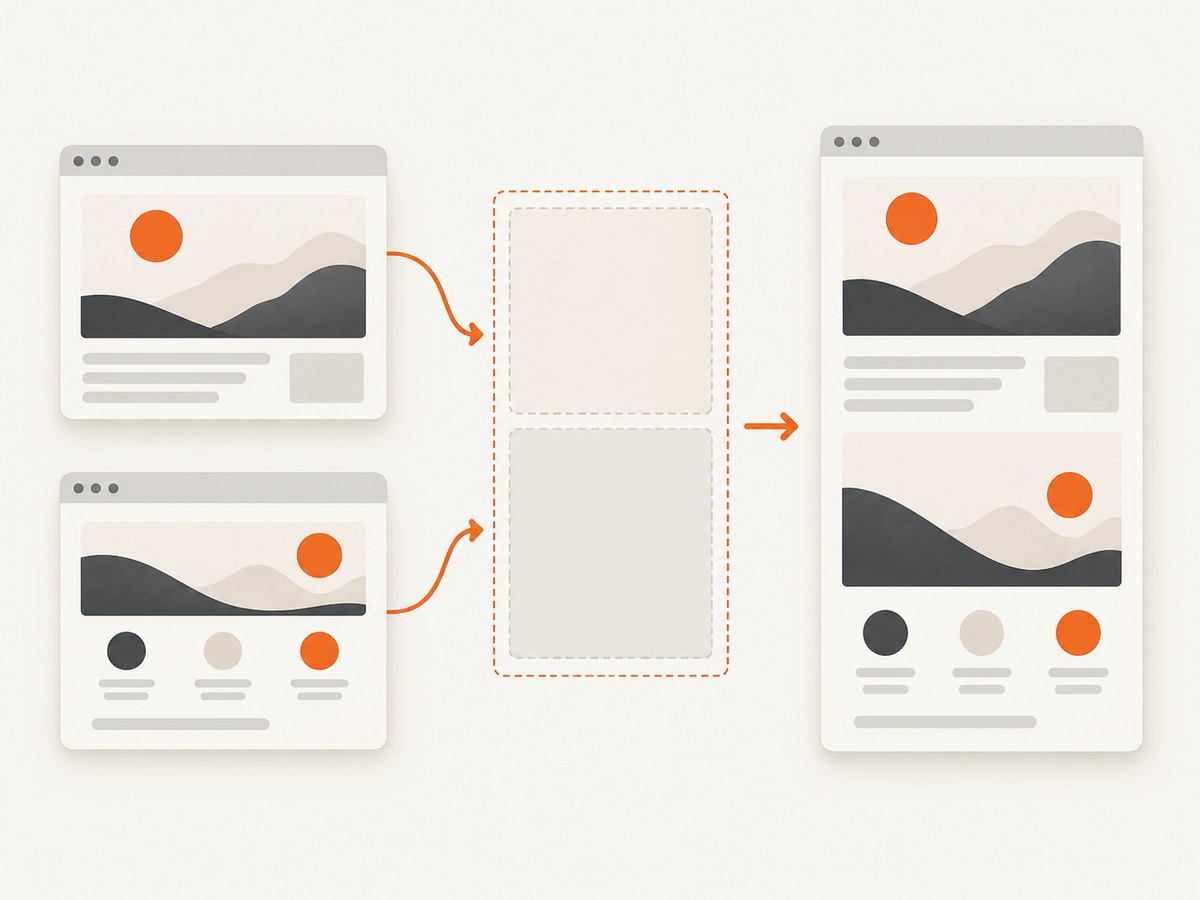
async function combineSideBySide(firstElement, secondElement) {
  const [first, second] = await Promise.all([
    html2canvas(firstElement),
    html2canvas(secondElement),
  ]);

  const gap = 24;
  const combined = document.createElement('canvas');
  combined.width = first.width + gap + second.width;
  combined.height = Math.max(first.height, second.height);

  const context = combined.getContext('2d');
  context.drawImage(first, 0, 0);
  context.drawImage(second, first.width + gap, 0);
  return combined;
}

combineSideBySide(
  document.querySelector('#first'),
  document.querySelector('#second')
).then(canvas => document.body.appendChild(canvas));
Custom layouts, offsets, and overlap
Composition is just geometry plus draw order. Calculate the bounding box that contains every destination rectangle, then draw each source at its chosen coordinate. Later calls are painted above earlier calls.
async function composeWithOffsets() {
  const [a, b] = await Promise.all([
    html2canvas(document.querySelector('#first'), { backgroundColor: '#ffffff' }),
    html2canvas(document.querySelector('#second'), { backgroundColor: null }),
  ]);

  const placements = [
    { image: a, x: 40, y: 30 },
    { image: b, x: 180, y: 120 },
  ];
  const padding = 20;
  const right = Math.max(...placements.map(p => p.x + p.image.width));
  const bottom = Math.max(...placements.map(p => p.y + p.image.height));

  const combined = document.createElement('canvas');
  combined.width = right + padding;
  combined.height = bottom + padding;
  const context = combined.getContext('2d');
  context.fillStyle = '#ffffff';
  context.fillRect(0, 0, combined.width, combined.height);

  for (const placement of placements) {
    context.drawImage(placement.image, placement.x, placement.y);
  }
  return combined;
}
Export the combined canvas
Use toBlob() for an efficient file download or upload. Use toDataURL() only when a data URL is specifically required because it creates a larger in-memory string.
function downloadCanvas(canvas, filename = 'combined.png') {
  canvas.toBlob(blob => {
    if (!blob) throw new Error('Canvas export failed');
    const link = document.createElement('a');
    link.href = URL.createObjectURL(blob);
    link.download = filename;
    link.click();
    URL.revokeObjectURL(link.href);
  }, 'image/png');
}

function canvasDataUrl(canvas) {
  return canvas.toDataURL('image/png');
}
Resolution and scaling
html2canvas defaults its scale to window.devicePixelRatio. Therefore, bitmap dimensions can be larger than CSS dimensions. Use canvas.width and canvas.height to preserve native bitmap resolution:
const combined = document.createElement('canvas');
combined.width = Math.max(first.width, second.width);
combined.height = first.height + second.height;
If you want a CSS-pixel-sized output, choose a target scale deliberately and apply it consistently to every source and destination. Mixing CSS measurements with bitmap measurements causes gaps, clipping, or unexpected resampling.
const targetScale = 1;
const outputWidth = Math.max(first.width, second.width) / window.devicePixelRatio * targetScale;
const outputHeight = (first.height + second.height) / window.devicePixelRatio * targetScale;
const output = document.createElement('canvas');
output.width = Math.round(outputWidth);
output.height = Math.round(outputHeight);
const ctx = output.getContext('2d');
ctx.drawImage(first, 0, 0, first.width / window.devicePixelRatio * targetScale, first.height / window.devicePixelRatio * targetScale);
ctx.drawImage(second, 0, first.height / window.devicePixelRatio * targetScale, second.width / window.devicePixelRatio * targetScale, second.height / window.devicePixelRatio * targetScale);
Capture options that affect the result
scale: controls bitmap density; higher values increase sharpness and memory use.backgroundColor: set a color for an opaque export ornullfor transparency where supported.useCORS: requests CORS-enabled images, but only works when the remote server sends suitable CORS headers.allowTaint: may allow drawing cross-origin content, but a tainted canvas cannot be read or exported.windowWidthandwindowHeight: set the virtual viewport used while rendering.scrollXandscrollY: control the scroll position used for the capture.foreignObjectRendering: can help with some browser-rendered content, but support depends on browser behavior.
Review the project’s configuration reference for the exact option names and defaults.
Cross-origin images and tainted canvases
When a source capture contains an image or other resource from another origin, browser security rules can taint the canvas. Drawing that canvas into a third canvas does not remove the taint. Export then fails with a security error or returns no usable data.
const capture = await html2canvas(element, {
  useCORS: true,
});

try {
  capture.toBlob(blob => console.log(blob));
} catch (error) {
  console.error('The canvas is not origin-clean:', error);
}
useCORS: true requires the remote server to send an appropriate Access-Control-Allow-Origin header. If you control the application, serve the asset from the same origin or configure CORS. Otherwise, fetch it through a same-origin proxy that you operate and that complies with the resource owner’s rules. The html2canvas FAQ explains this limitation.
Parallel versus sequential capture
Promise.all() minimizes waiting when the captures are independent, but two large renders can use substantial memory at the same time. Capture sequentially when memory is constrained or when the second render depends on state changed after the first.
// Parallel
const [first, second] = await Promise.all([
  html2canvas(firstElement),
  html2canvas(secondElement),
]);

// Sequential
const first = await html2canvas(firstElement);
// Update the page here if required.
const second = await html2canvas(secondElement);
Large canvases and performance
- Reduce
scalewhen the output does not need device-pixel density. - Capture only the required elements instead of the entire document.
- Compose immediately and release references to source canvases when finished.
- Prefer
toBlob()over a large base64 data URL for uploads and downloads. - Test the largest expected page on the browsers and devices you support.
Canvas limits vary by browser and platform. Oversized canvases can be blank, clipped, or fail without a useful exception, so validate dimensions before rendering and provide a smaller-output fallback. These limits are approximate rather than guaranteed values.
Common errors and fixes
| Symptom | Likely cause | Fix |
|---|---|---|
Cannot read properties of null |
The selector did not match an element. | Check the selector and wait until the DOM is ready before calling html2canvas. |
| Second image is clipped | Destination width or height is too small. | Recalculate using bitmap dimensions and include gaps and offsets. |
| Output is blurry | Source or destination was downscaled. | Preserve source bitmap dimensions or set a deliberate, consistent scale. |
| Export throws a security error | A cross-origin resource tainted a source canvas. | Use same-origin assets, valid CORS headers with useCORS, or a same-origin proxy. |
| Capture is blank | Unsupported CSS, a not-yet-loaded resource, or canvas-size limits. | Wait for fonts and images, simplify unsupported styles, reduce dimensions, and inspect each source canvas before composing. |
| One capture reflects the wrong state | Parallel captures ran while the page was changing. | Capture sequentially around the state change. |
| Memory spikes or the tab crashes | Two high-resolution sources plus a large destination exist simultaneously. | Lower scale, capture sequentially, reduce target dimensions, and release references after export. |
Debug each stage separately
const first = await html2canvas(document.querySelector('#first'));
const second = await html2canvas(document.querySelector('#second'));

console.log({
  first: [first.width, first.height],
  second: [second.width, second.height],
});
document.body.append(first, second); // Inspect source renders before composition.

const combined = document.createElement('canvas');
combined.width = Math.max(first.width, second.width);
combined.height = first.height + second.height;
const ctx = combined.getContext('2d');
ctx.drawImage(first, 0, 0);
ctx.drawImage(second, 0, first.height);
document.body.appendChild(combined);
Or skip the browser setup
ScreenshotNeo provides a website screenshot API when you need a rendered page rather than client-side DOM composition. The request returns PNG, JPEG, WebP, or PDF; see the API documentation for all options.
curl -G "https://api.screenshotneo.com/v1/shot" -d access_key=YOUR_API_KEY --data-urlencode url=https://stripe.com -o shot.webpimport requests
r = requests.get("https://api.screenshotneo.com/v1/shot", params={"access_key": "YOUR_API_KEY", "url": "https://stripe.com"}, timeout=90)
open("shot.webp", "wb").write(r.content)const q = new URLSearchParams({ access_key: 'YOUR_API_KEY', url: 'https://stripe.com' });
const res = await fetch(`https://api.screenshotneo.com/v1/shot?${q}`);Cookie and consent banners, newsletter popups, and chat widgets are removed before the shot. Bot checks, blank pages, failed loads, timeouts, and cache hits are not billed, and response headers identify the page verdict and billing result. An MCP server lets Claude, Cursor, and other MCP clients call take_screenshot, get_page_info, and capture_pdf. The Free plan includes 1,000 screenshots per month with no card; paid plans start at $5 for 3,000 shots.
Create a free ScreenshotNeo account.
FAQ
Can I merge more than two captures?
Yes. Store the captures in an array, calculate the required bounding box from every placement, then call drawImage() for each item in z-order.
Why are my CSS sizes different from canvas sizes?
Canvas bitmap dimensions include the html2canvas scale, which defaults to device pixel ratio. CSS pixels and bitmap pixels are different units.
Can I place one capture over another?
Yes. Draw the background first and the foreground second. Transparent pixels in the foreground allow the earlier image to show through.
Does html2canvas capture every CSS feature?
No. It reconstructs a rendering from DOM and style information, so unsupported CSS can differ from the live page. Inspect the individual source capture before blaming the composition step.
Should I use a data URL or Blob?
Use a Blob for normal downloads and uploads. Use a data URL when an inline string is required and the output is small enough for the extra memory cost.


