How to Combine –window-status and –javascript-delay in wkhtmltopdf
Learn what wkhtmltopdf waits for when you combine --window-status and --javascript-delay, with reliable patterns, code, troubleshooting, and alternatives.

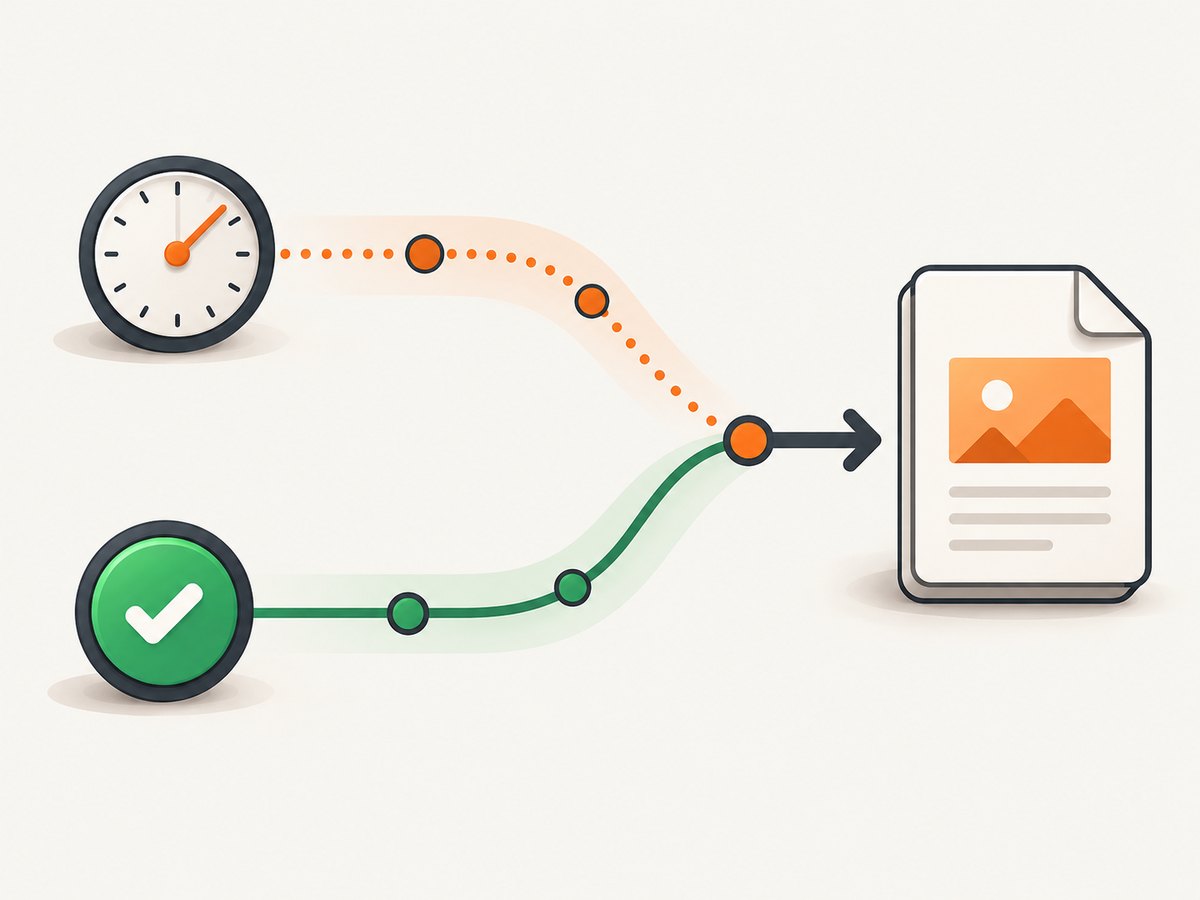
Short answer: --window-status waits for the page to set window.status to a specified value. --javascript-delay waits a fixed number of milliseconds after page loading (the documented default is 200 ms). The official wkhtmltopdf reference does not define which condition wins when both are supplied. A report from wkhtmltopdf 0.12.2.1 said the command appeared to wait for the longer interval, but that is version-specific evidence rather than a rule you can rely on.
For predictable rendering, make your page set a distinctive status only after the required asynchronous work is complete. Use a modest delay only when you have validated the behavior of the exact wkhtmltopdf binary, operating system, and page. The command shape is:
wkhtmltopdf --window-status pdf-ready --javascript-delay 500 https://example.com report.pdfThe value 500 is only an example. Neither the upstream documentation nor the historical report establishes an optimal delay or universal precedence rule.
What each option means
The wkhtmltopdf usage reference defines --window-status <windowStatus> as waiting until window.status equals the supplied value. This is a page-controlled readiness signal: application code decides when the document is ready for printing.
The same reference defines --javascript-delay <msec> as a wait for JavaScript to finish, with a documented default of 200 milliseconds. JavaScript is enabled by default; --disable-javascript turns it off. The library settings documentation describes the related load.jsdelay setting as time to wait after page load before printing, or until JavaScript calls window.print(). That library description gives context, but it does not specify interaction with the CLI status condition.
| Option | Readiness model | What controls completion | Main limitation |
|---|---|---|---|
--window-status VALUE |
Explicit sentinel | Your page sets window.status |
Hangs or times out operationally if the page never sets the value; combined timeout behavior is undocumented |
--javascript-delay MS |
Fixed elapsed time | wkhtmltopdf’s timer | A short value can capture incomplete content; a long value adds latency |
What happens when both flags are supplied?
Do not document a universal “first condition wins” or “longer condition wins” behavior. The upstream usage reference lists both options but does not describe their precedence, timeout semantics, or behavior when the status value never arrives.
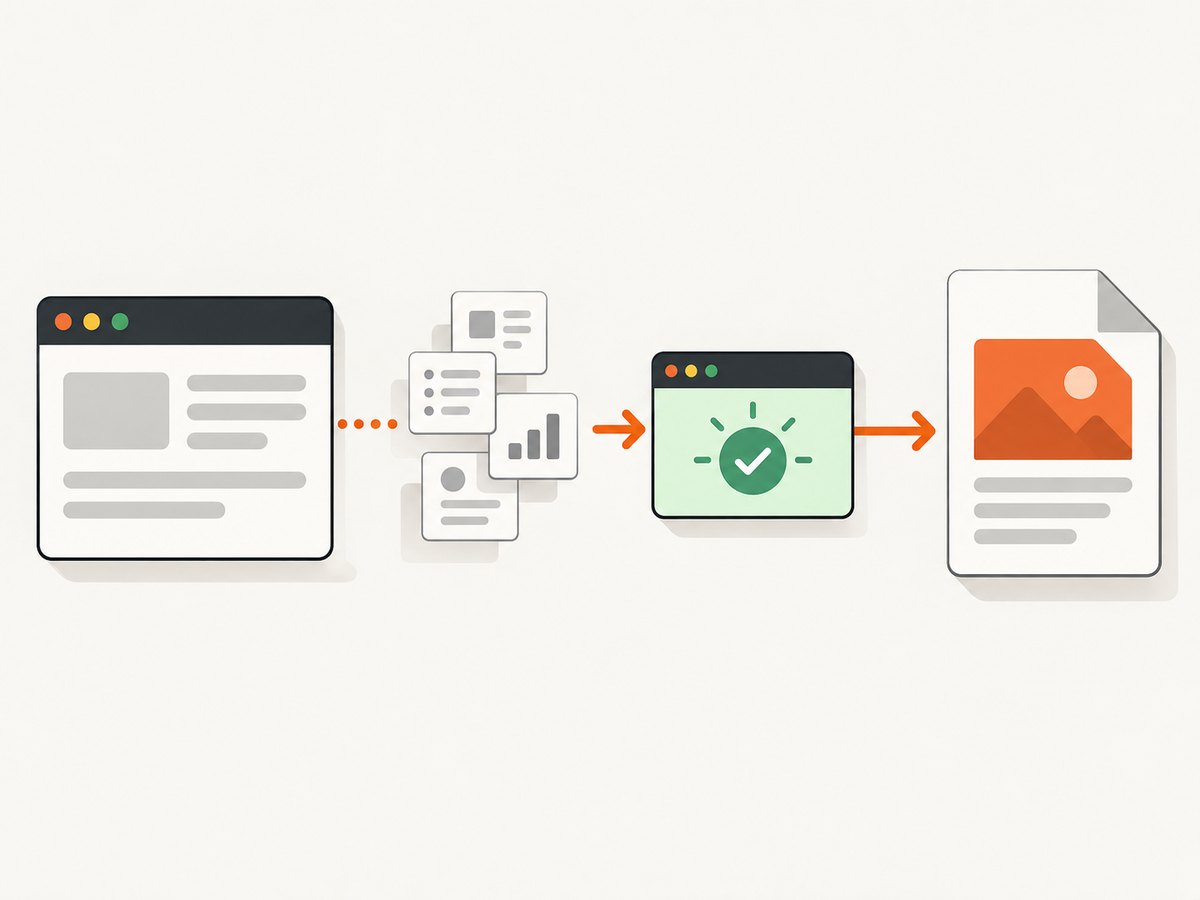
A 2015 report for version 0.12.2.1 said that a combined invocation appeared to wait for the longer of the two waits. Treat that as an observation from one build and setup, not a compatibility guarantee. Different Qt/WebKit builds, operating systems, page behavior, and patched distributions can produce different results. If exact timing matters, run the invocation on the binary you deploy and record the version with wkhtmltopdf --version.
Recommended readiness pattern
Use a sentinel that is assigned only after every resource required in the PDF has rendered. The sentinel should be unique to this export so that unrelated scripts cannot accidentally satisfy it.
1. Add a readiness marker to the page
<script>
(async function () {
  try {
    await renderCharts();
    await loadImagesNeededForPdf();
    document.documentElement.classList.add('pdf-ready');
    window.status = 'invoice-pdf-ready-v1';
  } catch (error) {
    window.status = 'invoice-pdf-error';
    console.error(error);
  }
})();
</script>
Set the status after the final operation, rather than immediately after the initial page load. If a failure path exists, expose a different value and make your calling process detect it where possible. A status sentinel is a clearer contract than guessing how long a particular network request or chart animation will take.
2. Capture using the sentinel
wkhtmltopdf \
  --window-status invoice-pdf-ready-v1 \
  https://app.example.com/invoices/123 \
  invoice-123.pdf
Keep JavaScript enabled unless the page is entirely static. Do not combine this with --disable-javascript; that prevents the page from setting the sentinel.
3. Add a settling delay only when you have a reason
wkhtmltopdf \
  --window-status invoice-pdf-ready-v1 \
  --javascript-delay 300 \
  https://app.example.com/invoices/123 \
  invoice-123.pdf
This can provide a short settling interval for late layout work, but the combined semantics are not specified. Validate it against your target build. If the page already sets the sentinel after all rendering is complete, start without a delay and add one only to address a reproducible layout race.
Complete command-line examples
Static page with a fixed delay
wkhtmltopdf \
  --javascript-delay 1000 \
  --enable-javascript \
  https://example.com/dashboard \
  dashboard.pdf
This is appropriate when you control the page timing and can tolerate a fixed wait. The explicit --enable-javascript is redundant because JavaScript is enabled by default, but it documents the intent.
Page-controlled completion without a delay
wkhtmltopdf \
  --window-status dashboard-ready \
  https://example.com/dashboard \
  dashboard.pdf
Local HTML file
wkhtmltopdf \
  --window-status export-ready \
  --javascript-delay 250 \
  file:///var/tmp/export.html \
  /var/tmp/export.pdf
When local assets are required, confirm that the build and security settings permit the needed local-file access. Keep user-controlled HTML and scripts out of a privileged rendering process.
Useful neighboring options
| Option | Use |
|---|---|
--enable-javascript |
Explicitly keep JavaScript enabled; it is the default. |
--disable-javascript |
Disable scripts; incompatible with a page-set window.status sentinel. |
--run-script SCRIPT |
Run additional JavaScript after page load when your build supports it. |
--no-stop-slow-scripts |
Change handling of scripts considered slow; use cautiously because a runaway script can prevent completion. |
--debug-javascript |
Expose JavaScript errors for diagnosis. |
--quiet |
Reduce normal output in automation; disable while troubleshooting. |
Option availability and behavior can vary between wkhtmltopdf packages. Always inspect wkhtmltopdf --extended-help on the deployed binary and pin the package version used by production jobs.
Calling wkhtmltopdf from Python
import subprocess
from pathlib import Path

url = "https://app.example.com/dashboard"
out = Path("dashboard.pdf")

cmd = [
    "wkhtmltopdf",
    "--window-status", "dashboard-ready",
    "--javascript-delay", "300",
    url,
    str(out),
]

completed = subprocess.run(cmd, text=True, capture_output=True)
if completed.returncode != 0:
    raise RuntimeError(
        f"wkhtmltopdf failed ({completed.returncode}): {completed.stderr}"
    )
print(f"Wrote {out}")
Use a process-level timeout in production so a page that never sets the sentinel cannot consume a worker indefinitely:
try:
    subprocess.run(cmd, check=True, timeout=90)
except subprocess.TimeoutExpired:
    raise RuntimeError("PDF capture exceeded 90 seconds")
Calling wkhtmltopdf from Node.js
import { execFile } from "node:child_process";
import { promisify } from "node:util";

const execFileAsync = promisify(execFile);

const args = [
  "--window-status", "dashboard-ready",
  "--javascript-delay", "300",
  "https://app.example.com/dashboard",
  "dashboard.pdf"
];

try {
  await execFileAsync("wkhtmltopdf", args, { timeout: 90_000 });
  console.log("Wrote dashboard.pdf");
} catch (error) {
  console.error("wkhtmltopdf failed:", error.stderr || error.message);
  process.exitCode = 1;
}
Calling the process from cURL-based workflows
wkhtmltopdf is a local executable rather than an HTTP service, so cURL cannot invoke it directly. A common pattern is to submit a URL to your own job endpoint, then let the worker run the command above. Ensure the worker validates allowed URLs and does not accept arbitrary shell fragments.
Reliability and performance guidance
- Prefer application readiness. A sentinel tied to the final render step avoids both premature captures and unnecessarily long fixed waits.
- Bound every job. Use a subprocess timeout, queue-level deadline, and maximum output size.
- Log the environment. Record wkhtmltopdf version, operating system, command arguments (excluding secrets), URL hostname, elapsed time, exit code, and stderr.
- Keep pages deterministic. Disable animations for export, use stable data, and wait for fonts, images, charts, and API calls that affect the PDF.
- Retry selectively. Retry transient network failures, but do not repeatedly retry a page whose sentinel is never set without investigating the page.
- Measure both latency and completeness. A shorter delay is not an improvement if it produces missing content.
There is no documented precedence rule to optimize around. Treat the target binary as the source of truth and test representative pages after upgrades.
Troubleshooting
The command finishes before charts or images appear
Cause: the fixed delay is shorter than the page’s asynchronous work, or the sentinel is set too early. Fix: move window.status to the final completion callback, wait for image and font loads, and use a delay only as a validated settling interval.
The command never finishes
Cause: the page never sets the requested status, JavaScript failed, the wrong value was used, or a long-running script blocks the renderer. Fix: open the page in a browser console, verify the exact status string, run with --debug-javascript, inspect stderr, and enforce a process timeout.
The status condition seems ignored
Cause: JavaScript was disabled, the page is not the document setting the status, or a wrapper altered the arguments. Fix: remove --disable-javascript, verify the final command with logging, and set the status on the top-level page being printed.
Adding a delay changes the result unpredictably
Cause: combined-condition behavior is undocumented and can vary by build. Fix: test the exact version, record the observed behavior, and prefer a sentinel-only command when the page can provide a reliable readiness signal.
JavaScript errors are hidden
Cause: quiet mode or default logging suppresses useful diagnostics. Fix: remove --quiet, add --debug-javascript, and capture stderr in the calling application.
Rendering untrusted HTML creates a security risk
The project warns not to use wkhtmltopdf with untrusted HTML unless user-supplied HTML and JavaScript are sanitized, because it can lead to complete server takeover. Isolate the renderer, restrict outbound access, validate URLs, and never pass unsanitized input into shell arguments.
Or skip the browser setup
ScreenshotNeo provides a website screenshot API and MCP server. It handles the capture browser for you, so there is no wkhtmltopdf binary or readiness script to maintain. See the ScreenshotNeo documentation for the complete API reference.
curl -G "https://api.screenshotneo.com/v1/shot" -d access_key=YOUR_API_KEY --data-urlencode url=https://stripe.com -o shot.webpimport requests
r = requests.get("https://api.screenshotneo.com/v1/shot", params={"access_key": "YOUR_API_KEY", "url": "https://stripe.com"}, timeout=90)
open("shot.webp", "wb").write(r.content)const q = new URLSearchParams({ access_key: 'YOUR_API_KEY', url: 'https://stripe.com' }); const res = await fetch(`https://api.screenshotneo.com/v1/shot?${q}`);Before capture, ScreenshotNeo accepts cookie and consent banners and removes more than 60 known consent platforms, newsletter popups, and chat widgets; each step can be turned off. Bot checks, blank pages, timeouts, failed loads, and cache hits are not billed, and response headers identify the page verdict and whether the shot was billed. Its MCP server provides take_screenshot, get_page_info, and capture_pdf tools for Claude, Cursor, and other MCP clients. The Free plan includes 1,000 screenshots each month with no card; paid plans start at $5 for 3,000.
Create a free ScreenshotNeo account to get started.
FAQ
Is –javascript-delay required with –window-status?
No. A correctly placed status sentinel can be sufficient. Add a delay only for a demonstrated settling requirement on your target build.
What is the default JavaScript delay?
The CLI reference lists 200 milliseconds. That is a documented default, not a recommendation for every page.
Can I use window.status with JavaScript disabled?
No. The page needs JavaScript to assign the status value.
Does the longer wait always win?
No documented rule says that. One 0.12.2.1 report observed the longer wait, but you must validate your deployed binary.
How should I test an upgrade?
Run sentinel-only, delay-only, and combined commands against pages with known asynchronous work. Compare completion time and PDF completeness, then pin the verified binary.


