16 Common SCP Commands With Examples
Learn 16 practical scp commands for uploads, downloads, directories, SSH keys, ports, jump hosts, and remote-to-remote transfers.

scp copies files between local and remote systems over SSH. Its general syntax is:
scp [options] source ... targetOpenSSH has used SFTP as the transfer protocol behind scp by default since version 9.0. Use -O when you need the legacy SCP protocol for compatibility. The examples below assume OpenSSH is installed, SSH access works, and the source and destination permissions are correct. See the OpenSSH scp manual and the OpenBSD scp manual for version-specific details.
1. Upload one local file
scp ./report.txt alice@example.com:/srv/incoming/This sends report.txt to the remote directory. The directory must already exist and be writable by alice.
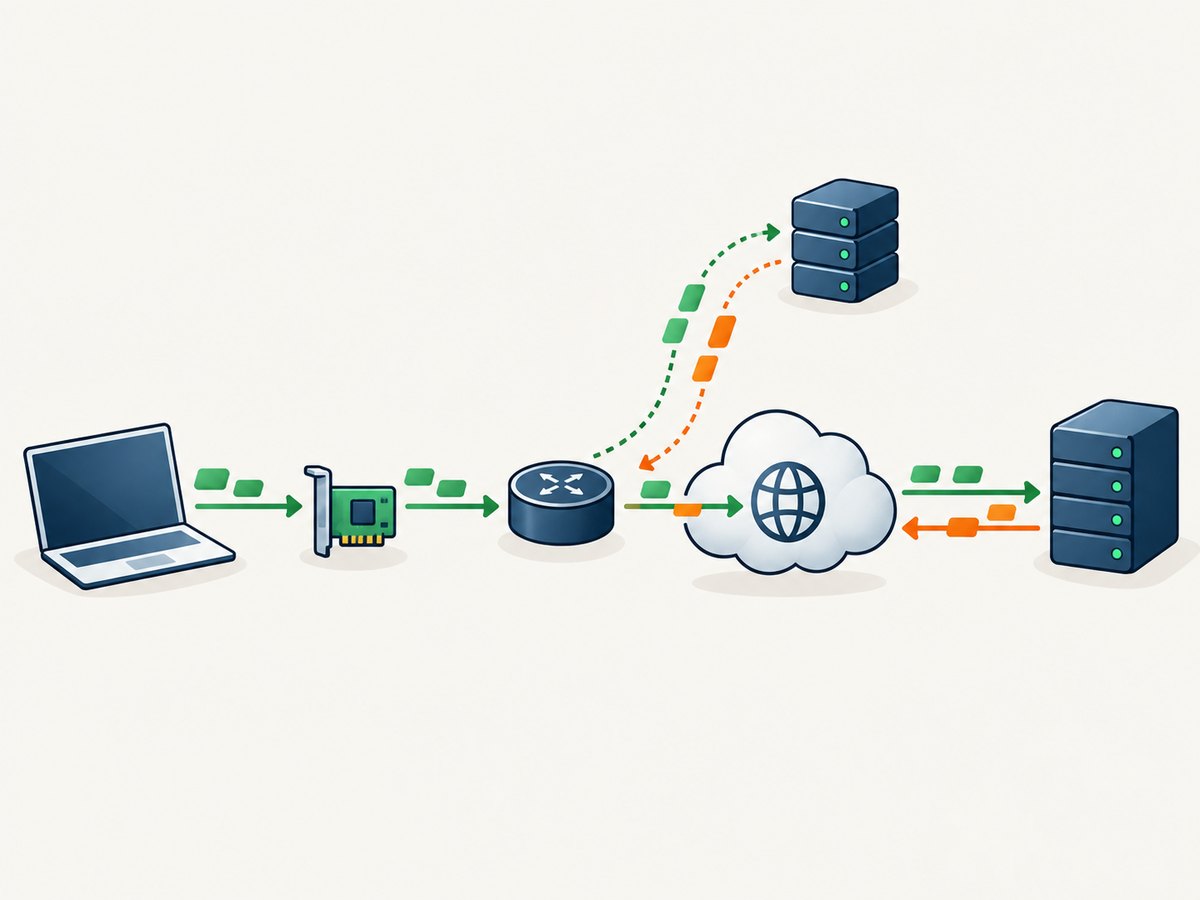
2. Download one remote file
scp alice@example.com:/srv/incoming/report.txt ./The file is copied into the current local directory. Add a local filename to rename it:
scp alice@example.com:/srv/incoming/report.txt ./report-copy.txt3. Upload a directory tree
scp -r ./site alice@example.com:/srv/www/-r recursively copies directories. OpenSSH follows symbolic links encountered during traversal, so review links before copying a tree.
4. Preserve timestamps and mode bits
scp -p ./report.txt alice@example.com:/srv/incoming/Lowercase -p preserves modification times, access times, and file mode bits. It is different from uppercase -P, which selects a port.
5. Use a non-default SSH port
scp -P 2222 ./report.txt alice@example.com:/srv/incoming/-P sets the SSH port. Port values are case-sensitive in the option syntax: -p preserves attributes, while -P sets the port.
6. Select an SSH identity file
scp -i ~/.ssh/work_key ./report.txt alice@example.com:/srv/incoming/-i selects the private key used for public-key authentication. Protect the private key file with appropriate local permissions.
7. Connect through a jump host
scp -J bastion.example.com ./report.txt alice@internal.example.com:/srv/incoming/-J configures a ProxyJump host. Multiple jump hosts can be comma-separated:
scp -J jump1.example.com,jump2.example.com ./report.txt alice@internal.example.com:/srv/incoming/8. Limit transfer bandwidth
scp -l 800 ./archive.tar alice@example.com:/srv/incoming/-l limits the transfer to the specified number of Kbit/s. Choose a value that leaves capacity for interactive traffic.
9. Request SSH compression
scp -C ./archive.tar alice@example.com:/srv/incoming/-C requests SSH compression. Whether it helps depends on the data and connection; already-compressed archives may gain little or become slower because of CPU overhead.
10. Suppress progress and diagnostics
scp -q ./large-file.bin alice@example.com:/srv/incoming/-q disables the progress meter and warning or diagnostic messages. Use it in quiet automation only after normal interactive runs succeed, because it removes useful troubleshooting output.
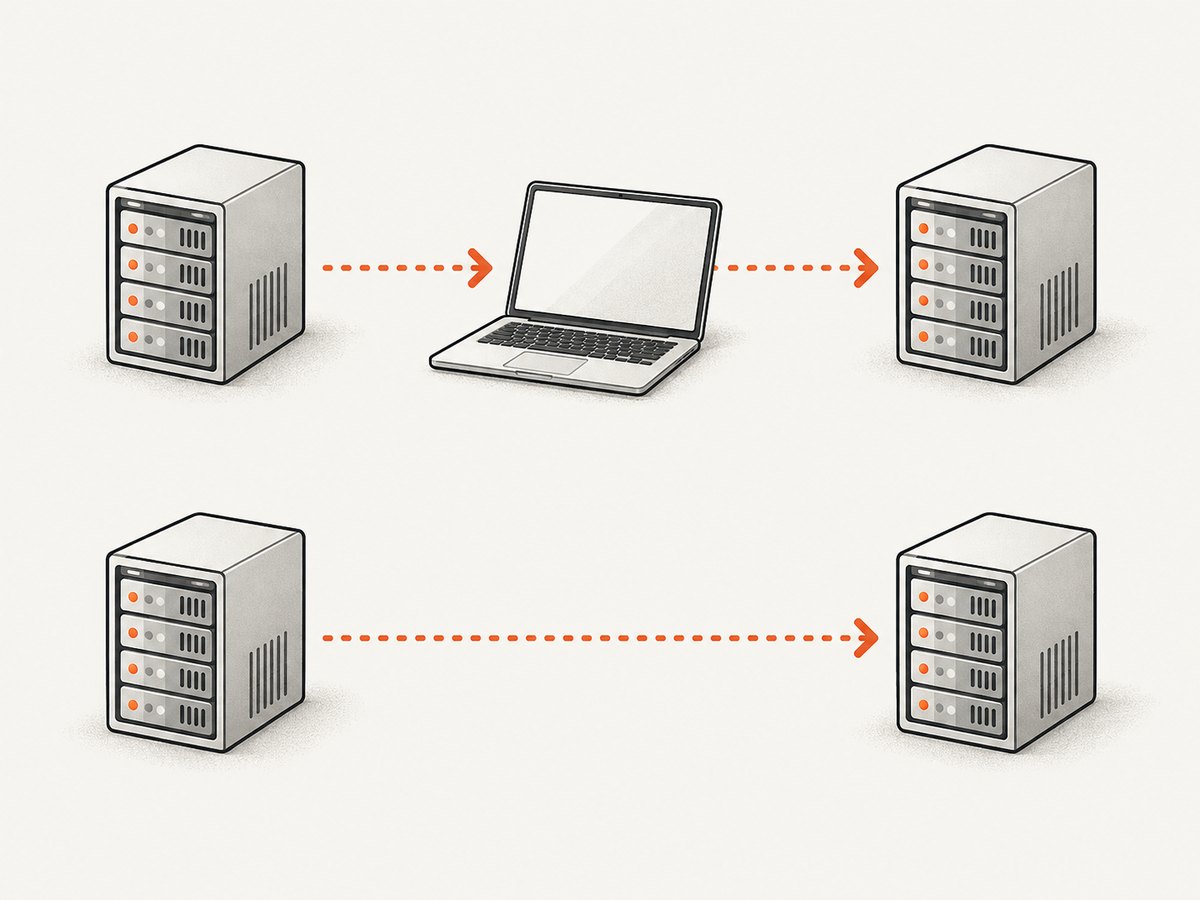
11. Copy between two remote hosts through your local machine
scp -3 alice@host-a:/data/file bob@host-b:/backup/-3 routes the data through the local client. Your local machine therefore carries the traffic and must be able to authenticate to both hosts.
12. Combine recursion and preservation
scp -p -r ./site alice@example.com:/srv/www/Options can be combined. This command recursively copies the directory and preserves source times and mode bits.
13. Request the legacy SCP protocol
scp -O ./report.txt alice@example.com:/srv/incoming/Since OpenSSH 9.0, SFTP is the default protocol. -O explicitly requests the legacy SCP protocol when an older server lacks SFTP support or when legacy wildcard or tilde behavior is required. Consult the local scp(1) manual because third-party implementations can differ.
14. Pass an SSH configuration option
scp -o ConnectTimeout=10 ./report.txt alice@example.com:/srv/incoming/-o accepts an option using ssh_config syntax. Other useful examples include:
scp -o ServerAliveInterval=30 ./report.txt alice@example.com:/srv/incoming/
scp -o StrictHostKeyChecking=yes ./report.txt alice@example.com:/srv/incoming/
15. Make an ambiguous remote path explicit
scp alice@example.com:/var/tmp/report.txt ./A colon separates the host from the remote path. If a filename itself contains a colon, use an explicit absolute or relative path and quote shell metacharacters or spaces:
scp 'alice@example.com:/var/tmp/month:09 report.txt' ./Exact quoting behavior varies by shell and protocol mode, so test unusual names with a harmless file first.
16. Copy directly between remote hosts
scp -R alice@host-a:/data/file bob@host-b:/backup/-R makes the origin host connect toward the destination. The origin must authenticate to the destination without an interactive password, usually through keys already available on host A. This differs from -3, where the local client relays the transfer.
Choosing the right command pattern
| Need | Pattern | Key consideration |
|---|---|---|
| Upload one file | scp file user@host:/dir/ |
Remote directory must be writable. |
| Download one file | scp user@host:/path/file ./ |
Local destination must be writable. |
| Copy a directory | scp -r dir user@host:/dir/ |
Symbolic links encountered during traversal are followed. |
| Preserve attributes | -p |
Preserves times and mode bits. |
| Use another port | -P PORT |
Uppercase P is required. |
| Use a key | -i KEY |
The key must authenticate the target account. |
| Reach a private host | -J BASTION |
ProxyJump connectivity and permissions must be configured. |
| Remote to remote | -3 or -R |
Choose whether local or origin host carries out the connection. |
Useful option reference
| Option | Purpose |
|---|---|
-3 |
Route remote-to-remote data through the local host. |
-B |
Use batch mode and disable password prompts. |
-C |
Request compression. |
-i file |
Select an identity file. |
-J host |
Use a jump host. |
-l limit |
Limit bandwidth in Kbit/s. |
-O |
Use the legacy SCP protocol. |
-o option=value |
Pass an SSH configuration option. |
-P port |
Set the SSH port. |
-p |
Preserve modification/access times and mode bits. |
-q |
Suppress progress and diagnostics. |
-r |
Recursively copy directories. |
-R |
Have the origin host connect to the destination in remote-to-remote mode. |
Automating scp
Shell script
#!/usr/bin/env bash
set -euo pipefail
scp -o ConnectTimeout=10 -i "$HOME/.ssh/work_key" ./build.tar.gz \
  deploy@example.com:/srv/releases/
Use an explicit key, timeout, and destination in unattended jobs. Avoid embedding passwords in scripts.
Python
import subprocess

subprocess.run([
    "scp",
    "-o", "ConnectTimeout=10",
    "-i", "/home/alice/.ssh/work_key",
    "./build.tar.gz",
    "deploy@example.com:/srv/releases/",
], check=True)
Node.js
import { spawn } from "node:child_process";

const child = spawn("scp", [
  "-o", "ConnectTimeout=10",
  "-i", "/home/alice/.ssh/work_key",
  "./build.tar.gz",
  "deploy@example.com:/srv/releases/",
], { stdio: "inherit" });

child.on("exit", (code) => {
  if (code !== 0) process.exit(code ?? 1);
});
cURL with SCP support
curl --user alice:password --upload-file ./report.txt \
  scp://example.com/srv/incoming/report.txt
This requires a cURL build with SSH support. Prefer key-based authentication and a protected credential mechanism in production.
Performance, reliability, and cost notes
- Throughput:
-Ccan help compressible data and hurt already-compressed data. The manual does not provide a universal speed guarantee. - Bandwidth:
-lis useful when a transfer must not consume the entire link. - Remote-to-remote traffic:
-3consumes local bandwidth;-Ravoids that path but requires origin-to-destination authentication and network reachability. - Retries:
scpdoes not provide a general resume workflow. For interrupted large transfers, verify the partial destination and choose a transfer method designed for resumption. - Reliability: Set
ConnectTimeout, keep diagnostics enabled while investigating failures, and verify exit status in scripts. - Cost: The command itself has no service fee, but transfers can consume bandwidth, compute, or egress allowances charged by your network or hosting provider.
Troubleshooting common errors
| Error or symptom | Likely cause | Fix |
|---|---|---|
Permission denied (publickey) |
Wrong key, account, or server authorization. | Check -i, username, and the server’s authorized keys. Run ssh -v with the same connection details. |
Connection timed out |
Wrong port, firewall, routing, or unreachable host. | Verify the hostname and use -P for the configured port. Check firewall and jump-host requirements. |
Connection refused |
No SSH service is listening on that port. | Confirm the SSH daemon and port on the server. |
No such file or directory |
Source path or remote destination directory is wrong. | Use absolute paths, check spelling, and create the destination directory if permitted. |
not a regular file |
A directory was supplied without recursion. | Add -r when copying a directory. |
| Legacy server rejects the transfer | Server lacks SFTP support or expects SCP behavior. | Try -O and confirm compatibility with the local manual. |
| Wildcard or tilde behaves unexpectedly | SFTP-default behavior differs from legacy SCP parsing. | Use explicit paths or try -O where legacy expansion is required. |
| Remote-to-remote asks for an unexpected password | -R requires origin-to-destination authentication. |
Install and authorize a key on the origin host, or use -3 so the local client authenticates to both hosts. |
| File mode or timestamps changed | Attributes were not preserved. | Use lowercase -p and verify the destination filesystem supports the attributes. |
| Script hangs waiting for input | Password or host-key prompt in a non-interactive job. | Preconfigure keys and host verification, set a timeout, and consider -B after interactive validation. |
Security checklist
- Use host keys and verify fingerprints before accepting a new server.
- Prefer least-privilege accounts and destination directories.
- Use dedicated keys with restricted server-side permissions for automation.
- Do not put passwords in shell history, source code, or process arguments.
- Quote paths containing spaces or shell metacharacters.
- Review symbolic links before recursive copies because
-rfollows links encountered during traversal.
Or skip the browser setup
If you need screenshots of deployment pages, runbooks, or transfer dashboards while documenting an SSH workflow, ScreenshotNeo provides a one-request website screenshot API. Cookie banners, newsletter popups, and chat widgets are removed before the shot; bot checks, blank pages, failed loads, timeouts, and cache hits are not billed. Its MCP server lets AI agents take screenshots, and the free plan includes 1,000 screenshots a month with no card; paid plans start at $5 for 3,000. See the ScreenshotNeo API docs.
curl -G "https://api.screenshotneo.com/v1/shot" -d access_key=YOUR_API_KEY --data-urlencode url=https://stripe.com -o shot.webpimport requests
r = requests.get("https://api.screenshotneo.com/v1/shot", params={"access_key": "YOUR_API_KEY", "url": "https://stripe.com"}, timeout=90)
open("shot.webp", "wb").write(r.content)const q = new URLSearchParams({ access_key: 'YOUR_API_KEY', url: 'https://stripe.com' });
const res = await fetch(`https://api.screenshotneo.com/v1/shot?${q}`);Create a free ScreenshotNeo account with 1,000 screenshots per month and no card.
FAQ
Is scp still secure after the SFTP default change?
OpenSSH still transports the command over SSH. The change affects the protocol used by default and compatibility behavior, not the basic command syntax.
Should I use -3 or -R?
Use -3 when the local machine should relay traffic and can authenticate to both hosts. Use -R when the origin host can reach and authenticate to the destination directly.
Does -p mean port?
No. Lowercase -p preserves attributes. Uppercase -P selects the port.
Can scp resume an interrupted file?
There is no general resume option in the documented command set. For large or unreliable transfers, verify partial files and use a transfer tool with explicit resume support when needed.
Where can I check flags on my system?
Run man scp or scp -h. Local OpenSSH versions and third-party implementations can expose different options.


