How to Compare Screenshots for Automated Visual Testing
Build reliable visual regression tests with Playwright: baselines, diff thresholds, noise control, CI review, troubleshooting, and ScreenshotNeo.
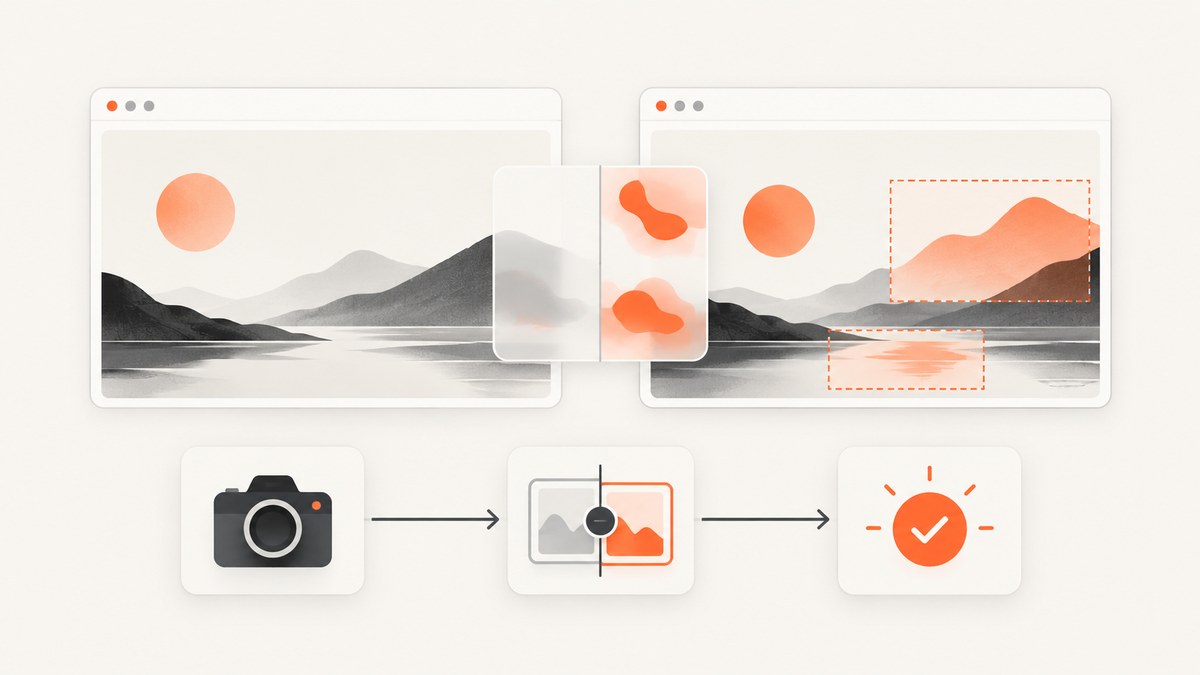
Screenshot comparison is a visual regression check: capture a known UI state, compare it with an approved baseline image, and review any difference before accepting or rejecting the change. In Playwright, the practical path is to use screenshot assertions in the Playwright Test runner, keep capture conditions repeatable, tune thresholds only for known rendering variation, and store diffs as CI artifacts.
This guide shows a complete Playwright workflow, explains the comparison controls and their trade-offs, covers dynamic content and flaky rendering, and finishes with a managed capture option using ScreenshotNeo.
1. The capture–compare–review loop
A visual test has four stages:
- Capture: run the application at a defined route, viewport, browser, data set, and UI state.
- Compare: compare the new image with the stored baseline.
- Review: inspect the diff and test context. A difference may be an intentional design change or a regression.
- Approve or fix: update the baseline only after confirming that the change is intended; otherwise fix the application and keep the old baseline.
This baseline workflow is described in Applitools’ visual testing overview. Screenshot comparison complements functional assertions; it does not prove that buttons, APIs, or business rules work.
2. A runnable Playwright example
Install Playwright and its browsers:
npm install -D @playwright/test
npx playwright install
Create tests/home.visual.spec.ts:
import { test, expect } from '@playwright/test';

test('home page matches the approved screenshot', async ({ page }) => {
  await page.goto('http://127.0.0.1:3000/', { waitUntil: 'networkidle' });
  await expect(page).toHaveScreenshot('home.png', {
    fullPage: true,
    animations: 'disabled',
    caret: 'hide',
    maxDiffPixels: 100,
    threshold: 0.2,
  });
});
Add a configuration that fixes the browser and viewport used for the baseline:
import { defineConfig } from '@playwright/test';

export default defineConfig({
  testDir: './tests',
  use: {
    browserName: 'chromium',
    viewport: { width: 1440, height: 900 },
    deviceScaleFactor: 1,
    colorScheme: 'light',
    locale: 'en-US',
    timezoneId: 'UTC',
    baseURL: 'http://127.0.0.1:3000',
  },
  expect: {
    toHaveScreenshot: {
      animations: 'disabled',
      caret: 'hide',
    },
  },
});
Generate the first baseline:
npx playwright test --update-snapshotsRun comparison mode in later changes:
npx playwright testWhen a test fails, Playwright reports the expected image, the actual image, and a diff image. Screenshot assertions and their controls are documented in PageAssertions and Visual comparisons.
3. Choose useful checkpoints
Start with small, meaningful checkpoints instead of capturing every page state. Good candidates include:
- A landing page at its primary desktop and mobile viewports.
- A checkout, sign-in, or settings flow after each user-visible milestone.
- Reusable components such as navigation, dialogs, tables, and charts.
- States that represent known visual risk: validation errors, empty results, long labels, dark mode, and responsive breakpoints.
Element screenshots reduce unrelated changes and make failures easier to interpret:
test('account card is stable', async ({ page }) => {
  await page.goto('/account');
  await expect(page.locator('[data-testid="account-card"]').first())
    .toHaveScreenshot('account-card.png');
});
Use full-page screenshots when layout below the fold matters. Use element screenshots when the surrounding page contains advertisements, rotating content, or other unrelated volatility.
4. Make captures deterministic
Baseline and current screenshots must represent the same state. Control:
- Route and data: seed fixtures or mock unstable API responses.
- Viewport and device scale: keep width, height, browser, and scale fixed.
- Fonts: install the same fonts in local and CI environments and wait for them before capture.
- Animations: disable transitions and animations, or wait until the intended state is reached.
- Time: freeze clocks or replace relative timestamps.
- Randomness: seed random values and stable IDs.
- Pointer state: move the mouse away and hide the caret when text inputs are involved.
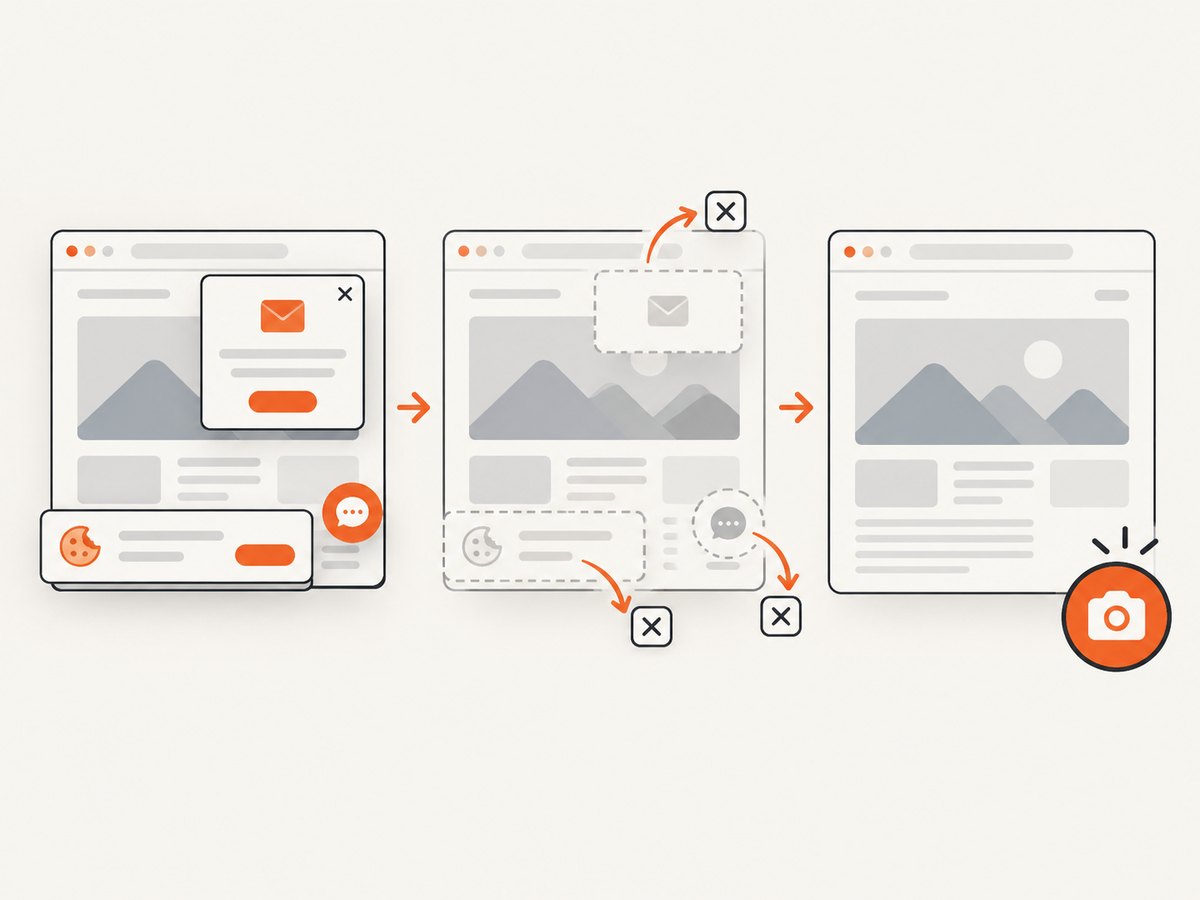
- Consent and overlays: dismiss cookie banners, tours, chat launchers, and newsletter dialogs before capture.
- Images: wait for lazy-loaded images and stable layout dimensions.
A simple readiness helper can make a checkpoint explicit:
await page.goto('/dashboard');
await page.evaluate(() => document.fonts.ready);
await page.locator('[data-testid="dashboard-ready"]').waitFor();
await expect(page).toHaveScreenshot('dashboard.png', { fullPage: true });
Do not hide every changing region by default. Mask only content that is intentionally variable, and keep a separate functional or data test for the masked behavior.
5. Tune Playwright comparison controls
| Control | What it changes | Use it when |
|---|---|---|
threshold |
Perceived color-difference tolerance for a pixel. | Minor anti-aliasing or color-rendering variation is expected. |
maxDiffPixels |
Maximum allowed number of different pixels. | A small, fixed amount of noise is acceptable. |
maxDiffPixelRatio |
Maximum allowed ratio of different pixels. | The image dimensions vary or a proportional limit is more meaningful. |
animations |
Controls animation handling during capture. | Transitions or moving elements cause inconsistent frames. |
caret |
Controls whether a text caret appears. | Inputs would otherwise blink between runs. |
fullPage |
Captures the complete scrollable page. | Below-the-fold layout is part of the contract. |
Playwright exposes both a color threshold and differing-pixel limits. There is no universal numeric threshold: begin strict, inspect representative failures, and relax only when the rendering variation is understood. A permissive setting can hide a real defect.
6. Baselines across browsers and viewports
Keep separate baselines for combinations that intentionally render differently. A Chromium desktop baseline should not silently become the expected image for Firefox mobile.
import { defineConfig, devices } from '@playwright/test';

export default defineConfig({
  projects: [
    { name: 'chromium-desktop', use: { ...devices['Desktop Chrome'] } },
    { name: 'webkit-mobile', use: { ...devices['iPhone 13'] } },
  ],
});
Run the same project in CI as in baseline generation. Browser updates, operating-system font changes, and graphics-stack changes can create broad diffs; upgrade them deliberately and review the resulting baseline set as one change.
7. Review failures safely in CI
- Upload the expected, actual, and diff images as CI artifacts.
- Record the commit, browser project, viewport, route, test data, and environment.
- Re-run a failed test to distinguish a repeatable defect from a flaky capture.
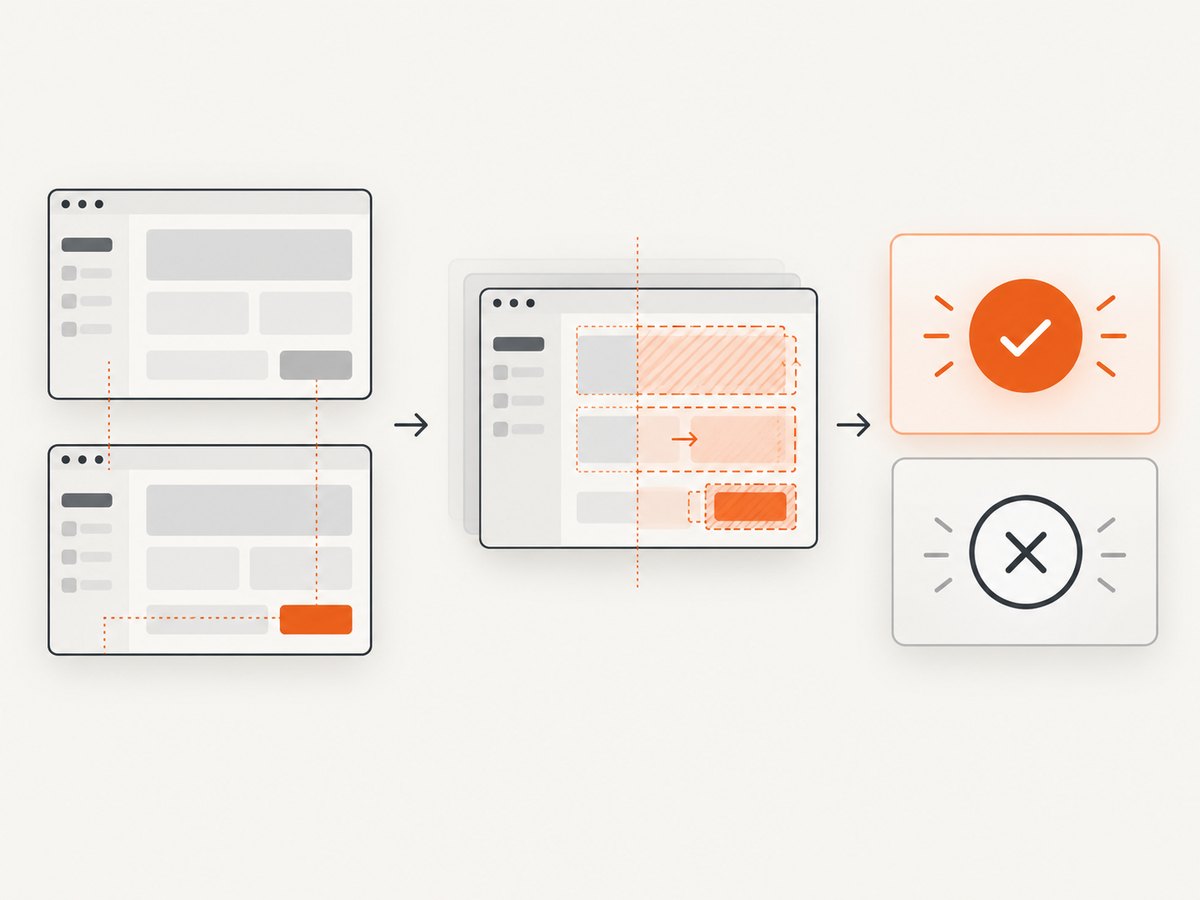
- Inspect the first meaningful changed region rather than accepting every diff automatically.
- Update snapshots in a reviewed change only when the product change is intentional.
Keep baselines in version control or in a reviewable artifact system with clear ownership. A baseline update should be reviewed like source code because it changes what the test accepts.
8. Common failures and fixes
| Symptom | Likely cause | Fix |
|---|---|---|
| Entire page differs | Wrong route, viewport, browser, theme, or fixture. | Log the URL and project, then make those inputs identical. |
| Text shifts by a few pixels | Missing or different font, font loading race, or OS rendering. | Install the same fonts, await document.fonts.ready, and standardize the runner image. |
| Only timestamps or IDs differ | Time or random data is not controlled. | Freeze time and seed or mock the data. |
| Animated region produces random diffs | Capture occurs at different animation frames. | Disable animations or wait for a stable state. |
| Cookie banner or chat widget appears | Consent state is fresh in the test context. | Set consent storage, dismiss the UI, or isolate the component. |
| Lazy images are blank | The screenshot is taken before resources enter the viewport. | Wait for a readiness marker or image completion before capture. |
| Small harmless diffs cause failures | Comparison is stricter than the rendering environment. | Fix the source of variation first; then adjust threshold or a pixel limit narrowly. |
| CI fails but local passes | Different browser version, fonts, viewport, timezone, or hardware. | Pin the environment and compare test metadata. |
9. Performance, reliability, and cost
- Performance: each checkpoint adds navigation, rendering, image encoding, and comparison time. Prefer a small set of high-risk checkpoints, reuse authenticated state, and avoid redundant full-page captures.
- Reliability: deterministic fixtures and pinned environments reduce false positives more effectively than large tolerances. Keep retries for diagnosis, not as a way to conceal unstable tests.
- Storage: retain only the baseline and failure artifacts needed for review, with a retention policy for old runs.
- Cost: self-hosted Playwright costs your CI minutes and artifact storage. A hosted visual service can reduce browser infrastructure work, but evaluate its execution coverage, baseline workflow, debugging tools, and pricing against your suite.
Applitools documents Playwright integration and matching modes including Strict, Layout, and Dynamic. Those modes represent different definitions of visual correctness; validate them against your own defect patterns and review process before adopting one.
10. When to use a managed screenshot capture service
A managed capture API is useful when tests need consistent rendering outside your CI browser setup, when many URLs must be captured, or when agents and services need screenshots without maintaining Playwright workers. Compare services on sensitivity, dynamic-content handling, baseline review, browser coverage, debuggability, and operating cost.
11. Or skip the browser setup
ScreenshotNeo provides a GET endpoint that returns PNG, JPEG, WebP, or PDF captures. Cookie and consent banners, newsletter popups, and chat widgets are removed before the shot; bot checks, blank pages, timeouts, failed loads, and cache hits are not billed. Each response reports the result through X-Page-Verdict and X-Billed headers. Its MCP server exposes take_screenshot, get_page_info, and capture_pdf for Claude, Cursor, and other MCP clients.
See the ScreenshotNeo API documentation for all options. Minimal calls:
cURL
curl -G "https://api.screenshotneo.com/v1/shot" -d access_key=YOUR_API_KEY --data-urlencode url=https://stripe.com -o shot.webpPython
import requests
r = requests.get("https://api.screenshotneo.com/v1/shot", params={"access_key": "YOUR_API_KEY", "url": "https://stripe.com"}, timeout=90)
open("shot.webp", "wb").write(r.content)
Node.js
const q = new URLSearchParams({ access_key: 'YOUR_API_KEY', url: 'https://stripe.com' });
const res = await fetch(`https://api.screenshotneo.com/v1/shot?${q}`);
Relevant controls include full-page capture with lazy images loaded, CSS element capture, dark mode, device presets or custom viewports, retina scale, custom CSS and JavaScript, clicks, selector waits, delays, network-idle waits, request and resource blocking, headers, cookies, user agents, authorization, timezone, geolocation, transparent backgrounds, resizing, cache TTLs, signed links, asynchronous jobs with signed webhooks, bulk capture of up to 100 URLs per call, a usage API, and an OpenAPI specification. Parameter names used by other screenshot APIs also work, which can simplify migration.
The free plan includes 1,000 screenshots each month with no card. Paid plans start at $5 for 3,000 shots; every feature is available on every plan. Create a free ScreenshotNeo account.
12. FAQ
Is screenshot comparison a functional test?
No. It detects visible changes. Pair it with assertions for behavior, accessibility, network responses, and business rules.
Should I use a pixel-perfect threshold?
Use strict comparison when exact rendering matters. Add only the tolerance needed for known anti-aliasing or environment noise, and review sample diffs.
When should a baseline be updated?
Only after a reviewer confirms that the visual change is intentional and the related functional tests pass.
Do dynamic values require a separate test?
Usually. Freeze or mock values for a stable screenshot, then test the dynamic behavior with assertions that match its actual contract.
Can I compare screenshots captured outside Playwright?
Yes, as long as the capture process records stable inputs and produces comparable image dimensions and color settings. Playwright’s built-in screenshot assertions themselves run in the Playwright Test runner.


