How to Compare Screenshots in Cypress
Learn how to capture stable Cypress screenshots, compare them with approved baselines, review diffs, and choose a local plugin or hosted service.
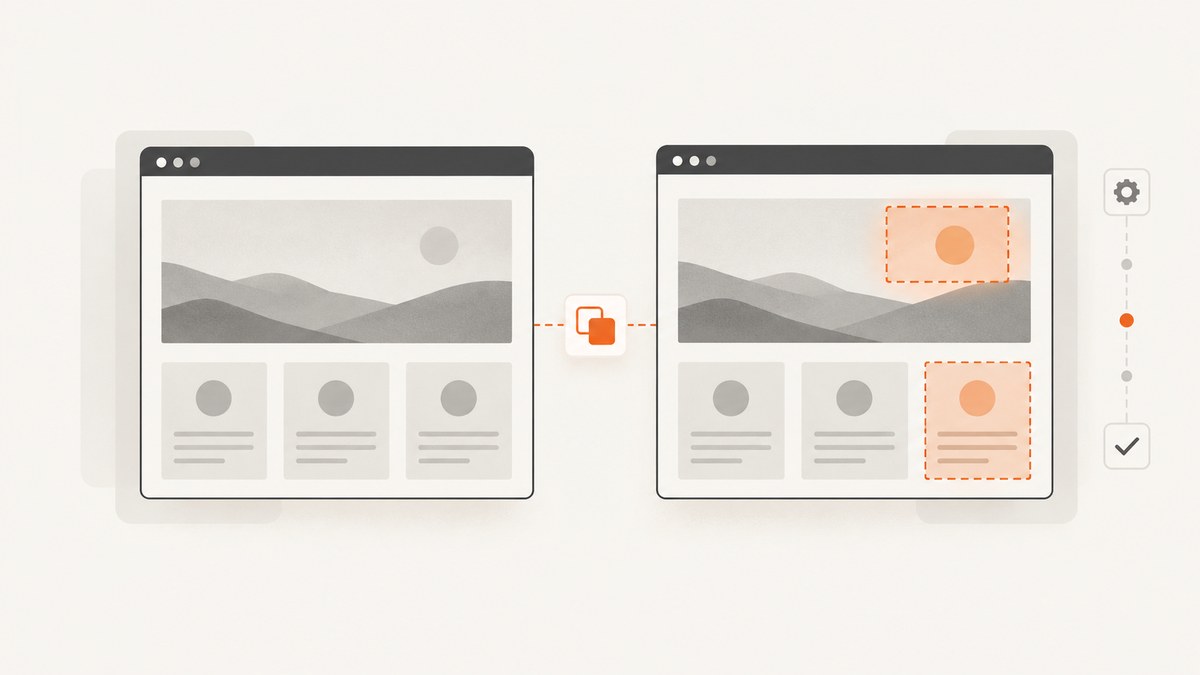
Direct answer: Cypress can capture screenshots, but cy.screenshot() does not compare images. For visual regression testing, drive the application into a deterministic state, capture the page or element, compare that image with an approved baseline using a Cypress-compatible plugin or hosted service, inspect the diff, and update the baseline only when the visual change is intentional. Cypress states that it does not perform image comparison itself. See the Cypress visual testing guide and screenshot API.
What a Cypress screenshot comparison checks
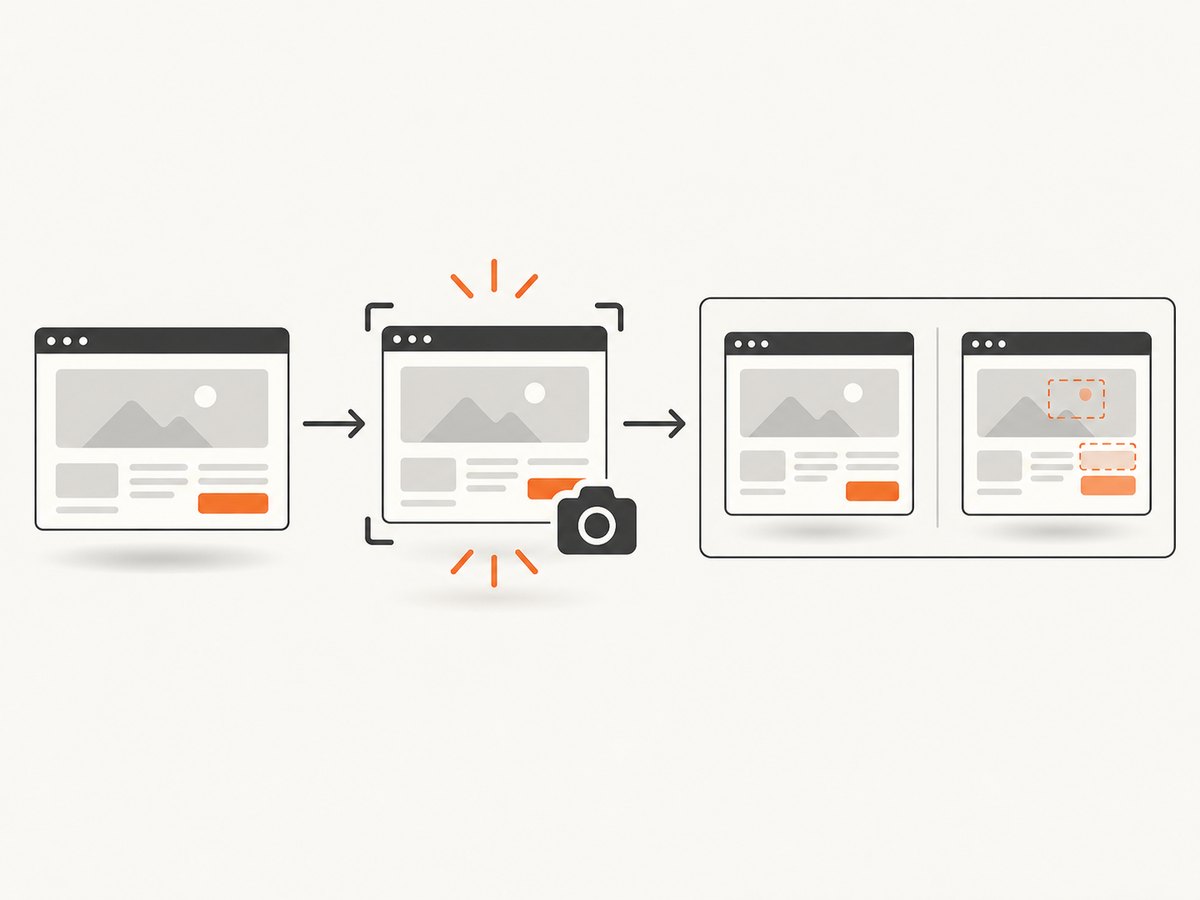
A visual regression test compares pixels, or a tool-specific representation of pixels, from a new capture with a reviewed reference image. A passing functional assertion proves that the page reached an expected state; it does not prove that spacing, colors, typography, layout, or responsive behavior still look correct.
- Arrange stable data and application state.
- Set the viewport, browser, fonts, and other rendering inputs.
- Wait for the intended UI state.
- Capture a page, component, or element.
- Compare the capture with its approved baseline.
- Review the diff and commit a new baseline only for an intentional change.
Choose a comparison approach
| Approach | Where comparison runs | Baseline ownership | Review workflow | Trade-offs |
|---|---|---|---|---|
| ScreenshotNeo | Screenshot API | Your request and storage workflow | Build your own assertions or pipeline | Clean screenshots; only clean shots are billed; lowest paid plan starts at $5 |
| Open-source Cypress plugin | Your machine or CI | Your repository or artifact store | Your CI output and review process | Control and no hosted subscription; you maintain rendering consistency, baselines, and diff artifacts |
| Hosted visual-testing service | Managed service environment | Service dashboard and project configuration | Dashboard and pull-request integrations are common | Less infrastructure to maintain; subscription cost and service-specific rendering rules |
Cypress lists Applitools Eyes, Argos, and Chromatic as services with Cypress integrations. Its plugin catalog also lists community tools such as Cypress Image Snapshot, Cypress Image Diff, and Visual Regression Diff. Treat those as options to evaluate: verify current Cypress compatibility, maintenance, pricing, browser coverage, and baseline workflow before adopting one.
Local visual comparison with Cypress Image Snapshot
The following example uses the commonly used cypress-image-snapshot integration. Its command names and setup can change, so check the package documentation when you install it.
1. Install the test dependencies
npm install --save-dev cypress cypress-image-snapshot2. Register the command
Create or update cypress/support/e2e.js:
import { addMatchImageSnapshotCommand } from 'cypress-image-snapshot/command';

addMatchImageSnapshotCommand();
3. Configure the plugin task
In cypress.config.js, register the image-snapshot plugin task:
const { defineConfig } = require('cypress');
const { addMatchImageSnapshotPlugin } = require('cypress-image-snapshot/plugin');

module.exports = defineConfig({
  e2e: {
    baseUrl: 'http://localhost:3000',
    setupNodeEvents(on, config) {
      addMatchImageSnapshotPlugin(on, config);
      return config;
    },
  },
});
4. Write a deterministic visual test
describe('checkout page visual regression', () => {
  beforeEach(() => {
    cy.clock(new Date('2026-01-15T12:00:00Z').getTime());
    cy.intercept('GET', '/api/cart', { fixture: 'cart.json' }).as('cart');
    cy.intercept('GET', '/api/user', { fixture: 'user.json' }).as('user');
    cy.visit('/checkout');
    cy.wait(['@cart', '@user']);
    cy.get('[data-cy=checkout-form]').should('be.visible');
  });

  it('matches the approved checkout baseline', () => {
    cy.get('[data-cy=checkout-form]').matchImageSnapshot('checkout-form');
  });

  it('matches the full page baseline', () => {
    cy.screenshot('checkout-page');
    cy.matchImageSnapshot('checkout-page');
  });
});
Run the test once to create a baseline, then run it again in CI to compare. Store generated snapshots according to the plugin’s documented directory layout and review diff artifacts as build outputs. Keep baseline files under version control when that fits your review process.
Capture the right surface
Element snapshots
Use an element selector for a component owned by one team. Element snapshots usually produce smaller, more actionable diffs and avoid unrelated navigation or footer changes.
cy.get('[data-cy=profile-card]')
  .should('be.visible')
  .matchImageSnapshot('profile-card');
Viewport snapshots
Use cy.screenshot() for the currently visible viewport when the behavior under test is tied to a particular screen size.
cy.viewport(1280, 800);
cy.visit('/dashboard');
cy.get('[data-cy=dashboard]').should('be.visible');
cy.screenshot('dashboard-desktop');
Full-page snapshots
Full-page capture is useful for layout regressions, but Cypress scrolls and stitches captures. Sticky or fixed elements can therefore appear differently than they do in a single viewport. Test full-page and viewport behavior separately when both matter.
Component Testing
Cypress Component Testing is a natural fit for isolated visual states. Mount a component with fixed props, fixtures, and viewport settings, then compare the component element instead of an entire application route.
Make comparisons reliable
- Freeze time: use
cy.clock()for clocks, dates, countdowns, and time-dependent labels. - Control network data: use
cy.intercept()with fixtures so API responses do not change between baseline and comparison runs. - Wait for the real state: assert on a visible heading, loaded table, or finished request before capturing. A fixed delay alone is less reliable.
- Disable motion: inject a test stylesheet or application flag that disables transitions and animations. Capture after any remaining animation has finished.
- Fix the viewport: set width and height explicitly for each snapshot name.
- Pin the renderer: create and compare baselines with the same browser, Cypress version, operating system or container, device scale, fonts, and font-loading behavior where possible.
- Mask only unstable regions: hide timestamps, rotating promotions, ads, or random avatars with a small selector. Do not raise a whole-page threshold to conceal uncontrolled content.
- Use stable selectors: prefer
data-cyor another test-specific attribute over classes that change with styling refactors.
Thresholds, anti-aliasing, and review policy
Comparison tools expose different controls for pixel thresholds, color distance, ignored regions, and failure output. Start with the strictest settings that work in your renderer. Increase tolerance only after identifying a repeatable rendering difference; a broad threshold can hide a real regression.
Review every changed baseline. The correct question is whether the product change was intentional, not whether the diff can be made to pass. Require a code or design review for baseline updates and keep the diff image attached to the pull request.
Common errors and fixes
| Symptom | Likely cause | Fix |
|---|---|---|
matchImageSnapshot is not a function |
The support command was not imported or loaded. | Import the command in cypress/support/e2e.js and confirm the support file is enabled for the current testing type. |
| Every pixel changes between runs | Uncontrolled time, API data, animation, fonts, or browser environment. | Freeze time, stub requests, wait for fonts and stable selectors, disable motion, and compare in a pinned environment. |
| Only full-page images differ | Scroll stitching or fixed-position elements. | Compare the affected element or viewport, and handle sticky elements according to the tool’s full-page guidance. |
| Baseline is missing in CI | Snapshots were not committed or the CI working directory differs. | Commit approved baselines or restore them from the configured artifact store; verify paths and case sensitivity. |
| Fonts render differently | Font files are unavailable, late, or different across environments. | Serve fonts deterministically, wait for document.fonts.ready, and use the same browser image for baseline and comparison. |
| Screenshot captures a loading skeleton | The test captured before the final state. | Wait for a semantic readiness assertion or aliased request, then capture. |
| Failure screenshots exist but no diff exists | Cypress’s automatic failure screenshot only records the failed state. | Add an image-comparison command; failure capture and baseline comparison are separate features. |
Performance, reliability, and cost
Performance
- Prefer component or element snapshots when a full-page image is unnecessary.
- Stub slow APIs and avoid repeated logins with a reusable authenticated state.
- Run a focused visual suite on pull requests and a broader browser or viewport matrix on a scheduled build.
- Keep screenshots and diffs as CI artifacts so developers do not rerun the entire suite just to inspect a failure.
Reliability
Cypress documents that screenshot capture itself takes around 100 ms and that the renderer is synchronized on a best-effort basis. Treat capture as asynchronous: the application can change between issuing the command and the image being written. Readiness assertions, stable data, and pinned renderers matter more than adding arbitrary sleeps.
Cost
Local plugins are generally free software, but your team pays in CI minutes, artifact storage, baseline maintenance, and engineering time. Hosted services charge subscriptions and can reduce the work of storing, comparing, and reviewing images. Confirm current vendor pricing and feature details directly with each vendor.
Or skip the browser setup
When you need a clean screenshot outside a Cypress browser run, ScreenshotNeo provides a single GET request for a PNG, JPEG, WebP, or PDF. The API accepts the URL and many familiar screenshot parameters; its documentation is at screenshotneo.com/docs.
curl -G "https://api.screenshotneo.com/v1/shot" -d access_key=YOUR_API_KEY --data-urlencode url=https://stripe.com -o shot.webpimport requests
r = requests.get("https://api.screenshotneo.com/v1/shot", params={"access_key": "YOUR_API_KEY", "url": "https://stripe.com"}, timeout=90)
open("shot.webp", "wb").write(r.content)const q = new URLSearchParams({ access_key: 'YOUR_API_KEY', url: 'https://stripe.com' });
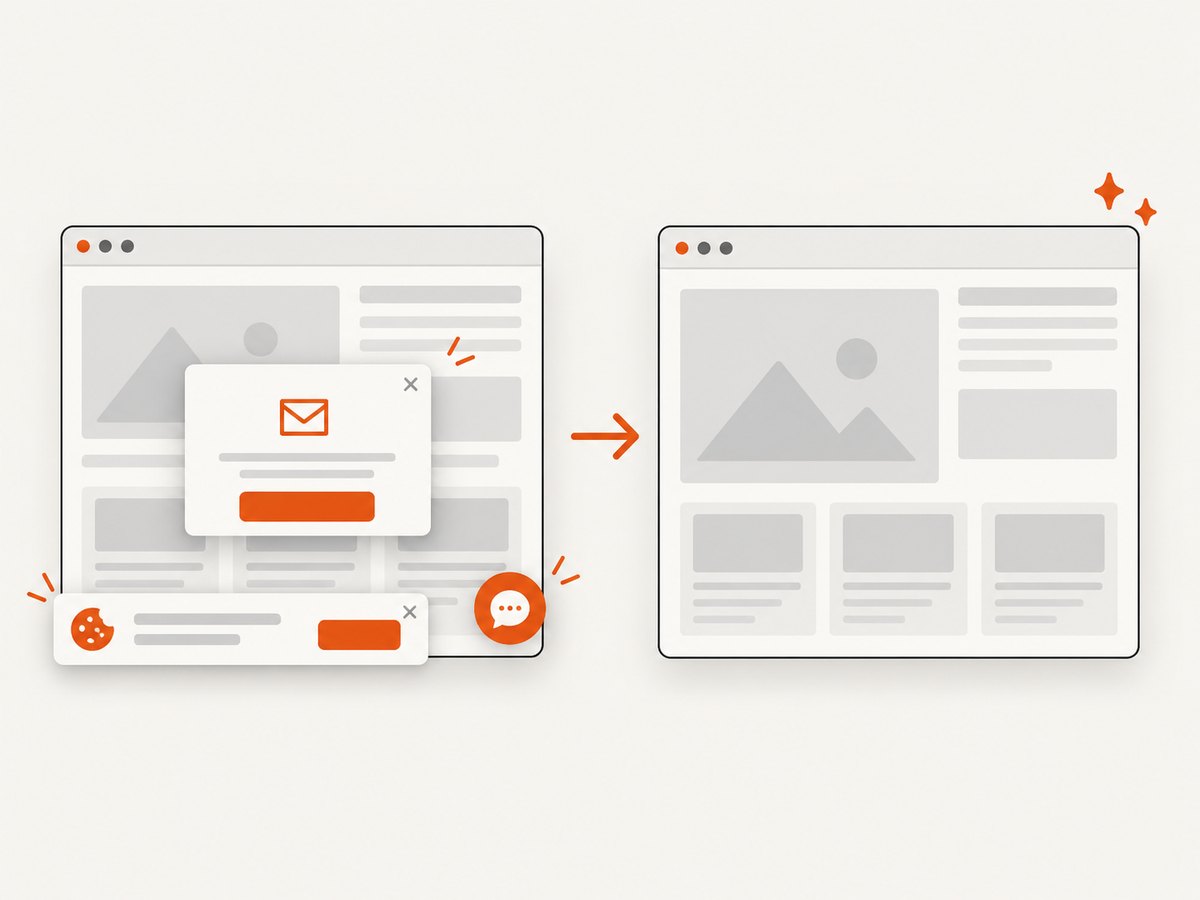
const res = await fetch(`https://api.screenshotneo.com/v1/shot?${q}`);Cookie and consent banners, newsletter popups, and chat widgets are removed before the shot. Bot checks, blank pages, failed loads, timeouts, and cache hits are not billed, and response headers identify the page verdict and billing status. An MCP server lets Claude, Cursor, and other MCP clients call take_screenshot, get_page_info, and capture_pdf. The Free plan includes 1,000 screenshots each month with no card; paid plans start at $5 for 3,000 shots.
Create a free ScreenshotNeo account to start with 1,000 screenshots a month and no card.
FAQ
Does Cypress compare screenshots by itself?
No. cy.screenshot() captures an image; a plugin or hosted visual-testing service performs baseline comparison.
Should I compare a component or a full page?
Use a component or element for focused ownership and easier review. Use full-page captures when page-level layout and scroll behavior are the requirement.
Why do screenshots differ on my laptop and CI?
Browser version, operating system, fonts, device scale, time, network data, animations, and lazy-loaded content can all change pixels. Pin or control those inputs.
Can a passing screenshot test prove accessibility?
No. Visual comparison checks rendered appearance. Keep functional, accessibility, and interaction assertions alongside visual checks.
When should I update a baseline?
Only after reviewing the diff and confirming that the visual change is intentional and covered by the expected product behavior.


