How to Compare Uploaded and Downloaded File Contents in Cypress
Use cy.selectFile() and cy.readFile() to verify text, JSON, binary, and large downloaded files in Cypress.
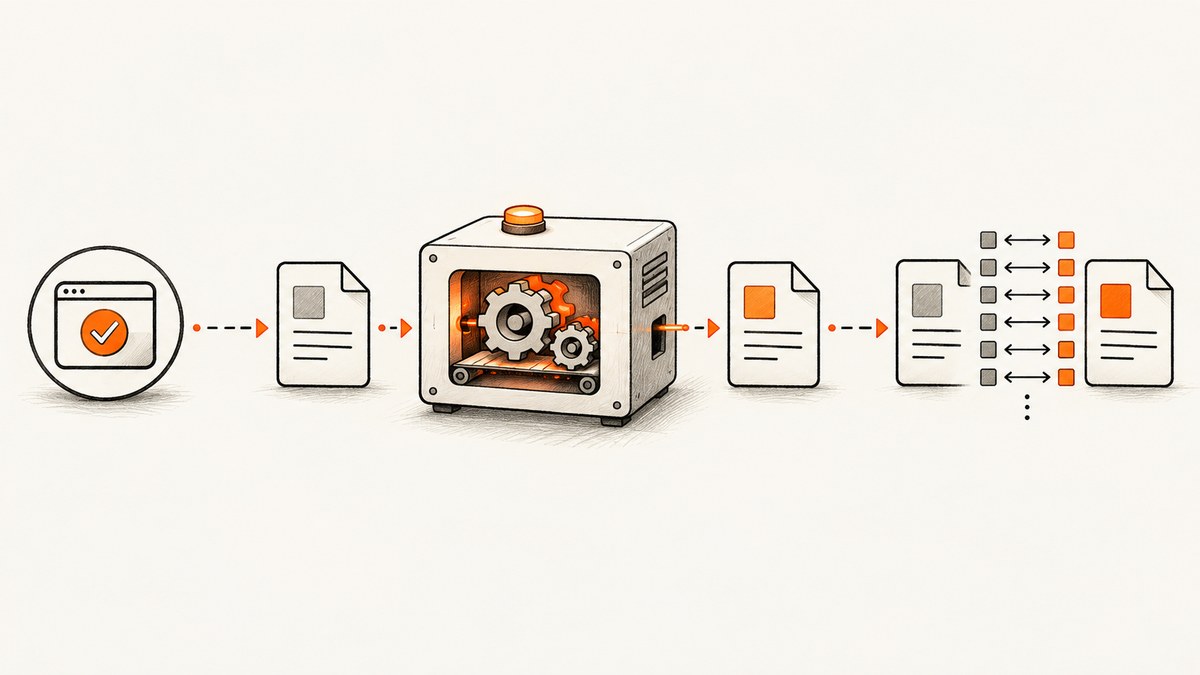
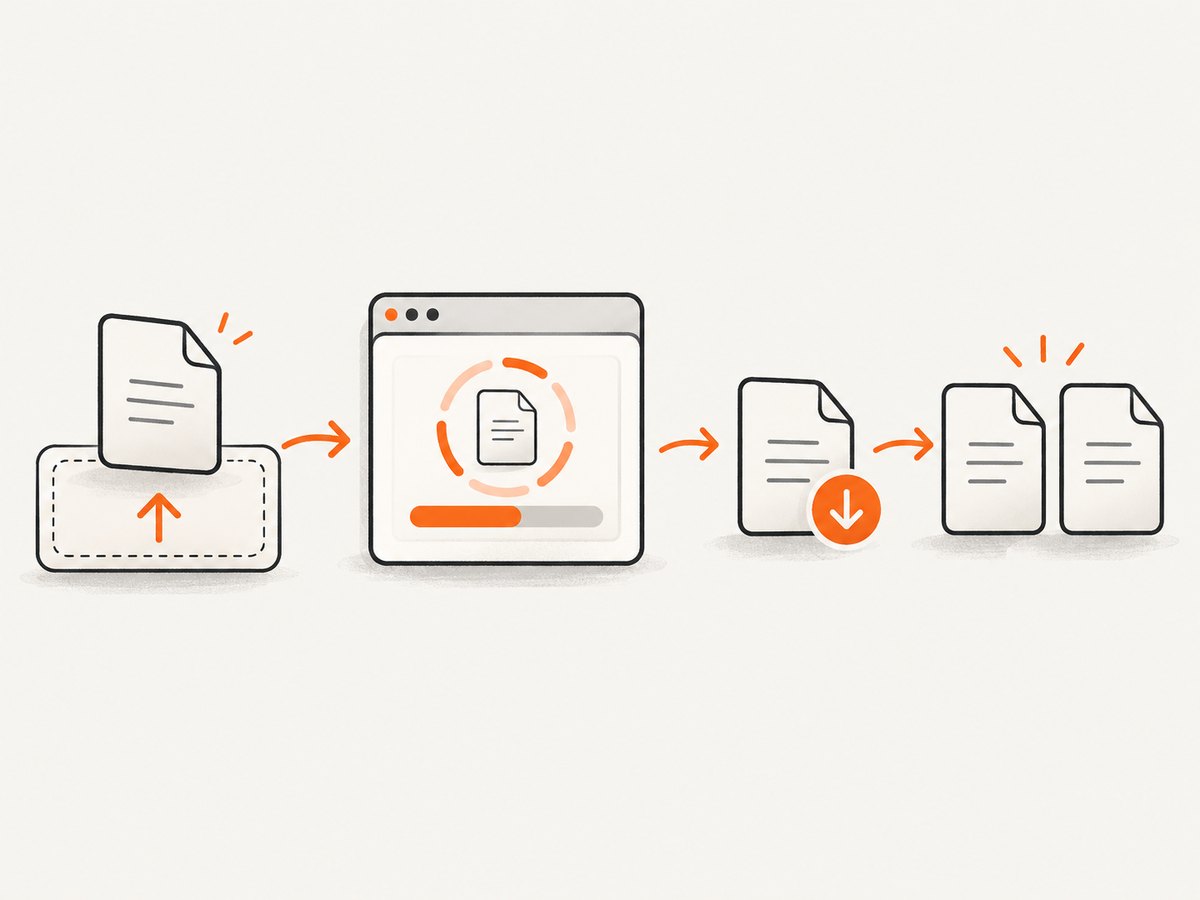
To compare an uploaded file with the file your application downloads, upload a deterministic fixture with cy.selectFile(), trigger the download, and read the resulting file with cy.readFile(). Compare strings for text, parsed values for JSON, and buffers or digests for binary data.
Cypress resolves downloaded files relative to the project root. With the default configuration, downloads are written to cypress/downloads. The complete workflow is:
- Choose a stable fixture as the upload source.
- Attach it to the real file input with
cy.selectFile(). - Run the application’s upload and download actions.
- Read the downloaded path with the encoding that matches your comparison.
- Assert exact bytes or the semantic value your product promises to preserve.
1. Basic text-file round trip
cy.selectFile() accepts a project-relative path and attaches the file as it exists on disk. Cypress documents this path-based behavior in its selectFile() API reference. Use a fresh query after selectFile() because chaining commands that depend on the previous subject is unsafe.
describe('file round trip', () => {
  it('downloads the same text that was uploaded', () => {
    const expectedText = 'Quarterly report\nRevenue: 125000\n';

    cy.visit('/import-export');
    cy.get('input[type="file"]').selectFile('cypress/fixtures/report.txt');
    cy.get('[data-cy="upload"]').click();
    cy.get('[data-cy="download"]').click();

    cy.readFile('cypress/downloads/report.txt', 'utf8')
      .should('eq', expectedText);
  });
});
Use this form when whitespace, line endings, and character encoding are part of the contract. cy.readFile() retries while a chained assertion is failing, so the assertion can wait for a download that is still being written. See the readFile() documentation.
2. Uploading a fixture as a buffer
For binary input, load the fixture with null encoding. Cypress returns a Cypress.Buffer, which can be passed to selectFile() without converting the bytes to UTF-8.
it('preserves a binary upload', () => {
  cy.fixture('archive.bin', null).then((contents) => {
    cy.visit('/import-export');
    cy.get('input[type="file"]').selectFile({
      contents,
      fileName: 'archive.bin',
      mimeType: 'application/octet-stream',
    });
  });

  cy.get('[data-cy="upload"]').click();
  cy.get('[data-cy="download"]').click();

  cy.readFile('cypress/downloads/archive.bin', null).then((downloaded) => {
    cy.fixture('archive.bin', null).then((source) => {
      expect(downloaded.equals(source), 'downloaded bytes').to.equal(true);
    });
  });
});
A path is usually the least encoding-sensitive upload option because Cypress reads the file directly from disk. Use the object form when you need to set a different filename or MIME type. For a drag-and-drop implementation, use { action: 'drag-drop' }:
cy.get('[data-cy="drop-zone"]').selectFile(
  'cypress/fixtures/report.pdf',
  { action: 'drag-drop' }
);
3. Decide what “same contents” means
Before writing the assertion, define whether the application promises identical serialization or only equivalent data. These checks are different:
| Requirement | Read as | Assertion |
|---|---|---|
| Exact text round trip | 'utf8' |
Strict string equality, including whitespace and newlines |
| JSON meaning preserved | Default JSON parsing | Deep equality of objects or arrays |
| Exact JSON serialization | UTF-8 text or null |
Compare the serialized text or bytes |
| Exact binary round trip | null |
Buffer equality or a digest comparison |
| Large file verification | Node-side task | Return only a digest, length, or boolean |
JSON semantic comparison
When formatting and key order do not matter, let Cypress parse the JSON and use a deep assertion:
it('preserves JSON data', () => {
  cy.visit('/import-export');
  cy.get('input[type="file"]').selectFile('cypress/fixtures/settings.json');
  cy.get('[data-cy="upload"]').click();
  cy.get('[data-cy="download"]').click();

  cy.readFile('cypress/downloads/settings.json').should('deep.equal', {
    theme: 'dark',
    notifications: true,
    limits: { daily: 100 },
  });
});
Parsed JSON comparisons intentionally discard whitespace, formatting, and sometimes key order. If those details matter, read the file as text instead.
Byte-for-byte comparison
it('matches every byte', () => {
  cy.readFile('cypress/fixtures/source.bin', null).then((source) => {
    cy.readFile('cypress/downloads/result.bin', null).then((downloaded) => {
      expect(downloaded.length).to.equal(source.length);
      expect(downloaded.equals(source)).to.equal(true);
    });
  });
});
Do not use the default UTF-8 interpretation for arbitrary binary data. Decoding binary bytes as text can change or lose information.
4. Configure and locate the download
The documented default downloadsFolder is cypress/downloads. If your project changes it, use that configured path in cy.readFile():
// cypress.config.js
const { defineConfig } = require('cypress');

module.exports = defineConfig({
  e2e: {
    downloadsFolder: 'tmp/test-downloads',
  },
});
cy.readFile('tmp/test-downloads/report.txt', 'utf8')
.should('eq', expectedText);cy.readFile() paths are relative to the project root, regardless of where the spec file lives. If the application generates a dynamic filename, discover or normalize it in a Node task rather than guessing from a stale name.
Cleaning old files and finding a dynamic filename
Old downloads can make a test pass against the wrong artifact. Cypress runs tasks in Node, where filesystem operations are appropriate:
// cypress.config.js
const fs = require('node:fs');
const path = require('node:path');

module.exports = {
  e2e: {
    setupNodeEvents(on, config) {
      on('task', {
        clearDownloads() {
          const folder = path.resolve(config.projectRoot, config.downloadsFolder);
          fs.mkdirSync(folder, { recursive: true });
          for (const entry of fs.readdirSync(folder)) {
            fs.rmSync(path.join(folder, entry), { recursive: true, force: true });
          }
          return null;
        },
        newestDownload() {
          const folder = path.resolve(config.projectRoot, config.downloadsFolder);
          const files = fs.readdirSync(folder)
            .map((name) => ({
              name,
              mtime: fs.statSync(path.join(folder, name)).mtimeMs,
            }))
            .sort((a, b) => b.mtime - a.mtime);
          return files[0]?.name || null;
        },
      });
      return config;
    },
  },
};
cy.task('clearDownloads');
cy.get('[data-cy="download"]').click();
cy.task('newestDownload').should('not.be.null').then((name) => {
cy.readFile(`cypress/downloads/${name}`, null).should('exist');
});Prefer a deterministic filename from the application when possible. Filesystem ordering alone is not a substitute for confirming that the expected download completed.
5. Keep large-file comparisons in Node
Reading a large file with cy.readFile() transfers its contents into the Cypress runner. For large artifacts, calculate a digest in a cy.task() and return only the compact result.
// cypress.config.js
const crypto = require('node:crypto');
const fs = require('node:fs');

module.exports = {
  e2e: {
    setupNodeEvents(on) {
      on('task', {
        sha256(filePath) {
          const hash = crypto.createHash('sha256');
          hash.update(fs.readFileSync(filePath));
          return hash.digest('hex');
        },
      });
    },
  },
};
cy.task('sha256', 'cypress/fixtures/video.mp4').then((sourceHash) => {
cy.task('sha256', 'cypress/downloads/video.mp4')
.should('eq', sourceHash);
});This keeps memory use in the Node process and makes the browser-side assertion independent of file size. A digest proves equality only when both files are hashed with the same algorithm and the source file is the intended one.
6. Common errors and fixes
| Symptom | Cause | Fix |
|---|---|---|
ENOENT or file not found |
Wrong path or a customized downloadsFolder |
Resolve the path from the project root and check Cypress configuration. |
| Assertion reads an old file | A previous run left the same filename | Clear the folder with cy.task(), use a unique filename, or verify modification time. |
| Binary comparison fails unexpectedly | One side was decoded as UTF-8 | Use cy.fixture(path, null) and cy.readFile(path, null). |
| JSON deep equality passes but files differ | Parsing removed formatting differences | Compare UTF-8 text or buffers when serialized bytes matter. |
| Download assertion runs too early | The file has not appeared or finished writing | Chain the assertion from cy.readFile(); Cypress retries failed assertions. |
| Memory pressure or slow runner | A huge file was transferred into the browser | Hash or compare in a Node-side cy.task(). |
| Upload control does nothing | The app expects drag-and-drop or a different input | Target the actual file input, or pass { action: 'drag-drop' } for the tested interaction. |
| Downloaded name is unpredictable | Server-generated filename or content disposition | Capture the directory contents in a Node task and select the new file explicitly. |
7. Reliability, performance, and test design
- Use fixtures for stable upload inputs. Cypress notes that fixtures are intended for data that does not change during a run.
- Use
cy.readFile()for application output because it rereads the file when a chained assertion fails. - Assert the product’s contract. A CSV export may permit reordered rows, while a signed archive may require exact bytes.
- Keep upload, processing, and download assertions in one focused test when the round trip is the behavior under test.
- Clear output files before the action or make names unique to prevent false positives.
- For retries caused by eventual consistency, prefer Cypress’s built-in retry behavior over arbitrary fixed delays.
- Use Node-side hashing for large files and return a digest, length, or boolean instead of transferring the complete artifact.
8. Or skip the browser setup
If your goal is to capture a rendered page for a test artifact or review, ScreenshotNeo provides a single HTTP request that returns a PNG, JPEG, WebP, or PDF. It accepts cookie and consent banners before capture and removes more than 60 known consent platforms, newsletter popups, and chat widgets. Bot checks, blank pages, timeouts, failed loads, and cache hits are not billed, and the response identifies the result with X-Page-Verdict and X-Billed headers. See the ScreenshotNeo API documentation for all options.
cURL
curl -G "https://api.screenshotneo.com/v1/shot" \
  -d access_key=YOUR_API_KEY \
  --data-urlencode url=https://stripe.com \
  -o shot.webp
Python
import requests

r = requests.get(
    "https://api.screenshotneo.com/v1/shot",
    params={"access_key": "YOUR_API_KEY", "url": "https://stripe.com"},
    timeout=90,
)
r.raise_for_status()
open("shot.webp", "wb").write(r.content)
Node.js
const q = new URLSearchParams({ access_key: 'YOUR_API_KEY', url: 'https://stripe.com' });
const res = await fetch(`https://api.screenshotneo.com/v1/shot?${q}`);
if (!res.ok) throw new Error(`Screenshot failed: ${res.status}`);
require('node:fs').writeFileSync('shot.webp', Buffer.from(await res.arrayBuffer()));
ScreenshotNeo also includes an MCP server with take_screenshot, get_page_info, and capture_pdf tools for Claude, Cursor, and other MCP clients. It supports full-page capture, element selectors, device presets, custom CSS and JavaScript, wait conditions, request blocking, headers, cookies, geolocation, resizing, caching, signed links, asynchronous jobs, bulk capture, and a usage API.
The Free plan includes 1,000 screenshots per month with no card. Paid plans start at $5 for 3,000 shots. Create a free ScreenshotNeo account.
9. FAQ
Should I use cy.fixture() to read the downloaded file?
No. Fixtures are for stable test inputs and may be cached. Use cy.readFile() for files created or changed by the application.
Can I compare two files without loading them into the browser?
Yes. Compute hashes or compare metadata in a Node-side cy.task(), then assert on the returned value.
How do I test a download with a random filename?
Clear the downloads directory first, trigger the download, locate the newly created file in a Node task, and read or hash that path.
Does a deep JSON comparison prove the files are identical?
No. It proves their parsed values are equivalent. Compare text or buffers when formatting and byte order are part of the requirement.


