A Complete Guide to Configuration Management Plans
Learn what a configuration management plan includes, how to create one, control changes, establish baselines, and prepare audit-ready evidence.
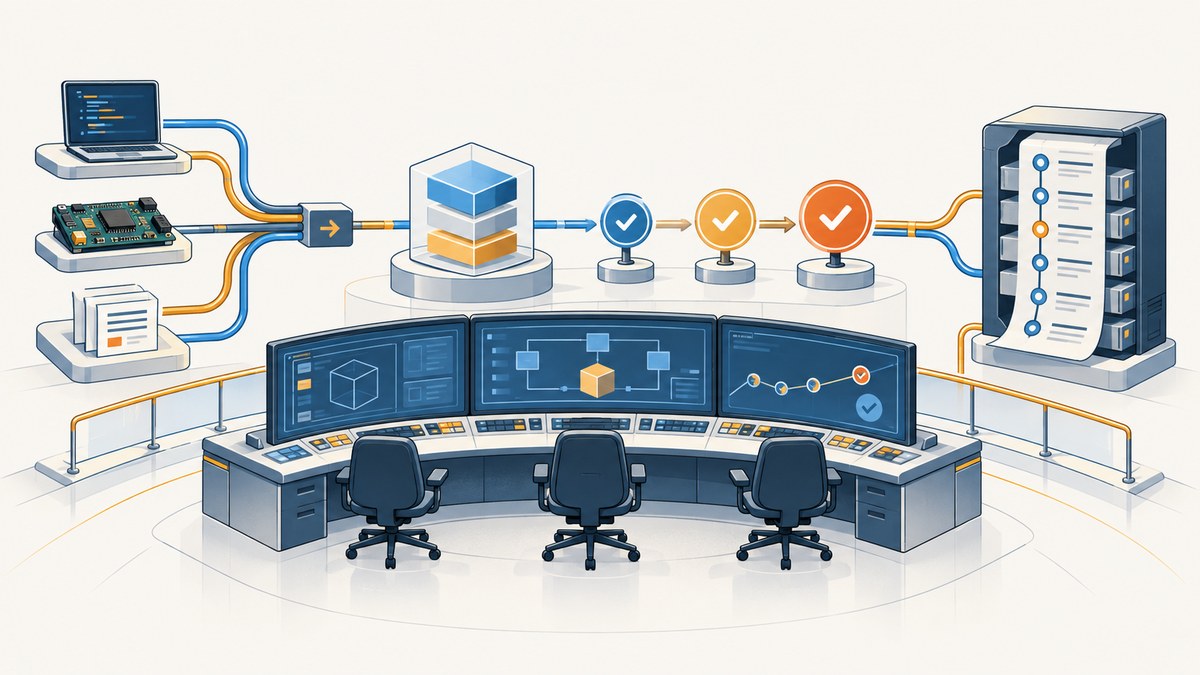
Direct answer: A configuration management plan (CMP) is the approved operating description for identifying configuration items, establishing and maintaining baselines, controlling changes, recording status, verifying the product, and assigning authorities, resources, schedules, and tools. It gives everyone a shared definition of the approved product state and a controlled path for every proposed change.
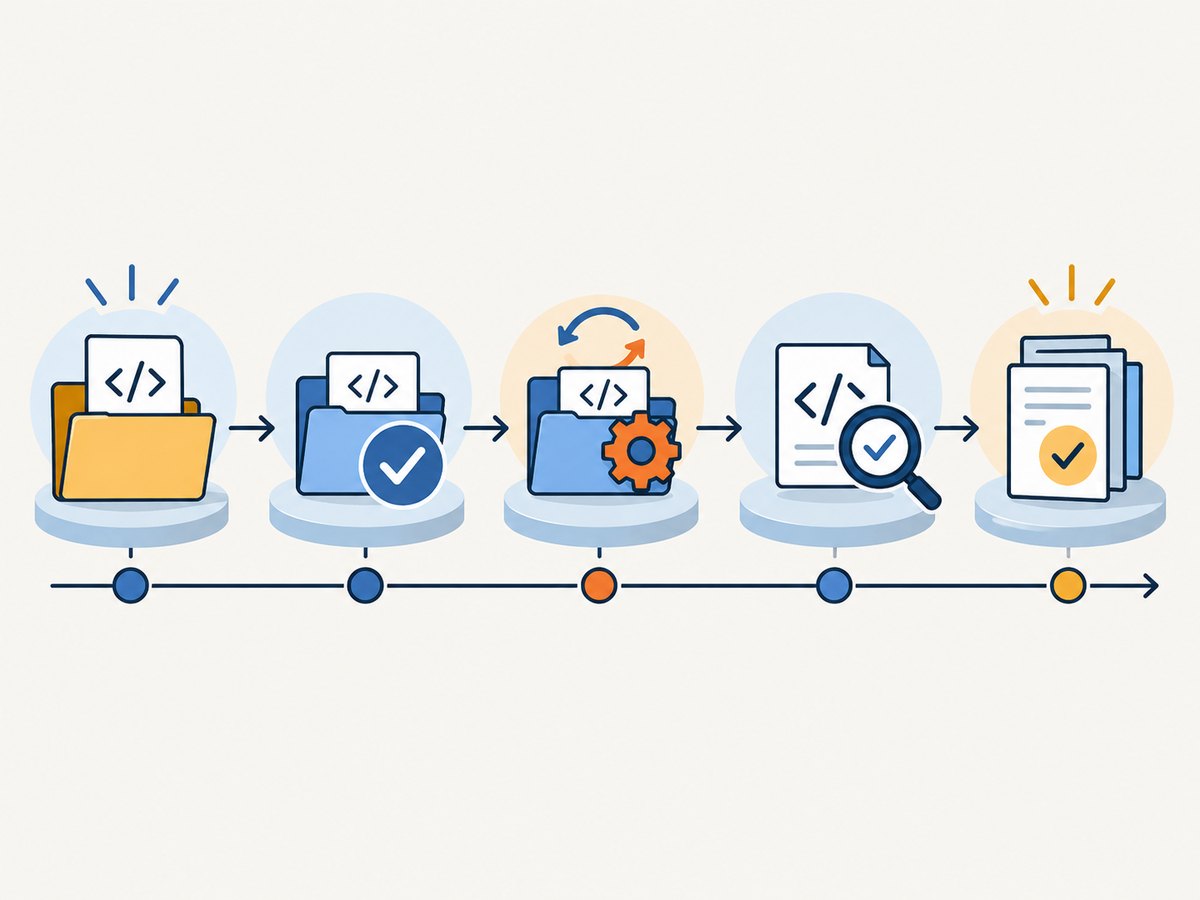
A useful CMP connects five activities: configuration planning and management, configuration identification, configuration change management, Configuration Status Accounting (CSA), and configuration verification. NASA describes these as connected elements of configuration management, while NIST characterizes configuration management as “the management of change.” Your plan can stand alone or be part of a broader project-management plan, but it must define who may approve baselines and changes, what evidence is retained, and how audits are performed.
Why a configuration management plan matters
Without a CMP, teams can deploy a product that no one can reproduce, approve a change without understanding its dependencies, or discover during an audit that the documented configuration differs from the one actually delivered. A CMP provides:
- A common product reference: approved versions, interfaces, requirements, drawings, code, infrastructure, manuals, and operating settings are identified and related.
- Controlled change: proposed changes receive impact analysis, a decision, implementation evidence, verification, and a recorded disposition.
- Traceability: status accounting shows what changed, when, why, who approved it, and which baseline contains it.
- Repeatability: teams can rebuild, release, operate, or investigate the product from an approved baseline.
- Audit readiness: evidence is collected as work happens instead of reconstructed immediately before an assessment.
Tailor the level of formality to the product, life-cycle phase, release cadence, supplier network, safety obligations, security risk, and regulatory environment. A small internal service and a safety-critical aircraft subsystem need different controls, but both need clear ownership and an authoritative record.
What a complete CMP should contain
Use the following structure as a practical template. Add or remove detail based on your project context.
1. Purpose, scope, and tailoring assumptions
State the product or system covered, organizational boundaries, life-cycle phases, environments, suppliers, and exclusions. Explain whether the plan covers development, test, production, operations, maintenance, retirement, or all of them. Record tailoring assumptions, such as delegated approvals for low-risk changes or separate plans for subcontractors.
2. Organization, roles, and authority
Name the project or product authority, configuration-management function, configuration-item (CI) owners, reviewers, Configuration Control Board (CCB), quality and security representatives, auditors, and escalation paths. Define decision rights rather than simply listing job titles. For example, specify who can approve a release baseline, who can authorize an emergency production fix, and who may close a corrective action.
3. Policies, standards, and references
List contracts, organizational policies, engineering standards, quality procedures, security requirements, safety directives, records-retention rules, and customer requirements. Identify the version or revision of each reference. NASA guidance emphasizes naming applicable directives and responsibilities; NIST SP 800-128 adds security-focused requirements for access restrictions, security-impact analysis, monitoring, and archiving.
4. Configuration identification
Define what becomes a CI and how it is uniquely identified. Typical CIs include source code, binaries, infrastructure definitions, requirements, interface specifications, test procedures, drawings, bills of material, container images, database schemas, operating procedures, and security configurations.
For each CI category, specify:
- Identifier and naming or numbering convention.
- Owner, approving authority, and repository.
- Required attributes, version and revision fields, and relationships.
- Access permissions and segregation of duties.
- Retention, archival, and disposal rules.
- How released documentation is associated with the exact product version.
Maintain a CI register that is machine-readable where possible. A simple inventory might include ci_id, type, owner, repository URL, current revision, baseline, classification, dependencies, and last verification date.
5. Baseline strategy
A baseline is an approved snapshot of specified configuration attributes at a defined point in time. Select only the baseline types your project needs: functional, allocated, design, product, release, or security baselines are common examples.
For every baseline type, document:
- Entry criteria and required reviews.
- Exact contents and manifest format.
- Approval authority and approval evidence.
- Repository location, access controls, and immutability expectations.
- How the previous baseline is archived.
- How deviations, waivers, and open defects are recorded.
- Events that trigger rebaselining.
A baseline manifest should identify immutable versions or hashes, not just branch names such as main. Include generated artifacts and configuration values needed to reproduce the approved state. Restrict unauthorized edits and make the approval record part of the baseline evidence.
6. Change control
Define the complete path from request to closure. A change request should capture the requestor, affected CIs, reason, urgency, alternatives considered, schedule and cost effects, technical risks, security impact, test plan, rollback plan, and communication needs.
Set approval thresholds. Low-risk, pre-approved changes can follow delegated workflow; high-risk, cross-interface, security-sensitive, or contract-affecting changes should go to the CCB. Define emergency handling, including who may authorize it, what minimum evidence is required, when retrospective review occurs, and how an emergency change is distinguished from routine work.
7. Configuration Status Accounting
CSA is the authoritative record of configuration status. Specify the inventory, version and revision history, baseline membership, open and closed requests, deviations, waivers, implementation status, verification result, disposition, and report cadence. Reports should answer questions such as:
- Which CIs are in the current release baseline?
- Which approved changes are implemented but not yet verified?
- Which deviations expire before the next release?
- What changed between two baselines?
- Which supplier deliverables have not been accepted?
8. Verification, audits, and reviews
Define review gates and evidence for configuration verification. Functional configuration audits check that the product meets approved functional requirements. Physical configuration audits check that the delivered product and its documentation match the approved configuration. Also define nonconformance handling, corrective actions, auditor independence, sampling rules, and reporting frequency.
Retain audit findings, objective evidence, responses, approvals, and closure records. A screenshot of a released interface, dashboard, or document can supplement a manifest when it proves what a human reviewer saw at a specific time. Store it with the baseline identifier, capture timestamp, URL or environment, and reviewer.
9. Tools, repositories, and interfaces
Name source control, document management, build and release systems, inventory databases, ticketing, monitoring, backup, identity, and access-control tools. Describe interfaces with requirements, testing, quality, risk, and security processes. Define the system of record for each field so that two tools cannot silently disagree about the approved revision.
10. Schedule, resources, and training
Include CM milestones, staffing, budget, infrastructure, skills, and training. NASA software CM requirements specifically call for schedule information, resources, and responsibility for maintaining the plan. Schedule baseline reviews before major releases, audits at meaningful lifecycle gates, and periodic plan reviews.
11. Plan maintenance
Identify who updates the CMP, who approves revisions, how changes are versioned, and when the plan is reviewed. Reevaluate it after significant changes to suppliers, contracts, resources, product scope, part availability, security posture, or organizational responsibility. Keep a change history in the plan itself.
How to create and operate a CMP
- Start at project inception. Hold a planning workshop with product, engineering, operations, quality, security, and supplier representatives.
- Map the product. Draw the product hierarchy and list candidate CIs, interfaces, dependencies, owners, and repositories.
- Choose baseline points. Tie baselines to requirements approval, design completion, release, deployment, or security authorization gates.
- Set authority thresholds. Define CCB membership, delegated decisions, quorum, meeting cadence, and emergency authority.
- Create templates. Prepare the CI record, baseline manifest, change request, impact analysis, decision, verification, audit finding, waiver, and status report templates.
- Connect tools. Automate identifiers, links, approvals, build metadata, test results, and notifications where practical.
- Establish the first baseline. Capture approved attributes, evidence, hashes or immutable revisions, approvals, and known deviations.
- Run every change through the workflow. Assess, approve, implement, test, verify, communicate, and update CSA.
- Rebaseline deliberately. Archive the old baseline, publish the new manifest, and record the exact delta.
- Review and improve. Use audit findings, incidents, escaped defects, and cycle-time data to adjust controls.
Security-focused configuration management
For security-sensitive systems, add secure configuration requirements, vulnerability and threat inputs, privileged-change controls, approved change categories, security-impact analysis, monitoring frequency, incident response, rollback, and retention of prior baselines. NIST SP 800-128 expects changes to be analyzed, approved, tested, implemented, and verified before technical and security documentation is updated. Significant or high-risk changes may require reauthorization.
Require stronger evidence for privileged changes: authenticated requestors, peer review, separation between implementer and approver where feasible, immutable logs, and post-change verification. Keep prior baselines available for incident response so investigators can compare the compromised state with the last known approved state.
Evidence checklist for audits
- Approved CMP revisions and change history.
- Current CI inventory with owners and repositories.
- Baseline manifests and archived prior baselines.
- CCB minutes, decisions, and rationale.
- Change requests, impact analyses, tests, approvals, and rollback plans.
- Verification and configuration-audit results.
- Waivers, deviations, expiry dates, and corrective actions.
- CSA reports and release notes.
- Access records and privileged-change logs.
- Training records and supplier acceptance evidence.
Capturing visual evidence for baselines
Visual evidence is useful when a baseline includes a web console, customer-facing page, generated report, or operational dashboard. A repeatable process is:
- Resolve the exact environment and URL.
- Record the baseline ID, commit or release revision, capture time, viewport, browser settings, and authentication context.
- Capture the full page or the relevant element after the application is ready.
- Store the image beside the manifest with immutable metadata.
- Have a reviewer confirm that the image matches the approved configuration.
For sensitive systems, avoid placing credentials or personal data in captured evidence. Use an approved test account, redact only under a documented rule, and retain the original evidence according to your records policy.
Or skip the browser setup
ScreenshotNeo is a website screenshot API and MCP server that can produce this visual evidence with one request. The do-it-yourself browser workflow gives you control, but an API is easier to standardize in CI, release jobs, and audit scripts.
See the ScreenshotNeo documentation for all options. This runnable cURL example saves a WebP image:
curl -G "https://api.screenshotneo.com/v1/shot" -d access_key=YOUR_API_KEY --data-urlencode url=https://stripe.com -o shot.webpPython:
import requests
r = requests.get("https://api.screenshotneo.com/v1/shot", params={"access_key": "YOUR_API_KEY", "url": "https://stripe.com"}, timeout=90)
open("shot.webp", "wb").write(r.content)
Node.js:
const q = new URLSearchParams({ access_key: 'YOUR_API_KEY', url: 'https://stripe.com' });
const res = await fetch(`https://api.screenshotneo.com/v1/shot?${q}`);
ScreenshotNeo removes cookie banners, newsletter popups, and chat widgets before capture. Bot checks, blank pages, failed loads, timeouts, and cache hits are not billed, and response headers identify the page verdict and whether it was billed. Its MCP server lets Claude, Cursor, and other MCP clients use take_screenshot, get_page_info, and capture_pdf. You can also select elements, wait for selectors or network idle, set headers and cookies, choose device and viewport settings, block resources, add custom CSS or JavaScript, use signed links, run asynchronous jobs, capture up to 100 URLs per bulk call, and retrieve usage data.
There are 1,000 free screenshots each month with no card. Paid plans start at $5 for 3,000 screenshots, and every feature is included on every plan. Start with a free ScreenshotNeo account.
Performance, reliability, and cost notes
- Performance: Capture only the page or element needed for the evidence. Wait for a specific selector instead of using an unnecessarily long fixed delay. Block ads, trackers, and irrelevant resource types when they cannot affect the approved view.
- Reliability: Pin the URL, viewport, timezone, geolocation, user agent, headers, cookies, and application revision. Retry transient failures, but keep the original verdict and response headers in your evidence record.
- Consistency: Use a stable test account and deterministic seed data. Dynamic timestamps, rotating banners, animations, and personalized content can create false visual differences.
- Cost: Cache captures with a chosen TTL when the page is unchanged. Use bulk capture for a release set and asynchronous jobs with signed webhooks for long-running batches. Keep a usage record tied to the baseline or release.

Troubleshooting common CMP problems
| Problem | Likely cause | Fix |
|---|---|---|
| Teams edit released items directly | Baseline access is not restricted | Make the baseline immutable, require change requests, and enforce repository permissions. |
| Two inventories disagree | No system of record or synchronization rule | Choose the authoritative source and automate identifiers and revision updates. |
| Emergency changes bypass review | Emergency criteria and retrospective review are undefined | Define authorized responders, minimum evidence, rollback, and a fixed post-change CCB review. |
| Auditors cannot reproduce a release | Manifest records branch names but not immutable versions | Store hashes, artifact versions, dependency locks, environment settings, and build evidence. |
| Security impact is missed | Change form has no security questions or reviewer | Add threat, vulnerability, data, privilege, and authorization prompts with security approval thresholds. |
| Screenshot differs on every run | Dynamic content, consent dialogs, chat widgets, or inconsistent session state | Use deterministic data, fixed settings, and a capture process that handles consent and overlays before the shot. |
| Capture is blank or times out | Page is not ready, blocked, or protected by a bot check | Wait for a selector or network idle, verify access, inspect the page verdict, and retry only transient failures. |
Short FAQ
Is a CMP the same as version control?
No. Version control is one tool. A CMP also defines item scope, authorities, baselines, approvals, status accounting, verification, audits, and records.
Who owns the CMP?
The CM function normally maintains it, while the project or product authority approves its scope and decision rights. The plan should name both responsibilities explicitly.
How often should a CMP be reviewed?
Review it periodically and after significant changes to the product, suppliers, contracts, resources, security posture, or organizational responsibilities.
Can a small software team use a lightweight plan?
Yes. Tailor the plan, but retain the essentials: identified CIs, an approved baseline, change decisions, verification evidence, owners, and an accessible status record.
What makes a baseline auditable?
An auditable baseline has a defined scope, immutable item versions, approval evidence, known deviations, access controls, and a record showing how later changes were evaluated and incorporated.
Primary guidance
This guide follows NASA configuration-management guidance, NASA software configuration-management requirements, and NIST configuration-management guidance, including NIST SP 800-128. NASA emphasizes configuration identification, change control, status accounting, verification, responsibilities, schedules, resources, and plan maintenance; NIST adds security-impact analysis, access restrictions, monitoring, and archival controls.


