How to Configure ChromeDriver to Run Chrome in Headless Mode with Selenium
Run Chrome without a visible window in Selenium. This guide covers Python setup, browser options, version matching, CI reliability, errors, and alternatives.
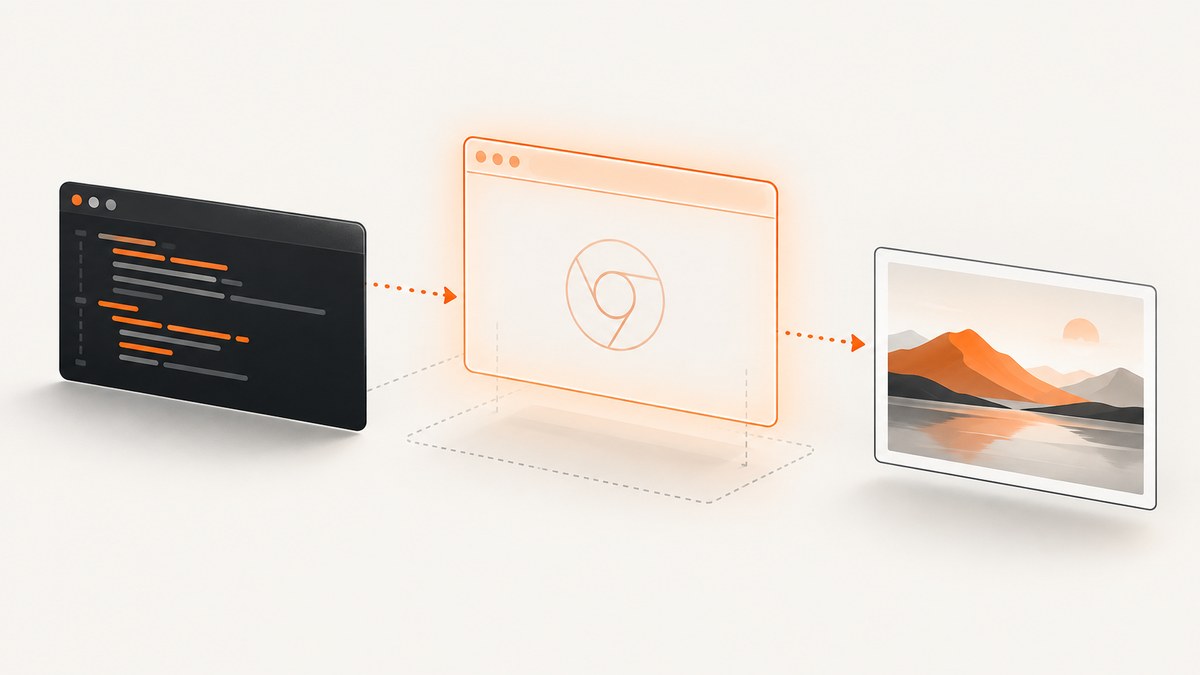
To run Chrome without a visible browser window in Selenium, add Chrome’s headless startup argument to a Chrome options object and pass that object when creating the WebDriver session. In current Python examples, the argument is --headless=new; Chrome documentation also shows the shorter --headless spelling. Use the spelling supported by the Chrome and Selenium versions in your environment.
from selenium import webdriver
from selenium.webdriver.chrome.options import Options

options = Options()
options.add_argument("--headless=new")

driver = webdriver.Chrome(options=options)
try:
    driver.get("https://example.com")
    print(driver.title)
finally:
    driver.quit()
This starts a Selenium session, loads https://example.com, prints the page title, and always closes Chrome. The same pattern works for navigation, DOM inspection, screenshots, PDF workflows, and test suites. The important details are that headless mode is a Chrome command-line argument, and the options object must be supplied to webdriver.Chrome.
1. What headless Chrome means
Headless mode runs Chrome without displaying its user interface on your desktop or CI worker. Since Chrome 112, unified headless uses the same Chrome implementation as regular mode; Chrome creates platform windows internally but does not show them. This gives automation access to normal browser behavior while keeping the session invisible. See the Chrome headless documentation.
Headless is useful when a test runner, scraper, scheduled job, container, or server has no display. It is also useful when you want deterministic automation without a human taking control of the browser. Headless does not make a page faster by definition, and it does not bypass authentication, bot detection, or application permissions.
Unified headless versus the standalone shell
The old, separate headless implementation is no longer the ordinary mode inside Chrome. Since Chrome 132, the legacy implementation is available as a separate chrome-headless-shell binary. Most Selenium users should use unified headless through ChromeOptions. Consider the shell only when a task specifically requires its narrower command-line behavior; it is not a replacement for a normal Selenium WebDriver session.
2. Install Selenium and prepare Chrome
Install Selenium in the Python environment that runs your script:
python -m pip install -U seleniumYou need a compatible Chrome browser and a way for Selenium to locate a driver. Selenium 4 includes Selenium Manager, which can resolve browser and driver components in many setups. Selenium’s Chrome documentation advises matching the Chrome and ChromeDriver major versions, especially when a session fails to start. Record the browser, driver, Python, and Selenium versions in CI so a future image update does not become a mystery failure.
Check your browser version from Chrome’s About page or your operating system package manager. If your organization supplies a custom browser binary, configure its path explicitly. Selenium Manager documents browser path, browser version, and driver version settings in its resolution guide.
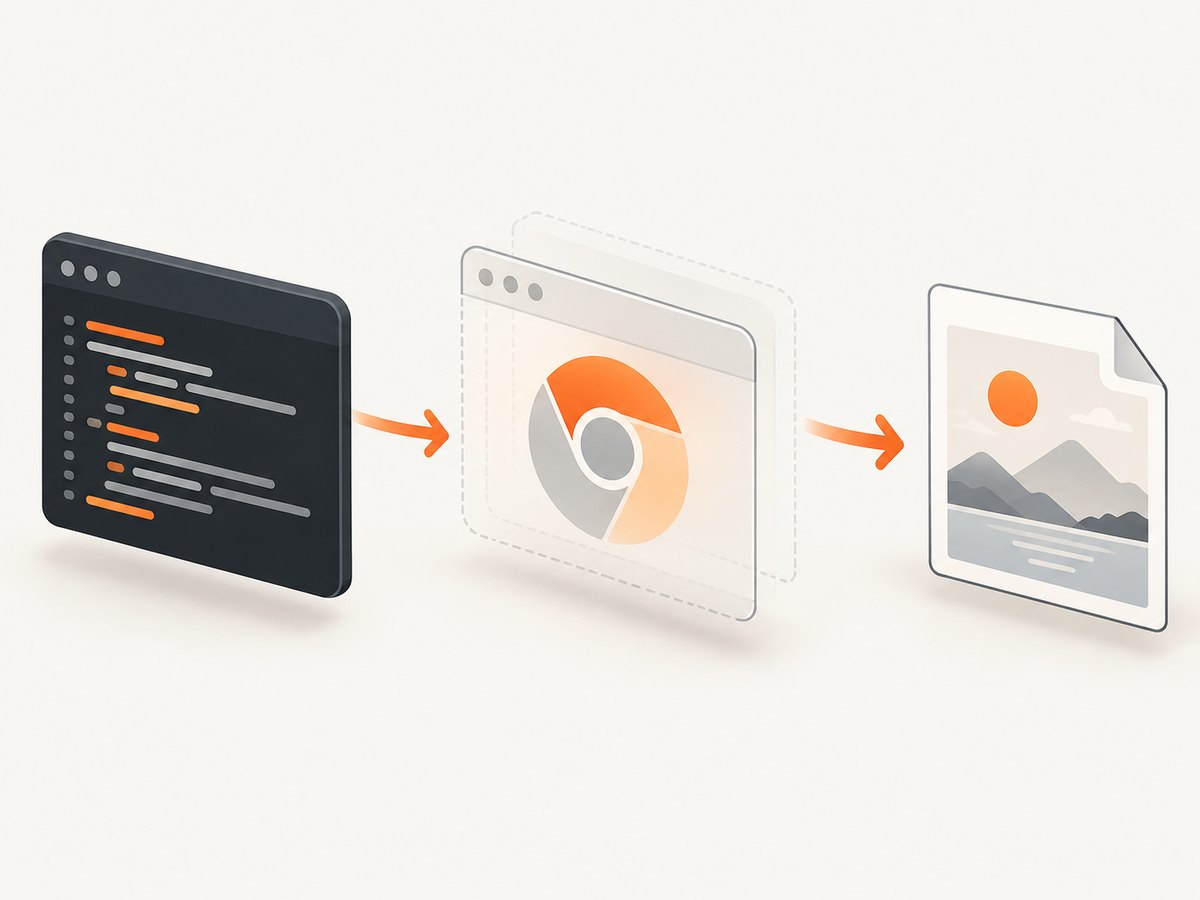
3. Minimal Python setup
Save the following as headless_title.py and run it with python headless_title.py:
from selenium import webdriver
from selenium.webdriver.chrome.options import Options

TARGET = "https://example.com"

options = Options()
options.add_argument("--headless=new")

driver = webdriver.Chrome(options=options)
try:
    driver.get(TARGET)
    print(f"title: {driver.title}")
finally:
    driver.quit()
The try/finally block matters. If navigation or an assertion raises an exception, quit() still releases the browser process and its temporary resources. For a long-running test suite, create one driver per isolation boundary and close it in a fixture or teardown hook.
Using the shorter argument
Chrome’s current examples use --headless. If --headless=new is rejected by an old browser or an older Selenium setup, try:
options.add_argument("--headless")Do not treat one spelling as universal. The supported choice depends on the Chrome build and the Selenium binding. Selenium’s 2023 announcement explains that convenience headless properties were deprecated in Selenium 4.8 and removed in 4.10; explicit browser arguments are the current approach. See the Selenium announcement.
4. Practical Chrome options
Headless itself is one argument. Add other options only when your application needs them:
| Option | Purpose | Example |
|---|---|---|
| Headless mode | Hide the browser UI | --headless=new or --headless |
| Window size | Set the CSS viewport used by responsive layouts | --window-size=1440,900 |
| Incognito | Start without the normal profile’s browsing state | --incognito |
| Custom browser binary | Use a non-default Chrome or Chromium executable | options.binary_location = "/path/to/chrome" |
| Page logging | Request browser log output for diagnostics | options.set_capability("goog:loggingPrefs", {"browser": "ALL"}) |
Python’s Options class exposes add_argument and related configuration methods in the Selenium Python API. ChromeDriver accepts Chrome-specific arguments and capabilities through ChromeOptions; the ChromeDriver capabilities reference lists the supported structure.
Viewport and screenshots
Headless Chrome still has a viewport. Set it deliberately when a screenshot or responsive test must be reproducible:
from selenium import webdriver
from selenium.webdriver.chrome.options import Options

options = Options()
options.add_argument("--headless=new")
options.add_argument("--window-size=1365,768")

driver = webdriver.Chrome(options=options)
try:
    driver.get("https://example.com")
    driver.save_screenshot("example.png")
finally:
    driver.quit()
A window-size argument controls the initial viewport. For a particular page, you can also call driver.set_window_size(width, height) after the session starts. Full-page screenshots may require page-specific scrolling or a browser/CDP technique; headless mode alone does not guarantee that an image contains content below the viewport.
Waiting for dynamic pages
Do not rely on a fixed sleep when an element or state signals readiness. An explicit wait is clearer and usually more reliable:
from selenium.webdriver.common.by import By
from selenium.webdriver.support.ui import WebDriverWait
from selenium.webdriver.support import expected_conditions as EC

wait = WebDriverWait(driver, 20)
wait.until(EC.visibility_of_element_located((By.CSS_SELECTOR, "main")))
Choose a selector that represents usable content, and set a timeout that reflects the slowest acceptable environment. A network-idle assumption can be wrong for analytics, streaming, or long-polling applications.
5. Running in CI, containers, and servers
Headless mode removes the need for a visible display, but the worker still needs a working Chrome installation, permissions, fonts, certificates, and enough CPU and memory. Build a repeatable environment that records exact browser and driver versions. When your CI image changes, compare those versions first.
Keep the browser profile isolated. A fresh temporary profile avoids extensions, cached credentials, and preferences from a developer workstation. If you need a persistent profile, provide it intentionally and protect cookies and tokens. Do not add flags such as --no-sandbox or --disable-dev-shm-usage as universal fixes; they change security or resource behavior and were not established as required by the official setup guidance. Investigate the actual container permissions and shared-memory limits before changing them.
For parallel jobs, give each session its own profile and avoid oversubscribing CPU or memory. A browser that starts successfully in one process can fail when many sessions compete for the same worker. Capture browser and driver logs on failure, but avoid logging credentials or session cookies.
6. Common errors and fixes
“SessionNotCreatedException” or ChromeDriver cannot start Chrome
Cause: Chrome and ChromeDriver major versions do not align, or the driver points at a browser that is not installed.
Fix: Check both versions, update or pin compatible components, and rerun. Selenium’s Chrome documentation specifically calls out major-version matching.
“Unable to obtain driver” or Selenium cannot find a driver
Cause: Selenium Manager cannot resolve a driver in the current environment, or network and filesystem policy prevents resolution.
Fix: Verify Selenium Manager settings, the browser path, and any configured browser or driver version. In restricted CI, install the approved driver during image creation and make its location explicit.
Chrome binary not found
Cause: Chrome is installed outside the standard location, or only Chromium is present.
Fix: Set options.binary_location to the executable path and confirm the process user can execute it. Check the path inside the same container or VM that runs Python.
The page is blank or content is missing
Cause: The application renders asynchronously, requires a consent action, redirects to authentication, or detects automation.
Fix: Wait for a meaningful DOM condition, inspect the final URL and page source, and handle authentication in a controlled test account. Headless mode does not guarantee access to content that a normal visitor cannot access.
Different layout or screenshot dimensions
Cause: The default viewport, device scale factor, fonts, or responsive breakpoints differ between machines.
Fix: Set a window size, install the required fonts, and keep the browser version consistent. Compare computed viewport dimensions inside the page when diagnosing a mismatch.
Old code uses a removed headless property
Cause: Older Selenium examples used convenience methods or properties that were deprecated and removed.
Fix: Replace them with options.add_argument("--headless=new") or the supported --headless spelling for your Chrome version.
7. Reliability, performance, and cost considerations
Headless sessions still pay the normal browser startup cost. Reusing a driver for related operations can reduce startup overhead, while separate sessions provide stronger isolation. Keep waits targeted: a 20-second global sleep makes every fast page slow, whereas an explicit wait finishes as soon as the required state exists.
Reliability improves when browser and driver versions are pinned, viewport and locale are explicit, profiles are isolated, and failures retain the final URL, console logs, screenshot, and HTML needed for diagnosis. Use retries only for transient navigation failures; retrying deterministic selector or authentication errors increases load without fixing the cause.
Chrome itself is free to run, but your infrastructure still consumes CPU, memory, storage, and network bandwidth. Account for those resources when choosing concurrency. If you only need a rendered image or PDF and do not need browser-level interaction, a screenshot API can remove the browser lifecycle from your application.
8. Or skip the browser setup
ScreenshotNeo provides a website screenshot API and MCP server. One GET request returns a PNG, JPEG, WebP, or PDF, so you do not install ChromeDriver or maintain a browser process. See the ScreenshotNeo documentation.
curl -G "https://api.screenshotneo.com/v1/shot" -d access_key=YOUR_API_KEY --data-urlencode url=https://stripe.com -o shot.webpimport requests
r = requests.get("https://api.screenshotneo.com/v1/shot", params={"access_key": "YOUR_API_KEY", "url": "https://stripe.com"}, timeout=90)
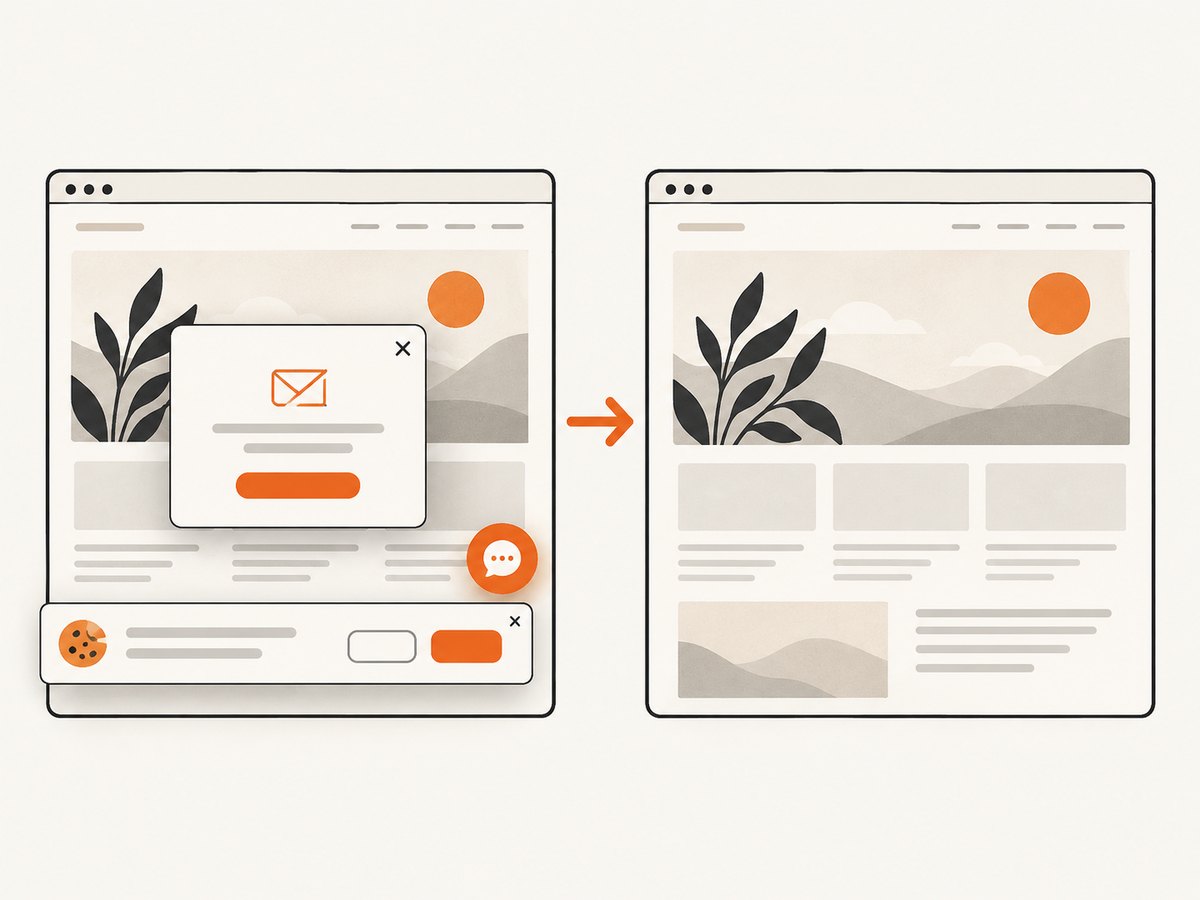
open("shot.webp", "wb").write(r.content)const q = new URLSearchParams({ access_key: 'YOUR_API_KEY', url: 'https://stripe.com' }); const res = await fetch(`https://api.screenshotneo.com/v1/shot?${q}`);ScreenshotNeo removes cookie and consent banners, newsletter popups, and chat widgets before capture. Bot checks, blank pages, timeouts, failed loads, and cache hits are not billed; response headers identify the page verdict and whether the request was billed. Its MCP server exposes take_screenshot, get_page_info, and capture_pdf for Claude, Cursor, and other MCP clients. You can use full-page capture, element selectors, dark mode, device presets, custom CSS and JavaScript, waits, request blocking, headers, cookies, user agent, authorization, timezone, geolocation, transparent backgrounds, resizing, caching, signed links, async webhooks, bulk capture, and usage reporting. Every feature is on every plan. The Free plan includes 1,000 screenshots per month without a card; paid plans start at $5 for 3,000 shots. Create a free ScreenshotNeo account.
9. Selenium, Chrome CLI, and ScreenshotNeo: choosing an approach
| Need | Best fit | Reason |
|---|---|---|
| Click buttons, inspect DOM, or run an end-to-end test | Selenium headless | You control a live WebDriver session and browser state. |
| Run a direct browser command such as a one-off capture | Chrome headless CLI | Chrome documents command-line screenshot, PDF, and DOM serialization tasks. |
| Capture many URLs without managing browsers | ScreenshotNeo | A hosted request supports bulk capture and handles browser setup. |
| Let an AI agent capture or inspect pages | ScreenshotNeo MCP | The MCP tools are designed for MCP clients. |
10. Frequently asked questions
Can I use headless mode with Selenium 4?
Yes. Pass a Chrome options object containing the explicit headless argument when creating the driver.
Does headless mode hide automation from websites?
No. Headless changes the display mode; it is not an authentication or bot-detection bypass.
Should I use Chrome or Chromium?
Use the browser approved for your project and ensure the driver targets that executable. The compatibility and path checks are the same kind of operational concern.
Why does a headless screenshot differ from my desktop screenshot?
Viewport size, device scale, fonts, browser version, locale, and page timing can all change rendering. Set those inputs explicitly and wait for a stable page state.
Can ScreenshotNeo replace Selenium for interactive tests?
No. ScreenshotNeo is intended for screenshots, page information, PDFs, and related capture workflows. Keep Selenium when your test must click through application behavior or inspect a live session.
11. Final checklist
- Install a supported Selenium version and confirm Chrome is available.
- Create
Options()and add the supported headless argument. - Pass
options=optionstowebdriver.Chrome. - Match Chrome and ChromeDriver major versions.
- Set viewport, profile, fonts, and locale when output must be reproducible.
- Use explicit waits for dynamic content and always call
driver.quit(). - Capture diagnostics when startup or rendering fails.
- Use ScreenshotNeo when a hosted screenshot or PDF request is simpler than maintaining ChromeDriver.


