How to Configure Cypress.env() for an Imported Module
Cypress.env() was removed in Cypress 16. Learn how to configure environment values and pass them safely to imported helpers with cy.env().
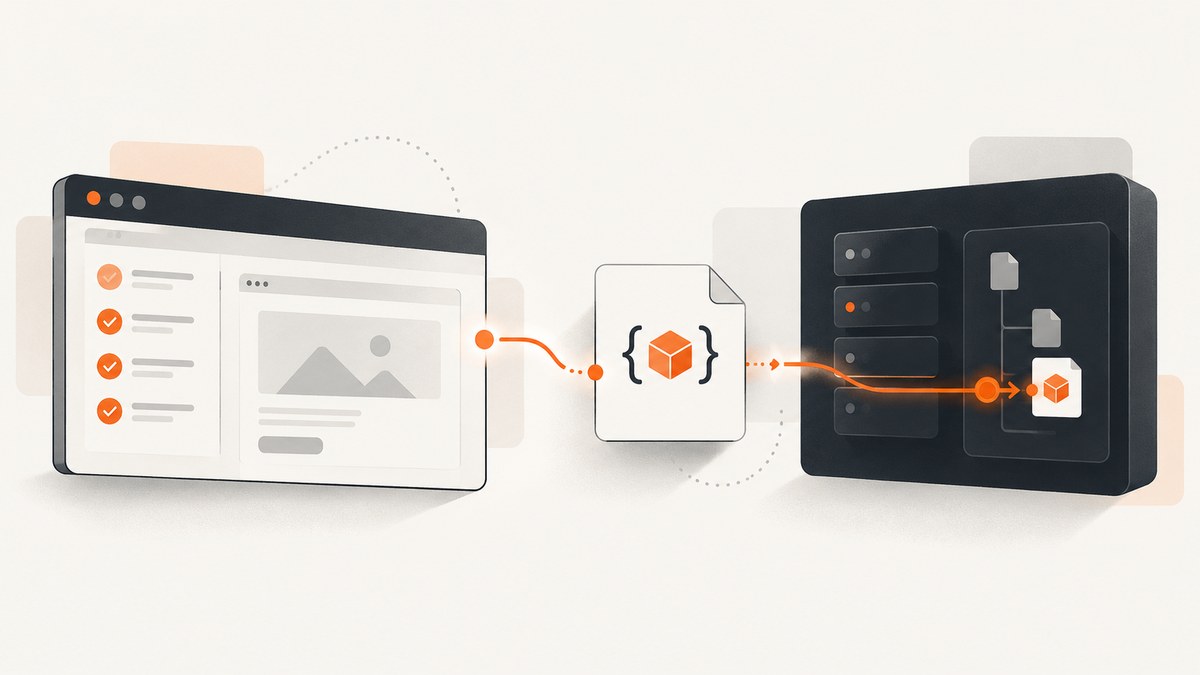
Short answer: Do not call Cypress.env() in a new project. Cypress deprecated it in 15.10.0 and removed it in 16.0. Put the value in Cypress configuration, cypress.env.json, a CYPRESS_* operating-system variable, the --env CLI flag, or setupNodeEvents. Read sensitive values inside a test with the asynchronous cy.env() command, then pass the result to your imported helper. For a public value that must be read synchronously in browser code, use Cypress.expose().
1. Configure the value in a supported source
Cypress merges environment values from several sources. Choose one based on who owns the value and where the test runs.
| Source | Example | Good for |
|---|---|---|
env in config |
env: { apiUrl: 'https://api.example.test' } |
Project defaults and non-secret local values |
cypress.env.json |
{ "apiUrl": "..." } |
Local overrides; add this file to .gitignore when it contains secrets |
CYPRESS_* variables |
CYPRESS_API_URL=https://api.example.test |
CI and shell-managed configuration |
--env |
cypress run --env apiUrl=https://api.example.test |
One-off runs and matrix jobs |
setupNodeEvents |
Return or modify configuration in the Node process | Values derived by Node-side setup |
JavaScript configuration
const { defineConfig } = require('cypress')

module.exports = defineConfig({
  env: {
    apiUrl: 'https://api.example.test',
    // Keep secrets out of source control.
  },
  e2e: {
    setupNodeEvents(on, config) {
      // Node-side setup can read process.env or compute values.
      if (process.env.CI_API_URL) {
        config.env.apiUrl = process.env.CI_API_URL
      }
      return config
    },
  },
})
TypeScript configuration
import { defineConfig } from 'cypress'

export default defineConfig({
  env: {
    apiUrl: 'https://api.example.test',
  },
  e2e: {
    setupNodeEvents(on, config) {
      if (process.env.CI_API_URL) {
        config.env.apiUrl = process.env.CI_API_URL
      }
      return config
    },
  },
})
cypress.env.json
{
  "apiUrl": "https://api.example.test",
  "tenant": "staging"
}
Environment keys are case-sensitive. The current cy.env() API requires a non-empty array of non-empty key strings and yields the configured types.
2. Pass the value to an imported module
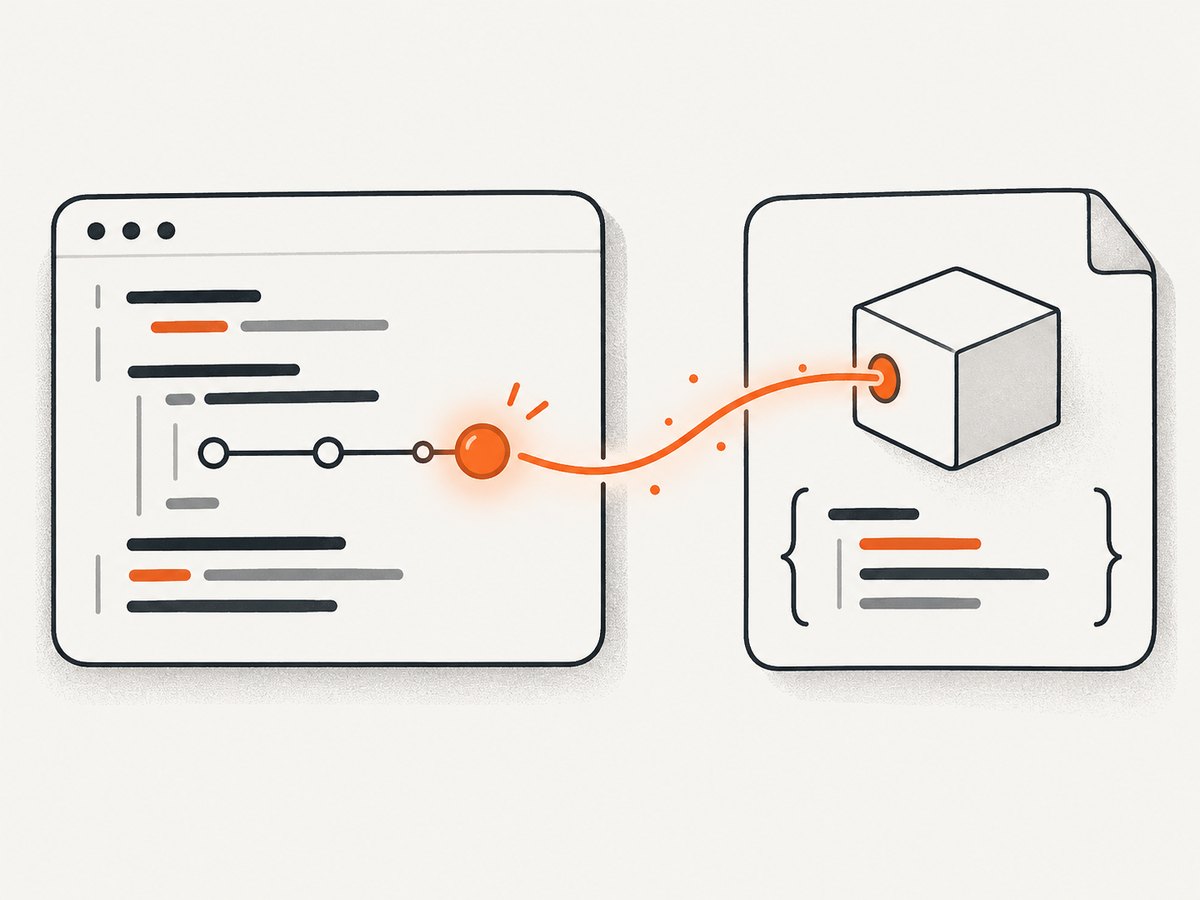
An imported module is evaluated by ordinary JavaScript. It cannot synchronously run a Cypress command while the module is loading. Keep module-level code pure, expose a normal function, and let the test retrieve the value before calling it.
// cypress/support/api-url.ts
export function makeApiUrl(apiUrl: string, path: string) {
  return `${apiUrl}${path}`
}
// cypress/e2e/users.cy.ts
import { makeApiUrl } from '../support/api-url'

describe('users', () => {
  it('uses the configured API URL', () => {
    cy.env(['apiUrl']).then(({ apiUrl }) => {
      const url = makeApiUrl(apiUrl, '/users')
      cy.request(url).its('status').should('eq', 200)
    })
  })
})
This pattern keeps the Cypress command boundary in the test and keeps the imported helper reusable in other JavaScript code.
Read several values together
import { makeApiUrl } from '../support/api-url'

describe('authenticated request', () => {
  it('passes configuration into a helper', () => {
    cy.env(['apiUrl', 'tenant']).then(({ apiUrl, tenant }) => {
      const url = makeApiUrl(apiUrl, `/tenants/${tenant}/users`)
      cy.request({ url, failOnStatusCode: false }).then((response) => {
        expect(response.status).to.be.oneOf([200, 401])
      })
    })
  })
})
3. If the helper needs Cypress commands, use a custom command
When the helper itself must call Cypress commands, register a custom command from the support setup file. The implementation can call cy.env(); module-level initialization still should not.
// cypress/support/commands.ts
import { makeApiUrl } from './api-url'

declare global {
  namespace Cypress {
    interface Chainable {
      requestConfigured(path: string): Chainable<Cypress.Response<any>>
    }
  }
}

Cypress.Commands.add('requestConfigured', (path: string) => {
  return cy.env(['apiUrl']).then(({ apiUrl }) => {
    return cy.request(makeApiUrl(apiUrl, path))
  })
})
// cypress/e2e/users.cy.ts
it('calls the configured endpoint', () => {
  cy.requestConfigured('/users').its('status').should('eq', 200)
})
4. Choose Cypress.expose() for public synchronous values
cy.env() is the right choice for sensitive values when asynchronous access inside a test is acceptable. If a non-sensitive value must be available synchronously in browser code, configure it under expose and read it with Cypress.expose('key').
// cypress.config.ts
import { defineConfig } from 'cypress'

export default defineConfig({
  expose: {
    appName: 'checkout-ui',
  },
})
// browser-side support code
const appName = Cypress.expose('appName')
console.log(appName)
Values exposed to the browser can be accessed by application code, third-party scripts, and browser extensions. Never expose passwords, API keys, tokens, or other secrets.
5. Migration from Cypress.env()
| Legacy code | Current replacement |
|---|---|
Cypress.env('apiUrl') |
cy.env(['apiUrl']).then(({ apiUrl }) => ...) |
| Synchronous secret access in browser code | Move the read into a test or hook and pass the value to a helper |
| Synchronous public configuration | Use Cypress.expose('key') |
Cypress 16.0 also rejects env in suite or test configuration overrides. Move those values to the project configuration or another supported source.
6. Secret handling
- Use your CI provider’s secret store for CI credentials.
- Add
cypress.env.jsonto.gitignorewhen it contains secrets. cy.env()logs requested key names rather than values by default, but the yielded object is an ordinary JavaScript object.- Do not print, assert, or include secret values in failure messages or console output.
- Use
cy.env(['token'], { log: false })when the key name itself should not appear in command logs.
7. Common errors and fixes
| Error | Cause | Fix |
|---|---|---|
Cypress.env is not a function |
You are running Cypress 16 or newer. | Replace it with cy.env() or Cypress.expose(), depending on sensitivity and timing. |
Cannot call cy.env outside a running test |
A module initializer or top-level import is trying to run a Cypress command. | Call cy.env() inside a test, hook, or custom command and pass the result to the helper. |
Value is undefined |
The key is misspelled, has different casing, or was not loaded from the selected source. | Check the exact key, configuration file location, CI variable name, and --env syntax. |
| Secret appears in output | Later code logged the yielded object or embedded the value in an assertion. | Stop logging the value; redact failure messages and use a CI secret store. |
| Suite override is rejected | Cypress 16 no longer accepts env in suite or test configuration overrides. |
Set the value globally or use a separate run configuration. |
| Node code cannot see browser commands | setupNodeEvents runs in Cypress’s Node child process; tests run in the browser-side context. |
Compute Node-side values in setupNodeEvents, return them in config, and read them with cy.env() in the test. |
8. Performance, reliability, and type considerations
- Read each value once per test or hook and pass primitives or a small configuration object to helpers.
- Keep imported modules deterministic: avoid reading environment state during import evaluation.
- Use a shared helper function for URL construction and request setup so configuration changes do not require edits across tests.
- Preserve configured types. If a value represents a number or boolean, validate it at the boundary before using it.
- Keep browser-visible configuration separate from secrets. Exposing a value makes it available to page code and extensions.
9. A complete minimal project
// cypress.config.ts
import { defineConfig } from 'cypress'

export default defineConfig({
  env: { apiUrl: 'https://api.example.test' },
  e2e: {
    setupNodeEvents(on, config) {
      return config
    },
  },
})
// cypress/support/api-url.ts
export const endpoint = (base: string, path: string) => `${base}${path}`
// cypress/e2e/health.cy.ts
import { endpoint } from '../support/api-url'

describe('health', () => {
  it('uses imported code with cy.env', () => {
    cy.env(['apiUrl']).then(({ apiUrl }) => {
      cy.request(endpoint(apiUrl, '/health'))
        .its('status')
        .should('eq', 200)
    })
  })
})
10. Or skip the browser setup
If your goal is to capture a page for documentation, visual checks, or an agent workflow, ScreenshotNeo provides a single screenshot API request instead of maintaining browser setup.

curl -G "https://api.screenshotneo.com/v1/shot" -d access_key=YOUR_API_KEY --data-urlencode url=https://stripe.com -o shot.webpSee the ScreenshotNeo API documentation for the request options. The same call in Python is:
import requests
r = requests.get("https://api.screenshotneo.com/v1/shot", params={"access_key": "YOUR_API_KEY", "url": "https://stripe.com"}, timeout=90)
open("shot.webp", "wb").write(r.content)
And in Node.js:
const q = new URLSearchParams({ access_key: 'YOUR_API_KEY', url: 'https://stripe.com' });
const res = await fetch(`https://api.screenshotneo.com/v1/shot?${q}`);
Cookie banners, newsletter popups, and chat widgets are removed before the shot. Bot checks, blank pages, failed loads, timeouts, and cache hits are never billed, and response headers identify the page verdict and billing status. ScreenshotNeo also includes an MCP server so AI agents can take screenshots, inspect pages, and capture PDFs. The free plan includes 1,000 screenshots a month with no card; paid plans start at $5 for 3,000 shots. Create a free ScreenshotNeo account.
11. FAQ
Can an imported module call cy.env()?
Only from code that runs inside an active Cypress command chain, such as a custom command. Do not call it while the module is being imported.
Should I use cy.env() for every value?
Use it for values that should remain in the Cypress test context, especially secrets. Use Cypress.expose() only for non-sensitive values that need synchronous browser access.
Does cy.env() change a value?
No. It reads configured values and yields them asynchronously.
Can I share the helper outside Cypress?
Yes. Keep it as a normal function that accepts explicit arguments. That makes it usable from Cypress tests and other JavaScript code.
Where should CI credentials live?
Store them in the CI provider’s secret store, provide them through supported Cypress configuration inputs, and avoid committing them to cypress.env.json.


