How to Configure the Cypress Screenshot Directory
Set Cypress’s screenshot output folder, control cleanup and failure captures, organize artifacts in CI, and troubleshoot missing or deleted screenshots.
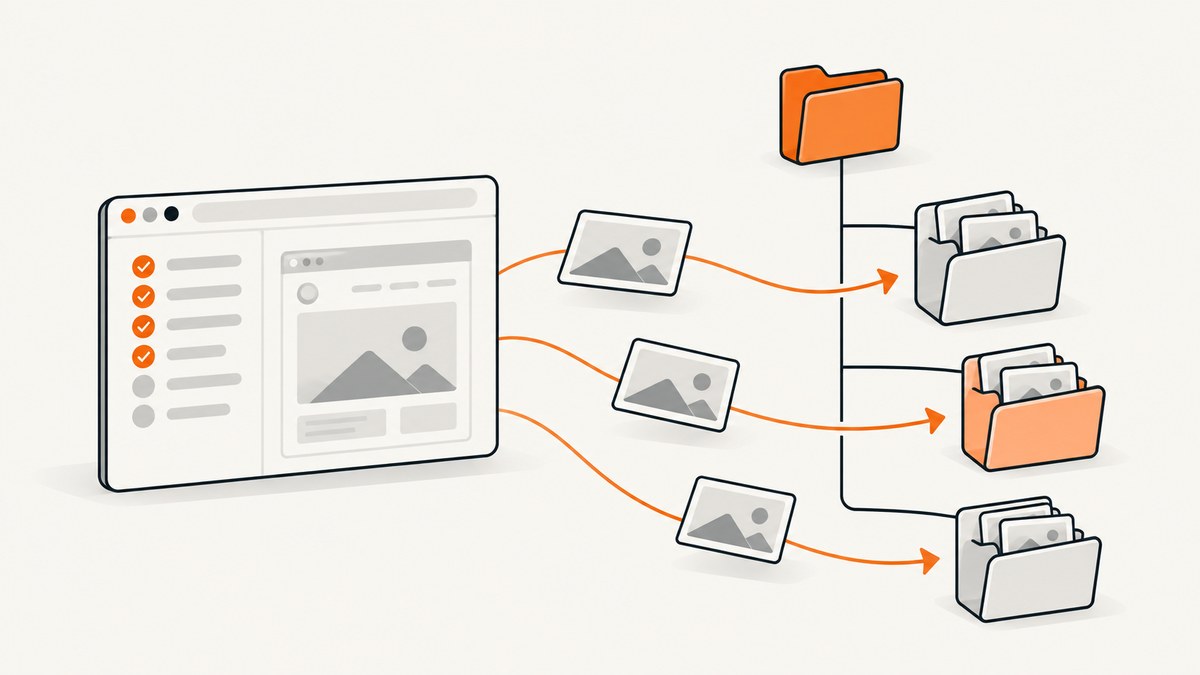
Direct answer: Set the top-level screenshotsFolder option in your Cypress configuration. The documented default is cypress/screenshots. A custom configuration looks like this:
const { defineConfig } = require('cypress')

module.exports = defineConfig({
  screenshotsFolder: 'artifacts/screenshots',
})
This setting changes the base directory for screenshots made with cy.screenshot() and screenshots Cypress captures automatically after failures during cypress run. It does not disable failure screenshots or preserve old files; those behaviors are controlled separately by screenshotOnRunFailure and trashAssetsBeforeRuns. See the Cypress configuration reference and the cy.screenshot() API documentation for version-specific details.
1. Choose the folder and edit the active Cypress config
Cypress reads one project configuration file, normally cypress.config.js or cypress.config.ts. Add screenshotsFolder at the Cypress configuration level, alongside options such as e2e, component, video and baseUrl. Do not put it inside an individual test, suite, or e2e callback.
JavaScript configuration
const { defineConfig } = require('cypress')

module.exports = defineConfig({
  screenshotsFolder: 'artifacts/screenshots',
  e2e: {
    baseUrl: 'http://localhost:3000',
  },
})
TypeScript configuration
import { defineConfig } from 'cypress'

export default defineConfig({
  screenshotsFolder: 'artifacts/screenshots',
  e2e: {
    baseUrl: 'http://localhost:3000',
  },
})
Use a project-relative path when the artifacts should travel with the checkout. A path such as ./test-results/screenshots is also valid and is shown in Cypress migration documentation. Avoid relying on a machine-specific absolute path unless your CI environment deliberately provides it.
2. Understand where Cypress puts each screenshot
screenshotsFolder is the base, not necessarily the final directory of every file. Cypress builds subdirectories from the adjusted spec path and test name. The documented pattern is:
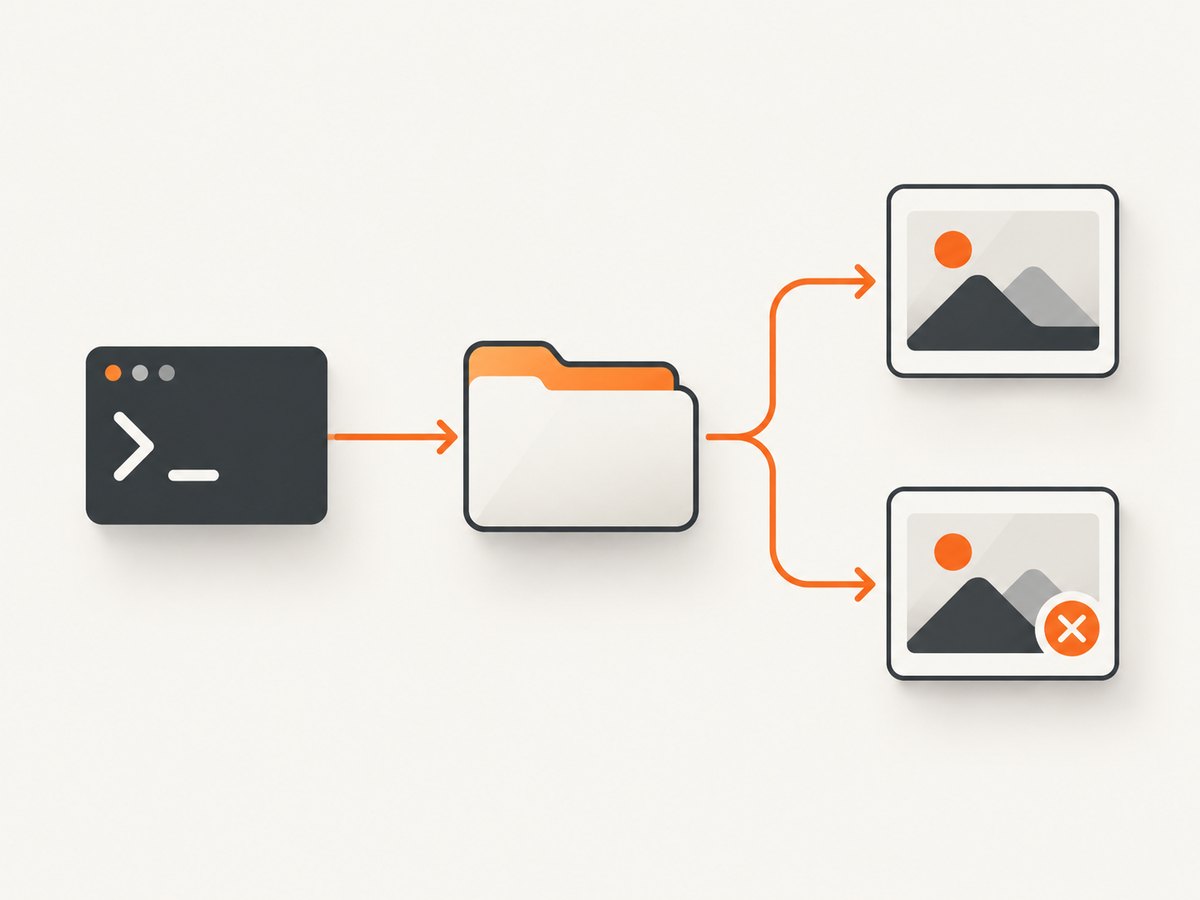
{screenshotsFolder}/{adjustedSpecPath}/{testName}.pngFor example, with screenshotsFolder: 'artifacts/screenshots', a test in cypress/e2e/account/login.cy.js can produce a path below artifacts/screenshots/account/login.cy.js/..., depending on the installed Cypress version and spec-path adjustment.
A manual screenshot can use a name:
describe('checkout', () => {
  it('shows the receipt', () => {
    cy.visit('/checkout')
    cy.get('[data-testid="receipt"]').should('be.visible')
    cy.screenshot('receipt-ready')
  })
})
The filename passed to cy.screenshot() is relative to the configured screenshots folder and the spec organization Cypress applies. Supplying path separators in the name can create nested folders, which is useful for grouping checkpoints but can make artifact lookup less obvious. Keep names stable when another process uploads or compares them.
Full-page and element screenshots
cy.screenshot('dashboard-viewport')
cy.screenshot('dashboard-full', { capture: 'fullPage' })
cy.get('[data-testid="invoice"]').screenshot('invoice-element')
These calls still use the same configured base folder. The capture option changes what is rendered, while screenshotsFolder changes where the resulting file starts.
3. Control screenshots taken after failures
During cypress run, Cypress captures a screenshot after a test failure by default. This is independent of the destination setting: screenshotsFolder selects the folder, while screenshotOnRunFailure controls whether the automatic image is created.
const { defineConfig } = require('cypress')

module.exports = defineConfig({
  screenshotsFolder: 'artifacts/screenshots',
  screenshotOnRunFailure: false,
})
Set screenshotOnRunFailure: false when failure images are too large, contain sensitive test data, or are already replaced by another diagnostic system. This option does not affect explicit cy.screenshot() calls. Manual screenshots continue to run unless the test itself stops before reaching the command.
Failure captures are not automatically taken in cypress open; they are associated with the headless cypress run workflow. If you need a screenshot while debugging interactively, call cy.screenshot() at the point of interest.
4. Prevent Cypress from deleting previous artifacts
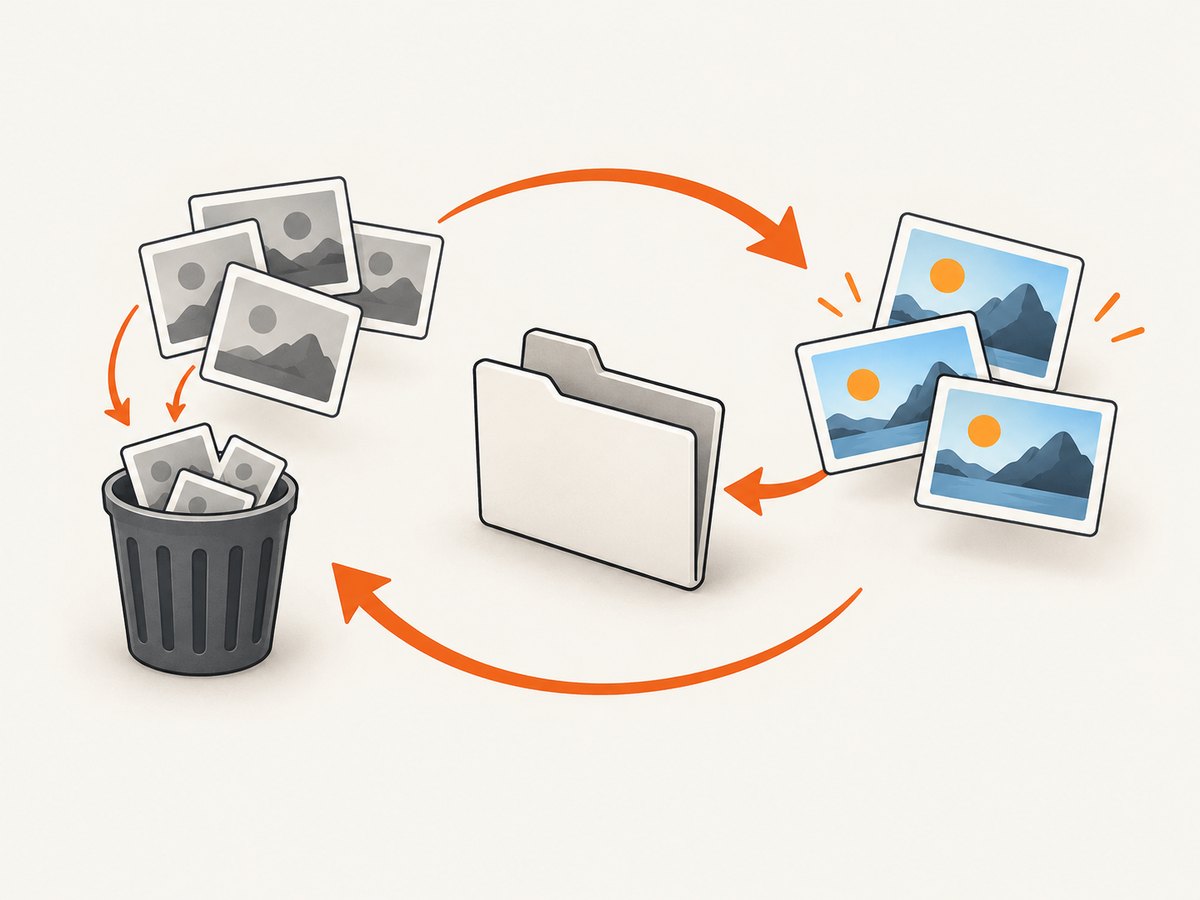
By default, trashAssetsBeforeRuns is true. Before cypress run, Cypress clears the contents of its screenshot, video and download folders, including nested files and directories. The directory itself remains. With a custom screenshots folder, this means old images under that folder can disappear at the start of a run.
const { defineConfig } = require('cypress')

module.exports = defineConfig({
  screenshotsFolder: 'artifacts/screenshots',
  trashAssetsBeforeRuns: false,
})
Use false when a later job needs files from earlier runs, when you collect several browser configurations into one directory, or when you intentionally keep a historical visual-regression set. If each run should be isolated, leave the default enabled and write each run into a unique workspace or archive the files before the next invocation. Cypress says this cleanup does not occur during cypress open.
5. Configure screenshots in CI
In continuous integration, treat screenshots as generated artifacts. A predictable folder makes upload rules simple:
const { defineConfig } = require('cypress')

module.exports = defineConfig({
  screenshotsFolder: 'test-results/screenshots',
  videosFolder: 'test-results/videos',
  downloadsFolder: 'test-results/downloads',
  trashAssetsBeforeRuns: true,
})
Run Cypress from the repository root so a relative path resolves where your CI artifact step expects it. After the run, upload test-results/screenshots even when tests fail; failure images are often the most useful output. If parallel jobs share a workspace, give each job a separate checkout or include the job identifier in the workspace path. Otherwise, two jobs can clean or overwrite one another’s generated files.
Before changing a pipeline, inspect the actual config Cypress loads. Monorepos commonly have more than one config file, and a command launched from a package directory may resolve a different project than a command launched from the repository root. The effective path is the one printed or implied by the Cypress project that executes the test, not necessarily the path in the nearest editor window.
6. Keep generated screenshots out of source control
Cypress’s test-organization guidance commonly excludes generated screenshots, videos and downloads from version control. If you move the folder, update .gitignore to match:
# Generated Cypress artifacts
/test-results/screenshots/
/test-results/videos/
/test-results/downloads/
Use a leading slash when the directory is rooted at the repository. If you intentionally check in visual baselines, place those in a separate, documented directory instead of mixing them with run output. This keeps cleanup and CI uploads from affecting files that are part of the test suite.
7. Verify the setting with a small, repeatable check
- Confirm which Cypress project and config file your command uses.
- Add one explicit
cy.screenshot('directory-check')call to a stable test. - Run that spec with
cypress run. - Search below the configured folder for
directory-check. - Cause a temporary assertion failure and verify whether the automatic failure image appears.
- Run again and check whether the first run’s files were removed, retained, or archived according to
trashAssetsBeforeRuns.
This check distinguishes three commonly confused settings: the destination (screenshotsFolder), automatic failure capture (screenshotOnRunFailure) and pre-run cleanup (trashAssetsBeforeRuns).
8. Troubleshooting common directory problems
| Symptom | Likely cause | Fix |
|---|---|---|
Images still appear under cypress/screenshots |
The option is in the wrong file or nested under e2e/component. |
Put screenshotsFolder at the top level of the active defineConfig object and rerun the same project. |
| No image after a failed test | Failure capture is disabled, or the failure occurred before a run could save artifacts. | Check screenshotOnRunFailure; remember automatic captures apply to cypress run, not normal cypress open sessions. |
| Old screenshots vanish at startup | trashAssetsBeforeRuns is true by default. |
Set it to false when retention is required, or archive the folder before starting a new run. |
| The expected filename is not at the folder root | Cypress adds adjusted spec-path and test-name directories. | Search recursively and use a stable explicit name with cy.screenshot('name'). |
| CI cannot find the artifacts | The command ran from another project root, or the upload step targets the old path. | Align the working directory, config path and artifact-upload glob; print the directory tree after the run. |
| Two jobs overwrite each other’s images | Parallel jobs share the same workspace and cleanup phase. | Give jobs isolated workspaces or unique artifact directories, then merge artifacts after all jobs finish. |
| A custom nested filename creates unexpected directories | Path separators in the screenshot name are interpreted as subdirectories. | Use a simple filename unless nested grouping is deliberate, and sanitize names derived from test data. |
9. Performance, reliability and cost considerations
Changing the directory does not make browser rendering faster; it changes filesystem organization. The practical costs come from the number, dimensions and retention period of the images. Full-page and high-resolution screenshots consume more disk and take longer to upload than viewport captures. Disable automatic failure images only when you have another way to diagnose failures.
For reliable CI runs, keep the output path deterministic, archive artifacts before cleanup when historical comparison matters, and avoid shared writable directories between parallel jobs. If a job retries, decide whether the retry should replace the previous files or use a unique run directory. This policy is separate from Cypress’s own folder selection.
Cypress does not charge for writing local screenshots. Your CI provider may charge for retained artifact storage or network transfer, so set retention in the CI system and remove generated files from workspaces after upload. These are operational costs rather than Cypress configuration fees.
10. Version-sensitive behavior
The configuration reference, screenshot API and migration guide describe the behavior for the documented Cypress releases, but path adjustment details can change across upgrades. When a project moves Cypress versions, recheck the installed version’s configuration reference and run the small verification procedure above. Pay particular attention to spec-path changes, cleanup defaults and how your CI artifact glob matches the resulting tree.
11. Or skip the browser setup
If your goal is a clean screenshot artifact rather than Cypress interaction, ScreenshotNeo provides a website screenshot API. It accepts one GET request and returns PNG, JPEG, WebP or PDF. The same request works from scripts and CI without installing or maintaining a browser.
Read the ScreenshotNeo API documentation for all options. Minimal calls:
cURL
curl -G "https://api.screenshotneo.com/v1/shot" -d access_key=YOUR_API_KEY --data-urlencode url=https://stripe.com -o shot.webpPython
import requests

r = requests.get(
    "https://api.screenshotneo.com/v1/shot",
    params={"access_key": "YOUR_API_KEY", "url": "https://stripe.com"},
    timeout=90,
)
open("shot.webp", "wb").write(r.content)
Node.js
const q = new URLSearchParams({ access_key: 'YOUR_API_KEY', url: 'https://stripe.com' });
const res = await fetch(`https://api.screenshotneo.com/v1/shot?${q}`);
ScreenshotNeo removes cookie and consent banners, newsletter popups and chat widgets before capture. Bot checks, blank pages, failed loads, timeouts and cache hits are not billed, and response headers identify the page verdict and whether the shot was billed. It also offers an MCP server with take_screenshot, get_page_info and capture_pdf for Claude, Cursor and other MCP clients. The free plan includes 1,000 screenshots each month with no card; paid plans start at $5 for 3,000 shots. Create a free ScreenshotNeo account to try it.
12. FAQ
What is the default Cypress screenshot directory?
cypress/screenshots.
Does screenshotsFolder affect videos or downloads?
No. It selects the screenshot base folder. Videos and downloads have separate configuration options.
Can I change the directory for one test only?
The documented setting is project-level. For one test, use a deliberate screenshot name or move/copy the generated file in a later task.
Why does Cypress create nested folders?
It organizes output beneath the base using adjusted spec paths and test or screenshot names.
Will trashAssetsBeforeRuns: false preserve files in cypress open?
The cleanup behavior described here applies before cypress run; Cypress does not perform that cleanup during cypress open.
Should screenshots be committed to Git?
Generated run artifacts are commonly ignored. Keep only intentional visual baselines under a separately managed path.


