How to Configure DOMPDF to Locate and Render Images
Fix missing DOMPDF images by configuring chroot, remote access, PHP transport support, SVG handling, and secure resource paths.
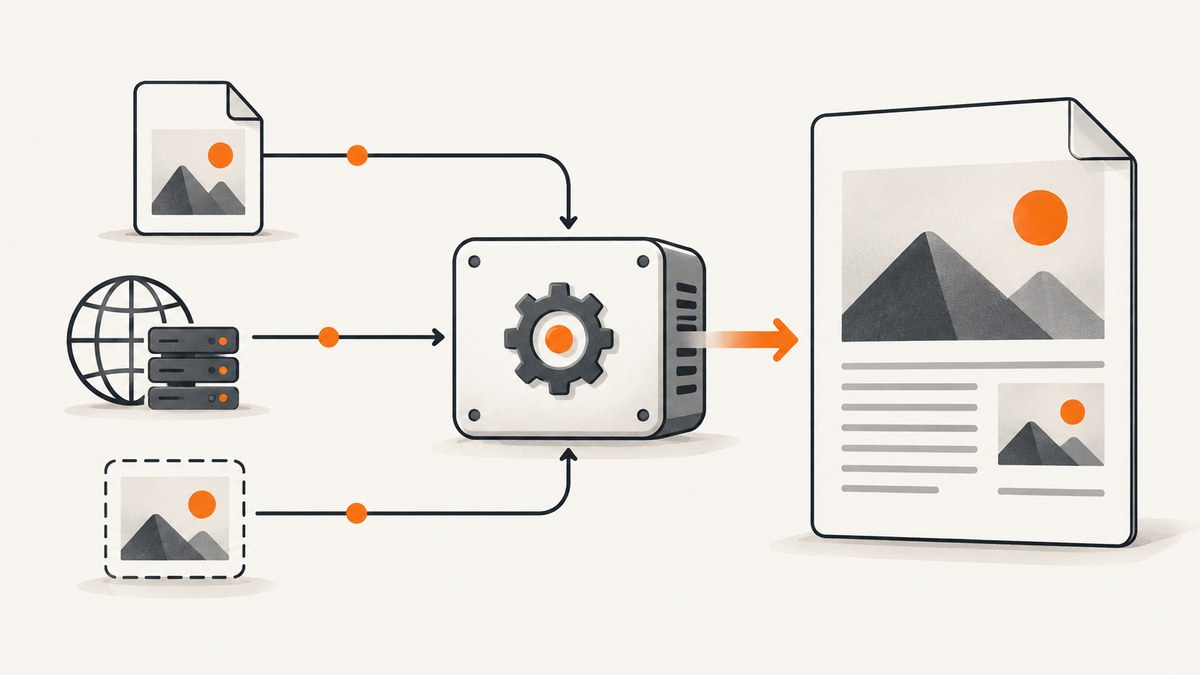
Direct answer: DOMPDF can render an image only when its src points to a resource it can access. For local files, resolve an absolute path inside the configured chroot. For HTTP(S) images, enable isRemoteEnabled and ensure PHP has cURL or allow_url_fopen. Check the final HTML, file permissions, image format support, temporary storage, and SVG security before changing options.
1. Install DOMPDF and create a minimal PDF
Install the library with Composer:
composer require dompdf/dompdfThis complete example renders a local image stored under /srv/app/public/assets/logo.png:
<?php
require __DIR__ . '/vendor/autoload.php';

use Dompdf\Dompdf;
use Dompdf\Options;

$options = new Options();
$options->setChroot('/srv/app/public');

$dompdf = new Dompdf($options);
$imagePath = '/srv/app/public/assets/logo.png';

if (!is_readable($imagePath)) {
    throw new RuntimeException("Image is missing or unreadable: {$imagePath}");
}

$html = '<!doctype html>
<html><body>
  <h1>Invoice</h1>
  <img src="' . htmlspecialchars($imagePath, ENT_QUOTES, 'UTF-8') . '" alt="Company logo">
</body></html>';

$dompdf->loadHtml($html);
$dompdf->setPaper('A4');
$dompdf->render();
$dompdf->stream('invoice.pdf', ['Attachment' => false]);
DOMPDF’s README and Options source document the resource and security settings used here.
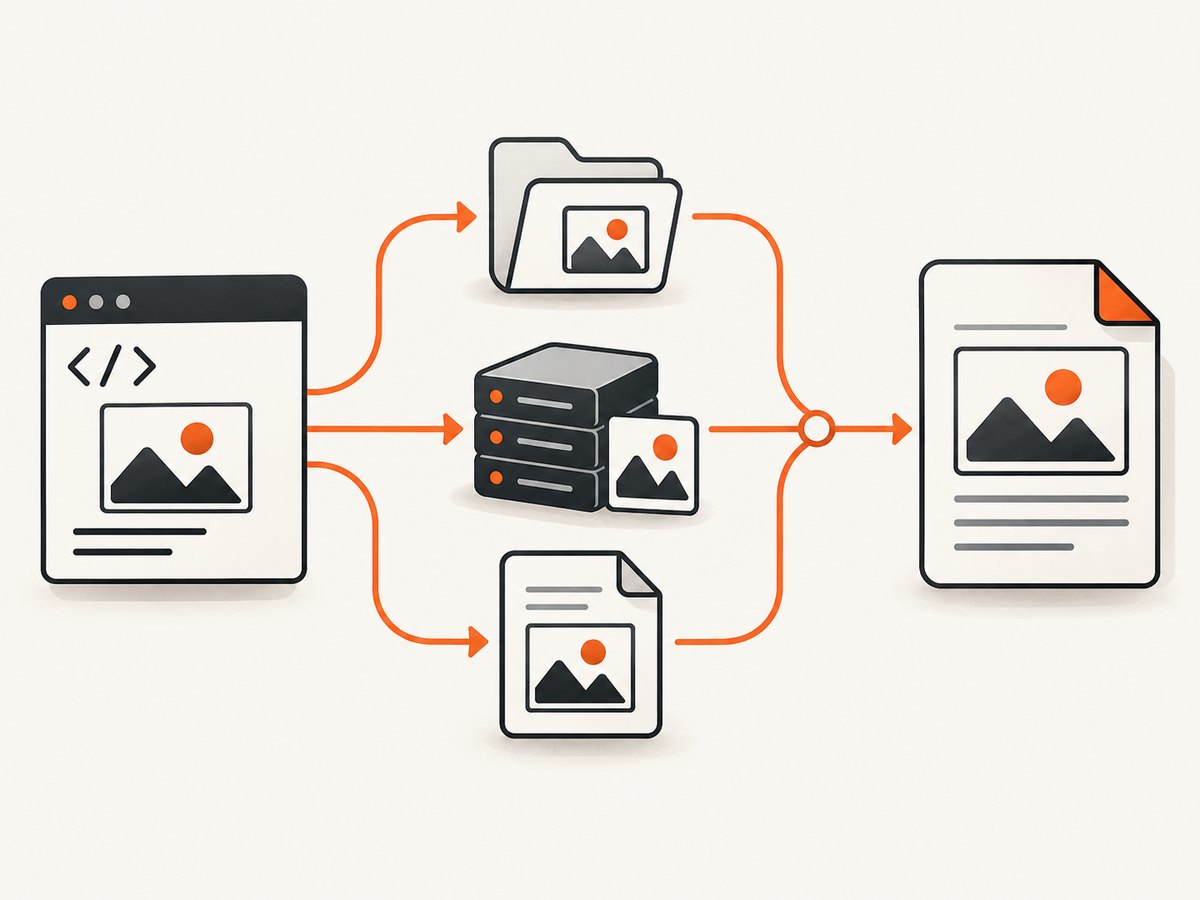
2. Choose the correct image source
| Source | Example src |
Required configuration | Typical failure |
|---|---|---|---|
| Local filesystem | /srv/app/public/assets/a.png |
Path must be under chroot and readable by PHP |
File outside chroot or permission denied |
| Remote HTTP(S) | https://cdn.example.com/a.png |
isRemoteEnabled=true; cURL or allow_url_fopen |
Remote fetching disabled or blocked by PHP |
| Relative URL | assets/a.png |
Depends on the HTML base context; resolve it explicitly when possible | Working-directory or base-URL mismatch |
| Data URI | data:image/png;base64,... |
Correct MIME type and valid base64 | Malformed data or unsafe unpatched SVG |
A browser’s ability to display an image does not prove that the PHP process running DOMPDF can read it. Always inspect the exact HTML passed to loadHtml().
3. Render local filesystem images safely
Set chroot to the narrowest parent directory containing your assets. Do not set it to /; the project warns that doing so can expose arbitrary server files.
$options = new Dompdf\Options();
$options->setChroot('/srv/app/public');

$path = '/srv/app/public/assets/report-chart.jpg';
if (!is_file($path) || !is_readable($path)) {
    throw new RuntimeException('Missing or unreadable image');
}

$html = '<img src="' . htmlspecialchars($path, ENT_QUOTES, 'UTF-8') . '" alt="Report chart">';
Use realpath() when paths are assembled from configuration or user input, then verify the resolved path remains inside the allowed root:
$root = realpath('/srv/app/public');
$path = realpath('/srv/app/public/assets/report-chart.jpg');
if ($root === false || $path === false || !str_starts_with($path, $root . DIRECTORY_SEPARATOR)) {
    throw new RuntimeException('Image is outside the PDF asset root');
}
Keep user-controlled filenames out of direct path concatenation. Map an approved identifier to a known file instead.
4. Render remote images
For an http:// or https:// source, enable remote resources and make sure PHP can transport them:
$options = new Dompdf\Options();
$options->setIsRemoteEnabled(true);
$options->setAllowedRemoteHosts(['images.example.com']);

$dompdf = new Dompdf\Dompdf($options);
$dompdf->loadHtml('<img src="https://images.example.com/assets/photo.jpg" alt="Photo">');
$dompdf->render();
allowedRemoteHosts limits network access to intended hostnames. If you do not restrict hosts, remote HTML can cause the PDF process to request destinations your application did not intend. Verify that PHP has cURL enabled, or that allow_url_fopen is enabled when your deployment uses it. Check TLS certificates, DNS, redirects, authentication, and outbound firewall rules.
5. Relative URLs, base paths, and frameworks
Relative references such as assets/logo.png are resolved from the document context available to DOMPDF, which may differ from your web server’s document root or the current shell directory. The reliable approach is to convert local assets to absolute filesystem paths before generating HTML.
$asset = realpath(__DIR__ . '/../public/assets/logo.png');
if ($asset === false) {
    throw new RuntimeException('Asset not found');
}
$html = '<img src="' . htmlspecialchars($asset, ENT_QUOTES, 'UTF-8') . '" alt="Logo">';
For remote assets, use a complete URL including the scheme and hostname. Do not assume a browser’s current page URL is available to DOMPDF.
6. SVG images and untrusted HTML
Raw inline SVG embedding is not supported in the documented form. Use an external SVG file or an SVG data URI as described in the DOMPDF README. Treat SVG and HTML supplied by users as untrusted input.
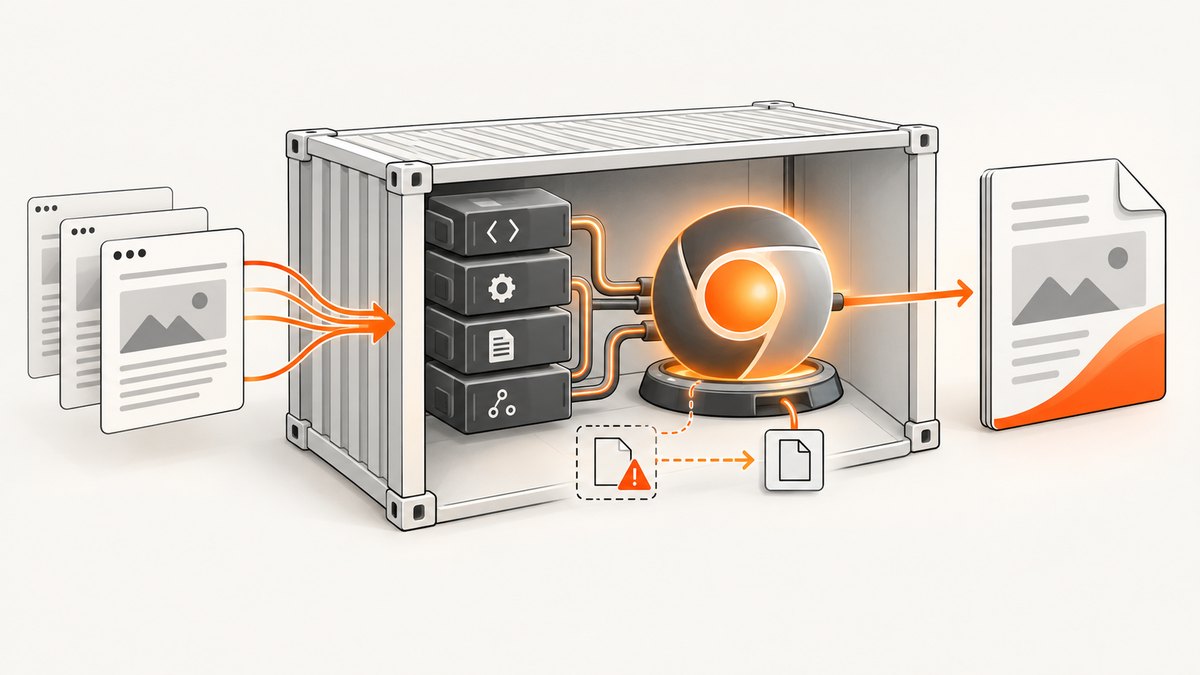
A security advisory reports an SVG data-URI local-file-read vulnerability in DOMPDF versions through 3.1.5; version 3.1.6 contains the fix. Upgrade before processing untrusted HTML or SVG, and keep filesystem and remote access narrow. See GHSA-cx96-42px-69fm.
// Prefer a controlled external SVG file under the chroot.
$options = new Dompdf\Options();
$options->setChroot('/srv/app/public');
$dompdf = new Dompdf\Dompdf($options);
$dompdf->loadHtml('<img src="/srv/app/public/assets/mark.svg" alt="Mark">');
7. Embedded data images
Data URIs avoid a filesystem lookup and a network request, but they increase HTML size. Generate them only from trusted, validated bytes:
$bytes = file_get_contents('/srv/app/public/assets/chart.png');
if ($bytes === false) {
    throw new RuntimeException('Could not read chart');
}
$dataUri = 'data:image/png;base64,' . base64_encode($bytes);
$html = '<img src="' . $dataUri . '" alt="Chart">';
8. A systematic troubleshooting checklist
| Symptom | Cause | Fix |
|---|---|---|
| Blank image area | Wrong path, missing file, or unsupported format | Log final HTML, run realpath(), check is_readable(), and confirm the format is supported by the PHP environment. |
| “Image not found” for local file | Resolved path is outside chroot |
Move or copy the asset below the configured root and use the absolute resolved path. |
| Remote image never loads | Remote access disabled or PHP transport unavailable | Enable isRemoteEnabled; install/enable cURL or enable allow_url_fopen; test DNS, TLS, redirects, and firewall access. |
| Only some remote hosts work | Hostname restriction excludes the actual host after redirect | Inspect redirects and add only the required final host to allowedRemoteHosts. |
| Relative image works locally but not in production | Different working directory or deployment layout | Resolve an absolute filesystem path during HTML generation. |
| PNG fails while JPEG works | PHP image support or GD configuration issue | Verify the PHP extensions and image decoder used by the runtime; check the maintainer’s troubleshooting guidance. |
| Intermittent failures | Network timeout, remote rate limit, or unwritable temporary directory | Prefer local or embedded assets, check temporary storage permissions, and capture diagnostics for the failing URL. |
| Security scanner flags SVG | DOMPDF version is vulnerable | Upgrade to 3.1.6 or later and restrict resource access. |
9. Performance, reliability, and cost considerations
- Prefer local assets when the PDF is generated repeatedly; they avoid DNS, TLS, remote latency, and third-party outages.
- Use data URIs selectively. They make a document self-contained but can consume more memory for large images.
- Resize before rendering. Supplying a 4,000-pixel image for a small printed logo increases work without improving output.
- Cache stable assets. Store downloaded remote files under controlled names and validate them before reuse.
- Protect temporary storage. DOMPDF may need writable temporary space; monitor permissions and available disk.
- Keep network scope narrow. Restrict remote hosts and avoid fetching user-supplied URLs.
10. Inspect the generated HTML before changing options
Most image problems are visible in the input. Log or save the exact HTML string, then classify every src as a filesystem path, HTTP(S) URL, relative reference, or data URI. For each resource, record the resolved location, file readability or HTTP response, MIME type, and whether it is inside the configured access boundary.
11. Or skip the browser setup
If your goal is a clean screenshot of a page rather than a server-side PDF assembled from local assets, ScreenshotNeo provides a single screenshot request. See the ScreenshotNeo API documentation.
curl -G "https://api.screenshotneo.com/v1/shot" -d access_key=YOUR_API_KEY --data-urlencode url=https://example.com -o shot.webpimport requests
r = requests.get("https://api.screenshotneo.com/v1/shot", params={"access_key": "YOUR_API_KEY", "url": "https://example.com"}, timeout=90)
open("shot.webp", "wb").write(r.content)const q = new URLSearchParams({ access_key: 'YOUR_API_KEY', url: 'https://example.com' });
const res = await fetch(`https://api.screenshotneo.com/v1/shot?${q}`);ScreenshotNeo removes cookie banners, newsletter popups, and chat widgets before capture. Bot checks, blank pages, failed loads, timeouts, and cache hits are not billed, and response headers identify the page verdict and billing result. Its MCP server lets Claude, Cursor, and other MCP clients call take_screenshot, get_page_info, and capture_pdf. The free plan includes 1,000 screenshots a month with no card; paid plans start at $5 for 3,000 shots.
Create a free ScreenshotNeo account.
12. FAQ
Can I use a URL without enabling remote access?
No. HTTP(S) resources require remote loading to be enabled and a working PHP transport.
Should I set chroot to the project root?
Only if that is the narrowest directory containing every required asset. A dedicated public or PDF-assets directory is safer.
Why does a browser display the image but DOMPDF does not?
The browser and PHP process have different filesystem, network, and permission boundaries. Test the resource from the PHP runtime.
Is an SVG data URI always safe?
No. Upgrade vulnerable DOMPDF versions and treat user-controlled SVG or HTML as untrusted.
What should I log for a supportable failure report?
DOMPDF version, PHP version, final src, resolved path or URL, relevant options, file permissions, transport errors, and whether the temporary directory is writable.


