How to Configure Image Options in phpwkhtmltoimage
Configure format, crop, width, quality, transparency, JavaScript, loading and errors in phpwkhtmltoimage with runnable PHP examples.
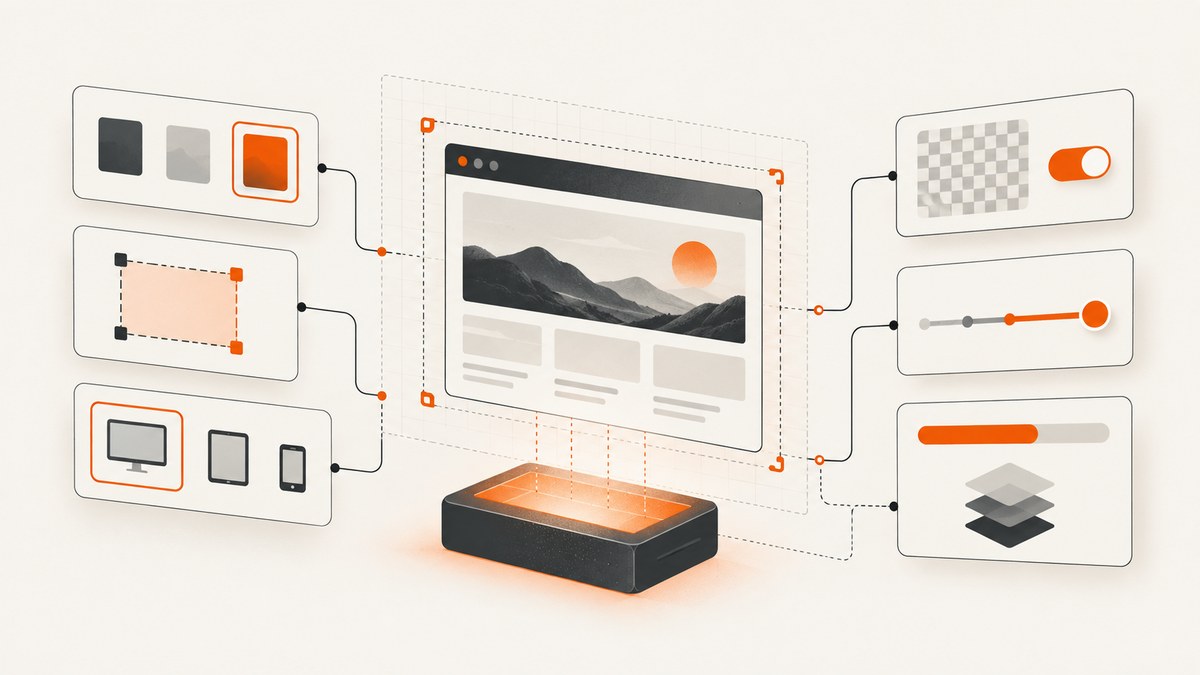
Direct answer: “phpwkhtmltoimage” can mean two different PHP interfaces. The mikehaertl/phpwkhtmltopdf wrapper exposes an Image class whose options are passed to new Image($options) or setOptions(). The separate wkhtmltox\\Image\\Converter PHP extension accepts a settings array in its constructor. Their option names are not interchangeable, so identify the interface installed on your server before copying configuration.
This guide covers both APIs, then explains the underlying wkhtmltoimage choices: output format, transparency, viewport width, smart width, cropping, JPEG quality, JavaScript timing, image loading, stylesheets, zoom and load-error handling. Examples use PHP 8 syntax where possible, but the option concepts also apply to older PHP versions supported by your package.
1. Identify the PHP interface you are using
The mikehaertl wrapper
The wrapper is a PHP library around the wkhtmltoimage executable. You create an Image object and provide an associative options array. You can also create the object first and call setOptions() later.
<?php
require __DIR__ . '/vendor/autoload.php';

use mikehaertl\wkhtmlto\Image;

$image = new Image([
    'format' => 'png',
    'width' => 1280,
    'quality' => 94,
]);

$image->saveAs(__DIR__ . '/capture.png');
Check the class namespace and package documentation installed in your project. Wrapper options are translated into command-line arguments internally, but you should use the wrapper’s documented keys rather than assuming every CLI spelling is valid in PHP.
The wkhtmltox Image Converter extension
The extension exposes wkhtmltox\\Image\\Converter. It receives a settings array when constructed and then converts an input URL or document according to those settings.
<?php
$settings = [
    'fmt' => 'png',
    'screenWidth' => 1280,
    'smartWidth' => false,
    'web.loadImages' => true,
    'web.enableJavascript' => true,
];

$converter = new wkhtmltox\Image\Converter($settings);
// Add the input object and perform conversion according to your extension version.
The extension’s method names and object setup vary by release. Confirm the installed extension’s API before putting the example into production. The important distinction is the settings vocabulary: for example, the extension documents fmt, screenWidth and web.loadImages, while a wrapper may use format, width and a different key for the same underlying behavior.
2. Configure the wrapper Image class
Set options in the constructor
Use the constructor when the image object has one stable configuration. This keeps the capture policy next to the object that uses it.
<?php
require __DIR__ . '/vendor/autoload.php';

use mikehaertl\wkhtmlto\Image;

$options = [
    'format' => 'png',
    'width' => 1440,
    'height' => 900,
    'quality' => 94,
    'zoom' => 1.0,
    'javascript-delay' => 500,
    'load-error-handling' => 'abort',
];

$image = new Image($options);

if (!$image->saveAs(__DIR__ . '/page.png')) {
    throw new RuntimeException($image->getError());
}
Use the exact option keys supported by your wrapper version. Some releases expose command-line-like names such as javascript-delay; others provide convenience names. Inspect the package documentation or source when an option is silently ignored.
Set or replace options with setOptions()
setOptions() is useful when you share an image object but change the viewport, crop or output format for a particular job.
<?php
require __DIR__ . '/vendor/autoload.php';

use mikehaertl\wkhtmlto\Image;

$image = new Image('https://example.com');
$image->setOptions([
    'format' => 'jpg',
    'width' => 1200,
    'quality' => 88,
    'crop-x' => 40,
    'crop-y' => 80,
    'crop-w' => 1000,
    'crop-h' => 700,
]);

if (!$image->saveAs(__DIR__ . '/cropped.jpg')) {
    throw new RuntimeException($image->getError());
}
Do not assume that a CLI flag can be copied verbatim into the PHP array. Verify whether your wrapper expects hyphenated names, camelCase names or a nested structure.
3. Choose the output format, transparency and quality
| Goal | Recommended setting | Trade-off |
|---|---|---|
| Sharp UI, text or transparency | PNG | Larger files than JPEG; supports transparent background when enabled. |
| Small photographic image | JPEG/JPG | Lossy compression; no transparency; controlled by quality. |
| Scalable vector output | SVG, where supported | Availability and rendering behavior depend on the extension and wkhtmltoimage build. |
| Windows bitmap compatibility | BMP | Usually much larger than compressed formats. |
For the wkhtmltox extension, the documented format key is fmt, with values including jpg, png, bmp and svg. The transparent setting makes the white background transparent for PNG or SVG output.
<?php
$settings = [
    'fmt' => 'png',
    'transparent' => true,
];

$converter = new wkhtmltox\Image\Converter($settings);
JPEG quality is a compression factor. The extension documents 94 as an example or default. Start there for screenshots containing text, then reduce it only after checking visual artifacts and file size.
<?php
$settings = [
    'fmt' => 'jpg',
    'quality' => 90,
];
Transparency does not make a JPEG transparent. If your downstream system expects alpha, choose PNG or SVG and enable transparency in the interface that supports it.
4. Set viewport width, height and smart width
Viewport dimensions determine responsive layout. A 375-pixel width may activate a mobile menu, while 1440 pixels may show a desktop navigation bar. Set the width to the layout you want to document or test.
The extension uses screenWidth for the rendering screen width. Its smartWidth setting controls whether the renderer expands the width to the content. With smart width enabled, a requested width may act as a guide rather than a strict boundary. Disable it when a fixed viewport is required.
<?php
$settings = [
    'fmt' => 'png',
    'screenWidth' => 1280,
    'smartWidth' => false,
];
The command-line tool exposes corresponding controls such as --width and smart-width behavior. The wrapper may translate these into different PHP keys. Test one known page at desktop and mobile widths, and record the resulting pixel dimensions so later changes are detectable.
5. Capture only a rectangle with crop settings
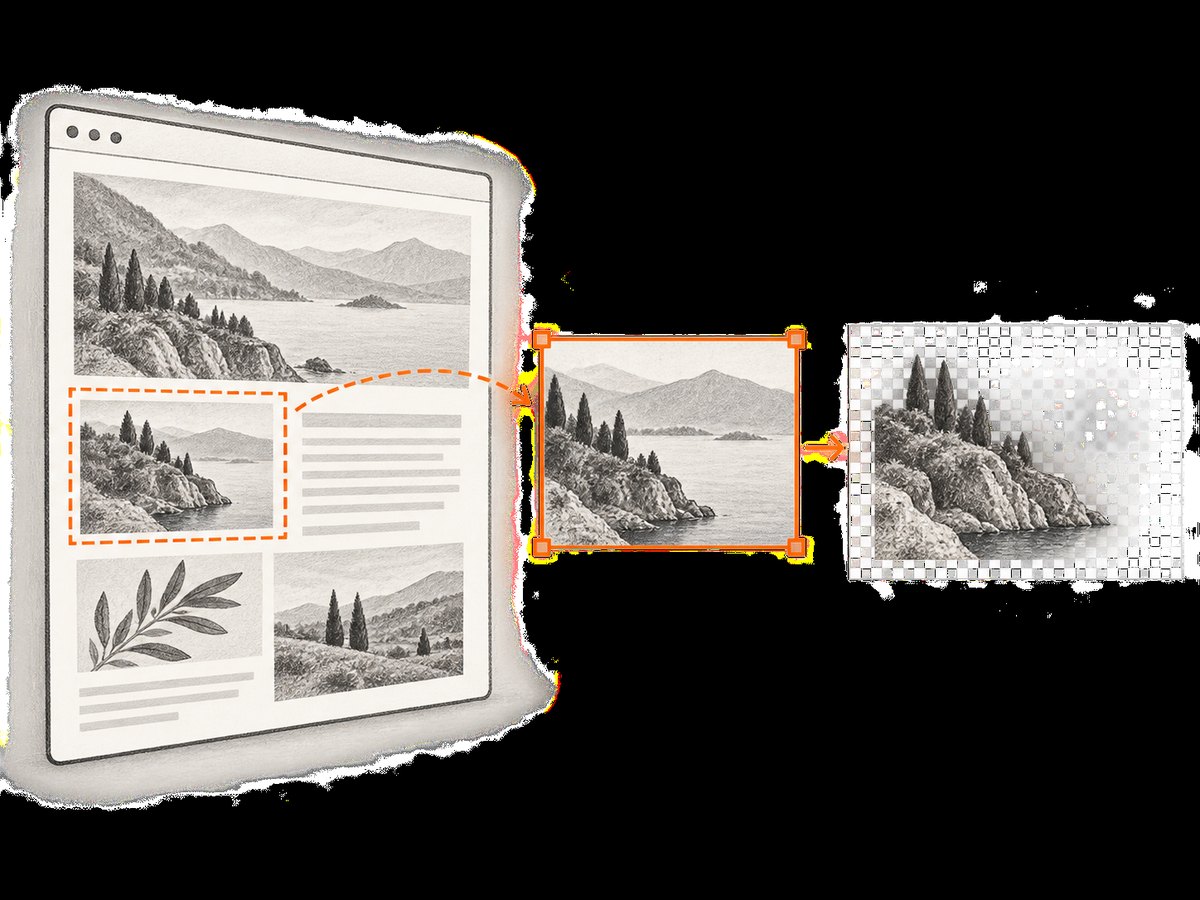
Crop coordinates are pixel based. The extension documents crop.left, crop.top, crop.width and crop.height. These define the rectangle after the page is rendered.
<?php
$settings = [
    'fmt' => 'png',
    'screenWidth' => 1440,
    'crop.left' => 120,
    'crop.top' => 80,
    'crop.width' => 1000,
    'crop.height' => 700,
];
For the CLI, the equivalent controls are --crop-x, --crop-y, --crop-w and --crop-h. A wrapper can expose those names directly or map them to another structure. Cropping is useful for a chart, hero panel or documentation example, but it does not replace element-aware capture: a fixed rectangle can include extra whitespace when content moves.
6. Make late content appear
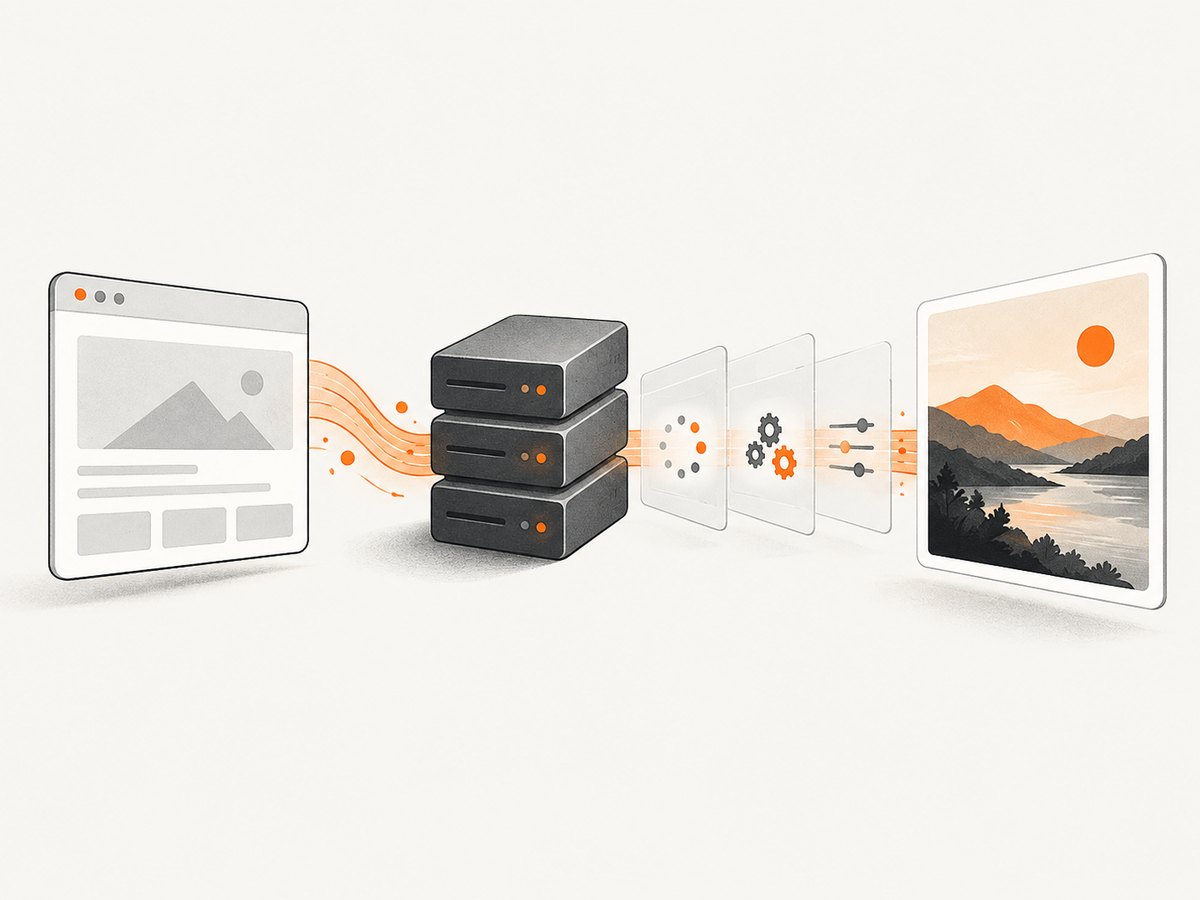
Modern pages often render content after the initial document response. If a screenshot is missing a chart, image or menu, adjust loading and readiness settings before changing crop values.
JavaScript delay and zoom
The extension documents load.jsdelay for waiting after JavaScript execution begins and load.zoomFactor for scaling the rendered page.
<?php
$settings = [
    'load.jsdelay' => 1000,
    'load.zoomFactor' => 1.0,
    'web.enableJavascript' => true,
];
Use the smallest delay that consistently allows the page to settle. Excessive delays increase conversion time and can make a batch job more expensive to operate even when the renderer itself has no per-request charge.
Wait for a window status with the CLI
The command-line tool provides --window-status, which waits for a specified browser status value. This is useful when page code sets a known status after data loading. The equivalent wrapper key depends on the package version.
Images, backgrounds and JavaScript
For the extension, check web.loadImages, web.enableJavascript, web.background, web.minimumFontSize, web.defaultEncoding and web.userStyleSheet. These settings affect whether visible resources and styles are present in the output.
<?php
$settings = [
    'web.loadImages' => true,
    'web.enableJavascript' => true,
    'web.background' => true,
    'web.minimumFontSize' => 0,
    'web.defaultEncoding' => 'utf-8',
    'web.userStyleSheet' => __DIR__ . '/capture.css',
];
A user stylesheet can normalize a page for documentation or regression capture. Keep it small and deterministic: hiding animations and transitions is usually safer than restyling the entire page.
7. Handle load errors deliberately
The extension documents load.loadErrorHandling values including abort, skip and ignore.
| Mode | Use it when | Risk |
|---|---|---|
abort |
The image is invalid unless every required resource loads. | One failed request stops the conversion. |
skip |
You want to omit an unavailable object and continue. | The output may be incomplete. |
ignore |
You prefer an output even when resource errors occur. | Failures can be easy to miss without logging. |
<?php
$settings = [
    'load.loadErrorHandling' => 'abort',
];
For automated publishing, pair ignore or skip with an explicit review signal. A successful process exit does not prove that every image, font or script loaded.
8. Complete wrapper example
<?php
require __DIR__ . '/vendor/autoload.php';

use mikehaertl\wkhtmlto\Image;

$url = 'https://example.com';
$output = __DIR__ . '/example.png';

$options = [
    'format' => 'png',
    'width' => 1280,
    'height' => 900,
    'quality' => 94,
    'javascript-delay' => 750,
    'load-error-handling' => 'abort',
    'images' => true,
    'enable-javascript' => true,
];

$image = new Image($url, $options);

if (!$image->saveAs($output)) {
    fwrite(STDERR, $image->getError() . PHP_EOL);
    exit(1);
}

echo "Saved {$output}" . PHP_EOL;
Option names such as images and enable-javascript are wrapper-version dependent. If your version rejects them, consult its option list and use the corresponding documented names.
9. Troubleshooting checklist
The option has no effect
- Confirm whether you are using the mikehaertl wrapper or the wkhtmltox extension.
- Check spelling and casing against that interface’s documentation.
- Do not paste CLI flags directly into an extension settings array.
- Log the final command or settings when the library provides a debug mode.
The page is blank or incomplete
- Enable JavaScript and image loading.
- Increase
load.jsdelayor the wrapper’s JavaScript delay. - Check that the page does not require authentication, a special user agent or a blocked resource.
- Try a longer timeout outside the renderer if your process wrapper imposes one.
The responsive layout is wrong
- Set the intended screen width explicitly.
- Disable smart width when you need a fixed viewport.
- Check zoom: a zoom factor changes the effective layout and text size.
Transparency is missing
- Use PNG or SVG, not JPEG.
- Enable the extension’s
transparentsetting or the wrapper’s documented equivalent. - Verify that the page itself does not paint an opaque background.
Fonts or characters are wrong
- Set the correct default encoding, commonly UTF-8.
- Confirm that web fonts are reachable by the renderer.
- Check minimum font size and zoom settings.
The conversion fails on one external image
- Choose
abortfor strict captures, orskip/ignorewhen partial output is acceptable. - Inspect the failed resource URL and TLS or access restrictions.
- Keep a warning in your job logs so partial images are not published silently.
10. Performance, reliability and cost considerations
Rendering time is affected by page complexity, JavaScript delay, image count, viewport size and external network requests. Use a fixed viewport and the shortest reliable readiness wait. Disable images or JavaScript only when the resulting capture still represents the page you need.
For repeatable output, pin the wkhtmltoimage binary and PHP package versions, use a deterministic stylesheet, set an explicit encoding and record the option set alongside each generated file. Treat third-party resources as unreliable: a page can render differently when a CDN, font host or analytics endpoint is unavailable.
Crop after choosing the correct viewport, because changing width can alter responsive layout before the crop is applied. For large batches, limit concurrent renderer processes to the CPU and memory available on the host, and clean up temporary files after successful conversion.
There is no universal “best” quality value. PNG is often appropriate for text-heavy UI captures; JPEG can reduce storage for photographic pages. Measure your own output sizes and inspect small text at the actual delivery size.
11. Or skip the browser setup
ScreenshotNeo provides a website screenshot API at screenshotneo.com. One GET request returns PNG, JPEG, WebP or PDF. Its capture options include full-page screenshots with lazy images loaded, CSS-selector element capture, dark mode, device presets or custom viewports, retina scale, custom CSS and JavaScript, click actions, selector hiding, wait conditions, blocked requests, headers, cookies, user agents, authorization, timezone, geolocation, transparency, resizing, caching, signed links, asynchronous jobs, bulk capture and usage reporting.
cURL:
curl -G "https://api.screenshotneo.com/v1/shot" \
  -d access_key=YOUR_API_KEY \
  --data-urlencode url=https://stripe.com \
  -o shot.webp
Python: See the ScreenshotNeo API documentation for the full option list.
import requests

r = requests.get(
    "https://api.screenshotneo.com/v1/shot",
    params={"access_key": "YOUR_API_KEY", "url": "https://stripe.com"},
    timeout=90,
)
r.raise_for_status()
open("shot.webp", "wb").write(r.content)
Node.js:
const q = new URLSearchParams({
  access_key: 'YOUR_API_KEY',
  url: 'https://stripe.com'
});
const res = await fetch(`https://api.screenshotneo.com/v1/shot?${q}`);
if (!res.ok) throw new Error(`HTTP ${res.status}`);
const buffer = Buffer.from(await res.arrayBuffer());
require('fs').writeFileSync('shot.webp', buffer);
Cookie and consent banners, newsletter popups and chat widgets are removed before the shot. Bot checks, blank pages, failed loads and cache hits are not billed; response headers identify the page verdict and whether the request was billed. An MCP server provides take_screenshot, get_page_info and capture_pdf tools for Claude, Cursor and other MCP clients.
The Free plan includes 1,000 screenshots each month with no card. Paid plans start at $5 for 3,000 screenshots, and every feature is available on every plan. Create a free ScreenshotNeo account.
12. FAQ
Which API should I use?
Use the API that matches the package already installed. The wrapper’s Image class and the wkhtmltox extension are separate interfaces with different setting names.
Does quality affect PNG?
The documented quality control is for JPEG compression. It does not turn JPEG into a transparent format or provide the same benefit for PNG.
Is width the final image width?
It is the rendering screen width. Smart-width behavior can expand the content width, so disable smart width when an exact viewport is required.
Why does a crop miss content?
Crop coordinates are pixels applied to the rendered page. A different viewport, zoom or late-loading layout can move the content outside the rectangle.
Can I wait for a specific application state?
The CLI supports waiting for a specified window status. In PHP, use the equivalent option exposed by your wrapper or extension version, and verify its spelling before deployment.


