How to Configure Puppeteer’s Download Base URL
Set Puppeteer’s Chrome download host with project config, environment variables, or the Browsers API—and fix common mirror and cache issues.
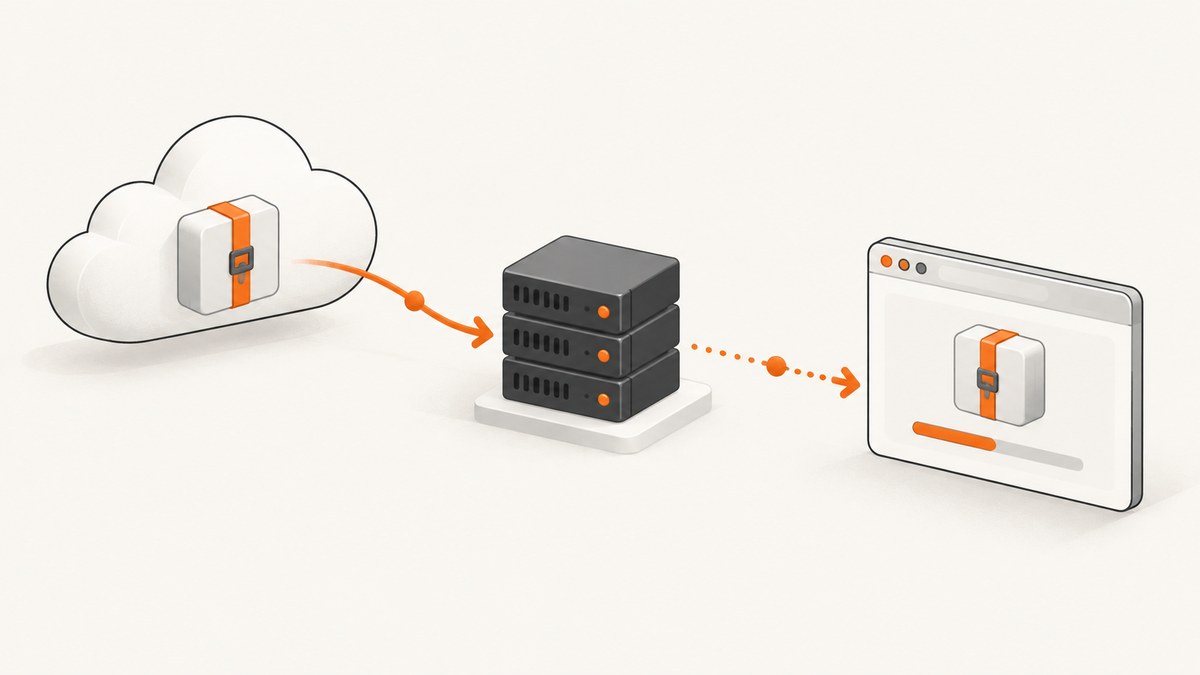
Use chrome.downloadBaseUrl in a Puppeteer configuration file for a persistent project setting. Set the URL to an explicit protocol such as https://, omit the trailing slash, then run npx puppeteer browsers install so Puppeteer applies the new download host.
/** @type {import('puppeteer').Configuration} */
export default {
  chrome: {
    downloadBaseUrl: 'https://mirror.example.com/chrome-for-testing-public',
  },
};
Puppeteer appends the browser, platform, and build-specific path when it constructs the archive URL. The base URL is therefore the mirror host and path, not the complete archive URL.
1. Choose the configuration method
| Method | Best for | Scope |
|---|---|---|
chrome.downloadBaseUrl |
Committed project configuration | All Puppeteer installs that read the project config |
PUPPETEER_CHROME_DOWNLOAD_BASE_URL |
CI, containers, or environment-specific mirrors | One shell environment or install |
InstallOptions.baseUrl |
Direct use of @puppeteer/browsers |
One installer call |
Environment variables override configuration-file options when the variable applies to the Puppeteer version in use. Keep a mirror URL in configuration when reproducibility matters; use an environment variable when the host differs between local development, CI, and private networks.
2. Configure a project with a Puppeteer config file
Puppeteer searches up the directory tree for supported configuration names, including:
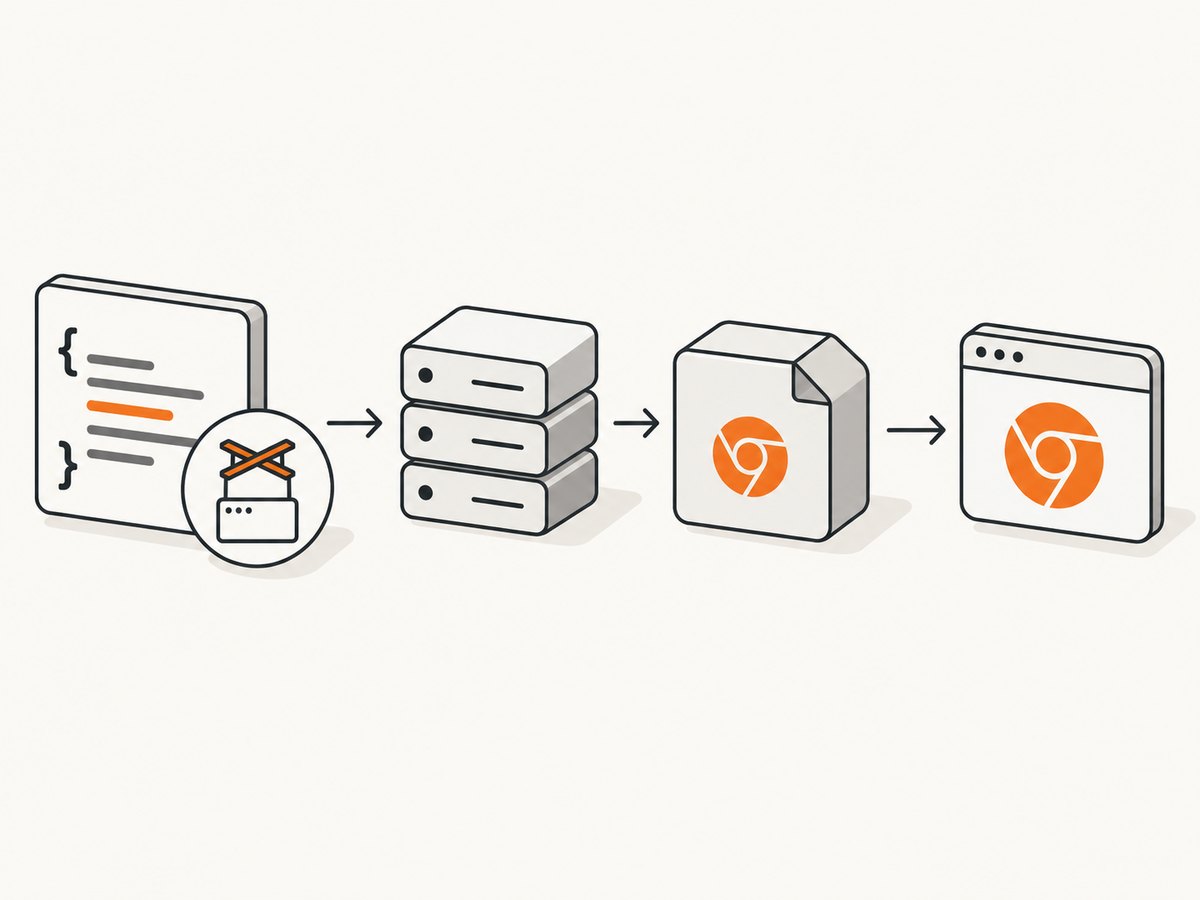
.config/puppeteer.config.cjs.config/puppeteer.config.js.config/puppeteerrc.cjs.config/puppeteerrc.js.config/puppeteerrc.json.config/puppeteerrcpuppeteer.config.cjspuppeteer.config.jspackage.json
ESM configuration
/** @type {import('puppeteer').Configuration} */
export default {
  chrome: {
    downloadBaseUrl: 'https://mirror.example.com/chrome-for-testing-public',
  },
};
CommonJS configuration
/** @type {import('puppeteer').Configuration} */
module.exports = {
  chrome: {
    downloadBaseUrl: 'https://mirror.example.com/chrome-for-testing-public',
  },
};
JSON configuration
{
  "chrome": {
    "downloadBaseUrl": "https://mirror.example.com/chrome-for-testing-public"
  }
}
Put the file in the project before installing Puppeteer or before the browser installation step. Download-related settings are read during browser acquisition.
3. Apply the change after editing configuration
Changing the URL does not move a browser that is already in Puppeteer’s cache. Re-run the browser installer so the next required archive is fetched using the new host:
npx puppeteer browsers installIf your package manager blocked install scripts, this manual command is also the recovery path. The configuration guide specifically requires rerunning the postinstall process when download options change.
4. Set the URL with an environment variable
Set the Chrome-specific variable before installing Puppeteer:
PUPPETEER_CHROME_DOWNLOAD_BASE_URL=https://mirror.example.com/chrome-for-testing-public npm install puppeteer
npx puppeteer browsers install
For a separate install step:
export PUPPETEER_CHROME_DOWNLOAD_BASE_URL=https://mirror.example.com/chrome-for-testing-public
npm install puppeteer
npx puppeteer browsers install
Current Puppeteer configuration uses the browser-specific name PUPPETEER_CHROME_DOWNLOAD_BASE_URL. Older examples may show the general PUPPETEER_DOWNLOAD_BASE_URL; use the variable documented for the major version installed in your project.
5. Use a base URL with @puppeteer/browsers
If you call the Browsers API directly, pass baseUrl in the install options. This setting is independent of puppeteer.launch().
import { install, Browser } from '@puppeteer/browsers';

await install({
  browser: Browser.CHROME,
  buildId: 'YOUR_BUILD_ID',
  cacheDir: './.cache/puppeteer',
  baseUrl: 'https://mirror.example.com/chrome-for-testing-public',
});
The installer combines the selected browser, platform, and build ID with the base URL. The documented default hosts are Chrome for Testing’s Google Cloud Storage host and Mozilla’s Firefox nightly host.
6. Mirror requirements and URL rules
- Include an explicit protocol, normally
https://. - Do not add a trailing slash.
- Preserve the archive layout expected by Puppeteer.
- Keep browser build IDs and platform paths available at the locations Puppeteer constructs.
- Make the mirror reachable from every machine that performs installation.
For example, Puppeteer may construct a path beneath your host using the browser, operating-system platform, and requested build. Supplying a URL to one individual ZIP file will not work as a base URL.
7. Puppeteer versus puppeteer-core
Configuration files and Puppeteer download environment variables apply to the puppeteer package. puppeteer-core ignores these defaults and does not download Chrome during installation.
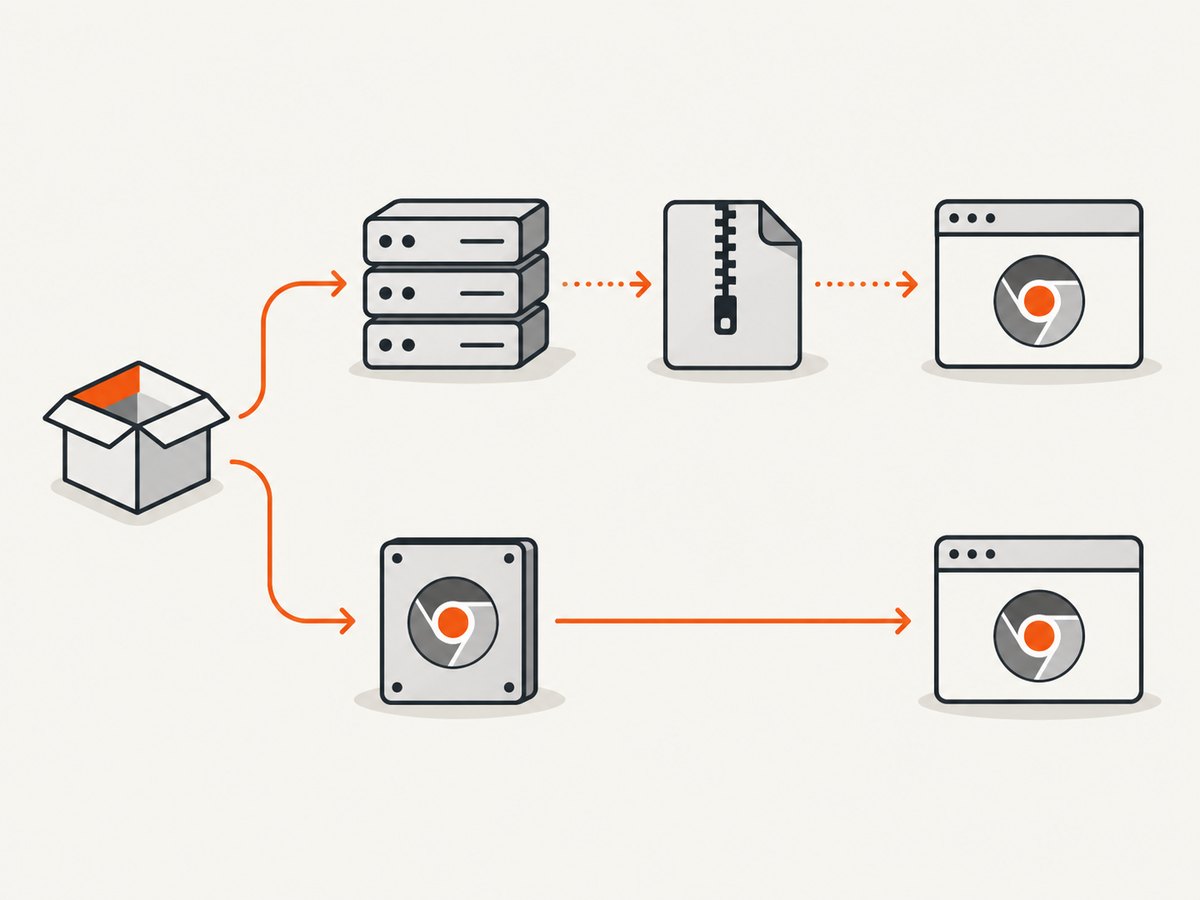
With puppeteer-core, manage the browser yourself and provide either an executable path or a standard browser channel:
import puppeteer from 'puppeteer-core';

const browser = await puppeteer.launch({
  executablePath: '/opt/chrome/chrome',
});

const page = await browser.newPage();
await page.goto('https://example.com');
await browser.close();
8. Troubleshooting
| Symptom | Likely cause | Fix |
|---|---|---|
| Puppeteer still contacts Google | The config was created after installation, the variable was not present, or the cached browser already satisfies the install. | Place the setting before installation, verify the variable name, and run npx puppeteer browsers install. |
| 404 from the mirror | The mirror does not preserve Puppeteer’s expected browser, platform, or build-ID layout. | Mirror the expected directory structure and confirm the requested build exists. |
| Invalid URL or malformed request | The base URL has no protocol or has an incorrectly assembled path. | Use an explicit protocol and a host/path without a trailing slash. |
Setting has no effect with puppeteer-core |
puppeteer-core does not read Puppeteer download defaults. |
Install/manage Chrome separately and pass executablePath or channel. |
| No browser was downloaded | The package manager skipped Puppeteer install scripts. | Allow the install script or run npx puppeteer browsers install manually. |
| Local runs work but CI fails | The CI job cannot resolve or authenticate to the private mirror, or the variable is not exported in that job. | Expose the variable in the install step and check network access, credentials, and archive permissions. |
| Changing the URL appears to do nothing | An existing cached browser is being reused. | Understand that the setting controls the next required download; inspect the cache or request a build that is not present. |
9. Reproducibility, performance, and cost
Reproducibility
Commit a configuration file when every developer and CI runner should use the same mirror. Pin the Puppeteer version and ensure the mirror retains the build IDs that version requests.
Performance
A nearby mirror can reduce download latency and avoid repeated transfers across a private network. Puppeteer still needs the archive paths and files required for the selected platform and build.
Reliability
Keep the mirror available during fresh installs and cache restores. A fallback host is not created automatically by setting one base URL, so your deployment process should provide its own fallback or prepopulate the browser cache.
Cost
A download base URL changes where browser archives are fetched; it does not change Puppeteer licensing or browser behavior. Account for mirror storage, bandwidth, retention, and access-control costs separately.
10. Verify the effective setup
- Confirm the configuration file is in one of Puppeteer’s searched locations.
- Confirm the URL has a protocol and no trailing slash.
- Check that the environment variable is set in the same shell or CI step that runs installation.
- Run
npx puppeteer browsers install. - Check the mirror access logs for the browser, platform, and build-specific path requested by the installer.
- Launch Puppeteer and verify it can find the installed browser.
Or skip the browser setup
If your goal is simply to produce website screenshots, ScreenshotNeo provides a hosted API instead of requiring Puppeteer, Chrome downloads, and mirror maintenance.
curl -G "https://api.screenshotneo.com/v1/shot" -d access_key=YOUR_API_KEY --data-urlencode url=https://stripe.com -o shot.webpimport requests
r = requests.get("https://api.screenshotneo.com/v1/shot", params={"access_key": "YOUR_API_KEY", "url": "https://stripe.com"}, timeout=90)
open("shot.webp", "wb").write(r.content)const q = new URLSearchParams({ access_key: 'YOUR_API_KEY', url: 'https://stripe.com' });
const res = await fetch(`https://api.screenshotneo.com/v1/shot?${q}`);See the ScreenshotNeo API documentation for request options. Cookie banners, popups, and chat widgets are removed before the shot; bot checks, blank pages, and failed loads are never billed. Its MCP server lets AI agents take screenshots, and 1,000 screenshots a month are free with no card; paid plans start at $5 for 3,000. Create a free ScreenshotNeo account.
FAQ
Does the base URL include the Chrome version?
No. Provide the mirror host and base path. Puppeteer adds the browser, platform, and build-specific path.
Can I set this in puppeteer.launch()?
No. Download hosts are installation settings. Launch options select or locate an already managed browser.
Which setting should a CI pipeline use?
Use PUPPETEER_CHROME_DOWNLOAD_BASE_URL when the host is supplied by the CI environment; commit a config file when the mirror is part of the project’s standard setup.
Will a new mirror relocate every cached browser?
No. The new host is used when Puppeteer needs to fetch an archive; existing cache entries are not retroactively moved.


