How to Configure Windows Authentication for wkhtmltopdf
Learn what wkhtmltopdf can authenticate, how to diagnose IIS Windows Authentication, and which workarounds fit HTTP, integrated, and session-based access.
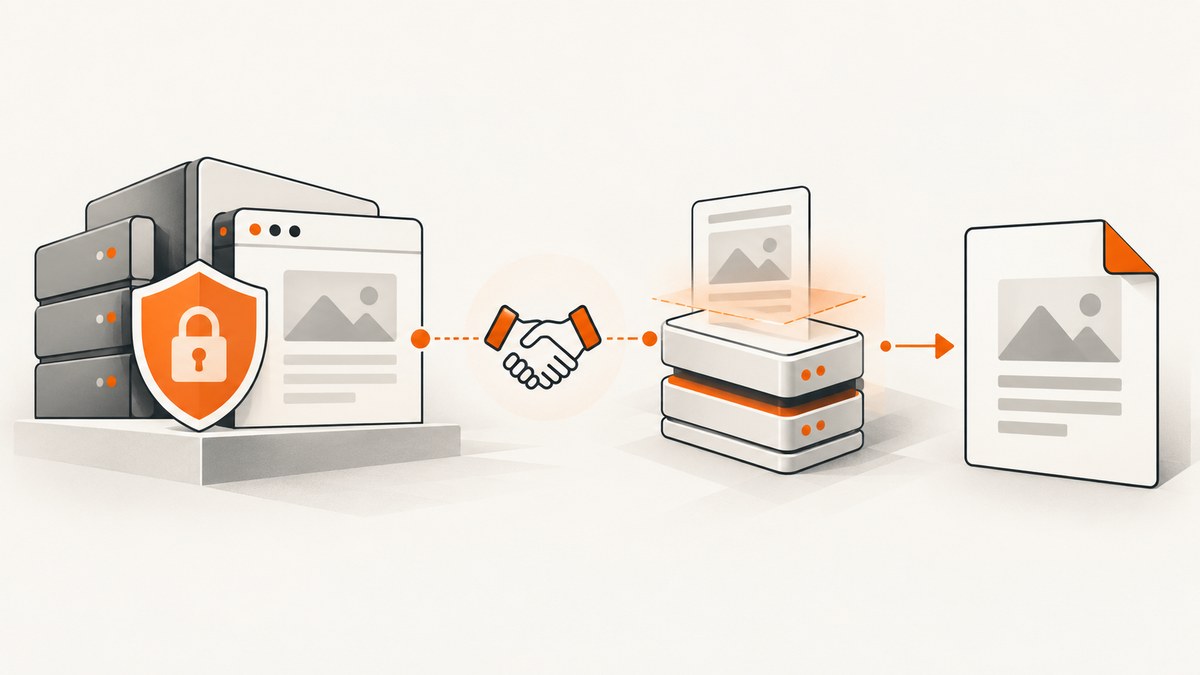
Short answer: wkhtmltopdf documents --username and --password as HTTP Authentication options. Those flags do not, by themselves, prove support for Windows integrated authentication, NTLM, or Negotiate. Before choosing a command, identify the authentication layer used by the protected URL: an HTTP challenge, an application login page, or an existing session.
The distinction matters because each layer expects credentials in a different place. A server may challenge the HTTP request directly, IIS may require Windows Authentication, or the application may render a login form and create a cookie-backed session. The available wkhtmltopdf documentation does not provide a universal NTLM/Negotiate recipe.
1. Identify the authentication layer
Start with the exact URL and network path that wkhtmltopdf will use. Inspect the response headers and body before attempting PDF conversion.
HTTP authentication challenge
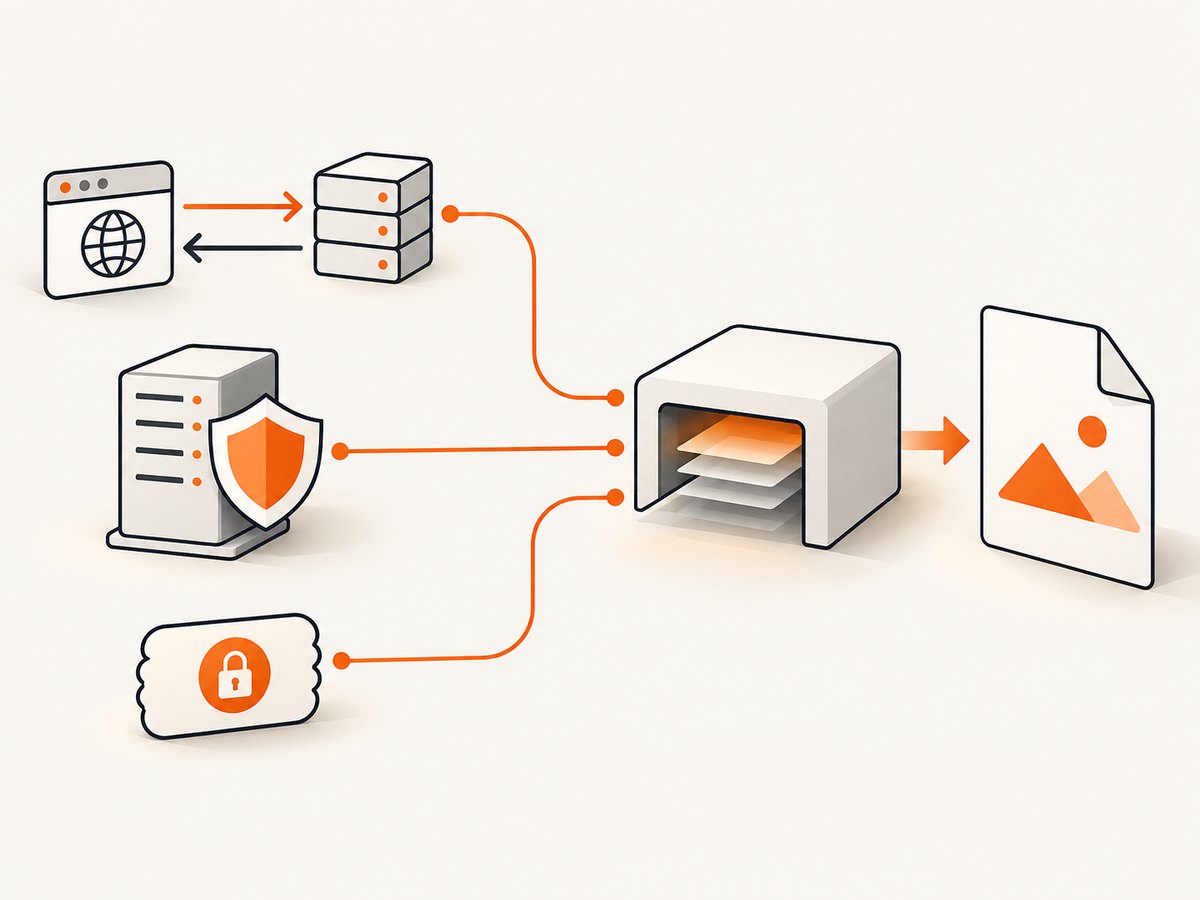
An HTTP challenge is visible in the response status and WWW-Authenticate header. The scheme might be Basic, Digest, NTLM, or Negotiate. The wkhtmltopdf usage documentation labels its options as “HTTP Authentication username” and “HTTP Authentication password.” That wording supports using them for HTTP authentication credentials, but it does not certify integrated Windows authentication support in every build.
curl -I https://protected.example.test/report
curl -v https://protected.example.test/report -o /dev/null
Look for a response such as 401 Unauthorized and one or more WWW-Authenticate headers. Record the scheme exactly. Do not assume that adding a domain-qualified username will make a client negotiate NTLM or Kerberos.
Application login page
If the URL returns 200 OK with an HTML sign-in form, the problem is not solved by an HTTP username and password alone. The application may require a POST, hidden form fields, a CSRF token, a redirect, or a session cookie. A Windows account on the machine running wkhtmltopdf does not automatically create that application session.
Existing session or protected assets
Some pages load initially but request protected CSS, images, or data through later calls. Other applications store credentials in a server-side session and redirect unauthenticated requests back to a logon page. A reported issue describes that kind of behavior, but it is an issue report rather than a confirmed universal diagnosis or workaround.
2. Check the server configuration separately
Windows Authentication is configured at the server and hosting layer. Microsoft’s ASP.NET Core guidance covers IIS and other hosting arrangements and explains that a proxy or load balancer must either handle authentication or pass authentication information to the application. These instructions configure the server; they do not establish that a particular wkhtmltopdf binary can act as a compatible Windows Authentication client.
Document the following before changing the converter:
- Whether IIS Windows Authentication is enabled and Anonymous Authentication is disabled or restricted.
- The advertised schemes, such as NTLM or Negotiate.
- Whether a reverse proxy or load balancer terminates authentication.
- Whether the application expects an authenticated Windows principal or its own login session.
- Whether the protected page and its assets use the same host, scheme, and port.
Use Microsoft’s current server guidance for the hosting configuration: ASP.NET Core Windows Authentication.
3. Try documented HTTP credentials when the challenge is appropriate
If the endpoint uses an HTTP authentication method that your wkhtmltopdf build can handle, the documented options are:
wkhtmltopdf \
  --username 'user@example' \
  --password 'secret' \
  https://protected.example.test/report \
  report.pdf
Use the exact syntax supported by your installed binary. Confirm the options with:
wkhtmltopdf --extended-help | lessDo not treat a successful Basic-auth conversion as evidence that the same command supports IIS Negotiate or NTLM. Test the result by checking that the PDF contains the protected content rather than an HTML login page.
The upstream option descriptions are documented in the wkhtmltopdf usage documentation.
4. Pass cookies for an already-established application session
When authentication is completed outside wkhtmltopdf, pass the resulting cookie values with --cookie. This is useful for an application session, but cookies expire and may be bound to a host, path, or user agent.
wkhtmltopdf \
  --cookie 'session_id' 'REDACTED_SESSION_VALUE' \
  https://protected.example.test/report \
  report.pdf
For several cookies, repeat the option. Never place long-lived production credentials directly in shell history. Prefer a short-lived session token, a protected process environment, or a temporary configuration file with restrictive permissions.
A cookie is not a Windows identity. If the server still performs an IIS challenge, a session cookie alone may not satisfy it. Conversely, if the application expects a login session, HTTP username and password flags may be ignored by the application.
5. Supply headers only when the application explicitly requires them
Some deployments use a reverse proxy that expects a custom header, or an internal service accepts a bearer token. wkhtmltopdf supports custom headers in builds that expose the corresponding options:
wkhtmltopdf \
  --custom-header 'Authorization' 'Bearer REDACTED_TOKEN' \
  --custom-header-propagation \
  https://protected.example.test/report \
  report.pdf
Use header propagation carefully. It can send the header to subresources, potentially exposing credentials to hosts referenced by the page. Restrict the page and its assets to trusted origins, and verify your binary’s help output before relying on a flag.
6. Diagnose a login page, blank PDF, or failed resource load
| Symptom | Likely cause | What to check |
|---|---|---|
| PDF contains the sign-in form | The URL returned an application login page | Inspect redirects, form fields, CSRF tokens, and session cookies |
401 response despite --username |
Unsupported or mismatched HTTP scheme | Record every WWW-Authenticate value and test the same URL with a compatible client |
| Blank PDF | Authentication failed, JavaScript did not finish, or a version-specific rendering problem | Save the HTML response, enable debugging, and record the exact wkhtmltopdf version |
| HTML loads but images or CSS are missing | Subresources require separate credentials or cookies | Inspect network requests and use narrowly scoped cookies or headers |
| Works in a browser but not in automation | The browser has an existing integrated identity or application session | Compare request headers, cookies, redirects, and authentication scheme |
| Failure began after an upgrade | Build or environment change | Record old and new versions, Windows build, server scheme, and response status |
Capture diagnostic evidence
- Run
wkhtmltopdf --versionand save the output. - Request the URL with
curl -Iandcurl -vthrough the same proxy and DNS path. - Save the response body to determine whether it is protected content or a login page.
- Run wkhtmltopdf with a temporary output file and preserve stderr.
- Compare a successful browser request with the automated request, excluding secrets.
wkhtmltopdf \
  --debug-javascript \
  --load-error-handling abort \
  --load-media-error-handling abort \
  https://protected.example.test/report \
  report.pdf 2>wkhtmltopdf.log
The --debug-javascript and error-handling switches vary by build. Confirm availability with --extended-help. Do not publish logs containing cookies, Authorization headers, or rendered confidential data.
7. Understand version and environment limits
A historical issue reports that an IIS Windows Authentication site worked with wkhtmltopdf 0.11 but produced an empty PDF after a move to 0.12. The issue is labeled Invalid, so it does not establish a general regression or a confirmed fix. Treat it as a reason to record versions, not as a compatibility matrix.
For a reproducible investigation, record:
- Exact wkhtmltopdf version and build source.
- Windows version and whether the process runs interactively, as a service, or under a scheduled task.
- Authentication scheme advertised by the server.
- Proxy, load balancer, and TLS termination details.
- HTTP status, redirects, final URL, and whether the output is empty or contains a login page.
8. Security checklist
- Keep passwords, cookies, and bearer tokens out of command history and source control.
- Use HTTPS and validate certificates in production.
- Give the rendering account the minimum server access required.
- Use short-lived sessions and rotate service credentials.
- Prevent authenticated headers from propagating to untrusted subresources.
- Delete temporary HTML, cookies, logs, and PDFs when they contain sensitive information.
- Verify the final PDF content before distributing it; a successful process exit does not prove that authentication succeeded.
9. Performance and reliability considerations
Authentication adds network round trips, redirects, and sometimes JavaScript or session establishment. Reusing a valid session can reduce setup time, but stale cookies create intermittent failures. A deterministic service account, fixed URL, and short capture timeout make failures easier to classify.
For batch jobs, capture structured metadata alongside each PDF: URL, timestamp, converter version, HTTP status, final URL, and a verdict such as authenticated content, login page, timeout, or empty output. Retry only transient network failures. Repeating an authentication failure wastes time and can trigger account lockout policies.
Do not infer reliability from a single successful conversion. Test cold starts, expired sessions, proxy outages, slow pages, protected assets, and server maintenance responses. The reviewed sources do not provide a universal wkhtmltopdf Windows Authentication workaround or benchmark.
10. Or skip the browser setup
ScreenshotNeo provides a website screenshot API and MCP server. It can capture a protected page through the request options your application already uses, while handling the browser process for you. Cookie and consent banners, newsletter popups, and chat widgets are removed before the shot. Bot checks, blank pages, failed loads, timeouts, and cache hits are not billed, and response headers identify the page verdict and billing status.

For a normal capture, send one GET request. See the ScreenshotNeo API documentation for the complete option list, including custom headers, cookies, Authorization, user agents, waits, blocking rules, PDF settings, and signed links.
cURL
curl -G "https://api.screenshotneo.com/v1/shot" -d access_key=YOUR_API_KEY --data-urlencode url=https://stripe.com -o shot.webpPython
import requests
r = requests.get("https://api.screenshotneo.com/v1/shot", params={"access_key": "YOUR_API_KEY", "url": "https://stripe.com"}, timeout=90)
open("shot.webp", "wb").write(r.content)
Node.js
const q = new URLSearchParams({ access_key: 'YOUR_API_KEY', url: 'https://stripe.com' }); const res = await fetch(`https://api.screenshotneo.com/v1/shot?${q}`);ScreenshotNeo also includes an MCP server with take_screenshot, get_page_info, and capture_pdf tools for Claude, Cursor, and other MCP clients. The Free plan includes 1,000 shots each month with no card; paid plans start at $5 for 3,000 shots. Create a free ScreenshotNeo account.
11. FAQ
Does --username enable Windows SSO?
No. The documented label is HTTP Authentication username. It does not promise integrated Windows identity, NTLM, or Negotiate support.
Can I use my logged-in Windows account automatically?
Do not assume so. The rendering process, server, proxy, and authentication scheme must support that identity exchange.
Why does wkhtmltopdf render the login page?
The URL likely returned an application login page or the required session was absent. Inspect redirects, form behavior, cookies, and protected subresources.
Should I downgrade to 0.11?
A historical issue mentions a 0.11-to-0.12 change, but it is labeled Invalid and does not prove that downgrading fixes other environments. Reproduce the failure with exact version and server details first.
Is a cookie equivalent to Windows Authentication?
No. A cookie represents an application session. IIS may still require an HTTP authentication exchange, and cookies can expire or be scoped to a particular host and path.


